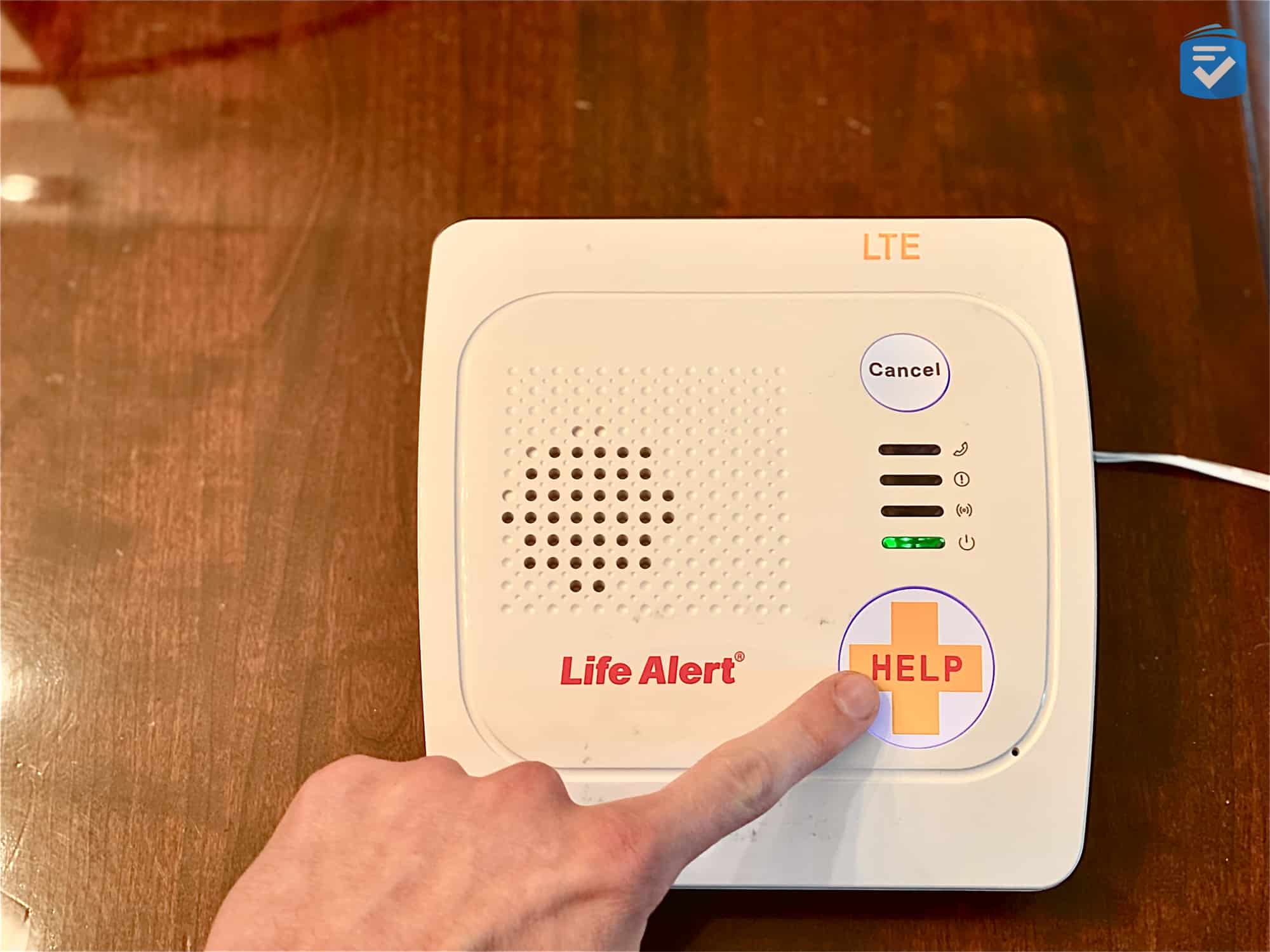
Best Life Alert and Medical Alert Systems for Seniors
Choosing the best medical alert system—often referred to generically as a "Life Alert" system—requires balancing emergency response speed, equipment reliability, cellular range, automatic fall detection accuracy, and transparent monthl...
Choosing the best medical alert system—often referred to generically as a "Life Alert" system—requires balancing emergency response speed, equipment reliability, cellular range, automatic fall detection accuracy, and transparent monthly pricing. The ideal system fits a senior's specific mobility level, whether they spend most of their time at home or maintain an active lifestyle outdoors.
Contents
Brand Disambiguation: Life Alert vs. Medical Alert Systems
When families search for "Life Alert," they are often using the trademarked brand name of Life Alert Emergency Response, Inc. as a generic term for Personal Emergency Response Systems (PERS). While Life Alert pioneered the medical alert industry with its recognizable slogan, the market now includes dozens of specialized providers offering modern hardware, mobile GPS tracking, smartwatches, and flexible subscription terms.
Understanding the distinction between the company and the broader category is essential before purchasing. Life Alert Inc. offers reliable, long-battery-life emergency hardware, but it requires mandatory three-year contracts and higher-than-average monthly fees with minimal online transparency. Conversely, alternative top-tier medical alert providers typically operate on month-to-month contracts, provide mobile apps for family caregivers, and integrate advanced automatic fall detection technology.
Disclaimer: Medical alert systems are emergency communication tools designed to dispatch assistance during crises. They are not substitutes for professional medical treatment, home healthcare services, or routine safety monitoring by caregivers.
Types of Medical Alert Systems
Medical alert technology falls into three main categories based on hardware design, connectivity, and monitoring infrastructure. Identifying the correct category depends on whether the user spends the majority of their time at home or out in the community.
- Medical Alert System Categories
- In-Home Cellular / Landline Base: Standard range wall plugins & wearable buttons
- Mobile All-in-One GPS Unit: Nationwide 4G LTE & GPS locations
- Medical Alert Smartwatches: Step tracking, heart rate, discreet look
1. In-Home Systems (Landline or Cellular Base Station)
In-home medical alert systems consist of a tabletop base station paired with a lightweight wearable neck pendant or wristband.
- Landline Systems: Plug directly into an existing home phone line. They represent the lowest monthly cost option but require active landline service.
- Cellular Systems: Contain built-in cellular modules (typically AT&T or Verizon 4G LTE) that connect to 24/7 monitoring centers without needing a home landline or Wi-Fi network.
- Coverage Range: The wearable button must remain within a specific radio frequency range of the base station—usually between 600 and 1,400 feet depending on wall density and house layout.
2. Mobile On-the-Go Systems (GPS Pendants)
Mobile emergency systems are self-contained, lightweight devices that function anywhere cellular signal is available.
- GPS & Wi-Fi Triangulation: Built-in GPS receivers combined with Wi-Fi location technology allow monitoring agents to pin-point the wearer's exact location during an emergency, whether at home, in a vehicle, or outdoors.
- Two-Way Voice Speaker: Unlike in-home wearable pendants that rely on the base unit's speaker, mobile pendants feature built-in speakers and microphones directly inside the wearable device.
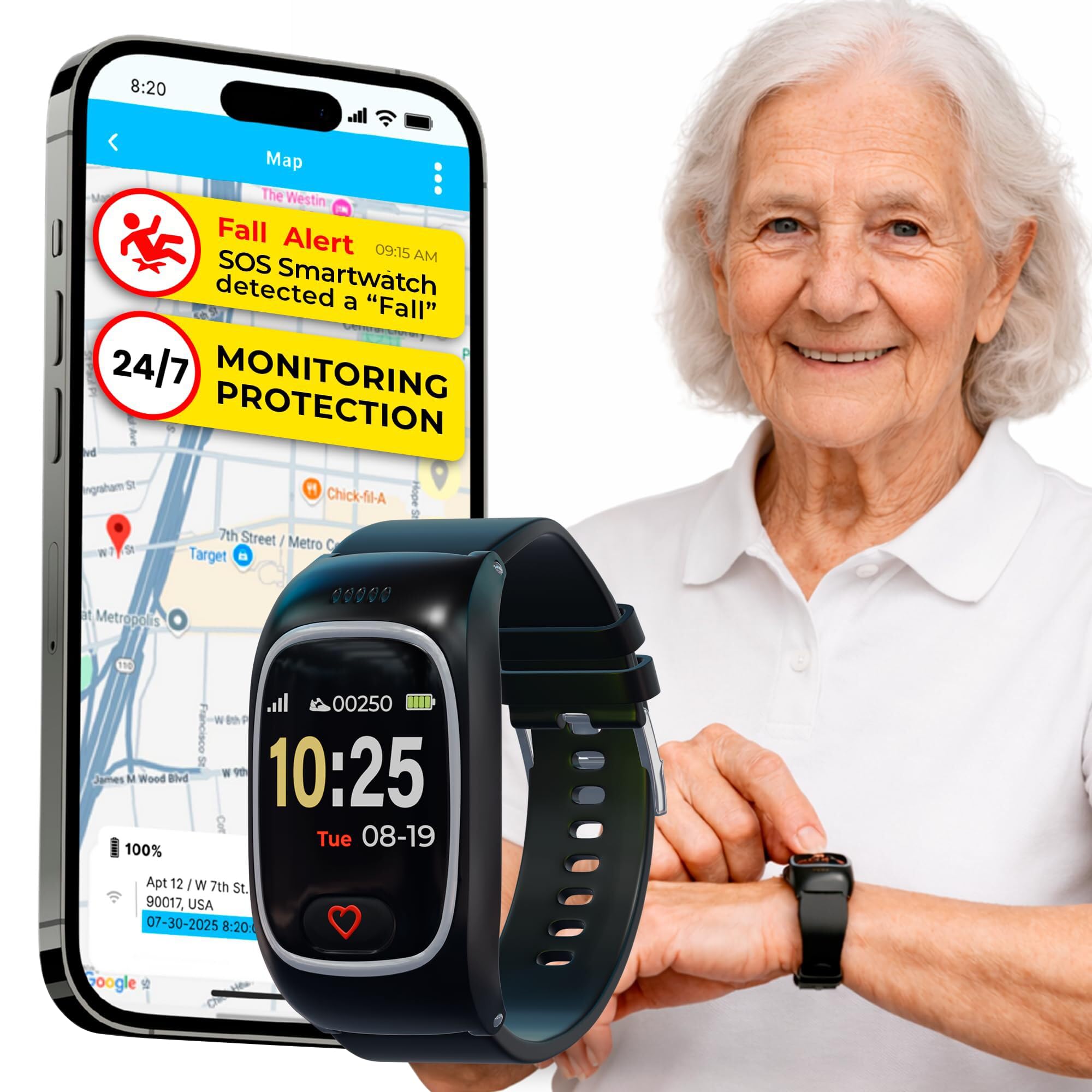
3. Medical Alert Smartwatches
Smartwatch-style alerts offer a discreet alternative to traditional neck pendants. They combine timekeeping, daily step counting, and heart-rate monitoring with a dedicated emergency call button and 24/7 monitoring capabilities. While popular among active seniors, smartwatches generally require daily battery charging and feature smaller touchscreens that may be challenging for individuals with severe arthritis or vision impairment.
Top Medical Alert System Providers Analyzed
Evaluating medical alert providers requires examining operational stability, monitoring center certification, equipment reliability, and contract transparency. Below is an analysis of the top providers in the senior safety market.
1. Bay Alarm Medical (Best Overall Value)
Bay Alarm Medical consistently delivers high-value service with clear pricing, robust equipment, and no long-term contracts.
- Key Features: Offers in-home landline, in-home cellular, mobile GPS buttons, and the SOS Smartwatch. Their mobile devices utilize multi-network cellular connectivity for maximum coverage.
- Strengths: Outstanding customer service, affordable monthly plans, free equipment options on select plans, and automatic fall detection pendants with high accuracy.
- Limitations: The SOS Smartwatch lacks automatic fall detection on some base configurations.
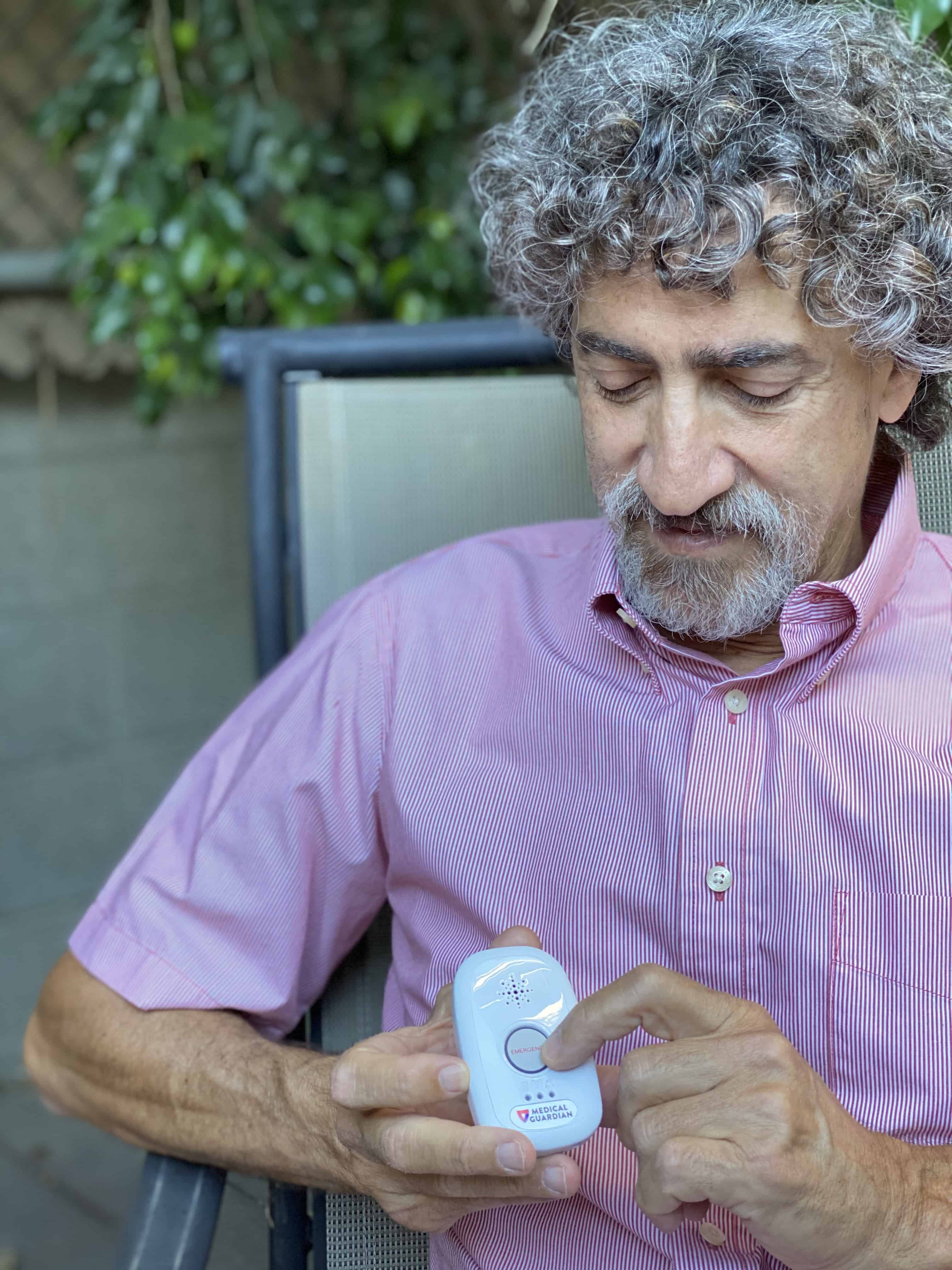
2. Medical Guardian (Best High-Tech Features & Cellular Range)
Medical Guardian leads the industry in cellular range and technological integration, offering long-distance in-home coverage and sleek mobile units.
- Key Features: Models like the MGMini and MGMini Lite feature ultralight profiles, multi-carrier cellular fallback, and precise location-tracking protocols.
- Strengths: Extended base station range (up to 1,400 feet), modern hardware design, and an intuitive caregiver smartphone portal (MyGuardian) for location checking and device status alerts.
- Limitations: Equipment fees are required upfront for most devices, resulting in higher initial setup costs compared to entry-level competitors.
3. MobileHelp (Best Dual-System Bundles)
MobileHelp manufactures much of the hardware used across the medical alert industry, allowing them to offer direct-to-consumer pricing and innovative dual-system bundles.
- Key Features: Provides combined packages featuring both an in-home base unit and a mobile GPS unit under a single subscription plan, ideal for couples or seniors who divide time between home and outdoor activities.
- Strengths: Transparent billing, zero activation fees on standard plans, and optional medication reminders integrated into base units.
- Limitations: Base station speaker volume could be louder for individuals with severe hearing loss.
4. LifeStation (Best for Simplified Setup)
LifeStation focuses on straightforward, reliable emergency response with minimal setup complexity.
- Key Features: Compact mobile GPS devices integrated with Amazon Alexa voice assistant capabilities, allowing users to check device battery levels or query system status via voice commands.
- Strengths: Fast monitoring center answer times, standard inclusion of location-sharing services for family members, and non-intrusive wearable options.
- Limitations: Fewer add-on accessories compared to Medical Guardian or Bay Alarm Medical.
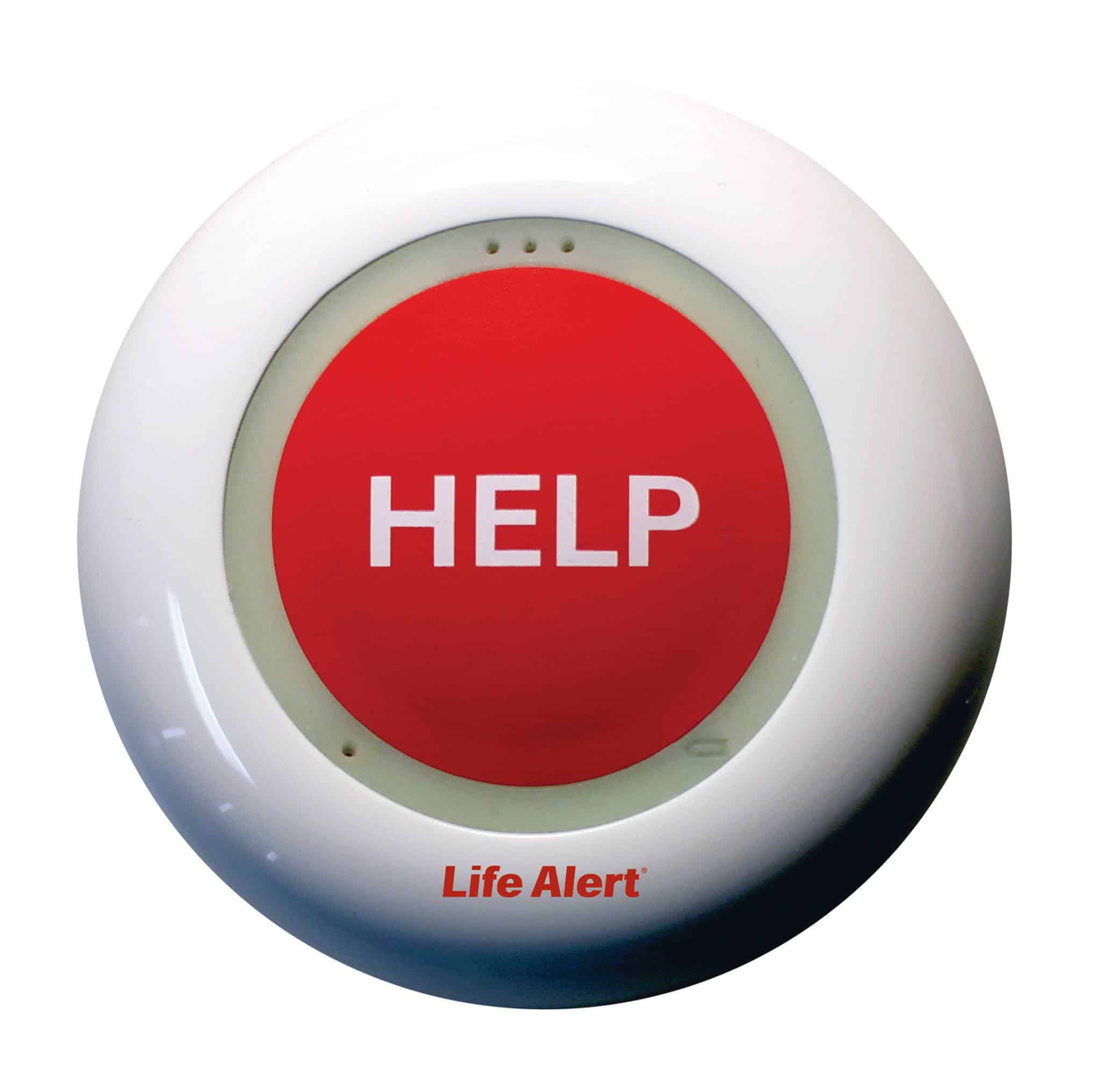
5. Life Alert Emergency Response, Inc. (Legacy Industry Pioneer)
Life Alert remains the most widely recognized brand name, but its business model differs significantly from modern competitors.
- Key Features: Long-life batteries (up to 10 years without charging on certain in-home micro-buttons) and proprietary monitoring infrastructure.
- Strengths: Proven track record, long-lasting hardware, and high-volume dispatch operations.
- Limitations: Requires mandatory 3-year service contracts that are difficult to cancel outside of certified medical events or death. Higher monthly fees ($50–$90+/month) and high upfront equipment/activation charges. Does not offer automatic fall detection due to company policy regarding false-positive rates.
Comprehensive Provider & Feature Comparison
The following table compares key technical specifications, pricing structures, and feature sets across top medical alert providers.
| Provider | Primary System Types | Estimated Monthly Fee Range | Automatic Fall Detection Available? | Contract Requirement | Typical Battery Life |
|---|---|---|---|---|---|
| Bay Alarm Medical | In-Home (Landline/Cellular), Mobile GPS, Smartwatch | $25 – $45 / month | Yes (Optional Add-on) | Month-to-Month | Base: 32-hr backupMobile: 3–6 days |
| Medical Guardian | In-Home Cellular, Mobile GPS, Smartwatch | $30 – $55 / month | Yes (Optional Add-on) | Month-to-Month | Base: 30-hr backupMobile: up to 5 days |
| MobileHelp | In-Home Cellular, Mobile GPS, Dual Bundles | $20 – $45 / month | Yes (Optional Add-on) | Month-to-Month | Base: 30-hr backupMobile: 1–2 days |
| LifeStation | In-Home Cellular, Mobile GPS | $33 – $50 / month | Yes (Optional Add-on) | Month-to-Month | Base: 30-hr backupMobile: up to 5 days |
| Life Alert | In-Home Landline/Cellular, Mobile Pendant | $50 – $90+ / month | No (Not Offered) | 3-Year Mandatory | Base: 10-yr backupMobile: up to 10 years |
Note: Pricing and device specifications represent standard market rates and manufacturer guidelines. Costs vary based on billing cycles (annual vs. monthly) and add-on services.
Essential Features to Evaluate Before Buying
Selecting a medical alert system requires evaluating hardware specifications against the senior's health profile, physical capabilities, and daily routines.
- Crucial Features to Evaluate
- Automatic Fall Detect: Accelerometers detect sudden impact drops
- GPS & Wi-Fi Triangulation: Pinpoints outdoor emergencies precisely
- Waterproof Rating (IP67): Safe for bath and shower use without damage
- Caregiver Mobile Apps: Real-time location and status monitoring
Automatic Fall Detection
Automatic fall detection uses miniature tri-axial accelerometers and barometric sensors to detect sudden downward acceleration followed by an impact and relative immobility.
- Operational Accuracy: Research indicates high-quality fall detection pendants accurately identify approximately 90% to 95% of rapid falls.
- Limitations: Fall detection technology does not detect 100% of falls. Slow slides down a wall or chair, controlled drops, or gradual slumps may not meet the acceleration thresholds required to trigger an automatic call. Seniors must be instructed to press the emergency button manually whenever conscious after a fall.
- Placement: Fall detection sensors perform best when worn close to the chest as a neck pendant rather than on the wrist, as arm movements generate false positives.
GPS and Real-Time Location Tracking
For seniors who drive, walk outdoors, or show signs of cognitive decline (such as early-stage dementia), GPS tracking is critical. Top systems combine satellite GPS signal reading with cellular tower triangulation and local Wi-Fi hotspot scanning to determine precise geographical coordinates during an alarm dispatch.
Water Resistance Ratings
According to data published by the Centers for Disease Control and Prevention (CDC), a substantial portion of senior falls occur inside bathrooms due to slippery surfaces. Any medical alert wearable must feature an IP67 water resistance rating or higher, ensuring the device can be worn safely inside showers and baths without damaging internal electronics.
Two-Way Voice Clarity and Range
During an emergency, clear audio transmission is essential. Base stations and mobile devices should feature loud, noise-canceling speakers and sensitive microphones so response agents can hear the user even if they are several feet away or speaking softly.
Caregiver Mobile Portals
Modern systems provide companion smartphone applications for adult children and caregivers. These apps grant real-time access to:
- Current device battery levels and cellular signal strength.
- Daily step counts and activity metrics.
- Real-time GPS location pin-pointing and safe-zone "geofencing" alerts.
- System test history and emergency call notifications.
Costs, Contracts, and Insurance Coverage
Understanding the true total cost of ownership prevents financial surprises. A medical alert system involves ongoing monthly subscription fees in addition to potential upfront costs.
Pricing Components
- Monthly Monitoring Fees: Typically range between $20 and $55 per month for modern month-to-month services.
- Fall Detection Add-Ons: Usually costs an additional $10 to $15 per month above the base monitoring rate.
- Equipment Purchase vs. Rental Fees: Some companies rent equipment for free with an active subscription, while others require an upfront hardware purchase ($50 to $200+).
- Activation and Shipping Fees: Standard enrollment often waives these charges during promotional periods or annual payment plans, but standard setup fees can reach $50 to $100.
Medicare and Insurance Reimbursement Rules
Navigating insurance coverage for medical alert systems requires understanding specific program limitations:
- Original Medicare (Parts A & B): Original Medicare does not cover medical alert systems, as PERS hardware is classified as personal safety equipment rather than standard Durable Medical Equipment (DME).
- Medicare Advantage (Part C): Many Medicare Advantage plans offer supplemental wellness benefits that partially or fully cover medical alert devices and monthly monitoring. Beneficiaries should review their plan's Annual Notice of Changes (ANOC) or contact their plan administrator directly.
- Medicaid: State Medicaid programs often provide coverage through Home and Community-Based Services (HCBS) waivers or Personal Care Services programs for qualifying low-income seniors needing assistance to remain living safely at home.
- HSA/FSA Eligibility: Medical alert systems and their monthly monitoring fees are generally eligible expenses under Health Savings Accounts (HSA) and Flexible Spending Accounts (FSA) when accompanied by a physician's prescription establishing medical necessity.
Step-by-Step Buyer's Decision Checklist
Follow this systematic process when selecting and deploying a medical alert system:
- Step 1: Assess Senior Mobility & Routine
- Primary homebound (In-home cellular/landline)
- Active out-of-home (Mobile GPS pendant or smartwatch)
- Step 2: Determine Need for Automatic Fall Detection
- History of balance issues, stroke, or previous falls: Include Fall Detection
- High mobility, low risk: Standard emergency button
- Step 3: Verify Cellular Coverage at Home
- Check AT&T and Verizon signal strength inside the residence
- Select a system operating on the strongest local network
- Step 4: Review Contract Terms & Cancellation Policy
- Require month-to-month contracts with pro-rated refunds
- Avoid mandatory 36-month non-cancelable contracts
- Step 5: Install & Perform System Test
- Plug in base unit / fully charge mobile unit
- Press emergency button to conduct a live test with monitoring center
- Inform response agents that it is an initial setup test
Frequently Asked Questions
Can a medical alert system be used without a landline?
Yes. Most modern in-home medical alert systems use built-in cellular modules (utilizing major nationwide networks like AT&T or Verizon) to connect to monitoring centers. No traditional home phone line, smartphone contract, or home Wi-Fi network is required.
How does automatic fall detection work if the senior cannot press the button?
Fall detection sensors continuously monitor movement using tri-axial accelerometers and pressure sensors. If the system detects a rapid change in elevation followed by an impact drop and a lack of motion, it automatically initiates an emergency call to the 24/7 monitoring center—even if the user is unconscious or unable to press the button manually.
Are medical alert systems covered by Original Medicare?
No, Original Medicare (Part A and Part B) does not pay for medical alert systems. However, select Medicare Advantage (Part C) plans and state Medicaid Home and Community-Based Services (HCBS) waivers may offer full or partial reimbursement.
What happens if the emergency button is pressed by mistake?
Accidental button presses occur occasionally. When the monitoring center answers, simply state clearly to the operator that it was an accidental press and that there is no emergency. Monitoring agents will confirm your identity and clear the alarm without dispatching emergency services.
Does a mobile GPS medical alert device work outside the home?
Yes. Mobile GPS medical alert devices contain internal cellular transponders and GPS receivers. They function anywhere within the coverage area of the system's underlying cellular network, allowing seniors to summon help while traveling, shopping, or gardening.
Final Recommendation & Next Steps
For most seniors seeking an optimal combination of performance, modern hardware, and clear contract terms, Bay Alarm Medical and Medical Guardian represent the strongest overall choices. They offer reliable cellular connectivity, accurate automatic fall detection options, intuitive caregiver apps, and month-to-month billing structures without long-term lock-ins.
Seniors who spend most of their time indoors and wish to minimize monthly expenses should choose an In-Home Cellular System. Active seniors who travel, drive, or walk regularly outside the home should select an All-in-One Mobile GPS Pendant with fall detection enabled. Before completing an order, confirm local cellular signal coverage for the provider's underlying network (AT&T or Verizon) and complete a live system test upon unboxing the device.
Image Gallery