Accessing Free Channels on Pluto TV: A Comprehensive Guide
Pluto TV offers a robust, ad-supported streaming service that provides hundreds of live linear channels and thousands of on-demand titles without requiring a subscription fee, credit card, or account registration. By utilizing a "FAST"...
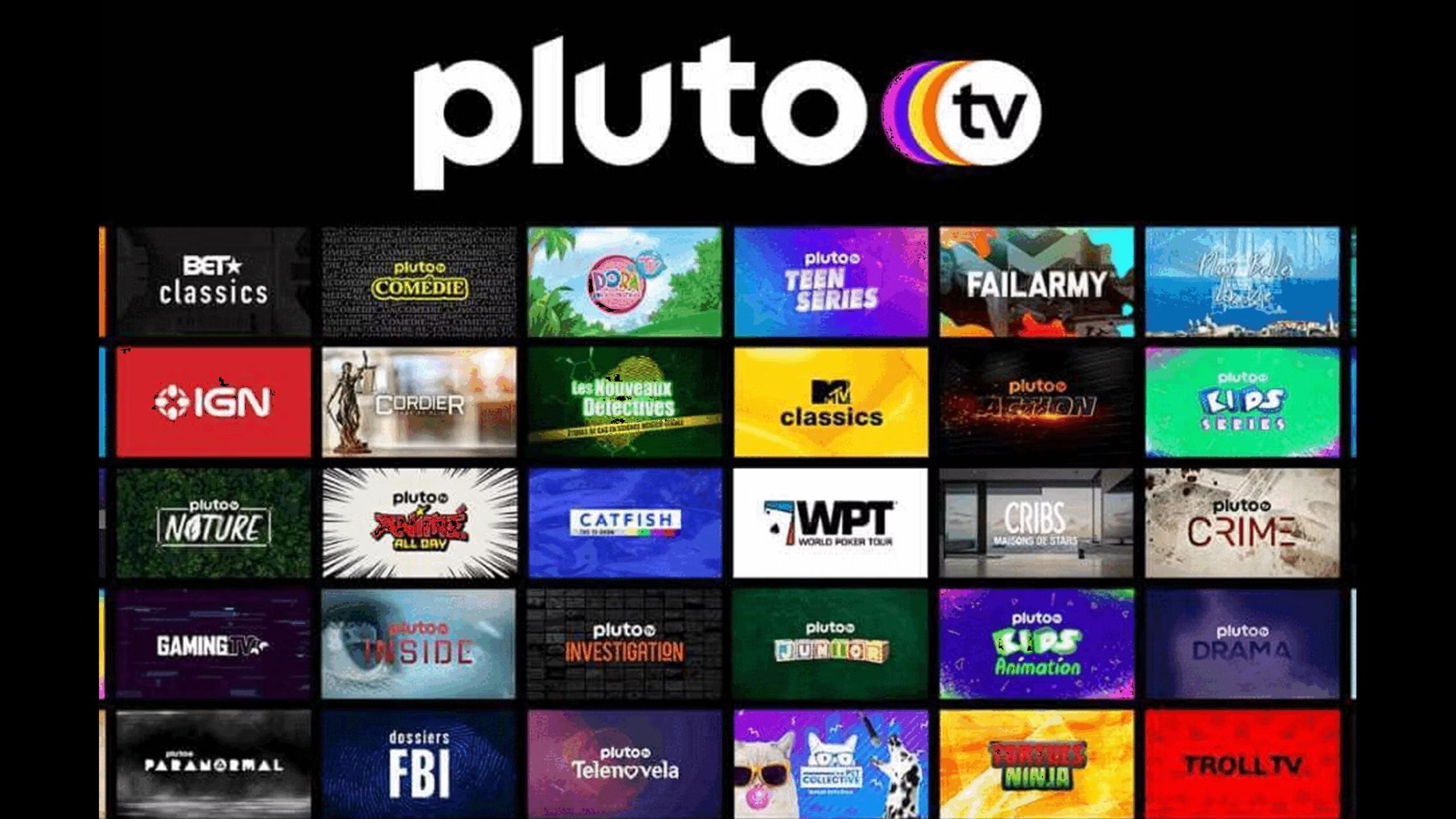
Pluto TV offers a robust, ad-supported streaming service that provides hundreds of live linear channels and thousands of on-demand titles without requiring a subscription fee, credit card, or account registration. By utilizing a "FAST" (Free Ad-Supported Streaming Television) model, the service generates revenue through short commercial breaks rather than monthly recurring billing, allowing users to watch news, movies, entertainment, and sports programming entirely for free.
Contents
Understanding the Pluto TV Service Model
Pluto TV operates as a platform that bridges the gap between traditional linear television—where content is scheduled on a "guide"—and modern on-demand streaming. Owned by Paramount Global, the service aggregates content from various partners, including CBS, MTV, Nickelodeon, and independent distributors.
Because Pluto TV is an ad-supported service, the primary "cost" to the viewer is time spent watching commercials. Unlike premium subscription services that require authentication, Pluto TV allows users to jump directly into the content. There is no "premium" tier for standard users, meaning the entire library is accessible to anyone with a compatible device and an internet connection.
Technical Prerequisites for Access
To stream content on Pluto TV, you must meet basic hardware and connectivity requirements. Because the service is cloud-based and relies on streaming video data in real-time, the quality of your experience is heavily dependent on your network stability.
Supported Devices and Compatibility
Pluto TV is designed to be platform-agnostic, meaning it functions across almost all major hardware ecosystems. As of 2026, you can access the service via:
- Web Browsers: Accessible on desktop and laptop computers through the official Pluto TV website.
- Smart TVs: Native applications are available for major operating systems including Roku, Amazon Fire TV, Android TV, Google TV, Samsung Tizen, and LG webOS.
- Mobile and Tablet Devices: Dedicated applications for iOS and Android are available via the Apple App Store and Google Play Store.
- Gaming Consoles: The service is compatible with PlayStation and Xbox consoles, allowing streaming through existing media hub interfaces.
Network Requirements
While Pluto TV does not publish a rigid "minimum" speed for every resolution, a stable broadband connection is required for seamless playback. For high-definition (HD) streams, a consistent download speed of at least 5 Mbps is recommended. Users on slower or congested networks may experience lower image resolution, as the service’s adaptive bitrate technology automatically scales video quality down to prevent constant buffering.
Navigating the Pluto TV Interface
The user experience on Pluto TV is bifurcated into two main sections: the Live TV Guide and the On Demand Library. Understanding how to toggle between these is essential for efficient navigation.
The Live TV Guide
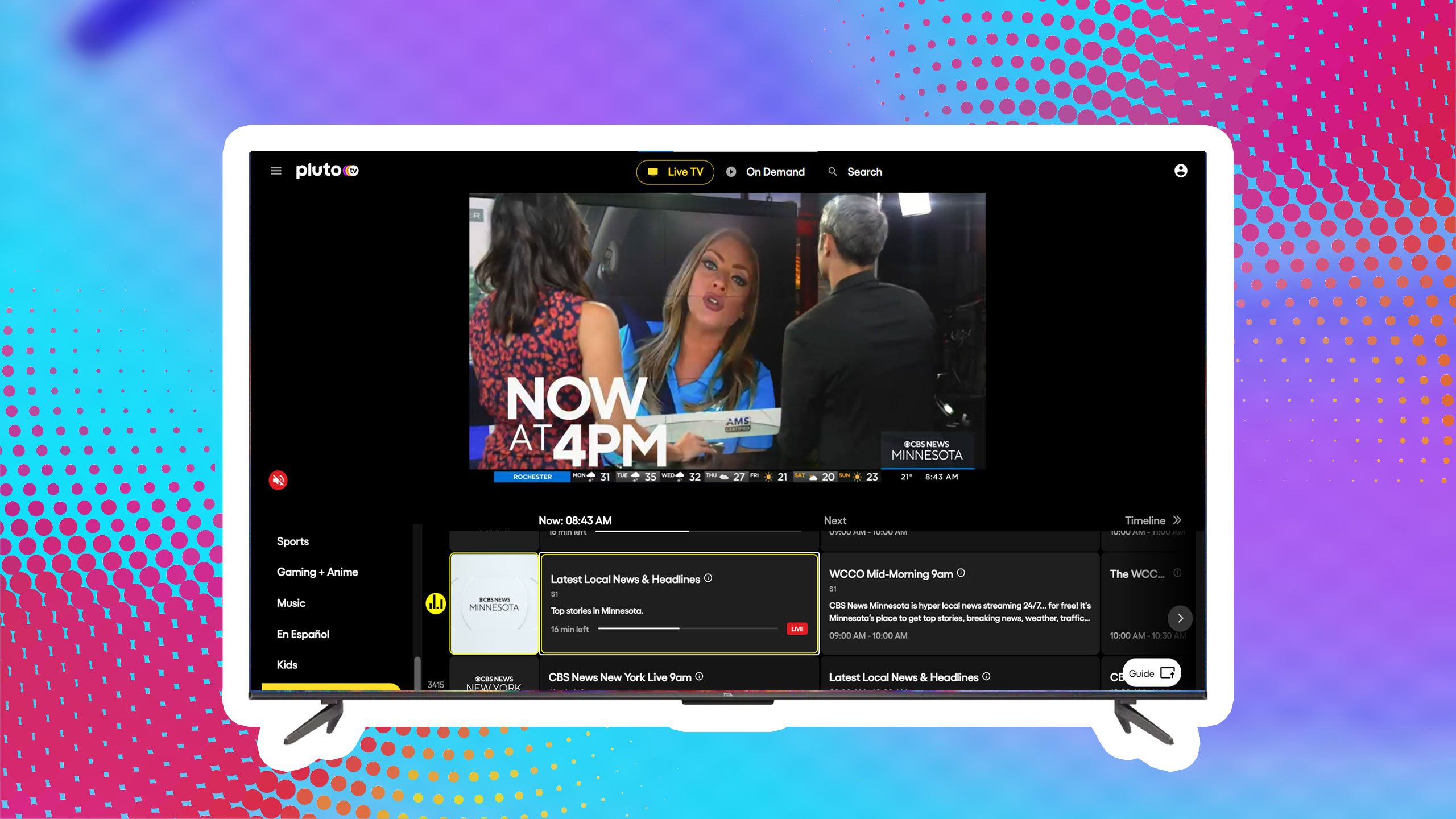
The guide mimics the traditional cable television experience. Channels are organized into categories such as Movies, News, Entertainment, Reality, and Crime. When you open the application, it typically defaults to the Live view. You can scroll vertically through channels and horizontally through the schedule to see what is currently playing and what is upcoming in the next few hours.
On-Demand Content
If you prefer to watch specific movies or episodes rather than live broadcasts, the On-Demand section allows you to select content at your convenience. Unlike the Live TV view, On-Demand content allows for standard playback controls such as pausing, fast-forwarding, and rewinding—though note that on some platforms, advertisements may be unskippable.
Comparison of Pluto TV with Other Free Streaming Options
To help you decide if Pluto TV fits your media consumption habits, it is useful to compare its features against other similar platforms.
| Feature | Pluto TV | Freevee | Tubi |
|---|---|---|---|
| Registration Required | No | No | Optional |
| Linear Live Channels | Yes | Limited | Yes |
| On-Demand Library | Extensive | Moderate | Massive |
| Parent Company | Paramount | Amazon | Fox Corp |
Troubleshooting Common Playback Issues
If you encounter errors while trying to access channels, the solution is often found in basic network or application maintenance.
- Buffering or Stuttering: This usually indicates a temporary dip in internet speed. Try pausing the stream for 10 seconds to allow the buffer to build, or check your router to ensure other devices are not saturating the bandwidth.
- App Crashes: If the Pluto TV application force-closes, ensure your device is running the latest firmware. For Smart TVs, clearing the application cache in the settings menu is often the most effective fix.
- Missing Channels: Pluto TV frequently updates its channel lineup. If a specific channel has disappeared, it may have been removed from the platform’s rotation. There is no way to manually add third-party channels to the official Pluto TV app.
- Audio/Video Mismatch: This is often a result of a corrupted data stream. Simply exiting the specific channel and returning to it forces the application to re-fetch the stream, which usually synchronizes the audio and video.
Frequently Asked Questions
Do I need a VPN to watch Pluto TV if I am traveling? Pluto TV is geo-restricted based on your IP address. While a VPN may technically allow access from abroad, using one may violate the platform’s terms of service. Ensure you are using the version of Pluto TV designated for your current region, as licensing agreements dictate that certain content is only available in specific territories.
Is it possible to record shows on Pluto TV? Pluto TV does not currently offer a built-in Cloud DVR feature. Because the service provides live linear feeds, you cannot record content to watch later. However, many shows broadcast on the live channels are also available in the On-Demand library, which serves as an alternative to traditional recording.
Does Pluto TV have parental controls? Yes. You can enable a PIN-based parental control system in the application settings. This allows you to restrict access to content based on age ratings. This setting is typically device-specific, meaning you may need to enable it on every device you use to access the service.
Can I watch Pluto TV without the app? Yes. You can watch Pluto TV directly through your web browser at its official domain. This is the fastest way to access the service without needing to download, install, or update software on your local device.
Will Pluto TV ever become a paid subscription service? Paramount Global has maintained the service as a free, ad-supported entity since its acquisition. While the business model could technically change in the future, the platform’s primary value proposition as a "FAST" service remains anchored to its free status for the foreseeable future.
Next Steps for Viewers
If you are ready to begin watching, the most straightforward path is to visit the official Pluto TV website on a web browser. From there, you can browse the categories without needing to provide an email address or personal information. Once you determine that your connection and device are suitable, download the native application on your primary TV or mobile device to enjoy a more streamlined, integrated experience. If you find the channel selection limited, consider bookmarking the site or app, as new channels are added to the rotation periodically based on seasonal trends and content licensing cycles.
Image Gallery