Comprehensive Guide to Finding and Using Your FedEx Pick Up Number in 2026
Locating your FedEx pick up number requires checking your shipment confirmation email, tracking history, or FedEx account dashboard, which serves as your unique reference code for scheduled freight, express, or ground package retrieval...
Locating your FedEx pick up number requires checking your shipment confirmation email, tracking history, or FedEx account dashboard, which serves as your unique reference code for scheduled freight, express, or ground package retrievals. If you are scheduling a new pickup, you will generate this confirmation number once the service request is finalized online or via phone.
Contents
Understanding the FedEx Pick Up Number and Its Operational Purpose
The FedEx pick up number—frequently referred to as a pickup confirmation number or dispatch number—is a unique alphanumeric identifier assigned to your account when you request a carrier driver to collect packages from your residential or business location. Unlike standard tracking numbers or master tracking numbers designed for individual package movement through the network, the pick up number is specifically tied to the logistics dispatch event.
When managing high-volume shipping or freight logistics, understanding the distinction between these identifiers prevents operational delays. The pickup number tracks the physical dispatch order of the driver, while individual waybill numbers track the cargo itself. Maintaining an accurate record of this confirmation ensures that customer service representatives can quickly resolve missed pickups, modify weight or piece counts, or confirm driver arrival windows.
Primary Characteristics of a Pickup Dispatch Identifier
- Unique Sequencing: Generated automatically by the FedEx dispatch system upon completion of a pickup request.
- Time-Sensitive Validity: Typically active only for the designated business day or specific collection window requested.
- Multi-Package Association: Links multiple individual tracking numbers under a single logistical dispatch event.
Methods to Retrieve Your Existing FedEx Pick Up Number
If you have already scheduled a collection but failed to record the confirmation code, several reliable methods exist to retrieve it. For customers utilizing a registered FedEx account, the digital ecosystem provides automated record-keeping.
Method 1: Checking Your Email Confirmation
When scheduling a pickup online via FedEx Ship Manager or the public scheduling portal, the system automatically dispatches an electronic confirmation message to the address provided. Search your inbox for terms such as "FedEx Pickup Confirmation," "Dispatch Request," or review messages originating from official FedEx domain servers. This message contains the pickup number, scheduled date, service type, and estimated time window.
Method 2: Accessing the FedEx Online Dashboard
Registered business and personal account holders can log into their online profiles to view active and historical dispatch orders. Navigate to the shipping history or pickup management section of your dashboard. The system lists all pending requests alongside their corresponding pickup numbers, driver status, and cancellation options.
Method 3: Contacting FedEx Customer Support Directly
When digital retrieval fails due to browser errors, guest checkout status, or technical outages, speaking directly with a customer service agent is the most effective recourse. Call the primary FedEx customer support line (1-800-463-3339 in the United States) and provide the representative with your account number, billing address, and the telephone number associated with the dispatch location.
Verification Requirements: When calling customer support to retrieve or modify a pick up number, be prepared to verify your account credentials, exact pickup address, and the specific time window to ensure security compliance and rapid retrieval of your dispatch data.
Step-by-Step Guide: How to Schedule a Pickup and Generate a Number
If you have not yet scheduled your service and need to acquire a brand-new pick up number, follow the standardized workflow established by the carrier network. Proper preparation minimizes transit failures and ensures drivers can successfully execute the collection.
- Prepare Your Shipments: Ensure all boxes, crates, or freight pallets are fully sealed, properly labeled with valid FedEx barcodes, and weighed accurately.
- Access the Scheduling Portal: Log into your FedEx account or visit the guest pickup scheduling page on the official website.
- Input Location and Contact Data: Enter the exact physical address where the driver should report, along with suite numbers, gate codes, and direct contact phone numbers.
- Specify Package Details: Input the total number of packages, estimated aggregate weight, and whether the shipment consists of Express, Ground, or Freight service classes.
- Select the Pickup Window: Choose the earliest available date and note the standard business hours or custom time frames required for your facility.
- Confirm and Record the Number: Submit the request. The system will instantly display your unique FedEx pick up number on the screen and prompt an email confirmation.
Comparison of FedEx Pickup Options and Associated Requirements
Different shipping profiles require tailored pickup methodologies. Selecting the correct service tier ensures cost-efficiency and operational compatibility with driver capabilities.
| Pickup Service Type | Best Suited For | Scheduling Deadline | Cost Structure |
|---|---|---|---|
| Regular Scheduled Pickup | High-volume daily shippers | Automated ongoing agreement | Varies by agreement / Weekly fees may apply |
| One-Time Pickup (Online) | Occasional business or personal shipping | Same-day or advance booking | Free for most Express/Ground shipments meeting minimums |
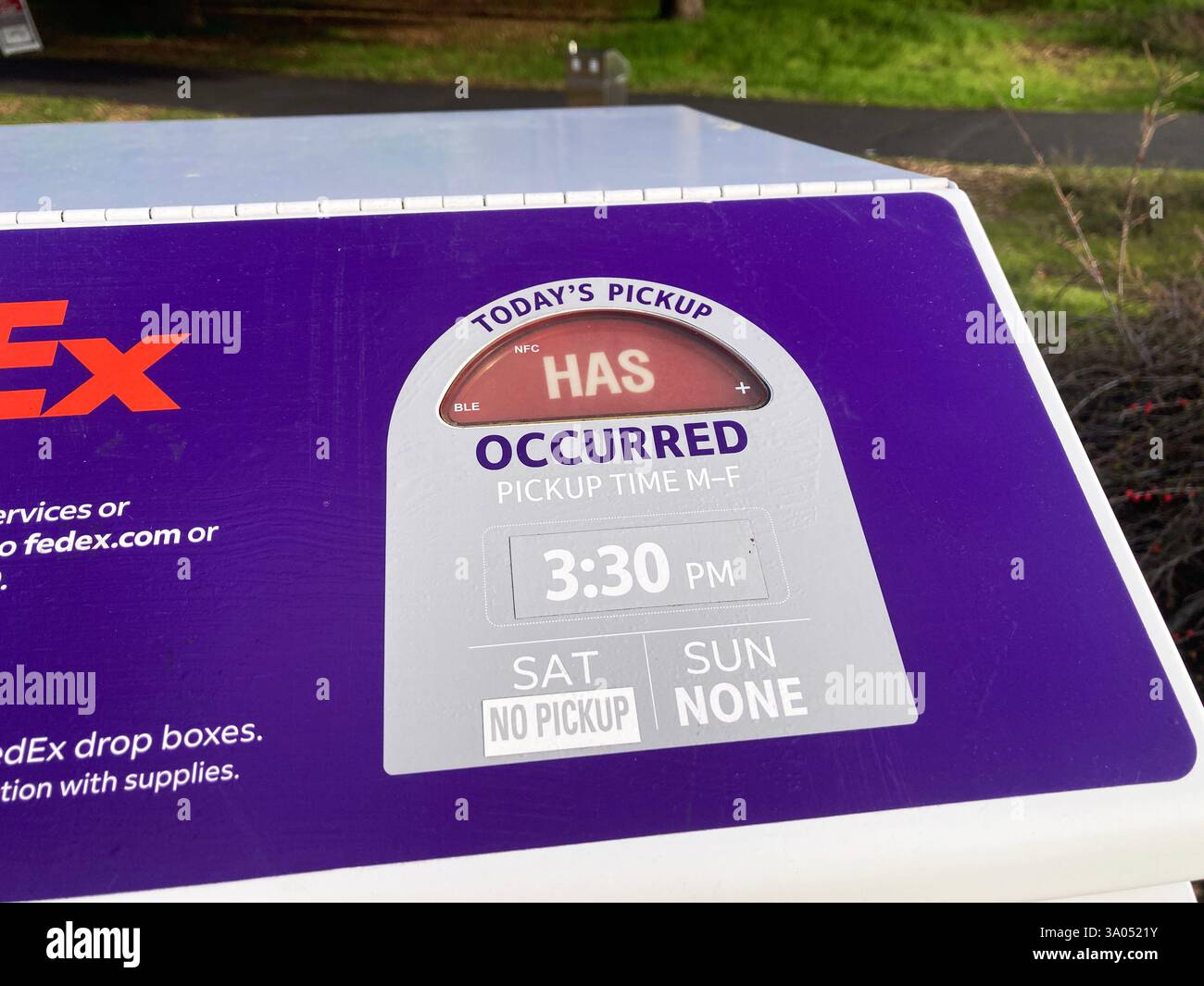
| FedEx Express Drop Box | Small envelopes and small packages (under specific dimensions) | 24/7 drop-off availability | Free (Requires pre-paid label or account) |
| Retail Pickup/Drop-off | Office networks, pharmacies, and retail shipping partners | Operating hours of partner locations | Free (Standard shipping rates apply) |
Troubleshooting Common Pickup Issues and Failed Dispatches
Logistical challenges occasionally disrupt scheduled collections. Understanding common failure points allows shippers to take corrective action before delivery deadlines pass.
Driver Missed the Pickup Window
If the scheduled time window has elapsed and the driver has not arrived, first check your dashboard to see if the status has changed to "Completed" or "Exception." Contact customer support immediately, referencing your pick up number, to request a secondary dispatch or to confirm if the driver encountered access restrictions.
Modifying or Canceling an Active Dispatch
Logistics plans change frequently. To modify package counts or cancel an active pickup request before the driver is dispatched, access your online dashboard using your original confirmation credentials. Cancellations must be processed prior to the driver commencing their route to avoid unnecessary dispatch fees.
Handling Unlabeled or Excess Cargo
Drivers are trained to collect only the packages matching the parameters specified in the dispatch request. If you have additional boxes that were not accounted for when generating your pick up number, the driver may refuse them if vehicle capacity is constrained. Always ensure your piece count matches the active dispatch record.
Frequently Asked Questions
What is a FedEx pick up number used for?
A FedEx pick up number is a unique dispatch code that tracks your request for a driver to collect packages from your location. It links your shipment details to the driver's manifest and is required for modifying or inquiring about a scheduled pickup.
How can I find my pick up number if I closed the confirmation screen?
You can locate your pick up number by checking the confirmation email sent to your registered address or by logging into your FedEx account dashboard and navigating to the pickup history section.
Is there a fee associated with getting a FedEx pick up number?
Generating a pick up number online for standard Express and Ground services is often free, provided certain volume or account criteria are met. However, specific on-call pickups or specialized freight collections may incur standard dispatch fees.
Can I change the pickup time after I receive my number?
Yes, you can modify or cancel an active pickup request by logging into your online profile or contacting customer service directly before the driver initiates their route for the day.
What should I do if the driver does not show up during the scheduled window?
Contact FedEx customer support immediately with your pick up number and account details so dispatch management can investigate the driver's route status and attempt a secondary collection if feasible.
Do I need a separate pick up number for every single package?
No, a single pick up number covers the entire batch of packages scheduled for collection during that specific dispatch event, regardless of how many individual tracking numbers are attached to the shipment.
Practical Recommendations for Efficient Package Collections
To streamline your daily shipping operations and ensure seamless driver interactions, adhere to these professional guidelines:
- Consolidate Documentation: Keep all physical manifests and your digital pick up number accessible in one location near the staging area.
- Observe Cut-Off Times: Submit your pickup requests well in advance of regional carrier cut-off times to guarantee same-day dispatch execution.
- Clear Access Paths: Ensure that loading docks, front desks, or entryways are free from obstructions so drivers can load heavy freight or multiple boxes without delay.
Image Gallery