Crafting a High-Conversion Email Autoresponder Template: A Comprehensive Guide
Crafting an email autoresponder template involves designing a strategic sequence of automated messages triggered by specific user actions. To succeed, you must combine clear value propositions, personalized copy, and technical precisio...
Crafting an email autoresponder template involves designing a strategic sequence of automated messages triggered by specific user actions. To succeed, you must combine clear value propositions, personalized copy, and technical precision within your email service provider. This approach ensures consistent engagement, builds brand trust, and drives conversions without manual intervention.
Contents
Understanding the Strategic Role of Autoresponders in 2026
By 2026, the landscape of digital communication has shifted away from bulk "blast" messaging toward hyper-personalized, behavioral-driven interactions. An email autoresponder is no longer just a "Welcome" message; it is a sophisticated series of communications that mirrors the customer journey. Whether a user downloads a whitepaper, abandons a shopping cart, or completes a purchase, the autoresponder serves as the primary bridge between initial interest and long-term loyalty.
The efficacy of an autoresponder lies in its timing and relevance. Unlike standard newsletters, which are sent at a time chosen by the sender, autoresponders are sent at a time chosen by the recipient’s actions. This relevance results in significantly higher open and click-through rates. To craft a template that performs, you must first define the specific "goal" of the sequence—is it to educate, to sell, or to re-engage? Without a singular focus, the template becomes cluttered, confusing the recipient and diluting the call to action (CTA).
Technical Prerequisites and Deliverability Standards
Before drafting your template, you must ensure your technical infrastructure is robust. In 2026, email filters are more stringent than ever, prioritizing sender reputation and authentication.
- Authentication Protocols: Your sending domain must have SPF (Sender Policy Framework), DKIM (DomainKeys Identified Mail), and DMARC (Domain-based Message Authentication, Reporting, and Conformance) records correctly configured. These protocols prove to receiving servers that your email is legitimate and not a spoofing attempt.
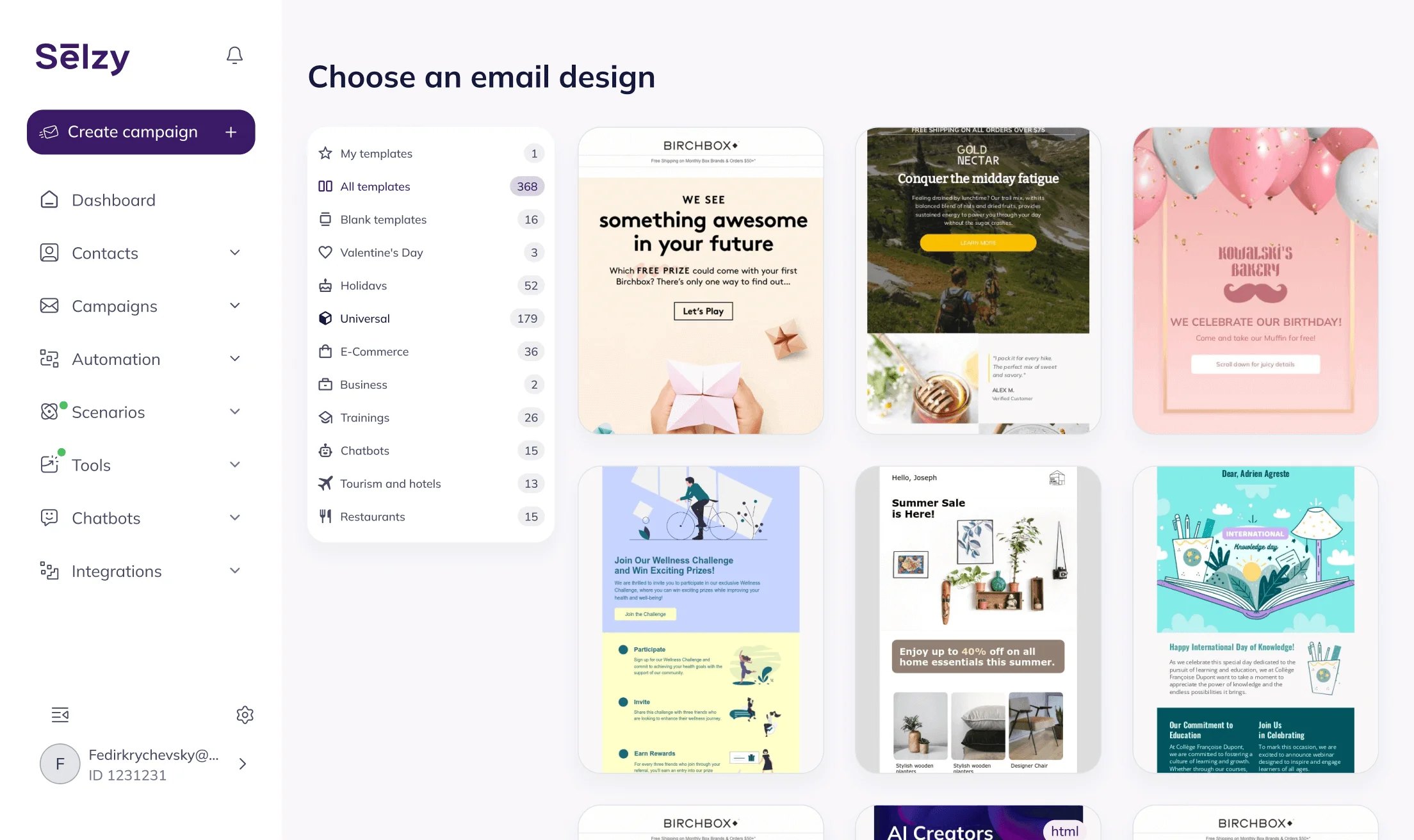
- ESP Selection: Choose an Email Service Provider (ESP) that supports advanced logic. Modern templates often require conditional "if/then" branching, allowing the autoresponder to change its content based on whether a user clicked a link in a previous message.
- Compliance: Ensure your template includes a clear, functional unsubscribe link and your physical business address to remain compliant with the CAN-SPAM Act and global regulations like GDPR or CCPA.
- Mobile Optimization: Over 70% of emails are now read on mobile devices. Your template must use a responsive design, typically a single-column layout, with touch-friendly buttons that are at least 44x44 pixels in size.
The Anatomy of a High-Performing Autoresponder Template
A successful template is composed of several critical components, each serving a specific psychological purpose.
The Subject Line and Preheader
The subject line is the gatekeeper of your content. In 2026, successful subject lines are often shorter (under 40 characters) and focus on utility rather than hype. Use the "Curiosity + Benefit" formula. For example: "Your guide is inside (plus a 20% surprise)." The preheader—the short snippet of text following the subject line in the inbox—should act as a "second subject line," providing additional context to encourage the open.
The Personalization Layer
Personalization goes beyond using the recipient's first name. Effective templates leverage dynamic content blocks that pull data from the user’s profile. If a user signed up after viewing a specific product category, the autoresponder template should dynamically display related resources or testimonials pertinent to that category. This creates a "segment of one" experience that feels tailored rather than generic.
The Body Copy: Value-First Architecture
The core of your template should follow a logical flow:
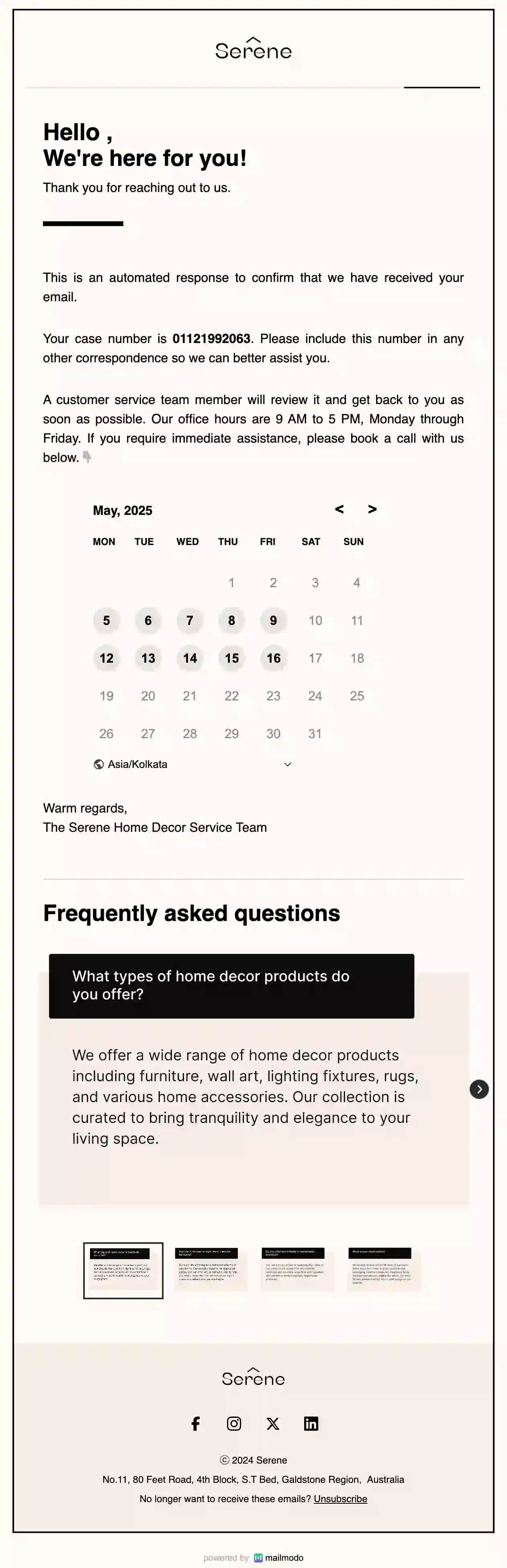
- The Hook: Acknowledge the trigger. "Thanks for joining us!" or "We noticed you left something behind."
- The Problem/Solution: Address why the user took the action in the first place. Reiterate the value of your product or service.
- Social Proof: Briefly include a testimonial or a "join 10,000 others" statement to build immediate credibility.
- The CTA: Every autoresponder needs one clear action. Whether it is "Complete Your Profile," "Download Now," or "Shop the Sale," use a high-contrast button rather than a plain text link.
Designing the Sequence Logic
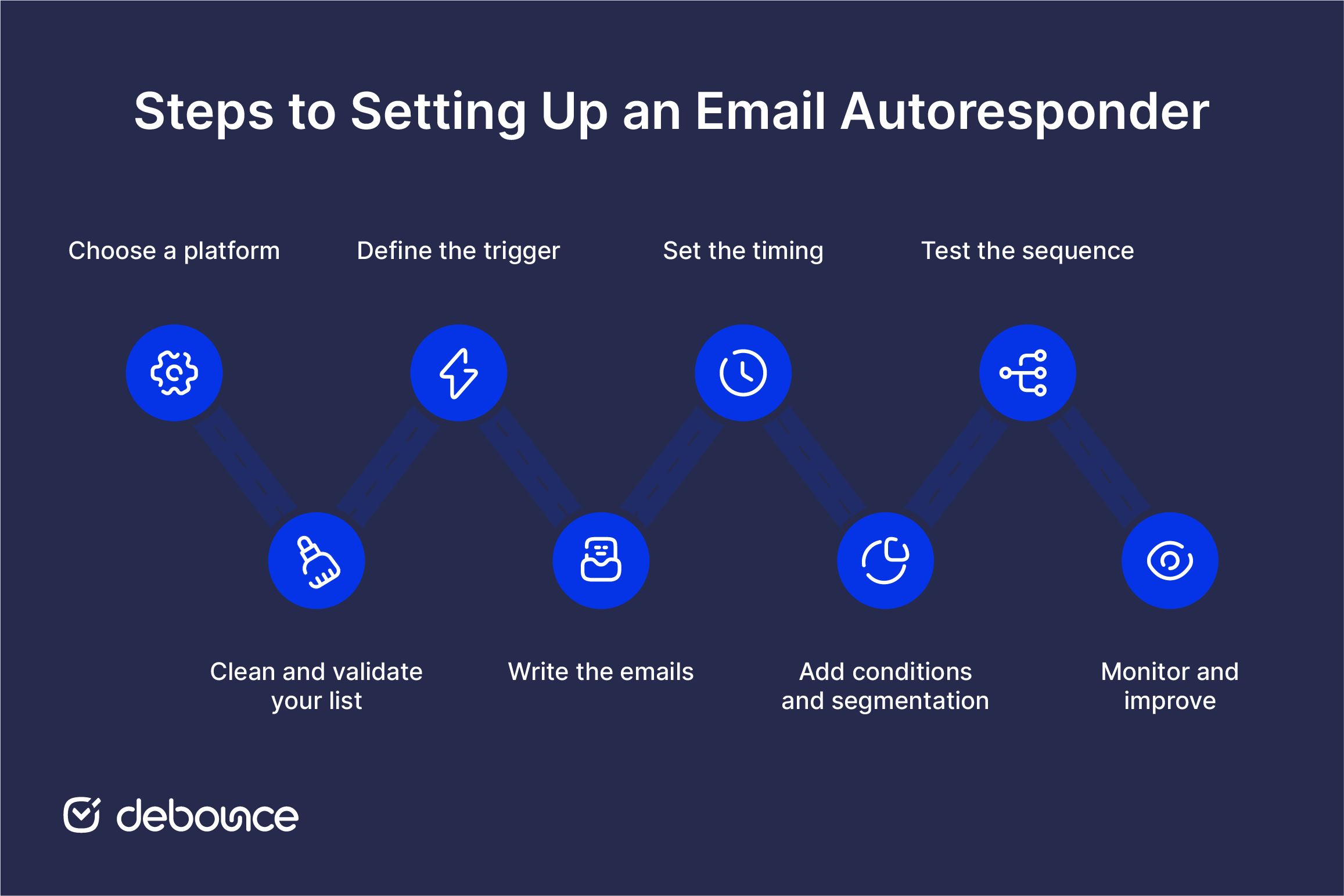
One email is rarely enough. A standard autoresponder template should be part of a multi-stage sequence.
| Autoresponder Type | Primary Trigger | Number of Emails | Key Metric to Watch |
|---|---|---|---|
| Welcome Series | Newsletter Subscription | 3–5 | Open Rate & Brand Affinity |
| Abandoned Cart | Items left in cart (>1 hour) | 2–3 | Recovery Revenue |
| Post-Purchase | Completed Checkout | 2 | Upsell/Review Rate |
| Lead Magnet | Content Download | 4–6 | Lead Qualification Score |
| Re-engagement | 90 days of inactivity | 1–2 | Win-back Rate |
Setting the "Delay"
Timing is a critical variable in your template setup. For a "Welcome" or "Lead Magnet" email, the delay should be zero—the email must arrive instantly while the brand is top-of-mind. For an "Abandoned Cart" sequence, the first email is typically sent within 1 to 4 hours, followed by a second 24 hours later. Over-sending leads to "inbox fatigue," while waiting too long allows the lead to go cold.
Common Mistakes and Troubleshooting
Even with a well-designed template, certain pitfalls can undermine your efforts.
Avoid Over-Design: Large image files can slow down loading times and trigger spam filters. Aim for a healthy balance of text and visuals. If a recipient has images disabled by default, your email must still be readable and the CTA must be visible.
Broken Dynamic Tags: There is nothing more damaging to brand trust than an email that says "Hi {FIRSTNAME}." Always set a "fallback" value (e.g., "Hi there") for every personalization tag in your template.
Ignoring the "Unsubscribe" Path: If users find it difficult to leave your list, they will mark your email as spam. This hurts your sender reputation globally. Make the unsubscribe process a single click and treat it as a natural part of the list hygiene process.
Failing to A/B Test: Even in 2026, what works for one audience may not work for another. Use your ESP’s A/B testing tools to test subject lines, button colors, and sending times. Only change one variable at a time to ensure your data is actionable.
Advanced Optimization: Behavioral Triggers
To truly master the autoresponder, move beyond linear sequences. Use "Event-Based" triggers. If a user clicks a specific link in Email 2 of your sequence, they should be automatically moved to a more specialized sub-sequence that focuses on that specific interest. This prevents the user from receiving irrelevant follow-ups and increases the likelihood of conversion.
Furthermore, integrate your email autoresponder with other data points. If a user has already purchased the item you are promoting in an automated nurture sequence, ensure your system "suppresses" them from receiving further emails in that specific sequence. This level of technical coordination is what separates professional operations from amateur marketing.
Frequently Asked Questions
How long should an autoresponder email be?
Most successful autoresponder templates are concise, ranging from 50 to 200 words. The goal is to provide immediate value or prompt a specific action, not to provide an exhaustive history of your company. If you have significant information to share, link to a blog post or a dedicated landing page instead of cluttering the email.
Can I use emojis in my autoresponder subject lines?
Yes, but use them sparingly. Emojis can increase open rates by adding visual interest in a crowded inbox, but they should never replace words. Ensure the emoji is relevant to the content and test how it renders across different email clients (Outlook, Gmail, Apple Mail) to avoid "broken" characters.
How often should I update my autoresponder templates?
You should review your autoresponder sequences at least once every quarter. Check for broken links, outdated product information, and stagnant performance metrics. As your brand voice evolves or your product features change, your automated messages must reflect those updates to maintain a consistent user experience.
What is a good open rate for an autoresponder?
Autoresponders typically see much higher open rates than standard newsletters, often ranging between 30% and 50%. If your open rates fall below 25%, investigate your subject lines and sender reputation. If your click-through rates are low, examine the clarity and relevance of your CTA.
Should I send autoresponders on weekends?
Because autoresponders are triggered by user action, the day of the week matters less than the timing relative to the trigger. If a user signs up on a Sunday, they expect the "Welcome" email on Sunday. For subsequent follow-ups, most B2B sequences favor Tuesday through Thursday, while BC sequences remain effective throughout the weekend.
Final Recommendation
When crafting your email autoresponder template, prioritize the user's immediate needs over your long-term sales targets. Focus on providing "Quick Wins"—small pieces of valuable information or incentives that reward the user for their engagement. Once you have established technical deliverability through proper authentication, use a clean, mobile-first design and rigorous A/B testing to refine your messaging. Start with a simple three-email "Welcome" sequence and gradually expand into more complex behavioral triggers as your data matures.
Image Gallery