Amazon Credit Card Login Guide: Accessing Chase, Synchrony, and Amex Portals
To access your Amazon credit card account, you must log into the banking portal of the specific financial institution that issued your card. Use JPMorgan Chase for the Prime Visa or Amazon Visa, Synchrony Bank for the Amazon Store Card...
To access your Amazon credit card account, you must log into the banking portal of the specific financial institution that issued your card. Use JPMorgan Chase for the Prime Visa or Amazon Visa, Synchrony Bank for the Amazon Store Card or Secured Card, and American Express for the Amazon Business Card. You can also view basic payment balances directly through your Amazon account wallet.
Contents
Identifying Your Amazon Credit Card Issuer and Login Portal
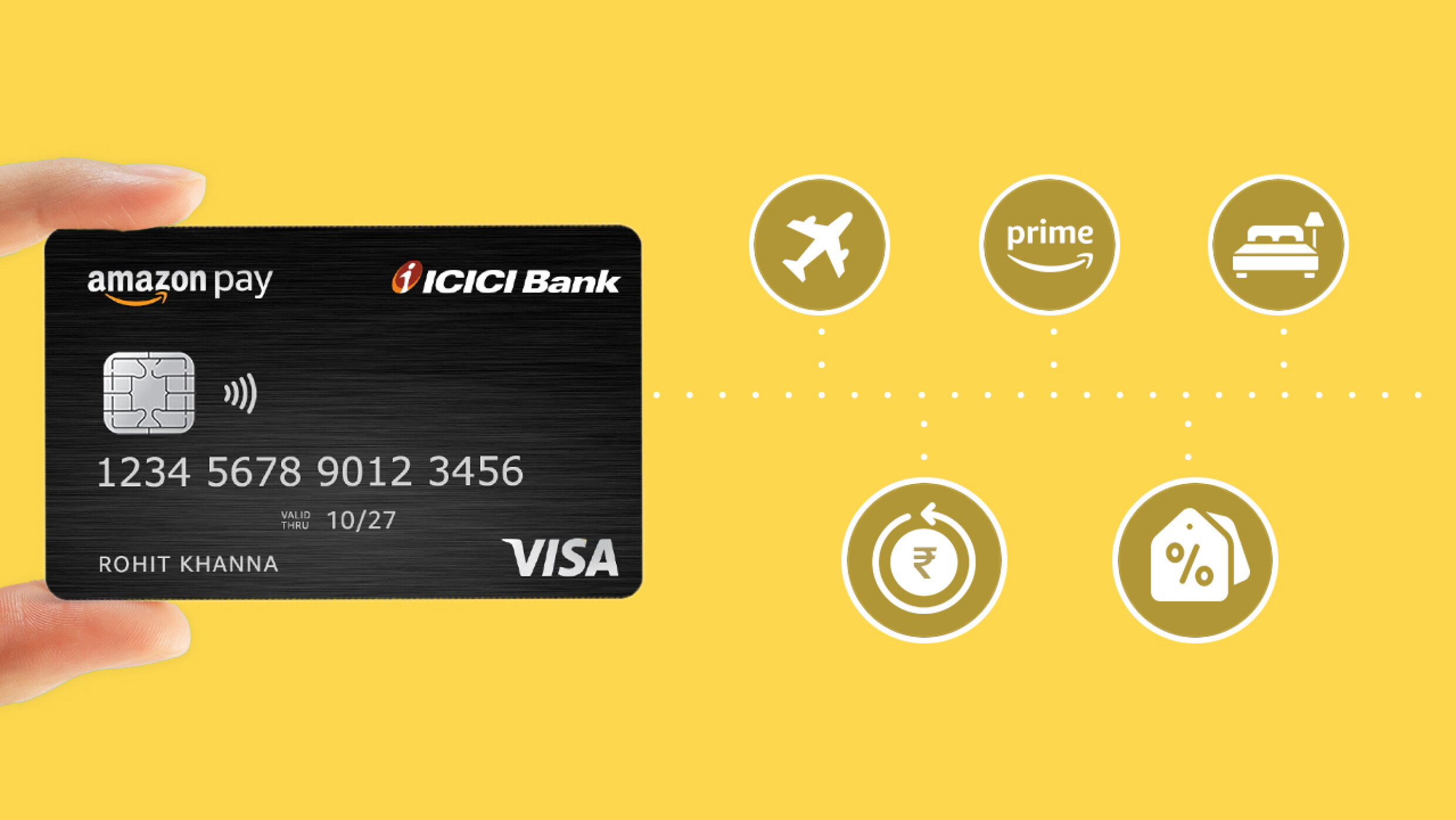
Amazon partners with multiple financial institutions to offer store cards, consumer visa cards, and business credit lines. Because Amazon itself does not directly issue credit or store account balances, logging into your card requires navigating to the correct partner bank portal or accessing the integrated management features within your Amazon digital wallet.
Attempting to sign in through the wrong portal is the leading cause of login failure for cardholders. Understanding which card product you hold determines your primary login destination, account setup requirements, and customer support channels.
| Credit Card Name | Card Issuer | Primary Online Login Portal | Mobile Application | Primary Account Management Capabilities |
|---|---|---|---|---|
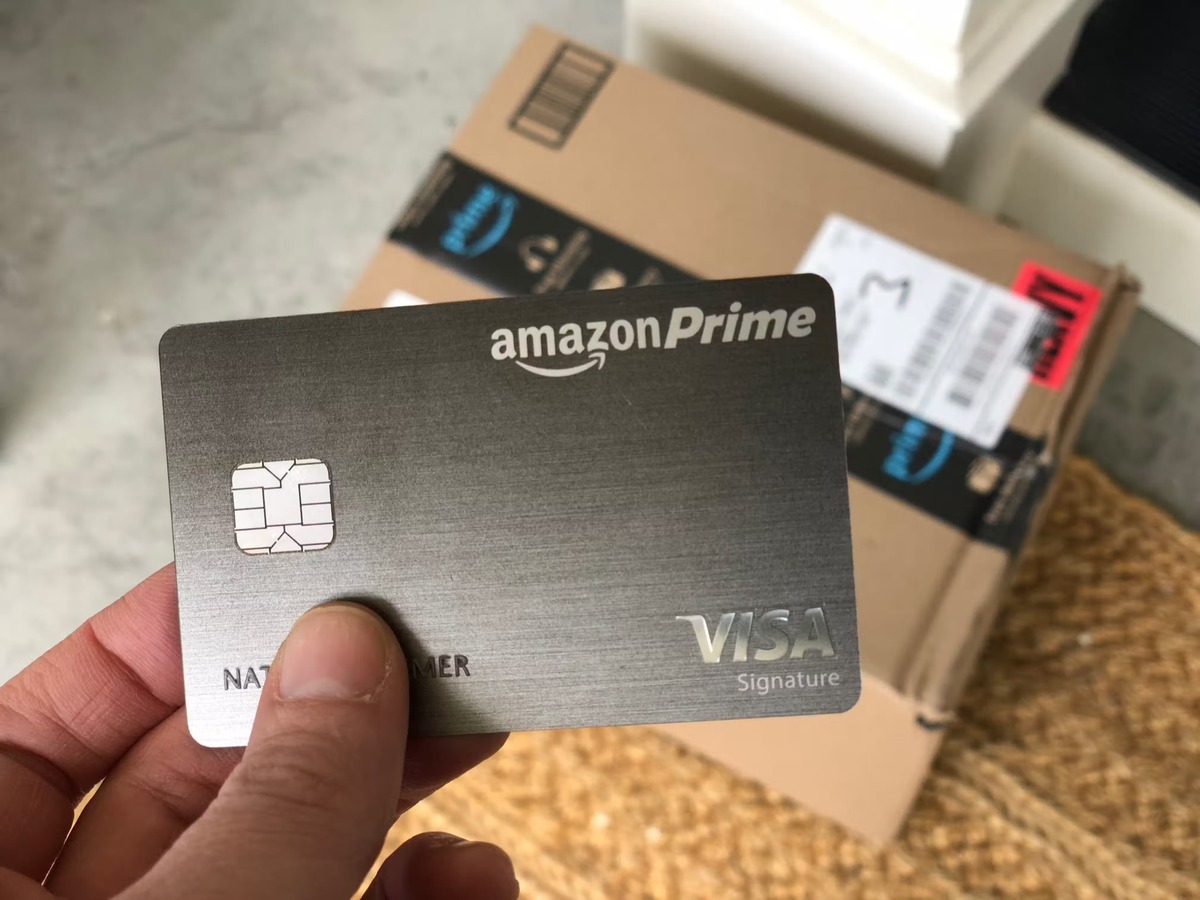
| Prime Visa | JPMorgan Chase | chase.com | Chase Mobile | Balance payments, transactions, rewards redemption, credit line increases, dispute management |
| Amazon Visa | JPMorgan Chase | chase.com | Chase Mobile | Statement downloads, autopay configuration, credit monitoring, push alerts |
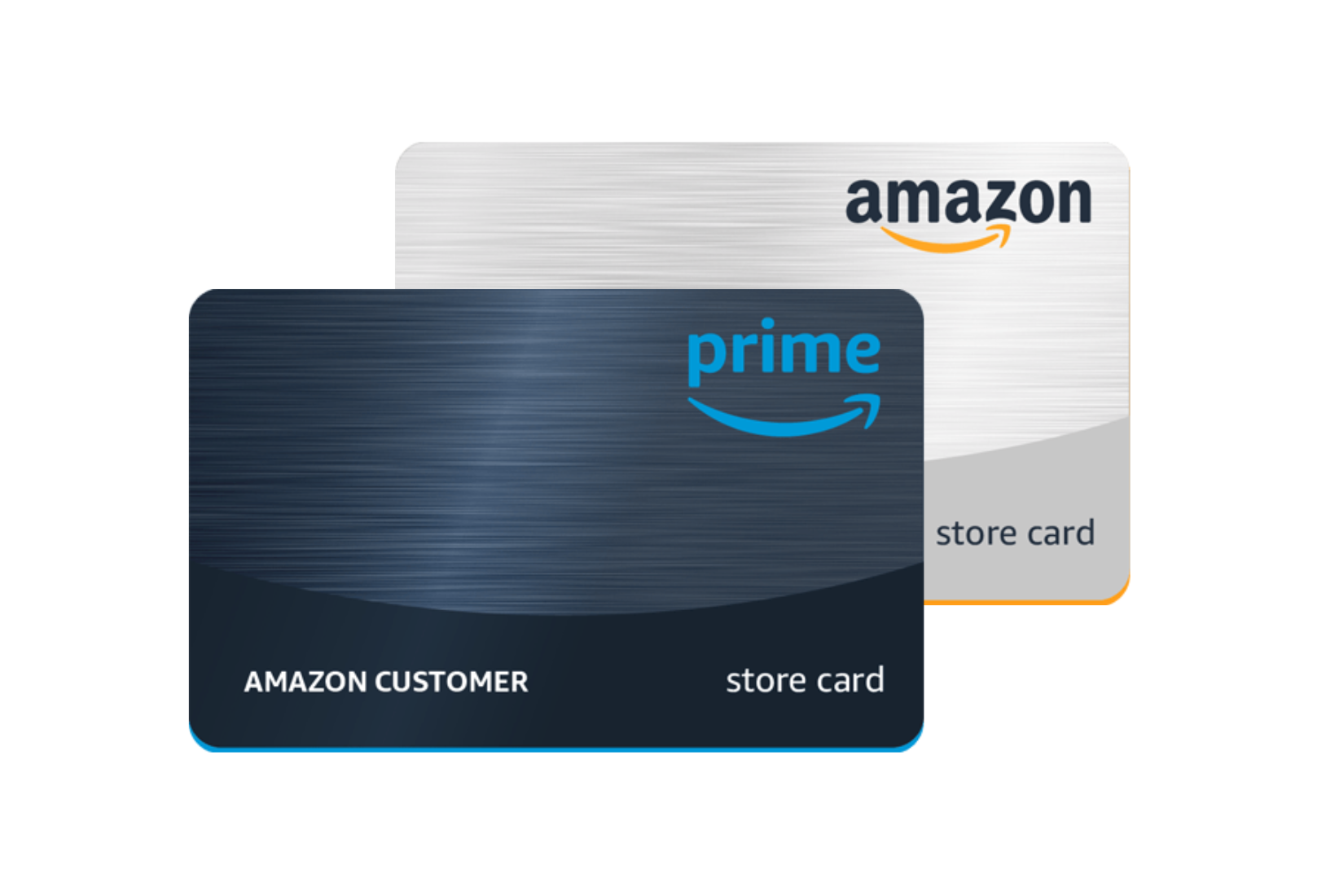
| Amazon Prime Store Card | Synchrony Bank | amazon.syf.com | Synchrony Bank App | Balance management, promotional financing schedules, equal pay setup, billing alerts |
| Amazon Secured Card | Synchrony Bank | amazon.syf.com | Synchrony Bank App | Security deposit tracking, monthly payments, credit score monitoring, product upgrades |
| Amazon Business Prime Card | American Express | americanexpress.com | Amex App | Expense tracking, itemized receipt integration, employee spending limits, rewards management |
| Amazon Business Line of Credit | Synchrony Bank | syncb.com/amazon | Synchrony Business Portal | Invoice purchasing schedules, account allocation, multi-user management, PO tracking |
Logging Into Your Chase Amazon Credit Card (Prime Visa & Amazon Visa)
The Prime Visa and Amazon Visa are co-branded credit cards issued by JPMorgan Chase. Account management for these cards occurs within Chase's online banking infrastructure rather than Amazon's storefront interface.
Online Desktop Login Steps
- Navigate directly to the official Chase sign-in page (
chase.com). - Enter your established Username and Password in the secure login box.
- If logging in from an unrecognized browser or device, complete the mandatory Two-Step Verification by selecting your preferred identity verification method (SMS text code, voice call, or mobile push notification).
- Select Sign In to access your dashboard.
Once authenticated, your Prime Visa or Amazon Visa card account will display alongside any existing Chase deposit or credit accounts linked to your Social Security Number.
Enrolling a New Chase Amazon Card
If you recently received your Chase Amazon card and do not have an active Chase online banking profile:
- Visit the Chase enrollment portal at
chase.com/personal/privacy-security/getting-started. - Select Register NOW and provide your Social Security Number (SSN) or Individual Taxpayer Identification Number (ITIN).
- Enter your 16-digit Chase Amazon card number.
- Create a unique username, strong password, and select security challenge questions.
- Verify your contact email address and mobile phone number to complete profile setup.
Logging Into Your Synchrony Amazon Store Card or Secured Card
The Amazon Store Card, Amazon Prime Store Card, and Amazon Secured Card are managed exclusively through Synchrony Bank's dedicated merchant portal infrastructure.
Online Access via Synchrony Bank
- Visit the official Amazon Synchrony portal at
amazon.syf.com. - Type your registered User ID and Password into the secure authentication form.
- Check the Remember User ID box only if you are accessing the portal from a private, personal device.
- Click Secure Log In.
Security Note: Synchrony Bank maintains isolated domain structures for commercial and store cards. Ensure the browser address bar confirms connection to
syf.comoramazon.syf.comwith active TLS encryption before entering your credentials.
First-Time Registration for Synchrony Store Cards
To create digital account credentials for a newly issued Synchrony Amazon card:
- Navigate to
amazon.syf.comand select Register / Activate Card. - Input your full credit card account number and your billing ZIP code.
- Enter the primary cardholder's SSN or ITIN (last four digits or full number depending on verification prompt).
- Establish your account security credentials and select your billing delivery preferences (paperless statements or postal mail).
Managing Your Card Account Directly on Amazon.com
While full bank-level card management requires accessing Chase, Synchrony, or Amex directly, Amazon provides an integrated overview of your card details, available balances, and reward earnings inside your main shopping account.
Navigating to Your Payments on Amazon
- Go to
amazon.comand log into your primary shopping account. - Hover over Account & Lists in the top navigation bar and select Your Account.
- Click on the Your Payments tile (located under the Digital Content and Devices or Wallet section).
- Select your Amazon credit card from the list of saved payment options on the left-hand navigation pane.
Actions Supported via Amazon.com
Within the Amazon Your Payments portal, cardholders can perform several convenient functions:
- View Rewards Balance: Track accumulated Amazon gift card balances or point earnings generated by your Prime Visa or Store Card.
- Redeem Points at Checkout: Toggle options to automatically apply rewards points toward eligible purchase subtotals.
- Update Default Payment Methods: Assign your Amazon credit card as the primary funding source for Prime memberships, digital subscriptions, or 1-Click checkout.
- Access Direct Issuer Links: Use embedded single-sign-on or redirect links to navigate straight to Chase or Synchrony payment gateways.
Troubleshooting Common Login and Access Issues
Authentication failures generally result from misdirected portals, forgotten security credentials, browser cache corruption, or elevated security flags.
Forgotten Usernames and Passwords
Chase Recovery Procedure
- Visit
chase.comand select Forgot username/password? - Input your SSN/ITIN and card account number.
- Follow the multi-factor authentication steps via SMS or email to construct new login credentials.
Synchrony Recovery Procedure
- Visit
amazon.syf.comand click Find User ID or Reset Password. - Provide your card account number, billing ZIP code, and the last four digits of your SSN.
- Validate your identity through the security code sent to your registered mobile device.
Account Lockouts and Security Holds
If you enter incorrect credentials three consecutive times, the card issuer will place a temporary lock on your digital account to protect against credential-stuffing attacks.
- Chase Suspensions: Account locks typically clear after 24 hours. For immediate unlock, contact Chase Cardmember Services directly using the phone number printed on the back of your card.
- Synchrony Suspensions: Locks on store card profiles frequently require manual reset support. Call Synchrony Customer Care at 1-866-419-4096.
Browser and Technical Conflicts
If the login button fails to load, spins indefinitely, or returns generic 403/500 web errors:
- Clear Browsing Data: Delete cached files, site cookies, and session state data for the specific login URL.
- Disable Aggressive Extensions: Temporarily pause ad blockers, script blockers, or custom VPN connections that may block financial domain authentication tokens.
- Switch to Private Browsing: Open an Incognito window to bypass existing local storage conflicts.
- Synchronize Device Time: Ensure your computer or phone clock is accurately synchronized to network time, as timestamp discrepancies disrupt SSL handshakes and Two-Step tokens.
Mobile Application Access and Setup
Managing your Amazon credit card via dedicated mobile applications offers biometric convenience (Face ID, fingerprint authentication) and real-time transaction alerts.
Chase Mobile App Setup (Prime Visa)
- Download the official Chase Mobile application from the Apple App Store or Google Play Store.
- Launch the app and sign in using your existing Chase online banking credentials.
- Enable Biometric Authentication (Face ID or Touch ID) when prompted for seamless future logins.
- Enable push notifications to receive real-time fraud monitoring, transaction alerts, and payment due reminders.
Synchrony Bank App Setup (Amazon Store Card)
- Download the Synchrony Bank app from your platform's official app marketplace.
- Log in using your
amazon.syf.comaccount username and password. - Link your biometric profile to pass quick security checks.
- Navigate to account preferences to configure paperless billing and set up recurring scheduled payments.
Security Best Practices for Card Account Protection
Financial accounts connected to high-volume e-commerce platforms represent high-value targets for malicious actors. Employing rigorous security standards safeguards your credit line against unauthorized access.
Multi-Factor Authentication (MFA) Implementation
Always enforce multi-factor authentication across both your card issuer portal (Chase/Synchrony) and your primary Amazon.com shopping account. Select time-based one-time password (TOTP) authenticator applications or secure SMS/email prompts rather than relying on basic single-factor password protection.
Identifying Phishing and Social Engineering Scams
Cardholders frequently receive fraudulent SMS texts or email notifications impersonating Amazon, Chase, or Synchrony. These communications often claim that an account is locked, a transaction was declined, or an unauthorized purchase occurred.
Critical Safety Rule: Neither Amazon, Chase, nor Synchrony will ever contact you via unsolicited SMS or email demanding your full card PIN, online banking password, or social security details.
If you receive a suspicious alert:
- Do not click links embedded within the message.
- Open a new browser window and navigate manually to
chase.com,amazon.syf.com, oramazon.com. - Review your message center or transaction history directly inside the verified portal.
- Report suspicious communication to
phishing@amazon.comor the respective bank's fraud division.
Managing Promotional Financing and Payment Schedules
Synchrony Bank store cards often offer special zero-interest promotional financing tiers (such as 6, 12, or 24-month equal payment plans) on qualifying Amazon purchases. Logging into your Synchrony portal allows you to properly oversee these structured paydowns.
Monitoring Deferred Interest Schedules
When leveraging promotional financing through Synchrony, monitor your monthly billing statements carefully. Deferred interest financing requires paying off the full promotional balance before the promotional expiration date; otherwise, accumulated interest from the original purchase date will retroactively apply to your account.
- Log into
amazon.syf.com. - Click on Promotions Summary under the account overview menu.
- Review the Expiration Date and Remaining Balance for each individual promotional transaction.
- Adjust your monthly autopay allocation to ensure the entire promotional principal is satisfied prior to term completion.
Frequently Asked Questions (FAQ)
How do I log into my Amazon Prime Visa credit card account?
You log into your Amazon Prime Visa card through JPMorgan Chase by visiting chase.com or opening the Chase Mobile app. Use your standard Chase online banking credentials to view transactions, make payments, and manage card settings.
Why can't I access my Amazon Store Card through the Chase website?
The Amazon Store Card is issued by Synchrony Bank, not Chase, so Chase credentials will not work. Store cardholders must log into Synchrony's dedicated portal at amazon.syf.com or use the Synchrony mobile app.
Can I pay my Amazon credit card bill directly on Amazon.com?
You can initiate payments to your Synchrony Store Card or Chase Prime Visa via the "Your Payments" section on Amazon.com, but full payment management typically redirects you to the issuer's authenticated portal.
What should I do if my Amazon credit card account gets locked?
If your account is locked due to incorrect login attempts, wait 24 hours for the temporary block to clear, or use the password reset link on your issuer's portal. For immediate assistance, call customer service using the number on the back of your card.
How do I link my new Amazon credit card to my Amazon account?
Most new Amazon credit cards automatically link to the Amazon shopping account used during application. If it does not appear, go to "Your Payments" on Amazon.com, select "Add a payment method," and enter your card details manually.
Maintain Secure Control of Your Card Accounts
Properly maintaining your Amazon credit card requires understanding the division between merchant management on Amazon.com and financial banking services on partner bank portals. Keep your issuer details organized, use secure biometric mobile authentication, and monitor your statement cycles regularly to prevent unauthorized charges and maximize your card benefits.
For immediate access, select your issuer from the portal matrix above, ensure your TLS browser connection is secure, and proceed with your authenticated sign-in.
Image Gallery