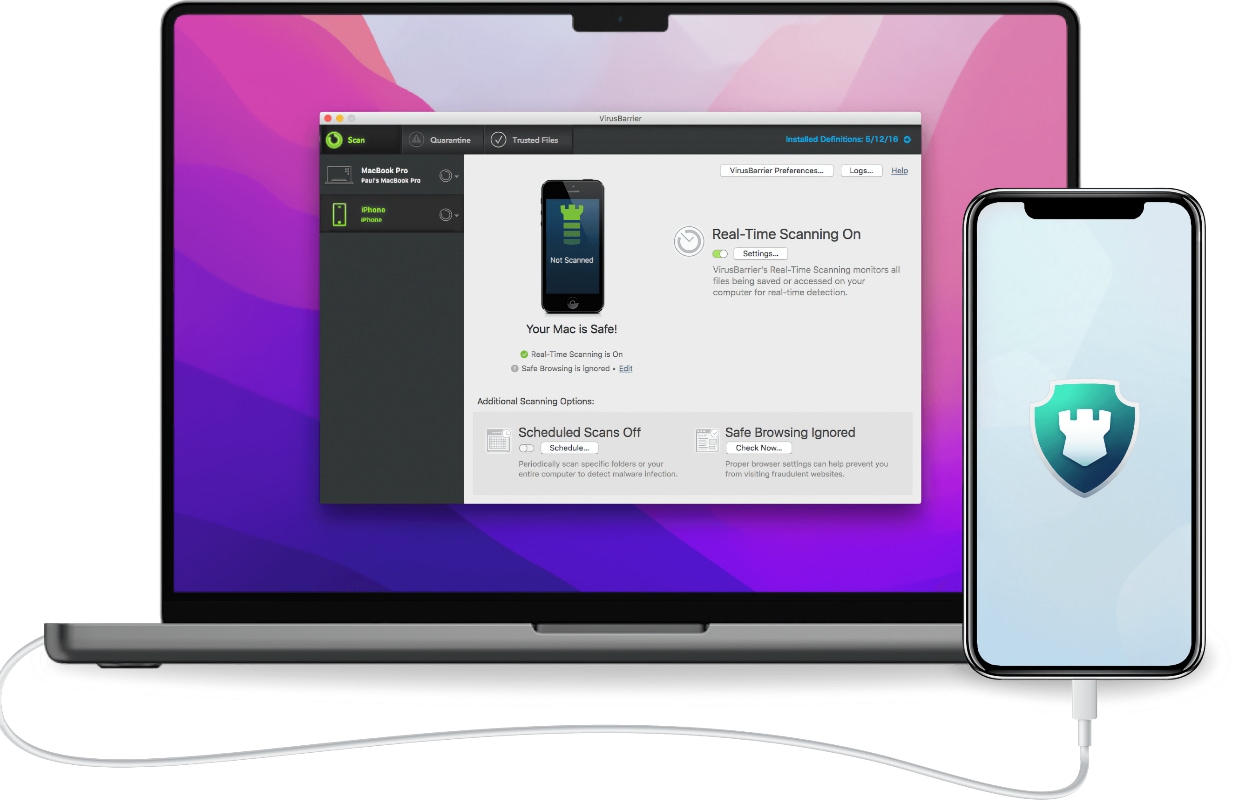
Best Antivirus for iPhone Free: Real Security Capabilities in 2026
The term "antivirus" for iPhone is technically a misnomer because Apple’s iOS architecture utilizes a "sandboxing" security model that prevents traditional virus scanning as seen on desktop platforms. In 2026, free security application...
The term "antivirus" for iPhone is technically a misnomer because Apple’s iOS architecture utilizes a "sandboxing" security model that prevents traditional virus scanning as seen on desktop platforms. In 2026, free security applications for iPhone focus on web protection, anti-phishing, VPN services, and data breach monitoring rather than scanning for malware files within the operating system.
Contents
Understanding iOS Security Architecture and the Role of Mobile Security
To understand why "antivirus" software on iPhone operates differently than on Windows or macOS, you must recognize the fundamental design of iOS. Every application runs in a restricted container known as a sandbox. This design prevents one app from accessing the data or files of another, which effectively mitigates the risk of traditional computer viruses that spread by infecting system files.
However, the threat landscape in 2026 has shifted away from classic file-based viruses toward social engineering, malicious websites, and network-level interception. A modern mobile security suite for iPhone provides a defensive layer against these specific threats. When you download a free security app, you are not installing a scanner that hunts for viruses; you are installing a specialized toolkit designed to harden your browsing environment and protect your identity.
Defining the Capabilities of Legitimate iOS Security Tools
Since traditional scanning is prohibited by Apple’s developer guidelines, apps marketed as "antivirus" for iPhone must deliver value through other critical security vectors. Legitimate developers provide tools that address the most frequent attack vectors against mobile users.
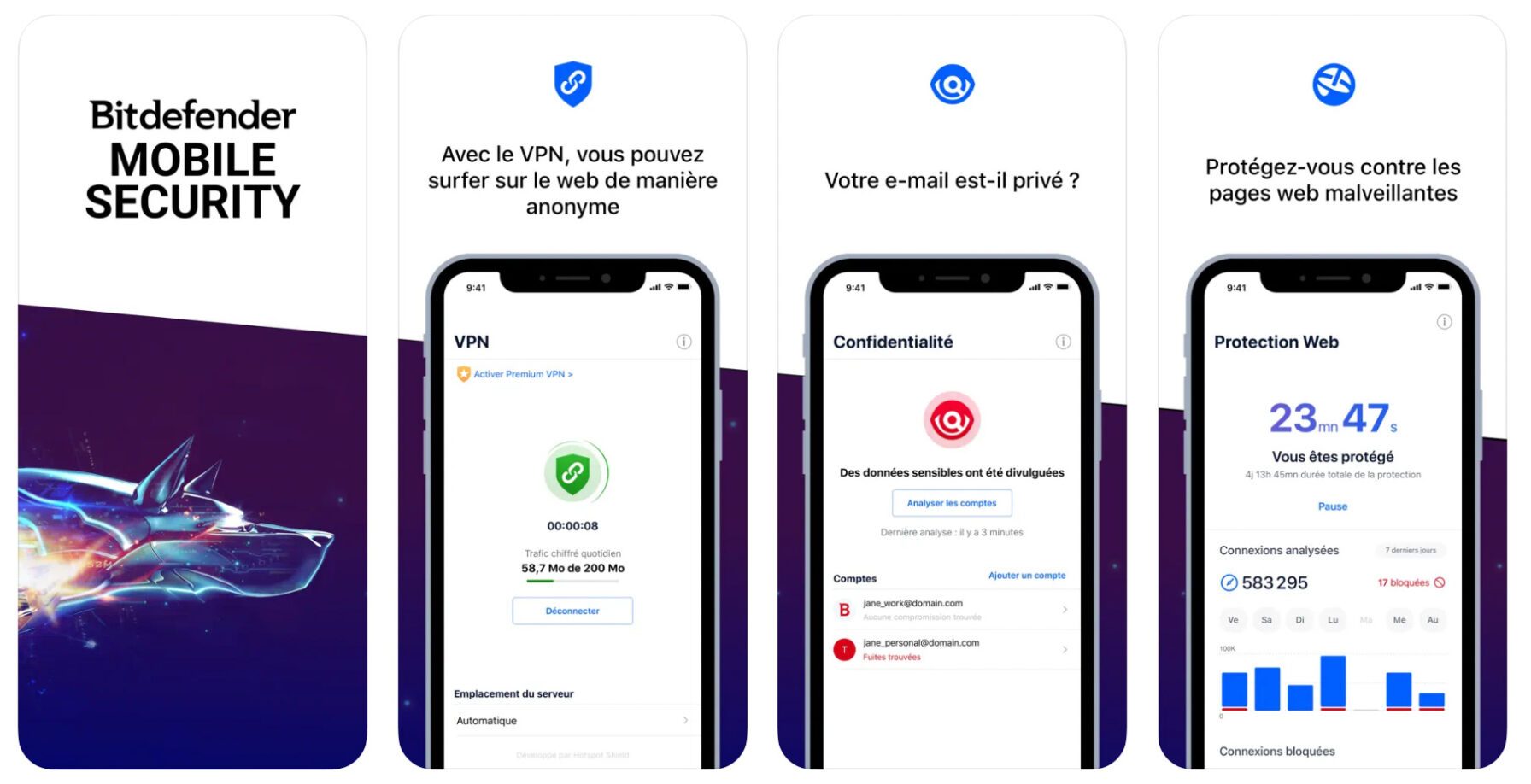
- Web Protection: Real-time filtering that identifies and blocks access to known phishing domains and fraudulent websites.
- Privacy VPN: Encrypts your network traffic, preventing man-in-the-middle attacks when you are connected to public Wi-Fi networks.
- Data Breach Scanners: Monitors the dark web for your email addresses and passwords associated with compromised third-party databases.
- Network Analysis: Detects if the Wi-Fi network you are using is unencrypted or potentially compromised by unauthorized entities.
Comparison of Security Features in Free iOS Mobile Apps
The following table outlines how top-tier free security apps for iOS differentiate themselves in 2026. Note that "Free" versions often act as entry-level tiers for paid subscriptions.
| Feature Type | Free Tier Capability | Limitation to Note |
|---|---|---|
| Web Protection | Browser-level URL filtering | Only works within supported browsers |
| VPN Data Limit | Limited (usually 200MB - 500MB/day) | Bandwidth caps for heavy streaming |
| Identity Monitoring | Limited to 1-2 email addresses | Restricted notification depth |
| Wi-Fi Security | Basic scanning for encryption status | Cannot detect advanced hardware taps |
| Malware Scanning | Zero (Forbidden by Apple iOS) | N/A |
Essential Steps to Securing Your iPhone Without Third-Party Software
Before relying on third-party security apps, you must ensure your device is configured to meet the baseline security standards set by Apple. These native settings often provide superior protection because they are integrated directly into the kernel of the operating system.
- Keep iOS Updated: Always install the latest version of iOS. Apple consistently patches zero-day vulnerabilities that could bypass sandbox protections.
- Enable Content Blockers: Utilize Safari’s built-in support for content blockers to stop scripts that track your behavior or attempt to redirect you to malicious pages.
- Use iCloud Keychain: Managing unique, complex passwords for every service is the most effective defense against credential stuffing attacks.
- Manage App Permissions: Regularly audit your privacy settings. Restrict "Tracking" requests and limit which apps have access to your location, camera, and microphone.
- Multi-Factor Authentication (MFA): Ensure MFA is active on your Apple ID and all sensitive financial or social media accounts.
Identifying Potential Threats and Risks of Fake Antivirus Apps
The marketplace for iOS security is saturated with low-quality or predatory applications. In 2026, users must remain vigilant regarding applications that claim to "clean" or "scan" the iPhone for viruses, as these claims are fundamentally impossible under current iOS restrictions.
Warning Signs of Malicious Security Apps
False Claims: Any application that promises to detect "malware" or "viruses" on your iPhone is misleading the user. These apps are often harvesting data or serving intrusive advertisements.
Excessive Permissions: A security app should not require access to your photos, contacts, or local files. If an app requests these, it is likely gathering data rather than protecting it.
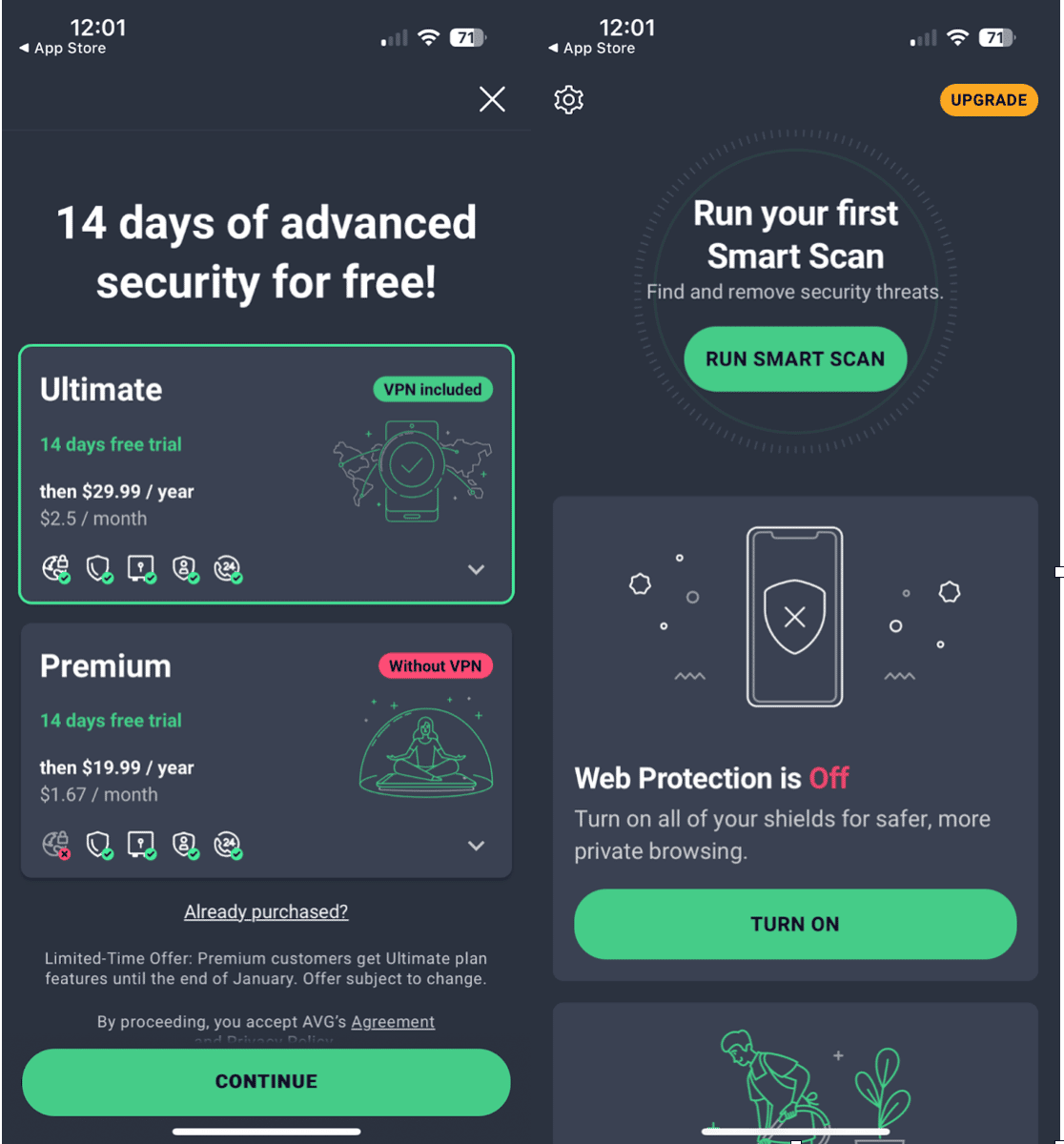
Aggressive Subscription Prompts: Avoid apps that force a "free trial" that automatically converts to an expensive yearly subscription without transparent terms.
Frequently Asked Questions Regarding iPhone Security
Does my iPhone need an antivirus app?
No, the iPhone does not need a traditional antivirus app because of the iOS sandbox architecture. You are better protected by keeping your iOS updated and using built-in security features like Safari’s anti-phishing tools and iCloud Keychain.
Why do some apps say they provide antivirus protection?
These apps use marketing terminology to describe their web-filtering, VPN, or data-monitoring features. They do not scan the phone's operating system for viruses because Apple’s software design does not grant them the necessary system-level privileges to perform such a scan.
What is the best way to avoid malware on an iPhone?
The best way to avoid threats is to only install applications from the official Apple App Store. Avoid clicking suspicious links in emails or text messages, and never enter your Apple ID credentials on any website that does not explicitly lead to an apple.com domain.
Can my iPhone get hacked if I don't use security software?
Yes, you can be compromised via phishing, malicious profile installations, or social engineering. While security software can help block phishing sites, your best defense is awareness of social engineering tactics and keeping your device software updated to the latest 2026 patches.
Are free VPNs safe for iPhone security?
Many free VPNs log user data and sell it to third parties, which defeats the purpose of privacy. Only use reputable security providers that have a publicly verifiable "no-logs" policy and a history of transparency in their operations.
Practical Recommendations for Mobile Privacy
To maximize your security, prioritize a layered defense strategy. Start by utilizing the privacy features already built into iOS. If you frequently connect to public Wi-Fi, install a reputable VPN from a well-known security firm, but focus on the company's track record rather than the "antivirus" marketing label. For the average user in 2026, a password manager, a trusted VPN, and a disciplined approach to clicking links are significantly more effective than any standalone "antivirus" application.
If you believe your device has been compromised, perform a hard reset, change your Apple ID password immediately, and review your list of installed profiles in Settings > General > VPN & Device Management to ensure no unauthorized configurations were installed.
Image Gallery