Spotify Premium Payment Methods: A Comprehensive Guide for 2026
To pay for a Spotify Premium subscription in 2026, users can utilize major credit and debit cards (Visa, Mastercard, American Express, Discover), digital wallets such as PayPal, Apple Pay, and Google Pay, or redeem Spotify Gift Cards....
To pay for a Spotify Premium subscription in 2026, users can utilize major credit and debit cards (Visa, Mastercard, American Express, Discover), digital wallets such as PayPal, Apple Pay, and Google Pay, or redeem Spotify Gift Cards. Many regions also support direct mobile carrier billing and localized payment platforms like UPI or PIX, provided the payment method matches the account’s registered country.
Contents
Managing a digital subscription requires a clear understanding of which financial instruments are compatible with recurring billing systems. Spotify, as the world’s leading audio streaming service, maintains a complex global payment infrastructure designed to accommodate various banking behaviors across different jurisdictions. As of 2026, the platform has further streamlined its checkout process, though strict regional locking remains a cornerstone of its security and licensing compliance. This guide provides an exhaustive breakdown of available payment methods, how to manage them, and how to resolve common transaction issues.
Primary Payment Categories for Spotify Premium
Spotify classifies its accepted payment methods into several categories based on how the funds are captured—whether through a recurring pull or a one-time "top-up" credit. Understanding these categories helps users choose the most stable option for uninterrupted listening.
Credit and Debit Cards
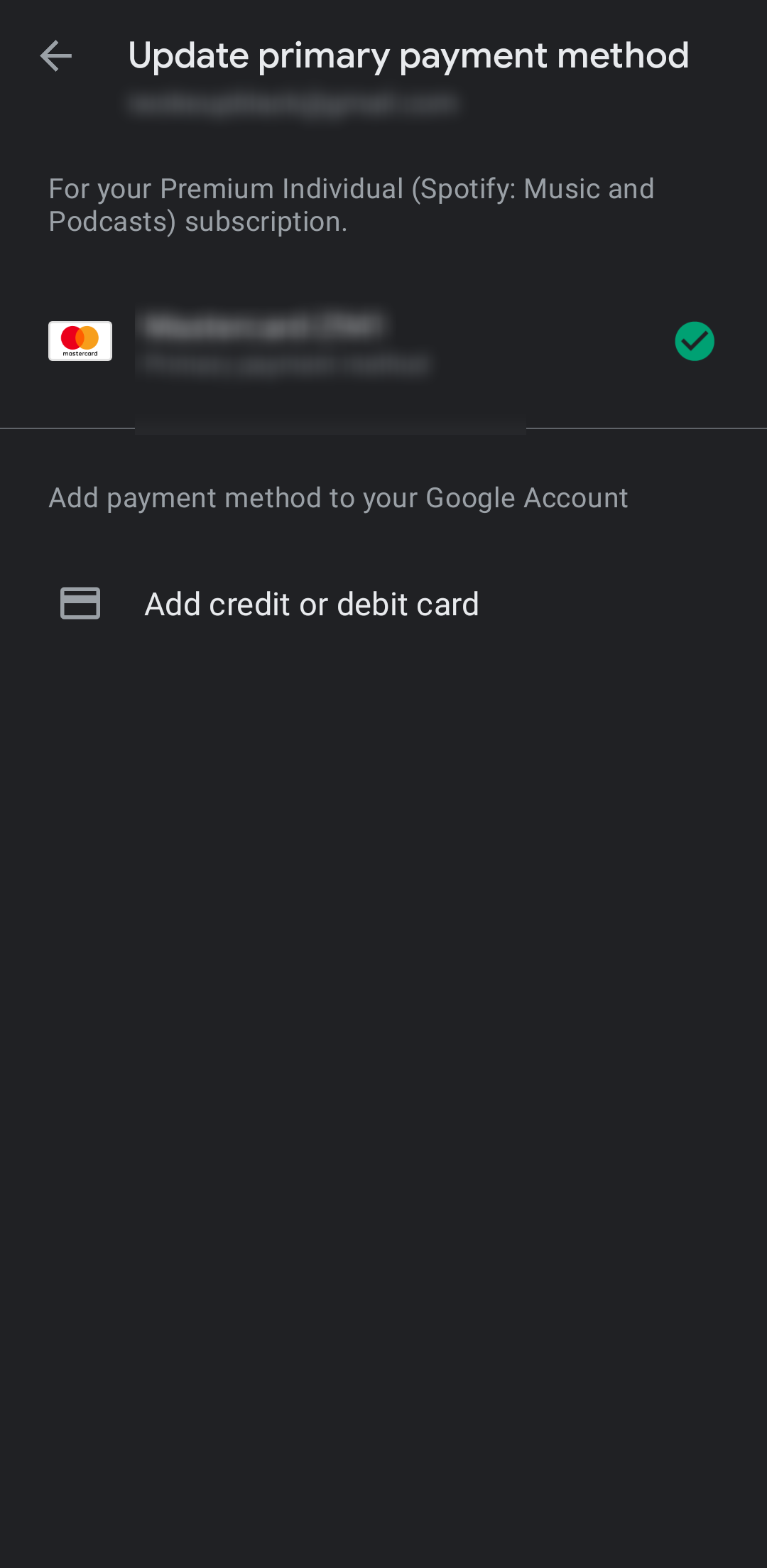
The most common way to fund a Spotify Premium account is through a credit or debit card. Spotify supports all major global networks, including Visa, Mastercard, American Express, and Discover. In certain regions, JCB and Diners Club are also accepted.
When using a card, it is essential that the card is enabled for foreign transactions and recurring e-commerce payments. Many "Basic" or "Electron" debit cards occasionally face restrictions with international recurring billing. Furthermore, the issuing bank must be located in the same country as your Spotify account profile. For example, a US-based Spotify account cannot typically be paid for with a card issued by a French bank due to anti-fraud protocols and regional licensing agreements.
Digital Wallets and Third-Party Platforms
Digital wallets have become the preferred choice for users seeking an extra layer of privacy or those who do not wish to share their primary card details directly with Spotify.
- PayPal: This remains the most versatile third-party option. By linking a PayPal account, users can toggle between their PayPal balance, linked bank accounts, or various cards without updating their Spotify settings.
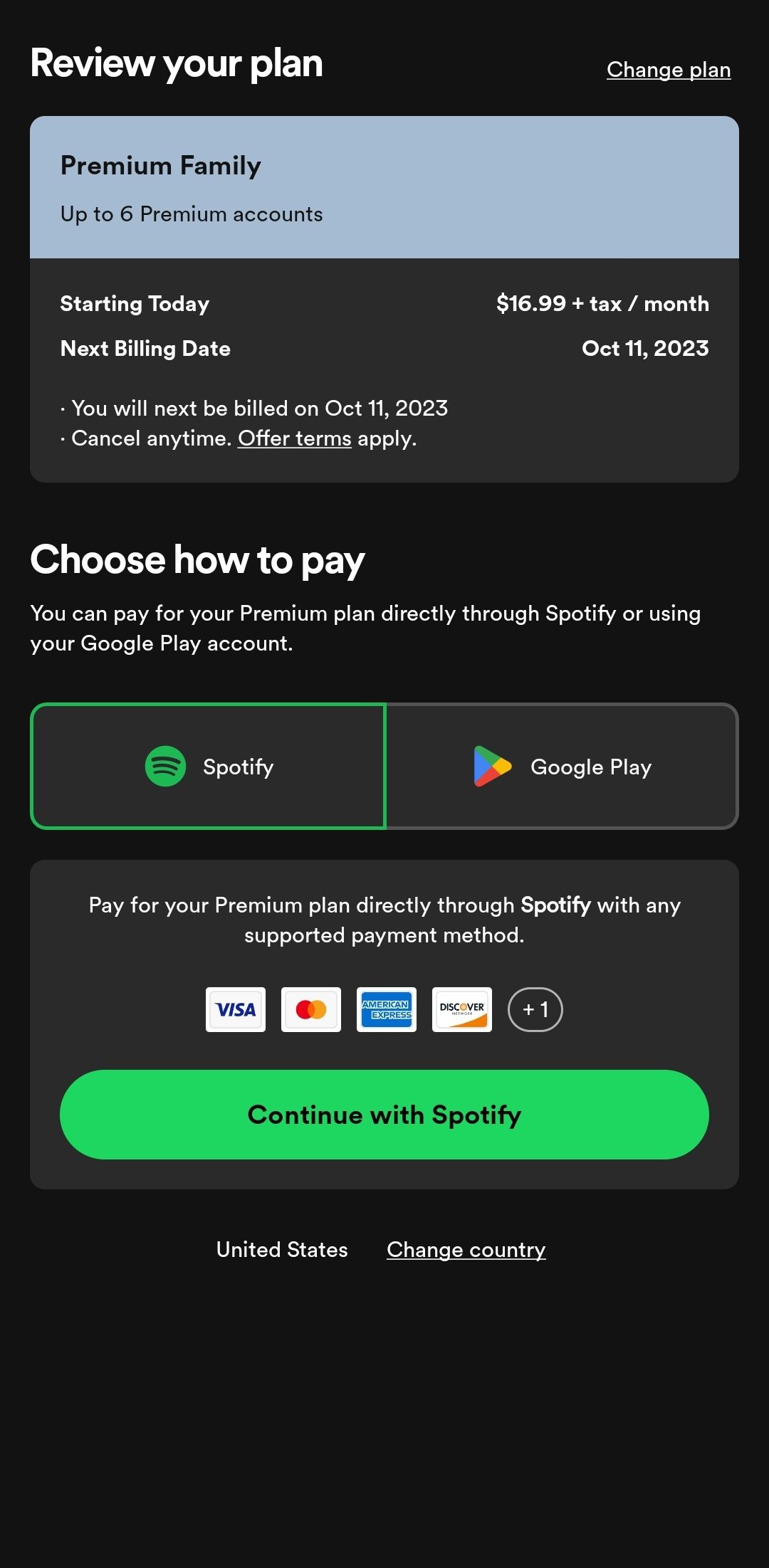
- Apple Pay and Google Pay: These are widely supported through the Spotify mobile application. However, users should be aware that subscribing through the Apple App Store or Google Play Store sometimes involves a "platform tax," which may result in a higher monthly price compared to subscribing directly via the Spotify website.
- Regional Wallets: In 2026, Spotify continues to expand support for localized wallets, such as Venmo in the United States, GrabPay in Southeast Asia, and Paytm or UPI in India.
Spotify Gift Cards
Spotify Gift Cards are available at major retailers (both physical and digital). These cards are excellent for users who prefer not to use a recurring payment method or wish to gift a subscription to someone else.
Important Limitations of Gift Cards:
- Plan Compatibility: Gift cards can generally only be redeemed for full-price Individual Premium plans. They are typically not compatible with Premium Family, Premium Duo, or Premium Student plans, nor are they eligible for most trial offers.
- Regional Locking: A gift card purchased in the United Kingdom can only be redeemed on a Spotify account registered in the United Kingdom.
- Redemption: Once the gift card balance is exhausted, the account will revert to the Free (ad-supported) tier unless another payment method or gift card is added.
Alternative and Region-Specific Methods
Beyond traditional banking, Spotify has integrated various alternative payment systems to ensure accessibility in markets where credit card penetration is lower.
Direct Carrier Billing (Mobile Billing)
In partnership with hundreds of telecommunications providers worldwide, Spotify allows users to charge their subscription fee directly to their monthly mobile phone bill. This is particularly popular in Europe, parts of Latin America, and Asia. When you sign up via carrier billing, your mobile provider (e.g., AT&T, Vodafone, or T-Mobile) handles the transaction, and the charge appears as a line item on your cellular statement.
Prepaid Cards
Standard prepaid cards from Visa, Mastercard, or American Express are technically supported, but they are the most frequent cause of payment failures. To work with Spotify, a prepaid card must:
- Be registered with a valid billing address.
- Support recurring monthly transactions.
- Have a balance that covers the subscription cost plus any applicable local taxes.
Local Bank Transfers and Real-Time Payments
In specific markets, Spotify integrates with national real-time payment rails.
- PIX (Brazil): Allows for instant, one-time payments for Premium time.
- UPI (India): Facilitates direct-from-bank payments through apps like GPay or PhonePe.
- SoFort/Klarna (Europe): Allows direct bank transfers for subscription renewals in several EU countries.
Comparison of Spotify Payment Methods
The following table compares the most popular payment methods based on their features and limitations in 2026.
| Payment Method | Recurring Support | Plan Compatibility | Privacy Level | Setup Speed |
|---|---|---|---|---|
| Credit/Debit Card | Yes | All Plans | Moderate | Instant |
| PayPal | Yes | All Plans | High | Instant |
| Gift Cards | No | Individual Only | Very High | Manual |
| Apple/Google Pay | Yes | Most Plans | High | Instant |
| Mobile Billing | Yes | Varies by Carrier | Moderate | Fast |
| Prepaid Cards | Often No | Individual | High | Variable |
How to Update and Manage Your Payment Information
Keeping your payment details current is vital to prevent losing access to downloaded music and ad-free listening. Spotify does not allow users to change payment details directly within the TV or gaming console apps; changes must be made via a web browser or the mobile app.
Steps to Change Payment Methods
- Log in to your Account Page on the Spotify website.
- Navigate to the "Your Plan" section.
- Locate your current payment method and select "Update."
- Enter the new card or wallet details.
- Confirm the change. Spotify may issue a small temporary authorization hold (usually $0.00 or $1.00) to verify the new method.
Switching Between Individual and Managed Plans
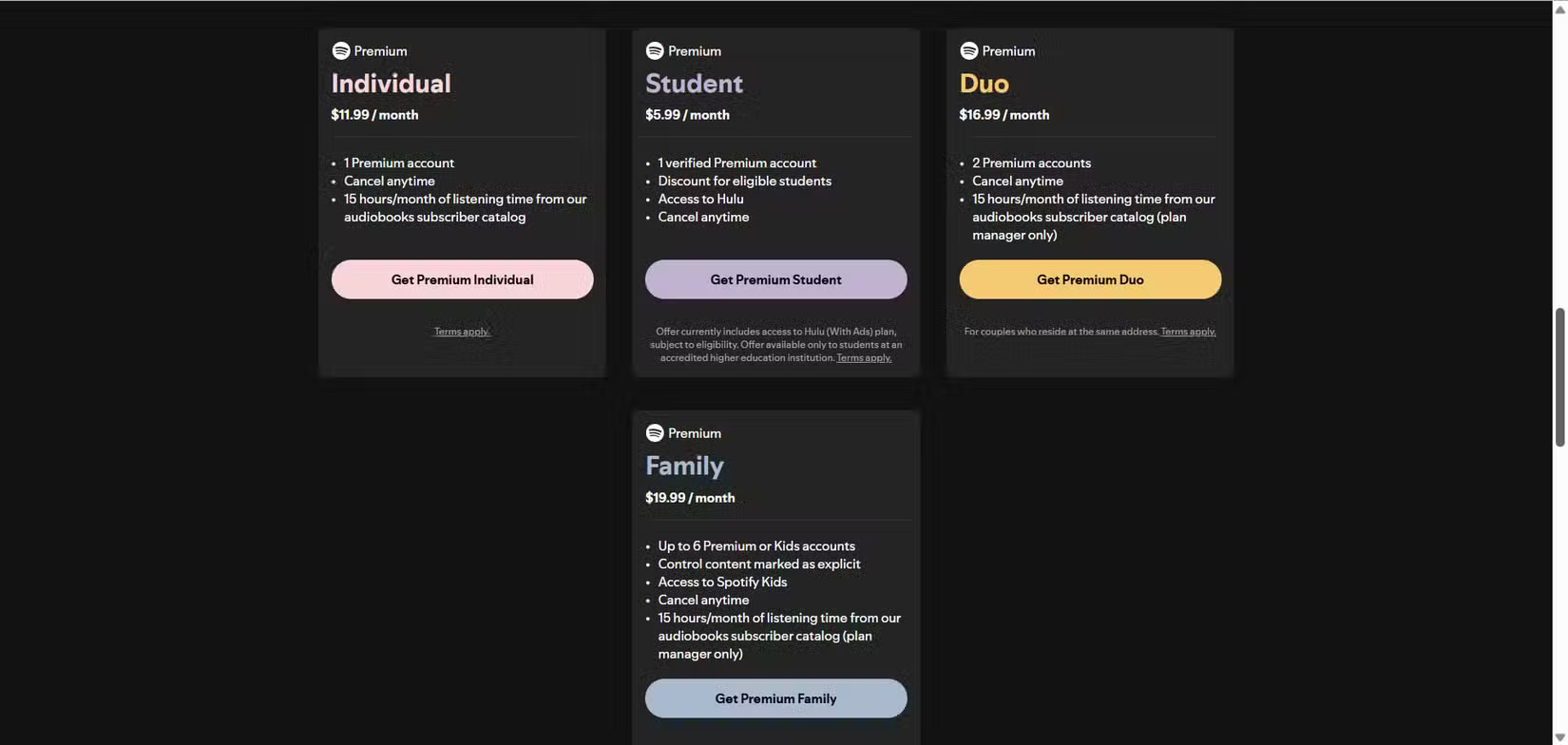
If you are moving from an Individual plan to a Family or Duo plan, the primary account holder must provide a payment method that supports recurring billing. Members of a Family or Duo plan do not need to provide payment information; the cost is consolidated into a single monthly bill charged to the "Manager" of the plan.
Troubleshooting Declined Payments
Payment failures are common and usually stem from one of four issues: authentication, funds, regionality, or technical expiration.
- 3D Secure Failures: Many banks now require a secondary verification (OTP or biometric) for online purchases. If the pop-up window for this verification is blocked by your browser, the transaction will fail.
- The "Invalid Zip Code" Error: This typically occurs when the billing zip code entered on Spotify does not perfectly match the records held by the bank. Ensure there are no extra spaces or formatting errors.
- Regional Mismatch: If you have moved to a new country, you cannot simply update your card. You must first change your account region in the profile settings to match your new location before the system will accept a local card.
- Insufficient Funds: For recurring subscriptions, Spotify attempts to charge the account on the same calendar day every month. If the funds are not available at that specific moment, the payment may be retried over several days before the subscription is canceled.
Security and Data Privacy in 2026
Spotify utilizes industry-standard encryption to protect financial data. The platform is PCI-DSS (Payment Card Industry Data Security Standard) compliant, meaning it adheres to strict protocols for handling, storing, and transmitting cardholder data.
In 2026, Spotify also supports tokenization for many payment methods. When you enter your card details, they are often replaced with a unique "token." Spotify stores this token rather than your actual card number, significantly reducing the risk of your financial information being compromised in the event of a data breach.
Frequently Asked Questions
Can I pay for Spotify Premium with Bitcoin or other cryptocurrencies?
As of 2026, Spotify does not natively accept cryptocurrency payments directly on its platform. However, users can purchase Spotify Gift Cards from third-party retailers that accept crypto, which can then be redeemed for Premium time on the Spotify website.
Why won't Spotify accept my prepaid Visa card?
Spotify requires a payment method that supports recurring monthly "pulls." Many "non-reloadable" prepaid cards are designed for one-time purchases and lack the necessary banking instructions to allow a company to charge them automatically every month. To use a prepaid card, ensure it is a "reloadable" version and that you have registered your billing address with the card issuer.
Can I change my billing date?
Spotify does not offer a direct "change billing date" button. To change the day you are charged, you must manually cancel your subscription and wait for the remaining Premium time to expire. Once your account reverts to the Free version, re-subscribe on the specific day of the month you wish to be billed moving forward.
What happens if I miss a payment?
If a payment fails, Spotify will send an email notification. They usually attempt to re-process the payment several times over the following days. During this "grace period," you will maintain your Premium features. If the payment continues to fail, your account will eventually be downgraded to the Free service, but your playlists and saved library will remain intact.
Is it possible to pay for a full year of Spotify Premium at once?
While Spotify primarily operates on a monthly subscription model, you can effectively pay for a year upfront by purchasing and redeeming a 12-month Spotify Gift Card. Additionally, some regions offer "Prepaid Plans" where you can buy 3, 6, or 12 months of service at a discounted rate without a recurring commitment.
Final Recommendation
For the most reliable experience with Spotify Premium in 2026, link a major credit card or a verified PayPal account. These methods offer the highest success rates for recurring billing and provide the most seamless transition between different subscription tiers like Duo or Family. If you prioritize privacy or do not have a bank account, purchasing official Spotify Gift Cards remains the safest and most effective alternative.
Image Gallery