Mastering Kanban: A Comprehensive Guide to Optimizing Workflow Efficiency
To learn Kanban and improve workflow, you must visualize your tasks on a board, strictly limit Work in Progress (WIP), and focus on the continuous flow of items from "Start" to "Finish." By identifying bottlenecks and optimizing cycle...
To learn Kanban and improve workflow, you must visualize your tasks on a board, strictly limit Work in Progress (WIP), and focus on the continuous flow of items from "Start" to "Finish." By identifying bottlenecks and optimizing cycle times, teams can eliminate waste and increase predictable delivery without overloading staff.
Contents
The Evolution of Kanban in 2026
Kanban, a term derived from the Japanese word for "signboard," has evolved significantly since its origins in the Toyota manufacturing plants of the 1940s. While Taiichi Ohno originally developed it to manage production levels on the factory floor, the methodology was adapted for knowledge work and software development in the early 2000s, most notably by David J. Anderson.
By 2026, Kanban has transcended its origins in IT and manufacturing to become the standard for operational excellence across diverse sectors, including healthcare, legal services, and creative agencies. The core philosophy remains unchanged: it is a "pull" system that prevents teams from taking on more work than they have the capacity to finish. Unlike "push" systems, where work is assigned based on deadlines regardless of current load, Kanban ensures that new tasks are only pulled into the workflow when there is a vacancy in the system.
The Six Core Practices of Kanban
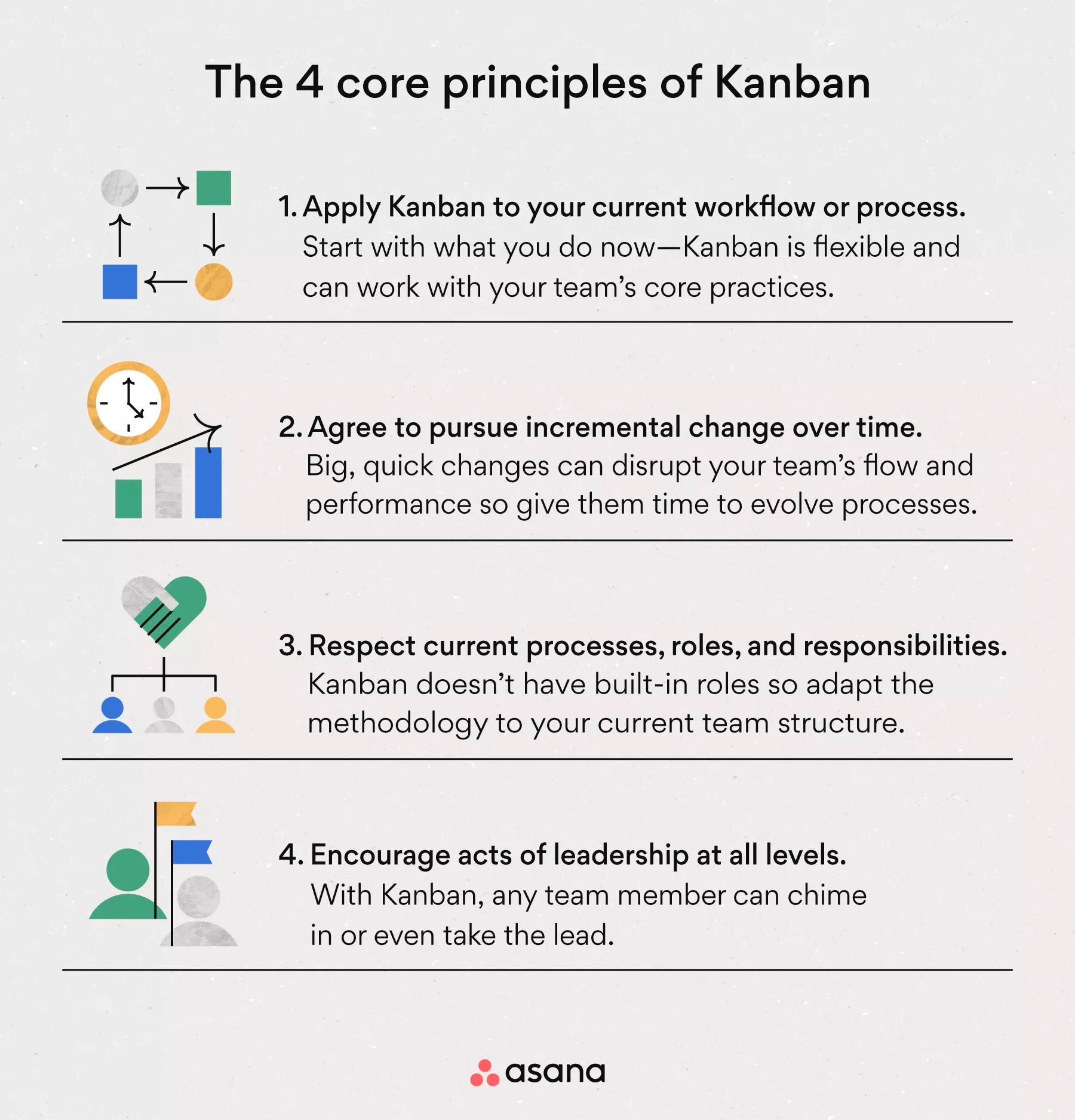
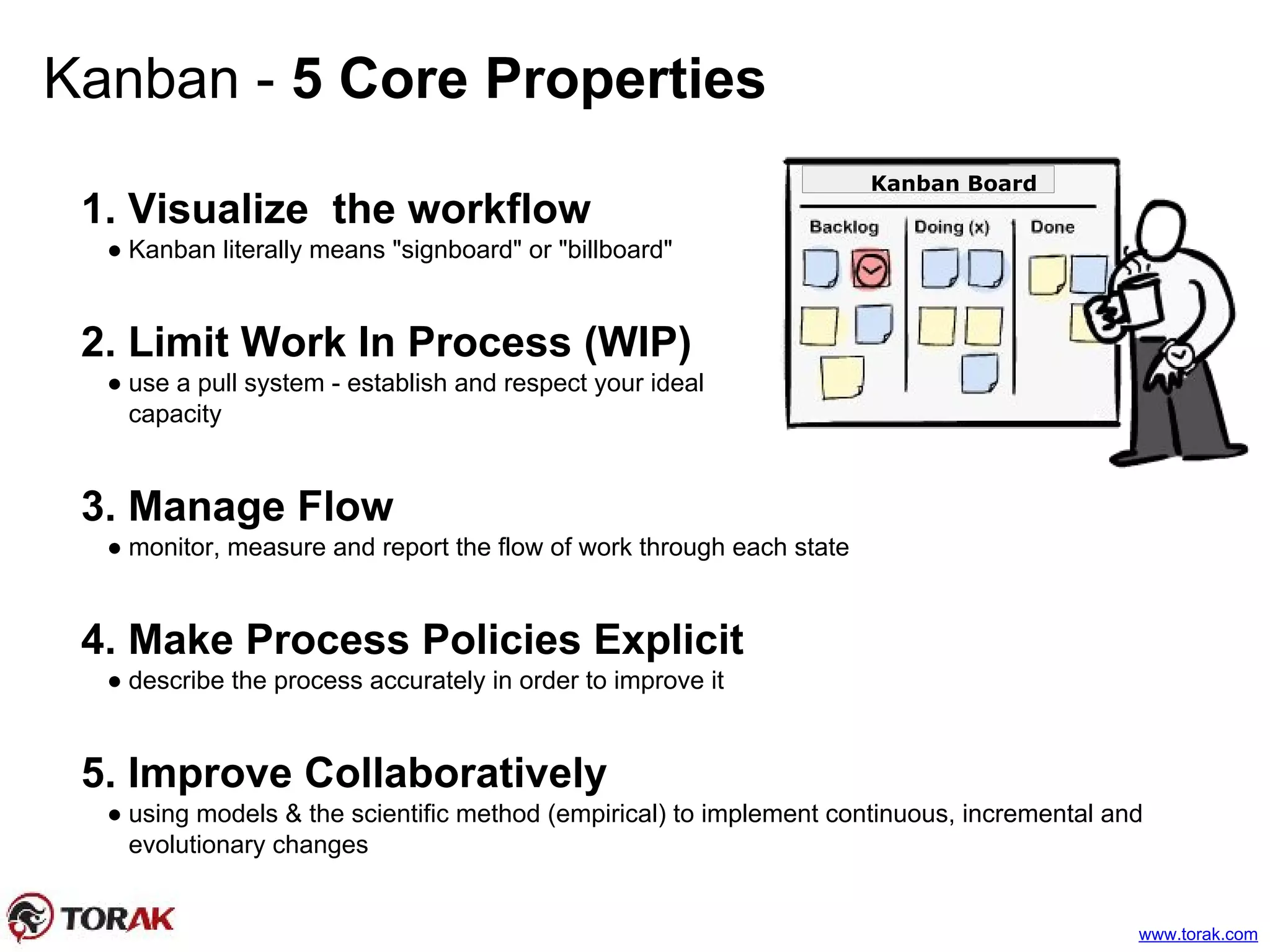
To successfully implement Kanban and see measurable improvements in your workflow, you must adhere to the six core practices defined by the Kanban Method. These practices are not just rules but cultural shifts that enable a team to move from chaotic multitasking to streamlined delivery.
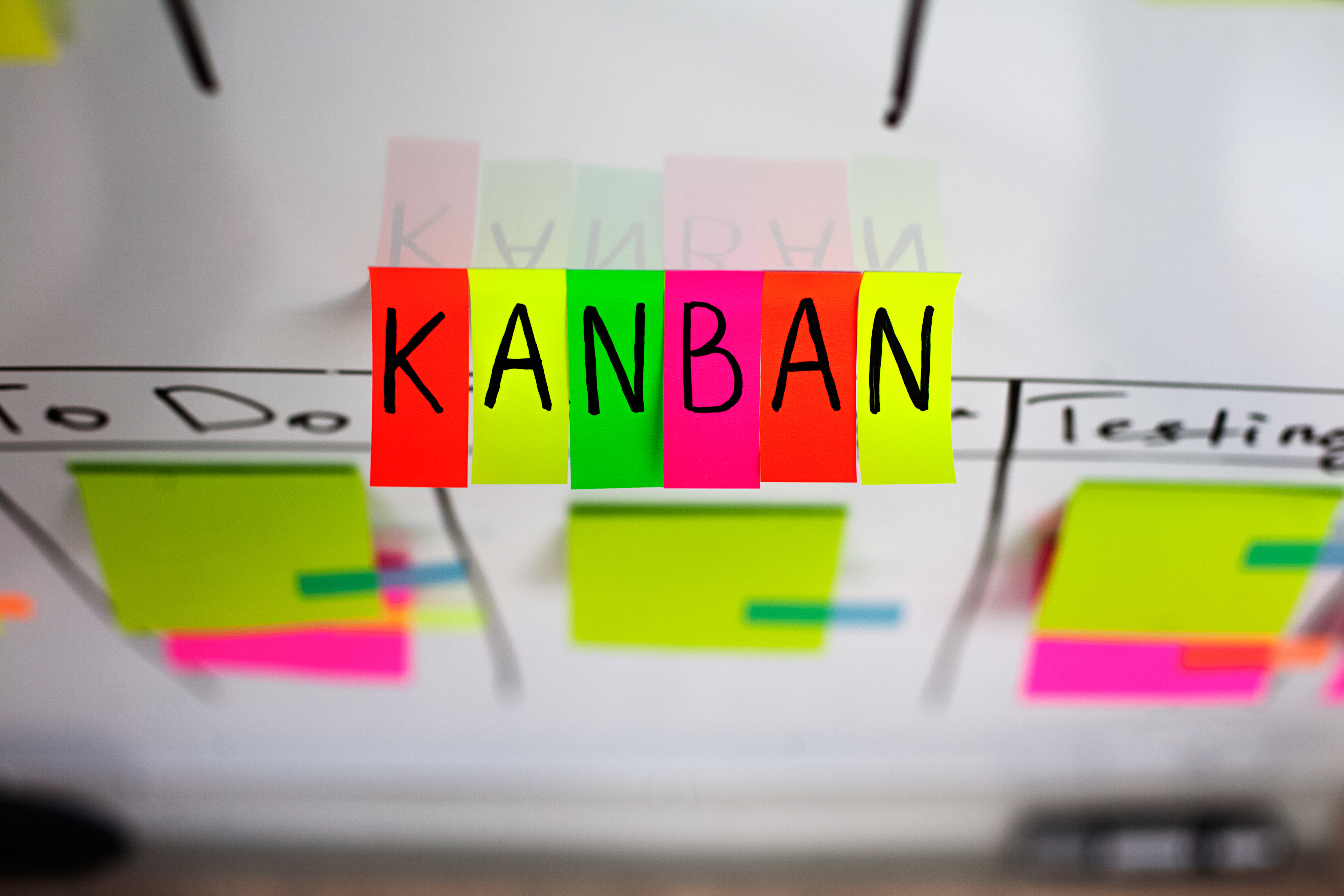
1. Visualize the Workflow
The human brain processes visual information significantly faster than text. In a standard workflow, work is often invisible—trapped in emails, chat messages, or individual spreadsheets. Visualizing work on a Kanban board makes the invisible visible. By mapping out every step from "Requested" to "Done," every team member can see the status of every item at a glance. This transparency is the foundation of accountability and identifying where work gets stuck.
2. Limit Work in Progress (WIP)
Multitasking is a myth that destroys productivity. When a team works on too many things at once, they incur a "context-switching" tax, where time is lost moving between tasks. Kanban solves this by imposing WIP limits—numerical constraints on how many items can exist in a specific stage of the workflow. If a column has a WIP limit of three, and three items are already there, no new work can enter that column until one item moves forward. This forces the team to focus on finishing work rather than starting it.
3. Manage Flow
The primary goal of Kanban is to create a smooth, predictable flow of value. Managing flow involves observing how work moves through the system. Is it moving at a consistent pace? Are there stages where work sits idle for days? By analyzing the flow, team leaders can identify "blockers" or "bottlenecks"—specific points where the demand exceeds the capacity. In 2026, most digital Kanban systems use AI-driven analytics to predict these flow disruptions before they occur.
4. Make Process Policies Explicit
A workflow cannot be improved if the rules governing it are hidden or inconsistent. Explicit policies define what "Ready for Review" means or what criteria must be met for a task to be considered "Done." When these policies are documented and visible to everyone, it reduces misunderstandings and ensures that quality is built into the process rather than inspected at the end.
5. Implement Feedback Loops
Continuous improvement requires regular check-ins. Kanban utilizes several "cadences" or feedback loops to ensure the system remains healthy. These include the daily stand-up (to discuss flow and blockers), the service delivery review (to check if the customer's needs are being met), and the operations review (to look at the system-wide efficiency). These loops ensure that the team is not just working, but also learning.
6. Improve Collaboratively, Evolve Experimentally
Kanban is an evolutionary, not revolutionary, method. It starts with what you are doing now and encourages small, incremental changes. By using a scientific approach—forming a hypothesis, running an experiment (e.g., lowering a WIP limit), and measuring the results—teams can evolve their workflow organically without the trauma of a massive organizational "reorg."
Setting Up Your First Kanban Board
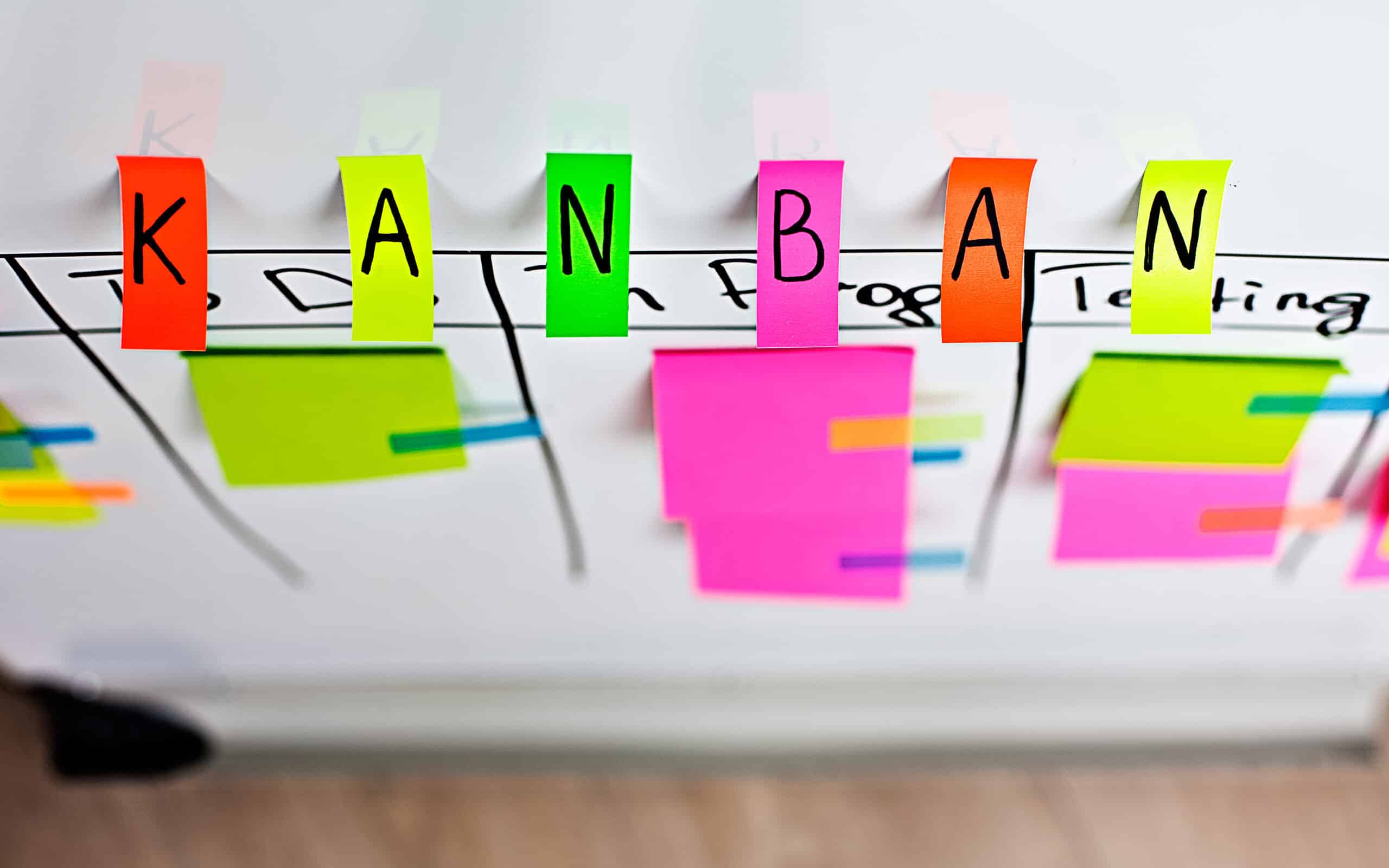
Whether you are using a physical whiteboard with sticky notes or a digital tool like Jira, Trello, or a specialized 2026 enterprise platform, the structure of your board determines the quality of your data.
Defining Columns and Lanes
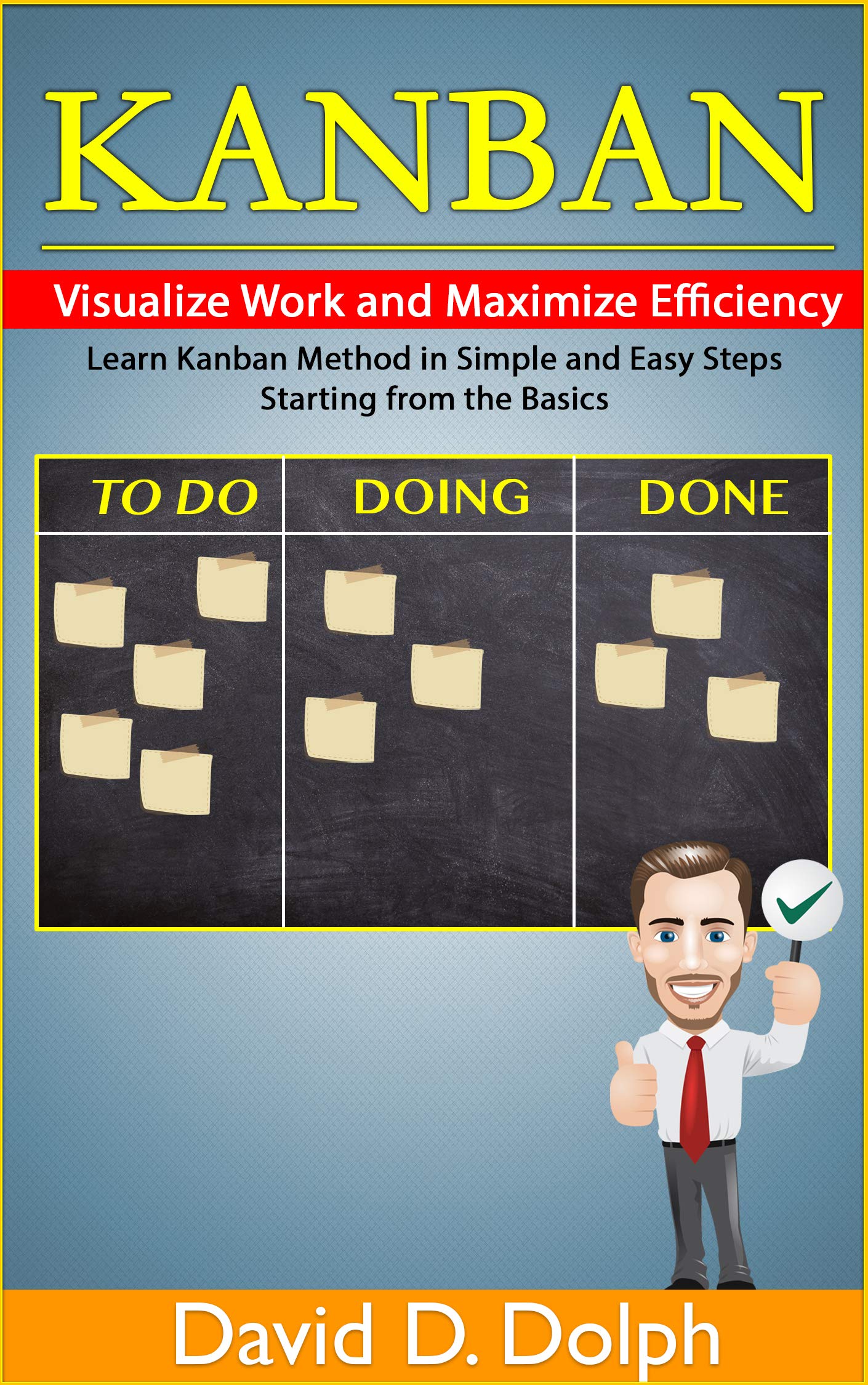
A basic Kanban board consists of three columns: To Do, Doing, and Done. However, most professional workflows require more granularity. You might include:
- Backlog: All potential future tasks.
- Selected: Tasks chosen for the next cycle.
- In Progress: Tasks currently being worked on.
- Review/QA: Tasks being verified for quality.
- Done: Fully completed and delivered work.
Swimlanes are horizontal rows that can be used to categorize work by priority (e.g., "Expedite" for emergencies), by team member, or by project type. This adds a second dimension to your visualization, allowing for better resource allocation.
Establishing WIP Limits
Determining your initial WIP limits is often the hardest part of learning Kanban. A common starting point is $n - 1$, where $n$ is the number of team members in a specific stage. This ensures that at least two people are collaborating on one task, which promotes knowledge sharing and reduces the risk of work stalling if one person is absent.
Measuring Success: Essential Kanban Metrics
To prove that Kanban is improving your workflow, you must track specific performance indicators. In 2026, data-driven management is no longer optional; it is the baseline for competitive performance.
| Metric | Definition | Why It Matters |
|---|---|---|
| Lead Time | The total time from the moment a request is made to its final delivery. | Measures customer satisfaction and the overall responsiveness of your business. |
| Cycle Time | The time it takes for a work item to travel from "In Progress" to "Done." | Measures the internal efficiency of your production or development process. |
| Throughput | The number of work items completed in a given time period (e.g., per week). | Helps in forecasting future delivery dates and managing stakeholder expectations. |
| WIP (Work in Progress) | The total number of tasks currently being handled by the system. | High WIP usually correlates with longer lead times and lower quality. |
| Blocker Days | The total time an item sits in a "blocked" state due to external dependencies. | Identifies systemic issues or external vendors that are slowing down the team. |
Kanban vs. Scrum: Choosing the Right Framework
While both are "Agile" frameworks, they function differently. Scrum is based on fixed-length iterations (Sprints), while Kanban is a continuous flow model.
| Feature | Kanban | Scrum |
|---|---|---|
| Cadence | Continuous Flow | Fixed-length Sprints (usually 2 weeks) |
| Release Methodology | Continuous Delivery or at the team's discretion | At the end of every Sprint |
| Roles | No specific roles required | Product Owner, Scrum Master, Developers |
| Key Metric | Cycle Time | Velocity |
| Change Management | Changes can be made at any time | No changes allowed during the Sprint |
| Focus | Reducing Lead Time and managing flow | Completing a committed "Sprint Backlog" |
Identifying and Resolving Bottlenecks
A bottleneck is a point in your workflow where work piles up because the demand exceeds the capacity. In a Kanban system, bottlenecks become immediately obvious because the column before the bottleneck will be hitting its WIP limit, and the column after it will be empty (starving for work).
Strategies for Resolution
- Swarming: When a bottleneck is identified, the entire team "swarms" the blocked items to clear the backlog, regardless of their usual roles.
- Redistributing Capacity: If the "Review" stage is always the bottleneck, you may need to move resources from "Creation" to "Review" to balance the flow.
- Process Automation: In 2026, many repetitive bottlenecks in QA or data entry are resolved by implementing AI-assisted automation, freeing humans to focus on complex problem-solving.
Common Mistakes When Learning Kanban
Even experienced teams can fall into traps that negate the benefits of the methodology.
- Ignoring WIP Limits: If you exceed your WIP limits because of "urgent" requests, the system collapses back into a "push" model. The limit must be treated as a hard constraint.
- The "Invisible" Board: If team members work on tasks that aren't on the board, your metrics will be inaccurate, and the flow will be unpredictable.
- Focusing on Busyness, Not Throughput: Being "busy" is not the same as being "productive." A team that is 100% utilized but has a massive backlog is less efficient than a team with 80% utilization and high throughput.
- Lack of Policy Definition: Without a clear "Definition of Done," work often bounces back from the final stages to earlier stages, creating "rework" loops that destroy flow.
Practical Implementation: A Step-by-Step Guide
- Map your existing process: Do not try to change your process yet. Simply document how work currently moves from a request to completion.
- Define your work items: Are you tracking "Features," "Bugs," "Tasks," or "Support Tickets"? Ensure the granularity is consistent.
- Build the board: Use a digital tool or a physical wall. Place your existing tasks in their current stages.
- Set conservative WIP limits: Start with the current number of items in each column, then gradually reduce them over several weeks to find the "sweet spot" for flow.
- Hold a Daily Stand-up: Focus on the board. Ask: "What is blocked?" and "What can we move to Done today?" rather than "What did you do yesterday?"
- Review Metrics Monthly: Look at your Cumulative Flow Diagram (CFD) to see if your "In Progress" band is getting wider (bad) or staying stable (good).
Frequently Asked Questions
Is Kanban only for software development?
No, Kanban is a general-purpose management method. In 2026, it is widely used in marketing to manage campaign launches, in HR for recruitment pipelines, and even in personal productivity. Any process that involves a sequence of steps can benefit from Kanban's visualization and WIP limits.
How do I handle "urgent" work in Kanban?
Most teams use a dedicated "Expedite" swimlane for emergencies. This lane usually has a WIP limit of one. When an item enters this lane, it takes priority over everything else. However, this should be used sparingly; if every task is "urgent," then nothing is.
What is a Cumulative Flow Diagram (CFD)?
A CFD is a graph that shows the number of items in each stage of the workflow over time. It is the most powerful tool for analyzing flow. A widening band for "In Progress" work indicates a bottleneck, while a smooth, parallel set of bands indicates a stable and predictable system.
How long does it take to see results with Kanban?
Most teams see an immediate reduction in stress and multitasking within the first two weeks. Improvements in Lead Time and Cycle Time usually become measurable after one or two full cycles of the workflow, typically within 30 to 60 days of disciplined use.
Can Kanban be used for individual productivity?
Yes, "Personal Kanban" is a popular framework for managing individual workloads. It relies on the same two primary rules: Visualize your work and Limit your WIP. It is particularly effective for freelancers or executives managing multiple disparate projects.
Recommendation for Next Actions
To effectively learn Kanban and improve your workflow, start by visualizing your current work today. Do not wait for the perfect software or a redesigned process. Create a simple board with your current tasks and assign a WIP limit of three to your "In Progress" column. Focus exclusively on moving those three items to "Done" before pulling anything new from your backlog. Once you feel the "pull" of the system, introduce a weekly review of your cycle times to identify where your process can be further refined.
Image Gallery