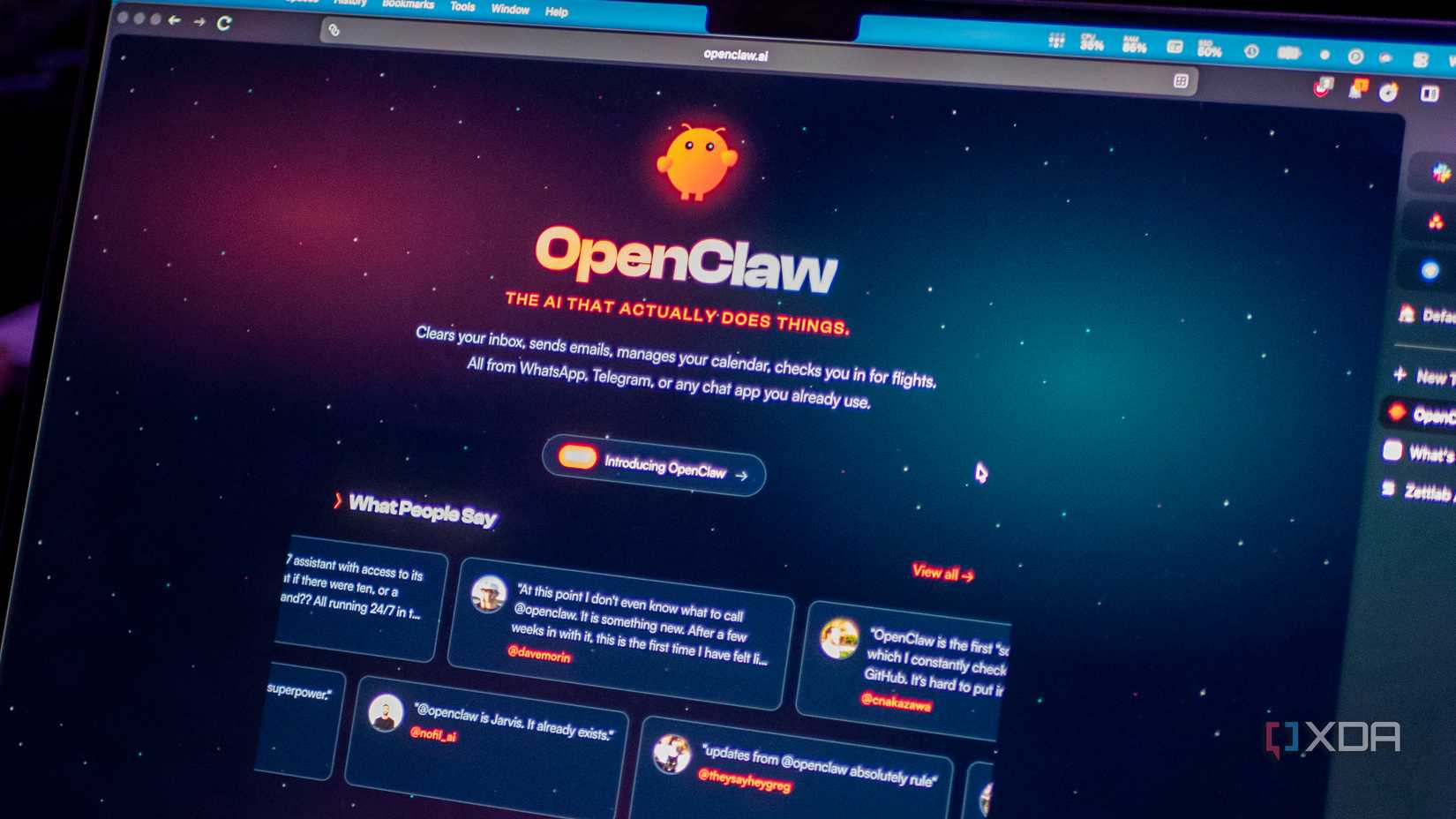
Strengthening Modern DevOps with the OpenClaw AI-Powered Cloud Native Security Scanner
The OpenClaw AI-powered cloud-native security scanner is an advanced, open-source security tool designed to identify, prioritize, and remediate vulnerabilities within containerized environments and Kubernetes clusters. By integrating l...
The OpenClaw AI-powered cloud-native security scanner is an advanced, open-source security tool designed to identify, prioritize, and remediate vulnerabilities within containerized environments and Kubernetes clusters. By integrating large language models (LLMs) with traditional scanning engines, it provides context-aware analysis that reduces false positives and accelerates the patching process for 2026 security teams.
Contents
The Paradigm Shift in Cloud-Native Security
As we move through 2026, the complexity of cloud-native architectures has surpassed the capabilities of traditional, rule-based security scanners. Modern infrastructure is no longer just about virtual machines; it is a sprawling ecosystem of microservices, ephemeral containers, and complex orchestration layers. In this environment, a simple list of Common Vulnerabilities and Exposures (CVEs) is no longer sufficient. Security professionals are overwhelmed by "vulnerability fatigue," where the sheer volume of alerts makes it impossible to distinguish between a critical threat and a theoretical risk.
The OpenClaw AI-powered cloud native security scanner addresses this by shifting from reactive scanning to proactive, intelligent defense. Unlike legacy tools that merely flag outdated packages, OpenClaw analyzes the operational context. It asks not only "Is this package vulnerable?" but also "Is this package actually reachable in production, and what is the specific risk to our unique configuration?" This intelligence is the cornerstone of modern DevSecOps, allowing developers to focus on fixing what matters most.
Core Features of OpenClaw in 2026
OpenClaw has established itself as a versatile tool by combining several security disciplines into a single, cohesive engine. To understand its value, one must look at the specific modules that comprise the scanner.
1. AI-Driven Remediation and Prioritization
The standout feature of OpenClaw is its AI engine. In the 2026 landscape, AI is used to interpret the nuances of vulnerability reports. When a scan detects a high-severity CVE, the AI engine cross-references it with the application’s runtime behavior and Infrastructure as Code (IaC) files. It then generates a human-readable summary of the risk and, more importantly, provides the exact code snippets or commands needed to resolve the issue.
2. Comprehensive SBOM Generation
Software Bill of Materials (SBOM) management is a regulatory and security necessity. OpenClaw automatically generates detailed SBOMs in standard formats like CycloneDX and SPDX. This allows organizations to maintain full visibility into their supply chain, tracking every dependency from the primary application code down to the smallest utility library tucked inside a base image.
3. Misconfiguration Detection (IaC)
Cloud-native security isn't just about the code; it’s about the environment. OpenClaw scans Terraform, Pulumi, and Kubernetes YAML files to identify misconfigurations—such as overly permissive IAM roles, unencrypted storage buckets, or privileged containers—before they are ever deployed to production.
Technical Prerequisites for Deployment
Before integrating OpenClaw into your pipeline, ensure your environment meets the necessary technical standards. While the tool is designed to be lightweight, its AI components require specific connectivity and resource allocations.
- Orchestration Support: A running Kubernetes cluster (v1.28 or higher) or a container runtime such as Docker or Podman.
- Resource Allocation: For local scanning, a minimum of 4GB of RAM is recommended. For cluster-wide daemonset deployment, ensure nodes have sufficient overhead for the scanning agent.
- AI Integration: OpenClaw supports local LLM execution via Ollama or integration with external providers like OpenAI or Anthropic. If using external providers, a valid API key and outbound HTTPS access are required.
- Access Credentials: Sufficient permissions to pull images from private registries (e.g., AWS ECR, Google Artifact Registry, or Azure Container Registry).
Step-by-Step Implementation Guide
Implementing OpenClaw involves a series of stages, ranging from local CLI testing to full CI/CD integration. Follow these steps to establish a robust scanning perimeter.
Step 1: Installation of the OpenClaw CLI
The fastest way to begin is via the command-line interface. For Linux and macOS users, this is typically handled through a package manager or a direct binary download.
# Example installation via curl (hypothetical for 2026 distribution) curl -sSL https://get.openclaw.io | sh
Step 2: Initial Image Scan
Perform a baseline scan on a local container image to understand the output format. Use the --ai-fix flag to trigger the intelligence engine.
openclaw scan image my-app:latest --ai-fix
Step 3: Kubernetes Integration
To monitor a live environment, deploy OpenClaw as an admission controller. This ensures that any new pod attempting to join the cluster is automatically scanned. If the pod violates specific security policies (e.g., containing a "Critical" vulnerability with a known exploit), OpenClaw can block the deployment.
Step 4: Policy Configuration
Define your organization’s "risk appetite" using Rego or OpenClaw’s simplified YAML-based policy language. This allows you to automate the "Go/No-Go" decisions in your deployment pipeline based on real-time scan data.
Comparing OpenClaw with Industry Alternatives
To determine if OpenClaw is the right fit for your 2026 security stack, it is helpful to compare it against other industry-standard tools like Aqua Security, Snyk, and Trivy.
| Feature | OpenClaw | Trivy (OSS) | Snyk (Enterprise) |
|---|---|---|---|
| Primary Focus | AI-Augmented Cloud Native | Fast Vulnerability Scanning | Developer-First Security |
| AI Remediation | Native / Context-Aware | Basic / Limited | Advanced (Snyk Learn) |
| IaC Scanning | Yes (Multi-provider) | Yes | Yes |
| Reachability Analysis | Yes (AI-enhanced) | Experimental | Yes |
| Cost Structure | Open Source / Community | Open Source | Tiered / Per-User |
| Ease of Setup | Moderate | High (Very Easy) | Moderate |
Troubleshooting Common OpenClaw Issues
Even with an AI-powered tool, technical hurdles can arise. Understanding these common friction points can significantly reduce your Time to Resolution (TTR).
AI Hallucinations in Remediation
While the AI engine is highly accurate in 2026, it is not infallible. Occasionally, the suggested code fix may not account for proprietary library wrappers used in your specific project. Always validate AI-generated patches in a staging environment before pushing to production.
Scanning Latency
In very large monorepos or clusters with thousands of pods, the initial scan can be resource-intensive. To mitigate this, enable Incremental Scanning in the OpenClaw configuration. This allows the scanner to only process layers or manifests that have changed since the last successful audit.
False Positives in Legacy Code
Legacy "vendor" packages often contain code patterns that trigger modern security heuristics. If OpenClaw flags a vulnerability in a legacy system that cannot be patched, use the openclaw.ignore file to document the risk acceptance and silence the alert across the organization.
Best Practices for 2026 and Beyond
To maximize the efficacy of the OpenClaw AI-powered cloud-native security scanner, adopt a strategy that goes beyond the tool itself.
- Integrate Early (Shift-Left): Do not wait for the deployment phase to scan. Integrate OpenClaw into the developer's IDE and the initial CI build stage. Finding a vulnerability at the "commit" stage is significantly cheaper than finding it in "production."
- Audit the AI: Periodically review the remediation suggestions provided by the AI. This ensures that the model is aligned with your internal coding standards and security policies.
- Automate Dependency Updates: Use the SBOMs generated by OpenClaw to feed into automated dependency update tools. This creates a virtuous cycle where the scanner identifies an issue, and a bot automatically opens a Pull Request with the fix.
- Prioritize Reachability: In 2026, a vulnerability that exists in a library but is never called by the application should be a lower priority than a "Medium" vulnerability that is exposed via a public API. Use OpenClaw’s reachability analysis to sort your backlog.
Frequently Asked Questions
Does OpenClaw send my source code to the cloud for AI analysis?
By default, OpenClaw is designed for privacy. If you use a local LLM integration (like Ollama), no data leaves your infrastructure. If you opt for a cloud-based AI provider, only the metadata and relevant code snippets required for analysis are transmitted, usually under encrypted and anonymized protocols.
How does OpenClaw handle zero-day vulnerabilities?
OpenClaw updates its vulnerability database in real-time by syncing with the Global Vulnerability Database (GVD) and various threat intelligence feeds. When a zero-day is announced, the AI engine can often identify potentially affected components based on behavioral patterns even before a formal CVE ID is assigned.
Can OpenClaw scan serverless functions?
Yes. OpenClaw 2026 supports scanning for AWS Lambda, Google Cloud Functions, and Azure Functions. It analyzes the function package, its dependencies, and the associated configuration (such as environment variables and IAM permissions) to ensure a secure serverless deployment.
Is OpenClaw suitable for highly regulated industries like finance or healthcare?
Absolutely. OpenClaw includes pre-built compliance templates for SOC2, HIPAA, PCI-DSS, and GDPR. It can generate automated compliance reports that prove your containerized workloads meet the necessary regulatory safeguards.
What is the performance impact on a production Kubernetes cluster?
When deployed as a DaemonSet, OpenClaw uses "eBPF" (Extended Berkeley Packet Filter) technology to monitor security events with minimal overhead. It typically consumes less than 1-2% of CPU cycles on a standard node, making it safe for high-traffic production environments.
Final Recommendation
The OpenClaw AI-powered cloud native security scanner is a vital tool for any organization operating in the complex cloud ecosystem of 2026. Its ability to combine deep technical scanning with intelligent, context-aware analysis solves the modern challenge of vulnerability noise. To get started, begin with a local CLI installation to audit your most critical container images, then gradually expand its role into your CI/CD pipeline and live Kubernetes environment. By focusing on reachability and automated remediation, you can transform security from a bottleneck into a competitive advantage.
Image Gallery