How to Access Your Sam’s Club Credit Card Account Online in 2026
To access your Sam’s Club credit card account, navigate to the official Synchrony Bank portal specifically designated for Sam’s Club cardholders. You must enter your registered User ID and password on the secure login page to manage pa...
To access your Sam’s Club credit card account, navigate to the official Synchrony Bank portal specifically designated for Sam’s Club cardholders. You must enter your registered User ID and password on the secure login page to manage payments, view statements, or track rewards. Ensure you use the official Synchrony-hosted domain to protect your personal financial information from phishing attempts.
Contents
Understanding the Sam’s Club Credit Card Ecosystem
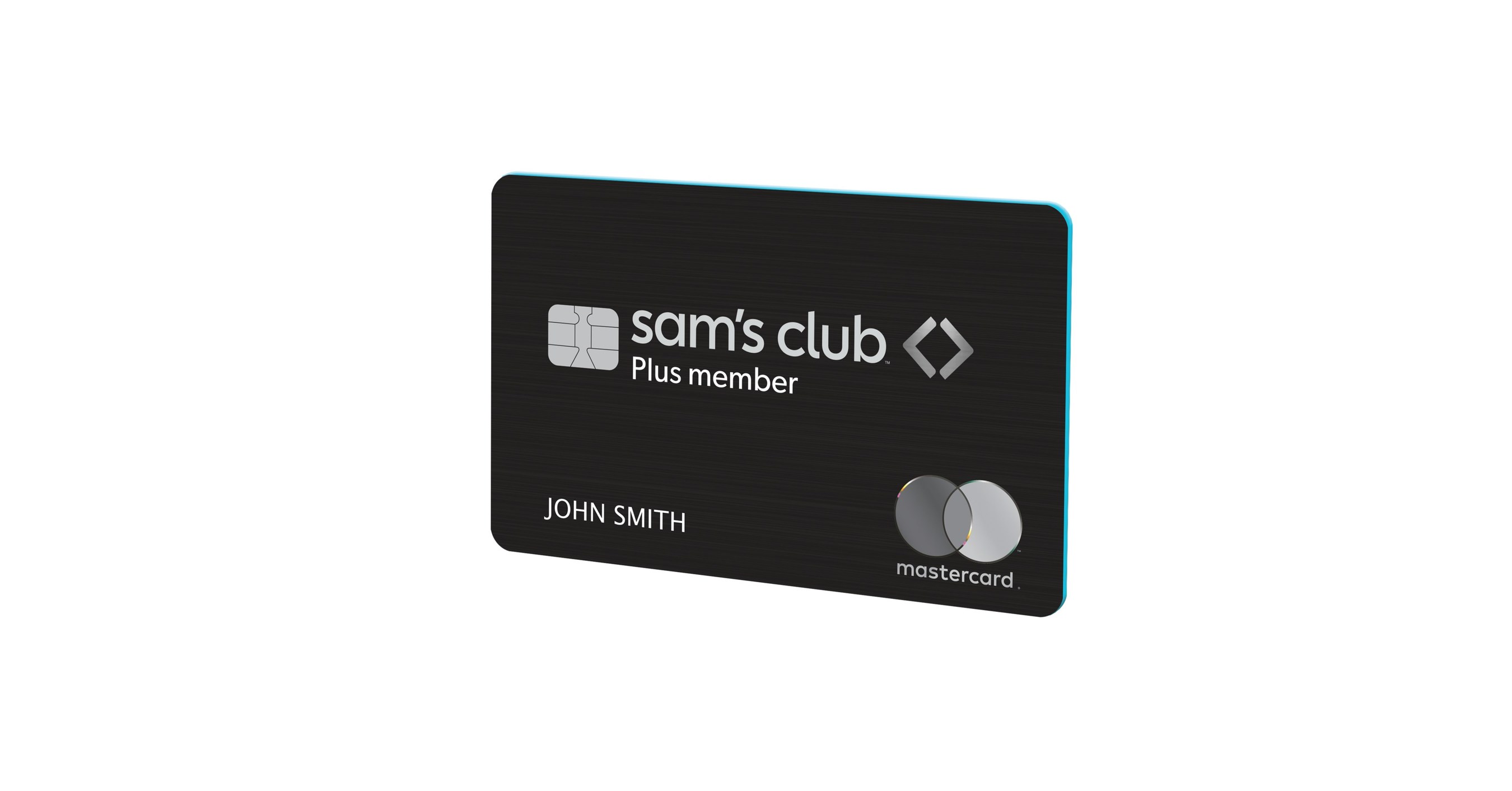
The Sam’s Club credit card program is issued and managed by Synchrony Bank. It is important to distinguish between the two primary versions of the card: the Sam’s Club Mastercard and the Sam’s Club Store Credit Card. Both utilize the same online portal infrastructure provided by Synchrony for account servicing, but they carry different acceptance levels—the Mastercard can be used anywhere Mastercard is accepted, while the store card is restricted to Sam’s Club locations and website.
As of 2026, the digital experience for cardholders is centralized. Whether you hold the consumer credit card or a business-specific account, the portal remains the primary interface for all account-related tasks. Understanding this relationship helps prevent confusion when navigating search results or third-party financial aggregators that may link to outdated or unauthorized interfaces.
Prerequisites for Successful Account Access
Before attempting to log in, ensure your digital environment is secure and your credentials are ready. Synchrony Bank employs strict security protocols to safeguard user data, which may trigger account lockouts if improper access patterns are detected.
- Registered Credentials: You must have already completed the initial online enrollment process using your credit card number, billing zip code, and the last four digits of your Social Security Number or tax ID.
- Network Security: Avoid logging in via public Wi-Fi networks. In 2026, industry-standard security practices dictate the use of a secure, private network or a reputable VPN to prevent session hijacking.
- Browser Compatibility: Use updated versions of standard browsers like Chrome, Safari, or Edge. If you experience persistent errors, clear your browser cache and cookies, as outdated session data is a common cause of login failures.
- Two-Factor Authentication (2FA): If you have enabled 2FA, ensure you have access to the registered mobile device or email address associated with your profile to receive the one-time passcode.
Step-by-Step Guide to Managing Your Account
Managing your credit account effectively requires consistent oversight of your balance and payment dates. Follow these steps to access and navigate your dashboard.
- Navigate to the Official Portal: Open your browser and go directly to the official Synchrony Bank login page for Sam’s Club. Verify the URL to ensure it starts with the bank’s official domain.
- Input Credentials: Enter your established User ID and password. If you have not created an account yet, click the "Register" or "Set up online access" button located below the login fields.
- Multi-Factor Verification: Upon successful credential entry, the system may prompt for an authentication code sent to your registered contact method. Input this code promptly; these codes are time-sensitive.
- Dashboard Navigation: Once inside, you will be greeted by your account summary. From here, you can view your current statement, pending transactions, and your available credit limit.
- Executing Payments: Navigate to the "Payments" tab. You can schedule a one-time payment or set up AutoPay to ensure your statement balance is paid by the due date each month.
Comparison of Account Access Features
The online portal provides several distinct functionalities for users. The following table illustrates the capabilities available to you in the 2026 interface.
| Feature | Description | Availability |
|---|---|---|
| Online Bill Pay | Allows scheduling of payments from a linked bank account. | Available 24/7 |
| E-Statement Access | View and download PDF versions of monthly statements. | Available 24/7 |
| Reward Tracker | View earned Sam’s Cash and redemption history. | Available 24/7 |
| Credit Limit Increase | Request a limit adjustment based on account standing. | Subject to Credit Review |
| Transaction Alerts | Set push notifications for purchases or payment due dates. | User Configurable |
Troubleshooting Common Login Difficulties
If you encounter a "System Error" or "Invalid Credentials" message, do not attempt to log in repeatedly, as this may trigger a temporary lockout of your account.
Credential Recovery Protocols If you have forgotten your User ID or Password, utilize the "Look up User ID" or "Reset Password" links provided on the login screen. You will be required to verify your identity by providing your full account number and the last four digits of your Social Security Number. Once identity verification is successful, a reset link or recovery step will be initiated via your verified email address.
If you are experiencing issues with the website interface, verify that your browser is not blocking necessary JavaScript or cookies. Some enterprise-grade firewall configurations or aggressive ad-blockers can interfere with the secure handshake required for banking portals. If these steps do not resolve the issue, contact the official Sam’s Club credit card customer service department via the number printed on the back of your physical card.
Frequently Asked Questions
Can I log in to my Sam's Club credit card account using the Sam's Club app?
Yes, you can manage your credit card through the official Sam’s Club mobile application by linking your Synchrony account. This provides a unified experience for both your membership details and your credit account billing information.
What should I do if my account is locked?
If your account is locked due to multiple failed login attempts, you must contact Synchrony Bank customer support directly. They will need to verify your identity before unlocking the account or resetting your credentials to ensure the security of your financial assets.
Is my Sam's Club Mastercard account managed differently than the Store Card?
No, both card types are managed through the same Synchrony Bank portal. The functionality remains identical, though the Mastercard version will display additional features related to network-wide usage and merchant-specific transaction categories.
How do I update my email address or phone number for 2FA?
Log in to your account, navigate to the "Profile" or "Account Settings" section, and select "Manage Contact Information." It is critical to keep this information updated to ensure you can pass secondary authentication checks required for secure logins.
Is it safe to save my password in my browser?
While browser password managers are generally secure, it is highly recommended to use a dedicated, encrypted password vault. If you use a shared or public computer, never save your credentials in the browser, and always log out manually after your session ends.
Optimizing Your Financial Management
Effective credit management in 2026 involves more than just checking your balance. By leveraging the tools within the Sam’s Club account portal, you can monitor your spending patterns and manage your Sam's Cash rewards, which are automatically tracked within your account summary. Regularly reviewing your e-statements allows you to catch unauthorized transactions early, providing a first line of defense in fraud prevention. Should you suspect any unauthorized activity, navigate to the "Security" or "Manage Cards" section of the portal to freeze your account immediately. For further assistance regarding account health or specific billing discrepancies, always reference the official documentation provided by Synchrony Bank or call the verified number on the back of your card.
Image Gallery