Understanding the Apple Account Balance in 2026
The Apple Account balance is the digital store of value linked to your Apple Account, consisting of funds from redeemed gift cards, direct deposits, or account refunds. This balance is automatically prioritized to pay for App Store pur...
The Apple Account balance is the digital store of value linked to your Apple Account, consisting of funds from redeemed gift cards, direct deposits, or account refunds. This balance is automatically prioritized to pay for App Store purchases, Apple subscriptions, and digital media across all Apple devices.
Contents
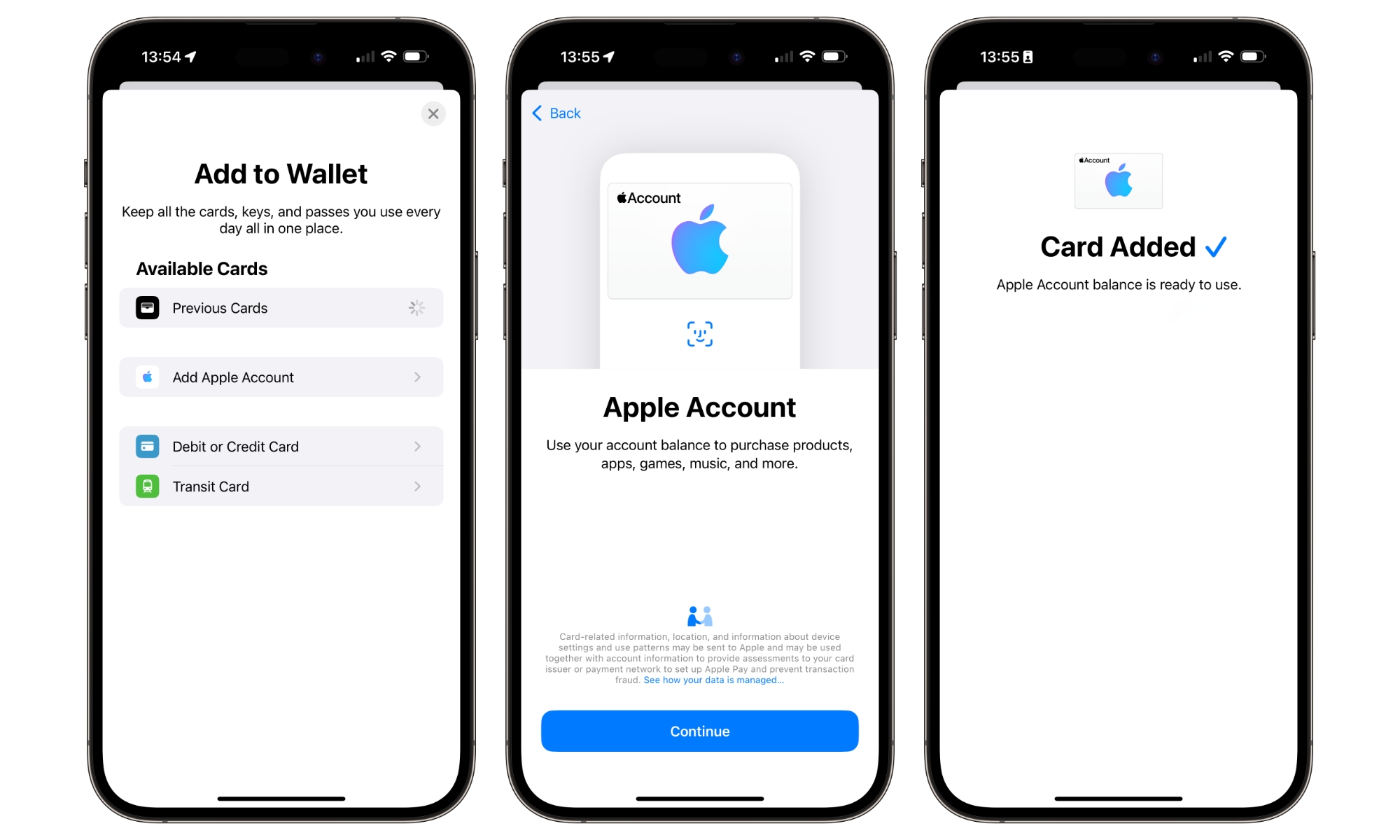
As we navigate the ecosystem in 2026, the Apple Account balance has evolved from the simple "iTunes credit" of the past into a comprehensive digital wallet. It serves as a centralized financial layer for users, allowing for seamless transactions across the App Store, Apple Music, iCloud+, and, in many regions, the physical and online Apple Store. Understanding how this balance functions, how to manage it, and its limitations is essential for any user looking to optimize their digital spending.
What is the Apple Account Balance?
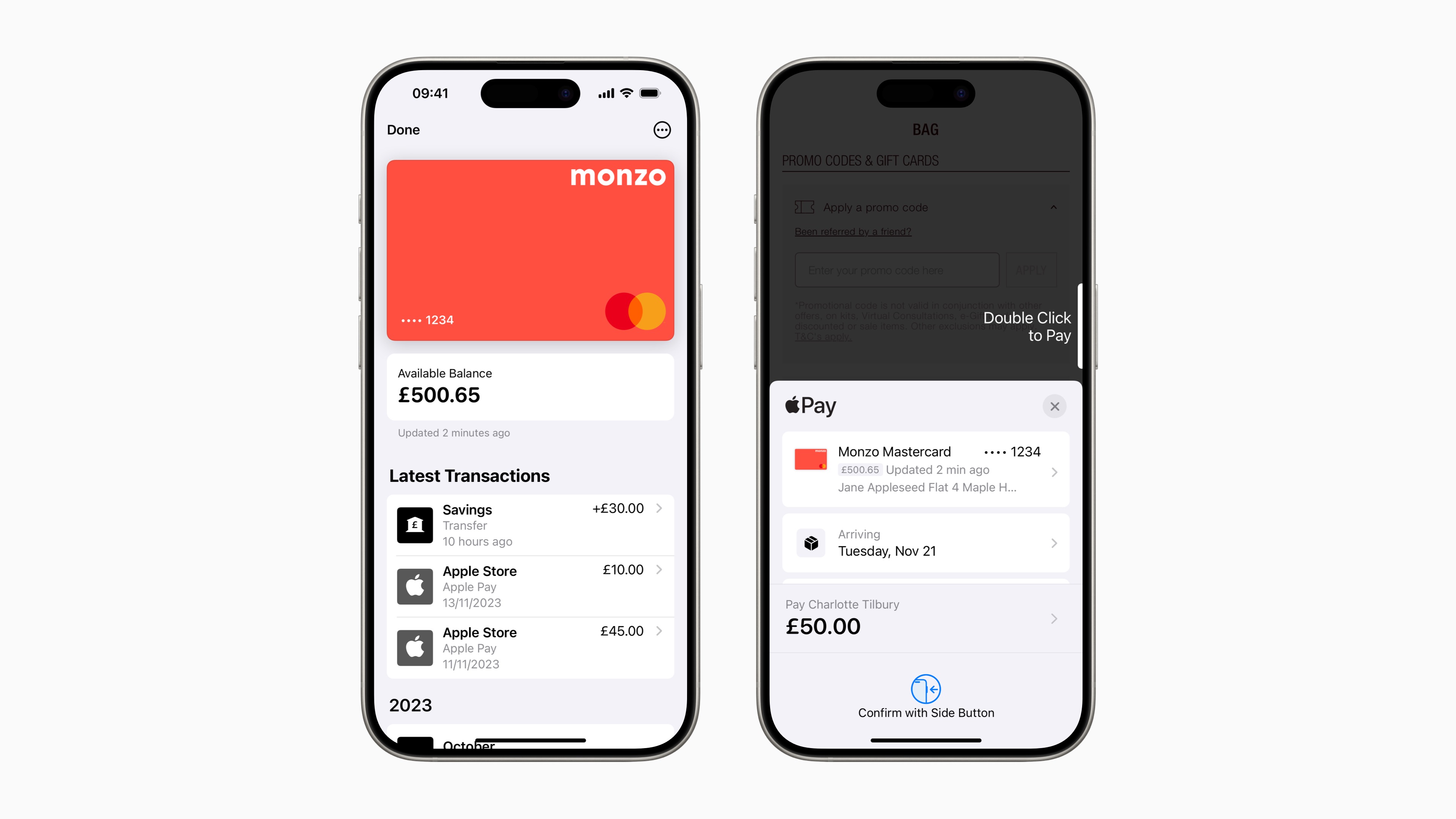
The Apple Account balance (formerly known as Apple ID balance) represents the pre-funded currency available for use within the Apple ecosystem. Unlike Apple Pay, which acts as a conduit for your external credit or debit cards, the Apple Account balance is a stagnant pool of funds that lives directly on Apple’s servers under your specific credentials.
These funds typically originate from three primary sources:
- Apple Gift Cards: Modern "Everything Apple" gift cards can be redeemed to add a specific dollar amount to your balance.
- Direct Funding: Users can add money to their account directly from a linked credit or debit card, often setting up "Auto-Reload" features to ensure subscriptions never lapse.
- Refunds: When you request a refund for an app, movie, or subscription, Apple frequently returns those funds to your account balance rather than the original payment method, depending on the circumstances of the transaction.
In 2026, this balance is more integrated than ever. With the unification of Apple services, your balance is a "liquid" asset that can shift between paying for a storage upgrade on iCloud and purchasing a professional application like Final Cut Pro for iPad.
How to Check Your Apple Account Balance
Accessing your balance information is a straightforward process, though the steps vary slightly depending on the hardware you are using. Regardless of the device, you must be signed in with the correct Apple Account credentials to view your funds.
Checking on iPhone, iPad, or Apple Vision Pro
On mobile and spatial computing devices, the App Store remains the primary hub for financial management.
- Open the App Store app.
- Tap your photo or the sign-in button located at the top of the screen.
- If you have a remaining balance, it will appear directly under your name and email address. If no amount is listed, your balance is likely zero.
Checking on a Mac
The macOS environment provides multiple avenues to view your account status, primarily through the App Store or System Settings.
- Open the App Store.
- Click your name or the sign-in button at the bottom of the sidebar.
- Your balance will be displayed near the top of the account overview page.
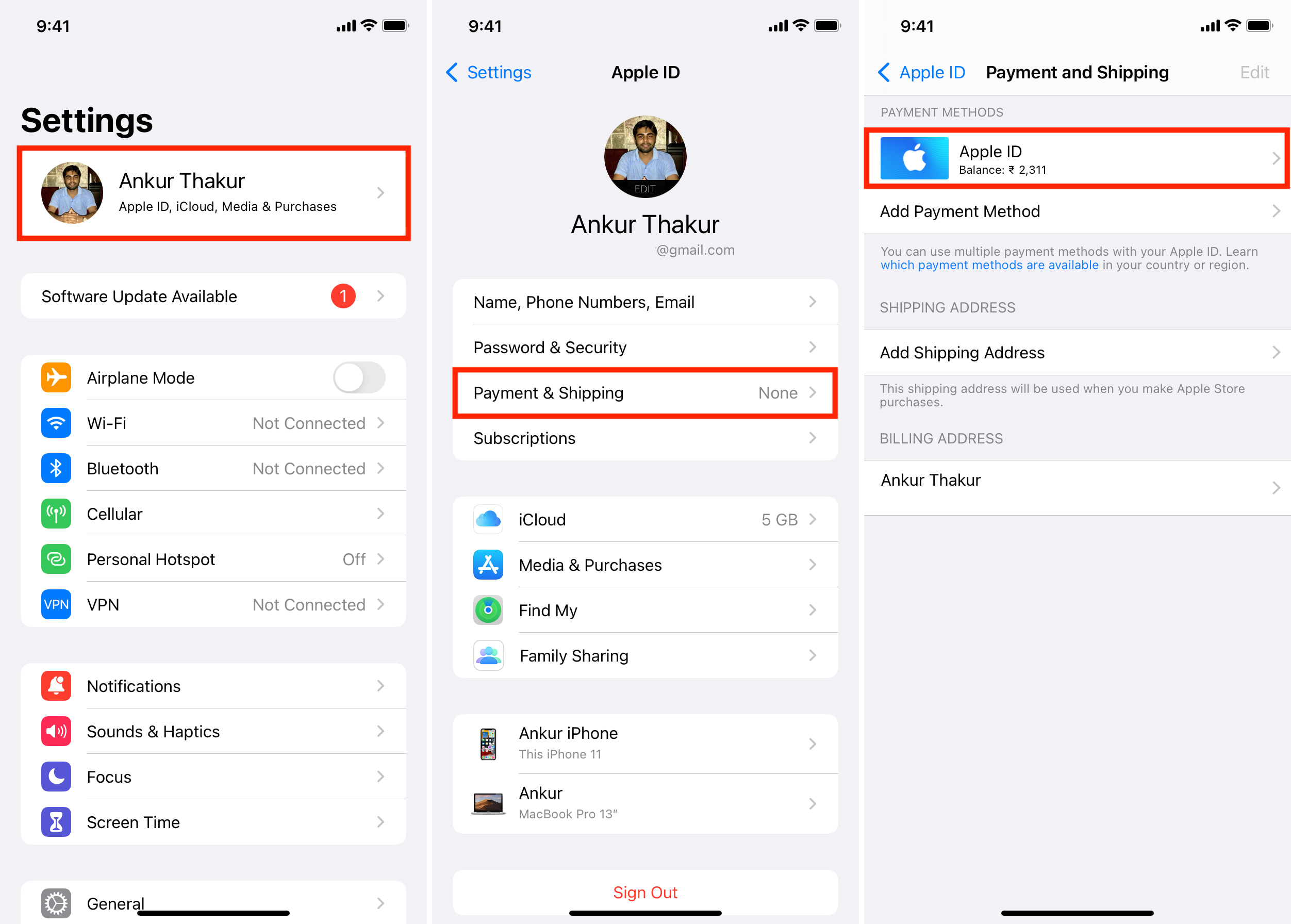
- Alternatively, navigate to System Settings > [Your Name] > Payment & Shipping, where your Apple Account balance is listed as the primary payment source.
Checking on Windows or Web
For users on Windows, the transition away from iTunes has led to the use of the Apple Music or Apple TV apps.
- Open the Apple Music or Apple TV app.
- Click your name at the bottom of the sidebar and select View My Account.
- The balance will be visible in the Account Information section.
- On the web, you can sign in to
tv.apple.comormusic.apple.com, click the account icon, and check your settings.
What You Can Purchase with the Balance
The versatility of the Apple Account balance is its greatest strength. In 2026, the distinction between "digital goods" and "physical goods" has blurred in several jurisdictions, though some regional restrictions still apply.
Digital Content and Media
This is the most common use case. Your balance covers:
- Apps and Games: One-time purchases and in-app transactions (IAPs) in the App Store.
- Subscriptions: Monthly or annual fees for Apple TV+, Apple Arcade, Apple Fitness+, and Apple One bundles.
- iCloud+: Recurring payments for cloud storage and privacy features like Private Relay.
- Media: Movies and TV shows through the Apple TV app and books via Apple Books.
Physical Products (Regional Availability)
In the United States and several other Tier-1 markets, the "Apple Gift Card" system allows the Apple Account balance to be used at the Apple Store. This means you can save up your balance over time to purchase an iPhone, MacBook, or accessories. It is important to verify through Apple’s official trade-in and gift card portal whether your specific region supports the use of account balances for hardware.
| Feature | Apple Account Balance | Apple Pay |
|---|---|---|
| Source of Funds | Gift Cards, Direct Additions, Refunds | Linked Credit/Debit Cards |
| Primary Use | Digital Subscriptions & Apps | Retail Payments & Web Checkout |
| Priority | Always charged first for digital goods | Used if balance is insufficient |
| Transferability | Non-transferable between accounts | Linked to personal bank accounts |
| Expiration | Generally does not expire | Controlled by the card issuer |
Managing and Adding Funds
To maintain a healthy balance, especially for those who prefer not to have a credit card permanently linked to their account, manual management is key.
Redeeming Gift Cards
When you receive a gift card, you are essentially holding a physical or digital token of the Apple Account balance. To redeem it:
- Open the App Store.
- Tap your user icon.
- Select Redeem Gift Card or Code.
- Use the camera to scan the code or enter it manually. The funds are instantly added to your balance.
Adding Funds Directly
You can "top up" your account using a linked payment method. This is often done to take advantage of promotional offers—historically, Apple has occasionally offered a 10% bonus when adding funds directly to the account, though this is subject to seasonal availability. In the App Store account settings, select Add Money to Account, choose an amount, and confirm the transaction.
Auto-Reload Settings
For users who rely on the balance for critical services like iCloud+ storage, the Auto-Reload feature is vital. You can set the system to automatically add a specific amount (e.g., $25) whenever the balance falls below a certain threshold (e.g., $5). This ensures that subscriptions are never interrupted due to "insufficient funds" errors.
Important Limitations and Constraints
While the Apple Account balance is convenient, it operates under strict regulatory and corporate rules that users must understand to avoid frustration.
1. Non-Transferability: Funds in an Apple Account balance are locked to the specific Apple Account they were redeemed or added to. You cannot transfer a balance to a friend’s account or move it to a different Apple Account you own. If you are planning to change your primary email or Apple Account, it is best to spend the balance first.
2. Regional Locking: The balance is currency-specific and region-locked. If you have a balance in US Dollars, you cannot use it in the UK App Store. Furthermore, if you plan to change your Apple Account region to another country, you must usually spend your entire balance until it reaches zero before the system will allow the transition.
3. Family Sharing Nuances: This is a frequent point of confusion. In a Family Sharing group, the "Family Organizer" is responsible for any purchases made by family members if those members do not have their own account balance. However, if an individual family member has an Apple Account balance, the system will always exhaust that individual's balance before charging the Family Organizer’s payment method. The Family Organizer's balance cannot be used to pay for other family members' purchases.
4. Purchase Exceptions: Some items cannot be bought with an account balance even in regions where hardware is supported. For example, you typically cannot use the balance to purchase more Apple Gift Cards or to pay for certain high-value professional service contracts, depending on local tax laws.
Troubleshooting Common Issues
Balance Not Updating
If you have redeemed a card but the balance hasn't changed, first try signing out and back into the App Store. Often, the interface requires a fresh authentication token to reflect the new server-side total. If the balance still doesn't appear, check your purchase history to ensure a pending subscription hasn't already claimed the funds.
Cannot Spend the Remaining Balance
If you have a very small amount left (e.g., $0.05) and want to clear it to change regions, you may not be able to find an item at that price. In this case, you must contact Apple Support and ask them to manually zero out your account.
"Account Balance is Grayed Out"
If you see your balance but cannot select it during checkout, it is likely because you are attempting a purchase that requires a "Primary Payment Method" on file, such as a credit card, for verification purposes (even if the balance will cover the full cost). This is common with free trials that roll into paid subscriptions.
Summary of Next Actions
To effectively manage your digital finances within the Apple ecosystem in 2026, you should:
- Verify your current total via the App Store to ensure your upcoming subscriptions are covered.
- Set up Auto-Reload if you prefer to use the account balance as a "pre-paid" utility for iCloud or Apple One.
- Check regional compatibility before buying an Apple Gift Card if you intend to use it for hardware like an iPhone or Mac.
- Clear your balance before attempting to move to a different country or merging digital identities.
The Apple Account balance remains a cornerstone of the user experience, providing a secure, private, and efficient way to manage spending across the world's most robust hardware and software ecosystem.
Image Gallery