What Mbps Means for Internet Speed: A Complete Guide to Bandwidth
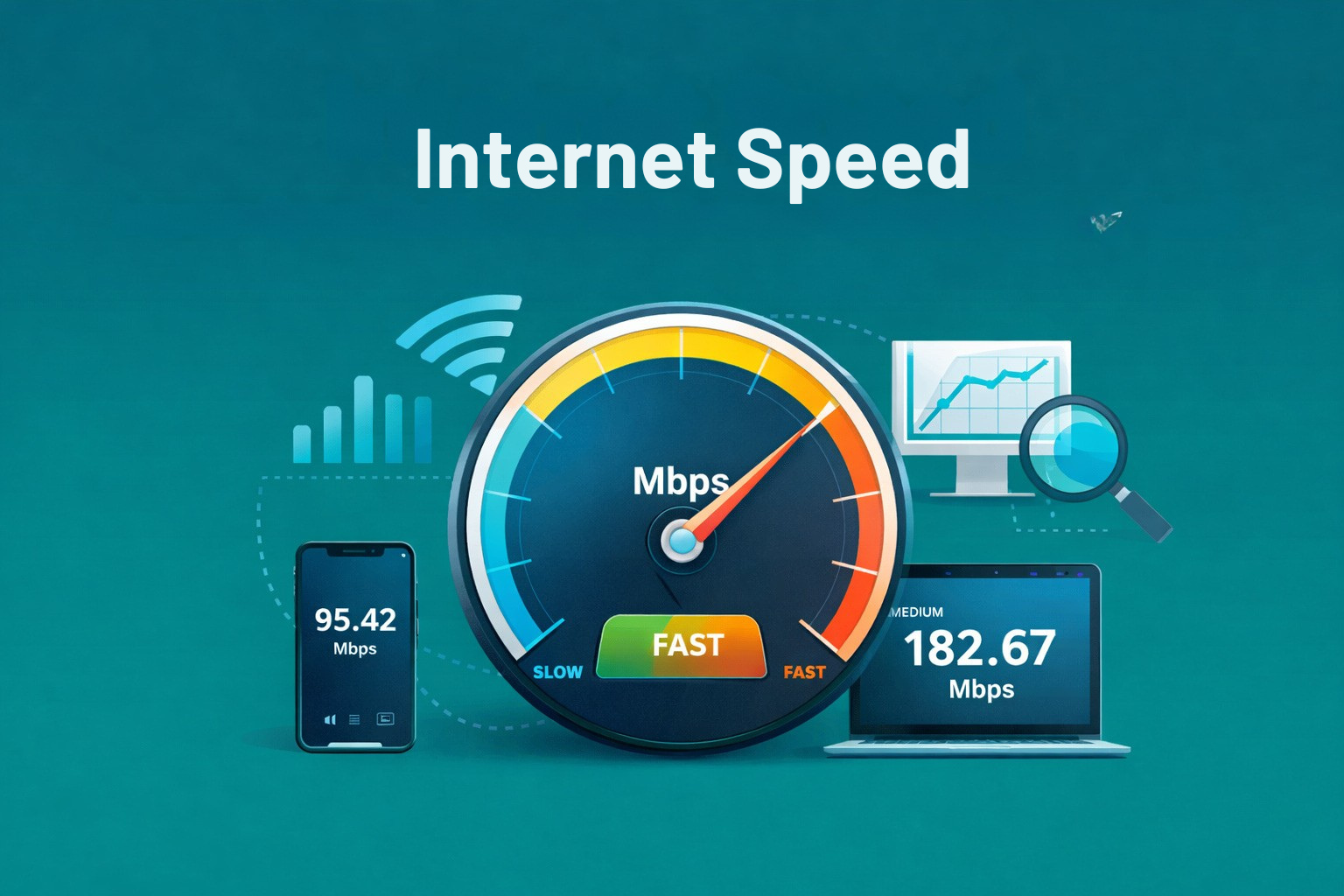
Mbps stands for Megabits per second, a unit used to measure internet bandwidth or the rate at which data travels through your connection. It represents how many millions of bits of data can be transferred in one second. Higher Mbps cou...
Mbps stands for Megabits per second, a unit used to measure internet bandwidth or the rate at which data travels through your connection. It represents how many millions of bits of data can be transferred in one second. Higher Mbps counts result in faster downloads, smoother streaming, and better performance across multiple devices.
Contents
Understanding the Acronym: Bits vs. Bytes
To understand what Mbps means for your internet experience, you must first distinguish between a "bit" and a "byte." This distinction is the most common source of confusion for consumers looking at internet plans and file sizes.
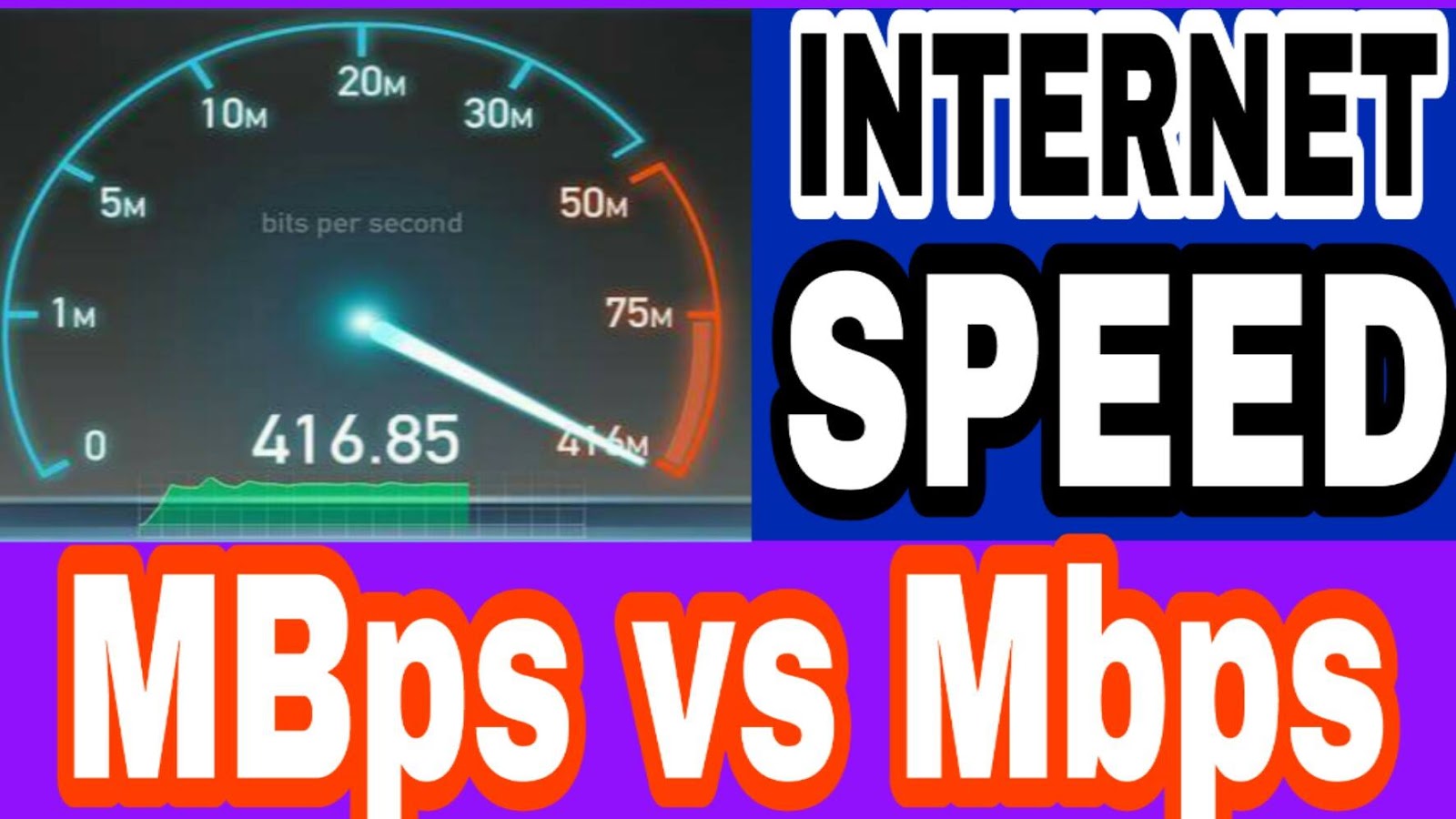
A bit is the smallest unit of digital data—a single binary value of 0 or 1. A byte consists of 8 bits. Internet service providers (ISPs) almost exclusively advertise speeds in Megabits per second (Mbps), while computer operating systems and software usually measure file sizes in Megabytes (MB).
When you see a lowercase "b" (Mbps), it refers to Megabits. An uppercase "B" (MBps) refers to Megabytes. If you have a 100 Mbps connection, you are not downloading 100 Megabytes of data every second. Instead, you are downloading roughly 12.5 Megabytes per second (100 divided by 8). This mathematical reality is why a 1,000 MB (1 GB) file takes significantly longer than 10 seconds to download on a 100 Mbps connection.
In 2026, as file sizes for high-resolution media and software updates continue to grow, understanding this 8:1 ratio is essential for setting realistic expectations for download times.
Bandwidth vs. Speed: The Highway Analogy
While "speed" is the term most people use, "bandwidth" is more technically accurate when discussing Mbps. A helpful way to visualize this is the Highway Analogy.
Imagine your internet connection is a highway. The Mbps represents the number of lanes on that highway. The "data" consists of the cars traveling on it.
- Low Mbps (25 Mbps): A narrow, two-lane road. If one large truck (a 4K stream) is on the road, there is little room for other cars (browsing, gaming, or smart home devices) to pass. Traffic slows down for everyone.
- High Mbps (1,000 Mbps or 1 Gbps): A massive 10-lane superhighway. You can have multiple 4K streams, a video conference, and a large game download happening simultaneously without any single "vehicle" slowing down the others.
The "speed" at which an individual packet of data travels is often limited by physics and the quality of the infrastructure (latency). Increasing your Mbps doesn't necessarily make the "cars" drive faster; it just allows more cars to travel at once without causing a traffic jam.
Download vs. Upload Speed
When you look at an internet plan in 2026, you will see two numbers, such as 500/50 or 1000/1000. These represent download and upload speeds, respectively.
Download Speed
This is the rate at which data travels from the internet to your device. Most online activities are download-heavy. This includes:
- Streaming video (Netflix, YouTube, Disney+).
- Loading websites and social media feeds.
- Downloading software updates and video games.
- Receiving emails.
Upload Speed
This is the rate at which data travels from your device to the internet. While historically less important for casual users, high upload speeds became a necessity for the modern remote-work era. Critical upload tasks include:
- Sending video signals during Zoom, Teams, or Google Meet calls.
- Backing up files to cloud services like iCloud, Google Drive, or Dropbox.
- Live-streaming content on platforms like Twitch or YouTube.
- Sending large email attachments.
In 2026, many Fiber-to-the-Home (FTTH) providers offer "symmetrical" speeds, meaning your upload is just as fast as your download. However, Cable (DOCSIS) and 5G home internet providers often still have significantly lower upload speeds than download speeds.
How Much Mbps Do You Need in 2026?
The amount of Mbps required for a household depends on the number of users and the intensity of their activities. By 2026, the standard definition of "broadband" has evolved to meet the demands of higher-resolution content and ubiquitous smart devices.
According to guidelines from the Federal Communications Commission (FCC), broadband requirements have shifted upward to ensure that modern applications function without interruption.
| Activity | Recommended Mbps (Per User/Device) | Notes |
|---|---|---|
| Basic Web Browsing/Email | 1–5 Mbps | Negligible impact on modern high-speed plans. |
| Social Media / HD Video | 10–15 Mbps | Includes 1080p streaming and scrolling video feeds. |
| 4K UHD Streaming | 25–50 Mbps | High bit-rate 4K (and emerging 8K) requires stable overhead. |
| Online Gaming | 5–25 Mbps | Mbps is less critical than latency (ping) for gaming. |
| Video Conferencing (HD) | 10–20 Mbps | Requires both download and upload stability. |
| Large File Downloads | 100+ Mbps | Necessary to avoid hours of waiting for 100GB+ game files. |
Household Usage Profiles
- The Single Occupant (100–300 Mbps): Ideal for one person who streams in 4K, works from home, and has a few smart devices.
- The Average Family (500–800 Mbps): Suitable for households with 3–5 people where multiple screens are active simultaneously, and students are using educational portals.
- The Power User/Smart Home (1 Gbps+): Recommended for homes with 20+ connected devices (cameras, thermostats, appliances), professional content creators, and gamers who demand the lowest possible congestion.
Beyond Mbps: Latency and Jitter
Mbps is not the only metric that determines how "fast" your internet feels. Two other factors are critical, especially for real-time applications like gaming and VoIP (Voice over IP).
Latency (Ping)
Latency is the time it takes for a signal to travel from your device to a server and back. It is measured in milliseconds (ms). Even if you have 1,000 Mbps, a high latency (above 100ms) will cause "lag" in games and delays in video calls. Fiber optics typically offer the lowest latency (under 20ms), while satellite internet often suffers from high latency due to the distance the signal must travel.
Jitter
Jitter measures the variability in latency over time. If your latency constantly jumps from 20ms to 200ms, you will experience "stuttering" in video and audio. A stable connection with 50 Mbps and low jitter is often better than a 500 Mbps connection with high jitter.
Factors That Limit Your Real-World Mbps
It is a common frustration to pay for 1,000 Mbps but only see 200 Mbps on a speed test. Several bottlenecks can restrict your actual throughput.
- Wi-Fi Interference: Physical barriers like brick walls, water pipes, and even microwave ovens can degrade Wi-Fi signals. In 2026, most high-speed users utilize Wi-Fi 7 (802.11be) routers to handle multi-gigabit speeds, but older devices may still be limited by Wi-Fi 5 or 6 standards.
- Hardware Limitations: Older laptops, smartphones, or cheap Ethernet cables (Cat5 vs. Cat6) may not be capable of processing high Mbps. If your network card is capped at 100 Mbps, a 1,000 Mbps plan will not benefit that specific device.
- Network Congestion: During peak hours (usually 6:00 PM to 11:00 PM), your local ISP node may become congested as your neighbors also log on to stream and game. This is more common with Cable and 5G Home Internet than with dedicated Fiber.
- ISP Throttling: Some providers may intentionally slow down your Mbps if you exceed a certain data cap or if you are using high-bandwidth services like BitTorrent.
How to Test Your Mbps
To verify if you are getting what you pay for, you should perform regular speed tests. The Ookla Speedtest and Fast.com are industry standards.
For the most accurate results:
- Use a Wired Connection: Plug a laptop directly into your router via an Ethernet cable. This eliminates Wi-Fi interference as a variable.
- Turn Off Other Devices: Ensure no one else in the house is streaming or downloading during the test.
- Test at Different Times: Run tests in the morning, afternoon, and evening to see if your ISP suffers from peak-hour congestion.
If your results are consistently below 80% of your advertised speed, it may be time to contact your ISP or investigate your hardware.
Frequently Asked Questions
Is 100 Mbps fast enough for Netflix?
Yes, 100 Mbps is more than enough for Netflix. Netflix recommends 15 Mbps for a single 4K stream. With 100 Mbps, you could technically run four or five 4K streams simultaneously, provided no other major background downloads are occurring.
What is the difference between Mbps and Gbps?
Gbps stands for Gigabits per second. One Gbps is equal to 1,000 Mbps. As of 2026, "Gig" plans have become the standard for urban fiber installations, providing massive headroom for large households and future-proofing against increasing data demands.
Why does my download speed look lower than what I pay for?
This is usually due to the Bit vs. Byte difference mentioned earlier. If you are downloading a file and the browser says "10 MB/s," that actually equals 80 Mbps. Additionally, overhead in network protocols and Wi-Fi signal loss can account for a 10-20% reduction in "visible" speed.
Does Mbps affect gaming?
Mbps primarily affects how fast you can download a game or an update. For the actual gameplay, you only need about 5–10 Mbps. What matters most for gaming is latency (ping), as this determines how quickly your actions are registered on the game server.
Can a router increase my Mbps?
A router cannot increase the speed coming from your ISP, but an outdated router can limit it. If you pay for 1,000 Mbps but use an old router that only supports 300 Mbps over Wi-Fi, you are wasting your subscription. Upgrading to a Wi-Fi 6E or Wi-Fi 7 router ensures your local network can handle the full speed of your plan.
Practical Recommendation
When choosing an internet plan in 2026, do not simply buy the highest Mbps available. For most households, 500 Mbps represents the "sweet spot" for price and performance. However, if you frequently upload large files or participate in professional-grade video conferencing, prioritize a Fiber connection with symmetrical upload speeds over a higher-rated Cable plan with slow uploads. Always verify your hardware—specifically your router and Ethernet cables—to ensure your internal network isn't the bottleneck preventing you from enjoying the Mbps you pay for.
Image Gallery