Ultimate Guide to Playing Pokemon Games on iPhone in 2026
Playing Pokémon games on an iPhone has never been easier or more accessible, thanks to official App Store releases by The Pokémon Company and the evolution of authorized iOS emulation frameworks. Whether you want to experience classic...
Playing Pokémon games on an iPhone has never been easier or more accessible, thanks to official App Store releases by The Pokémon Company and the evolution of authorized iOS emulation frameworks. Whether you want to experience classic Game Boy titles or dive into modern mobile-native entries, iOS devices offer a robust platform for every type of trainer.
Contents
Official Pokémon Titles Available on the iOS App Store
The official Apple App Store hosts several standalone Pokémon applications designed specifically for mobile architectures. These apps offer streamlined experiences optimized for touch controls, cloud saving, and microtransactions or free-to-play progression loops.
Core Mobile Offerings
- Pokémon UNITE: A strategic 5-on-5 team battle game featuring cross-platform play with Nintendo Switch users, regular ranked seasons, and diverse roster updates.
- Pokémon GO: The premier augmented reality (AR) geolocation game that integrates real-world exploration with catching, raiding, and community events.
- Pokémon Sleep: A gamified sleep tracker that monitors rest cycles to reward users with rare Pokémon sleep styles and drowsy power bonuses.
- Pokémon Trading Card Game Pocket: A streamlined digital card collection game allowing players to open digital booster packs daily and engage in fast-paced competitive matches.
- Pokémon Masters EX: A tactical RPG focusing on sync pairs featuring iconic trainers and characters from across the franchise history.
Running Retro Pokémon Games on iOS Through Emulators
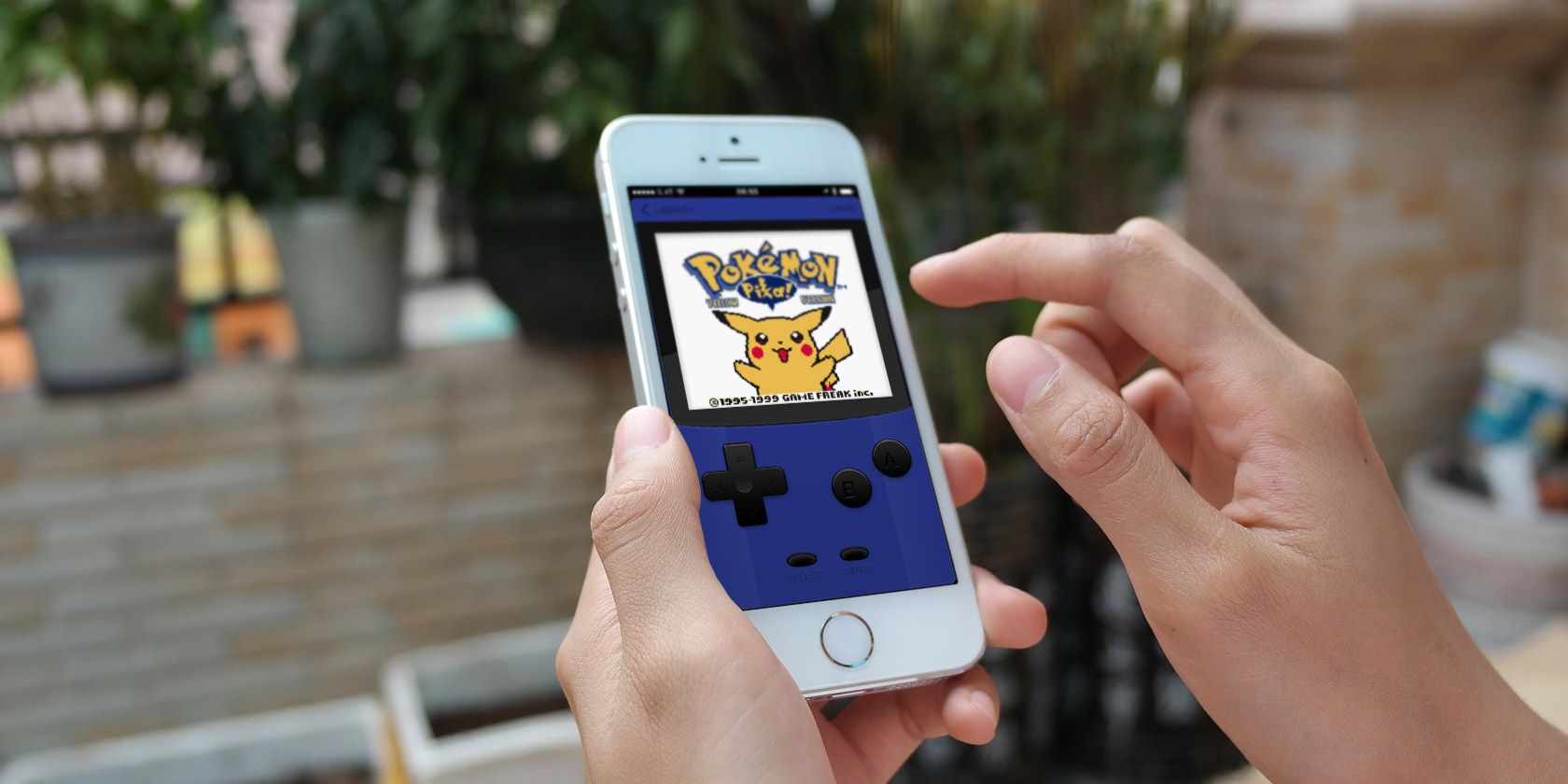
Retro compatibility for classic generations—from Generation I (Red, Blue, Yellow) up to Generation V (Black, White)—is fully supported on modern iOS devices through native emulators permitted on the App Store under updated platform guidelines.
Approved Emulation Frameworks
- Delta Emulator: The gold standard for retro gaming on iOS, supporting Nintendo Entertainment System, Super Nintendo, Game Boy, Game Boy Color, Game Boy Advance, and Nintendo DS.
- RetroArch: A modular frontend for libretro supporting an extensive library of classic gaming systems with advanced shader and controller mapping options.
Step-by-Step Guide to Setting Up Retro Pokémon Games
- Download an Authorized Emulator: Open the official iOS App Store on your device, search for an approved emulator like Delta, and tap Get to install it securely.
- Acquire Legally Dumped ROMs: Obtain legally acquired game ROM files of your physical cartridges through authorized personal dumping hardware.
- Import Files into the Emulator: Transfer your ROM files to your iPhone via AirDrop, the Files app, or cloud storage, then open your emulator and use the plus (+) icon to import the files into your library.
- Configure Controls and Audio: Access the emulator settings menu to adjust on-screen controller opacity, haptic feedback, audio latency, and fast-forward speed toggles.
- Save Your Progress: Utilize both the game's in-game save system and the emulator's instant save states to protect your progress against unexpected app closures.
Comparative Analysis of Pokémon Gaming Methods on iPhone
Choosing the right approach depends heavily on whether you prefer native multiplayer action, casual lifestyle integration, or nostalgic single-player role-playing adventures.
| Gaming Method | Primary Category | Control Scheme | Online Connectivity | Monetization Model |
|---|---|---|---|---|
| Pokémon GO | AR Geolocation | Touch / GPS Movement | Required | Free-to-Play / In-App Purchases |
| Pokémon UNITE | MOBA Strategy | Dual Virtual Joysticks | Required | Free-to-Play / Microtransactions |
| Delta Emulator | Retro Emulation | Customizable Skins / Gamepads | Optional (Local Link Cable) | Free (Open Source) |
| Pokémon TCG Pocket | Digital Card Game | Tap / Swipe Interface | Required | Free-to-Play / Daily Booster Packs |
| Pokémon Sleep | Lifestyle / Tracker | Passive Tracking | Optional | Free-to-Play / Premium Passes |
Hardware Requirements and Performance Optimization
While modern iPhones possess exceptional processing power, running emulators or high-end 3D mobile games requires attention to battery health, thermal management, and storage capacity.
Recommended System Specifications
- Operating System: iOS 16.0 or later to ensure full API compatibility with modern graphics frameworks and emulator builds.
- Processor: Apple A14 Bionic chip or newer guarantees smooth frame rates even during heavy Game Boy Advance fast-forwarding or Nintendo DS 3D rendering.
- Storage Space: At least 2GB of free local storage to accommodate emulator asset caches, game ROM libraries, and high-resolution texture packs.
Troubleshooting Performance Issues
- Audio Stuttering: Lower the audio synchronization sample rate within the emulator settings to eliminate crackling during heavy scene transitions.
- Thermal Throttling: Remove thick protective phone cases during extended gameplay sessions to prevent processor downclocking.
- Save State Corruption: Regularly create backup copies of your save files by exporting them to iCloud Drive or external file storage systems.
Frequently Asked Questions About Pokémon Games on iPhone
Are retro Pokémon emulators legal to download on the iPhone App Store?
Yes, Apple permits emulators on the App Store provided they comply with guideline policies regarding software copyright and malicious code prevention. However, downloading copyrighted ROM files from unauthorized websites remains a legal gray area.
Can I trade Pokémon between two different emulators on the same iPhone?
Some advanced multi-instance emulators support local wireless link cable simulation, allowing you to trade between two instances running simultaneously in split-screen or background modes.
Do official Pokémon mobile games require an active internet connection?
Most modern titles like Pokémon GO and Pokémon UNITE require a persistent internet connection to sync server data, whereas retro emulators operate completely offline once the ROM file is imported.
How do I connect a physical controller to my iPhone for Pokémon games?
You can pair any MFi-certified game controller, Xbox Wireless Controller, or PlayStation DualSense controller via Bluetooth through your iPhone's Settings app, and emulators will automatically map the inputs.
Will running emulators drain my iPhone battery quickly?
Emulating older hardware like the Game Boy Advance is relatively lightweight, but rendering Nintendo DS 3D graphics or utilizing fast-forward features will increase battery consumption and device temperature.
Conclusion and Recommendations for Trainers
Playing Pokémon on your iPhone bridges the gap between classic handheld nostalgia and modern mobile accessibility. Whether you choose to embark on a nostalgic journey through Kanto using an authorized retro emulator or jump into competitive real-time battles in Pokémon UNITE, ensuring your device is updated and properly configured will guarantee the ultimate portable gaming experience.
Image Gallery