How to Schedule an Apple Repair Appointment in 2026: The Comprehensive Professional Guide
To schedule an Apple repair appointment, the most efficient method is using the Apple Support app on an iOS device or visiting the official Apple Support website. These platforms allow you to select your specific hardware issue, run re...
To schedule an Apple repair appointment, the most efficient method is using the Apple Support app on an iOS device or visiting the official Apple Support website. These platforms allow you to select your specific hardware issue, run remote diagnostics, and reserve a dedicated time slot at a Genius Bar or an Apple Authorized Service Provider (AASP). Scheduling ahead is mandatory to ensure technician availability and to verify that the specific parts required for your 2026-era device are in stock.
Contents
Selecting the Right Service Channel for Your Apple Hardware
As we move through 2026, the ecosystem for Apple repairs has expanded significantly, offering users three primary tiers of service. Choosing the correct channel depends on your location, the urgency of the repair, and your current warranty status, such as AppleCare+ or the limited one-year hardware warranty.
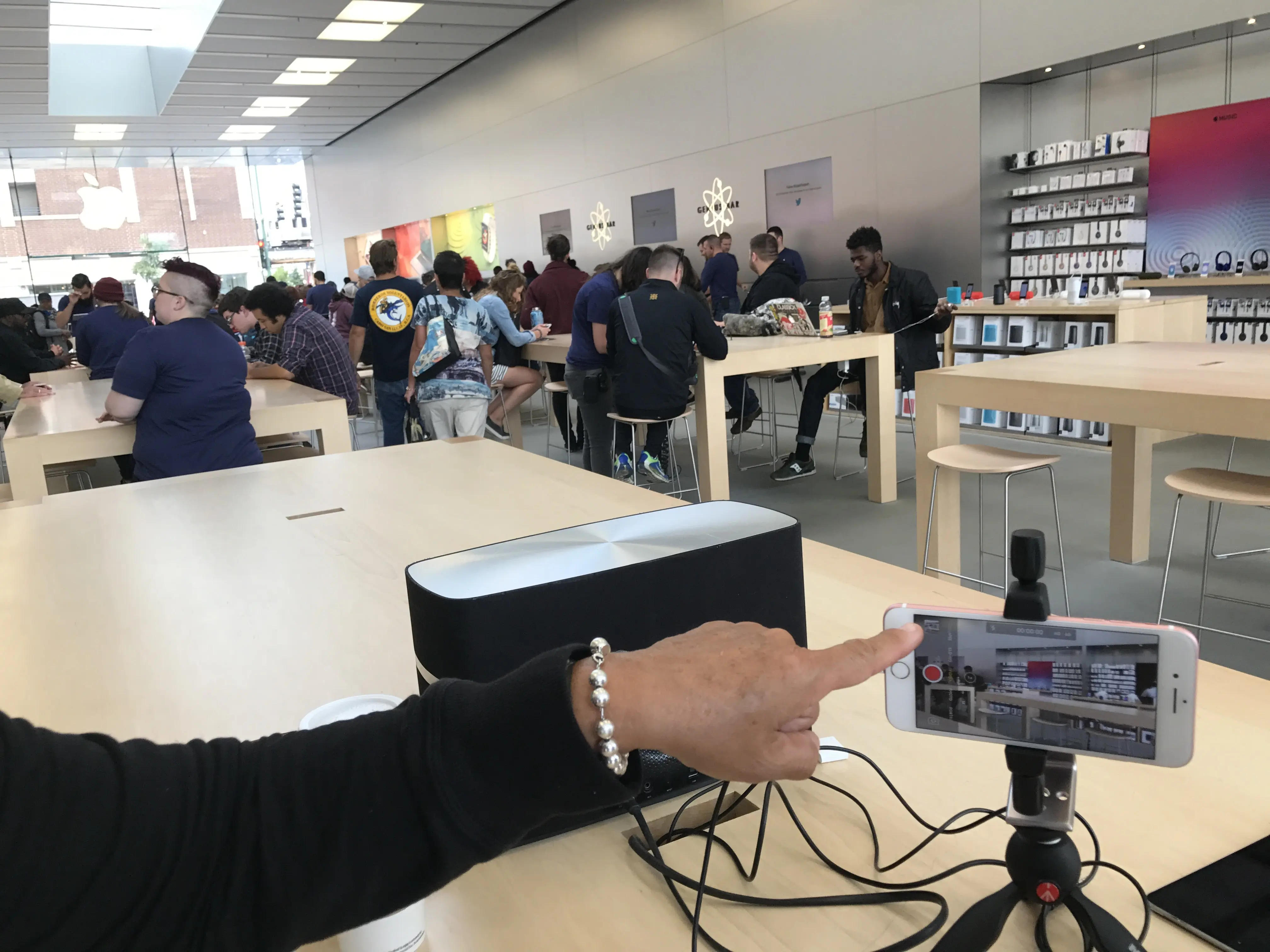
The Genius Bar (Apple Retail Stores) The Genius Bar remains the gold standard for first-party support. Appointments here provide access to Apple-employed technicians and proprietary diagnostic tools. In 2026, Apple Stores have further integrated augmented reality (AR) diagnostics, allowing technicians to visualize internal hardware failures on devices like the iPhone 17 and M5-series MacBooks without immediate disassembly.
Apple Authorized Service Providers (AASPs) AASPs are third-party businesses, such as Best Buy or local specialized tech clinics, that have been certified by Apple. They use genuine Apple parts, tools, and diagnostics. For users in rural areas or cities without a flagship Apple Store, AASPs offer identical warranty coverage. In 2026, many AASPs now offer "Rapid Repair" tiers for common issues like battery swaps and screen replacements, often completing work in under two hours.
Independent Repair Providers (IRP) IRPs are distinct from AASPs. They have access to genuine Apple parts and manuals but may not offer the same warranty integration as an AASP. If your device is vintage (typically 5-7 years old) or if you are seeking a lower-cost component from the Apple-verified secondary market, an IRP is a viable route. However, for 2026 models still under active AppleCare+, an IRP visit may complicate future official claims.
Step-by-Step Guide to Booking Your Appointment
Securing a time slot requires navigating Apple’s digital support infrastructure. Following these steps ensures your issue is categorized correctly, which prevents "diagnostic drift" when you arrive at the store.
- Launch the Apple Support App: If your device is functional, open the Apple Support app. If not, use a secondary device or visit the web portal. The 2026 interface prioritizes "On-Device Diagnostics" which can identify software conflicts versus hardware failures before you even leave your home.
- Identify the Hardware: Select the specific serial number of the device needing repair. This is critical for parts allocation.
- Describe the Issue: Choose from categorized menus (Battery & Charging, Screen Damage, Performance, etc.). Be specific. For example, instead of "Won't turn on," specify if there is haptic feedback or a charging chime.
- Choose a Location: The system will display a map of nearby Apple Stores and AASPs. In 2026, the scheduling system now provides "Real-Time Traffic Adjusted" arrival times and wait-time estimates for "Walk-In Diagnostic" availability versus confirmed appointments.
- Confirm the Time Slot: Once you select a time, you will receive a confirmation via email and a Wallet pass. This pass is essential for checking in at the storefront via the NFC kiosks now standard in most 2026 retail layouts.
Mandatory Technical Preparation Before Your Appointment
Walking into an Apple repair appointment without preparation can lead to a "Non-Serviceable" status for that day. Apple has strict security and data privacy protocols that must be met before a technician can legally or technically open a device.
Data Redundancy and Backups It is the user's absolute responsibility to back up all data. Whether you use iCloud or a physical encrypted drive via Carbon Copy Cloner, ensure your backup is less than 24 hours old. During many hardware repairs, especially logic board or storage controller issues, data loss is a 100% certainty. In 2026, Apple technicians are strictly prohibited from performing manual data recovery during a standard repair appointment.
Disabling Find My and Activation Lock No Apple technician can service a device if "Find My" is active. This is a theft-deterrent measure. In 2026, with the advancement of Stolen Device Protection, you may need to initiate the "Disable" process while at your "Familiar Location" (home or work) due to the one-hour security delay. Plan accordingly to ensure the security delay has expired before your appointment time.
Repair State Implementation For iPhone users running modern iterations of iOS (versions 18 and 19), you can now utilize "Repair State." This mode allows Find My to remain active for tracking purposes while still permitting the technician to perform diagnostics and part-pairing without needing your Apple ID password. Check your settings under Privacy & Security to see if your device supports this streamlined protocol.
2026 Repair Standards and Cost Analysis
Repair costs in 2026 reflect the complexity of modern hardware, including tandem OLED displays and high-density graphene cooling systems. Below is a comparison of typical service costs and timelines for current-generation devices.
| Device Category | Service Type | AppleCare+ Cost | Out-of-Warranty (Estimated) | Turnaround Time |
|---|---|---|---|---|
| iPhone 17 / 18 Series | Screen Replacement | $29 | $329 - $429 | Same Day (2-4 hrs) |
| iPhone 17 / 18 Series | Battery Service | $0 | $119 | Same Day (1-2 hrs) |
| MacBook Pro (M5 Chip) | Logic Board Repair | $99 | $699 - $999 | 3 - 5 Business Days |
| iPad Pro (M4/M5) | Whole Unit Exchange | $49 | $549 - $899 | 1 - 2 Business Days |
| Apple Watch Ultra 3 | Sensor/Glass Repair | $79 | $499 | Mail-in Only |
Navigating the Right to Repair and Self-Service Options
In 2026, Apple has expanded its Self-Service Repair program to comply with global "Right to Repair" legislation. When you go to book an appointment, you may see an option to "Order Parts for Self-Repair."
This is a professional-grade alternative to a Genius Bar appointment. Apple will ship you the same calibration tools and genuine components used in-store. However, this is only recommended for individuals with high technical proficiency. Using the Self-Service Repair portal still requires you to "validate" the repair via a remote system configuration session with an Apple specialist to ensure the new parts (like the camera or display) are correctly paired to the logic board. For most users, the professional appointment remains the safer and more warrantied choice.
Comparison of Repair Environments: Retail vs. Mail-In
Depending on your schedule, you may be offered a Mail-In repair (Express Replacement Service) instead of a physical appointment.
- Genius Bar/AASP (In-Person): Best for immediate diagnostics and same-day battery or screen issues. You get to speak directly with a technician and verify the fix before leaving.
- Mail-In Service: Best for complex logic board issues or users who cannot travel. Apple sends a prepaid, protected box to your door. In 2026, logistics have improved to the point where mail-in repairs often have a 48-72 hour total turnaround time in metropolitan areas.
- On-Site Service (Enterprise): For business accounts, Apple now offers on-site technician visits for fleets of MacBooks or iPads, though this is rarely available for individual consumer appointments.
Troubleshooting Common Appointment Issues
If you cannot find an available appointment, do not attempt to walk into a store without one, as you will likely be turned away or forced to wait several hours for a "no-show" slot. Instead, try the following professional strategies:
- Check at 8:00 AM Local Time: The scheduling system refreshes daily. New slots for the following week are typically released in the early morning.
- Expand Your Search Radius: AASPs often have more availability than flagship Apple Stores. Their technicians carry the same certifications and use the same GSX (Global Service Exchange) backend system.
- Utilize Chat Support for Escalation: If your issue is a known "Quality Program" (a secret or public recall), chat support agents can sometimes force-schedule an appointment even if the public calendar appears full.
Frequently Asked Questions
Can I get a loaner phone during my repair appointment? Loaner devices are typically reserved for AppleCare+ customers whose repairs are expected to take longer than five business days. In 2026, loaner availability is strictly managed through the Apple Support app, and you should request one during the initial booking process if you believe your repair is complex.
How much does a diagnostic appointment cost if I don't do the repair? Standard diagnostics at an Apple Store are generally free of charge. However, some AASPs may charge a "Diagnostic Fee" (typically $49 - $99) which is then credited toward the final repair cost if you choose to proceed. Always confirm the fee structure when booking with a third-party provider.
What documentation do I need to bring to my appointment? You should bring a valid government-issued ID and your device. While the technician can look up your warranty status via the serial number, bringing your original proof of purchase (digital or physical) is recommended if there are discrepancies with your AppleCare+ expiration date or if the device was a gift.
Will my water-damaged device be repaired at the Genius Bar? Water damage typically requires a "Whole Unit Replacement" because liquid ingress can cause long-term corrosion that a simple part swap won't fix. These are rarely same-day repairs unless the store has a replacement unit of your exact model, color, and capacity in their inventory.
Can I change my appointment time after it is booked? Yes, you can reschedule or cancel your appointment through the confirmation link in your email or via the Apple Support app. Please do so at least two hours in advance to allow the system to reallocate the slot to another user in the queue.
Final Expert Recommendation for 2026 Repairs
For the highest success rate and retention of device value, always prioritize an appointment at an official Apple Store or a high-rated AASP. The integration of parts-pairing software in 2026 makes third-party "unauthorized" repairs riskier than ever, potentially disabling features like FaceID, TrueTone, or 5G connectivity. Always verify your backup status before walking through the store doors to ensure that a hardware fix does not turn into a permanent data loss event.
Image Gallery