Comprehensive Guide to Citibank Business Credit Card Login and Account Management
Accessing your Citibank business credit card login portal allows you to monitor corporate spending, manage employee cards, schedule electronic payments, and review real-time transaction data securely. This guide walks you through the a...
Accessing your Citibank business credit card login portal allows you to monitor corporate spending, manage employee cards, schedule electronic payments, and review real-time transaction data securely. This guide walks you through the authentication steps, security protocols, and troubleshooting methods required for seamless financial administration.
Contents
Understanding the Citibank Business Portal Ecosystem
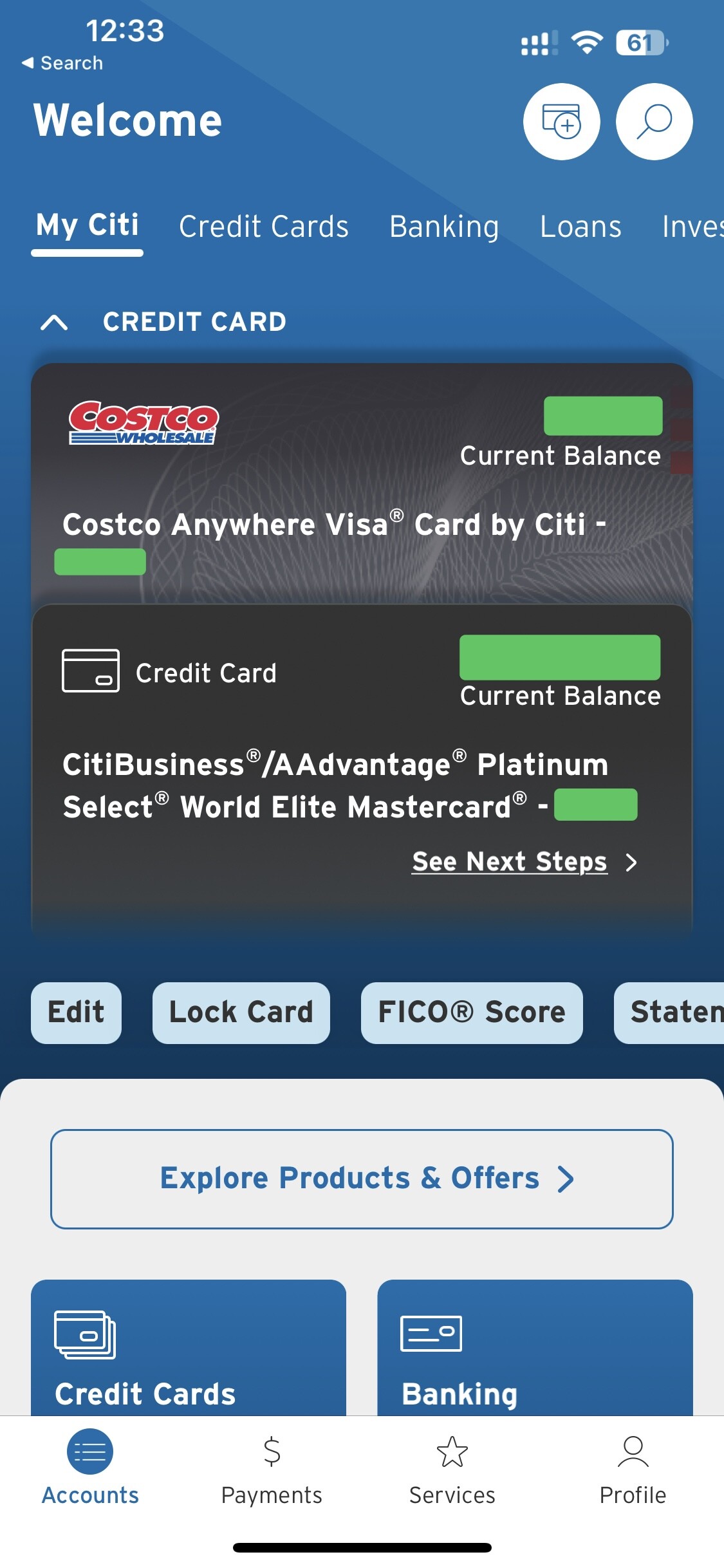
Managing corporate liquidity requires reliable access to digital banking infrastructure. The online portal for Citibank commercial and small business cardholders serves as the central command hub for all financial operations tied to your accounts. Whether you hold a Costco Anywhere Visa Business, a CitiBusiness ThankYou Card, or a corporate T&E (Travel and Entertainment) solution, the authentication gateway remains unified under Citibank's secure digital banking framework.
Navigating this ecosystem requires an understanding of the underlying software architecture. Citibank utilizes multi-layered encryption protocols and risk-based authentication to protect proprietary financial data. When you access the login interface, the system verifies your credentials against centralized identity databases while evaluating device reputation and network security metrics to prevent unauthorized access.
Prerequisites for Secure Access
Before attempting to authenticate your session, ensure that your operational environment meets the technical standards required by modern financial institutions.
- Supported Browsers: Utilize updated versions of Google Chrome, Mozilla Firefox, Apple Safari, or Microsoft Edge. Ensure that JavaScript and cookies are enabled.
- Network Integrity: Avoid executing financial transactions or logging into corporate accounts over unsecured public Wi-Fi networks without a business-grade Virtual Private Network (VPN).
- Credential Readiness: Keep your assigned User ID and Password securely stored in a password manager rather than written down physically.
- Multi-Factor Authentication (MFA) Devices: Have your registered mobile phone or email account accessible to receive one-time passcode (OTP) verifications.
Step-by-Step Guide to Logging Into Your Business Account
Executing the authentication process correctly minimizes security risks and prevents account lockouts. Follow this systematic workflow to access your dashboard.
- Navigate to the official Citibank business login portal via your web browser by typing the verified URL directly or using a trusted bookmark.
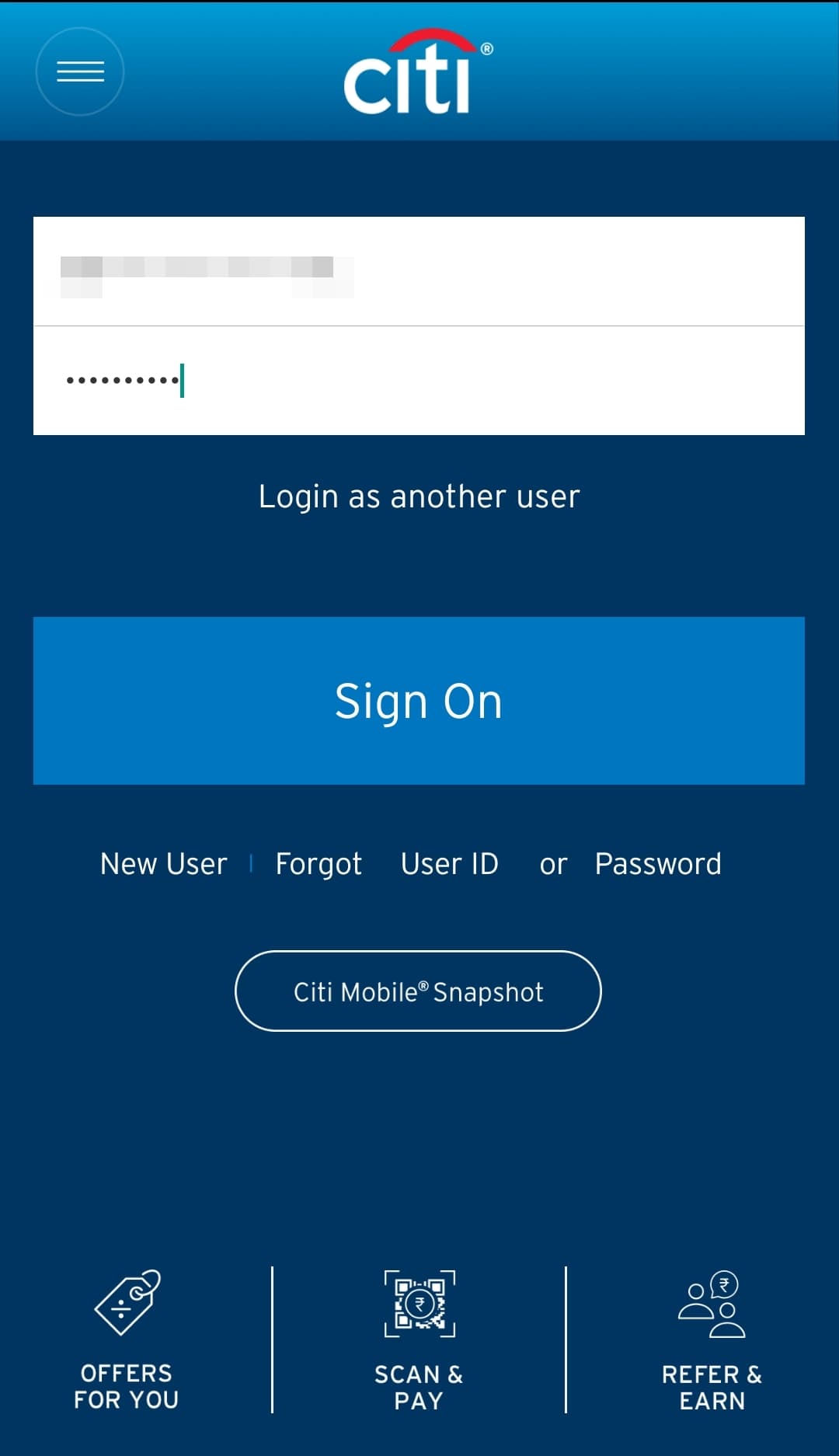
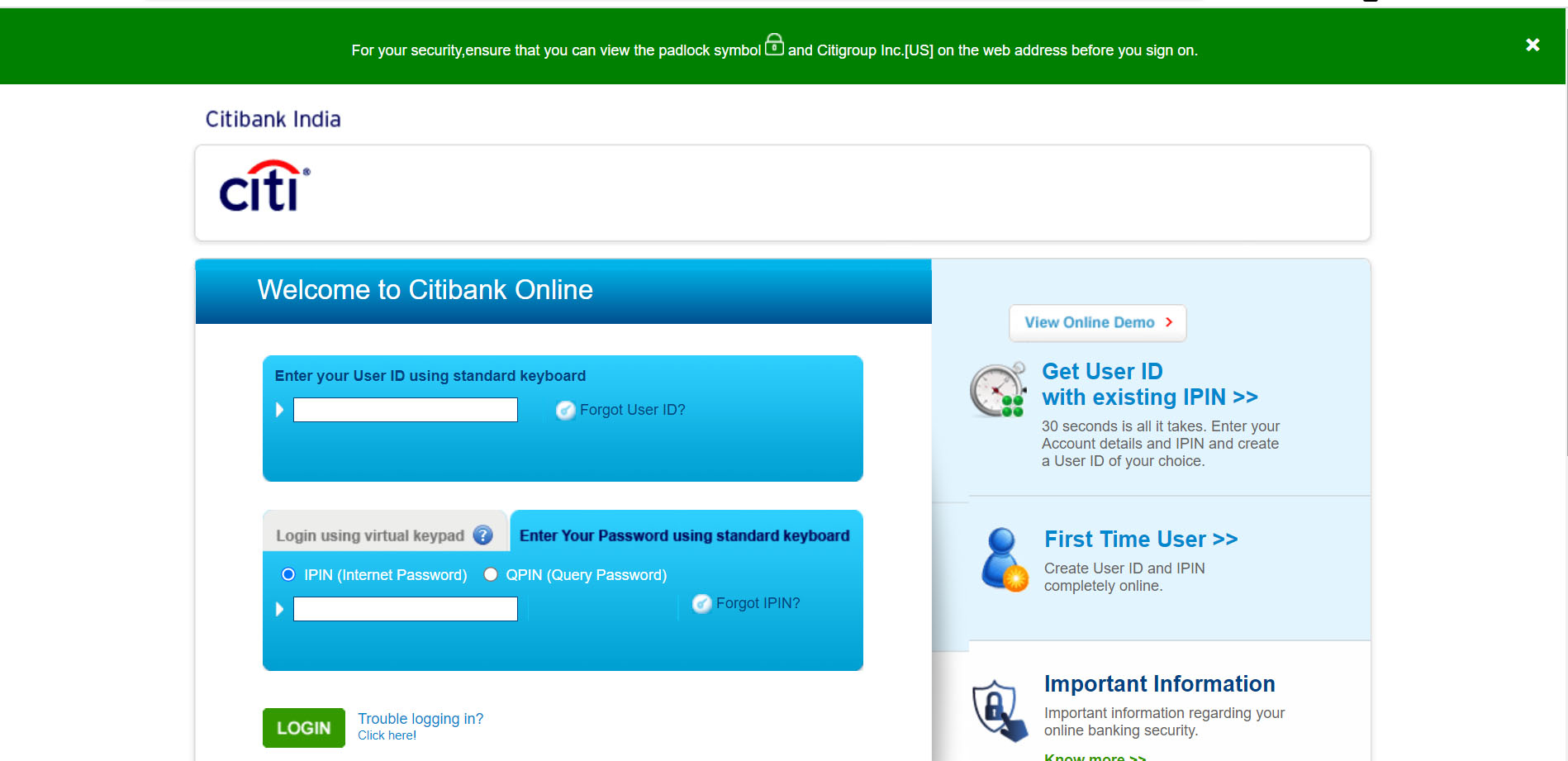
- Locate the sign-in widget on the homepage, typically situated on the right side or accessed via a dedicated "Sign On" button.
- Input your unique User ID into the first designated text field.
- Enter your confidential Password into the corresponding field. Ensure that your Caps Lock key is disabled to prevent typing errors.
- If you are operating from a secure, private workstation, you may check the box labeled "Remember User ID" to streamline future sign-ins. Avoid checking this box on shared or public computers.
- Click the primary Sign On or Log In button to submit your credentials.
- Complete any secondary verification prompts, such entering an SMS or email OTP code, if triggered by risk-based security algorithms.
Security Features and Multi-Factor Authentication Protocols
Protecting commercial bank accounts demands rigorous security measures. Citibank employs advanced authentication layers to safeguard against unauthorized data interception and credential stuffing attacks.
Risk-Based Authentication Standards: Financial institutions continuously analyze behavioral biometrics, IP address geolocation, and device fingerprints during the login sequence. If the system detects an anomaly—such as a login attempt from an unusual geographic region or a newly recognized browser—it automatically triggers step-up authentication, requiring an SMS text message code or email verification before granting dashboard access.
Account administrators should enforce strict password management policies across their organization. Passwords must combine upper and lowercase letters, numerals, and special characters, and they should be rotated on a scheduled basis according to internal corporate compliance standards.
Troubleshooting Common Login Errors and Resolution Strategies
Technical anomalies can occasionally interrupt your workflow. Understanding the root causes of common authentication failures enables rapid remediation without needing immediate technical support intervention.
| Error Symptom | Probable Root Cause | Immediate Resolution Strategy |
|---|---|---|
| Invalid User ID or Password | Typographical errors, recent credential changes, or caps lock enabled. | Verify keyboard inputs, clear browser cache, or use the recovery tool if credentials are forgotten. |
| Account Temporarily Locked | Multiple consecutive failed login attempts triggering automated security lockouts. | Wait for the mandatory cooldown period (typically 15 to 30 minutes) or initiate password recovery. |
| OTP Code Not Received | Cellular network delay, outdated mobile number on file, or email filtering. | Check spam folders, request a voice call verification option, or update contact details via customer support. |
| Browser Loading Loop / Timeout | Corrupted browser cookies, outdated cache, or strict ad-blocker interference. | Open an incognito/private browsing window, disable extensions, or switch to an alternative supported browser. |
Recovering Lost Credentials
If you misplace your login details, attempting to guess them repeatedly will result in an account suspension. Utilize the automated recovery workflows provided on the sign-in page.
Recovering Your User ID
- Click the "Forgot User ID?" link located directly beneath the login fields.
- Enter your credit card account number, debit card number, or specific business loan account number.
- Provide the primary business taxpayer identification number (EIN) or your Social Security Number (SSN) as requested for verification.
- Complete the security validation prompts to receive your retrieved User ID via your registered email address.
Resetting Your Password
- Select the "Forgot Password?" option on the main authentication screen.
- Input your verified User ID and the primary account number associated with your business credit card.
- Validate your identity using the multi-factor authentication method sent to your mobile device or corporate email.
- Create a new, highly secure password that complies with Citibank's complexity requirements and confirm the change.
Comparing Corporate Card Management Tools
The online login portal provides access to various utility modules designed to streamline business finance. The table below outlines the core features available post-login compared to basic consumer banking interfaces.
| Feature / Capability | Consumer Banking Portal | Citibank Business Credit Card Portal |
|---|---|---|
| Multi-User Access Control | Single user or joint account holders only. | Granular role-based permissions for administrators, managers, and employee cardholders. |
| Expense Integration | Standard CSV or PDF transaction exports. | Direct integration feeds into accounting software such as QuickBooks, Xero, and enterprise ERP systems. |
| Credit Limit Allocation | Fixed limit across the account. | Ability to set customized individual spending caps and category restrictions for employee cards. |
| Reporting & Analytics | Basic monthly spending summaries. | Advanced data analytics, merchant category tracking, and downloadable custom tax reports. |
Best Practices for Ongoing Corporate Account Administration
Maintaining healthy credit lines and secure digital profiles requires proactive management routines. Implement these operational standards within your business:
- Regular Audits: Review user access permissions quarterly. Immediately revoke login credentials for former employees or contractors who no longer require corporate card access.
- Statement Reconciliation: Match monthly digital statements against internal receipts and purchase orders to catch unauthorized transactions or billing discrepancies early.
- Alert Configurations: Set up real-time text or email alerts for high-value transactions, international charges, and near-limit thresholds to maintain absolute oversight over cash flow.
Conclusion and Administrative Support
Mastering the Citibank business credit card login process ensures that your organization can manage cash flow, track expenses, and execute timely payments without administrative friction. By adhering to strict security protocols, utilizing robust multi-factor authentication, and understanding recovery workflows, financial managers can maintain secure, uninterrupted access to their corporate financial dashboards. For persistent technical hurdles that cannot be resolved through automated recovery tools, contact the dedicated commercial card customer service division listed on the reverse side of your physical credit card.
Image Gallery