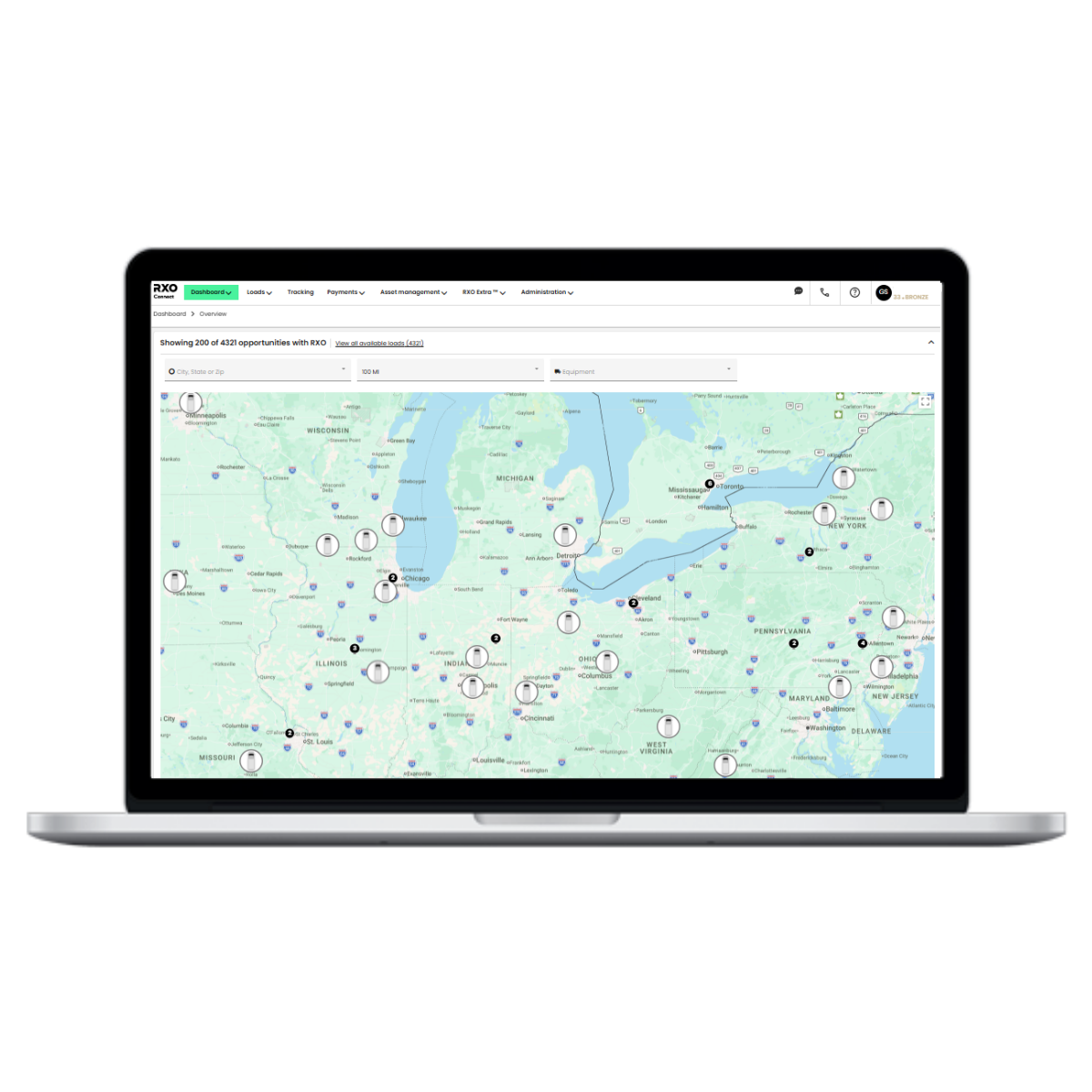
Streamlining Your RXO Carrier Setup and RMIS Integration for 2026
Setting up as a carrier for RXO requires a synchronized integration with the Registry Monitoring Insurance Services (RMIS) platform to ensure compliance, verify safety ratings, and expedite the onboarding process. By maintaining an act...
Setting up as a carrier for RXO requires a synchronized integration with the Registry Monitoring Insurance Services (RMIS) platform to ensure compliance, verify safety ratings, and expedite the onboarding process. By maintaining an active, verified profile in RMIS, carriers can bypass manual documentation hurdles, provide real-time insurance validation, and secure high-priority freight contracts directly through the RXO Connect portal.
Contents
Understanding the Relationship Between RXO and RMIS
RXO, a leading technology-enabled freight brokerage, utilizes the RMIS platform as its primary gatekeeper for carrier onboarding and safety verification. For a carrier, this means that your RMIS profile acts as the digital source of truth for your operating authority, insurance coverage, and safety performance data.
When you initiate your carrier setup with RXO, their system performs an automated pull from your RMIS record. If your information is outdated, incomplete, or fails to meet the minimum threshold for RXO’s safety standards, your account activation will be delayed. In 2026, the integration between these two systems has become even more tightly coupled, emphasizing the importance of "Zero-Touch Onboarding," where carriers with perfect RMIS data receive immediate approval.
Essential Documentation Requirements for Carrier Onboarding
Before you begin the RMIS setup process for RXO, you must ensure that all documentation is digitized and reflects your current 2026 operating status. RMIS will monitor these documents for expiration dates, and RXO’s platform will trigger an automatic "Hold" on your status if any of the following become non-compliant.
- Federal Motor Carrier Safety Administration (FMCSA) Authority: Your MC number must be active and have "Common" or "Contract" authority.
- Insurance Certificates (COI): You must provide a Certificate of Liability Insurance showing a minimum of $1,000,000 in Auto Liability and $100,000 in Cargo Insurance.
- W-9 Documentation: A current 2026 version of the W-9 form is required for tax and payment processing.
- Carrier Profile: Updated contact information, including a dedicated email address for load tenders and remittance details.
Step-by-Step Guide to Completing Your RMIS Profile for RXO
Follow these steps to ensure your RMIS data satisfies RXO’s strict vetting protocols. This process is designed to minimize friction and ensure you are visible to RXO’s load-matching algorithms.
- Activate your RMIS Account: Log in to your existing RMIS dashboard or create a new profile. Ensure your legal company name exactly matches your FMCSA registration.
- Authorize RXO Access: Navigate to the "Partners" or "Brokers" section within RMIS and explicitly grant access to RXO. Without this authorization, RXO cannot pull your data, and your setup will stall.
- Upload Current Insurance: Ensure your insurance agent uploads the COI directly into RMIS. Using an electronic COI (eCOI) is highly recommended for 2026, as it updates your status in real-time without human intervention.
- Confirm Safety Data: Review your CSA (Compliance, Safety, Accountability) scores. RXO’s automated systems often flag carriers with a "Conditional" safety rating or specific alerts in the Crash, HOS Compliance, or Controlled Substances categories.
- Submit Payment Information: Complete the ACH or direct deposit section in the RXO carrier portal, which usually syncs with your tax identification details verified in RMIS.
Comparison of Carrier Onboarding Requirements
The following table outlines the key areas where RMIS verification is critical for RXO partnership success in 2026.
| Compliance Category | RXO Requirement Status | Impact of Inaccuracy |
|---|---|---|
| Active MC Authority | Mandatory | Immediate rejection |
| Cargo Insurance | $100,000 Minimum | Inability to book freight |
| Auto Liability | $1,000,000 Minimum | Account suspension |
| W-9 Tax Form | Must be 2026 Compliant | Payment hold |
| Safety Rating | Satisfactory / None | Elevated audit scrutiny |
Troubleshooting Common Setup Failures
If you find that your RXO carrier setup is stuck in "Pending" status, the issue is almost always a data mismatch between your RMIS profile and your actual FMCSA filing. Use the following troubleshooting checklist to identify the bottleneck.
Verification Mismatch Your company name in RMIS must match your FMCSA record to the character. Even minor differences, such as "LLC" versus "L.L.C.," can trigger a manual review process that slows your onboarding by several days. Ensure your physical address also aligns across all platforms.
Insurance Expiration Gaps If your insurance policy renewal date has passed and the new COI is not reflected in RMIS, RXO’s automated system will immediately strip your access to the load board. Contact your insurance broker 30 days prior to expiration to ensure they proactively upload the updated document to the RMIS platform.
Safety Rating Fluctuations If your carrier profile triggers an alert due to a poor CSA score, RXO may require a manual safety review. In 2026, you can expedite this by providing a written corrective action plan (CAP) to the RXO carrier relations team, detailing the steps you have taken to mitigate safety risks.
Frequently Asked Questions Regarding RXO and RMIS
How long does it take for RMIS updates to reflect in RXO? In 2026, most updates made in RMIS reflect in the RXO system within 15 to 30 minutes. If you have uploaded a document and it has not cleared after 24 hours, contact RMIS support to ensure the document was accepted and not flagged for missing signatures or illegible text.
Does RXO accept carriers with "Conditional" safety ratings? Generally, RXO prefers "Satisfactory" ratings. However, carriers with "Conditional" ratings may still be considered if they provide documented evidence of safety improvements or if their specific lane coverage is highly requested. Success depends on the discretion of the RXO internal risk team.
Do I have to pay for an RMIS subscription to work with RXO? Carriers can typically complete the basic profile requirements for free, but RMIS offers premium monitoring services for carriers who want to proactively manage their documents for multiple brokers simultaneously. RXO does not mandate a paid RMIS subscription for you to be an approved carrier.
Can I upload my insurance directly to RXO instead of RMIS? No. RXO utilizes the RMIS platform as its centralized verification authority. Attempting to bypass RMIS by emailing documents to a broker will not result in a faster setup, as the internal systems require the data to originate from the RMIS portal to validate the digital signature and authenticity.
What happens if my RMIS profile expires while I am mid-transit? If your insurance or authority lapses in RMIS, your access to the RXO carrier portal will be revoked immediately. This may prevent you from receiving new load tenders or viewing payment status updates. Always ensure your documents are valid for at least 60 days beyond the current date.
Finalizing Your Partnership
Securing your spot as an approved RXO carrier is a process of maintaining high standards of data integrity. By keeping your RMIS information updated and ensuring your insurance and safety metrics remain in good standing, you maintain continuous access to the vast freight volume handled by the RXO network. Regularly monitor your RMIS dashboard to ensure no documents are approaching expiration and that your contact information remains accurate to avoid any interruption in your booking capabilities.
Image Gallery