Understanding and Selecting the Best Lumbar Support for an Office Chair
There is no single "best" lumbar support for every office chair; the most effective solution is one that fits your specific spinal curvature and can be adjusted to maintain the neutral alignment of your lower back throughout the workda...
There is no single "best" lumbar support for every office chair; the most effective solution is one that fits your specific spinal curvature and can be adjusted to maintain the neutral alignment of your lower back throughout the workday. The ideal choice depends on whether you are upgrading an existing chair or seeking an integrated ergonomic system.
Contents
The Role of Lumbar Support in Ergonomics
The human lumbar spine—the lower portion of the back—has a natural inward curve known as lordosis. When sitting for extended periods in a chair that lacks proper support, this curve tends to flatten, causing the pelvis to tilt backward. This posture places undue stress on the intervertebral discs and the muscles surrounding the spine.
Ergonomic lumbar support is designed to fill the gap between the chair's backrest and the natural curve of your lumbar region. By providing consistent pressure, the support helps maintain the natural lordotic curve, redistributing weight and reducing the risk of musculoskeletal fatigue. The "best" support is not necessarily the thickest or the most expensive, but the one that aligns with your unique torso length and spinal geometry.
Categorizing Lumbar Support Solutions
To choose the right support, you must first determine if you are looking to supplement a standard chair or if you require a specialized ergonomic chair.
1. Integrated Ergonomic Systems
High-end office chairs often feature built-in lumbar support systems. These are generally superior because they are engineered as part of the chair's overall structural design.
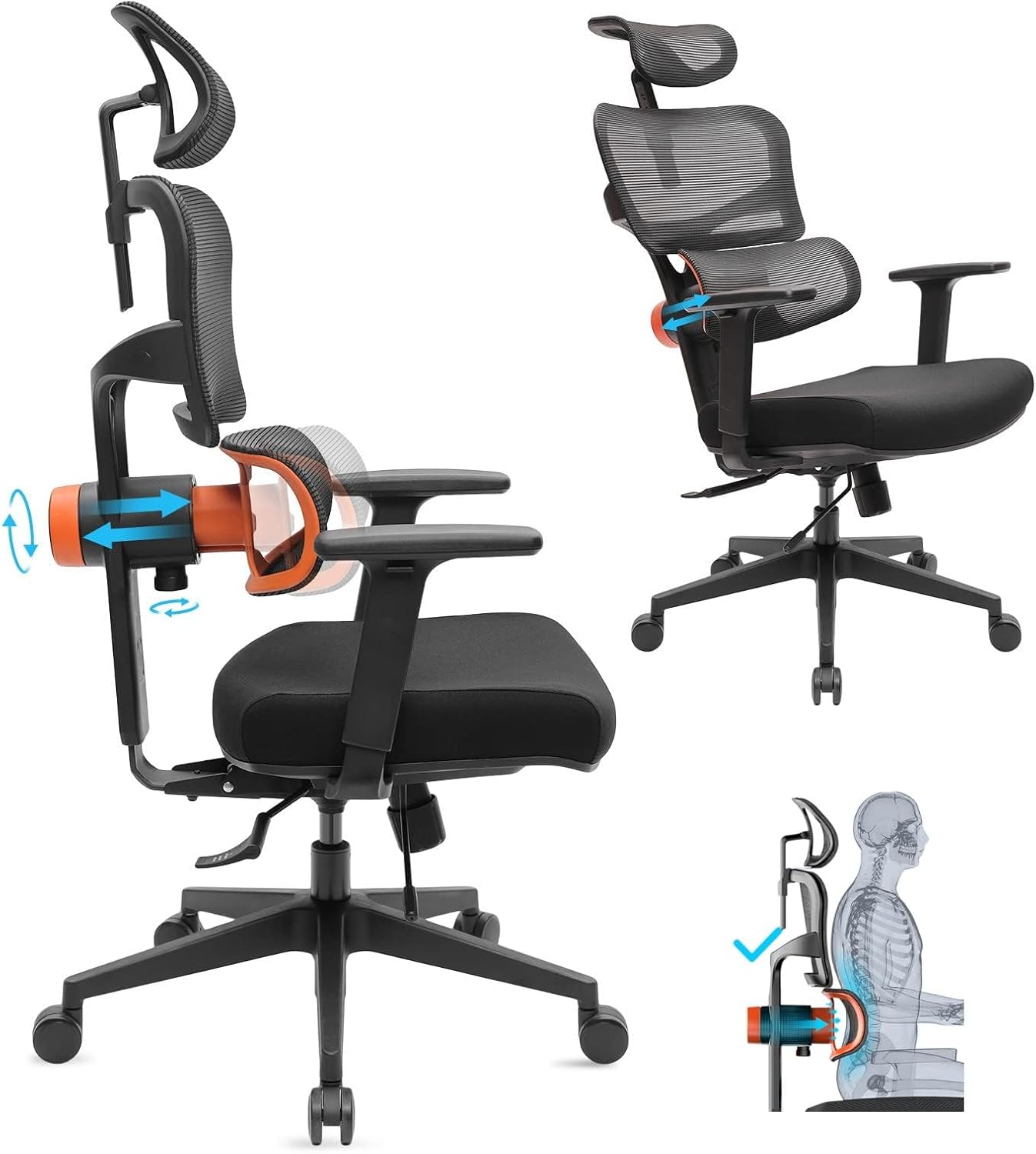
- Fixed Adjustable Support: These systems allow you to raise or lower a lumbar panel to align with your waist.
- Dynamic/Responsive Systems: Advanced chairs utilize tension-sensitive components that automatically adjust the depth and firmness of the lumbar support as you move or recline.
- Inflatable Systems: Controlled by a hand pump or a dial, these allow you to fine-tune the depth of the support based on your preference for a firmer or softer feel.
2. External Add-On Supports
If your current chair is insufficient, aftermarket solutions can be effective, provided they meet specific stability requirements.
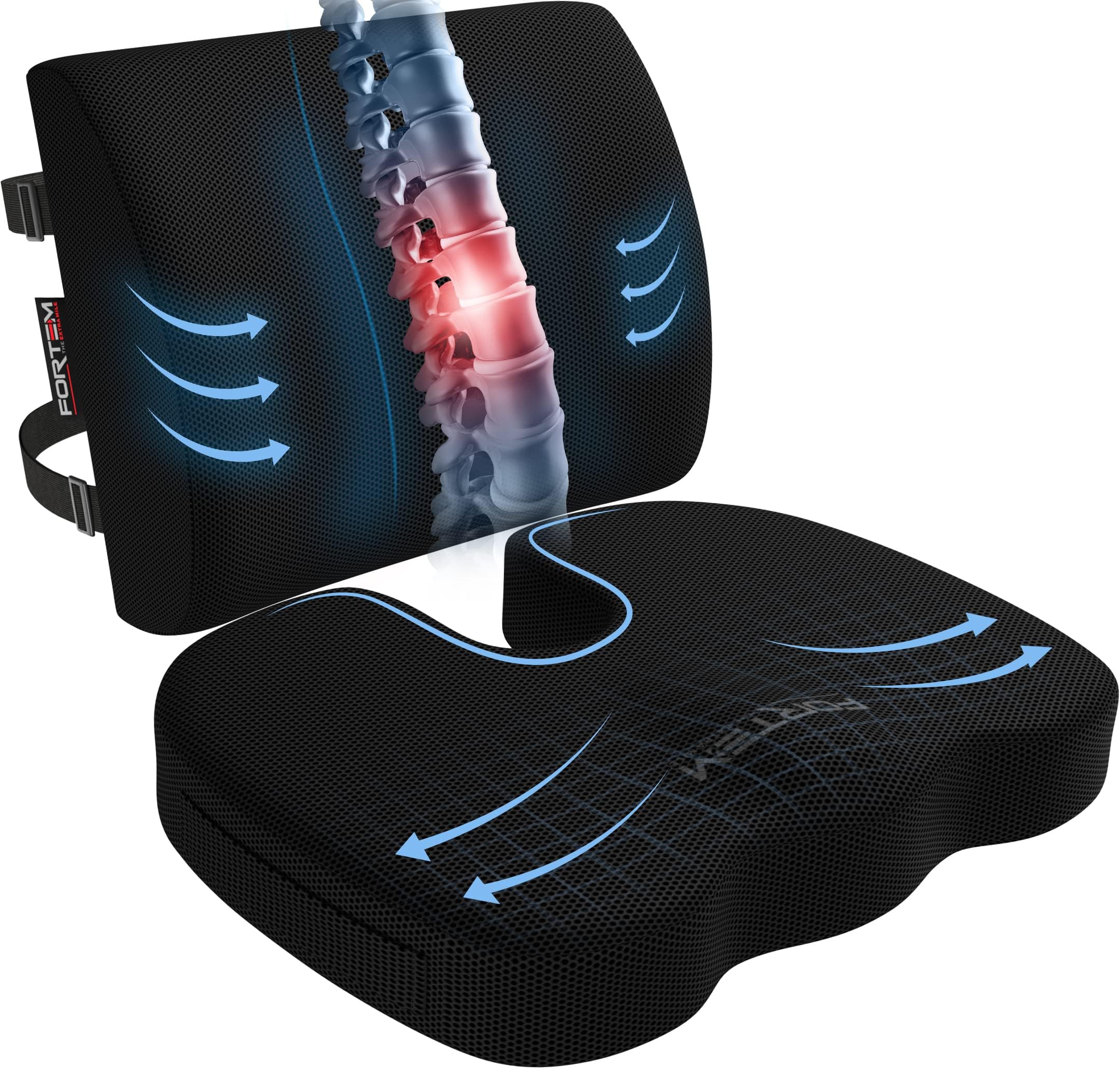
- Memory Foam Pillows: These are popular for their comfort and ability to conform to the body. However, they can lose their shape over time and may lack sufficient structural firmness for long-term support.
- Contoured Mesh Supports: Often framed with a flexible structure, these provide firm support while allowing airflow. They are generally more durable than foam but require careful positioning to ensure they do not shift during use.
- Hard-Shell Orthopedic Inserts: These are designed to mimic the rigid structure of a professional task chair. They are the best choice for users who require significant tactile feedback and firm, unyielding support.
Evaluating Factors for Selection
When comparing different supports, use the following criteria to ensure you are selecting a device that serves your physiological needs.
| Feature | Importance | Best For |
|---|---|---|
| Adjustability | High | Users who share a chair or have specific height requirements. |
| Firmness | Medium | Users with chronic discomfort requiring consistent pressure. |
| Breathability | Medium | Warm climates or users prone to sweating during sedentary work. |
| Attachment Method | High | Avoiding constant shifting or falling of the support device. |
Practical Guidance for Proper Placement
The effectiveness of any lumbar support is dictated by its placement. The most common mistake users make is placing the support too high or too low.
- Locate the Apex: Identify the point of the greatest inward curve of your lower back, typically located just above the pelvic bone.
- Position the Support: Align the center or the "peak" of your lumbar support device with this apex.
- Verify Neutrality: Sit back fully in the chair. You should feel firm, comfortable pressure that prevents your lower back from slouching. If you feel pushed forward at the shoulders or if the support forces an exaggerated arch, the device is too thick or incorrectly placed.
- Movement Integration: If you are using an add-on device, use straps or integrated weights to ensure the support stays in place when you stand up or recline.
Medical and Safety Considerations
While proper lumbar support can mitigate discomfort associated with sedentary office work, it is not a substitute for medical treatment for diagnosed spinal conditions. If you experience shooting pain, numbness, or tingling in your legs while using a chair, these may be symptoms of nerve compression or other underlying conditions. In such cases, consulting a physical therapist or an ergonomist is necessary. Lumbar support is a tool for posture maintenance, not a remedy for clinical injury.
Frequently Asked Questions
Does a softer lumbar support provide better comfort than a firm one? Not necessarily. While soft foam feels comfortable initially, it often fails to provide the necessary counter-pressure required to maintain spinal alignment. Firm support is generally more effective at preventing the flattening of the lumbar curve over long periods.
Should I replace my chair or buy an add-on support? If your chair is structurally sound but lacks specific lumbar adjustment, a high-quality, rigid add-on support may suffice. However, if the chair's backrest height is incorrect or the seat pan depth does not allow you to sit back fully, an add-on will not solve the fundamental ergonomic issues; in this case, a replacement chair is the better long-term investment.
How do I know if my lumbar support is positioned correctly? Your lower back should feel supported without tension. If you find yourself adjusting your position every few minutes or feeling a "gap" between your spine and the chair, the support is either too low or failing to provide sufficient depth.
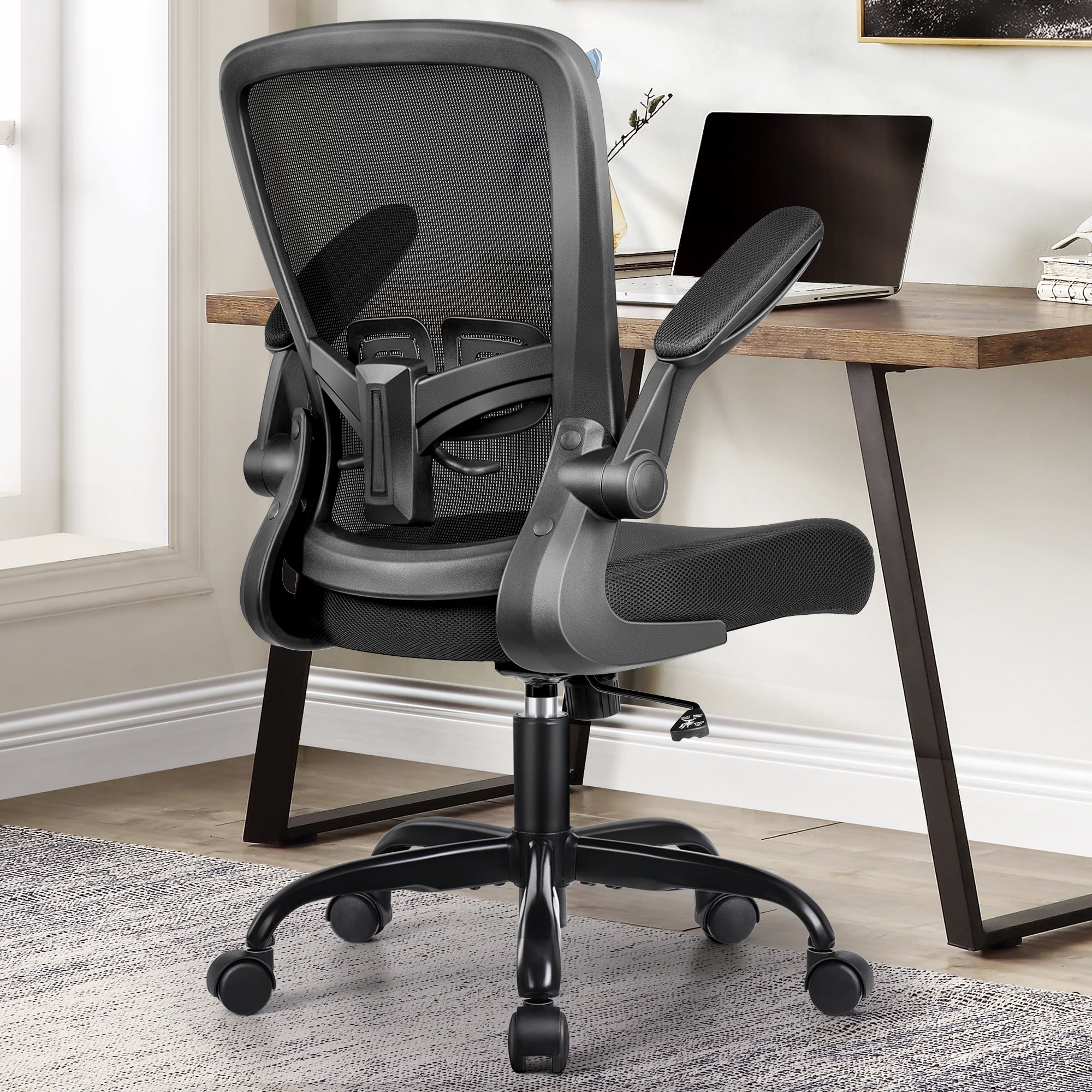
Do mesh-backed chairs provide sufficient lumbar support? Many modern mesh chairs include adjustable lumbar paddles. These are often highly effective because the mesh provides a consistent, tensioned surface, while the adjustable paddle provides localized firmness at the specific point of the lumbar curve.
Next Steps for Implementation
To determine the best solution for your setup, start by assessing your current sitting posture. If you find yourself leaning forward or slouching, observe where your back loses contact with the chair. If you choose an aftermarket support, look for products with adjustable straps that can accommodate the specific width of your office chair's backrest. Prioritize devices that offer a degree of structural rigidity, as these are more likely to provide the necessary support to maintain neutral spinal posture throughout the business day.
Image Gallery