Choosing a CRM Software Good Mobile: A Practical Guide for Modern Teams
Choosing a CRM software with good mobile functionality requires balancing feature parity between desktop and handheld interfaces, offline data synchronization capabilities, and the specific security needs of a remote or field-based wor...
Choosing a CRM software with good mobile functionality requires balancing feature parity between desktop and handheld interfaces, offline data synchronization capabilities, and the specific security needs of a remote or field-based workforce. An effective mobile CRM should act as a reliable extension of your primary office suite, ensuring that sales and service professionals can manage customer relationships without being tethered to a workstation.
Contents
Defining Mobile CRM Excellence
The primary challenge in selecting a customer relationship management (CRM) platform for mobile users is the discrepancy between desktop capability and mobile usability. Many platforms claim "mobile-friendly" interfaces, yet limit core functionality such as reporting, bulk record editing, or custom field interactions.
A CRM with good mobile performance is defined by its ability to maintain a consistent user experience (UX) while respecting the constraints of a touchscreen device. Key indicators of a superior mobile CRM include a dedicated native application—rather than a scaled-down mobile web browser version—and the capability to function efficiently in low-bandwidth or offline environments. If your team operates in regions with intermittent cellular coverage or frequently works while traveling, the ability to store data locally and sync automatically upon reconnection is a non-negotiable requirement.
Assessing Your Mobile Requirements
Before evaluating specific vendors, you must define the workflow requirements of your mobile users. Field sales representatives often have different needs than customer support technicians or executive management.
- Input Efficiency: Can users create a new lead or log a call within three taps or fewer? Mobile CRM usage often happens between meetings or while waiting for transit. If the data entry process is cumbersome, adoption will drop, leading to stale CRM data.
- Offline Functionality: Determine if your team requires full offline access to account records. Some platforms allow viewing data offline but require a connection to save changes, while others facilitate a full sync.
- Hardware Integration: Does the application leverage smartphone-native features? Features such as QR code scanning for business cards, GPS integration for mapping customer visits, and voice-to-text for logging meeting notes significantly increase productivity.
- Security and MDM Compatibility: Verify that the CRM supports Mobile Device Management (MDM) protocols. Your IT department may require the ability to wipe corporate data remotely if a device is lost, or they may need to containerize the app to prevent data leakage between work and personal apps.
Feature Comparison Framework
When comparing platforms, utilize the following table to assess how different providers handle common mobile hurdles.
| Feature Area | Minimum Standard | High-Performance Standard |
|---|---|---|
| Interface | Responsive Web View | Native Application |
| Offline Access | Read-only access | Full read/write with sync |
| Notifications | Email-based alerts | Configurable Push Notifications |
| Data Entry | Manual form entry | Voice-to-text & OCR Scanning |
| Security | Standard login | Biometric/Multi-factor Auth (MFA) |
Analyzing the User Experience (UX)
The "goodness" of a mobile CRM is often subjective until it is tested under real-world pressure. A common mistake during the evaluation phase is testing the mobile app while sitting at a desk with stable Wi-Fi. Instead, evaluate the software during a commute, in a location with poor cellular service, or while standing in a busy environment.
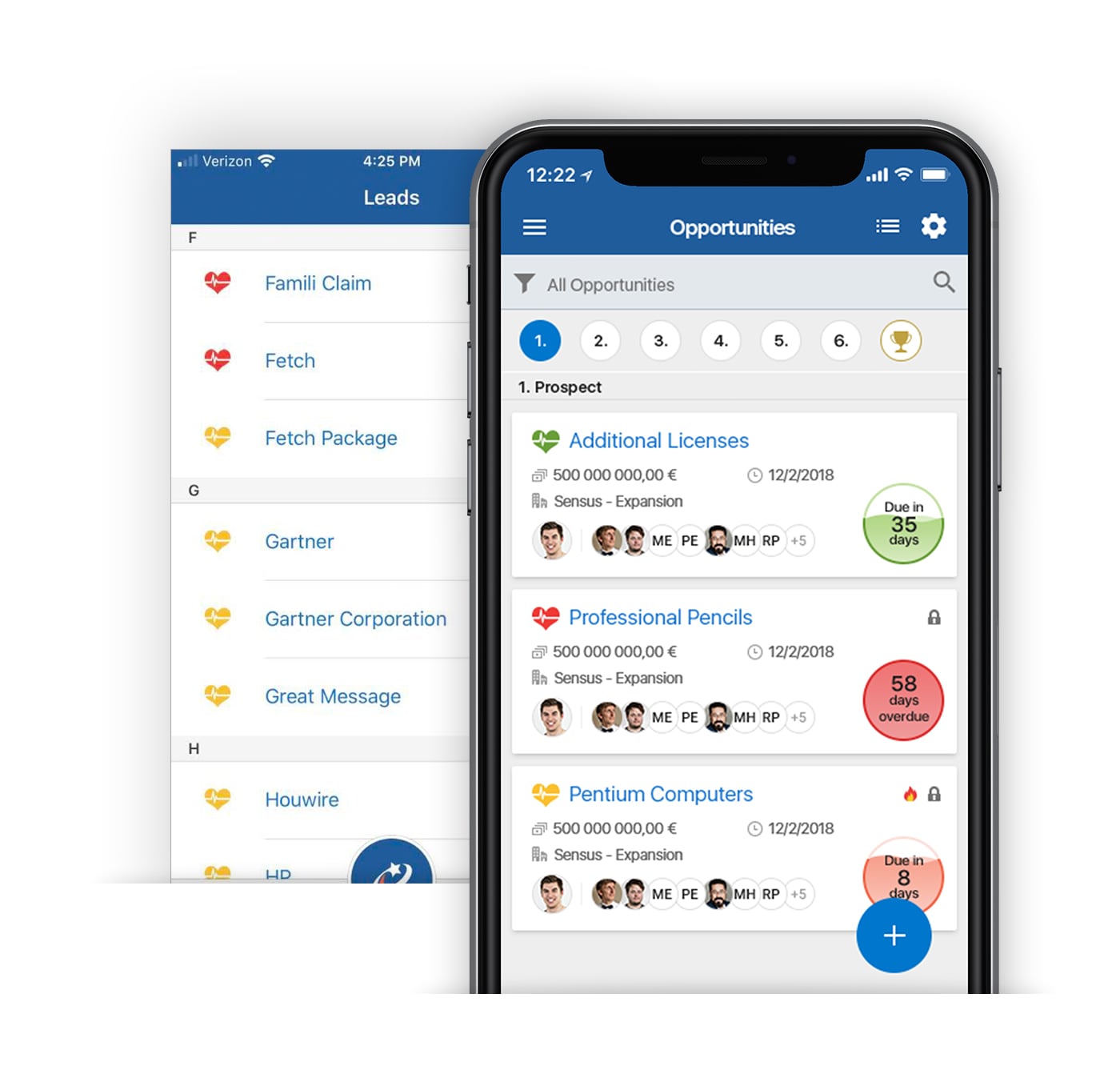
Observe the "click depth"—the number of actions required to perform a task. If a user needs to navigate through four sub-menus to access a customer’s contact information, the platform is likely to frustrate your team. Look for a "dashboard" view that highlights immediate tasks, such as upcoming meetings, overdue follow-ups, or urgent service tickets, rather than forcing the user to search the entire database.
The Role of Customization and Flexibility
Many enterprise-grade CRMs allow administrators to create a "mobile-only" layout. This is a critical feature. By stripping away non-essential desktop modules—such as complex marketing automation configuration or detailed audit logs—you can simplify the mobile interface.
Focus on platforms that provide:
- Custom Navigation Bars: Allowing users to pin the most frequently used modules to the bottom of the screen.
- Role-Based Views: Ensuring that a sales rep sees deal stages while a support tech sees ticket status, preventing "feature creep" that clutters the interface.
- Search Optimization: Mobile search should be predictive and allow for filtering by proximity (e.g., "Find all accounts within 5 miles of my current location").
Common Pitfalls and Troubleshooting
Avoid the assumption that a popular desktop CRM will inherently have an excellent mobile app. Often, the mobile experience is an afterthought for legacy platforms.
Common issues to look out for:
- Sync Conflicts: If two users edit the same record offline, ensure the CRM has a clear "conflict resolution" policy.
- Battery Drain: Poorly optimized apps may constantly poll the server for updates, leading to significant battery consumption. Check user reviews for complaints regarding device heat or rapid battery depletion.
- OS Version Support: Verify if the vendor provides timely updates for the latest mobile operating systems (iOS and Android). If the app lags six months behind OS updates, you risk compatibility issues.
Frequently Asked Questions
Does a web-based mobile CRM differ from a native app? Yes. A native application is installed directly on the device and is optimized for the phone’s hardware, providing faster load times and better integration with cameras and GPS. A web-based view is simply a website formatted for smaller screens, which is often slower and lacks offline capabilities.
Can mobile CRM apps be integrated with my existing phone contacts? Most high-quality CRMs allow for contact syncing, which pulls your CRM contacts into your phone’s address book. This allows you to identify incoming calls from clients even when you are not inside the CRM application.
How do I ensure my mobile CRM data is secure? Ensure the provider supports enterprise-grade encryption for data in transit and at rest. Additionally, check for support for Single Sign-On (SSO) and biometric authentication, which adds a layer of security without forcing the user to type complex passwords frequently.
Is it necessary to have the same features on mobile as on desktop? No. Mobile is intended for "on-the-go" interactions. Trying to perform complex data analysis or bulk database cleanup on a mobile screen is impractical. Focus on essential CRUD (Create, Read, Update, Delete) operations that keep the business moving.
How often should a mobile CRM app be updated? A robust CRM provider will typically release app updates monthly to fix bugs, improve performance, and maintain compatibility with new OS releases. Frequent updates are a positive sign of an active development team.
Making Your Choice
The final decision should be based on a trial period with your most mobile-dependent staff members. Have them use the app in the field for at least one week. If they find themselves reaching for their laptops to complete basic tasks, the mobile app is not meeting your business requirements. Prioritize vendors that offer a "sandbox" or free tier where you can test the mobile interface with actual data before committing to a long-term enterprise contract.
Image Gallery