The Best Free Encrypted Secure Cloud Storage for Students in 2026
For students seeking the best free encrypted secure cloud storage, Proton Drive and MEGA are the top recommendations. Proton Drive offers a Swiss-based, zero-knowledge ecosystem, while MEGA provides a generous 20GB of end-to-end encryp...
For students seeking the best free encrypted secure cloud storage, Proton Drive and MEGA are the top recommendations. Proton Drive offers a Swiss-based, zero-knowledge ecosystem, while MEGA provides a generous 20GB of end-to-end encrypted space. For those requiring more capacity, pairing Cryptomator with university-provided storage remains the most secure hybrid solution.
Contents
The Evolution of Student Data Privacy in 2026
In 2026, the academic landscape is more digital than ever. Students are no longer just storing simple essays; they are managing complex datasets, sensitive research, digital identities, and financial aid documentation. With the rise of sophisticated cyber threats and the normalization of data harvesting, "standard" cloud storage is often insufficient for those who value privacy.
Traditional providers like Google Drive or Microsoft OneDrive are convenient and often provided for free by educational institutions. However, these services typically retain the ability to access your files for indexing, scanning, or compliance purposes. For a student working on a patent-pending invention, sensitive sociological research, or simply someone who believes their personal life shouldn't be a data point, zero-knowledge encryption is the only acceptable standard.
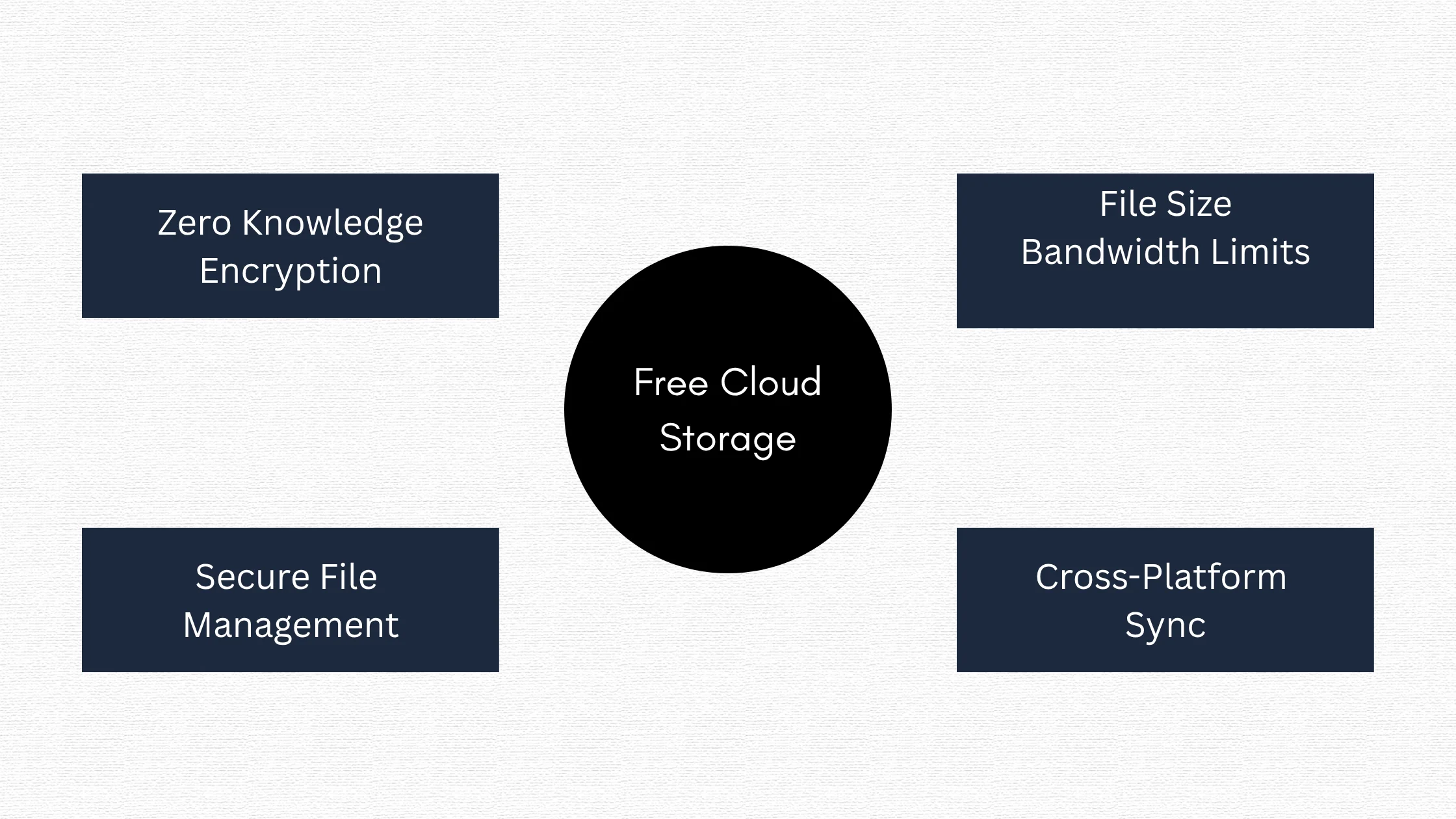
Zero-knowledge encryption ensures that only the user holds the keys to decrypt their data. Even the service provider cannot see what is stored on their servers. This guide explores the most reliable free options that prioritize security without sacrificing the usability required for a busy academic life.
Top 5 Free Secure Cloud Storage Providers for Students
The following providers have been selected based on their commitment to privacy, the robustness of their encryption protocols, and the practicality of their free tiers in a 2026 context.
1. Proton Drive: The Privacy Leader
Proton Drive, part of the Swiss-based Proton ecosystem, remains the gold standard for security-focused students. Because it is headquartered in Switzerland, it benefits from some of the world's strongest privacy laws, remaining outside the immediate jurisdiction of US and EU mass surveillance programs.
- Security Architecture: Proton Drive uses end-to-end encryption (E2EE) for all files and even file metadata (such as file names and folder structures). It employs the OpenPGP standard, which is open-source and has been audited by security experts for decades.
- Free Tier Capacity: As of 2026, the free tier typically starts at 1GB, but students can often expand this to 5GB by completing a series of simple onboarding tasks (like installing the mobile app or uploading their first file).
- Student Utility: The integration with Proton Mail and Proton Calendar makes it a comprehensive productivity suite. For research students, the ability to send password-protected, encrypted links to collaborators is a standout feature.
2. MEGA: The Capacity King
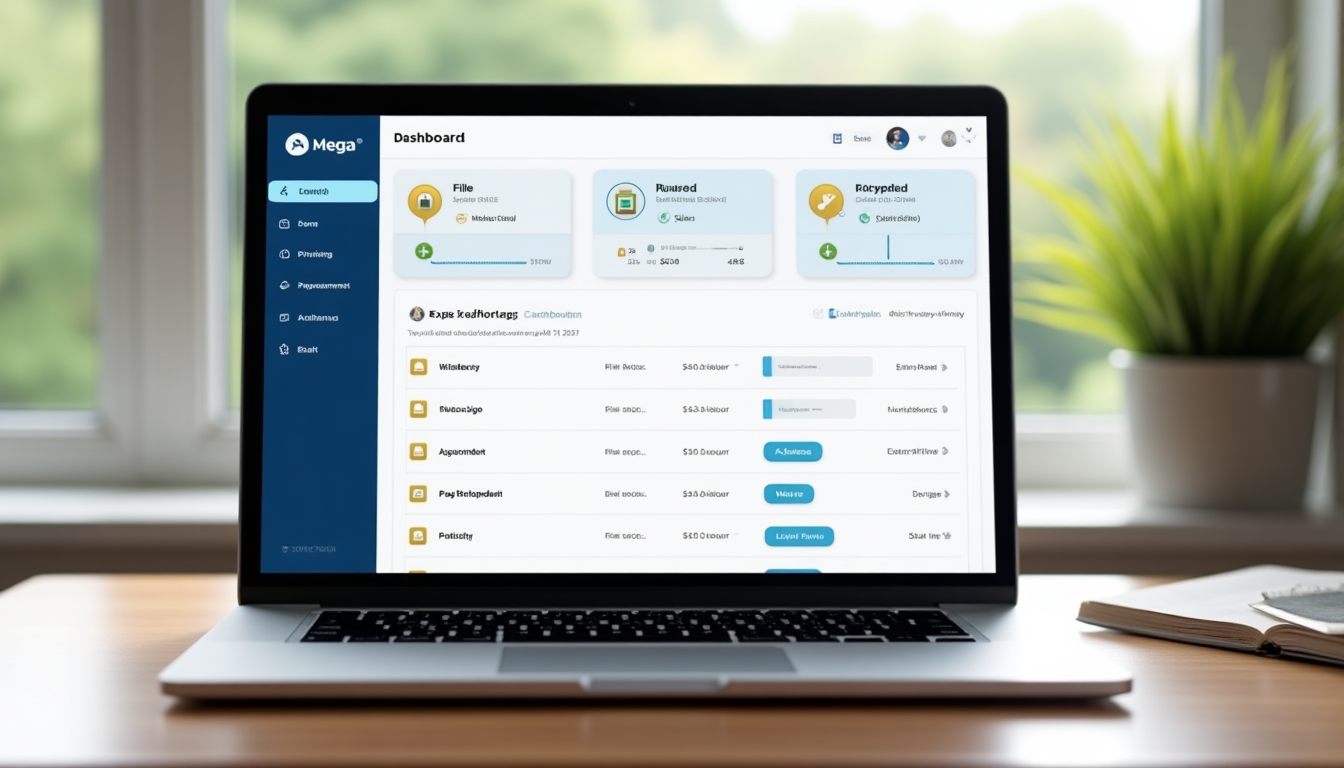
MEGA has long been a favorite for those who need significant space without paying a monthly fee. While its history was once a point of debate, its modern architecture is transparent and strictly focused on user-controlled encryption.
- Security Architecture: MEGA functions entirely on client-side encryption. When you upload a file, it is encrypted on your device before it ever reaches MEGA’s servers. The decryption key is derived from your password, meaning if you lose your password and your recovery key, MEGA cannot help you recover your files.
- Free Tier Capacity: MEGA offers a consistent 20GB of free storage. While they occasionally offer "achievements" to increase this temporarily, the base 20GB is usually sufficient for most undergraduate needs.
- Student Utility: MEGA is excellent for storing large media files, such as recorded lectures or high-resolution project assets. Its synchronization client is one of the fastest in the encrypted market.
3. Filen: The Modern Contender
Filen is a Germany-based provider that has gained massive popularity among the tech-savvy student community due to its transparent "Zero Knowledge" policy and sleek, minimalist interface.
- Security Architecture: Filen uses AES-256-GCM encryption. It is entirely open-source, allowing researchers to verify that there are no backdoors in the software.
- Free Tier Capacity: They offer 10GB of free storage, which is a significant "middle ground" between Proton and MEGA.
- Student Utility: Filen’s "selective sync" feature is particularly useful for students with limited laptop storage. You can keep your current semester's folders synced locally while offloading previous years to the cloud, all while maintaining full encryption.
4. Internxt: Decentralized Security
Internxt takes a different technical approach by using a decentralized network. Instead of your files sitting on a single server, they are fragmented and distributed across a network of nodes.
- Security Architecture: Files are encrypted, sharded (broken into pieces), and distributed. No single server ever holds a complete version of your file.
- Free Tier Capacity: Up to 10GB is available for free users.
- Student Utility: For students concerned about server outages or centralized data breaches, Internxt offers a unique layer of "technological redundancy" that most other providers cannot match.
5. Icedrive: Superior User Experience
Icedrive differentiates itself with its unique "drive-mounting" software, which makes your cloud storage feel exactly like a physical hard drive plugged into your computer.
- Security Architecture: Icedrive uses the Twofish encryption algorithm, which many security experts consider even more robust than the standard AES. However, it is important to note that on the free tier, client-side encryption is sometimes limited to a specific "Encrypted Folder" rather than the entire drive.
- Free Tier Capacity: 10GB of storage.
- Student Utility: The interface is arguably the most modern and "Apple-like," making it a great choice for students who want security but find the UI of older providers clunky.
Comparative Overview of Free Secure Storage (2026)
| Provider | Free Storage | Encryption Type | Jurisdiction | Best For |
|---|---|---|---|---|
| Proton Drive | 1GB - 5GB | OpenPGP (E2EE) | Switzerland | Maximum Privacy & Ethics |
| MEGA | 20GB | AES-128 (E2EE) | New Zealand | Large Files / Video Projects |
| Filen | 10GB | AES-256 (E2EE) | Germany | Open-Source Enthusiasts |
| Internxt | 10GB | AES-256 (E2EE) | Spain | Decentralized Storage |
| Icedrive | 10GB | Twofish (E2EE) | UK | Ease of Use / UI |
The "Hybrid" Solution: Cryptomator
Many students already receive 1TB or more of free storage through their university via Microsoft OneDrive or Google Drive. While these are not inherently "zero-knowledge," you can turn them into secure vaults using Cryptomator.
Cryptomator is a free, open-source tool that encrypts your files locally before they are synced to any cloud provider.
- The Setup: You create a "Vault" inside your university OneDrive folder.
- The Process: You "unlock" the vault with a password, and it appears as a virtual drive on your computer. You drag and drop files into it.
- The Result: OneDrive sees only encrypted, scrambled "gibberish" files. Even if a university administrator or a hacker accesses your OneDrive, they cannot see your data.
This is often the best solution for PhD students or researchers who have massive amounts of data but zero budget for a high-tier paid encrypted service.
Technical Essentials: What Students Should Know
What is Zero-Knowledge?
In the context of 2026 cloud storage, "Zero-Knowledge" means the service provider has zero knowledge of the data you store. They do not hold your password or your decryption keys. If the government subpoenas the provider for your files, the provider can only hand over encrypted blobs of data that are impossible to read without your specific key.
The Importance of Two-Factor Authentication (2FA)
Encryption protects your data on the server, but 2FA protects your account from being hijacked. Even the strongest encryption is useless if someone guesses your password. Students should always use a hardware key (like a YubiKey) or a TOTP app (like Aegis or Raivo) rather than SMS-based 2FA, which is vulnerable to SIM-swapping.
The "Recovery Key" Trap
Because these services are zero-knowledge, there is no "Forgot Password" link that sends an email to reset your access. If you lose your password, your data is gone forever. Every secure provider will give you a Recovery Key (a long string of random characters) during signup. Students must print this key or store it in a physical safe location—not on the computer they are trying to protect.
Troubleshooting and Common Issues
Slow Syncing Speeds
Encrypted storage is often slightly slower than mainstream providers. This is because your computer has to do the "heavy lifting" of encrypting every byte before it is uploaded. If your sync is slow, check if your antivirus is scanning the encrypted blocks, as this can cause significant bottlenecks.
Mobile Access Limitations
On mobile devices (iOS/Android), you often cannot "stream" encrypted files as easily as you can with Google Photos. The phone must download and decrypt the file into temporary memory. If you are working with large PDFs or videos on a mobile device, ensure you have enough local cache space available.
Collaboration Barriers
Encrypted storage makes collaboration harder. You cannot simply "share" a folder and expect the other person to edit it live like a Google Doc. Most secure providers handle this by generating "Encrypted Share Links." The recipient will need a password provided by you via a separate secure channel (like Signal or Proton Mail) to view the files.
Frequently Asked Questions
Can my university see my files if I use Proton Drive on their Wi-Fi?
No. Because the files are encrypted locally on your device before being sent over the network, the university's IT department can only see that you are connected to Proton's servers. They cannot see the contents, filenames, or data within the transmission.
Is MEGA really safe for my thesis?
Yes, MEGA’s end-to-end encryption is robust. However, for a document as important as a thesis, you should follow the 3-2-1 backup rule: 3 copies of your data, on 2 different media types, with 1 copy off-site (the cloud). Do not rely solely on one free cloud provider for your life's work.
Why not just use Google Drive with a strong password?
A strong password protects your account from outsiders, but it does not protect your data from Google itself. Google's Terms of Service allow them to scan files for various purposes. Furthermore, if your account is ever "flagged" by an automated system, you could lose access to all your files without an easy appeal process. Encrypted storage keeps you in control.
Will these services stay free forever?
Most of these companies operate on a "Freemium" model. They provide a free tier to build brand loyalty, hoping that once you graduate and enter the workforce, you will upgrade to a paid plan. While the free tiers are stable, providers occasionally adjust storage limits. It is wise to keep an eye on your email for any "Terms of Service" updates.
Final Recommendation for Students
For the majority of students, the best approach in 2026 is a multi-layered strategy. Use Proton Drive for your most sensitive documents (IDs, passwords, private journals) to benefit from the Swiss jurisdiction. For large project files and lecture recordings, use MEGA's 20GB of space. Finally, if you have a massive university-provided drive, use Cryptomator to create a secure "island" within it for your academic research. This combination ensures maximum security and maximum storage without spending a single dollar.
Image Gallery