Why You Should Adopt Cloud MFA Now
Cloud Multi-Factor Authentication (MFA) has evolved from an optional security enhancement into a fundamental operational necessity for modern organizations. By moving identity verification off-premise and into the cloud, enterprises ca...
Cloud Multi-Factor Authentication (MFA) has evolved from an optional security enhancement into a fundamental operational necessity for modern organizations. By moving identity verification off-premise and into the cloud, enterprises can secure hybrid workforces, neutralize credential-based attacks, and streamline user access without sacrificing productivity.
Contents
Cloud Multi-Factor Authentication (MFA) requires users to provide two or more verification factors to gain access to cloud-based resources, applications, and data. Unlike legacy on-premises MFA solutions that rely on localized hardware tokens and rigid infrastructure, cloud MFA leverages scalable software-as-a-service models, adaptive risk scoring, and modern cryptographic standards to secure access across distributed environments and heterogeneous device fleets.
The Evolution of Identity Perimeters and Security Threats
The traditional enterprise perimeter defined by physical corporate offices and internal firewalls has dissolved. With workforces operating from remote locations, using personal devices, and accessing workloads hosted across multiple public clouds, the traditional network boundary no longer exists. Identity has become the new perimeter.
Adversaries have rapidly adapted to this shift. Attackers no longer need to breach complex network firewalls when they can simply compromise user credentials. Credential stuffing, password spraying, and sophisticated phishing campaigns allow malicious actors to walk straight through the front door using legitimate user identities. According to industry threat intelligence reports, the vast majority of successful enterprise data breaches originate from compromised user credentials.
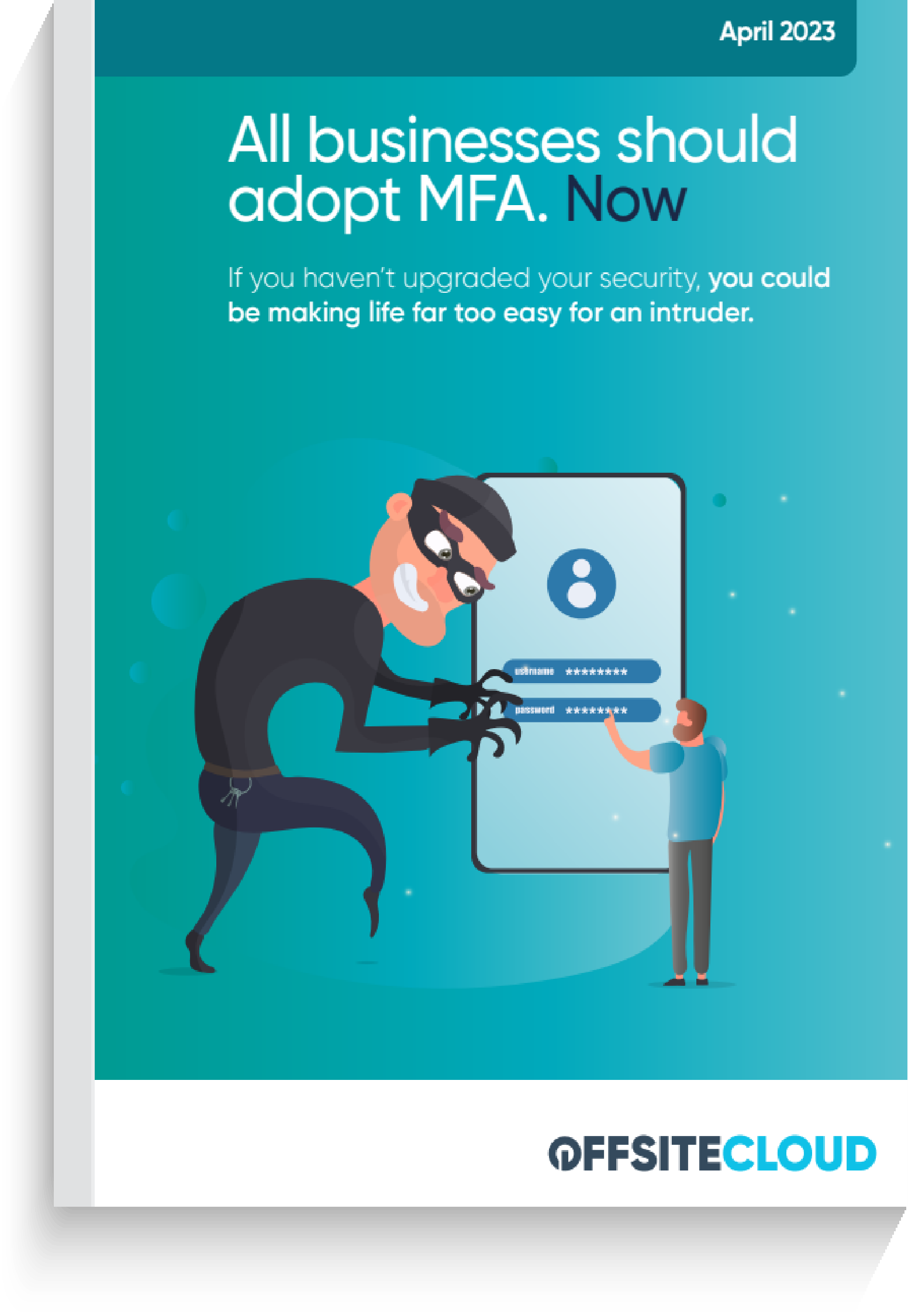
Relying on traditional username and password combinations—even complex ones—is an invitation to compromise. Passwords can be guessed, intercepted, reset through social engineering, or leaked on public forums through third-party data breaches. Once an attacker acquires a valid password, static access controls treat them as legitimate users, allowing lateral movement throughout the corporate ecosystem. Cloud MFA disrupts this attack chain by ensuring that even if a password is compromised, access remains blocked without the secondary verification factor.
Core Advantages of Transitioning to Cloud MFA Architecture
Migrating from legacy, on-premises authentication servers to a modern cloud-based MFA infrastructure delivers profound operational and security benefits. Understanding these advantages clarifies why organizations are accelerating their transition timelines.
Scalability and Rapid Deployment
On-premises MFA solutions require dedicated hardware, manual software patching, complex clustering for high availability, and localized telephony integrations. Scaling these systems to support remote workers or sudden workforce expansions often introduces severe bottlenecks. Cloud MFA platforms, by contrast, are architected for elasticity. Administrators can provision thousands of users globally within minutes, rolling out authentication policies from a centralized dashboard without physical hardware constraints.
Seamless Integration with Modern Ecosystems
Modern enterprises run a complex mix of SaaS applications, custom-built cloud workloads, and legacy on-premises systems. Cloud MFA solutions offer robust pre-built integrations with major identity providers (IdPs), single sign-on (SSO) frameworks, and directory services. This ensures a unified authentication experience across Microsoft 365, Google Workspace, Salesforce, AWS, and internal applications.
Resilience and High Availability
On-premises authentication servers are single points of failure that require diligent disaster recovery planning. If an internal MFA server fails during a power outage or hardware malfunction, productivity grinds to a halt. Cloud MFA providers operate out of geographically distributed, highly redundant data centers designed to deliver enterprise-grade uptime SLAs, ensuring continuous authentication availability for global operations.
Key Capabilities of Modern Cloud MFA Solutions
Evaluating cloud MFA solutions requires looking beyond basic secondary prompts. Today's platforms leverage advanced technologies to balance airtight security with frictionless user experiences.
Adaptive and Risk-Based Authentication
Static MFA requires every user to perform the exact same secondary check—such as typing a six-digit code—regardless of context. Adaptive cloud MFA evaluates contextual signals in real time, including:
- User Location: Detecting impossible travel scenarios or access from unexpected geographic regions.
- Device Trust: Verifying whether the accessing device is managed, compliant, and healthy.
- Network Reputation: Analyzing whether the connection originates from a known corporate IP or a suspicious public proxy.
- Behavioral Biometrics: Monitoring typing cadence, mouse movements, and navigation habits.
If the risk score is low, the user enjoys a frictionless sign-on experience. If the risk score spikes—for instance, an attempt to access payroll data from an unmanaged device in a foreign country—the system dynamically steps up authentication requirements, prompting biometric verification or blocking access entirely.
Resistance to Advanced Phishing Attacks
Traditional MFA methods like SMS text messages and standard one-time password (OTP) apps remain vulnerable to adversary-in-the-middle (AitM) phishing kits, where attackers intercept codes in real time via malicious proxy sites. Modern cloud MFA prioritizes phishing-resistant credentials, most notably FIDO2 / WebAuthn standards and hardware security keys. These cryptographic standards bind authentication to the specific origin URL, making it mathematically impossible for a phishing site to harvest functional credentials or session tokens.
Comprehensive Visibility and Auditing
Security operations centers (SOCs) require deep visibility into authentication events to detect anomalies and satisfy compliance frameworks. Cloud MFA platforms centralize audit logs, providing granular insights into failed login attempts, MFA method registrations, administrative overrides, and policy violations. This data feeds directly into Security Information and Event Management (SIEM) tools for automated threat hunting and incident response.
| MFA Authentication Type | Phishing Resistance | User Friction | Deployment Complexity | Cost Profile |
|---|---|---|---|---|
| SMS / Voice OTP | Very Low | Low | Low | Low (Carrier fees apply) |
| Software Authenticator Apps | Low to Moderate | Moderate | Low | Low (Free applications) |
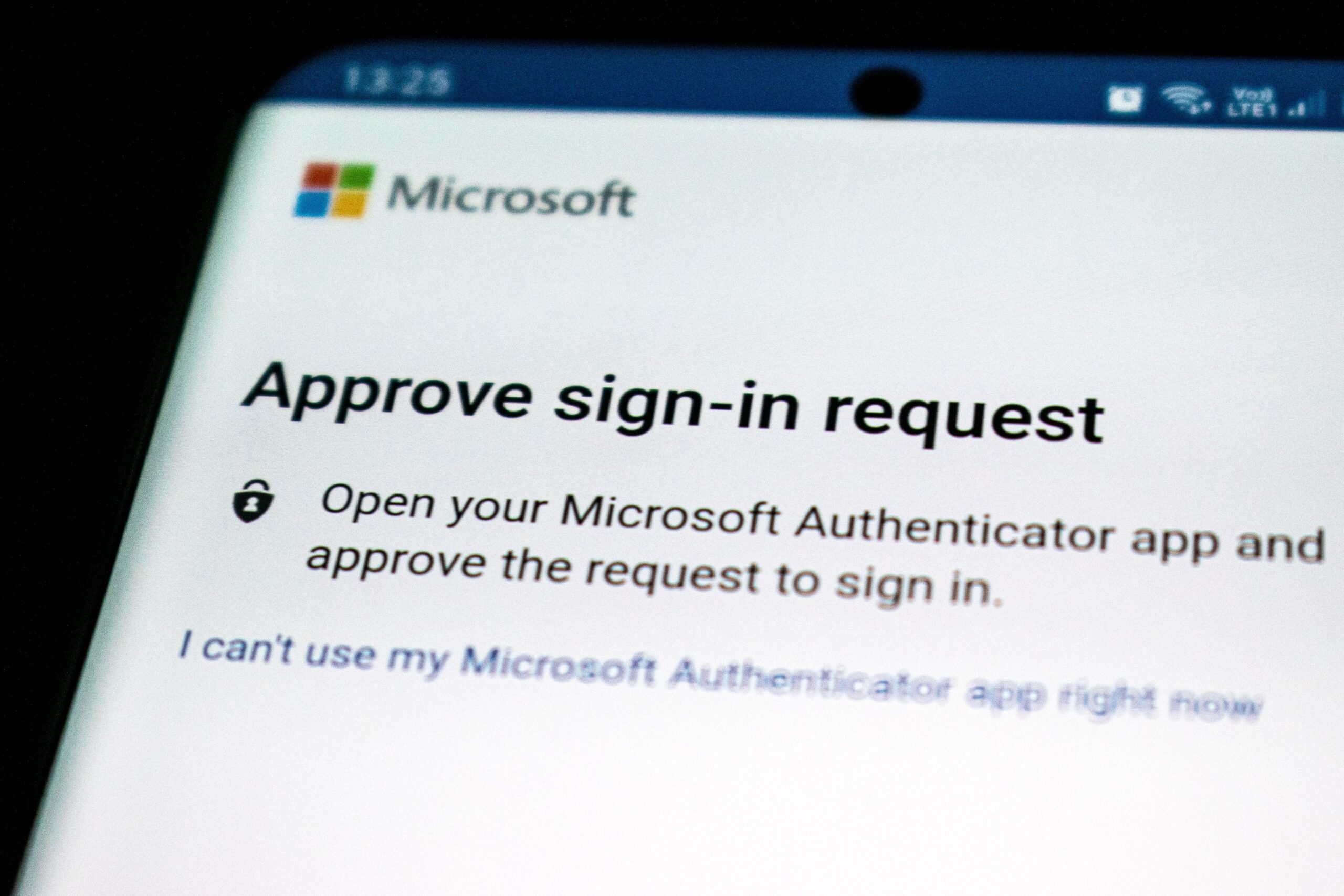
| Push Notifications (Number Matching) | Moderate to High | Low | Moderate | Moderate (IdP licensing) |
| FIDO2 Security Keys (Hardware) | Absolute | Low to Moderate | High | High (Hardware procurement) |
| Certificates / Smart Cards | Absolute | Low | Very High | High (PKI management) |
Operationalizing Cloud MFA: Strategic Implementation Steps
Adopting cloud MFA requires careful planning to minimize business disruption, secure executive buy-in, and ensure high user adoption rates. A structured rollout prevents common pitfalls such as locked-out executives and administrative overhead fatigue.
Phase 1: Identity and Access Discovery
Before enforcing new authentication policies, organizations must map their existing digital estate. Inventory all applications, services, and user directories. Categorize users based on their access privileges, data sensitivity levels, and operational workflows. Privileged users, such as system administrators and finance personnel, require the highest tiers of phishing-resistant MFA from day one.
Phase 2: Pilot Deployment and Policy Definition
Avoid a "big bang" rollout across the entire organization. Select a representative pilot group—typically IT personnel and a cooperative business unit—to test the cloud MFA deployment. Define conditional access policies based on risk tiers. Establish clear fallback procedures and helpdesk protocols for users who lose their authentication devices.
Phase 3: Phased User Enrollment and Communication
Change management is the most critical factor in MFA adoption. Communicate the "why" behind the security upgrade well in advance. Provide clear, step-by-step enrollment guides and video tutorials. Encourage users to register multiple authentication methods (such as a primary authenticator app and a secondary backup option) to drastically reduce helpdesk reset tickets.
Phase 4: Monitoring, Enforcement, and Optimization
Gradually shift policies from reporting mode to enforcement mode. Monitor helpdesk metrics, authentication latency, and failed login trends closely during the initial rollout. Continuously refine adaptive access policies to reduce unnecessary friction for trusted users while tightening controls around high-risk anomalies.
Common Adoption Pitfalls and How to Avoid Them
Even with sophisticated technology, organizations can stumble during cloud MFA adoption if they ignore human factors and architectural nuances.
Neglecting Service Accounts and Non-Human Identities
Organizations often focus exclusively on human end-users while forgetting automated scripts, API integrations, service accounts, and legacy software that require programmatic access. These non-human identities represent prime targets for attackers. Ensure your cloud MFA strategy incorporates secure secrets management, certificate-based authentication, or dedicated workload identity controls for all non-human actors.
Failing to Plan for Device Loss and Recovery
Users lose phones, upgrade devices, or forget hardware keys. If an organization lacks a secure, verified recovery workflow, helpdesks become overwhelmed, or worse, administrative assistants bypass security policies out of frustration. Implement robust, identity-verified self-service recovery portals and administrative break-glass accounts protected by rigorous out-of-band verification.
Ignoring User Experience and Productivity Friction
Security measures that create insurmountable friction invariably invite shadow IT and workarounds. If employees find MFA overly cumbersome, they may attempt to share credentials or use unauthorized personal applications. Strive for a balanced posture: leverage adaptive policies to eliminate redundant prompts for routine actions while reserving strict verification steps for sensitive operations.
Frequently Asked Questions
Is cloud MFA secure enough to protect against nation-state attacks?
Modern cloud MFA utilizing FIDO2 phishing-resistant hardware tokens or cryptographic passkeys provides an exceptionally high security barrier that effectively neutralizes standard credential theft and AitM phishing. However, no single technology guarantees absolute security; cloud MFA must be integrated into a comprehensive zero-trust architecture that includes endpoint security, micro-segmentation, and continuous monitoring.
How does cloud MFA handle offline authentication scenarios?
Many cloud MFA platforms support time-based one-time passwords (TOTP) generated via authenticator apps that do not require an active internet connection on the user's device. For environments requiring deep offline connectivity, administrators can configure cached credentials or temporary offline access tokens governed by strict expiration policies.
What happens to my existing on-premises authentication tools during migration?
Most organizations adopt a hybrid coexistence model during migration. Cloud MFA providers typically integrate with existing directory services like Active Directory via secure synchronization agents. This allows organizations to migrate users in batches, cutting over applications gradually without requiring an instant, disruptive enterprise-wide switch.
Can users bypass cloud MFA when connected to the corporate network?
Implicit trust based on network location is an outdated paradigm. Modern security frameworks discourage bypassing MFA simply because a user is inside the corporate perimeter or connected via a virtual private network (VPN). Attackers frequently pivot from compromised internal workstations; therefore, enforcing continuous, context-aware MFA regardless of network location is standard security best practice.
Conclusion and Next Actions
The threat landscape leaves no room for hesitation. Relying on perimeter defenses and legacy passwords exposes organizations to catastrophic breaches, operational downtime, and severe reputational damage. Adopting cloud MFA immediately fortifies your digital assets, secures remote and hybrid operations, and establishes a resilient foundation for future security initiatives. Begin by conducting a comprehensive identity inventory, establishing a pilot group with high-privilege users, and selecting a scalable cloud identity provider aligned with your enterprise architecture.
Image Gallery