Understanding the Process: How to Install Cydia on iOS Devices
Installing Cydia is not a standard software download process; it is a byproduct of the jailbreaking process, which removes Apple’s software restrictions on iOS devices. Cydia acts as a package manager, providing a storefront for third-...
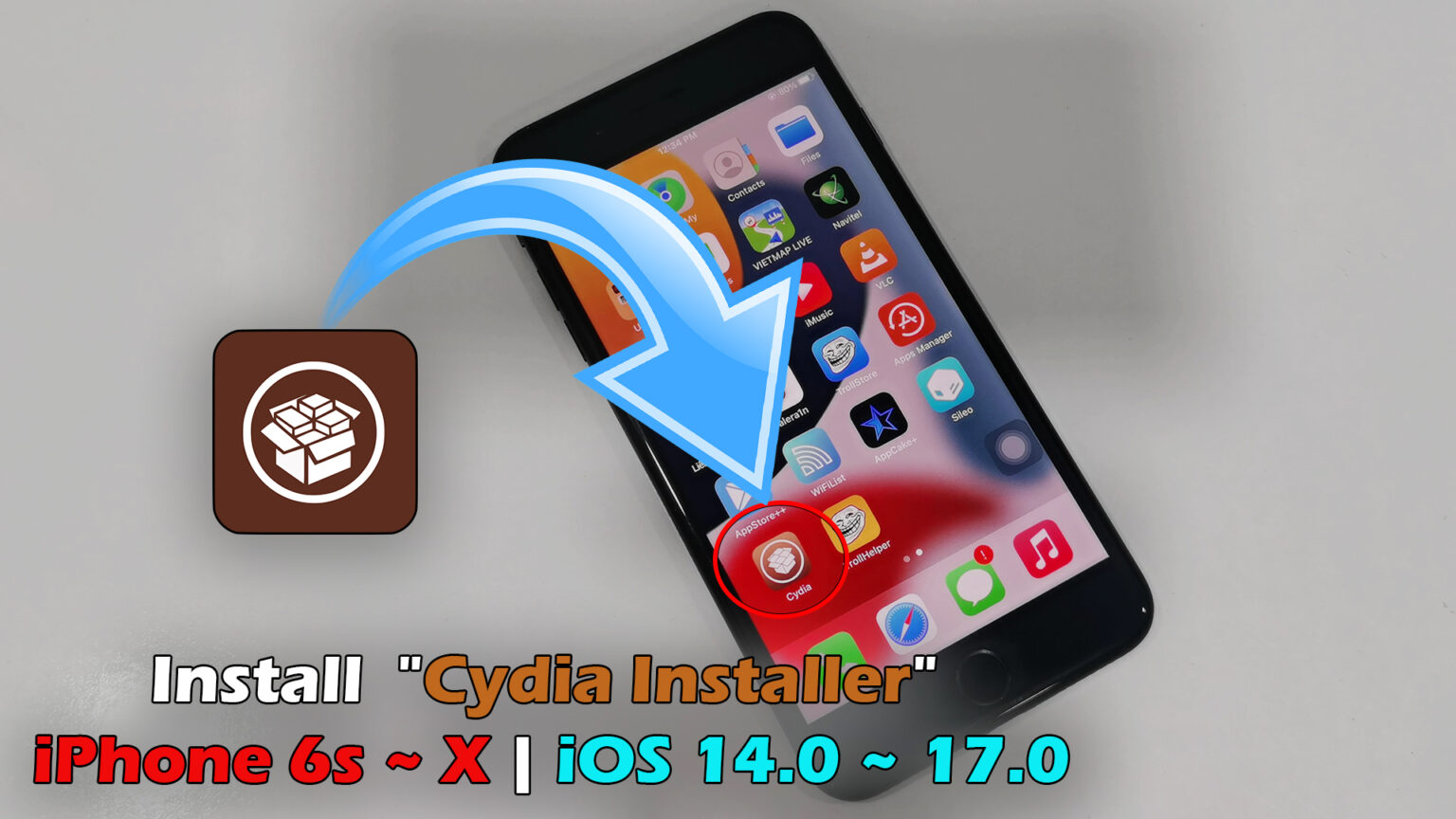
Installing Cydia is not a standard software download process; it is a byproduct of the jailbreaking process, which removes Apple’s software restrictions on iOS devices. Cydia acts as a package manager, providing a storefront for third-party applications, tweaks, and customizations that fall outside the parameters of the official App Store. Because Apple maintains a closed ecosystem, Cydia is not available as a standalone application, and its presence on a device indicates that the operating system’s security barriers have been modified.
Contents
The Nature of Cydia and the Jailbreaking Process
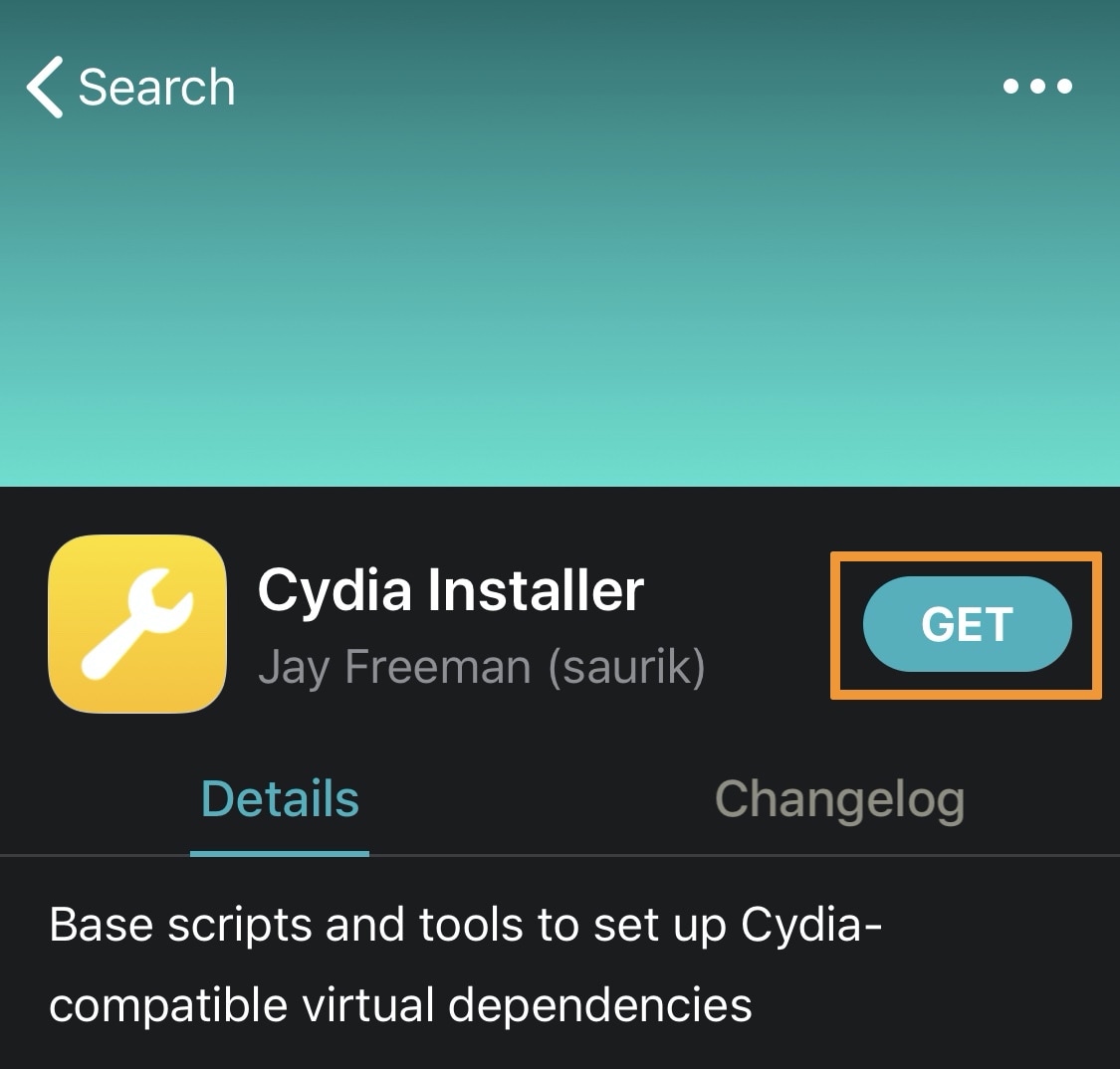
Cydia was developed by Jay Freeman (Saurik) as a gateway for users to modify the iOS user interface and system functionality. Unlike the Apple App Store, which verifies applications for security and content compliance, Cydia repositories—often called "sources"—allow developers to host software that interacts with the root of the operating system.
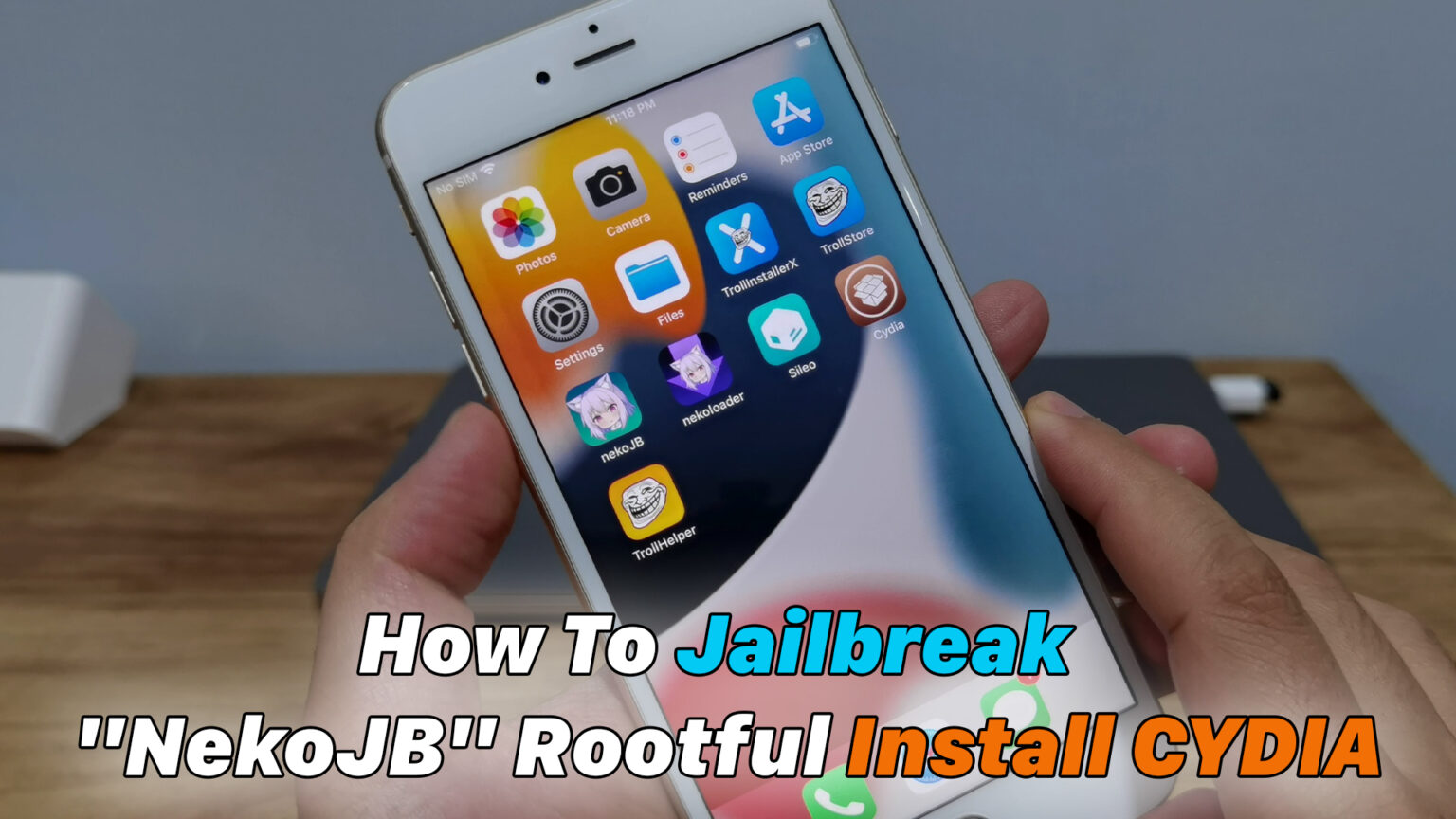
When you ask how to install Cydia, you are essentially asking how to jailbreak an iPhone or iPad. Jailbreaking involves exploiting vulnerabilities in the iOS kernel to gain "root" or administrative access. Once this access is achieved, the jailbreak software installs Cydia as the primary utility to manage the newly unlocked system capabilities. It is vital to understand that Cydia is a tool for developers and advanced users; it is not supported by Apple, and using it inherently changes the risk profile of your device.
Prerequisites and Important Considerations
Before attempting to modify your device, you must account for the current state of iOS security. In 2026, most modern iOS versions include robust kernel protections that make traditional, software-only jailbreaks extremely rare or non-existent for the latest hardware.
Necessary Requirements
- Hardware Compatibility: Jailbreaking tools are specific to hardware architecture. Devices with newer A-series chips (A12 and later) generally require specialized, often hardware-level exploits.
- iOS Versioning: The specific version of your operating system is the most significant factor. Jailbreak exploits are typically patched by Apple in subsequent software updates. If you have updated your device, you may have permanently lost the ability to jailbreak.
- Device Backups: Because jailbreaking involves modifying system files, there is a legitimate risk of "boot-looping" or "bricking" the device, rendering it unusable. Always perform a full backup via iCloud or a local computer before starting.
- Battery and Connectivity: Ensure your device is charged above 50% and maintains a stable connection to a trusted power source throughout the process to prevent an interrupted installation.
Identifying Authentic Jailbreak Tools
The internet is saturated with fraudulent websites claiming to offer "one-click" Cydia installations. These sites are almost universally scams designed to phish for your personal data, force you to complete endless surveys, or trick you into downloading malware or ad-supported software.
Cydia is only installed via verified jailbreak tools developed by reputable members of the research community. Examples of historical and established tools include:
| Jailbreak Tool | Status/Target | Primary Mechanism |
|---|---|---|
| Checkra1n | Hardware-based | Exploits the checkm8 bootrom vulnerability. |
| Unc0ver | Software-based | Targets specific kernel vulnerabilities in legacy iOS versions. |
| Taurine | Software-based | Optimized for newer iOS versions; emphasizes stability. |
| Palera1n | Hardware-based | Modern successor for devices susceptible to bootrom exploits. |
If a website asks for payment, survey completion, or prompts you to install "configuration profiles" to get Cydia, it is illegitimate. Always verify the source of the software through official developer channels, such as their dedicated GitHub repositories or verified social media announcements.
The Risks of Modifying iOS
Installing Cydia effectively disables the "Walled Garden" security model that Apple enforces. While this allows for greater customization, it introduces several significant trade-offs:
- Security Vulnerabilities: By removing the "sandbox" that keeps apps isolated, you allow third-party tweaks to access sensitive data, such as your keychain, messages, and location history. If you install a malicious tweak from a rogue repository, your personal data is at higher risk.
- App Compatibility: Many high-security applications—most notably banking, payment, and enterprise management apps—include "jailbreak detection." These apps will refuse to run if they detect that Cydia or related system modifications are present on your device.
- Stability Issues: System tweaks are not subject to the same quality control as App Store applications. It is common for conflicting tweaks to cause random system crashes, excessive battery drain, or severe lag.
- Warranty and Support: Modifying the iOS kernel is a violation of Apple’s End User License Agreement (EULA). Apple will generally refuse to provide hardware or software support for a device that shows signs of having been jailbroken.
Troubleshooting Common Installation Failures
If you are using a legitimate tool and the installation fails, the issue is typically related to environment or software version mismatch.
- Error: "Unsupported iOS Version": This is the most common error. If your iOS version is newer than the exploit support, there is no workaround. You cannot "force" an exploit on a patched kernel.
- Error: "Exploit Failed": Sometimes the vulnerability requires multiple attempts. Reboot your device, ensure all background apps are closed, and attempt the process again.
- System Hangs: If your device hangs during the installation, a "forced restart" (usually a specific combination of physical button presses) is generally required. If the device fails to boot after a forced restart, you may be forced to restore the device to factory settings using a computer, which will remove the jailbreak and Cydia entirely.
Frequently Asked Questions
Is it legal to install Cydia in 2026?
In many jurisdictions, the act of jailbreaking is considered a form of "circumvention" for the purpose of interoperability, which is often permitted under exemptions to copyright law (such as the DMCA in the United States). However, this does not absolve you of the risks associated with violating your device’s warranty or the potential security implications of modifying your operating system.
Can I install Cydia without a computer?
Some historical jailbreaks allowed for "semi-tethered" or "no-computer" installations. However, in 2026, most reliable jailbreak methods require a computer to host the exploit and communicate with the device during the initial provisioning phase. Avoid any sites claiming to provide a "no-computer" Cydia install via a simple web button; these are invariably fraudulent.
How do I remove Cydia if I change my mind?
Removing Cydia is usually as simple as restoring your device to factory settings using iTunes or Finder on a computer. This process overwrites the modified system partition with a clean version of the iOS firmware, effectively purging all evidence of the jailbreak and returning the device to its original security state.
Why do some apps stop working after I install Cydia?
Apps often implement "jailbreak detection" to protect their code and the user's data. Since Cydia grants administrative access to the entire file system, these apps assume the device is compromised and shut down to prevent potential data theft. You can sometimes bypass this with specific tweaks, but this is a perpetual "cat-and-mouse" game between app developers and the jailbreak community.
Should I keep Cydia updated?
Cydia itself is a package manager, not the jailbreak exploit. While you should keep your installed tweaks updated to avoid system instability, ensure that any update to the Cydia application itself is verified by the community to ensure it remains compatible with your specific iOS version.
Recommendation for Moving Forward
Before you commit to installing Cydia, evaluate whether the benefits outweigh the loss of device stability and security. If your primary goal is customization, ensure that you have researched the specific "tweaks" you wish to use and verified that they are compatible with your current iOS version. Always source your jailbreak tools directly from the developers' official repositories. If you are not comfortable navigating potential system failures, it is strongly recommended that you stick to the official, restricted environment provided by Apple to ensure the ongoing security and reliability of your device.
Image Gallery