How to Remove Watermarks from a PDF Using AI
Removing a watermark from a PDF using AI involves utilizing specialized machine learning algorithms, specifically Generative Adversarial Networks (GANs) and image inpainting models, to identify and suppress the watermark layer while re...
Removing a watermark from a PDF using AI involves utilizing specialized machine learning algorithms, specifically Generative Adversarial Networks (GANs) and image inpainting models, to identify and suppress the watermark layer while reconstructing the underlying content. Modern AI tools can automatically detect whether a watermark is a text overlay or an embedded raster image, allowing for seamless removal without compromising document integrity.
Contents
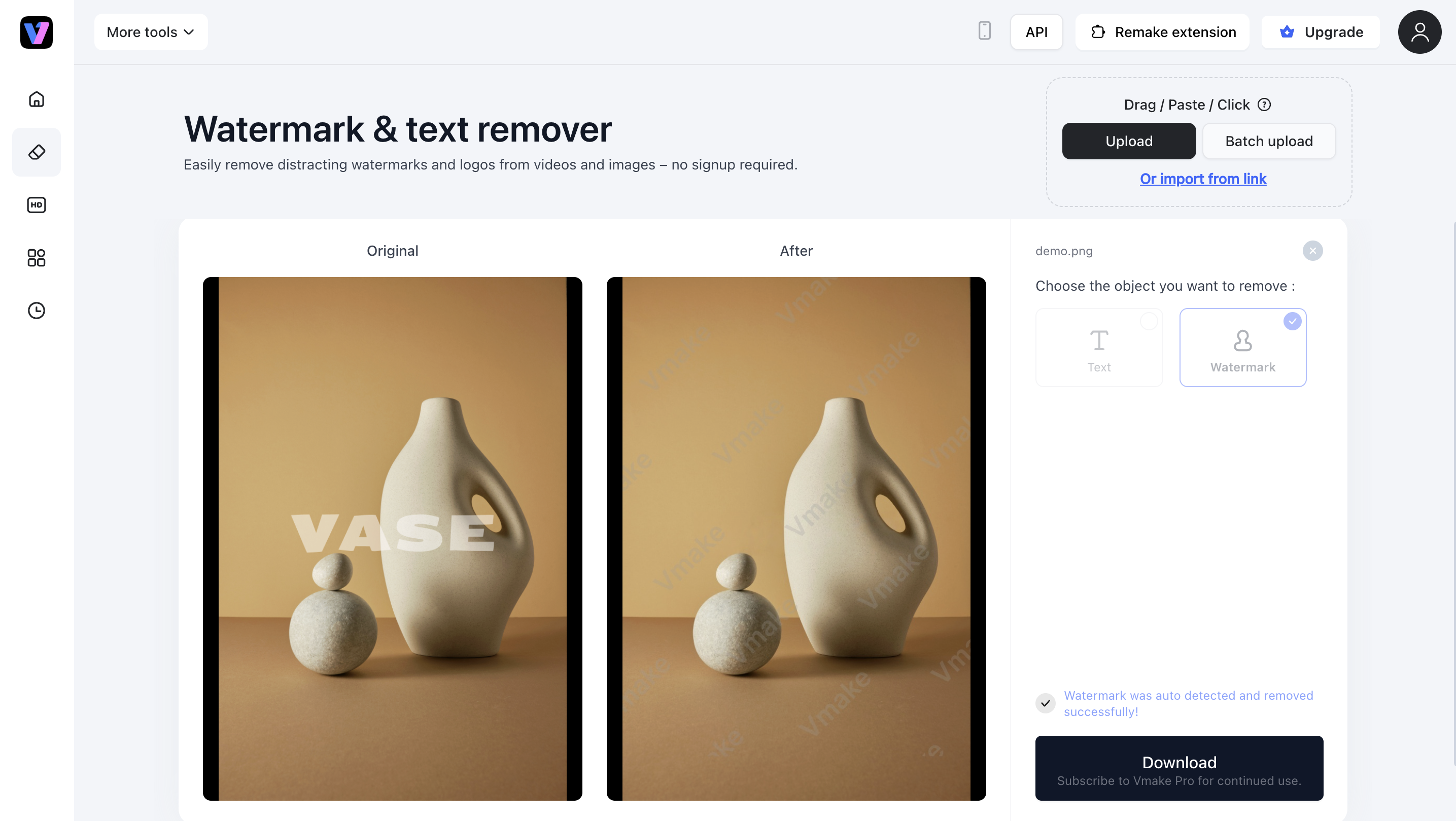
Understanding AI-Driven Watermark Removal
In the technical landscape of 2026, the removal of watermarks from PDF documents has transitioned from a tedious manual task to a sophisticated automated process. Traditional methods often involved converting the PDF to an image and using "clone stamp" tools, which frequently resulted in blurred text or distorted backgrounds. AI-driven removal, however, operates on a fundamentally different principle: semantic understanding.
Artificial Intelligence models, particularly those trained on vast datasets of documents, can differentiate between the "signal" (the actual content of the PDF) and the "noise" (the watermark). When you upload a document to an AI watermark remover, the system performs a multi-stage analysis. First, it identifies the watermark’s pattern, opacity, and frequency across multiple pages. Then, it utilizes Generative Inpainting. This is a technique where the AI "imagines" what should be behind the watermark based on the surrounding pixels or vector data, filling in the gaps with nearly 100% accuracy.
There are two primary ways AI handles PDFs:
- Vector-Level Analysis: If the PDF is "born digital," the watermark might exist as a separate object layer. AI can quickly scan the object tree, identify the repeating element across pages, and delete the reference code.
- Raster-Level Reconstruction: For scanned PDFs or flattened files, the AI must use Computer Vision (CV) to "see" the watermark on top of the text. It then performs a pixel-by-pixel replacement, ensuring that the fonts and colors of the original document remain consistent.
Prerequisites and Ethical Considerations
Before attempting to remove a watermark, it is essential to understand the technical requirements and the legal framework surrounding document modification.
Technical Requirements
To use AI watermark removal effectively in 2026, you generally need:
- High-Resolution Source Files: AI performs better when it has more pixel data to analyze. Low-resolution scans can lead to "ghosting" artifacts where the watermark was.
- Sufficient Compute Power: While many tools are cloud-based, local AI processing (using models like Stable Diffusion-based inpainters) requires a modern GPU with at least 8GB of VRAM.
- PDF Version Compatibility: Ensure your file is compatible with PDF 2.0 standards, as some AI tools leverage the advanced metadata structures found in newer formats.
Legal and Professional Disclaimer
The information provided in this article is for educational and technical purposes only. Removing watermarks from copyrighted material, legal contracts, or documents you do not own may violate intellectual property laws, terms of service, or digital rights management (DRM) protections. Always ensure you have the explicit right or permission to modify a document. This article does not constitute legal advice.
Leading AI Tools for PDF Watermark Removal in 2026
The market for AI-powered PDF editing has matured significantly. Users now have access to integrated suites and specialized niche tools that leverage advanced neural networks.
1. Adobe Acrobat Pro (AI Assistant Integration)
By 2026, Adobe has fully integrated its Firefly AI engine into Acrobat Pro. Unlike older versions where you had to manually select and delete objects, the modern "Clean Document" feature uses AI to scan the entire file for recurring watermarks. It is particularly effective for vector-based watermarks, as it can strip them from thousands of pages simultaneously while maintaining the searchable text layer (OCR).
2. Wondershare PDFelement (Smart AI Remover)
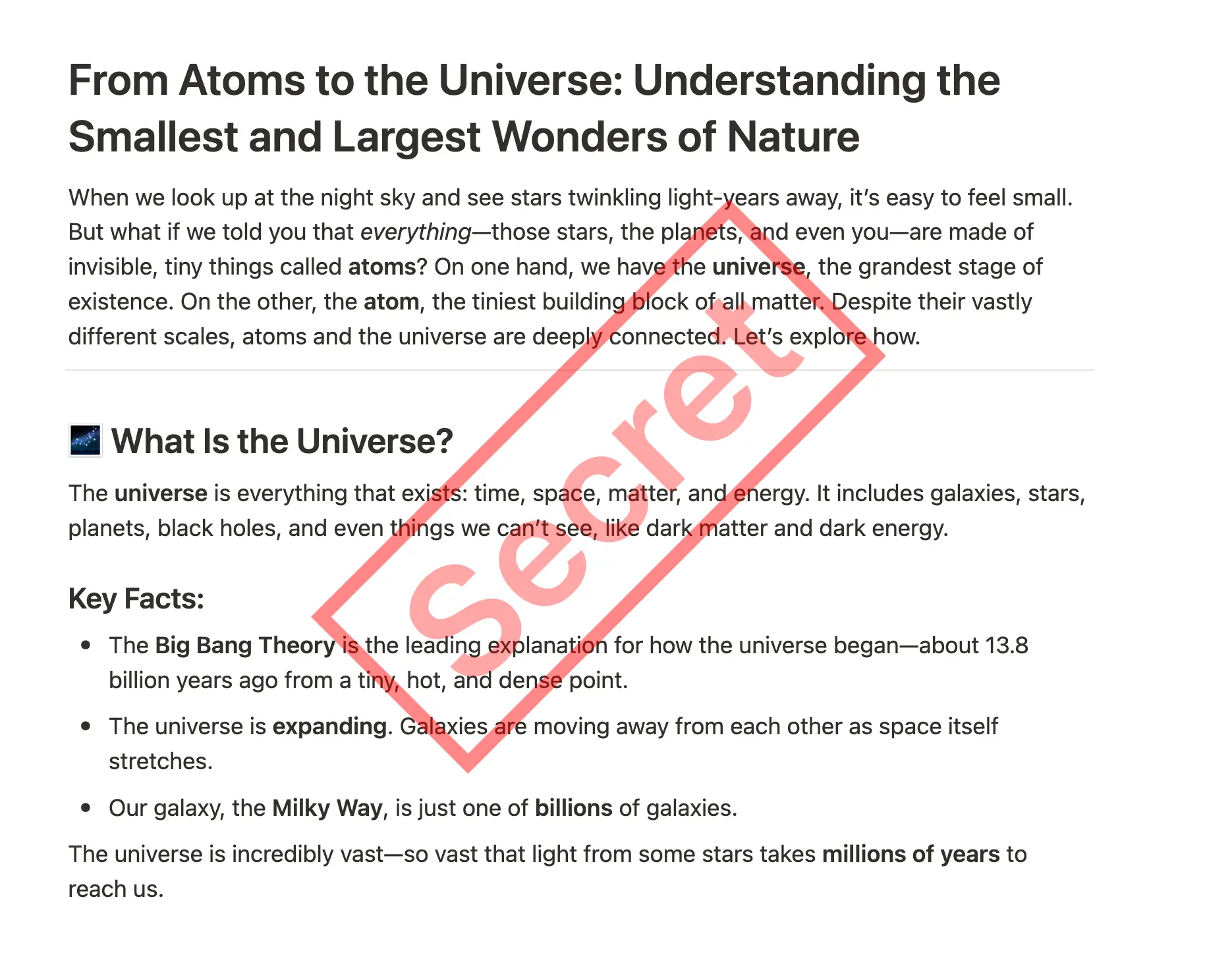
PDFelement has become a favorite for enterprise users due to its "Batch AI Remove" functionality. It uses a proprietary deep-learning model designed specifically for office documents. It excels at removing "Confidential" or "Draft" stamps that overlap with complex charts or tables, a task that historically caused significant data loss in the surrounding area.
3. Specialized Web-Based AI (e.g., DeWatermark.ai)
Specialized platforms focus exclusively on the "inpainting" aspect. These are ideal for scanned PDFs where the watermark is "burned" into the image. These tools often use Context-Aware Fill algorithms that analyze the texture of the paper and the specific ink weight of the text to ensure that the removal site is indistinguishable from the rest of the page.
Step-by-Step Guide: Removing Watermarks with AI
While specific interfaces vary, the general workflow for using AI to clean a PDF follows a consistent pattern.
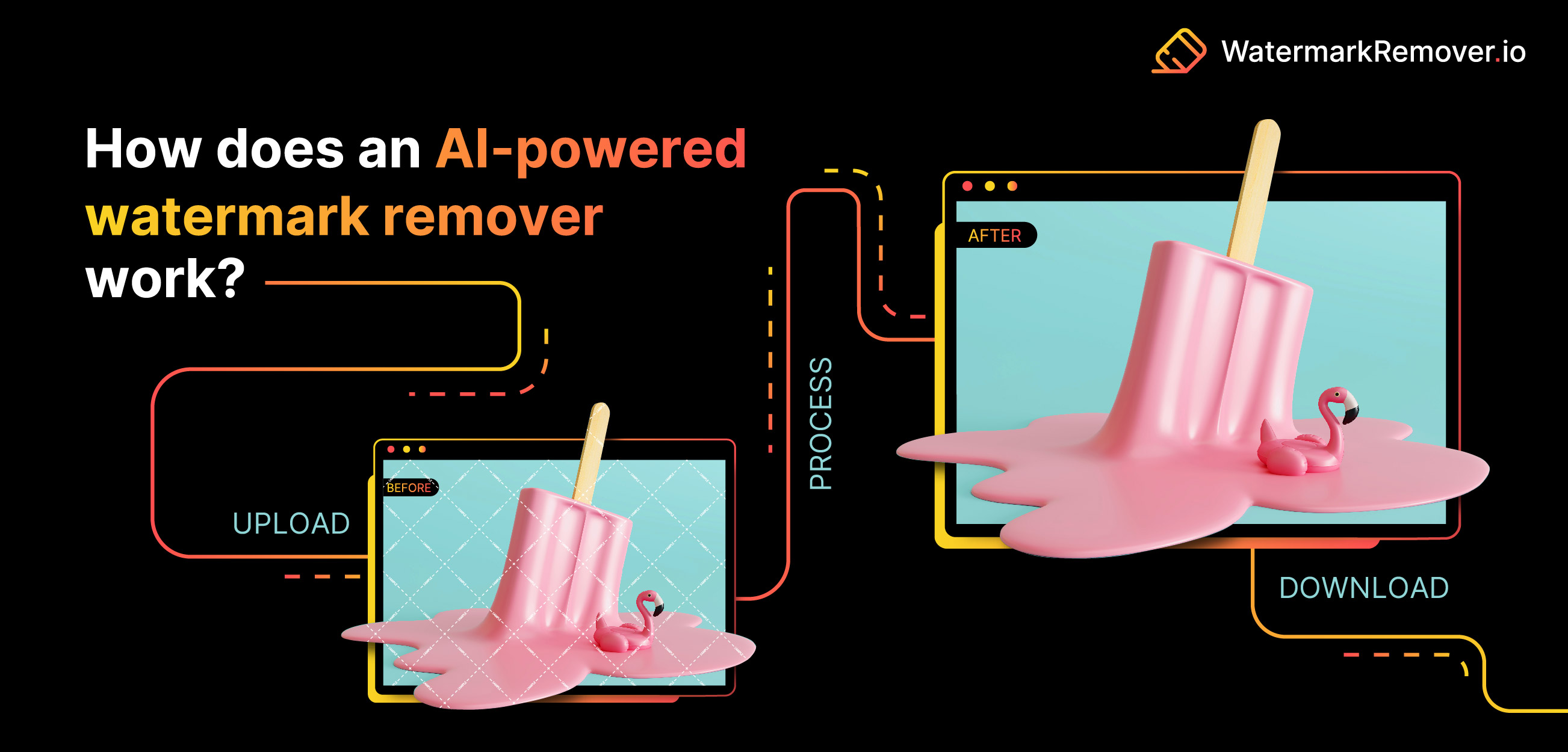
Step 1: Upload and Analysis
Upload your PDF to your chosen AI platform. The AI will first perform a "structural scan." During this phase, the algorithms are looking for consistency. If a watermark appears in the same coordinates on every page, the AI marks it as a "global object."
Step 2: Defining the Removal Area
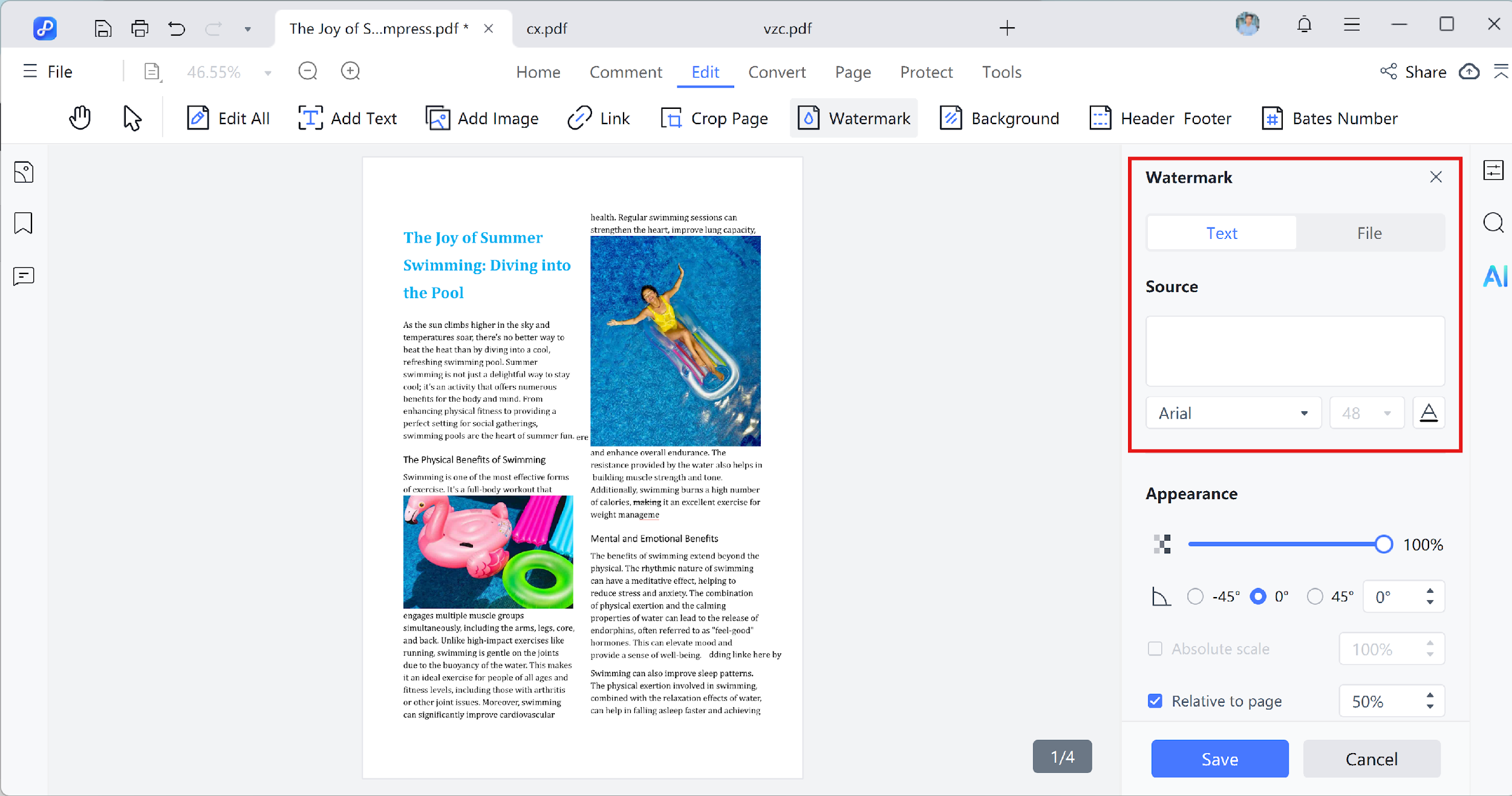
In modern AI tools, you can often use a "brush" or "lasso" tool to highlight the watermark on a single page. Because the AI understands patterns, you usually only need to highlight it once. The AI then propagates this selection across the entire document, adjusting for slight shifts in alignment if the document was scanned.
Step 3: Reconstruction (The AI Magic)
Once the watermark is identified, the AI begins the reconstruction phase. For text-heavy areas, the AI uses a Language Model-Assisted Inpainter to ensure that if a letter was partially obscured by the watermark, the reconstructed letter matches the specific font, weight, and kerning of the surrounding text.
Step 4: Verification and Export
After processing, most tools provide a side-by-side comparison. It is crucial to check areas where the watermark overlapped with fine lines, signatures, or small-print footnotes. Once satisfied, the tool re-compiles the PDF, often optimizing the file size in the process.
Manual vs. AI-Assisted Methods: A Comparative Analysis
The following table compares the traditional manual approach to the current 2026 AI-driven standards.
| Feature | Manual Removal (Old Method) | AI-Driven Removal (2026) |
|---|---|---|
| Speed | 1–5 minutes per page | 10–30 seconds for 100+ pages |
| Accuracy | High risk of "white-out" gaps | Seamless background reconstruction |
| Text Integrity | Often flattens text into images | Preserves searchable OCR text layers |
| Complexity | Requires graphic design skills | One-click or "brush-to-select" |
| Batch Processing | Extremely difficult/Impossible | Standard feature in most AI tools |
| Cost | High (Labor hours) | Low (SaaS subscription or API credits) |
Troubleshooting Common AI Removal Issues
Even the most advanced AI in 2026 can encounter difficulties. Understanding these limitations helps in achieving better results.
Ghosting and Artifacts
"Ghosting" occurs when a faint outline of the watermark remains. This is usually caused by the AI not being able to distinguish the watermark's "alpha channel" (transparency) from the background. To fix this, increase the "Selection Sensitivity" or "Dilation" settings in your AI tool, which forces the AI to clear a slightly larger area around the watermark.
Blurred Text Reconstruction
If the watermark is highly opaque and covers critical text, the AI might struggle to guess what was underneath. In these cases, using a tool that combines OCR (Optical Character Recognition) with inpainting is vital. The OCR identifies the character, and the inpainter draws it back in the correct style.
Background Pattern Distortion
If the PDF has a complex background (like a security pattern or a textured paper scan), the AI might create "smudges." Using a Diffusion-based model (like those found in high-end specialized web tools) is better for these scenarios, as they are trained specifically on texture synthesis.
The Future of Document Integrity
As AI watermark removal becomes more accessible, the technology behind watermarking itself is evolving. In 2026, many organizations are moving toward "Invisible Watermarking" or "Metadata Steganography," where the identification data is hidden within the file's code or subtle shifts in pixel luminance that are invisible to the naked eye but readable by tracking software. AI removal tools are also adapting to these, but the battle between digital protection and modification continues.
FAQs
Can AI remove watermarks from a password-protected PDF? No, AI tools cannot bypass PDF encryption. You must first unlock the PDF using the correct owner password before the AI can analyze the internal layers or pixel data. AI is a tool for content modification, not a decryption or "cracking" utility.
Does removing a watermark reduce the quality of the PDF? When using modern AI inpainting, the quality reduction is negligible. Unlike older methods that re-compressed the entire PDF as a JPEG, 2026 AI tools modify only the affected pixels or vector layers, leaving the rest of the document's metadata and resolution untouched.
Is there a free AI tool that can handle bulk removal? While many "freemium" tools exist, bulk removal usually requires significant server-side GPU resources. Most free tiers will limit you to 1–3 pages or add their own watermark to the output. For professional-grade bulk removal, a paid subscription to a service like Adobe Acrobat or a dedicated AI API is generally necessary.
How does AI handle watermarks that cover a signature? This is one of the most difficult tasks. High-end AI tools use "Structure-Aware Inpainting" to try and trace the lines of the signature. However, because a signature is unique and non-repetitive, the AI may not perfectly replicate the original pen strokes. It is always recommended to verify signatures manually after AI processing.
Practical Recommendation
For the best results in 2026, use vector-based tools (like Adobe Acrobat Pro) for digital-first PDFs, as they can remove watermarks cleanly by deleting the object layer. For scanned documents or those with complex image-based watermarks, utilize specialized AI inpainting platforms that offer "Context-Aware" or "Generative Fill" features. Always perform a final "Quality Check" at 200% zoom on areas where the watermark overlapped with critical data, such as financial figures or legal names.
Image Gallery