Navigating Your Health Record Through My UTMB MyChart
My UTMB MyChart serves as the secure online patient portal for University of Texas Medical Branch patients, providing 24/7 digital access to lab results, prescription renewals, appointment scheduling, and direct communication with clin...
My UTMB MyChart serves as the secure online patient portal for University of Texas Medical Branch patients, providing 24/7 digital access to lab results, prescription renewals, appointment scheduling, and direct communication with clinical care teams. UTMB Health operates major regional medical centers and clinics across Southeast Texas, including Galveston, League City, Clear Lake, and Angleton-Danbury, making this platform essential for coordinating regional healthcare services.
Contents
Understanding the UTMB Health Patient Portal Ecosystem
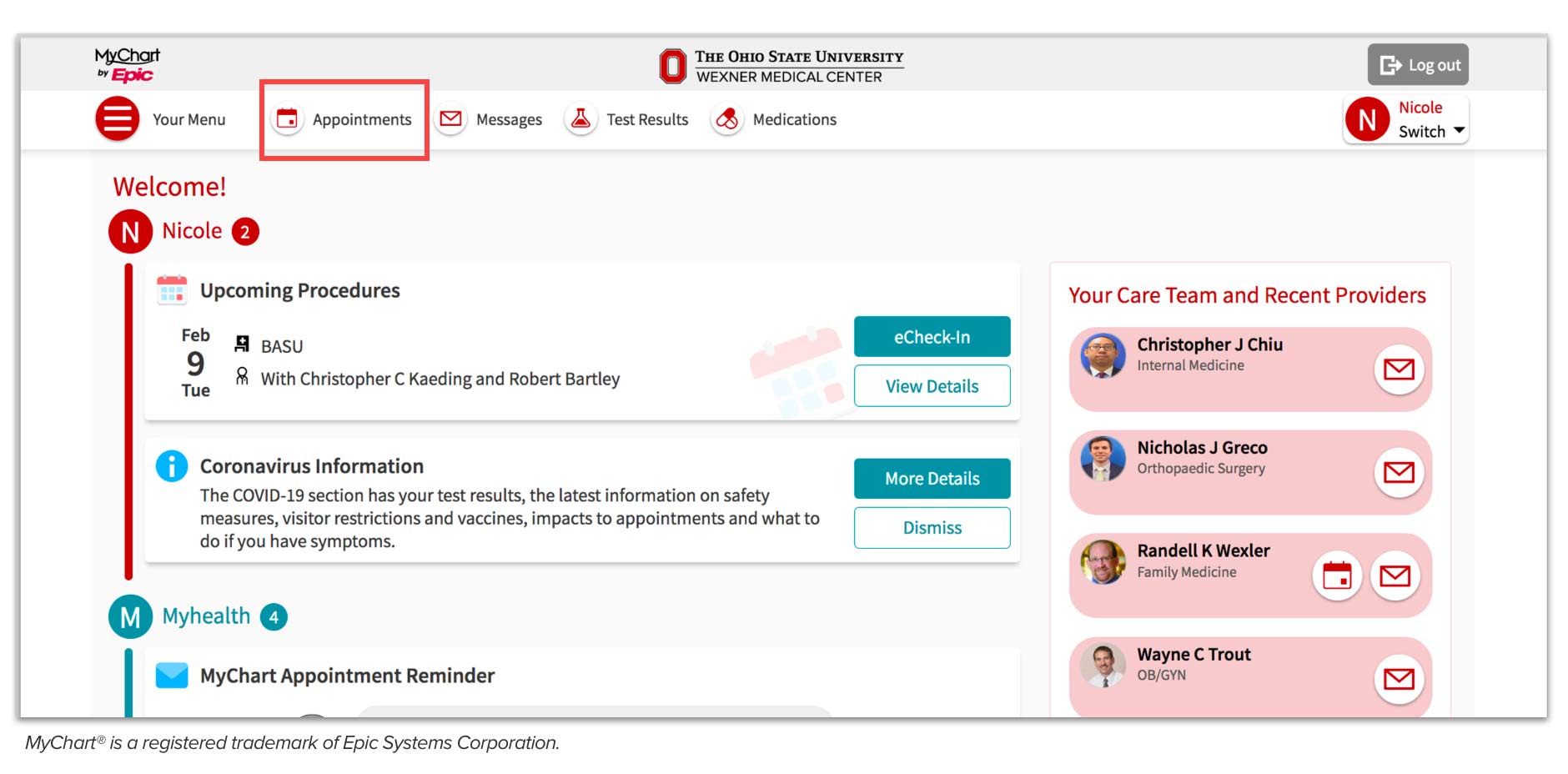
The digital health landscape requires robust platforms that bridge the gap between clinical providers and patients. My UTMB MyChart functions as the central hub for managing personal health information within the University of Texas Medical Branch system. Patients can review physician notes, check immunization records, track vital signs, and monitor billing statements from a single dashboard.
Operating across complex regional health networks demands high security and interoperability. The platform complies with strict federal Health Insurance Portability and Accountability Act standards, utilizing encrypted data transmission to protect sensitive medical records. Whether managing chronic conditions or coordinating pediatric care, users interact with an interface designed to reduce administrative friction and empower proactive health management.
System Prerequisites and Technical Specifications
Accessing health portals smoothly requires meeting specific digital and operational criteria. Before attempting account creation or mobile login, users should verify compatibility with supported web browsers and operating systems.
- Supported Web Browsers: Recent versions of Google Chrome, Apple Safari, Microsoft Edge, and Mozilla Firefox. Outdated browsers may experience security blocks or rendering errors.
- Mobile Operating Systems: Apple iOS version 15.0 or newer for iPhone and iPad users; Android OS version 10.0 or newer for Android devices via the official MyChart application.
- Network Connection: A stable broadband internet connection or active cellular data plan (4G/5G) is required for downloading large diagnostic imaging files or video consultation streams.
- Email Verification: A unique, active email address is mandatory for initial registration, password recovery protocols, and real-time appointment notifications.
Step-by-Step Guide to Account Registration and Activation
Setting up a My UTMB MyChart account requires an activation code provided during a clinic visit or generated securely online. New users can complete the activation process by following a standardized sequence of administrative steps.
- Locate your activation code on a recent visit summary printout, appointment card, or automated email sent by UTMB Health. If you lack a code, you can request online verification using your demographic details.
- Navigate to the official login portal via web browser or open the downloaded MyChart mobile application on your smartphone.
- Select the registration link and input your activation code, exact date of birth, and medical record number or social security number as requested by the verification wizard.
- Create a unique username and a strong alphanumeric password adhering to system security requirements, avoiding easily guessable personal information.
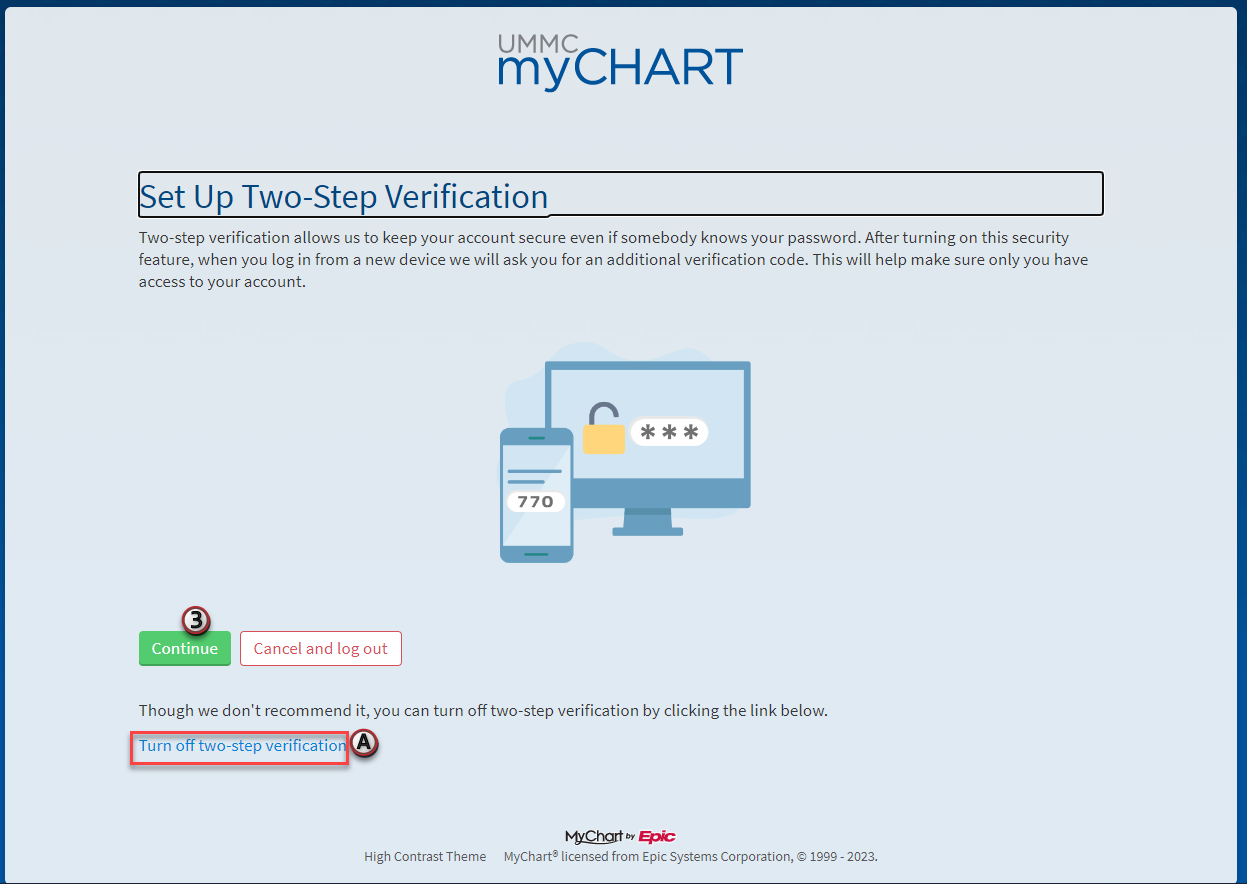
- Establish multi-factor authentication preferences by linking a mobile phone number for SMS security codes or setting up backup security questions.
- Review and accept the terms and conditions governing electronic communication and telehealth services within the UTMB Health network.
Core Features and Clinical Utilities Available to Patients
The platform delivers a diverse suite of administrative and clinical tools designed to streamline patient interaction with the health system. Maximizing these features improves healthcare continuity and reduces the need for phone calls to busy clinical reception desks.
- Test Result Management: Laboratory panels, pathology reports, and diagnostic imaging results post directly to the portal, often accompanied by physician commentary explaining clinical significance.
- Direct Messaging: Secure electronic messaging allows patients to ask non-urgent clinical questions, request medication adjustments, or clarify discharge instructions directly with their assigned care teams.
- Prescription Refills: Users can view active medications, select their preferred retail or mail-order pharmacy, and submit electronic refill requests to prescribing physicians.
- Appointment Scheduling: Patients can book routine primary care visits, view upcoming specialist appointments, and cancel or reschedule existing slots without calling facility switchboards.
- Billing and Financial Services: The billing module allows users to review itemized statements, set up recurring payment plans, apply for financial assistance, and settle outstanding copays or coinsurance balances securely.
Comparing UTMB Health Access Methods and Portal Interfaces
Choosing the optimal method to access your medical records depends on device availability, technical comfort, and specific task requirements.
| Access Method | Primary Device | Best Used For | Key Limitations |
|---|---|---|---|
| Desktop Web Portal | PC, Mac, Laptop | Comprehensive record reviews, document printing, billing management | Requires active browser updates; less portable |
| Mobile Application | Smartphone, Tablet | Quick result checks, push notifications, secure messaging on the go | Smaller screen size for complex medical imaging files |
| Telephone Support Desk | Landline, Mobile Voice | Technical lockouts, password resets for non-technical users | Subject to call center operating hours and wait times |
| In-Person Clinic Desk | On-site Registration | Initial identity verification, activation code generation | Requires physical travel to a UTMB facility |
Navigating Insurance, Billing, and Financial Policies at UTMB Health
Understanding insurance coverage within an academic medical center network prevents unexpected out-of-pocket expenses. UTMB Health participates in numerous commercial health plans, managed care programs, and government insurances, though specific coverage tiers vary by provider and facility.
Insurance Verification Notice Network Participation: Always verify whether your specific insurance product designates UTMB Health physicians and facilities as in-network before scheduling specialized procedures. Managed care plans frequently require formal referrals from a designated Primary Care Physician to cover specialist consultations.
Patients utilizing Medicare or Medicaid should confirm that their exact policy variant is accepted by the specific clinic location, as regional community clinics and tertiary hospital campuses maintain distinct credentialing agreements. Utilizing the billing section within MyChart allows patients to view pre-visit cost estimates and communicate directly with financial counselors regarding out-of-pocket responsibilities.
Troubleshooting Common Login and Technical Failures
Technical hurdles occasionally impede access to digital health records. Addressing these issues swiftly restores secure account access without requiring emergency technical intervention.
- Forgotten Usernames or Passwords: Utilize the automated recovery links on the login screen. The system will prompt for verified demographic data and send a secure reset link to your registered email address.
- Locked Accounts: Entering incorrect credentials multiple times triggers an automated security lockout. Wait thirty minutes for the system to unlock automatically or contact the dedicated portal support desk.
- Missing Test Results: Sensitive diagnostic imaging or complex pathology reports may be subject to a physician-directed release delay to allow clinicians time to review findings before patient notification.
- Browser Compatibility Errors: Clear your browser cache and cookies, or switch to an alternate modern browser if the portal interface fails to load buttons or input fields correctly.
Practical Recommendations for Maximizing Portal Utility
Optimizing your use of the patient portal enhances communication safety and ensures timely medical interventions. Patients managing chronic illnesses benefit from downloading the mobile app to receive immediate push notifications when new lab values arrive. Maintaining updated contact information, emergency contacts, and pharmacy preferences within the profile settings prevents administrative delays during emergency room visits or routine appointments. Furthermore, utilizing proxy access features allows designated family members or caregivers to securely manage health records for aging parents or pediatric dependents under established legal guidelines.
Image Gallery