How to Bulk Order Flash Drives: A Comprehensive Corporate Procurement Guide
Ordering flash drives in bulk is a strategic procurement process that requires balancing storage capacity, USB speed standards, custom branding requirements, and supplier reliability to ensure cost-effective distribution for corporate...
Ordering flash drives in bulk is a strategic procurement process that requires balancing storage capacity, USB speed standards, custom branding requirements, and supplier reliability to ensure cost-effective distribution for corporate events, marketing campaigns, or educational deployment.
Contents
When you need to secure dozens, hundreds, or thousands of portable storage units for your organization, navigating the procurement landscape involves much more than simply selecting the lowest price per unit. A successful bulk flash drive order requires a structured approach to technical specifications, memory types, physical customization methods, and vendor verification. Whether you are outfitting an entire enterprise with encrypted security drives or distributing branded promotional media at a major industry trade show, understanding the nuances of flash memory procurement prevents costly mistakes, hardware failures, and branding errors.
Understanding Your Storage and Technical Requirements
Before approaching a supplier, you must define the technical specifications of the flash drives you need. Flash memory technology varies significantly in terms of read/write speeds, connector types, and storage capacities. Specifying the wrong components can render the drives useless for your intended application.
Capacity Selection
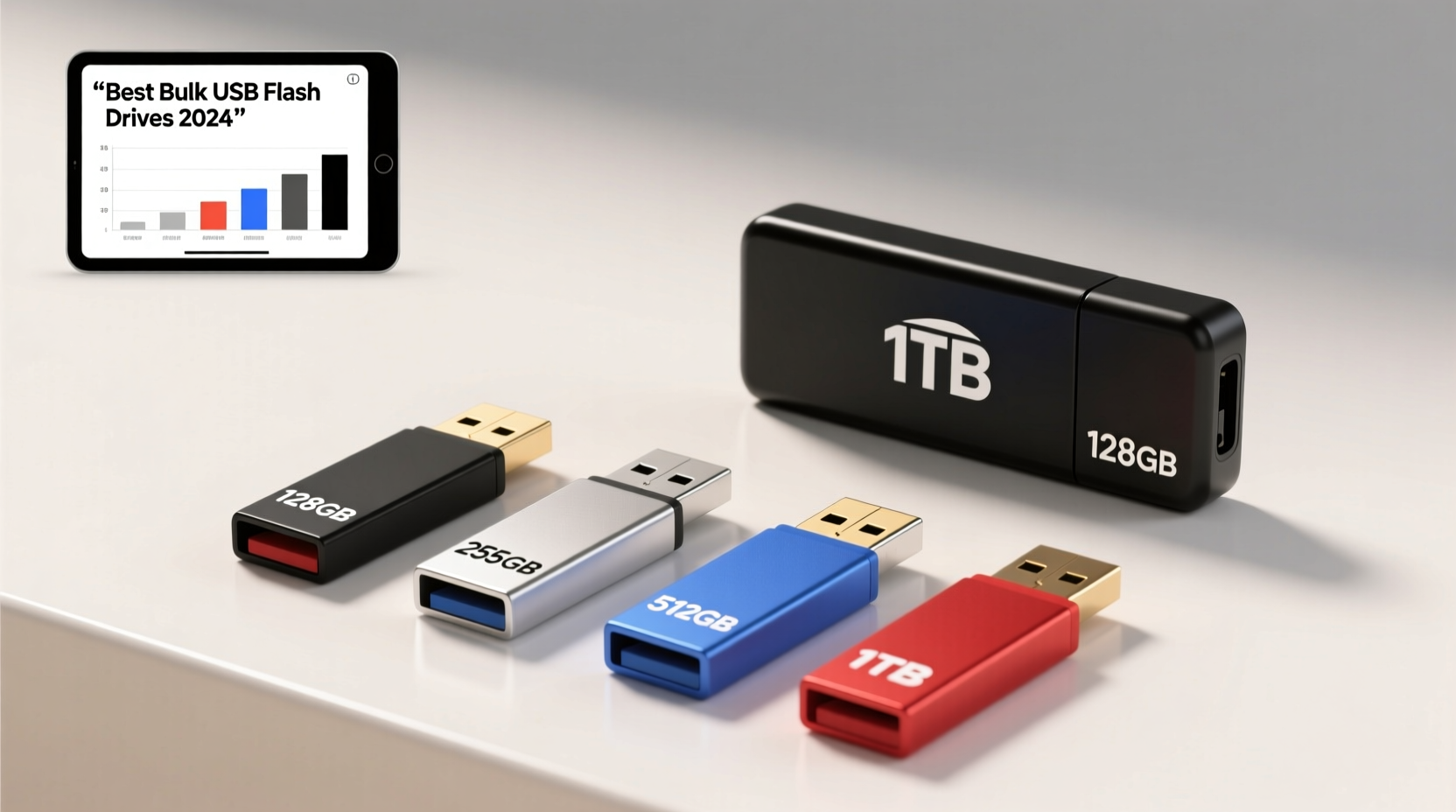
Storage capacity determines both the utility of the drive and the unit cost. Capacities range from legacy 512MB and 1GB options up to high-capacity 64GB, 128GB, and 256GB variants.
- Low Capacity (2GB to 8GB): Ideal for distributing small PDF catalogs, brochures, registration forms, or lightweight presentation files at events. They offer the lowest unit cost.
- Medium Capacity (16GB to 32GB): The current industry sweet spot for general corporate use. These provide ample space for high-definition video assets, large software packages, and extensive document libraries.
- High Capacity (64GB and above): Best suited for internal IT distribution, high-resolution multimedia production environments, or secure employee backups.
Interface Standards (USB 2.0 vs. USB 3.0 / 3.1 / 3.2)
The speed at which data transfers depends on the USB interface standard built into the drive.
- USB 2.0: Older standard with maximum theoretical transfer speeds around 480 Mbps. While slower, USB 2.0 chips are inexpensive and widely compatible with legacy office equipment, industrial machinery, and older point-of-sale systems.
- USB 3.0 and newer (USB 3.1 Gen 1 / USB 3.2): Modern standards offering speeds starting at 5 Gbps. These are essential if users will be transferring large files or running software directly from the drive. Note that USB 3.0 housings are often color-coded blue on the inside tongue, though suppliers can customize housing colors to match brand guidelines.
Connector Types (USB-A vs. USB-C)
Traditional rectangular USB-A connectors remain common for legacy hardware, but modern laptops, tablets, and smartphones increasingly rely on reversible USB-C ports. Many suppliers now offer dual-drive configurations featuring both USB-A and USB-C connectors on opposite ends of a pivoting swivel shell, maximizing compatibility across mixed device fleets.
Choosing the Right Physical Style and Casing
Flash drives come in a wide variety of physical form factors. The housing material affects durability, perceived value, and the available surface area for custom branding.
| Drive Style | Best Used For | Pros | Cons |
|---|---|---|---|
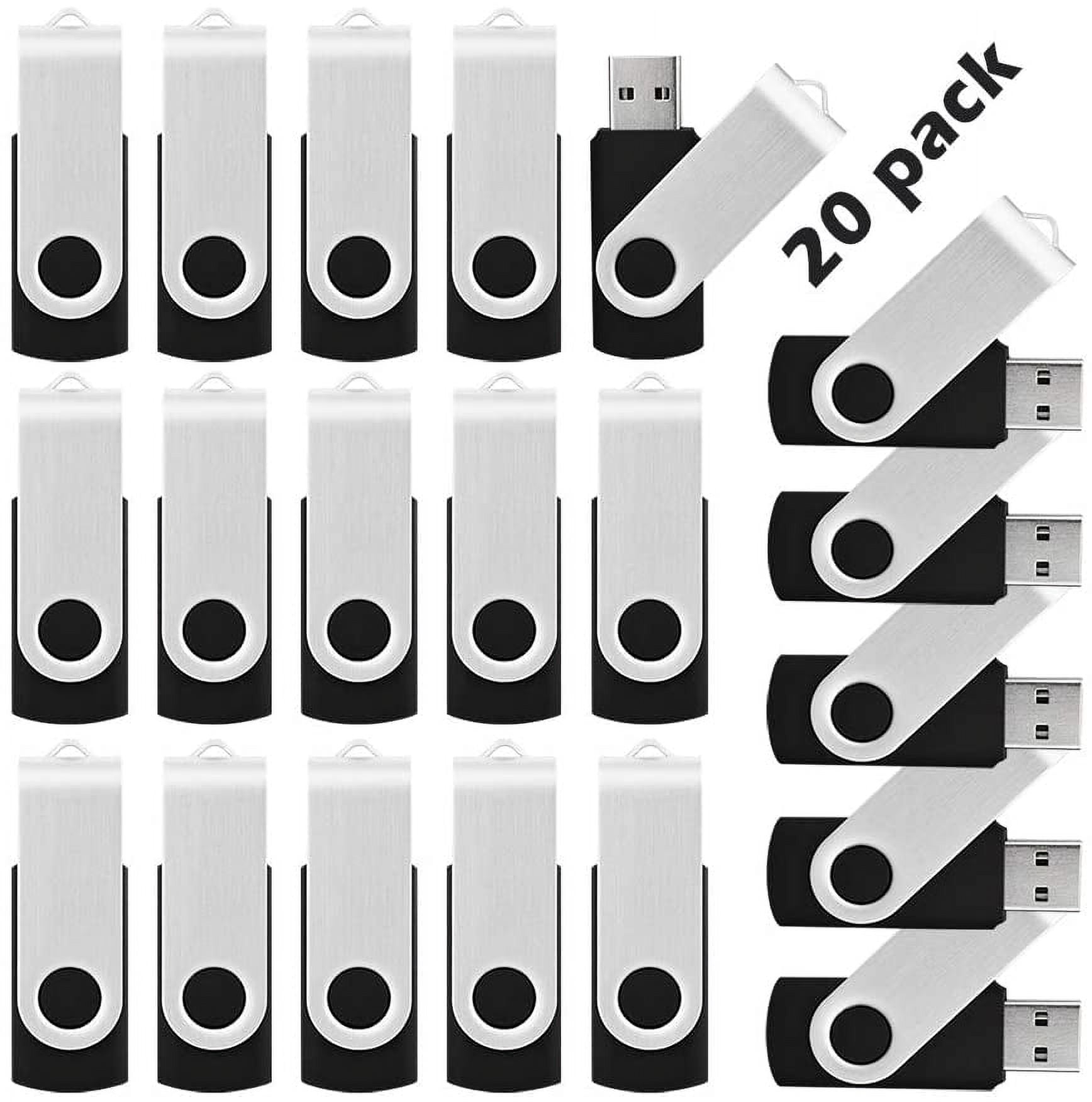
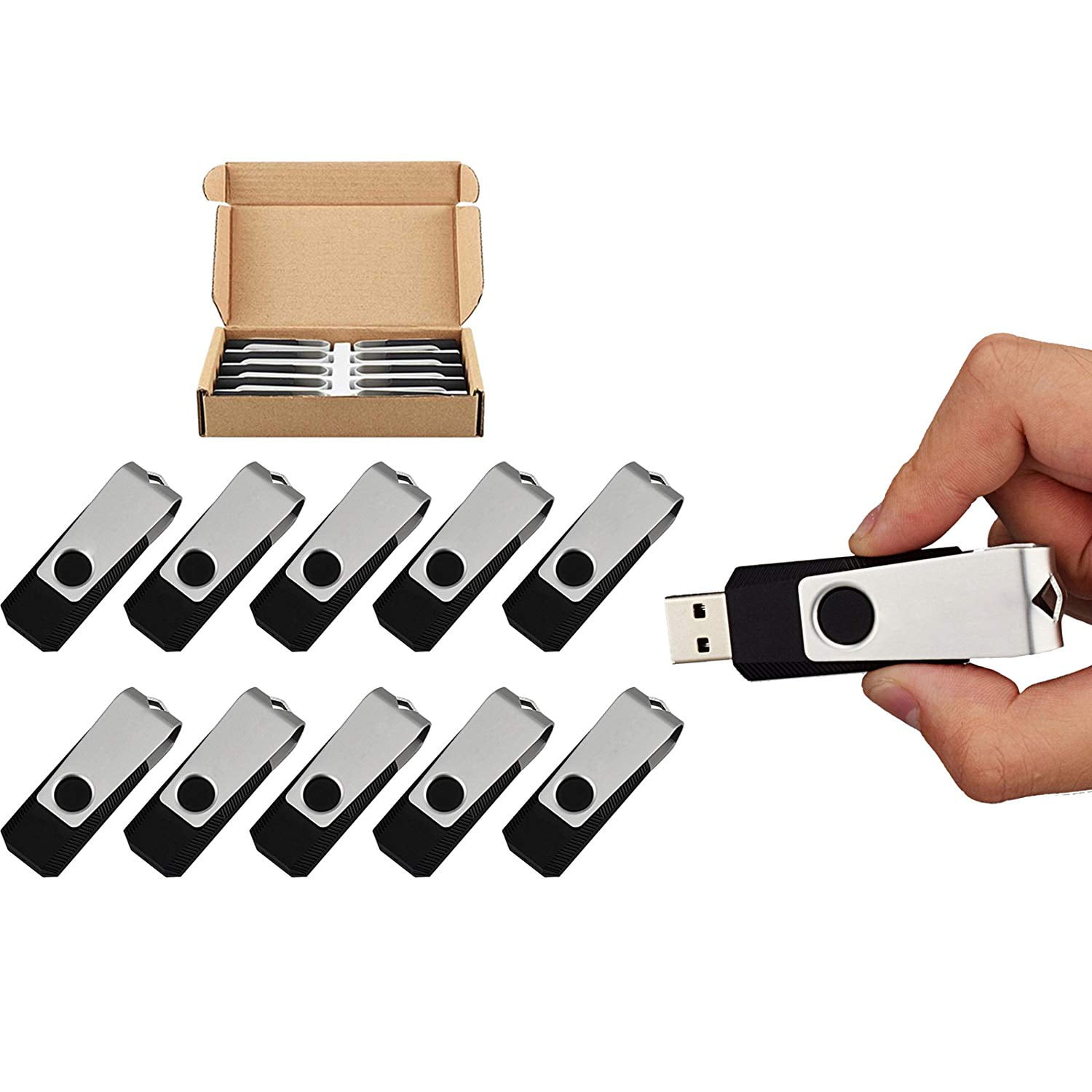
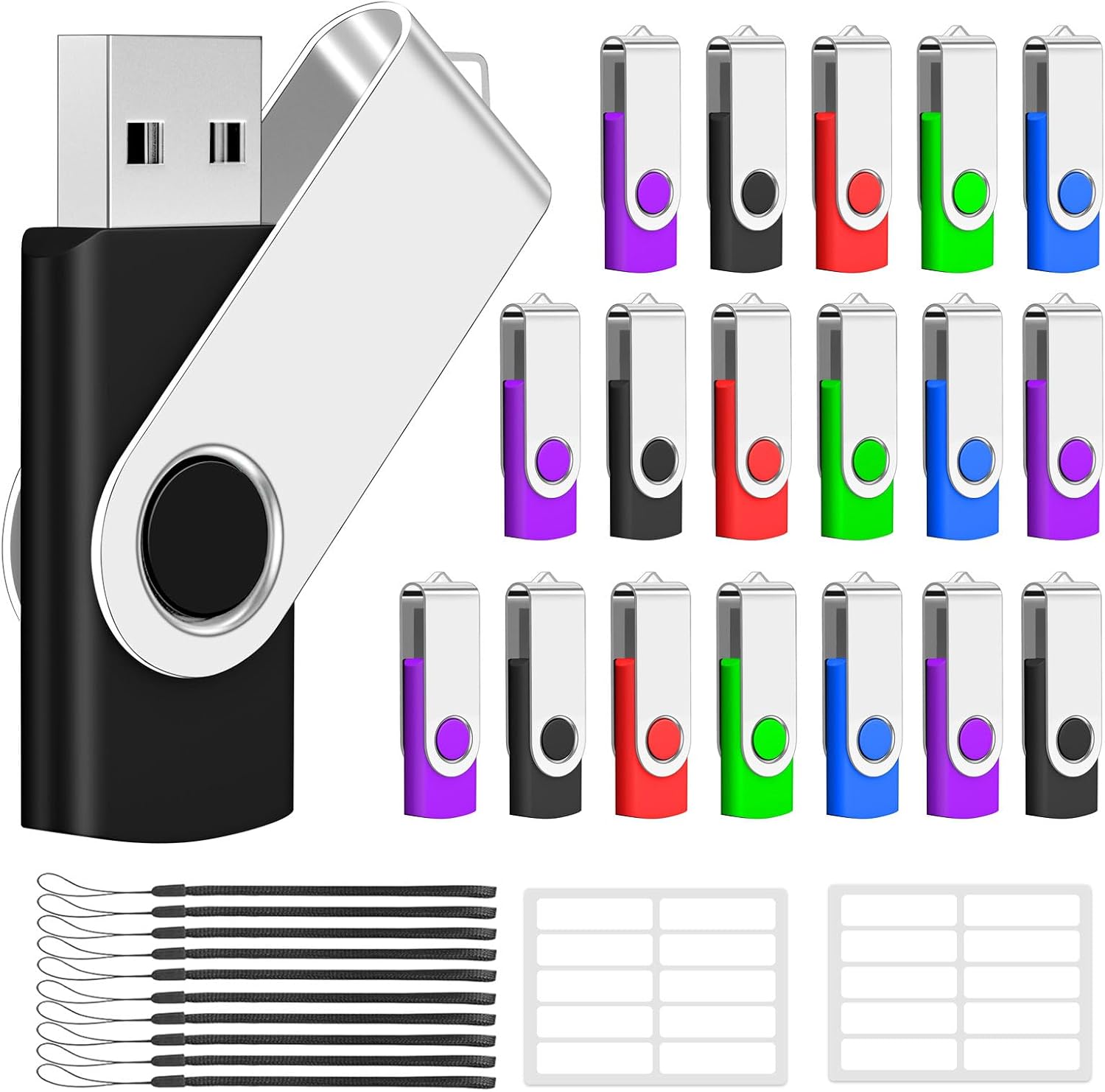
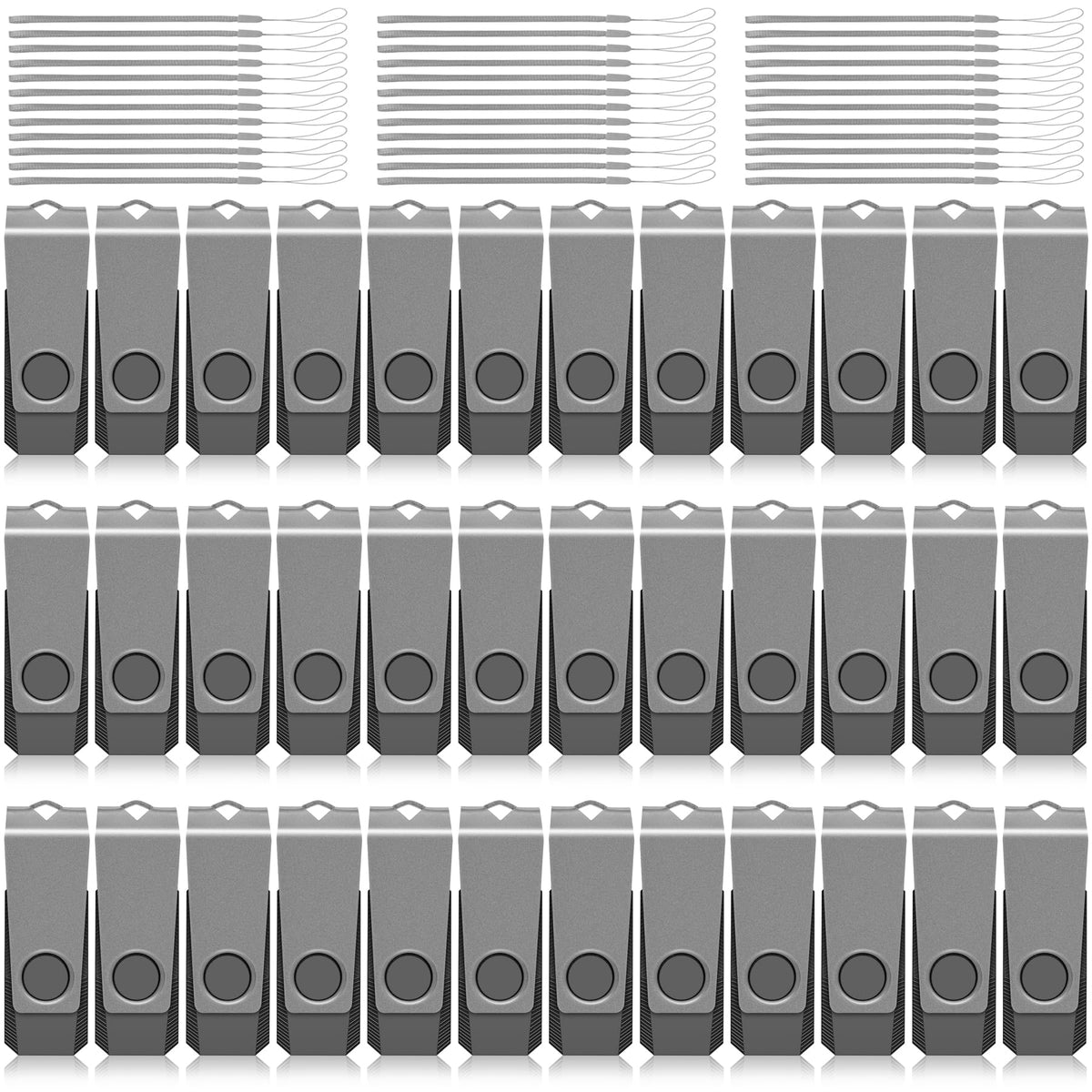
| Swivel / Capless | General giveaways, trade shows | No cap to lose, durable pivoting metal clip | Clip can loosen over extended heavy use |
| Credit Card | Direct mail campaigns, portfolios | Large flat surface for full-color photo printing | Does not fit easily in crowded multi-port hubs |
| Standard Cap Type | Budget-conscious promotional orders | Lowest price point, reliable classic design | Caps are easily misplaced by end users |
| Wooden / Bamboo | Eco-friendly brands, rustic aesthetics | Unique natural texture, laser-engraveable | Sensitive to extreme moisture and heavy impacts |
| Keychain / Metal | Rugged industrial deployment, IT toolkits | High physical durability, waterproof options | Heavier, prone to scratching other items |
Custom Branding and Printing Options
Branding transforms generic hardware into a professional marketing asset. When ordering in bulk, suppliers typically offer several methods for applying logos and text to the drive casing.
Silkscreen Printing
Silkscreening applies ink directly to the surface of the flash drive. It is the most common and cost-effective method for printing crisp, solid-color logos. You can specify Pantone (PMS) matching colors to ensure corporate brand guidelines are strictly maintained. However, silkscreened ink can wear off over years of friction in pockets or backpacks.
Laser Engraving
Laser engraving vaporizes or burns the surface layer of metal, wood, or coated plastic housings to reveal a contrasting tone underneath. It is exceptionally durable because the logo cannot rub off. This method is standard for metal swivel clips, aluminum casings, and natural wood drives.
Full-Color Printing
Digital inkjet printing allows for photographic-quality imagery, gradients, and multi-color logos. This method is heavily utilized on credit-card style flash drives where a wide, flat surface permits edge-to-edge graphic design.
Data Preloading and Security Options
One of the primary advantages of bulk ordering is the ability to have the manufacturer configure the drives before shipment, saving hours of manual labor.
Preloaded Content
Suppliers can copy catalogs, presentations, software installers, or video files onto every drive prior to delivery. Advanced options include non-deletable partitions, which lock the preloaded marketing materials so users cannot delete them, while still leaving the remainder of the drive available for general file storage. Another option is autorun (autoplay) programming, which launches a specific presentation or website automatically when the drive is plugged into a Windows computer (though modern operating systems often restrict autorun for security reasons).
Hardware and Software Encryption
For enterprise environments dealing with sensitive data, standard flash drives pose a compliance risk. You can source hardware-encrypted drives that require a PIN entered via an onboard physical keypad, or software-encrypted drives utilizing AES 256-bit encryption to protect data if the physical unit is lost or stolen.
Evaluating Suppliers and Managing the Ordering Process
Procuring bulk electronics requires vetting vendors to verify chip quality, memory grade, and manufacturing reliability.
Understanding Flash Memory Grades
Not all flash memory is created equal. Low-cost brokers sometimes use "downgraded" or "recycled" flash memory chips that fail prematurely or report false storage capacities. Reputable suppliers use Grade A NAND flash memory, ensuring that the read/write endurance and actual storage capacity match specifications. Always request written confirmation of Grade A components for large corporate orders.
The Procurement Workflow
- Request Virtual Proofs: Provide vector artwork (EPS, AI, or high-resolution PDF formats) to the supplier. They will generate a digital proof showing exactly how your logo will appear on the chosen drive model and color.
- Order Physical Samples: Before committing to an order of 500 or 5,000 units, order a physical sample. Test its read/write speeds using benchmark utilities, verify the build quality, and inspect the logo application.
- Confirm Minimum Order Quantities (MOQs): Bulk pricing tiers typically activate at 50, 100, or 250 units. Ensure your volume aligns with price breaks.
- Account for Lead Times: Custom-branded and data-preloaded orders require manufacturing and configuration time—often ranging from 5 business days to 3 weeks, plus international or domestic freight shipping. Factor in event hard deadlines when scheduling your purchase order.
Common Mistakes to Avoid
Navigating bulk flash drive procurement becomes significantly easier by avoiding a few well-documented pitfalls:
- Ignoring Actual Usable Capacity: Formatted filesystems and preloaded data consume physical storage space. A nominal 8GB drive will not have a full 8.0 GB of free space. Inform your end-users accordingly if file sizes are tightly constrained.
- Skipping Physical Samples: Relying solely on digital computer-rendered proofs can lead to unpleasant surprises regarding casing texture, exact shade matching, or physical button placement.
- Failing to Test Speeds Upon Arrival: When your bulk shipment arrives, test a randomized sample of 5% to 10% of the drives to verify that data transfers correctly and that storage capacity is genuine. Rogue flash drives can be programmed to fake their capacity until full, at which point data corruption occurs.
Frequently Asked Questions
What is the typical turnaround time for a bulk flash drive order?
Standard production times for custom-printed or data-preloaded flash drives generally range from 7 to 15 business days, excluding shipping transit time. Rush production services are often available for an additional fee if you face strict event deadlines.
Can I get a physical sample before approving a bulk order of 1,000 units?
Yes, most reputable suppliers provide pre-production physical samples. Some suppliers provide these samples for free or a nominal fee, which is frequently credited back to your account once you place the full production order.
What is the difference between Grade A flash memory and recycled memory?
Grade A flash memory chips come directly from primary manufacturers and meet rigorous performance, speed, and capacity standards. Recycled or downgraded flash chips are often salvaged from discarded electronics or rejected wafers, resulting in high failure rates, slow transfer speeds, and inaccurate storage capacities.
How do I protect proprietary company data preloaded on the drives?
You can request that the supplier partition the drive into two sections: one read-only partition containing your locked marketing materials or software, and one writable partition for the user's personal files. For maximum security, specify hardware-encrypted USB drives.
Do bulk flash drives come with individual packaging?
Packaging options vary widely based on your budget and presentation goals. Standard packaging includes bulk poly bags or small individual plastic gift boxes. Upgraded options include metal tins, magnetic closure gift boxes, or velvet pouches, which enhance the perceived value of the item.
Next Steps for Your Procurement Project
Begin your bulk flash drive project by calculating your exact quantity requirements, desired memory capacity, and target delivery date. Compile your vector brand assets and reach out to multiple established suppliers to request digital mockups, physical samples, and comprehensive quotes that explicitly guarantee Grade A NAND flash memory.
Image Gallery