Cuyahoga County Court Dockets: Comprehensive Access Guide for 2026
Navigating Cuyahoga County court dockets provides public access to civil, criminal, domestic relations, and probate case files across Northeast Ohio. Whether you are tracking active litigation, researching legal history, or verifying c...
Navigating Cuyahoga County court dockets provides public access to civil, criminal, domestic relations, and probate case files across Northeast Ohio. Whether you are tracking active litigation, researching legal history, or verifying case statuses within the Court of Common Pleas or local municipal courts, understanding the digital portals, search parameters, and record retrieval protocols ensures efficient navigation of the judicial system.
Contents
Understanding the Structure of Cuyahoga County Judicial Systems
The judicial framework governing Cuyahoga County, Ohio, is divided into multiple distinct jurisdictions. Each court handles specific types of legal matters and maintains its own docket management system. Knowing which court handles your specific case type determines where you must direct your search queries.
The primary judicial bodies operating within the county include:
- Cuyahoga County Court of Common Pleas: Handles major civil lawsuits (where claims exceed municipal limits), felony criminal cases, domestic relations and divorce proceedings, and juvenile matters.
- Cleveland Municipal Court: Manages lower-level misdemeanor offenses, traffic violations, and civil claims involving damages up to $15,000 within the city of Cleveland.
- Suburban Municipal Courts: Independent courts such as Lakewood, Rocky River, Garfield Heights, Shaker Heights, and Lyndhurst handle local municipal ordinances, misdemeanors, and small claims within their respective geographic footprints.
- Cuyahoga County Probate Court: Presides over estate administration, guardianships, adoptions, name changes, and mental health commitments.
Accessing the Cuyahoga County Court of Common Pleas Dockets
The Court of Common Pleas represents the highest volume of general jurisdiction litigation in the county. Its case management system allows the public to search dockets using several specific identifiers. To perform an effective search, you should utilize the official public access portal hosted by the Cuyahoga County Clerk of Courts.
Search Criteria and Identifiers
When executing a search on the Common Pleas docket system, you can filter results using several precise metrics:
- Case Number: The most accurate identifier, formatted with a specific prefix indicating the division and year (e.g., CV-24-123456 for a civil case filed in 2024 or CR-25-987654 for a criminal indictment).
- Party Name: Searching by individual or corporate name. Entering the last name followed by a comma and the first name yields the best results.
- Attorney of Record: Useful for tracking law firm caseloads or specific legal representation.
- Date Filed: Narrowing search parameters by specific filing date ranges to isolate recent litigation.
Case Information Available Online
Once you locate a specific docket entry, the digital record typically displays comprehensive administrative and procedural data:
- Register of Actions: A chronological log of every motion, order, subpoena, and pleading filed in the case.
- Financial Ledger: A detailed accounting of court costs, fees assessed, payments made, and remaining balances.
- Judge Assignment: The specific courtroom and judicial officer presiding over the matter.
- Scheduled Hearings: Upcoming trial dates, pretrial conferences, and hearing times.
Municipal and Specialized Court Docket Navigation
While the Court of Common Pleas covers county-wide high-level cases, municipal and specialized courts require separate navigation pathways. Each municipal court maintains a distinct online docket search engine tailored to its local administrative software.
Cleveland Municipal Court Dockets
The Cleveland Municipal Court serves the largest municipality in the county. Its docket system splits searches into criminal/traffic records and civil/housing records. Users can search by defendant name, ticket number, or case number. Housing court dockets are particularly useful for tracking landlord-tenant disputes, code enforcement violations, and property maintenance citations within Cleveland city limits.
Probate Court Records
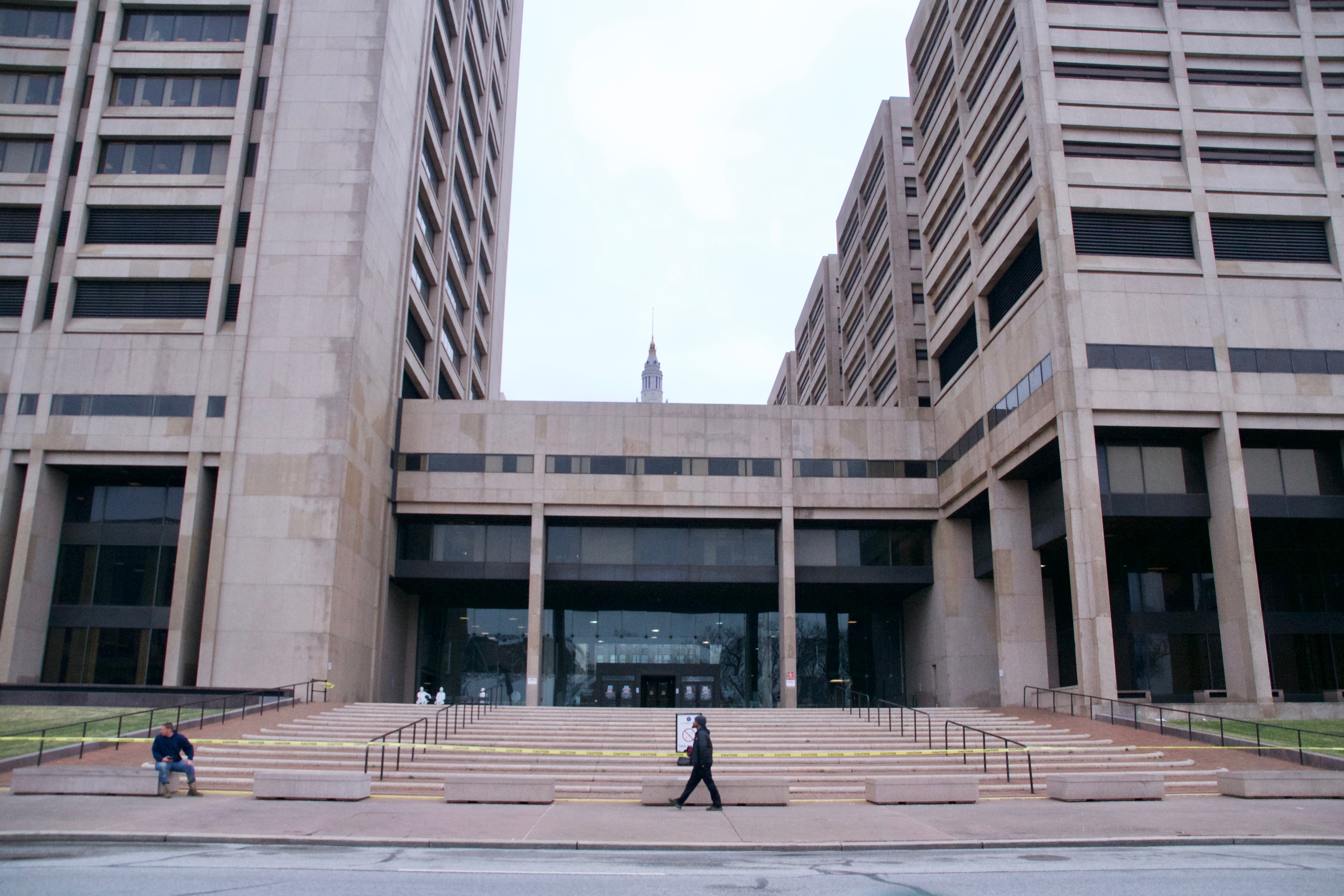
Probate proceedings involve sensitive personal and financial data. While basic docket information remains accessible to the public, certain confidential documents—such as complete medical evaluations or detailed inventory valuations—may require in-person verification or formal public records requests at the courthouse located at 1 Lakeside Avenue, Cleveland, OH 44113.
Comparison of Cuyahoga County Court Docket Portals
| Court System | Primary Jurisdiction | Search Identifiers Available | Typical Online Document Availability |
|---|---|---|---|
| Court of Common Pleas | Felonies, Civil >$15k, Domestic Relations, Juvenile | Case Number, Party Name, Filing Date, Judge | Docket text, motion listings, select scanned journal entries |
| Cleveland Municipal Court | Misdemeanors, Traffic, Civil <=$15k, Housing | Ticket Number, Defendant Name, Case Number | Charge details, disposition status, payment history |
| Suburban Municipal Courts | Local misdemeanors, traffic, municipal civil matters | Name, Citation Number, Case Number | Basic docket sheets, court schedules, fine balances |
| Probate Court | Estates, Trusts, Guardianships, Name Changes | Case Number, Fiduciary Name, Decedent/Ward Name | Docket events, appointment records, basic case status |
Step-by-Step Guide to Searching Cuyahoga County Dockets Online
Executing a thorough docket search requires a methodical approach to avoid missing relevant files due to spelling variations or misfiled identifiers.
- Identify the Correct Jurisdiction: Determine whether the matter falls under Common Pleas, Cleveland Municipal, a suburban municipal court, or Probate Court based on the nature and location of the incident.
- Navigate to the Official Portal: Access the verified Cuyahoga County Clerk of Courts website or the specific municipal court web portal to ensure data security and real-time updates.
- Select Search Parameters: Choose your search method. If searching by name, account for potential middle names, suffixes (Jr., Sr.), or business entity naming variations (LLC, Inc.).
- Review the Docket History: Examine the chronological register of actions. Pay close attention to recent journal entries, which contain the official orders signed by the judge.
- Request Certified Copies: Note that online dockets provide informational views only. If you require official court documentation for legal proceedings, mortgage applications, or employment background checks, submit a formal request for certified copies through the Clerk's office.
Limitations, Costs, and Public Access Restrictions
While Ohio public records laws mandate broad transparency, certain limitations and costs apply when accessing Cuyahoga County court dockets.
- Sealed and Expunged Records: Criminal records that have been legally expunged or sealed by judicial order are entirely removed from public online dockets and are inaccessible without a specific court order.
- Juvenile Court Confidentiality: In compliance with Ohio law and privacy protections, juvenile delinquency and dependency dockets are restricted from public internet viewing. Access is limited to authorized parties, counsel of record, and agencies with statutory rights.
- Convenience Fees: While searching online dockets is generally free of charge, obtaining certified digital copies, bulk data downloads, or physical transcriptions may incur statutory copying and processing fees established by the Clerk of Courts.
Troubleshooting Common Search Failures
When a docket search yields no results, users frequently encounter standard administrative hurdles that can be resolved with adjusted search techniques.
- Common Name Overload: Common surnames generate hundreds of results. Narrow your search by adding middle initials, birth years (if available in the system), or filtering by specific case types.
- Typographical Errors in Names: Court clerks enter names based on physical filings or citations. If a name is misspelled on the original ticket or complaint, the digital docket will reflect that error. Try searching using phonetic variations or wildcard searches (e.g., entering an asterisk after partial names).
- System Maintenance Windows: County servers undergo routine maintenance, particularly on weekends or late evenings, which may temporarily interrupt real-time docket updates or database connectivity.
Frequently Asked Questions
How do I find a criminal case docket in Cuyahoga County?
You can find criminal dockets by visiting the Cuyahoga County Clerk of Courts website, navigating to the Common Pleas Criminal division search, and entering the defendant's name or case number. For misdemeanors and traffic violations, search the specific municipal court portal where the citation was issued.
Are all Cuyahoga County court records available online?
No. While the vast majority of active and recent civil, criminal, and municipal dockets are digitized, older historical archives prior to electronic case management integration, juvenile files, and sealed or expunged records remain restricted or require physical retrieval at the courthouse.
Can I view domestic relations and divorce dockets online?
Yes, domestic relations cases handled by the Court of Common Pleas are accessible online, though certain sensitive financial disclosures, psychological evaluations, or child custody studies may have restricted viewing privileges to protect privacy.
What is the difference between a register of actions and a judgment entry?
A register of actions is the running chronological log of every filing and event in a case. A judgment entry is a formal, signed order by the judge that resolves a motion or concludes the case with a legal ruling.
How do I obtain a certified copy of a court document?
Certified copies cannot be legally printed directly from standard web browsers for official use. You must contact the specific Clerk of Courts office online, by mail, or in person at the Justice Center to request an officially stamped and certified paper or electronic document.
To conduct a live search, verify active case statuses, or review official court schedules, visit the official Cuyahoga County Clerk of Courts Public Portal.
Image Gallery