Guide to Using the Maryland Judiciary Case Search System in 2026
The Maryland Judiciary Case Search is a public-facing portal provided by the Maryland Courts that allows users to access electronic case records for the District and Circuit Courts across the state. This system provides real-time acces...
The Maryland Judiciary Case Search is a public-facing portal provided by the Maryland Courts that allows users to access electronic case records for the District and Circuit Courts across the state. This system provides real-time access to civil, criminal, and traffic case information, enabling individuals to perform searches by name, case number, or filing date to retrieve public records.
Contents
Understanding the Scope of Maryland Judiciary Case Search
The Maryland Judiciary Case Search is the primary repository for public case information under the oversight of the Administrative Office of the Courts. As of 2026, the system operates as a unified interface covering all 24 jurisdictions in Maryland. It is essential to recognize that while the system is highly comprehensive, it is governed by the Maryland Rules on Access to Court Records.
Not every case is available through this electronic portal. Certain types of records—including those involving juvenile matters, specific family law cases, and cases that have been legally expunged—are restricted from public view. Understanding what is and is not available is the first step in conducting an effective search.
Prerequisites for Performing an Effective Search
To maximize the efficiency of your search, you must have specific identifiers ready. The system is designed to favor precision; generic queries often return an overwhelming number of results or timeout errors.
- Full Legal Name: The system processes searches based on the exact name provided. Including middle names or suffixes can significantly refine your results.
- Case Number: If available, this is the most accurate way to retrieve a specific record. It bypasses the need for name-matching filters.
- Jurisdiction: Knowing the specific county or city (e.g., Baltimore City, Montgomery County, Prince George’s County) helps narrow down the search parameters.
- Case Type: Categorizing your search into Criminal, Civil, or Traffic helps the system isolate the relevant database segment.
Step-by-Step Instructions to Navigate the Portal
Performing a lookup requires adherence to the terms of use mandated by the Maryland Judiciary. Follow these steps to ensure you are navigating the system correctly:
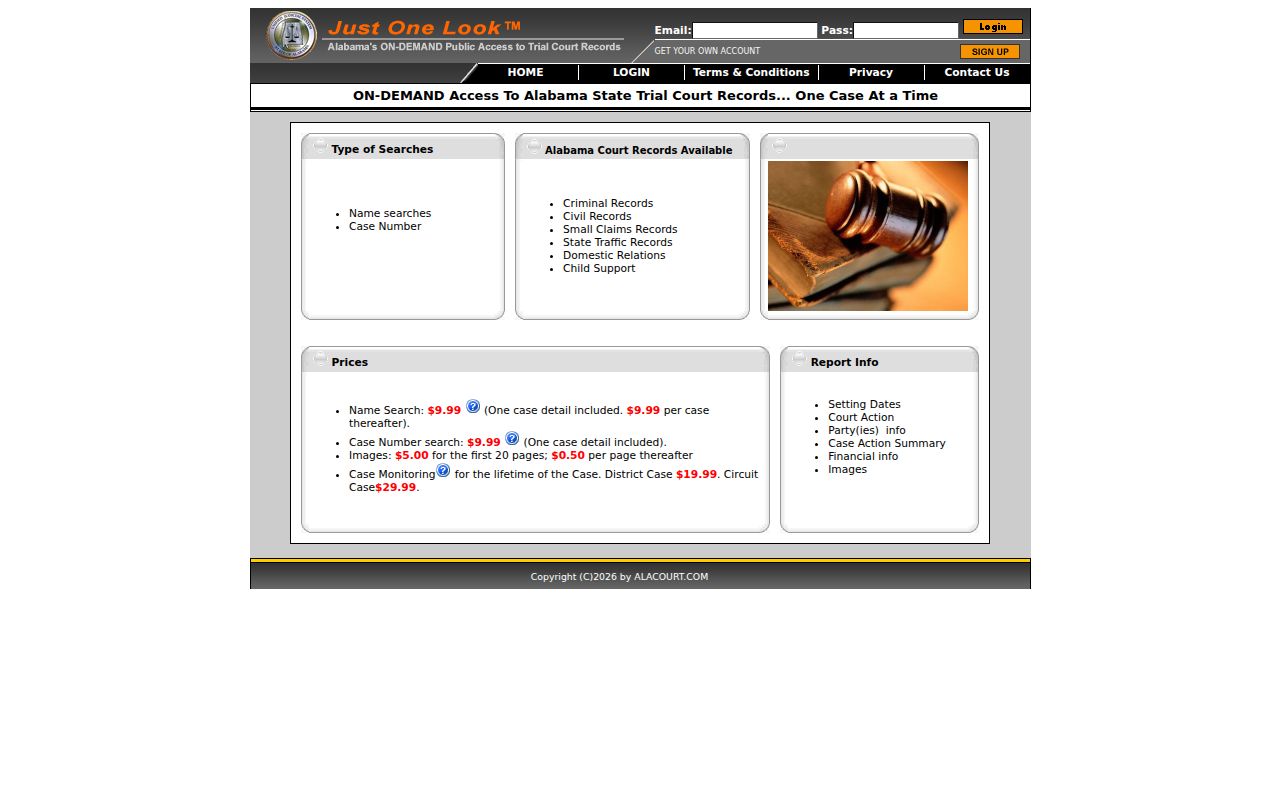
- Access the Official Portal: Navigate directly to the official Maryland Judiciary Case Search website. Avoid third-party aggregators that may charge fees for information that is provided free of charge by the state.
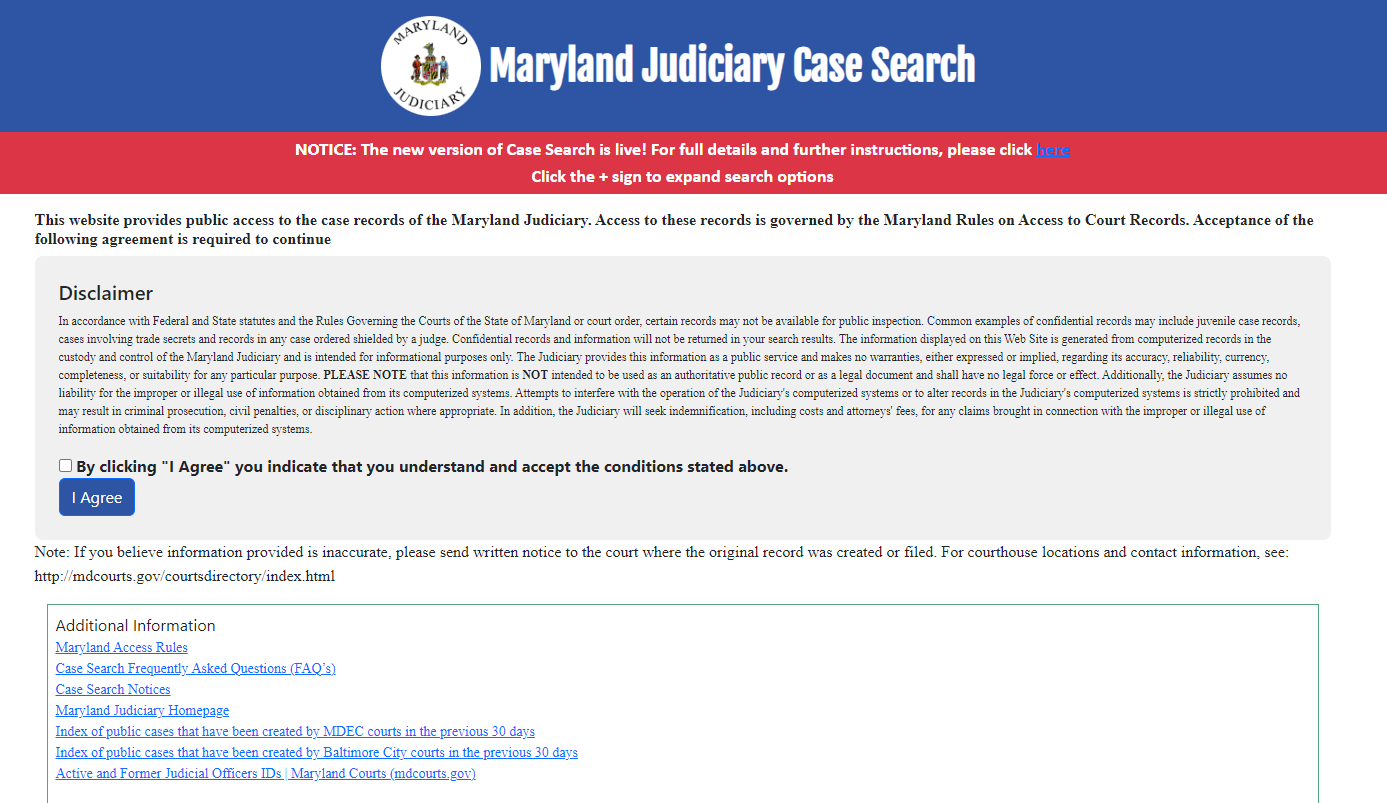
- Accept the Terms and Conditions: You must agree to the disclaimer which outlines that the information provided is for general reference and may not reflect the most recent docket entries if a case is currently in an active trial phase.
- Enter Search Criteria: Input the last name and first name in the designated fields. For individuals with common names, use the Soundex feature or include the year of birth if known.
- Filter Results: Once the results list appears, sort by "Case Type" or "Filing Date" to isolate the record you are seeking.
- Review the Docket: Click on the specific case number to view the case history, party information, attorney representation, and scheduled court dates.
Comparison of Search Parameters and Data Availability
The following table outlines the different types of case searches available and the typical data points accessible through the portal.
| Search Category | Primary Identifier | Accessible Data | Availability |
|---|---|---|---|
| Criminal Cases | Name/Case Number | Charges, Pleas, Sentencing | Public Record |
| Traffic Citations | Citation Number | Fine Status, Points, Court Date | Public Record |
| Civil Litigation | Plaintiff/Defendant Name | Claims, Filings, Judgments | Public Record |
| Juvenile Matters | Case Number | None (Confidential) | Restricted |
| Expunged Records | N/A | None | Purged from View |
Navigating Limitations and Troubleshooting Common Issues
One of the most common challenges users face in 2026 is the "Too Many Matches" error. This occurs when the search criteria are too broad, such as searching for a common surname without a first name or jurisdiction.
Tips for Narrowing Your Results
Utilize Geographic Filters If you know the general location where the case originated, restrict your search to that specific county. This reduces the noise created by identical names in different parts of the state.
Verify Case Status The system allows you to filter by active or closed cases. If you are looking for an ongoing matter, deselect the "Closed" option to focus your search on current dockets.
Address Discrepancies If you believe a record is missing or incorrect, it is likely due to the timing of data entry. Clerks typically update the system following court proceedings, but there may be a 24-to-48-hour lag depending on the jurisdiction's internal workflow.
Frequently Asked Questions
Is there a fee to search Maryland judicial records?
No, the Maryland Judiciary Case Search is a free, publicly accessible service. If a website asks for payment to view these records, you are likely on a third-party site and should return to the official Maryland government domain.
Why can I not find a record that I know exists?
The record may be confidential, such as a juvenile case, or it may have been expunged by court order. Additionally, if the case is extremely recent, it may not have been indexed into the electronic system yet.
Can I print records directly from the site?
Yes, the system allows you to print individual case summaries or dockets. However, these documents are for informational purposes and may not hold the same legal weight as a certified copy provided by a Clerk of the Court.
How do I get a certified copy of a court record?
To obtain a certified copy, you must contact the Clerk of the Court in the jurisdiction where the case was heard. You will likely need to submit a formal request and pay the required administrative fee for certification.
Are federal court cases included in this search?
No, the Maryland Judiciary Case Search only covers Maryland State Courts (District and Circuit). Federal cases in Maryland are handled through the PACER (Public Access to Court Electronic Records) system, which operates independently.
Recommendations for Professional Use
For legal professionals or researchers requiring high-volume access or historical data, it is recommended to utilize the Maryland Judiciary’s bulk data services if qualified. For the average citizen, the standard portal is sufficient for verifying court dates, checking the status of traffic tickets, or reviewing general civil litigation filings. Always ensure your browser is updated to the latest 2026 security standards to prevent connection issues with the state’s secure servers. If you encounter a persistent technical error, clear your browser cache or attempt to access the portal from a different network connection to rule out firewall interference.
Image Gallery