Accessing Orlando Active Police Calls: Real-Time Safety Data in 2026
To view active police calls in Orlando, you must access the official Computer-Aided Dispatch (CAD) dashboards provided by the Orlando Police Department (OPD) for city limits and the Orange County Sheriff’s Office (OCSO) for the broader...
To view active police calls in Orlando, you must access the official Computer-Aided Dispatch (CAD) dashboards provided by the Orlando Police Department (OPD) for city limits and the Orange County Sheriff’s Office (OCSO) for the broader metropolitan area. These platforms provide live updates on incident types, block-level locations, and dispatched units, though sensitive calls involving domestic violence or sexual battery are restricted for victim privacy.
Contents
Understanding the landscape of public safety in Central Florida requires distinguishing between the various law enforcement jurisdictions. While the Orlando Police Department handles incidents within the city’s urban core and designated districts, the Orange County Sheriff’s Office manages calls for the unincorporated areas and surrounding municipalities that contract their services. In 2026, these digital transparency tools remain the primary method for residents, journalists, and neighborhood watch organizers to maintain situational awareness without interfering with emergency radio frequencies.
Primary Portals for Monitoring Active Police Activity in Orlando
The City of Orlando and Orange County maintain separate but interlinked systems to provide transparency to the public. These dashboards are designed to balance the public's right to know under Florida’s Sunshine Law with the operational security of law enforcement officers.
Orlando Police Department (OPD) Active Calls Dashboard
The OPD Active Calls page is the definitive source for incidents occurring within the city limits. The interface typically provides a tabular view of ongoing calls. Users can see the "Call Number," the "Date/Time" the call was received, the "Category" (e.g., Traffic Accident, Suspicious Person, Theft), and the "Location" rounded to the nearest hundred block to protect resident privacy.
In 2026, the OPD system has been optimized for mobile responsiveness, allowing users to filter incidents by sector. Orlando is divided into three main patrol districts:
- North Patrol District: Covering areas like College Park and the northern business corridors.
- East Patrol District: Including the burgeoning Lake Nona region and areas near UCF.
- West Patrol District: Encompassing MetroWest and the historical communities of West Orlando.
Orange County Sheriff’s Office (OCSO) Active Calls Map
For incidents occurring outside the immediate city limits—such as in Windermere, Winter Park (unincorporated), or the tourist corridors near International Drive—the OCSO Active Calls map is the essential tool. Unlike the OPD's text-heavy interface, the OCSO platform utilizes a geographic information system (GIS) map.
The OCSO map allows users to visualize clusters of activity. In 2026, this system includes "Real-Time Crime Center" integrations that reflect active calls with a minimal delay, usually between 5 to 15 minutes. This delay is a mandatory safety protocol to ensure that spectators do not arrive at a scene before officers have established a secure perimeter.
Technical Specifications of Orlando Dispatch Systems
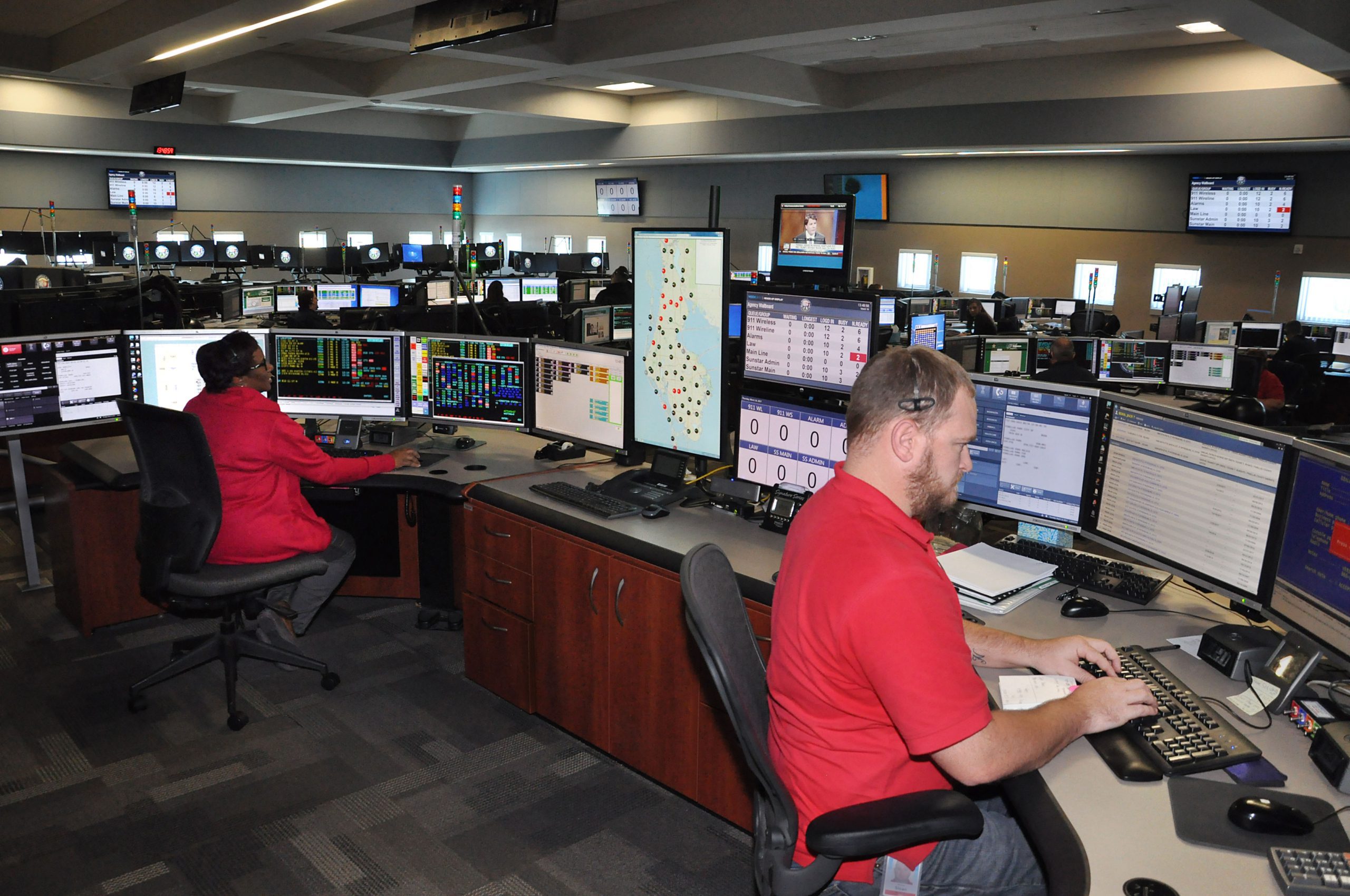
The data feeding these public websites originates from the CAD systems used by the Orlando Communications Division. When a 911 call is placed or an officer initiates a "self-initiated" stop, the data is entered into a secure server. A filtered version of this data is then pushed to the public-facing API.
Data Fields and Interpretation
When viewing active police calls, you will encounter several standardized fields. Understanding these is crucial for accurate interpretation:
- Incident Type/Nature: This describes the initial reason for the dispatch. It is important to note that the nature of a call may change once officers arrive on the scene and investigate.
- Units Dispatched: This indicates how many police cruisers or specialized units (like K-9 or Forensics) are assigned to the call. A high number of units often correlates with a high-priority emergency or a felony in progress.
- Status: Typical statuses include "Pending" (waiting for a unit), "Dispatched" (unit is en route), and "On Scene" (officers have arrived).
Standard Florida Police Signals and Codes
While the web dashboards use plain English descriptions, understanding the underlying "Signal" codes used by Central Florida agencies can provide deeper context if you are also monitoring authorized scanner feeds or reading archived reports.
Common Central Florida Law Enforcement Signals
Signal 0: Armed and/or dangerous. This is the highest level of caution for responding units.
Signal 13: Suspicious person or vehicle. This is one of the most common call types on the Orlando active call list.
Signal 14: Information. Used for general reports or non-emergency documentation.
Signal 20: Mentally ill person. These calls often trigger the dispatch of specialized Crisis Intervention Teams (CIT).
Signal 25: Fire or Arson. This typically involves a joint response with the Orlando Fire Department (OFD).
Comparative Analysis: OPD vs. OCSO Public Data Portals
The following table compares the two primary methods for tracking active police calls in the Orlando region as of 2026.
| Feature | Orlando Police Dept (OPD) | Orange County Sheriff (OCSO) |
|---|---|---|
| Interface Style | List/Table View | Interactive GIS Map |
| Geographic Focus | City Limits (Urban Core) | Unincorporated Orange County |
| Update Frequency | Every 3–5 Minutes | Every 5–10 Minutes |
| Privacy Masking | 100-Block Level Addressing | Icon-based Approximate Location |
| Mobile Integration | Browser-based Responsive Design | Integrated Mobile App Support |
| Historical Data | Limited to last 24–48 hours | Searchable Archive via Public Records |
| Sensitive Call Filtering | High (Victim names/exact spots hidden) | High (Standardized icons for all crimes) |
The Impact of Digital Encryption on Radio Monitoring in 2026
Historically, many residents used analog scanners to listen to "Orlando Active Police Calls" directly. However, by 2026, the transition to the P25 Phase II digital radio system is nearly universal across Florida. This system utilizes encryption for tactical channels and sensitive dispatching.
While some "Main Dispatch" channels may remain unencrypted for interoperability, the vast majority of operational details are now shielded from traditional scanners. This shift has made the official CAD web dashboards the most reliable—and often the only—legal way for the general public to track police movements in real time.
Why Some Incidents Never Appear Online
It is a common misconception that every police action is visible on the public dashboard. Several categories of police activity are intentionally excluded:
- Undercover Operations: Surveillance and narcotics stings are never broadcast to public CAD logs to protect officer safety.
- Domestic Violence: To comply with privacy laws and protect victims, calls classified as domestic disturbances are often scrubbed or significantly delayed.
- Juvenile Incidents: Crimes involving minors are strictly regulated regarding public disclosure.
- Officer-Initiated Administrative Tasks: Routine patrols or "Area Checks" might not appear unless they result in a specific incident report.
Step-by-Step Guide: How to Use the Orlando Active Call Logs
To effectively monitor safety in your specific neighborhood, follow this protocol for using the active call systems.
- Identify Your Jurisdiction: Use the Orange County Property Appraiser website or Google Maps to determine if your address falls within the City of Orlando (OPD) or Unincorporated Orange County (OCSO).
- Access the Correct URL: Navigate to the official city or county "Active Calls" page. Avoid third-party "scraper" sites which may contain outdated information or malicious advertisements.
- Filter by Date and Time: Ensure the list is sorted by the most recent calls first.
- Cross-Reference with Traffic Data: If you see a cluster of "Traffic Accident" or "Assistance" calls on a major artery like I-4 or the 408, cross-reference this with FL511 for real-time traffic camera views of the scene.
- Use the Non-Emergency Line for Follow-up: If you see an active call at your neighbor's house and are concerned, do not call 911 for information. Instead, use the non-emergency line (321-235-5300 for OPD) to request information that is public record.
Public Safety and Community Involvement in Orlando
Active call logs are more than just a curiosity; they are a tool for community policing. In 2026, the City of Orlando encourages residents to use this data to inform their participation in programs like "Neighborhood Watch" and "National Night Out."
Reporting Incidents Based on CAD Data
If you observe an active call on the dashboard that matches an incident you witnessed, you can provide additional information to the police. This is particularly useful for "Hit and Run" or "Suspicious Person" calls where the dashboard confirms that the police are already looking for information in your vicinity.
Expert Insight: Data Lag and Accuracy
Always account for a "Data Propagation Lag." In high-stress situations, a dispatcher may prioritize communicating with units over updating the public CAD server. An incident may be "Closed" in the real world several minutes before the website reflects the "Finished" status. Furthermore, the "Call Type" is based on the caller's description, which can often be inaccurate (e.g., reporting a "shooting" that was actually "fireworks").
Frequently Asked Questions
How can I see police calls in my specific Orlando neighborhood? You should use the Orange County Sheriff’s Office Active Calls map and zoom in on your specific zip code or neighborhood boundaries. For those within the city, use the OPD Active Calls list and filter by your specific patrol sector (North, East, or West). These tools are the most accurate way to see what is happening street-by-street.
Is there a mobile app for Orlando active police calls? While the City of Orlando does not have a dedicated "Police Call" app, their website is fully optimized for mobile browsers. Additionally, many residents use the "Citizen" app or "Nextdoor," which often scrape these official CAD feeds to provide push notifications, though official government sources remain the most accurate.
Why are some addresses listed as "00" or "Blocked" on the call list? Law enforcement agencies use "Block-Level Addressing" (e.g., 1200 Block of Orange Ave) to protect the privacy of the individuals involved in the call. This prevents people from showing up at a private residence while an investigation or a medical emergency is ongoing, ensuring both victim privacy and officer safety.
Can I listen to Orlando police scanners online in 2026? Due to the widespread adoption of encrypted P25 Phase II digital radio systems, many Orlando police frequencies are no longer accessible via traditional online scanner apps like Broadcastify. The official CAD dashboards have become the primary alternative for real-time information.
What should I do if I see an active call near my home? The safest course of action is to remain indoors and clear the area for emergency vehicles. Using the active call dashboard allows you to stay informed without physically approaching a potentially dangerous scene. If you have information regarding the call, contact the non-emergency dispatch line rather than 911.
Practical Recommendations for Orlando Residents
For those looking to maximize their use of "Orlando active police calls" data for personal safety, consistency is key. We recommend bookmarking both the OPD and OCSO active call pages on your mobile device’s home screen. In 2026, staying informed through these official channels is the most effective way to distinguish between routine law enforcement activity and genuine threats to your neighborhood. Always prioritize official data over social media rumors, as the CAD system reflects the actual dispatching priorities of the Central Florida emergency response network.
Image Gallery