Marriott MGS: Complete Portal Overview and Secure Access Guide for 2026
Marriott MGS (Multi-Property Global Source) serves as the primary internal intranet portal and digital workspace for Marriott International associates, managers, and corporate staff worldwide. This centralized platform delivers seamles...
Marriott MGS (Multi-Property Global Source) serves as the primary internal intranet portal and digital workspace for Marriott International associates, managers, and corporate staff worldwide. This centralized platform delivers seamless access to essential employment records, scheduling tools, compensation details, corporate training resources, and brand standards, ensuring efficient daily operations across thousands of properties globally.
Contents
Understanding the Marriott MGS Ecosystem and Intranet Architecture
The Marriott Global Source (MGS) platform is engineered to function as the digital backbone for all enterprise operations. Built to support a massive workforce spanning managed and franchised properties, the system consolidates disparate human resources, operational guidelines, and communication channels into a single, authenticated dashboard.
Within the hospitality sector, corporate intranets must balance high-security compliance with rapid, mobile-responsive accessibility. MGS fulfills this requirement by acting as an identity-federated gateway. When associates log into the environment, the system dynamically serves content based on their property code, job role, geographic region, and corporate clearance level. This targeted delivery ensures that front-desk agents, executive housekeepers, general managers, and corporate directors only interact with workflows and documentation relevant to their specific operational scope.
Furthermore, the portal integrates deeply with underlying enterprise resource planning (ERP) and human capital management (HCM) systems. Data flows securely between MGS and platforms like Oracle or specialized property management systems, allowing real-time synchronization of labor management metrics, time-off requests, and performance evaluations.
Core Features and Operational Modules Available on MGS
Navigating the MGS interface effectively requires a firm understanding of its modular structure. The dashboard organizes enterprise applications into distinct categories designed to streamline administrative overhead and elevate guest service standards.
Human Resources and Personnel Management
The HR module within MGS serves as the self-service hub for every associate. Users can securely review electronic pay statements, update direct deposit allocations, check accumulated paid time off (PTO), and download tax documents without submitting manual inquiries to property human resources departments. Managers utilize this section to approve shift trades, review labor productivity reports, and initiate onboarding workflows for incoming property talent.
Brand Standards and Operational Documentation
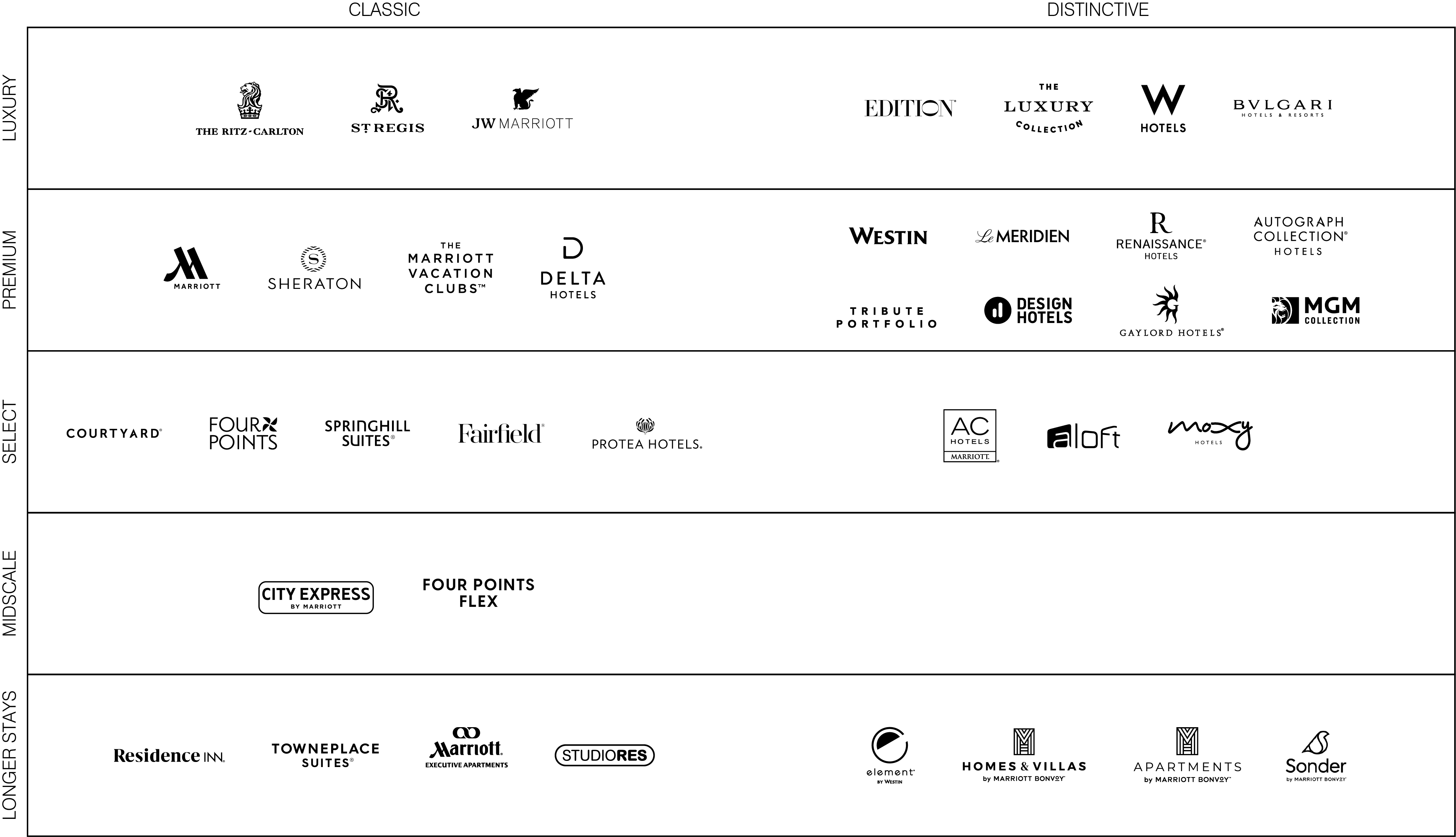
Maintaining consistency across global brands—ranging from Ritz-Carlton and St. Regis to Courtyard and Residence Inn—relies entirely on the MGS document repository. Associates access up-to-date Standard Operating Procedures (SOPs), food and beverage safety mandates, housekeeping protocols, and brand compliance checklists. This ensures that every physical location adheres strictly to corporate quality benchmarks and regulatory mandates.
Training and Professional Development
Marriott's commitment to continuous learning is operationalized through the MGS learning management integration. Associates complete mandatory compliance training, leadership development modules, and technical software tutorials directly through the portal. System administrators track completion rates and certifications in real time to satisfy corporate and legal compliance requirements.
Internal Communications and News
The portal functions as the primary broadcast medium for executive announcements, company-wide performance achievements, sustainability initiatives, and corporate culture updates. Targeted messaging ensures that local property teams remain aligned with overarching corporate strategy and brand milestones.
Prerequisites and Secure Access Protocols for 2026
Accessing Marriott MGS requires compliance with strict cybersecurity protocols to protect sensitive associate data and proprietary corporate information. Before attempting connection, users must satisfy specific technical and administrative prerequisites.
- Authorized Credentials: Users must possess an active enterprise identifier, commonly known as an EID or enterprise user ID, issued exclusively by Marriott International IT or property human resources upon hire.
- Network Security Compliance: Accessing internal portals from unverified external networks requires strict adherence to corporate virtual private network (VPN) guidelines or approved secure gateway protocols.
- Multi-Factor Authentication (MFA): To safeguard against unauthorized credential harvesting, the platform enforces mandatory multi-factor authentication, requiring users to verify their identity via registered mobile devices, security tokens, or biometric verification methods.
- Supported Browsers: The portal is optimized for modern, standards-compliant web browsers including Google Chrome, Microsoft Edge, and Apple Safari, with strict mandates to maintain updated browser versions to prevent encryption handshaking failures.
Step-by-Step Guide to Logging Into Marriott MGS
Executing a secure login to the MGS environment follows a standardized authentication sequence designed to verify user identity before granting access to enterprise data.
- Navigate to the Official Portal: Open a secure, updated web browser and enter the verified corporate URL designated for Marriott Global Source access. Avoid using unverified search engine links to prevent exposure to phishing simulations.
- Input Enterprise Identifier (EID): Enter your assigned Marriott EID into the primary username field. Ensure there are no leading or trailing whitespace characters.
- Enter Secure Password: Input your confidential enterprise password, ensuring that case sensitivity and special characters are correctly entered.
- Complete Multi-Factor Authentication (MFA): When prompted by the security gateway, approve the login request via your designated MFA device, such as entering an SMS passcode or confirming a push notification.
- Verify Dashboard Loading: Upon successful authentication, confirm that the browser redirects to the official MGS dashboard, displaying your personalized user profile and role-appropriate menu options.
| Login Phase | Technical Requirement | Common Failure Mode | Resolution Strategy |
|---|---|---|---|
| Authentication | Active EID and Secure Password | Expired password or incorrect input | Reset credentials via the enterprise self-service password utility. |
| MFA Verification | Registered mobile device or token | Device out of cellular range or app failure | Switch to an alternative registered MFA method or contact the IT Help Desk. |
| Browser Handshake | Modern TLS-compliant browser | Outdated browser build or conflicting extensions | Update browser software and disable aggressive ad-blockers for the domain. |
| Network Access | Corporate LAN or secure VPN tunnel | IP blocking or unauthorized geographic region | Connect to the approved corporate network infrastructure before attempting login. |
Comparing Direct Property Access vs. Remote MGS Connectivity
Associates frequently need to interact with MGS outside of standard on-property workstations. Understanding the operational differences between on-site and remote access helps set accurate expectations regarding system responsiveness and security limitations.
- On-Property Access: Connecting via property local area networks (LAN) typically provides uninterrupted, high-speed access to all localized intranet resources, administrative databases, and bandwidth-heavy training modules without requiring external VPN tunnels.
- Remote Access: Logging in from outside corporate premises relies on secure cloud-gateway infrastructure. While core HR functionalities and general communications remain fully accessible, certain high-security property-management subsystems may require active VPN connections or elevated administrative clearance.
- Mobile Accessibility: Certain features of MGS are adapted for authorized mobile applications, allowing associates to view schedules and pick up open shifts on the go, whereas deep administrative tasks and document authoring remain restricted to desktop environments.
Troubleshooting Common Login and Access Errors
Technical hurdles occasionally impede access to the MGS portal. Applying systematic troubleshooting methodologies resolves most common connection barriers without requiring escalated IT intervention.
Credential Expiration Management Issue: Passwords for Marriott enterprise accounts are subject to mandatory periodic rotation schedules. Attempting login with an expired credential results in an immediate authentication rejection. Remedy: Utilize the official Marriott password management portal to securely update your credentials. Ensure the new password meets all corporate complexity requirements, including minimum character lengths and alphanumeric dispersion.
Browser Cache and Cookie Conflicts Issue: Corrupted local browser data or outdated session cookies can cause infinite redirect loops or blank dashboard displays upon successful authentication. Remedy: Clear cached images, stored cookies, and site data specifically for the MGS domain, then restart the browser session before attempting a fresh login.
Account Lockout Protocols Issue: Entering incorrect authentication credentials multiple consecutive times triggers an automated security lockout to prevent brute-force attacks. Remedy: Wait for the mandatory cooldown period to elapse, or contact your property's designated human resources representative or IT support desk to manually clear the security flag.
Frequently Asked Questions Regarding Marriott MGS
What should I do if I forget my Marriott EID or enterprise password?
Associates can recover or reset their credentials by utilizing the official Marriott password self-service portal or by contacting their property's Human Resources department or the enterprise IT Help Desk for identity verification and manual reset assistance.
Can I access Marriott MGS from my personal smartphone or home computer?
Yes, authorized associates can access the portal remotely via personal devices by navigating to the secure URL and completing the mandatory multi-factor authentication challenge, though certain restricted internal databases may require an approved corporate network connection.
How often are pay statements updated on the MGS platform?
Electronic pay statements and payroll summaries are typically updated and published within the HR module according to the regional payroll schedule governing your specific property location, usually matching the standard bi-weekly or semi-monthly pay cycle.
Who should I contact if a specific training module fails to record my completion status?
First, verify that you completed all interactive segments and final knowledge checks within the module. If the status remains unupdated after 24 hours, submit an IT support ticket through the portal, including the course title, completion timestamp, and your EID for verification.
Is Marriott MGS accessible for former associates seeking historical tax documents?
Former employees retain limited, time-bound access to retrieve historical W-2 or tax statement documentation through dedicated alumni login pathways established by corporate human resources following separation.
Why is my multi-factor authentication prompt failing to arrive on my device?
MFA delivery failures are frequently caused by poor cellular connectivity, outdated authenticator application versions, or incorrect device registration settings within your enterprise profile. Verify your network connection and ensure your registered phone number or authentication app is fully updated.
Strategic Operational Recommendations for MGS Users
To maximize productivity and maintain uncompromising cybersecurity hygiene while utilizing Marriott MGS, associates should adhere to established best practices:
- Always Log Out Completely: Never leave an active MGS session unattended on a shared workstation or front-desk terminal. Always click the official sign-out option and close the browser window to prevent unauthorized access by secondary users.
- Keep Profile Data Current: Regularly review your personal contact details, emergency contacts, and direct deposit allocations within the HR module to ensure seamless administrative processing.
- Bookmark Official URLs Only: Avoid relying on third-party search results to locate the portal. Save the verified enterprise URL directly to your browser's trusted bookmarks to safeguard against malicious spoofing attempts.
Image Gallery