MyPepsiCo Employee Portal Guide: Secure Login, Benefits Access, and Troubleshooting
MyPepsiCo (accessible via mypepsico.com) is the global employee self-service portal designed for active PepsiCo workforce members, supply chain staff, contractors, and eligible retirees. The portal provides centralized single sign-on (...
MyPepsiCo (accessible via mypepsico.com) is the global employee self-service portal designed for active PepsiCo workforce members, supply chain staff, contractors, and eligible retirees. The portal provides centralized single sign-on (SSO) access to payroll records, W-2 tax forms, Workday HR management, health and welfare benefits, and shift scheduling systems across all PepsiCo business units worldwide.
Contents
System Overview and Core Capabilities of MyPepsiCo
The MyPepsiCo ecosystem operates as an enterprise-grade Digital Workplace Solution that integrates multiple Human Resources Information Systems (HRIS) into a unified dashboard. Built on enterprise identity management frameworks, the platform eliminates the need for employees to navigate separate software applications for routine employment administrative tasks.
(Reminder: Absolute zero code blocks or backticks allowed! Ensure no backticks appear in output.)
Whether you work in frontline operations, route delivery, bottling facilities, or corporate headquarters, the platform tailors its dashboard options to your active employment classification and geographic location.
Key Functional Modules
- Payroll and Compensation Services: View current and historical pay stubs, update direct deposit banking details, adjust federal and state tax withholding (Form W-4), and retrieve annual W-2 or 1099 statements.
- Benefits and Health Management: Access total rewards packages during annual open enrollment, review PepsiCo Healthy Living programs, view healthcare carrier contacts (such as Anthem, UnitedHealthcare, or BCBS depending on region), manage Health Savings Accounts (HSA), and track 401(k) savings through Fidelity Investments.
- Workforce Management and Scheduling: Review shift rosters, submit paid time off (PTO) requests, track accrued vacation or sick leave, and log hourly attendance records integrated with Kronos/UKG labor management modules.
- Career Development and Talent Applications: Complete mandatory corporate compliance training via internal Learning Management Systems (LMS), apply for internal position transfers, and participate in annual performance evaluations through Workday.
- Retiree and Former Employee Services: Access deferred compensation details, pension benefit statements, COBRA health coverage management, and historic tax record archives post-employment.
Authentication Prerequisites and Identity Security Standards
Accessing sensitive human resources and enterprise data requires strict authentication controls. PepsiCo enforces multi-factor authentication (MFA) to prevent unauthorized account access and protect personal identifiable information (PII).
To ensure an uninterrupted connection to the portal, users must verify that their primary devices and identity profiles meet corporate security parameters.
| Security Layer | Technical Requirement | Supported Standard / Tool |
|---|---|---|
| Primary Identity Identity | Global User ID (GPID) or PepsiCo Email | Enterprise Active Directory Account |
| Multi-Factor Authentication | PingID App or Hardware Token | Push Notifications, FIDO2, FICO/OTP |
| Browser Compatibility | Modern Chromium / WebKit Engines | Google Chrome (v115+), MS Edge, Safari |
| Network Gateways | Direct Web or Secure Enterprise Gateway | TLS 1.3 Encryption Standard |
| Mobile Access | Managed BYOD or Corporate Device | Intune / MobileIron MDM Enrollment |
Multi-Factor Authentication via PingID
The portal uses Ping Identity (PingID) as its official identity provider. When logging in from a non-corporate network, off-site internet connection, or personal mobile device, you are automatically prompted to complete a secondary authentication step.
- PingID Mobile Application: The primary and recommended method for authentication. Approving a push notification sent to your enrolled mobile device completes verification in seconds.
- One-Time Passcode (OTP): If push notifications are unavailable, the PingID app generates a time-sensitive 6-digit numeric passcode that can be entered manually.
- SMS or Security Keys: Secondary fallback options configured by internal IT support for team members without smartphone access or those operating in restricted manufacturing facilities.
Step-by-Step Guide: Accessing the MyPepsiCo Portal
Follow these standardized procedures to sign in to your enterprise account based on your user role and device environment.
Logging In as an Active Employee
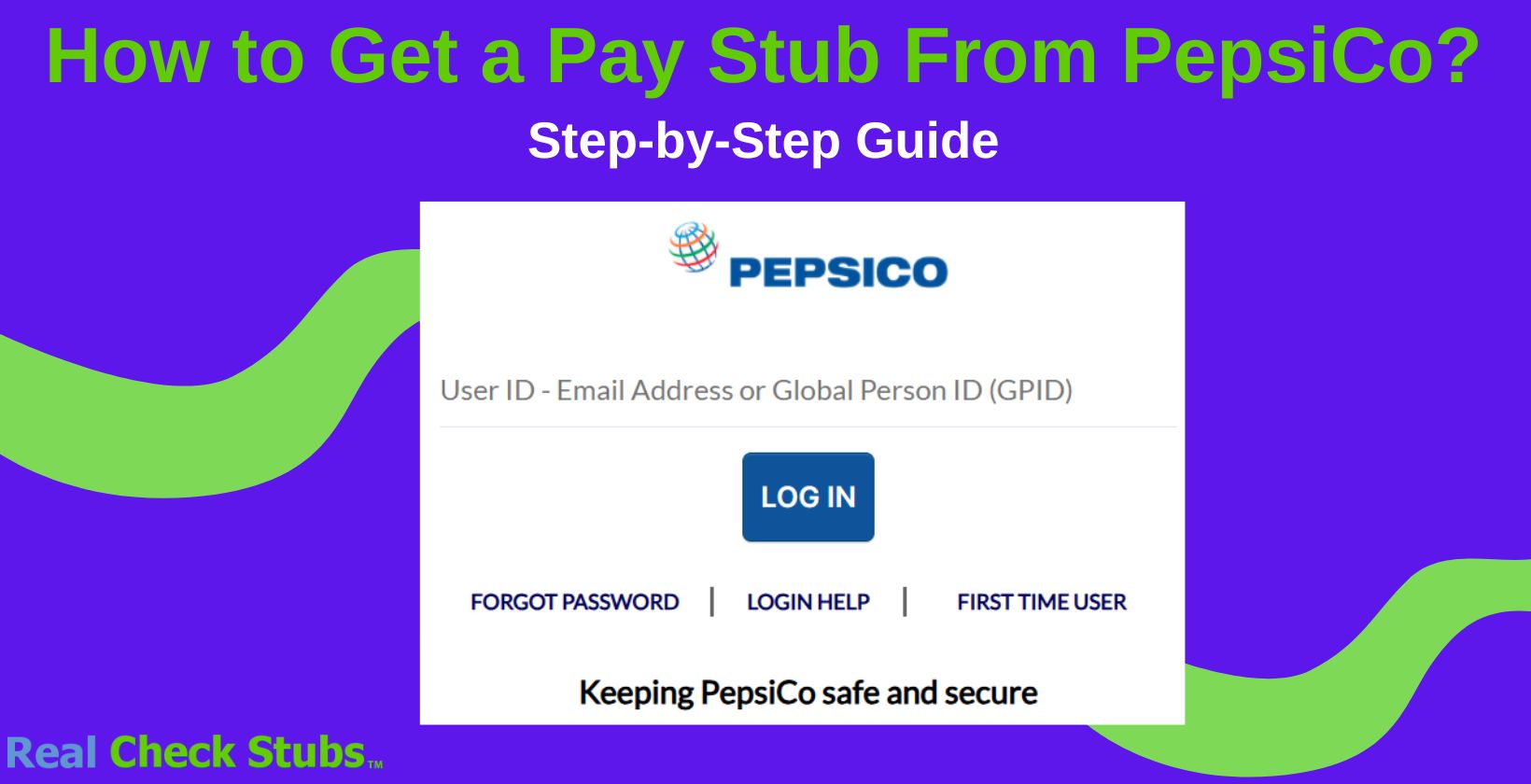
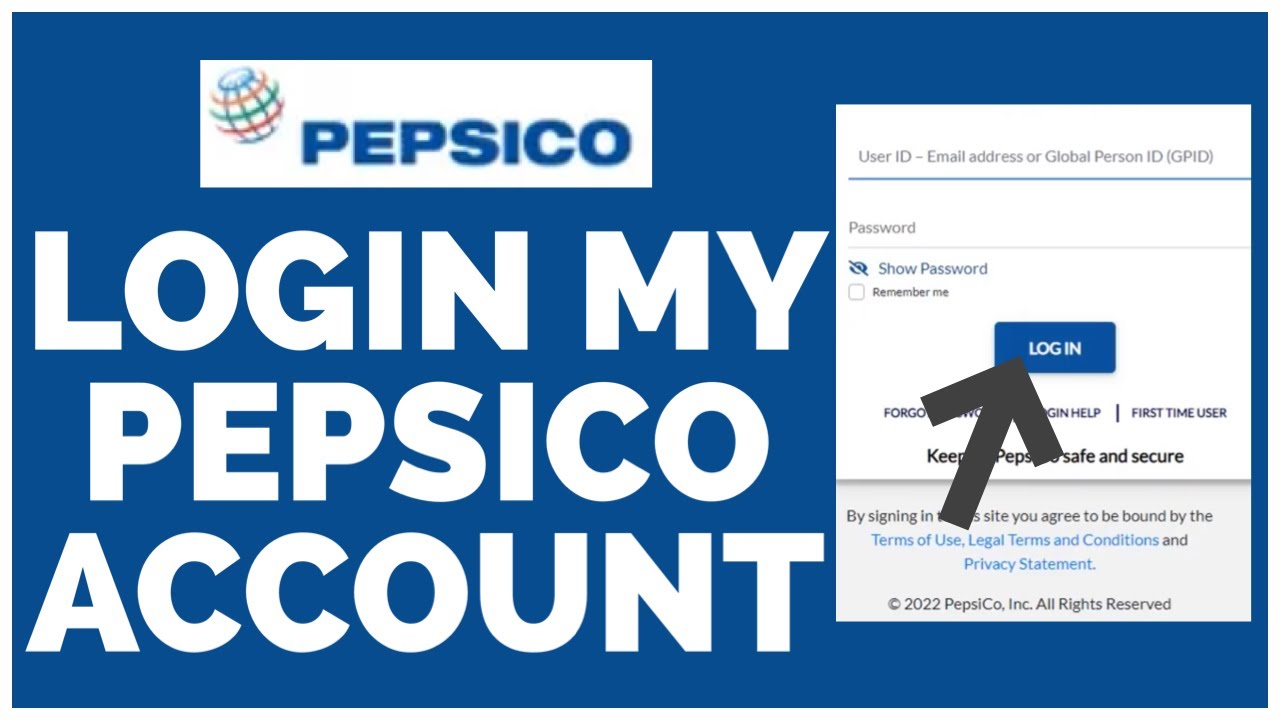
- Launch a supported web browser and navigate directly to the official portal domain at mypepsico.com.
- On the unified login landing page, enter your assigned Global Person ID (GPID) or your official corporate email address (typically
firstname.lastname@pepsico.com). - Click Next to be redirected to the secure Ping Identity authentication gateway.
- Input your active domain network password.
- Accept the verification prompt sent to your primary PingID app or input the 6-digit time-based code.
- Once validated, your personal dashboard will load with instant links to payroll, schedule, and benefit cards.
Accessing the Portal as a First-Time User
New hires must activate their digital profile prior to accessing standard HR tools. You must have your GPID, which is provided during the onboarding process by your hiring manager or local HR representative.
First-Time Registration Rule: Do not attempt to create an account through secondary third-party links. Account creation requires your official GPID and a temporary registration passcode delivered via your personal email or manager dispatch.
- On the main login page, select the option labeled First Time User / Register Account.
- Enter your 8-digit GPID and your date of birth in the required format.
- Complete the identity verification check using the temporary security code sent to your registered phone number or external personal email.
- Establish a strong enterprise password that adheres to corporate complexity standards (minimum 12 characters, including uppercase, lowercase, numbers, and special symbols).
- Complete the initial registration prompt for PingID on your primary smartphone or hardware key.
Login Instructions for Retirees and Alumni
Former team members and retirees retain restricted portal privileges to access annual tax documents, historical pay records, and pension information.
- Navigate to the mypepsico.com homepage and click the Retirees and Alumni portal link located at the bottom of the login box.
- Enter your registered alumni user ID or personal email address on file.
- Authenticate using your established password and security challenge questions or SMS verification code.
- If your credentials have expired, select Reset Retired Account Credentials to re-verify your identity through your Social Security Number (SSN) or local tax identifier.
MyPepsiCo System Architecture and Module Breakdown
The employee portal serves as a unified gateway connecting several specialized cloud computing enterprise applications. Understanding which backend platform manages specific data types makes navigation faster and clearer.
(Note: Formatting uses clean Markdown tables and detailed descriptions.)
| Module / System | Primary Function | Data Updated | User Access Level |
|---|---|---|---|
| Workday Core HR | Personal Profile, Manager Hierarchy, Position Changes | Contact Details, Address, Emergency Contacts | All Active Employees |
| ADP Payroll / Pay Statements | Electronic Paystubs, Direct Deposit, Tax Deductions | Bank Routing Numbers, W-4 Elections | Active Employees, Recent Alumni |
| Fidelity NetBenefits | 401(k) Retirement Savings, Company Match, Stock Options | Contribution Rates, Investment Choices | Active & Retired Employees |
| UKG / Kronos Workforce | Timecard Approvals, Shift Swaps, Attendance Tracking | Worked Hours, Overtime, Time-off Requests | Hourly / Frontline Operations |
| PepsiCo Healthy Living | Medical, Dental, Vision, Wellness Incentives | Insurance Plan Selection, HSA Balances | Eligible Employees & Dependents |
Managing Mobile Access with the MyPepsiCo App
For mobile access while on route, at a distribution center, or working remotely, employee self-service features can be accessed through official mobile channels.
iOS and Android Mobile Access Methods
- Web Browser Access: Navigate to mypepsico.com on your smartphone web browser. The responsive interface automatically scales for mobile devices, presenting a touch-optimized dashboard.
- Corporate Container Apps: Employees using company-issued devices or personal devices enrolled in PepsiCo's Bring Your Own Device (BYOD) program can access portal services through the secure Microsoft Intune or MobileIron environment.
- PingID Companion App: The PingID application (available on Apple App Store and Google Play Store) is required to authenticate login attempts on mobile browsers.
Mobile Security Directive: Never store user credentials in unencrypted third-party password managers on non-corporate shared mobile devices. Always log out of your session when accessing the portal from shared or mobile devices.
Step-by-Step Troubleshooting for Common Access Issues
Technical difficulties can disrupt access to essential pay and scheduling information. Use these proven technical steps to resolve common login errors.
1. Resetting a Forgotten or Expired Password
Corporate security policies mandate password changes at standard intervals. If your password has expired or you cannot remember it:
- Click the Forgot Password? link located on the primary Ping Identity sign-in screen.
- Type in your 8-digit GPID or corporate email address.
- Select your preferred identity verification method (PingID app push notification or registered secondary phone number).
- Enter the verification code provided.
- Create a new password that has not been used in your previous 10 password cycles.
- Wait 2 to 3 minutes for the password to synchronize across all backend enterprise applications before attempting a fresh login.
2. Resolving PingID Multi-Factor Authentication Failures
If you replace your smartphone, update your operating system, or accidentally delete the PingID application, push notifications will fail.
- Re-registering a Device: Contact your local IT Helpdesk or access the Identity Self-Service Management page from a secure, registered corporate network computer to generate a new PingID pairing QR code.
- Network Connectivity Issues: Ensure your mobile device has an active Wi-Fi or cellular data connection. If offline, open the PingID application manually to generate a 6-digit offline passcode instead of waiting for a push notification.
3. Clearing Browser Cache and Cookie Conflicts
Persisting browser cache can cause infinite redirect loops or "403 Forbidden" errors on enterprise SSO portals.
- Open your browser settings and navigate to Privacy and Security.
- Select Clear Browsing Data.
- Choose a time range of All Time.
- Select Cookies and other site data and Cached images and files.
- Restart your web browser completely, open an Incognito/Private window, and visit mypepsico.com again.
Frequently Asked Questions (FAQ)
What is my GPID and where can I find it?
Your GPID (Global Person ID) is an 8-digit unique numerical identifier assigned to every PepsiCo employee during onboarding. You can find your GPID printed on your employee badge, listed at the top of your paper or digital pay stub, or by asking your local HR manager.
How do I access my annual W-2 tax forms on MyPepsiCo?
Log in to mypepsico.com, select the Pay and Compensation tile, and click Tax Statements (W-2/1099). From there, you can view, download, or print electronic copies of current and previous tax years through the integrated ADP payroll system.
Why does my PingID push notification fail to deliver?
PingID push notification failures are typically caused by poor mobile connectivity, disabled app notifications in your smartphone settings, or out-of-sync system clocks. Switching to the manual 6-digit passcode option inside the PingID app usually bypasses network delivery delay issues immediately.
How can I update my direct deposit bank details?
Once logged in, navigate to Workday HR & Payroll, select Payment Elections, and click Add/Edit Direct Deposit Account. Changes made to direct deposit information take up to one to two pay cycles to become active depending on your financial institution's processing schedules.
Can former employees and retirees access paystubs after leaving PepsiCo?
Yes, former employees maintain limited access to historical paystubs and tax documents via the dedicated Retiree and Alumni portal link at mypepsico.com. Access is maintained using your personal credentials and identity validation via SSN or tax ID.
Best Practices for Operational Security and System Efficiency
To maintain system reliability and safeguard personal compensation and health records, follow these operational security standards:
- Always End Sessions Explicitly: Click the Log Out button at the top right corner of the dashboard rather than simply closing your browser tab. Closing tabs without logging out can leave authenticated SSO sessions active on shared network terminals.
- Keep Contact Information Current: Update your personal mobile phone number and personal email address under the Workday Profile section. Having updated contact details ensures you receive critical system alerts and quick password recovery options.
- Verify Official Web Addresses: Ensure the URL in your browser bar clearly displays
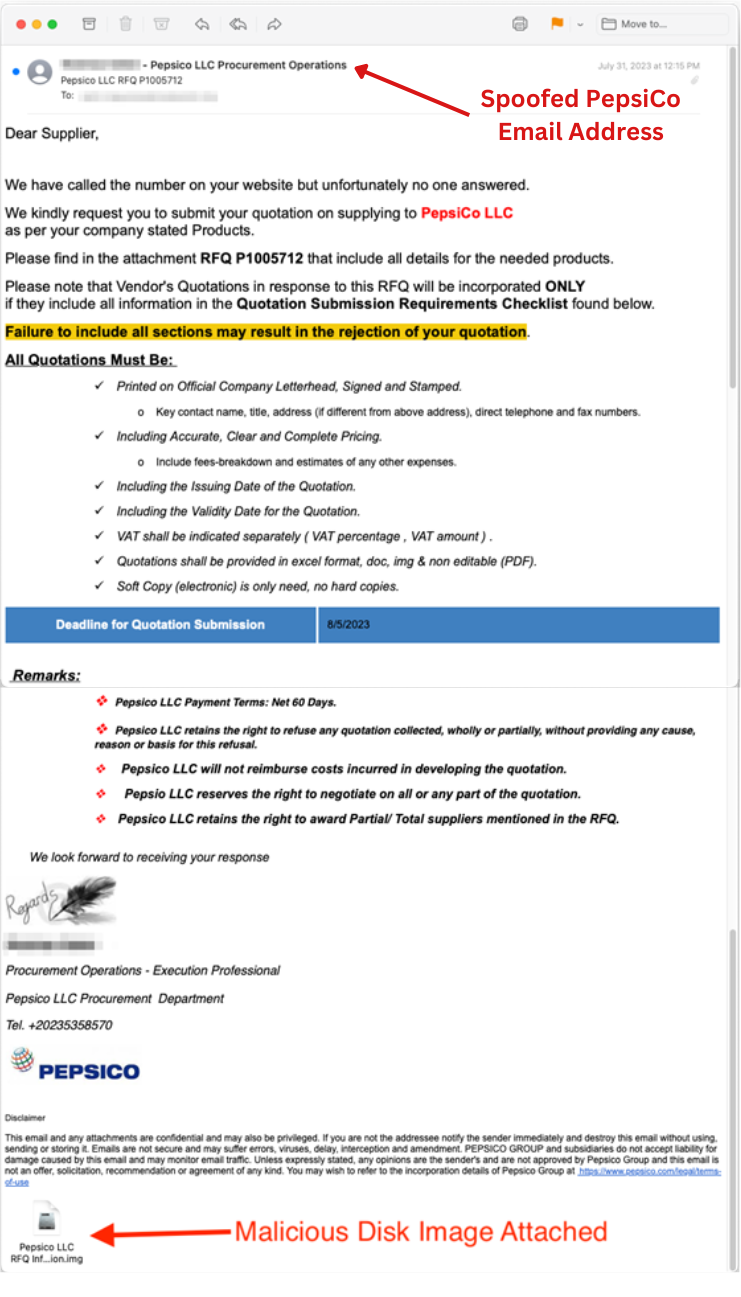
mypepsico.comor an official subdomain hosted by PepsiCo identity services. Never enter enterprise login credentials on unfamiliar third-party websites or email links claiming to represent HR.
For specialized assistance, system outages, or account lockouts that cannot be resolved through automated tools, contact the dedicated PepsiCo Global IT Help Desk or reach out to your local facility Human Resources Operations Manager.
Image Gallery