How to Choose a Cheap Point of Sale System in 2026
Choosing a cheap point of sale (POS) system involves evaluating the total cost of ownership, which includes hardware, monthly software subscriptions, and payment processing fees. In 2026, the most cost-effective strategy is balancing l...
Choosing a cheap point of sale (POS) system involves evaluating the total cost of ownership, which includes hardware, monthly software subscriptions, and payment processing fees. In 2026, the most cost-effective strategy is balancing low upfront hardware costs with a processing rate that aligns with your monthly sales volume.
Contents
Selecting a point of sale (POS) system was once a matter of purchasing a cash register and a standalone credit card terminal. However, the landscape in 2026 is defined by cloud-based ecosystems that integrate inventory, labor management, and customer loyalty programs. For small to mid-sized businesses (SMBs), "cheap" can be a deceptive term. A system with zero monthly fees might carry high transaction rates that erode margins, while a system with expensive hardware might save thousands in the long run through lower processing percentages.
To find the right fit, you must look beyond the sticker price and analyze how the system interacts with your specific business model, whether you are running a boutique retail shop, a quick-service restaurant, or a mobile service business.
Understanding the True Cost of a POS System
When evaluating the affordability of a POS system, you must categorize costs into three distinct pillars: software, hardware, and processing. Ignoring any one of these can lead to a "cheap" system becoming your largest overhead expense.
Software Subscription Models
In 2026, most POS providers utilize a Software-as-a-Service (SaaS) model. You will typically encounter three pricing tiers:
- The Free Tier: Popularized by companies like Square and Zettle, these have $0 monthly fees but often lock you into higher-than-average processing rates. They are ideal for startups or businesses with low monthly volumes (under $5,000).
- The Mid-Range Tier ($30–$90/month): These systems offer advanced features like multi-location management, advanced inventory tracking, and employee scheduling. This is often the "sweet spot" for growing businesses.
- The Enterprise Tier ($100+/month): These are designed for high-volume environments requiring deep API integrations and custom reporting.
Hardware Requirements
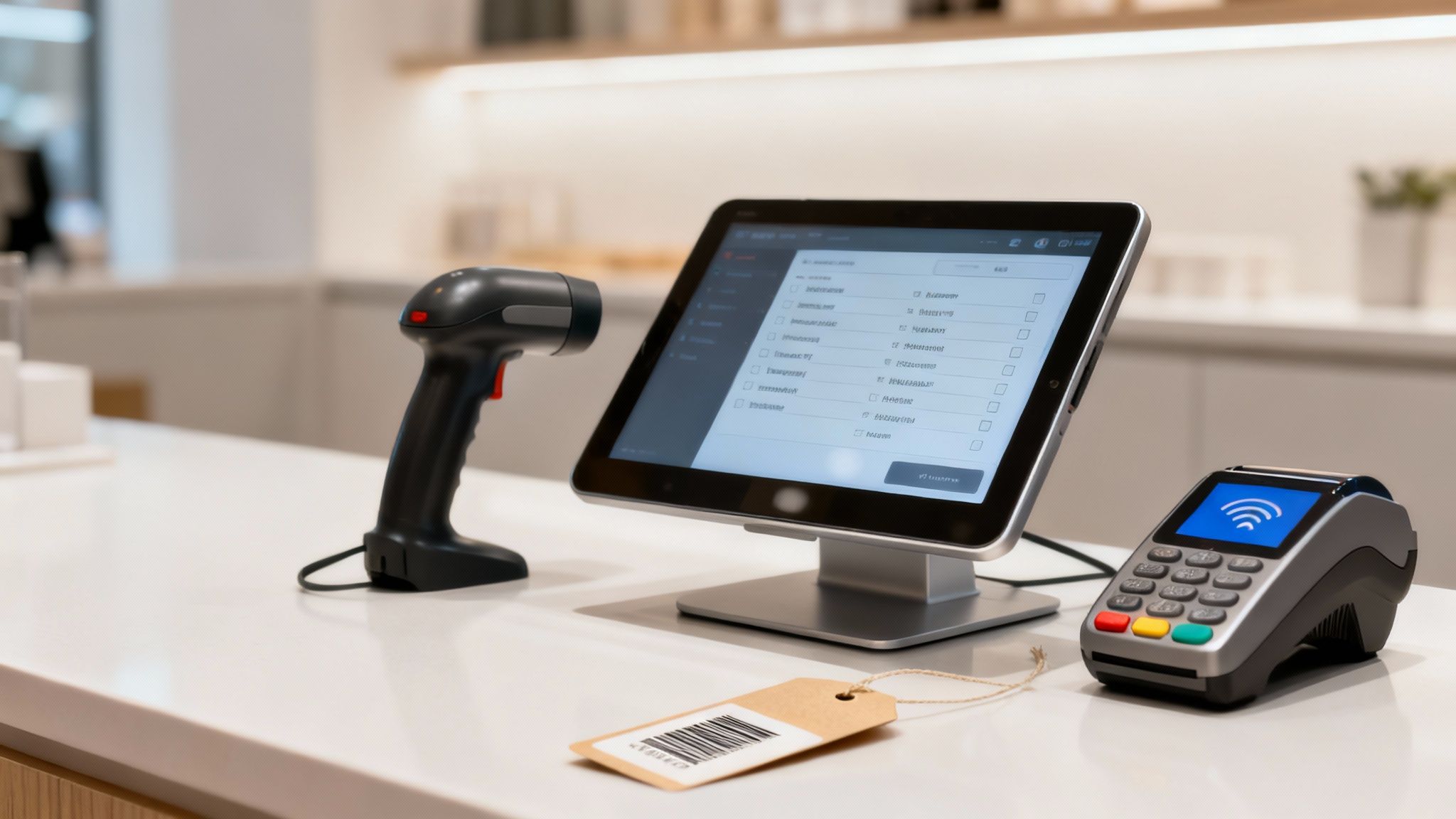
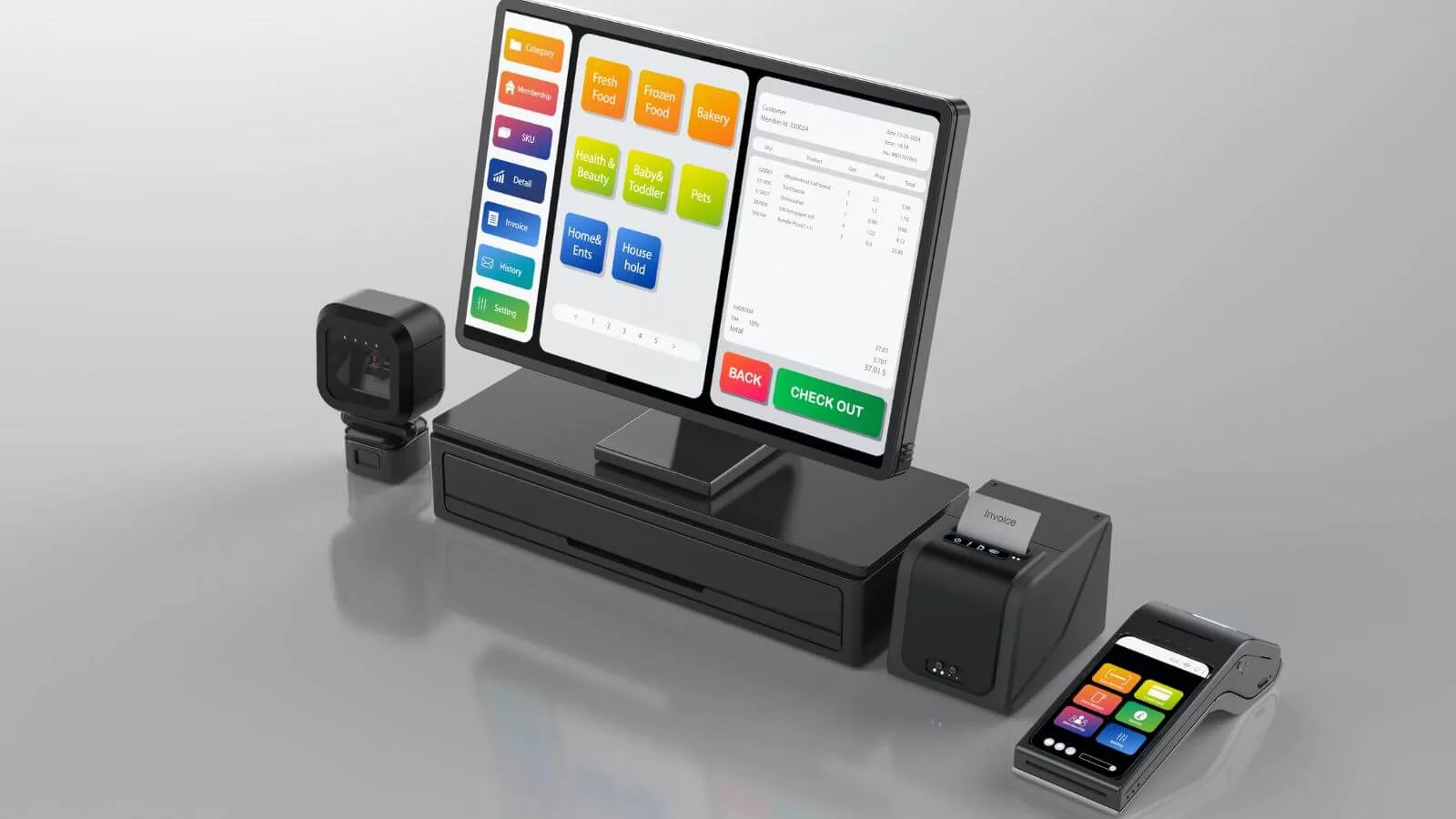
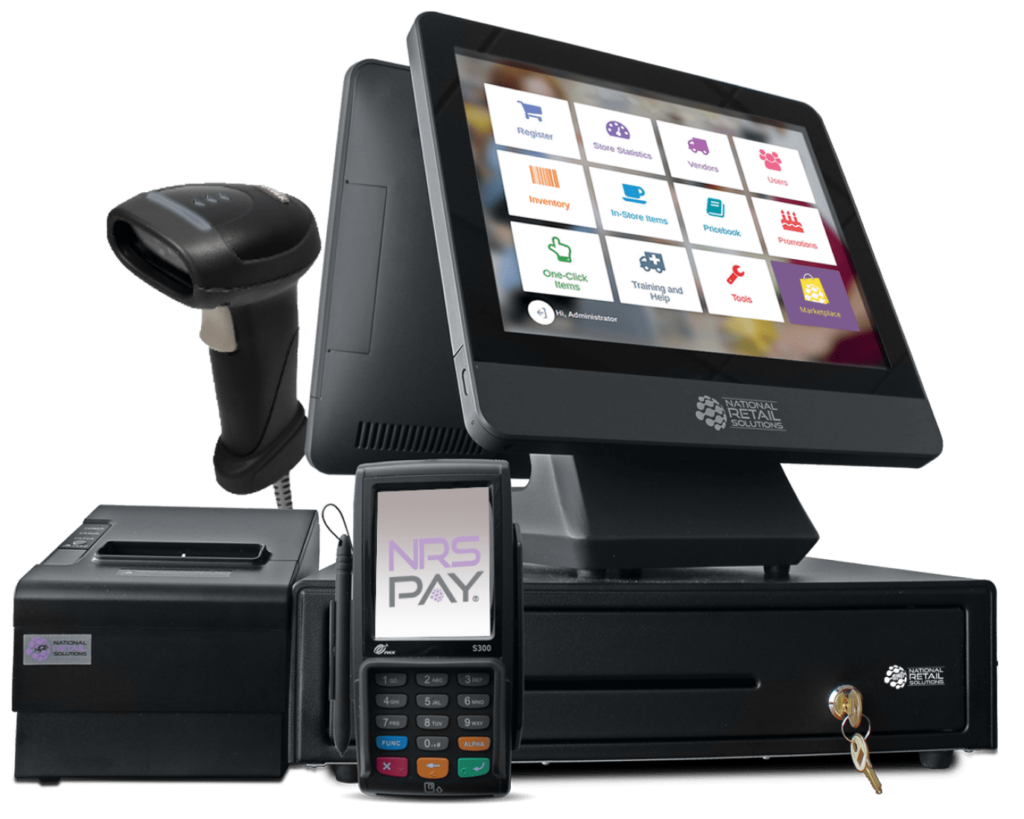
Hardware costs can range from $0 (using a mobile device you already own) to several thousand dollars for a multi-lane setup. To keep costs low, many modern businesses opt for "Bring Your Own Device" (BYOD) configurations, utilizing iPads or Android tablets. However, proprietary hardware from companies like Clover or Toast often provides better durability and integrated security features.
Payment Processing Fees
This is the most critical and often most obscured cost. You will generally see two types of pricing:
- Flat-Rate Pricing: You pay a fixed percentage (e.g., 2.6% + $0.10) regardless of the card type. This is predictable and best for low volumes.
- Interchange-Plus Pricing: You pay the exact fee charged by the card network (Visa, Mastercard) plus a small markup from the provider. This is significantly cheaper for high-volume businesses but requires more complex accounting.
Assessing Your Business Needs and Industry Niche
A "cheap" system is a poor investment if it lacks the specific functionality required for your industry. A retail store has vastly different needs than a full-service restaurant, and choosing the wrong type will lead to operational friction and lost revenue.
Retail Requirements
For retail, the primary goal is inventory accuracy. A low-cost POS should offer barcode scanning, automated stock alerts, and simple return processing. If you sell online as well, look for a system that offers a unified inventory sync between your physical store and e-commerce platform, such as Shopify’s entry-level retail plans.
Hospitality and Restaurant Needs
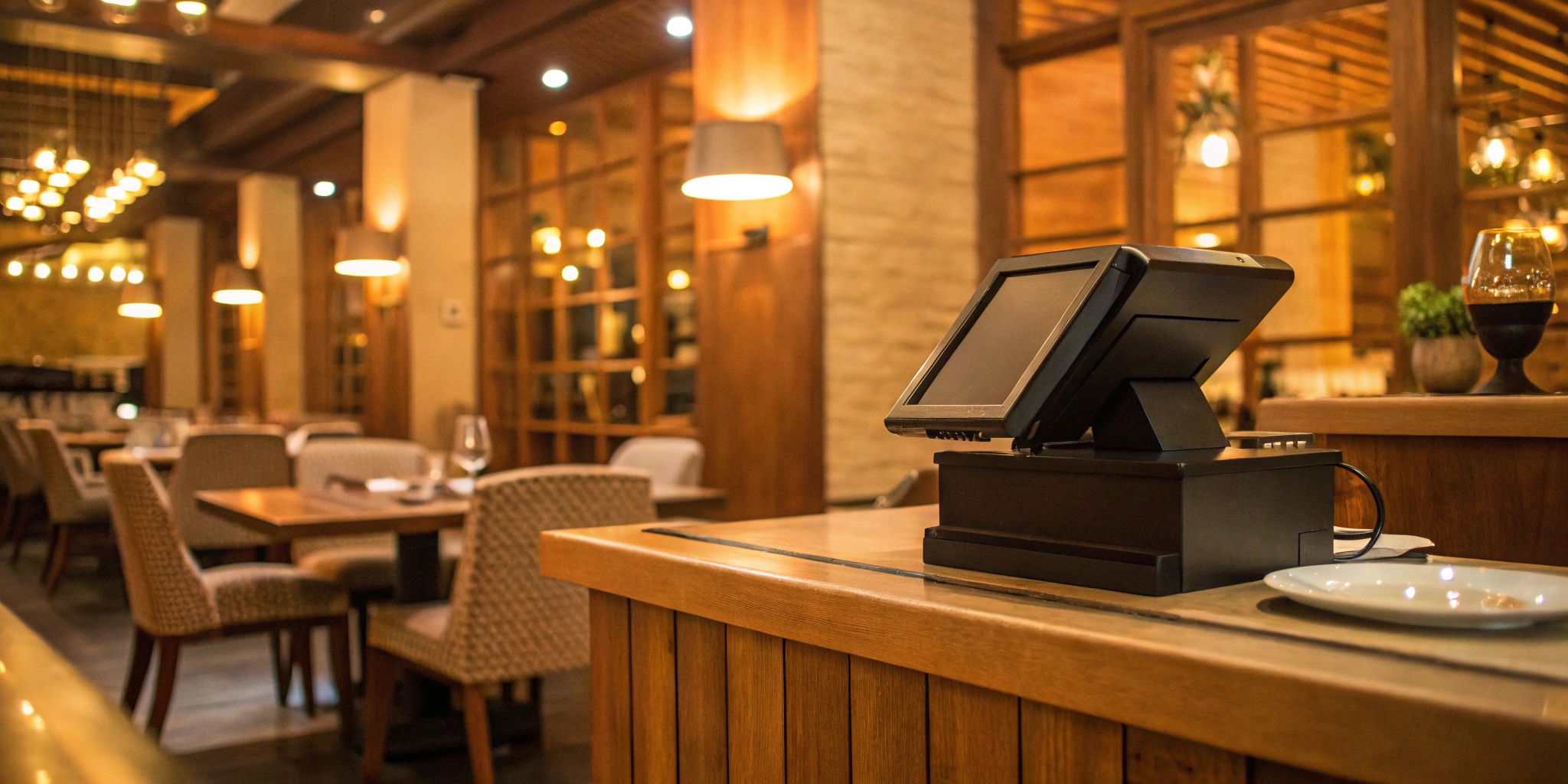
In the restaurant space, "cheap" often means "modular." You may not need a kitchen display system (KDS) immediately, but your POS should allow you to add it later. Key features for hospitality include floor plan management, menu modifiers, and "pay-at-table" functionality. Systems like Toast have dominated this space by offering specialized hardware that can withstand the spills and heat of a kitchen environment.
Service-Based Businesses
If you are a plumber, consultant, or salon owner, your POS needs are often centered around scheduling and invoicing. Mobile card readers that plug into a smartphone are the most cost-effective solution here. You should prioritize systems that offer robust appointment booking and "card-on-file" features to handle no-show fees or recurring billing.
Top Low-Cost POS Providers in 2026
The following table compares the leading affordable POS solutions available in 2026. Note that "Entry Hardware" refers to the lowest cost to begin accepting payments.
| Provider | Monthly Software Fee | Processing Rate (In-Person) | Best For |
|---|---|---|---|
| Square | $0 (Standard) | 2.6% + $0.10 | New businesses & mobile vendors |
| Helcim | $0 | Interchange + 0.30% + $0.08 | High-volume businesses (Volume discounts) |
| Zettle (PayPal) | $0 | 2.29% + $0.09 | Occasional sellers & side hustles |
| Shopify Retail | $5 - $89 | 2.4% - 2.7% | Omnichannel retail (Online + In-person) |
| Toast Starter | $0 - $69 | Varies (often higher on $0 plans) | Small cafes and food trucks |
Square: The Entry-Level Leader
Square remains a dominant force in 2026 for businesses seeking a zero-commitment start. Their strength lies in their ecosystem; you get a free card reader, and the software is remarkably intuitive. However, as your business grows, the flat-rate processing becomes expensive. Once you cross the $10,000/month threshold, the lack of a monthly fee is offset by the higher percentage taken from every sale.
Helcim: The Volume Value Play
Helcim has gained significant traction by offering "Interchange-Plus" pricing with no monthly fees and no long-term contracts. This is a rarity in the industry. As your sales volume increases, Helcim automatically lowers your markup. For a business doing $20,000 a month, Helcim is often hundreds of dollars cheaper than Square or Clover, despite both appearing "free" or "cheap" on the surface.
Shopify: Best for Physical-Digital Hybrid
For retailers who started on the web, Shopify’s POS Lite is often included in their basic e-commerce plans. This makes it an incredibly cheap way to add a physical sales channel. The hardware is sleek, and because it shares a backend with your online store, you save dozens of hours on manual inventory updates every month.
Hardware Strategies to Minimize Initial Investment
Hardware is the most significant upfront barrier to getting a POS system running. To keep this cost low, consider the following strategies:
- Utilize Tablets (BYOD): Most modern POS software runs on standard iPads or Android tablets. If you already own one, you can buy a stand and a mobile card reader for under $100.
- Refurbished Equipment: Many providers, including Clover and Square, sell certified refurbished hardware. These units are often 30% to 50% cheaper than new models and come with similar warranties.
- Avoid Hardware Leasing: Many merchant service providers will offer "free" hardware in exchange for a four-year lease or a higher processing rate. In almost every case, leasing ends up costing 3x to 5x the actual value of the equipment. Always buy your hardware outright if possible.
- Minimalist Setups: Do you really need a printed receipt? By switching to digital receipts via email or SMS, you can save $150 on a thermal printer and ongoing costs for paper rolls.
Hidden Fees and Contract Traps to Avoid
A "cheap" POS system can quickly become a financial burden if you are not careful about the fine print. In 2026, transparency has improved due to increased competition, but several pitfalls remain.
- Proprietary Hardware Locking: Some systems (like Clover) are "locked" to a specific processor. If you want to change your payment processor to get a better rate, you may have to throw away your hardware and buy a new system.
- PCI Compliance Fees: Some providers charge a monthly or annual fee for PCI (Payment Card Industry) compliance. Reputable low-cost providers should include this as part of their service or provide the tools to complete the self-assessment for free.
- Long-Term Contracts: Never sign a contract longer than 12 months for a POS system. The technology moves too fast, and "cheap" rates are often used as bait to lock you into multi-year agreements with escalating fees.
- Inactivity Fees: Some "free" systems charge a fee if you do not process a minimum amount of transactions per month. This is particularly dangerous for seasonal businesses like Christmas tree lots or summer kiosks.
Implementation and Migration Steps
Once you have selected a low-cost system, the implementation phase determines whether you actually save money. Time is money, and a botched setup can lead to lost sales.
- Data Export/Import: Ensure your chosen system allows you to import inventory and customer data via CSV or Excel files. Manually entering 500 items is a hidden cost of labor.
- Network Stability: Cheap cloud-based systems require a stable internet connection. If your Wi-Fi is spotty, ensure the POS has an "Offline Mode" that can queue payments until the connection returns.
- Staff Training: Choose a system with a "Training Mode" or a sandbox environment. This allows employees to practice transactions without affecting your real-time sales data or inventory counts.
- Verification of Rates: After your first month, audit your statement. Compare the effective rate (total fees divided by total sales) against what was promised in the sales agreement.
Frequently Asked Questions
Can I use a cheap POS system without an internet connection?
Most modern POS systems are cloud-based, meaning they require the internet to sync data. However, many systems like Square and Toast offer an "Offline Mode." This allows you to accept swiped card payments while the internet is down, but you carry the risk if the card is later declined when the system goes back online.
Is it cheaper to buy POS hardware on Amazon or through the provider?
While you can often find compatible tablets and cash drawers on Amazon, it is usually safer to buy the card reader directly from the provider to ensure encryption keys are properly set. Using an unverified card reader can lead to security vulnerabilities and a loss of PCI compliance.
What is the cheapest POS for a very small business?
For businesses with very low volume, Square or PayPal Zettle are the cheapest options because they have no monthly overhead. You only pay when you make a sale.
Are there free POS systems that don't take a percentage of sales?
No. All POS providers must make money to maintain their software. If the software is free, they make money on the payment processing. If the processing is "at-cost," they will charge a monthly subscription fee.
Should I get a system that supports crypto or digital wallets?
In 2026, supporting digital wallets like Apple Pay and Google Pay is mandatory for customer convenience and security. Most cheap POS systems include NFC (Near Field Communication) technology by default. Crypto support is still niche but is increasingly available through integrations if your customer base demands it.
Final Recommendation
When choosing a cheap point of sale system, the best move for most startups in 2026 is to begin with Square or Helcim. Square offers the lowest barrier to entry with zero monthly fees and intuitive hardware. However, if you expect your monthly sales to exceed $5,000, Helcim provides a more sustainable financial path by offering interchange-plus pricing without a monthly subscription. Always calculate your "Effective Rate" by adding your monthly software fee to your total monthly processing costs to find the true winner for your specific business.
Image Gallery