University of Iowa MyChart: Complete Patient Portal Guide for 2026
The University of Iowa MyChart portal serves as the primary digital gateway for patients to manage their health records, communicate with care teams, and schedule appointments within the University of Iowa Health Care (UI Health Care)...
The University of Iowa MyChart portal serves as the primary digital gateway for patients to manage their health records, communicate with care teams, and schedule appointments within the University of Iowa Health Care (UI Health Care) system. This secure, web-based platform is powered by Epic Systems and requires an active activation code or self-registration to access comprehensive clinical data and administrative tools in 2026.
Contents
Understanding the Role of MyChart in UI Health Care Operations
MyChart is not merely a scheduling tool; it is a clinical interface integrated directly into the electronic health record (EHR) infrastructure used by UI Health Care. For patients, it provides a transparent view of the documentation maintained by providers, including laboratory results, imaging reports, and physician notes.
In 2026, the utility of the platform extends to various specialized clinics across the University of Iowa Hospitals and Clinics (UIHC) campus in Iowa City, as well as community-based clinics throughout the region. By consolidating health information, MyChart reduces the friction associated with transitioning between primary care and specialty services, ensuring that your medical history remains accessible to authorized providers.
Getting Started: Enrollment and Account Activation
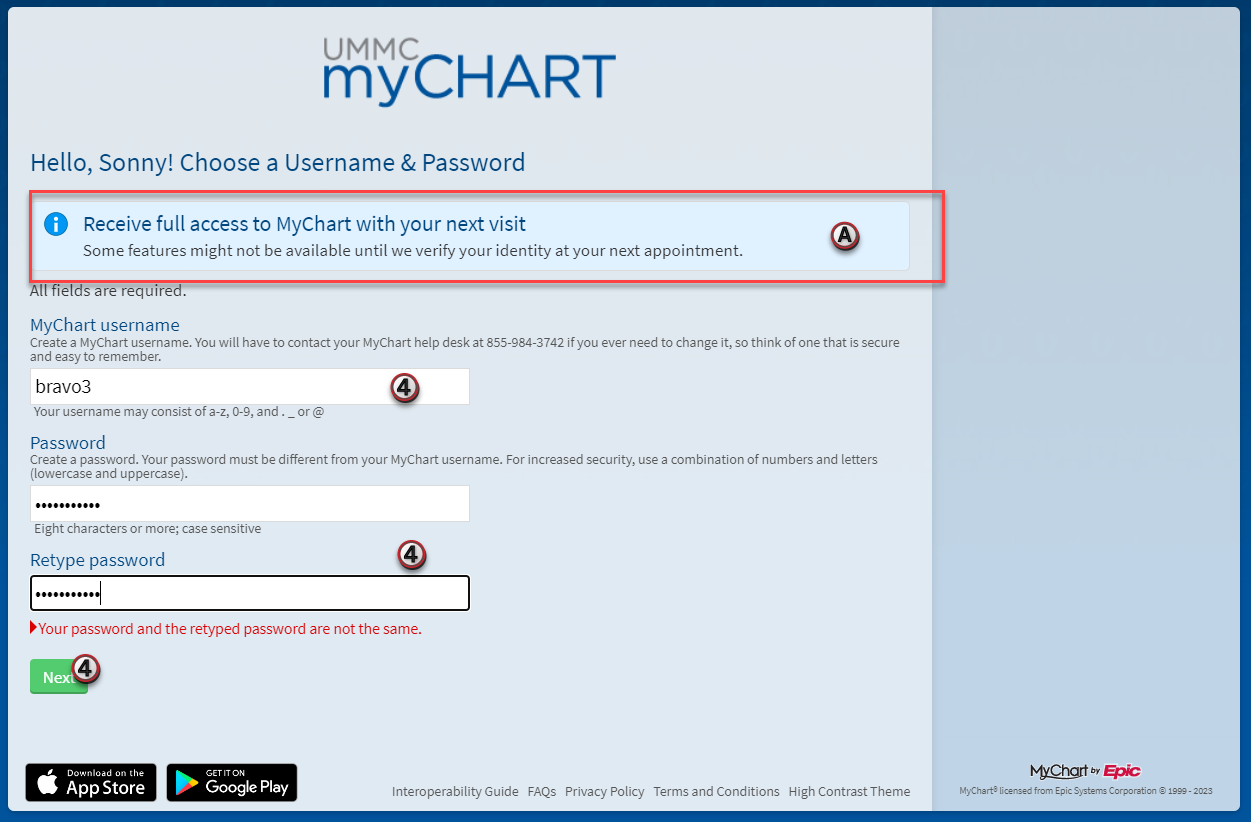
To utilize the features of MyChart, you must first establish an account. The platform mandates high-level security protocols, including multi-factor authentication (MFA), to protect sensitive Personal Health Information (PHI) in compliance with the Health Insurance Portability and Accountability Act (HIPAA).
Methods for Initial Account Setup
- Activation Code Method: Patients often receive an activation code during an in-person office visit or via a printed note on their discharge paperwork. This code must be entered at the registration portal to verify your identity.
- Self-Registration Process: If you do not have an activation code, you may use the "Sign Up Now" feature on the landing page. This process uses third-party identity verification services to match your demographic information—such as date of birth, social security number, and contact details—against existing hospital records.
- Invitation Links: If you have provided an email address during registration at a UI Health Care facility, you may receive an automated email containing a secure link to initiate account setup.
Security Recommendations for 2026
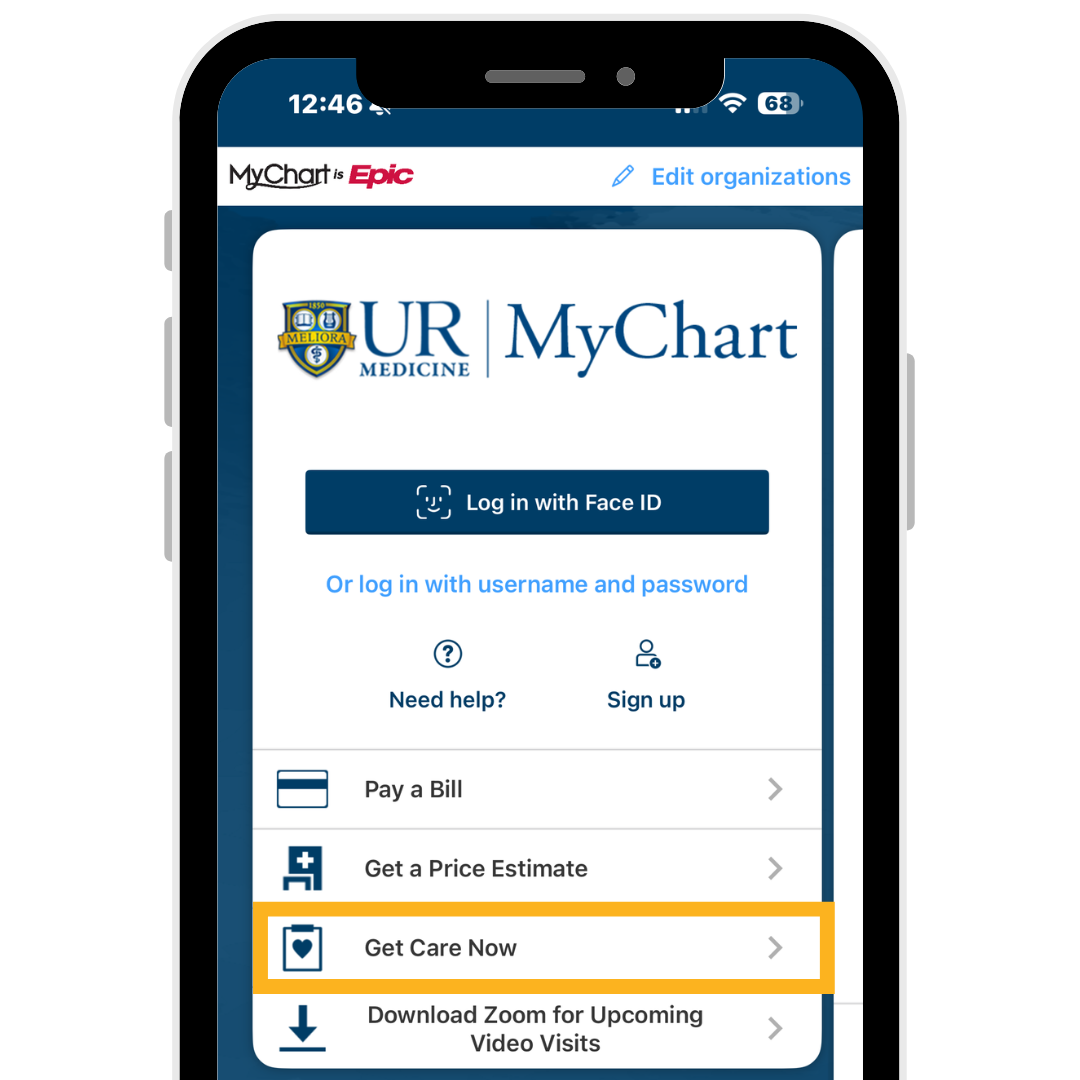
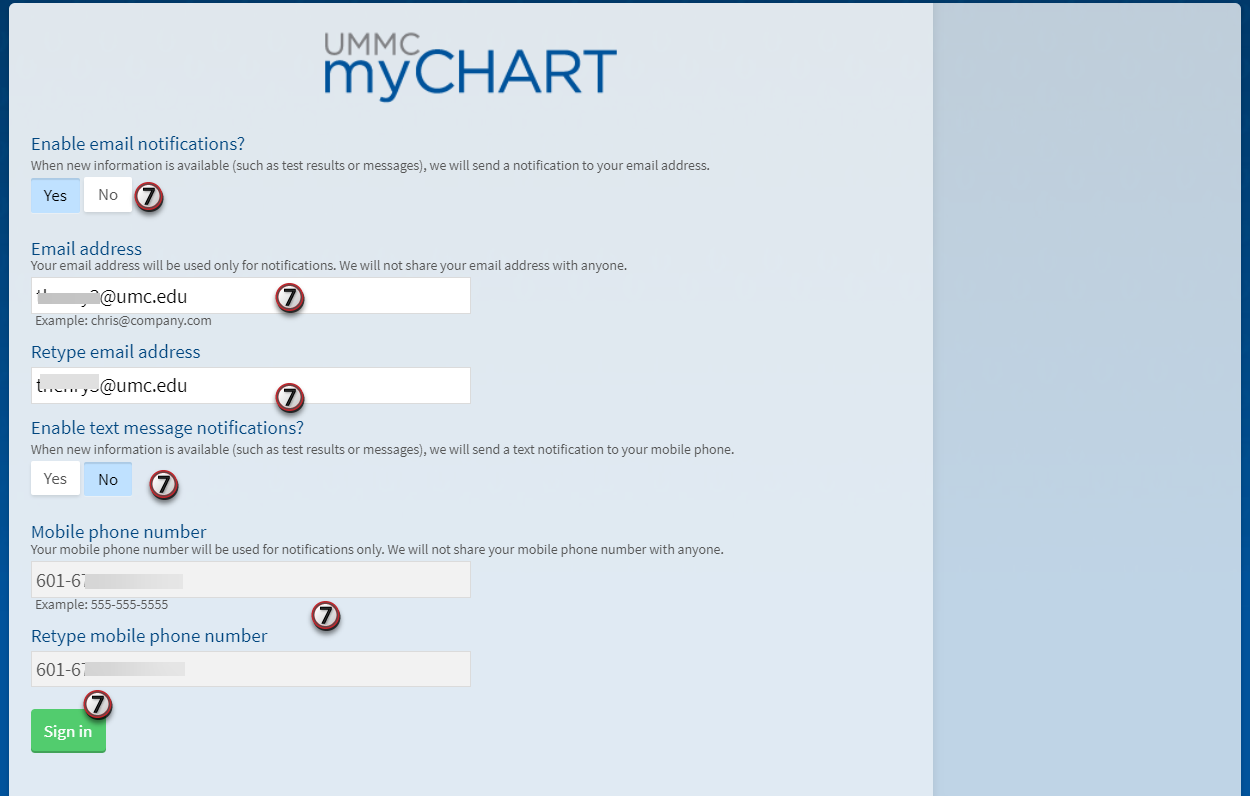
Account Integrity: Always use a unique, complex password for your MyChart account that is not recycled from other sites. Enable biometric login features on the mobile application if your device supports it, as this provides a layer of convenience without compromising encryption standards. Ensure your contact email and phone number are kept current to receive timely account recovery alerts and notification of new test results.
Core Features and Clinical Management Tools
The platform is designed to handle both the administrative and clinical aspects of your healthcare journey. Recognizing which features to prioritize can significantly streamline your interaction with the health system.
Administrative Functions
- Appointment Scheduling: Direct booking for routine primary care and select specialty visits.
- Billing and Payments: Reviewing outstanding balances, establishing payment plans, and processing secure electronic payments for hospital and professional fees.
- Prescription Refills: Requesting refills for chronic medications directly from the prescribing physician’s office.
Clinical Information Access
- Test Results: Instant access to laboratory, pathology, and radiology reports as soon as they are finalized by the clinical staff.
- Clinical Notes: Access to OpenNotes, which allows patients to read the physician's assessment and plan written during their visit.
- Health Summary: A comprehensive list of your current medications, allergies, immunization history, and past procedures.
Comparison of MyChart Access Levels
| Feature Category | Basic Access (Unverified) | Full Patient Access | Proxy Access (Dependents) |
|---|---|---|---|
| Appointment Booking | Restricted | Full | Full |
| Lab Results | None | Full Access | Full Access |
| Direct Messaging | None | To Care Team | To Care Team |
| Billing Management | None | Full | Full |
| Medication Refills | None | Allowed | Allowed |
Managing Care for Dependents via Proxy Access
Proxy access is a critical feature for parents or legal guardians managing the health of minors, or for adult children acting as caregivers for elderly parents. In the UI Health Care system, proxy access is governed by strict legal and age-based regulations.
- Minors (0–11 years): Parents or legal guardians typically have full proxy access to the child's MyChart account.
- Adolescents (12–17 years): Due to privacy laws regarding sensitive health information, proxy access for adolescents is often limited. Patients in this age group are encouraged to have their own accounts to foster health autonomy.
- Adults (18+ years): Proxy access requires the express written consent of the adult patient. This is typically managed through the "Share My Record" or "Proxy Request" forms found within the settings menu of the MyChart portal.
Troubleshooting Common Access Issues
Technical difficulties can disrupt the continuity of care. Below are standard resolutions for the most frequent issues encountered by users in 2026.
- Forgotten Credentials: Utilize the "Forgot Password" or "Forgot Username" links on the login screen. These utilize your secondary email or phone number for identity verification.
- Delayed Lab Results: If a test result is not visible, it may be due to a mandatory physician review period. Some sensitive results require a provider to discuss the findings with the patient before they are released to the portal.
- Browser Compatibility: Ensure you are using a modern, updated web browser. Clearing your cache and cookies is often the first step in resolving persistent loading errors or button malfunctions.
- Integration Failures: If you have accounts at multiple health systems that use Epic (e.g., Mayo Clinic or other regional providers), use the "Happy Together" feature within MyChart to link your records for a unified view.
Frequently Asked Questions
Is the University of Iowa MyChart portal free to use? Yes, the MyChart service is provided as a standard component of patient care at UI Health Care at no additional cost to the patient.
Can I see results from other hospitals in my UI MyChart? Yes, you can utilize the "Link My Accounts" feature to pull in data from other participating healthcare organizations that also utilize the Epic EHR system.
How do I contact my doctor through the portal? You can use the "Messaging" feature to send non-urgent questions to your care team. Note that messages are generally monitored during business hours; for medical emergencies, you should always dial 911 or visit the nearest emergency department.
Are my medical records safe in MyChart? The system uses advanced encryption and multi-factor authentication to ensure that your data remains confidential and accessible only to you and your authorized care team.
What should I do if my address or insurance info has changed? You can update your demographic and insurance information under the "Profile" or "Insurance Summary" sections of your account to ensure accurate billing and communication.
Is there a mobile app for UI MyChart? Yes, you can download the Epic MyChart application from the Apple App Store or Google Play Store and select "University of Iowa Health Care" as your provider organization.
Final Guidance for Efficient Portal Utilization
To maximize the value of your patient portal, maintain an active profile by reviewing your medication list and allergies during every check-in process. By keeping your information accurate, you assist your medical team in providing safer, more effective care. If you experience persistent technical issues that prevent access to critical medical information, contact the UI Health Care MyChart support line directly to speak with an IT representative who can verify your identity and reset your account permissions manually.
Image Gallery