A Comprehensive Overview of Generating and Manipulating PDFs with PHP
Generating and manipulating PDF documents within a PHP environment is a fundamental requirement for modern web applications, enabling the dynamic creation of invoices, reports, certificates, and archival documents. Because PHP does not...
Generating and manipulating PDF documents within a PHP environment is a fundamental requirement for modern web applications, enabling the dynamic creation of invoices, reports, certificates, and archival documents. Because PHP does not natively include a high-level PDF manipulation engine, developers rely on robust, open-source libraries to handle the complexities of the Portable Document Format (PDF) specification, allowing for seamless server-side generation, merging, splitting, and watermarking of files.
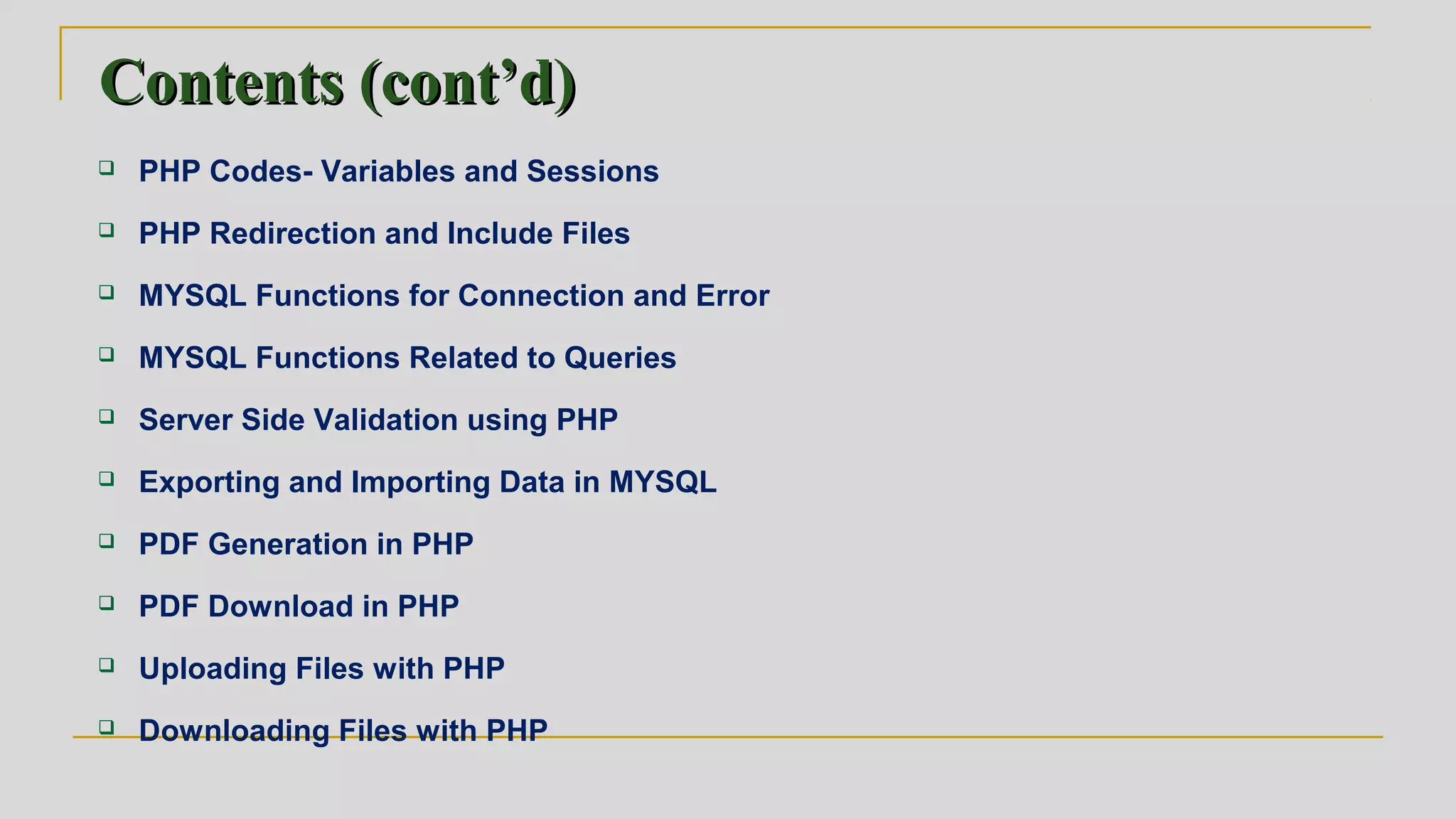
Contents
The Landscape of PHP PDF Libraries
When approaching PDF tasks in PHP, the choice of tool depends heavily on whether your goal is to create new documents from scratch (generation) or to modify existing files (manipulation). Some libraries excel at rendering HTML to PDF, while others provide low-level access to the PDF stream for precise layout control.
HTML to PDF Converters
For many developers, the most efficient way to generate a PDF is to leverage existing HTML and CSS knowledge. By styling a document as you would a webpage, you can offload the rendering process to a library that handles the conversion.
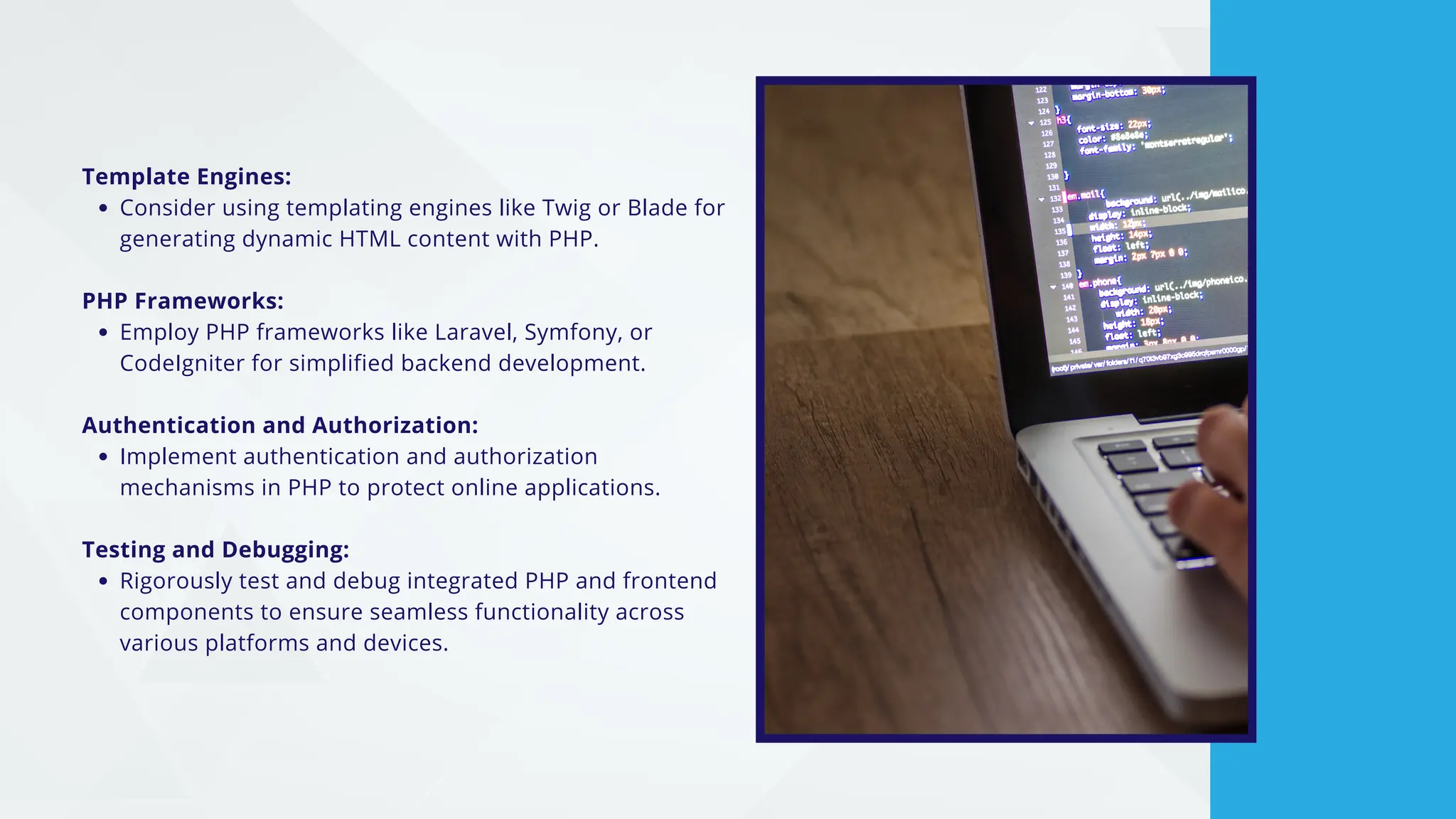
- Browsershot: This library uses Headless Chrome (via Puppeteer) to render HTML. It is highly regarded because it produces PDF output that perfectly matches modern CSS standards, including support for flexbox and grid layouts.
- Dompdf: A classic choice that renders HTML5, CSS 2.1, and some CSS3 properties directly into PDF format. It is lightweight, requires no external dependencies like Chrome, and is ideal for straightforward document generation.
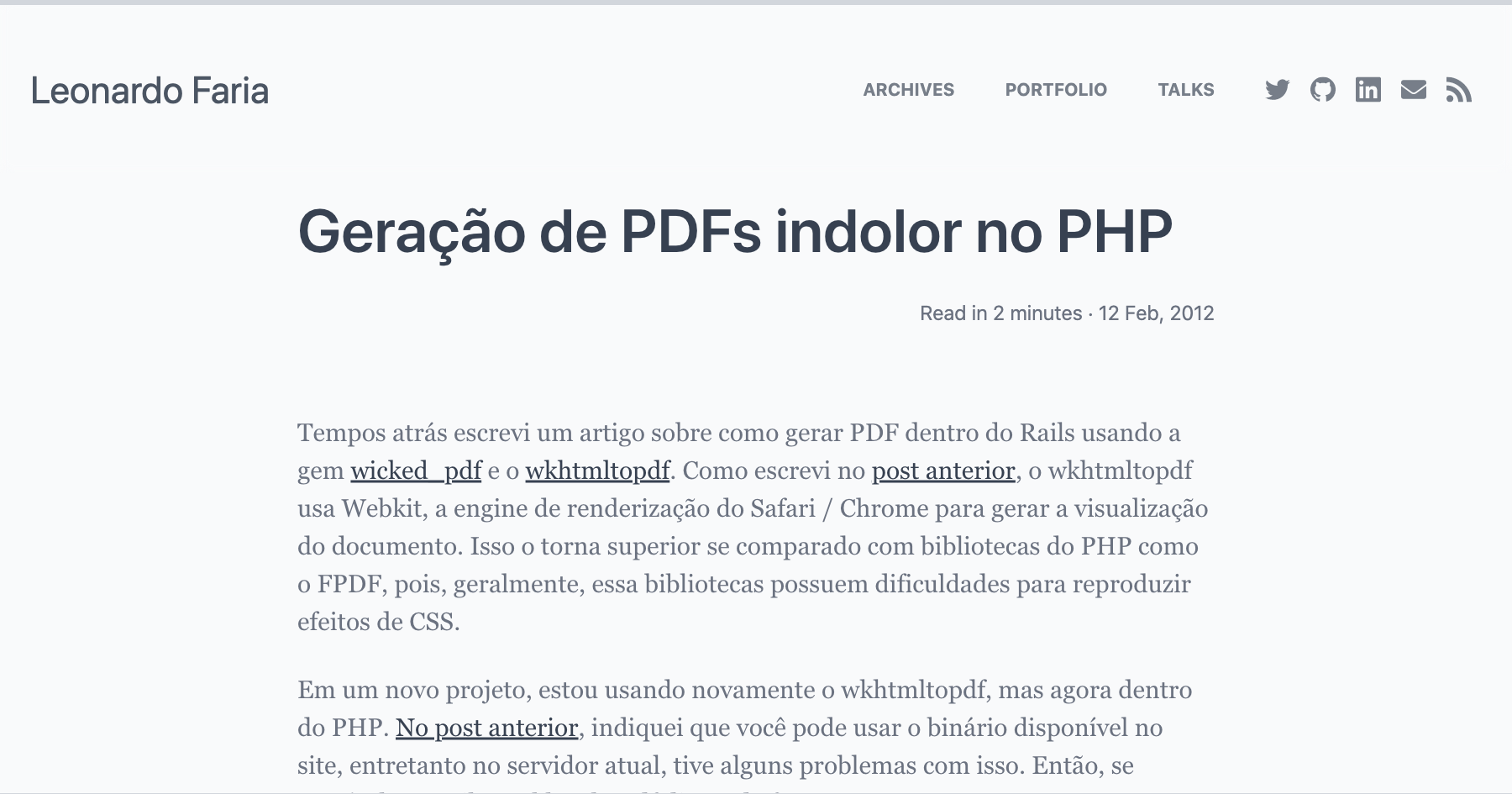
- wkhtmltopdf: An older but still utilized tool based on the Qt WebKit rendering engine. While powerful, its reliance on an outdated engine often leads to challenges with modern CSS features.
Low-Level PDF Engines
When precision, speed, and existing file manipulation are the priorities, low-level libraries are required.
- TCPDF: A battle-tested library that allows for the programmatic creation of PDFs. It provides granular control over coordinates, fonts, images, and barcodes, making it a standard for complex, data-driven documents.
- FPDF: A minimal class for generating PDFs that avoids the bloat of larger frameworks. It is excellent for simple tasks but lacks some of the advanced layout capabilities of newer libraries.
- setasign/FPDI: This is the industry standard for manipulating existing PDFs. It allows you to import pages from an existing PDF document and use them as templates, which you can then overlay with new content using libraries like FPDF or TCPDF.
Comparison of Popular PHP PDF Tools
| Tool | Primary Use Case | CSS/HTML Support | Performance |
|---|---|---|---|
| Browsershot | High-fidelity rendering | Excellent (Chromium) | Moderate (Resource heavy) |
| Dompdf | Standard reports/invoices | Moderate | Fast |
| TCPDF | Complex data/Forms | Limited | Fast |
| FPDI | Modifying existing PDFs | None | High |
Prerequisites and Server Configuration
Before implementing these libraries, you must verify your server environment. PHP PDF generation is CPU and memory-intensive.
- Memory Limits: Generating large PDFs or merging multiple high-resolution documents can easily exceed standard
memory_limitsettings (e.g., 128MB). Ensure yourphp.iniallows for larger allocations if you are processing extensive reports. - Execution Time: Rendering complex HTML to PDF may take several seconds. Ensure your
max_execution_timeis configured to prevent timeouts during the generation process. - Required Extensions: Most libraries require the
mbstringandgdextensions enabled in your PHP environment. If using wrappers like Browsershot, you must also have a functional installation of Node.js and Puppeteer on the server. - Security: Always sanitize user input before passing it into a PDF generator. When rendering HTML, ensure that you are not vulnerable to Server-Side Request Forgery (SSRF) or unauthorized file access by restricting the directories the library can read.
Workflow: Generating a Dynamic Document
To generate a document effectively, follow a structured process. First, define the content structure using a template engine or a dedicated HTML file. Second, use a library like Dompdf or Browsershot to parse that content. Third, handle the output: you may choose to stream it directly to the browser with the header('Content-Type: application/pdf') directive or save the file to local storage.
When manipulating existing documents, the workflow changes. You must load the source PDF using an importer, define the page boundaries, and then utilize the library’s coordinate system to "stamp" or "draw" new information onto the existing pages. This is the common method for adding digital signatures or sequential invoice numbers to pre-generated templates.
Common Implementation Challenges
Developers frequently encounter issues with font rendering and character encoding. PDF format requires specific font embedding to ensure that text appears correctly across different operating systems. If you use custom fonts, ensure they are correctly registered within your library's configuration.
Another challenge is "the white page of death," which often occurs due to memory exhaustion. If a generation fails silently, check your web server's error log—not just the PHP error log—to see if the process was killed by the OS due to memory pressure. Always test your PDF generation on smaller datasets before scaling to enterprise-level volume.
Frequently Asked Questions
Which PHP library is best for converting HTML invoices to PDF? For most use cases, Dompdf is the best starting point due to its ease of setup. If your invoices require complex CSS, such as modern flexbox layouts, Browsershot is superior but requires more server-side configuration.
How do I add a password to a PDF generated with PHP? Most low-level libraries like TCPDF have built-in methods for encryption. You can set permissions and user/owner passwords during the document instantiation phase to restrict printing or modification.
Can I merge multiple PDFs into one using PHP?
Yes. You can use the setasign/FPDI library in conjunction with FPDF or TCPDF to import pages from multiple existing PDF files into a single master document, effectively merging them.
Why are my fonts not appearing correctly in the output PDF? PDF libraries require specific font files (usually .ttf or .otf) to be mapped in the configuration. If the library cannot find the font file, it will revert to a default typeface, which may cause character substitution issues.
Is it faster to use a cloud API or a local PHP library? A local library is usually faster for simple, private documents as it eliminates network latency. However, a cloud-based API is often more reliable for complex, highly styled documents, as the API providers maintain the rendering engines, saving you the overhead of server management.
Final Recommendation
For developers starting their first PHP PDF project, utilize Dompdf for its accessibility and strong community support. If your project necessitates the editing of pre-existing documents, integrate FPDI. Always prioritize security by keeping your dependencies updated via Composer to patch vulnerabilities in the PDF parsing engines. As your requirements grow, monitor your resource usage closely to ensure your hosting environment can scale with the demand of your document generation tasks.
Image Gallery