Accessing Your Saia LTL Freight Account: The Complete Saia Login Guide for 2026
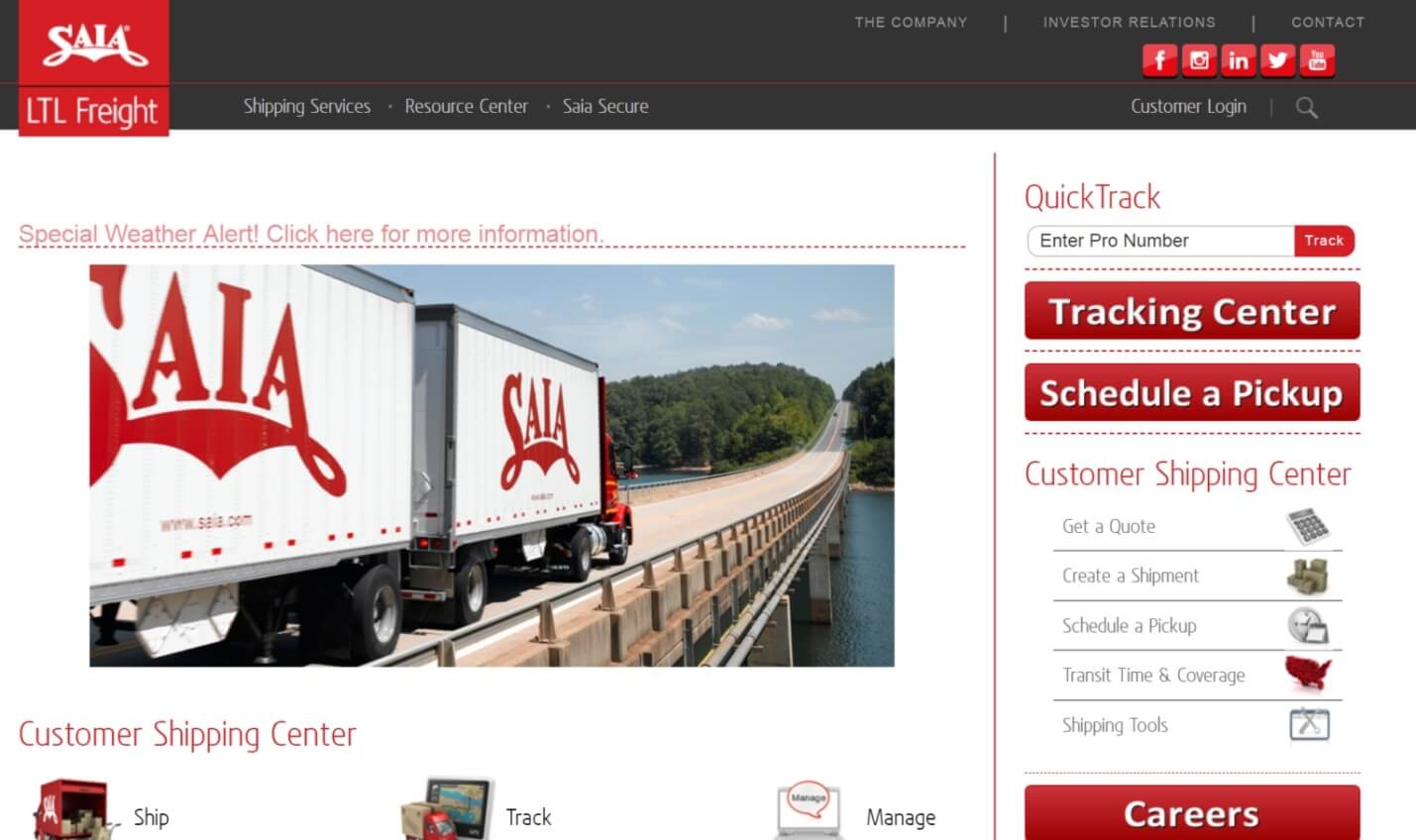
To access your Saia LTL Freight account, visit the official Saia website and navigate to the SaiaLink portal login page. Enter your verified username and password to manage your shipping lifecycle, including real-time tracking, Bill of...
To access your Saia LTL Freight account, visit the official Saia website and navigate to the SaiaLink portal login page. Enter your verified username and password to manage your shipping lifecycle, including real-time tracking, Bill of Lading (BOL) creation, and digital invoice management. This secure portal serves as the primary command center for logistics professionals utilizing Saia’s extensive North American LTL network.
Contents
Saia LTL Freight, a leading multi-regional carrier with a history dating back to 1924, has significantly modernized its digital infrastructure as of 2026. The SaiaLink portal is no longer just a simple tracking tool; it is a sophisticated Transportation Management System (TMS) lite that allows businesses to streamline their supply chain operations. Whether you are a small business owner shipping occasional pallets or a high-volume logistics manager coordinating national distribution, understanding the nuances of the Saia login process and the tools available within the portal is critical for operational efficiency.
Navigating the SaiaLink Ecosystem and Account Requirements
Before attempting to log in, it is essential to understand that Saia distinguishes between "Public Tracking" and "SaiaLink Registered Access." While anyone with a Pro Number can track a shipment on the public site, the Saia login provides access to proprietary data, pricing, and document imaging that is restricted for security and contractual reasons.
Eligibility and Registration Prerequisites
To obtain a SaiaLink login in 2026, users must meet specific criteria linked to a valid Saia customer account. You cannot simply create a username without an underlying business relationship.
- Active Account Number: You must have a current Saia customer account number. This is typically assigned after a credit application is approved or a pricing agreement is signed.
- Company Verification: The registration process requires the primary account holder to authorize additional users, ensuring that sensitive pricing data and shipping history remain confidential.
- Administrative Approval: For large organizations, Saia uses a hierarchical user management system where a company administrator can grant or revoke access to specific departments or individuals.
Technical System Requirements for 2026
The 2026 version of SaiaLink utilizes advanced web technologies to ensure low latency and high security. To ensure a seamless login experience, your technical environment should meet the following standards:
- Browser Compatibility: The portal is optimized for the latest versions of Chromium-based browsers (Chrome, Edge), Safari, and Firefox. Legacy support for Internet Explorer has been completely phased out to maintain TLS 1.3 encryption standards.
- JavaScript and Cookies: Both must be enabled to handle the session tokens and the dynamic interface of the shipment dashboard.
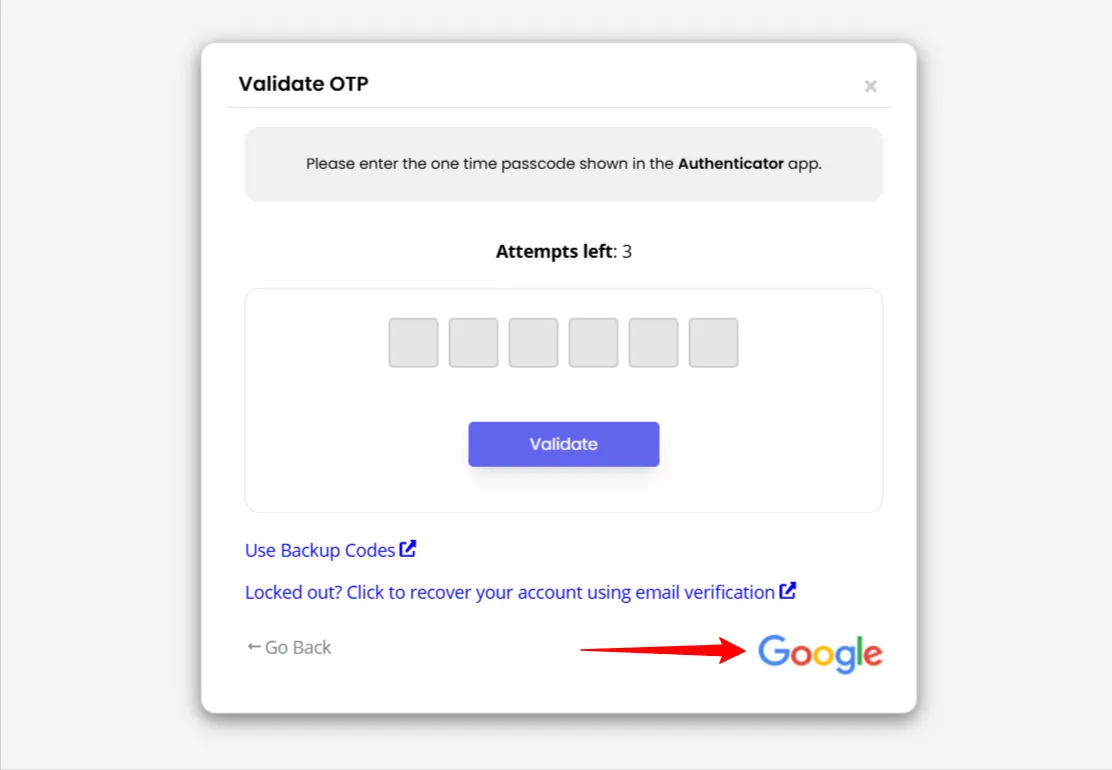
- Multi-Factor Authentication (MFA): As a standard security protocol in 2026, Saia requires MFA for all logins originating from new IP addresses or devices to protect against unauthorized access to freight billing data.
Step-by-Step Guide to the Saia Login Process
Accessing your account is a straightforward process, but following the correct path ensures you land in the secure environment required for sensitive transactions.
Accessing the Portal
- Visit the Official Website: Navigate to the primary Saia website. Always check the URL to ensure you are on the official domain to avoid phishing attempts.
- Locate SaiaLink: In the top navigation header or the center of the homepage, click on the "SaiaLink" or "Login" button.
- Enter Credentials: Input your unique username and the complex password associated with your account.
- Complete Authentication: If prompted, enter the one-time code sent to your registered email or mobile device. This is a mandatory step for accounts containing sensitive financial or hazardous materials (HazMat) data.
Dashboard Navigation After Login
Once successfully logged in, you are presented with a customizable dashboard. In 2026, Saia introduced an AI-driven "Predictive View" that highlights shipments requiring immediate attention, such as those with weather delays or "Appointment Required" status.
Expert Logistics Tip: Dashboard Customization To maximize efficiency, shippers should use the "Saved Views" feature within the logged-in portal. By filtering your dashboard to show only "Exception Status" shipments, you can proactively manage customer expectations before a delivery is missed. This high-level visibility is a primary reason why the Saia login is superior to standard public tracking.
Comprehensive Comparison of Saia Access Levels
The following table outlines the functional differences between accessing the Saia website as a guest versus utilizing the SaiaLink login credentials in 2026.
| Feature / Capability | Public Guest Access | SaiaLink (Logged In) | API/EDI Integration |
|---|---|---|---|
| Real-Time Tracking | Basic status updates | Detailed transit history | Automated data stream |
| Document Imaging | Not Available | BOL, POD, and W&I images | Direct document links |
| Pricing/Quotes | Standard rates only | Contract-specific pricing | Real-time rate pings |
| BOL Creation | Manual entry only | Auto-fill from address book | System-to-system |
| Claims Management | Phone/Email only | Digital filing & tracking | Not Applicable |
| Pickup Requests | Manual entry | One-click scheduling | Automated scheduling |
| Invoicing & AP | Not Available | Full view & payment portal | Digital 210 Invoicing |
Advanced Features Available via SaiaLink Login
The value of the Saia login extends far beyond simple tracking. In 2026, the portal serves as a full-service logistics management tool.
Digital Document Management
One of the most powerful features of the logged-in environment is the "Image Retrieval" tool. For audit compliance and billing verification, shippers can instantly download:
- Proof of Delivery (POD): View the actual signature and timestamp of the delivery.
- Weight & Inspection (W&I) Certificates: If a shipment’s weight was corrected during transit, the official inspection certificate is available here, preventing billing disputes.
- Original Bill of Lading: A digital copy of the paperwork as it was handed to the driver.
Rate Quotes and Dynamic Pricing
When logged in, the "Get a Quote" tool automatically applies your specific discount tiers and fuel surcharge agreements. This ensures that the quote you receive is the exact amount you will be billed, excluding any unforeseen accessorials like liftgate requirements or residential delivery fees.
Claims Filing and Resolution
In the rare event of cargo loss or damage, the SaiaLink portal provides a streamlined claims interface. By logging in, the system automatically populates the claim form with shipment details, reducing the administrative burden on the shipper. You can upload photos of the damage directly to the portal, and track the status of the claim from "Filed" to "Resolution" in real-time.
Troubleshooting Common Saia Login Issues
Even with a robust system, users may encounter obstacles when trying to access their accounts. Here is a guide to resolving the most frequent login errors.
Forgotten Credentials
If you cannot remember your password, use the "Forgot Password" link on the login page.
- Process: You will be prompted to enter your username or registered email address.
- Security: Saia will send a password reset link that is valid for only 15 minutes.
- Complexity: New passwords must meet 2026 security standards: a minimum of 12 characters, including uppercase, lowercase, numbers, and special symbols.
Account Lockout
For security reasons, SaiaLink will lock an account after five unsuccessful login attempts.
- Resolution: If your account is locked, you must wait 30 minutes for an automatic reset or contact the Saia Electronic Services Help Desk.
- Prevention: Ensure that your browser's auto-fill feature is not attempting to use an outdated password.
Session Timeouts
The Saia portal employs a 20-minute inactivity timeout to protect sensitive data on shared workstations. If your session expires, you must re-authenticate. In 2026, Saia introduced a "Stay Logged In" feature for trusted devices, which extends the session to 8 hours for users working behind a secure corporate firewall.
Security Best Practices for Saia Account Management
In the logistics industry, "Freight Phishing" and "Cargo Interception" via digital means have become more prevalent. Protecting your Saia login is as important as securing your physical warehouse.
- Unique Credentials: Never share a single login among multiple warehouse employees. Create individual sub-accounts to maintain an audit trail of who scheduled which shipment.
- Regular Audits: Monthly, the account administrator should review the list of active users and remove any former employees.
- Secure Connections: Avoid logging into SaiaLink from public Wi-Fi networks (e.g., at airports or coffee shops) without a robust VPN. Intercepted session tokens can allow malicious actors to redirect high-value freight.
- MFA Adoption: While Saia mandates MFA for new devices, it is highly recommended to enable "Always-On MFA" for all login attempts to provide the highest level of security.
Integrating Saia Data Beyond the Login Portal
For high-volume shippers, manually logging into a website is often inefficient. Saia offers advanced integration options that bridge the gap between their portal and your internal systems.
API and EDI Integration
If your business uses a custom ERP (Enterprise Resource Planning) or a specialized TMS, you can bypass the manual Saia login by using API (Application Programming Interface) or EDI (Electronic Data Interchange) connections.
- EDI 214: Automated status updates pushed directly to your system.
- EDI 210: Digital invoicing sent directly to your accounts payable department.
- Restful APIs: Allow for real-time rate shopping and BOL generation within your own software environment.
Despite the power of these integrations, the SaiaLink portal remains a necessary fallback for manual overrides, document retrieval, and complex claims management that automated systems may not handle with the same level of detail.
Frequently Asked Questions
Why can't I see my shipment status even after logging in?
If a shipment is not appearing in your dashboard, it may be because the BOL was not linked to your specific customer account number at the time of pickup. Ensure the "Third Party Bill To" or "Shipper" section of the BOL contains your exact account information. You can manually add a shipment to your watch list using the Pro Number if you have the necessary authorization.
How do I update my company's billing address through the Saia login?
Address changes cannot be performed through the standard user dashboard for security reasons. To update your legal billing address, you must navigate to the "Account Settings" section and submit a formal request, which will be verified by the Saia Credit Department to prevent fraudulent billing redirections.
Is the Saia login available for international shipments?
Yes, but with limitations. Saia provides seamless LTL service to Canada and Mexico through various partnerships. While you can log in to track these shipments, some document imaging (like Canadian Customs documentation) may have a slight delay as it is processed by third-party customs brokers.
Can I manage multiple customer accounts with a single Saia login?
Yes. Professional logistics managers can request "Multi-Account Access." Once approved, a dropdown menu will appear at the top of the SaiaLink dashboard, allowing you to toggle between different company profiles and their respective pricing and history without logging out.
What should I do if I suspect my Saia login has been compromised?
Immediately change your password through the user settings. Contact the Saia Electronic Services Help Desk and your dedicated account representative to flag any unauthorized shipment redirects or suspicious BOL creations. Saia's security team can track the IP address of the unauthorized login to assist in your internal investigation.
Does the Saia login support mobile devices?
Absolutely. In 2026, the Saia mobile app (available on iOS and Android) uses the same SaiaLink credentials. The mobile experience is optimized for drivers and warehouse staff on the move, offering biometric login (FaceID/Fingerprint) to bypass manual password entry while maintaining high security.
Optimizing Your Logistics Workflow
Utilizing the Saia login effectively is about more than just checking where a truck is located. By leveraging the full suite of tools within SaiaLink, businesses can reduce their "Days Sales Outstanding" (DSO) by accessing PODs faster, lower their freight spend by utilizing contract-specific quotes, and improve customer satisfaction through proactive exception management.
As the LTL landscape continues to evolve in 2026, Saia’s commitment to digital transparency ensures that shippers have the data they need at their fingertips. The transition from a passive shipper to an active logistics manager starts with mastering the SaiaLink portal.
Image Gallery