How to Sign Up for IXL: A Complete 2026 Registration Guide
To sign up for IXL, navigate to the official IXL website, select your account type—Family or School—and complete the registration form by choosing your preferred subscription plan, providing payment information, and configuring your st...
To sign up for IXL, navigate to the official IXL website, select your account type—Family or School—and complete the registration form by choosing your preferred subscription plan, providing payment information, and configuring your student profiles. This process enables full access to the platform's adaptive learning curriculum, real-time analytics, and comprehensive skill-tracking tools for the 2026 academic year.
Contents
Understanding the IXL Subscription Model for 2026
IXL operates primarily as a subscription-based personalized learning platform, supporting K-12 students across subjects like math, language arts, science, and social studies. Understanding the distinction between account types is essential before beginning the registration process, as the requirements for schools and individual families differ significantly in terms of billing, data management, and user permissions.
When signing up, you must categorize your needs into one of two primary pathways:
- Family Memberships: Designed for parents or guardians managing home-based learning. These accounts allow for individual student profiles, progress tracking, and access to the IXL mobile app.
- School/District Memberships: These accounts require institutional verification. Schools typically manage these through a central administrator who coordinates licensing, roster uploads, and teacher access to the IXL Analytics dashboard.
Prerequisites for Account Creation
Before starting your registration, ensure you have the necessary documentation and technical requirements prepared to avoid delays. Having these ready will streamline the setup process for the 2026 session.
Essential Preparation Requirements
Device Compatibility: Ensure your browser is updated to the latest 2026 standards, such as Google Chrome, Safari, or Microsoft Edge. IXL is optimized for modern web standards and high-speed internet connectivity.
Payment Documentation: For family accounts, have a valid credit card or PayPal account ready. Institutional users should have their purchase order (PO) numbers or district-authorized payment credentials available if not using a pre-existing license key.
Account Hierarchy: Determine who will be the primary administrator. For families, this is the parent; for schools, this is usually an IT coordinator or a department head who will manage individual teacher and student logins.
Step-by-Step Guide to the Registration Process
Follow these steps to activate your access. The interface is designed to be intuitive, but accuracy during the initial setup is critical for long-term progress tracking.
- Navigate to the Official Portal: Access the IXL website through a secure browser window. Avoid third-party portals or unofficial aggregator sites to ensure data security.
- Select Your Plan: Click the "Membership" or "Pricing" link. Review the 2026 subscription tiers, which vary based on subject combinations (e.g., Math only vs. Math + English).
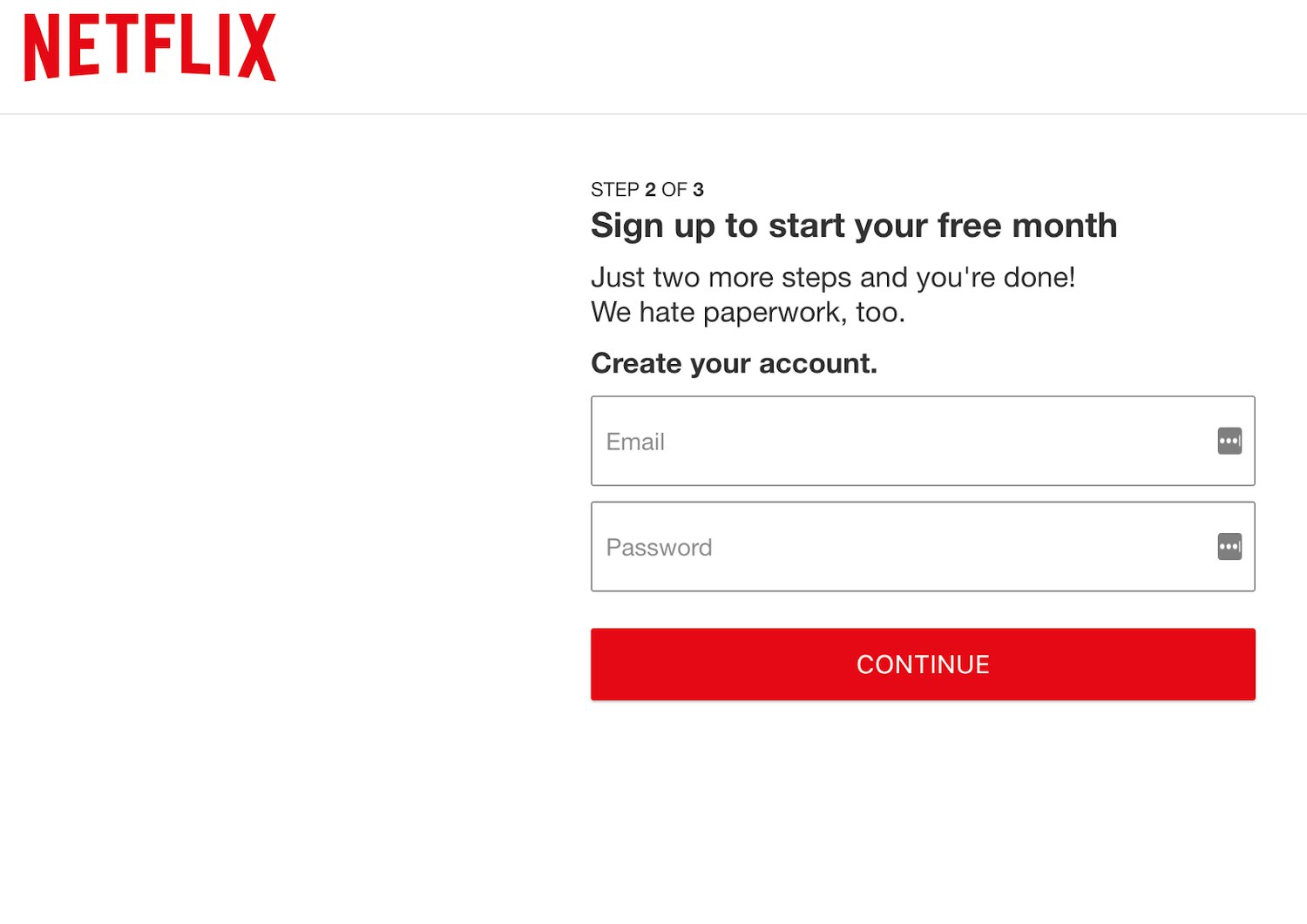
- Create Your Administrator Account: Input your legal name, email address, and a secure password. For school accounts, ensure you use your official institutional email domain to facilitate easier verification.
- Add Student Profiles: Once your account is live, navigate to the "Profile & Settings" tab to add your children or students. Each profile requires a grade level and a nickname to track individual mastery.
- Finalize Billing: Complete the payment section. IXL uses encrypted payment gateways; verify that your billing address matches the information on file with your financial institution to prevent authorization failures.
Comparing IXL Membership Options
The following table outlines the differences between standard account types available in 2026 to help you choose the correct registration path.
| Feature | Family Subscription | School/District Subscription |
|---|---|---|
| Primary User | Parents/Guardians | Educators/Administrators |
| Billing Cycle | Monthly or Annual | Typically Annual/Multi-Year |
| Data Access | Parent-to-Child Insights | Teacher/Admin Analytics |
| Roster Management | Manual Entry | CSV Uploads/LMS Integration |
| Pricing Model | Per Student/Subject | Per Seat/School License |
Troubleshooting Common Registration Issues
If you encounter errors during the "sign up ixl" process, they are usually related to network restrictions or invalid account credentials.
- Verification Email Delays: If you do not receive the activation link, check your spam or junk folder. In school environments, ensure that your firewall or mail filter is configured to accept incoming mail from the IXL domain.
- Payment Authorization Errors: Double-check that your credit card supports international or online recurring billing. If using a school P-Card, verify that the merchant category code (MCC) is authorized for software services.
- Browser Compatibility: If the registration page fails to load or the "Submit" button remains inactive, clear your browser cache and cookies, or attempt the registration in an Incognito/Private window to rule out conflicting browser extensions.
Frequently Asked Questions
Can I try IXL for free before signing up for a paid subscription?
IXL offers a limited number of practice problems daily for non-members to experience the platform’s interface. However, a paid subscription is required to access full analytics, unlimited daily practice, and the personalized recommendation engine.
How do I update my payment information after signing up?
You can update your billing details by logging into your administrator account and navigating to the "Billing" or "Subscription" section. You can modify payment methods there at any time during the 2026 billing cycle.
Does my subscription automatically renew?
Yes, most standard IXL subscriptions are set to auto-renew by default. You can manage your renewal preferences and cancel the recurring billing setting within your account dashboard under the "Subscription" tab at any point.
Can I add more students to my account after initial registration?
Absolutely. You can increase your student count at any time by navigating to your account settings and selecting "Manage Students." The system will adjust your billing proportionally if you are mid-cycle, or update your renewal rate accordingly.
Is my student's data secure on IXL?
IXL adheres to strict privacy standards, including compliance with COPPA and FERPA. They maintain robust data encryption protocols to ensure that student information, progress, and performance data remain confidential and are not shared with unauthorized third parties.
Final Recommendation for New Users
When signing up for IXL, prioritize the accuracy of the grade level assignment for each student profile. Because the platform uses an adaptive diagnostic tool known as the Real-Time Diagnostic, accurate grade placement ensures the curriculum adjusts correctly to the student's current proficiency level. For parents or administrators managing multiple students, take advantage of the dashboard's "Analytics" feature immediately upon registration to establish a baseline for student performance. Should you encounter any systemic issues, the official IXL support documentation is the most reliable resource for troubleshooting technical discrepancies in 2026.
Image Gallery