Comprehensive Guide to Lawn Care Software Plans and Features in 2026
Lawn care software in 2026 is a specialized category of field service management (FSM) technology designed to automate scheduling, routing, invoicing, and customer communication for landscaping and turf management businesses. Most soft...
Lawn care software in 2026 is a specialized category of field service management (FSM) technology designed to automate scheduling, routing, invoicing, and customer communication for landscaping and turf management businesses. Most software providers offer tiered plans ranging from $30 to $500 per month, with features scaling from basic job tracking to AI-driven route optimization and automated marketing.
Contents
Choosing the right software is no longer just about digitizing a paper calendar; it is about creating a scalable operational backbone. As labor costs and fuel prices remain volatile in 2026, the efficiency gains provided by these platforms often represent the difference between a profitable season and a stagnant one. This guide analyzes the essential features, pricing structures, and selection criteria for modern lawn care business owners.
The Evolution of Lawn Care Software in 2026
The landscape of lawn care technology has shifted significantly. In previous years, software was often a simple database of customers with a basic billing module. In 2026, the industry has embraced hyper-automation and integrated telematics. Software now acts as a central hub that connects the office staff, the field technicians, and the clients in real-time.
Modern platforms are built to solve three primary pain points: administrative overhead, inefficient routing, and slow payment cycles. By automating the "dead time" spent on phone calls and manual data entry, business owners can focus on crew training and service quality. Furthermore, the integration of satellite imagery for property measurements has become a standard feature, allowing companies to provide instant, accurate quotes without ever stepping foot on a prospect's lawn.
Essential Core Features for Every Plan
Regardless of the provider, there are several "non-negotiable" features that any reputable lawn care software plan should include. These form the foundation of daily operations and ensure that the business can function without technical bottlenecks.
Intelligent Scheduling and Dispatching
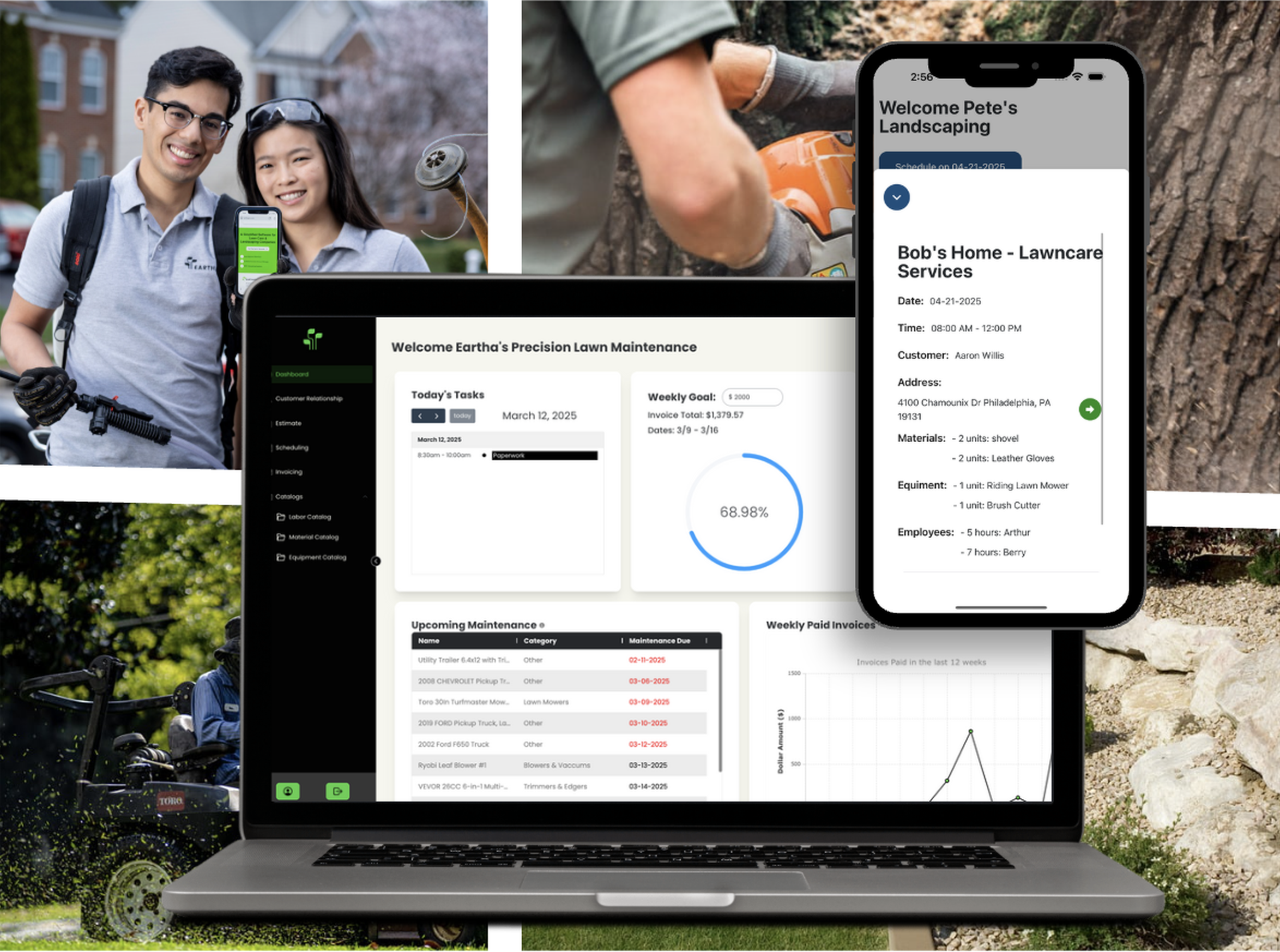
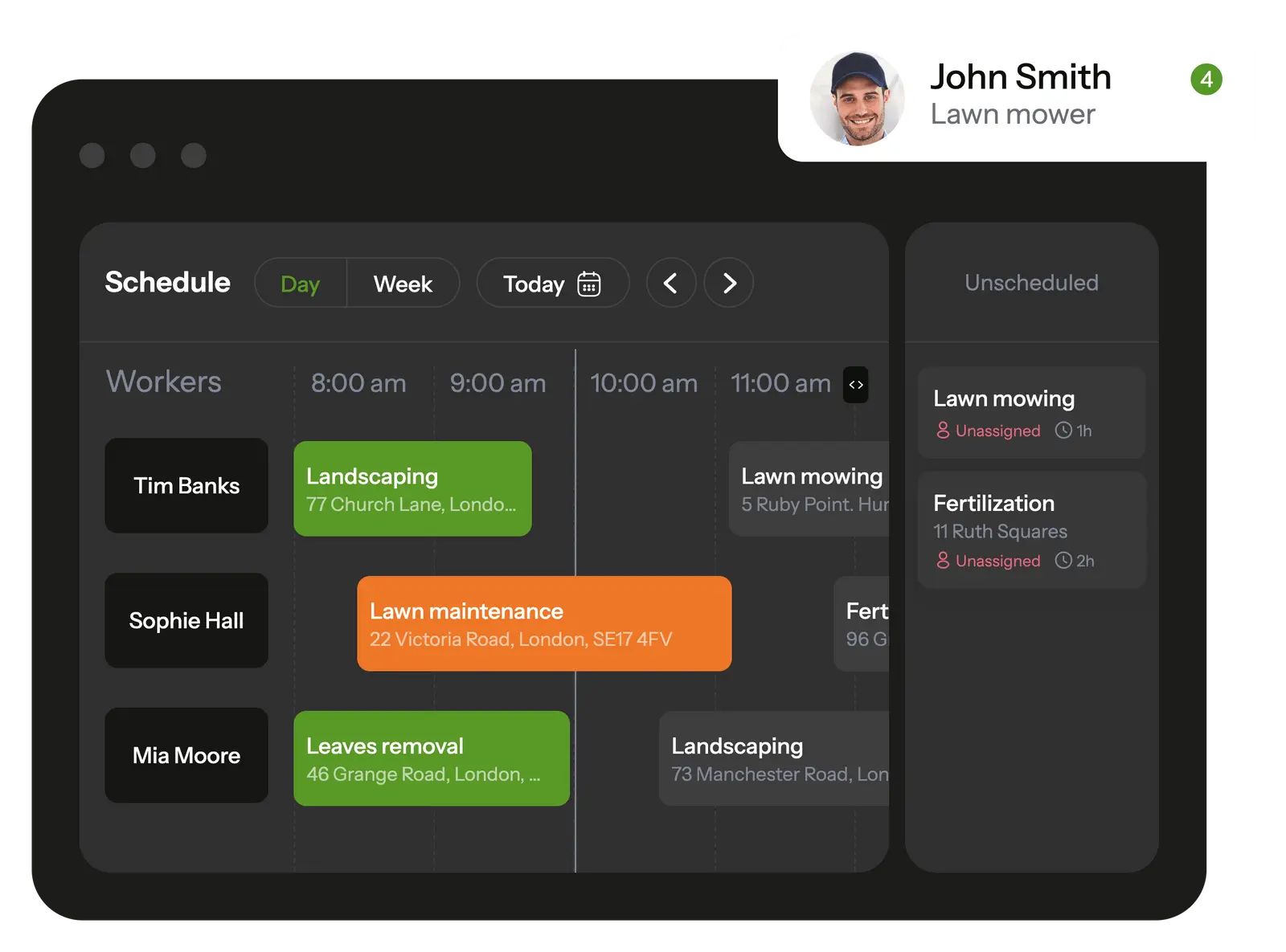
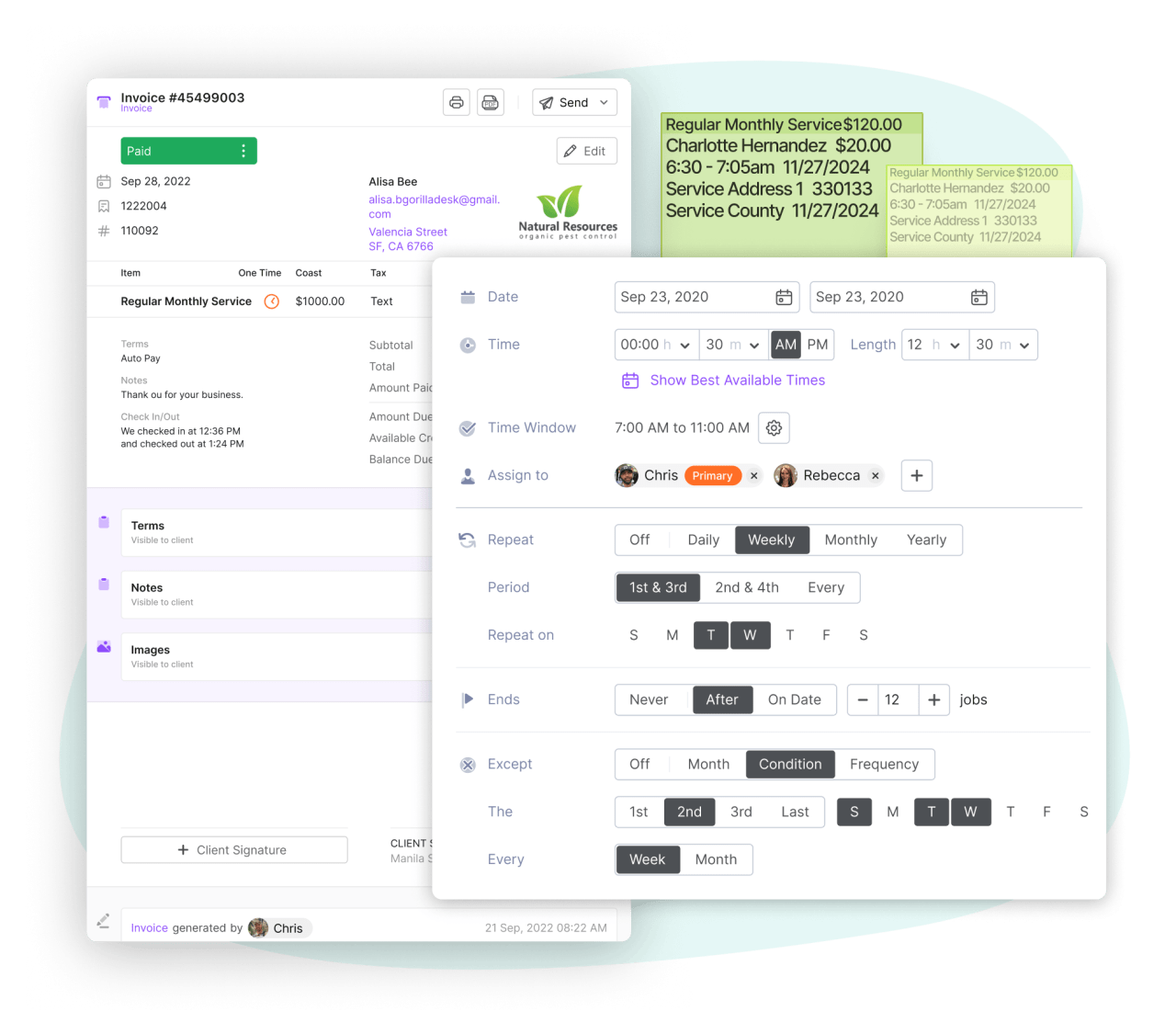
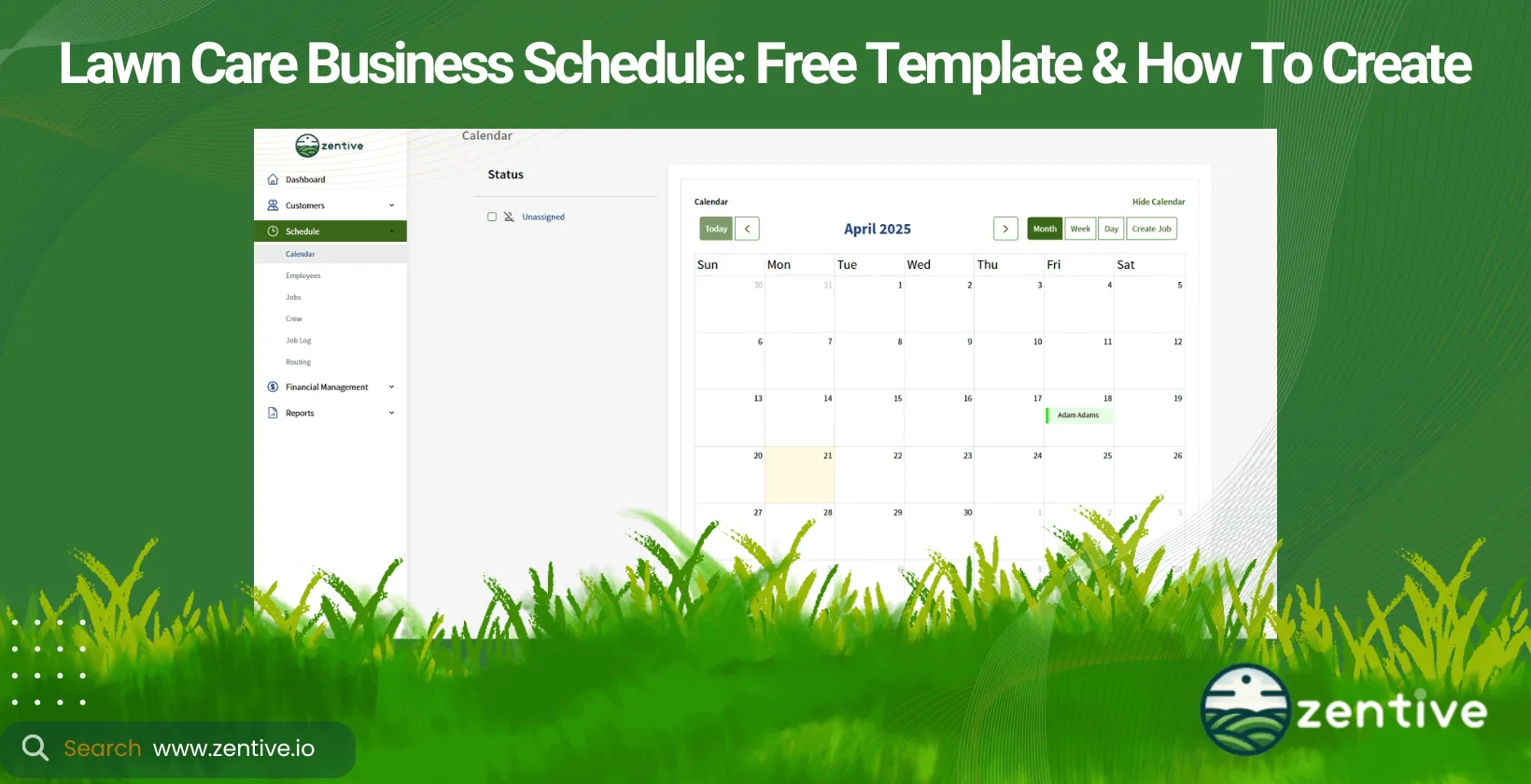
The heart of any lawn care operation is the schedule. In 2026, basic drag-and-drop calendars have been replaced by intelligent dispatching. This feature allows managers to see the entire team’s availability and drag jobs onto a timeline that automatically updates the technician's mobile app. High-tier plans often include automated rescheduling for rain days, where the system identifies open slots in the coming week and moves appointments while notifying the customer via SMS.
CRM and Client Management
A robust Customer Relationship Management (CRM) tool stores more than just names and addresses. It tracks service history, grass types, square footage, gate codes, and even pet names. This level of detail ensures that any technician sent to a site has all the information needed to perform the job correctly. Modern CRMs also include "Lead Pipelines," which help sales teams track prospects from the initial inquiry through to a signed contract.
Mobile Field App
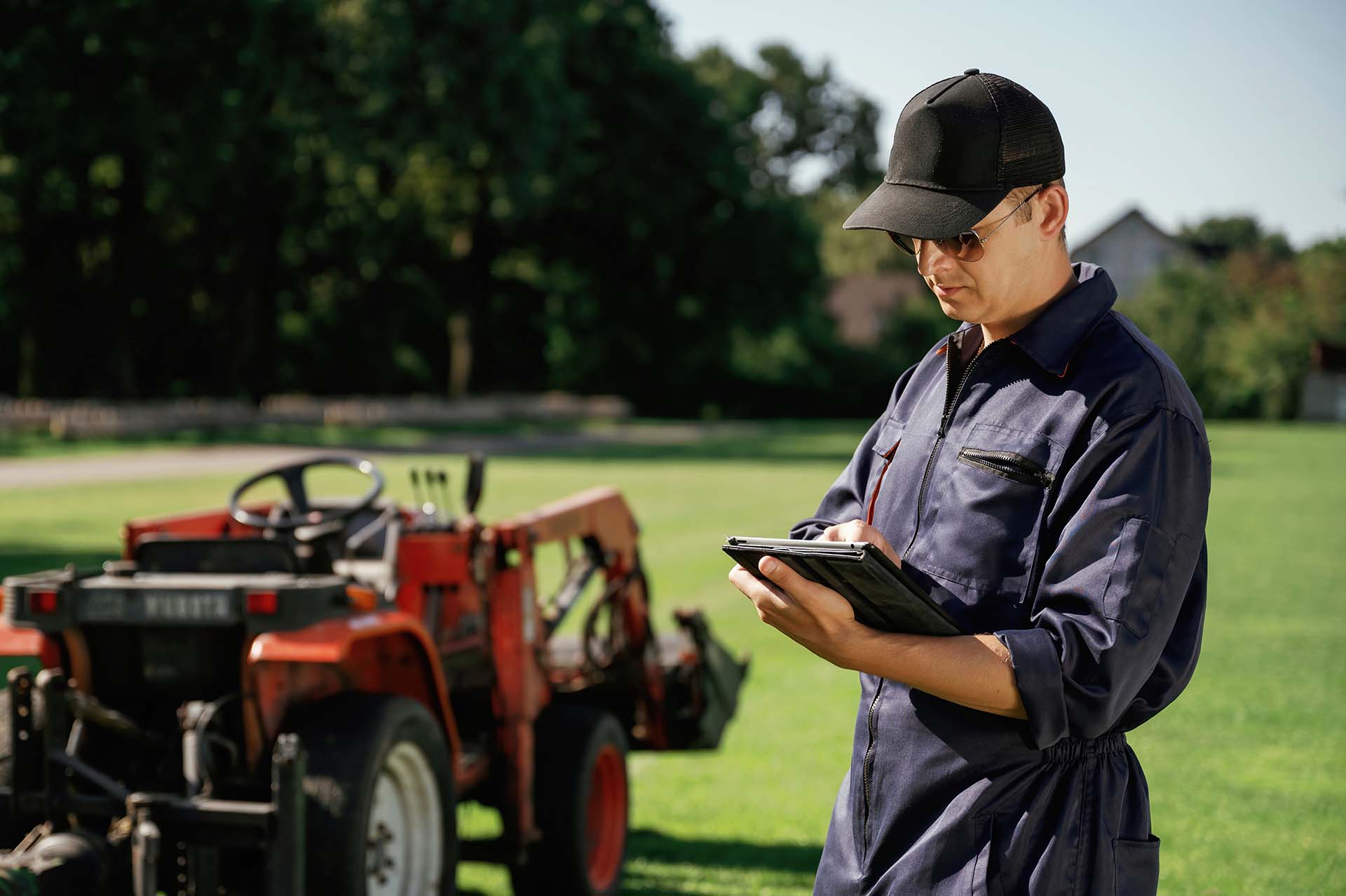
A dedicated mobile application for field crews is essential. In 2026, these apps function even in areas with poor cellular reception by using "offline-sync" technology. Crews can clock in and out of jobs, take "before and after" photos, and record chemical applications directly from their smartphones or tablets. This data syncs instantly with the office, ensuring that billing can happen the moment the job is marked complete.
Advanced Features in Professional and Enterprise Plans
As a business grows, its needs move beyond simple organization and into the realm of data-driven optimization. Mid-to-high-tier software plans introduce features that leverage data to maximize profit margins.
Route Optimization and GPS Tracking
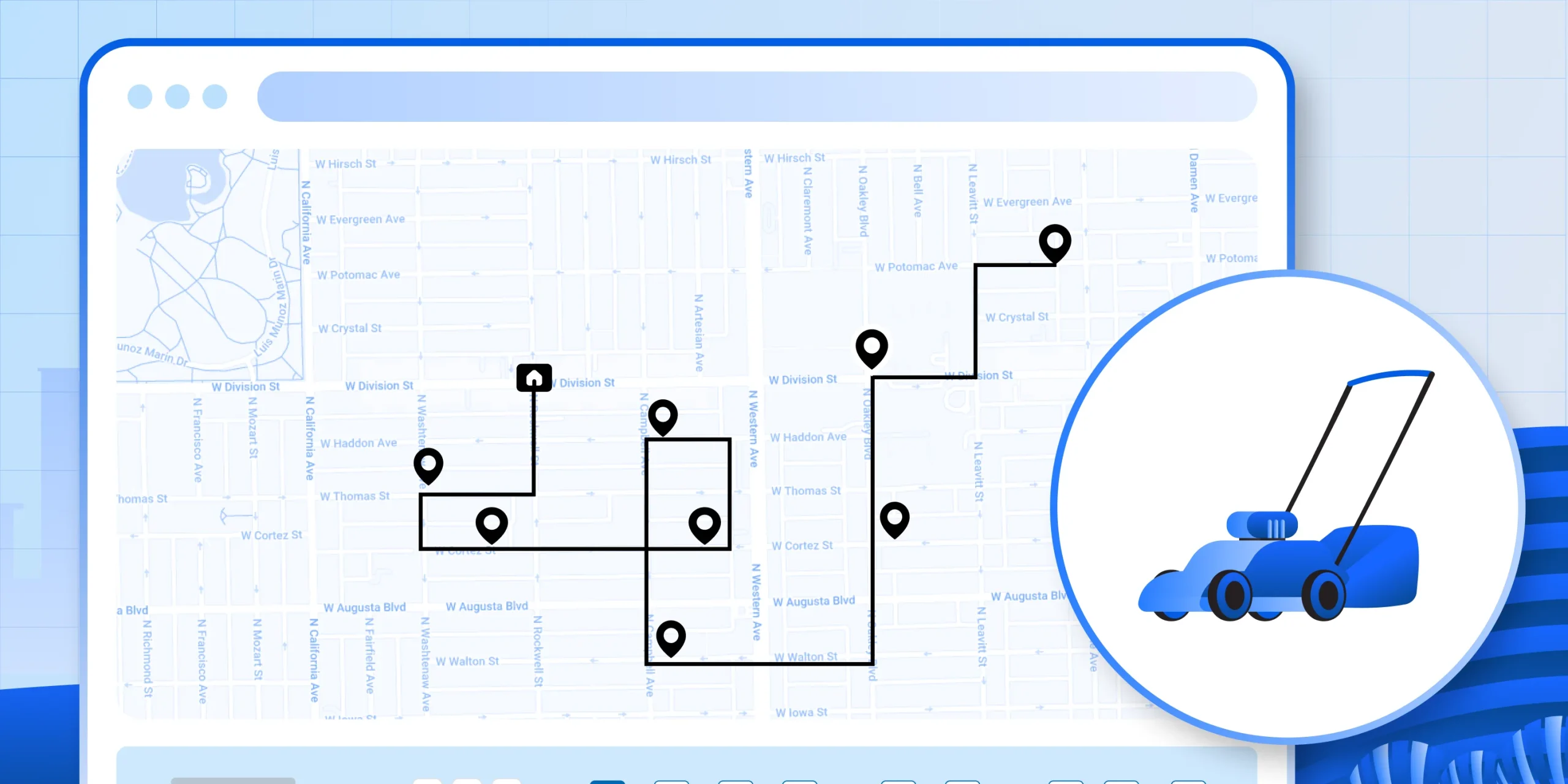
Route optimization is the most significant cost-saver in the industry. Rather than a technician driving across town multiple times, the software uses algorithms to sequence jobs in the most fuel-efficient order. In 2026, these systems integrate with live traffic data and weather forecasts. GPS tracking adds a layer of accountability, allowing managers to see vehicle locations in real-time and verify that crews are staying on schedule.
Automated Invoicing and Online Payments
Cash flow is the lifeblood of lawn care. Professional plans integrate directly with payment processors like Stripe or Square. Once a job is completed, the software can automatically generate an invoice and email it to the client. Features like "Card on File" (CoF) allow businesses to charge customers immediately after service, reducing the accounts receivable (AR) cycle from weeks to seconds.
Chemical and Pesticide Tracking (Regulatory Compliance)
For businesses offering fertilization and weed control, regulatory compliance is a major hurdle. Advanced plans include dedicated modules for tracking chemical usage, including EPA registration numbers, application rates, and weather conditions at the time of application. This data is stored securely for legal record-keeping requirements, protecting the business in the event of an audit or customer dispute.
Understanding Pricing Models and Tiers
Software providers in 2026 generally follow one of three pricing structures. Understanding these is vital for calculating the long-term Return on Investment (ROI).
| Plan Tier | Typical Monthly Cost | Target Audience | Key Feature Inclusions |
|---|---|---|---|
| Solo / Starter | $29 – $79 | Owner-operators | Basic scheduling, invoicing, CRM, mobile app. |
| Growth / Pro | $129 – $249 | Small to mid-sized teams | Route optimization, automated marketing, QuickBooks sync. |
| Enterprise / Elite | $350+ | Multi-location companies | Open API, dedicated account manager, advanced reporting, AI-quoting. |
Subscription-Based Models (SaaS)
Most modern software is sold as a "Software as a Service" (SaaS) subscription. This means you pay a monthly or annual fee to access the software via the cloud. This model ensures you always have the latest updates and security patches without having to manually install new versions.
Per-User vs. Flat-Rate Pricing
Some companies charge based on the number of "office users" or "field technicians." For a growing company, this can become expensive quickly. Conversely, flat-rate pricing allows for unlimited users but may have caps on the number of active customers or monthly emails sent. When evaluating plans, calculate your projected team size over the next 24 months to avoid sudden price hikes.
AI and Machine Learning in 2026 Software
In 2026, Artificial Intelligence (AI) has moved from a buzzword to a practical tool in lawn care software. The most impactful application is in Automated Property Estimating. By integrating with high-resolution satellite data (such as Nearmap or Google Earth), the software can automatically calculate the square footage of turf, mulch beds, and hardscapes.
This allows a business to send an "Instant Quote" to a lead who enters their address on the company website. The AI accounts for regional labor rates and material costs, providing a price that is accurate to within 95% of an on-site measurement. This speed-to-lead capability is often the deciding factor in winning residential contracts in highly competitive markets.
Selecting the Right Software for Your Business Size
The "best" software is the one that your team will actually use. Implementation is the most difficult stage of adopting new technology.
For Solo Operators
If you are working alone or with one helper, simplicity is your best friend. Look for a "Starter" plan that prioritizes a great mobile experience. You need to be able to invoice and collect payments from your phone while standing on the customer's lawn. Avoid overly complex enterprise systems that require hours of configuration.
For Growing Companies (3–10 Crews)
At this stage, you are likely struggling with communication and scheduling bottlenecks. A "Growth" or "Professional" plan is necessary. Prioritize route optimization and QuickBooks/Xero integration. At this size, the goal of the software is to eliminate the need for a full-time office administrator by automating as many tasks as possible.
For Large Enterprises (10+ Crews)
Large organizations require deep data visibility. You need custom reporting to see which crews are the most profitable, which services have the highest margins, and where fuel is being wasted. Look for plans that offer an Open API, allowing you to connect your lawn care software to other specialized tools for HR, fleet management, or advanced marketing.
Common Pitfalls and Implementation Tips
Many businesses fail to see a return on their software investment because they treat the purchase as the final step. To succeed, you must approach it as a cultural shift within the company.
- Data Migration: Ensure your chosen provider offers assistance in moving your current customer list into their system. Manual entry is a recipe for errors.
- Staff Training: Do not expect your crews to learn the app on their own. Dedicate a full day to training before the peak season begins.
- Customer Communication: Inform your clients about the new portal. Explain the benefits, such as the ability to pay online and see their service history, to encourage adoption.
- Avoid Feature Overload: Do not pay for a high-tier plan just because it has "cool" features. Start with what you need today and upgrade only when you are ready to implement those advanced tools effectively.
Frequently Asked Questions
Does lawn care software work without an internet connection?
Most modern apps in 2026 utilize "offline-first" architecture. Technicians can view their schedules, record job notes, and take photos without a signal. Once they return to an area with Wi-Fi or cellular data, the app automatically syncs the information to the office.
How does the software help with rain days and rescheduling?
Advanced software includes a "Global Rescheduling" tool. When weather prevents work, you can select all affected jobs and push them to the next available day. The system can then automatically send an SMS or email to all affected customers, keeping them informed without requiring dozens of individual phone calls.
Can I integrate my lawn care software with accounting tools like QuickBooks?
Yes, most professional-grade plans offer two-way synchronization with QuickBooks Online or Xero. This ensures that when an invoice is paid in your lawn care software, it is automatically marked as paid in your accounting records, eliminating the need for double data entry.
Is my customer data secure in the cloud?
Software providers in 2026 use enterprise-level encryption (AES-256) and multi-factor authentication (MFA) to protect data. It is generally far more secure than keeping paper records or local spreadsheets, which are susceptible to physical loss or local hardware failure.
Can the software help me find more customers?
Many "Pro" plans include integrated marketing tools. These can automate "Upsell Campaigns" (e.g., sending an email about aeration to all mowing-only clients) or "Win-Back Campaigns" for customers who haven't booked a service in over six months.
Final Recommendation
For most residential lawn care businesses in 2026, a Mid-Tier "Growth" Plan offers the best balance of cost and functionality. The inclusion of route optimization and automated payment processing typically pays for the monthly subscription fee within the first week by saving fuel and reducing the time spent on collections. Before committing to a long-term contract, utilize a 14-day free trial to test the mobile app’s ease of use for your field crews, as their adoption of the technology is the ultimate key to your operational success.
Image Gallery