Understanding CRM Software Monday Options: A Complete Guide for 2026
Understanding CRM software monday options involves identifying the right tier of the monday sales CRM product, which ranges from Basic to Enterprise. These options cater to different business scales, providing tools for lead tracking,...
Understanding CRM software monday options involves identifying the right tier of the monday sales CRM product, which ranges from Basic to Enterprise. These options cater to different business scales, providing tools for lead tracking, automated sales pipelines, and customer communication, all built on a flexible, low-code platform designed for high customization and scalability.
Contents
Navigating the Monday Sales CRM Ecosystem
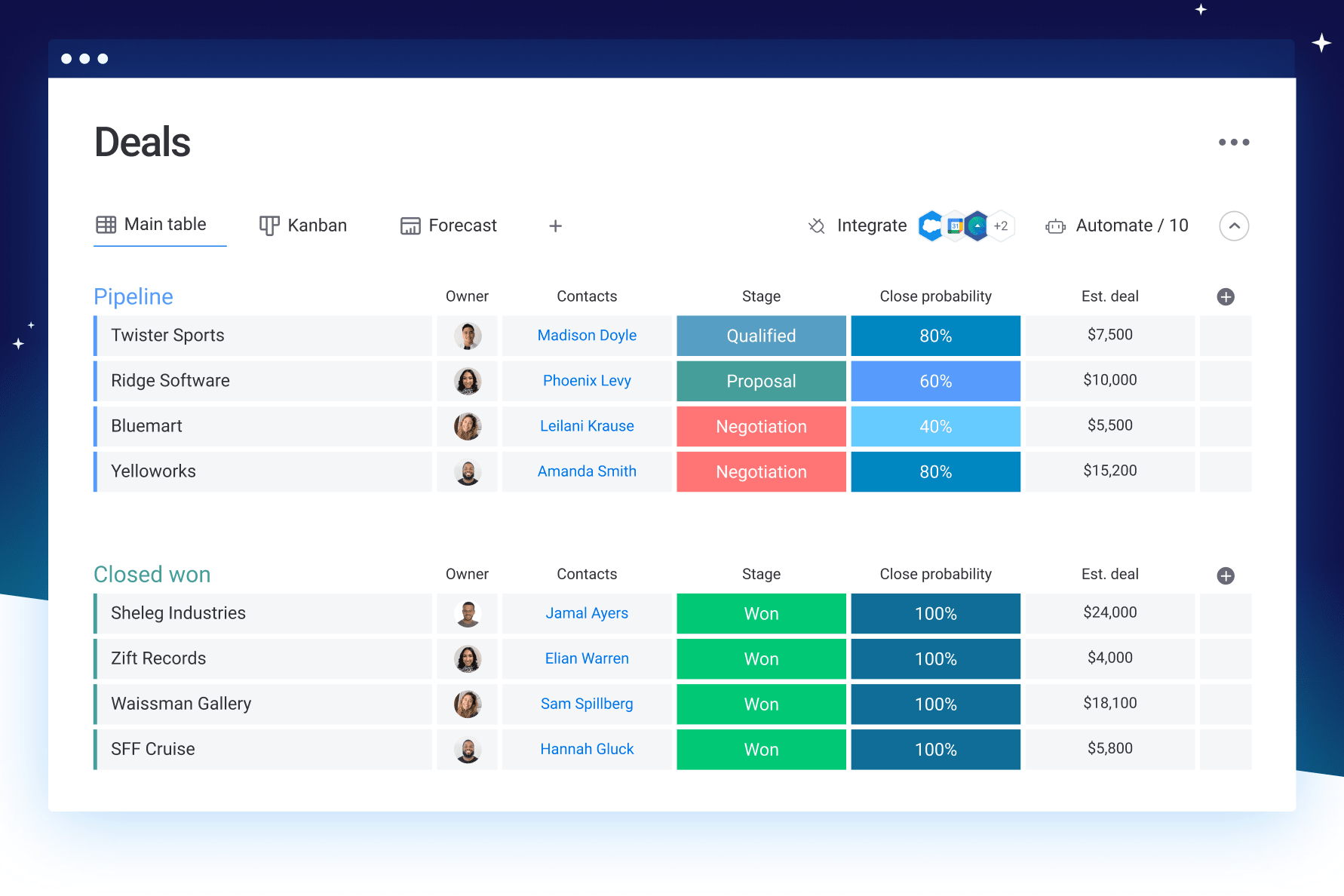
By 2026, the landscape of Customer Relationship Management (CRM) has shifted toward platforms that prioritize user experience and modularity. In this environment, monday sales CRM has emerged as a dominant choice for businesses that want more than a static database. Unlike traditional CRMs that can feel like rigid spreadsheets, the "options" available within the monday ecosystem allow teams to treat their CRM as a living Work OS (Work Operating System).
The core of the monday CRM philosophy is based on the idea that every sales process is unique. Whether you are a real estate agency tracking property leads or a SaaS company managing long enterprise sales cycles, the software provides the building blocks—boards, columns, and views—to construct a bespoke environment. This flexibility is the primary reason why "understanding the options" is the first step toward a successful implementation.
Analyzing the Four Primary CRM Tiers
Choosing the right plan is the most critical decision an organization faces when adopting monday sales CRM. Each tier is designed to meet specific operational complexities and security requirements. In 2026, these tiers are structured to ensure that small businesses can start lean, while large corporations can access the deep data controls they require.
1. Basic CRM: The Starting Point
The Basic plan is designed for solo entrepreneurs or very small teams that need to move away from manual tracking. It focuses on the essentials: lead management and contact organization. At this level, the "options" are centered on creating a centralized repository for customer data. However, it lacks the advanced automation and integration capabilities that define the more robust versions of the software. It is a functional digital Rolodex with visual pipeline tracking.
2. Standard CRM: The Growth Engine
For most small-to-medium enterprises (SMEs), the Standard plan is the most popular choice. It introduces the ability to communicate with leads directly via email integrations (such as Gmail and Outlook) and includes a limited number of automations. This tier allows teams to begin visualizing their sales funnel through different lenses, such as Calendar or Map views, which are essential for field sales or time-sensitive closing schedules.
3. Pro CRM: The High-Performance Option
The Pro version is where the software truly begins to act as an automated sales assistant. This tier offers 25,000 automation and integration actions per month, which is significant for teams looking to eliminate repetitive data entry. Pro users gain access to "Formula Columns," allowing for complex calculations like commission rates or weighted lead scoring. It also includes sales forecasting tools that help managers predict revenue based on pipeline health.
4. Enterprise CRM: Security and Scale
Large organizations with strict compliance needs must look toward the Enterprise option. This tier provides multi-level permissions, ensuring that sensitive client data is only accessible to authorized personnel. It also features advanced reporting dashboards that can aggregate data from dozens of different boards, providing a "bird's eye view" of the entire global sales operation.
Feature Breakdown: Comparing Monday CRM Options
To better understand which option fits your organizational needs, the following table compares the critical features available across the standard subscription levels in 2026.
| Feature | Basic CRM | Standard CRM | Pro CRM | Enterprise CRM |
|---|---|---|---|---|
| Lead Management | Unlimited | Unlimited | Unlimited | Unlimited |
| Email Integration | No | Yes (Limited) | Yes (Full) | Yes (Full + Security) |
| Automations | None | 250 actions/mo | 25,000 actions/mo | 250,000+ actions/mo |
| Sales Forecasting | No | No | Yes | Yes |
| Custom Permissions | No | No | Yes | Yes (Advanced) |
| API Access | Limited | Yes | Yes | Yes (High Rate Limit) |
| Support | 24/7 | 24/7 | Priority | Dedicated Manager |
Core Functional Options within the Software
Beyond the pricing tiers, understanding the "options" also refers to the functional modules you can activate within your CRM workspace. Because the platform is built on the Work OS, you have the option to integrate your CRM with other company departments seamlessly.
Lead and Contact Management
The software offers various ways to ingest leads. You can use native monday forms to capture data directly from your website, or use the "Email-to-Board" feature. Once a lead is captured, the options for organization are nearly limitless. You can categorize contacts by "Lead Temperature," geographical location, or estimated deal value.
Automation and Workflow Engines
Automation is the "brain" of the monday CRM. Common options include:
- Automatic Lead Assignment: When a new lead enters the system, it is automatically assigned to a sales rep based on territory or current workload.
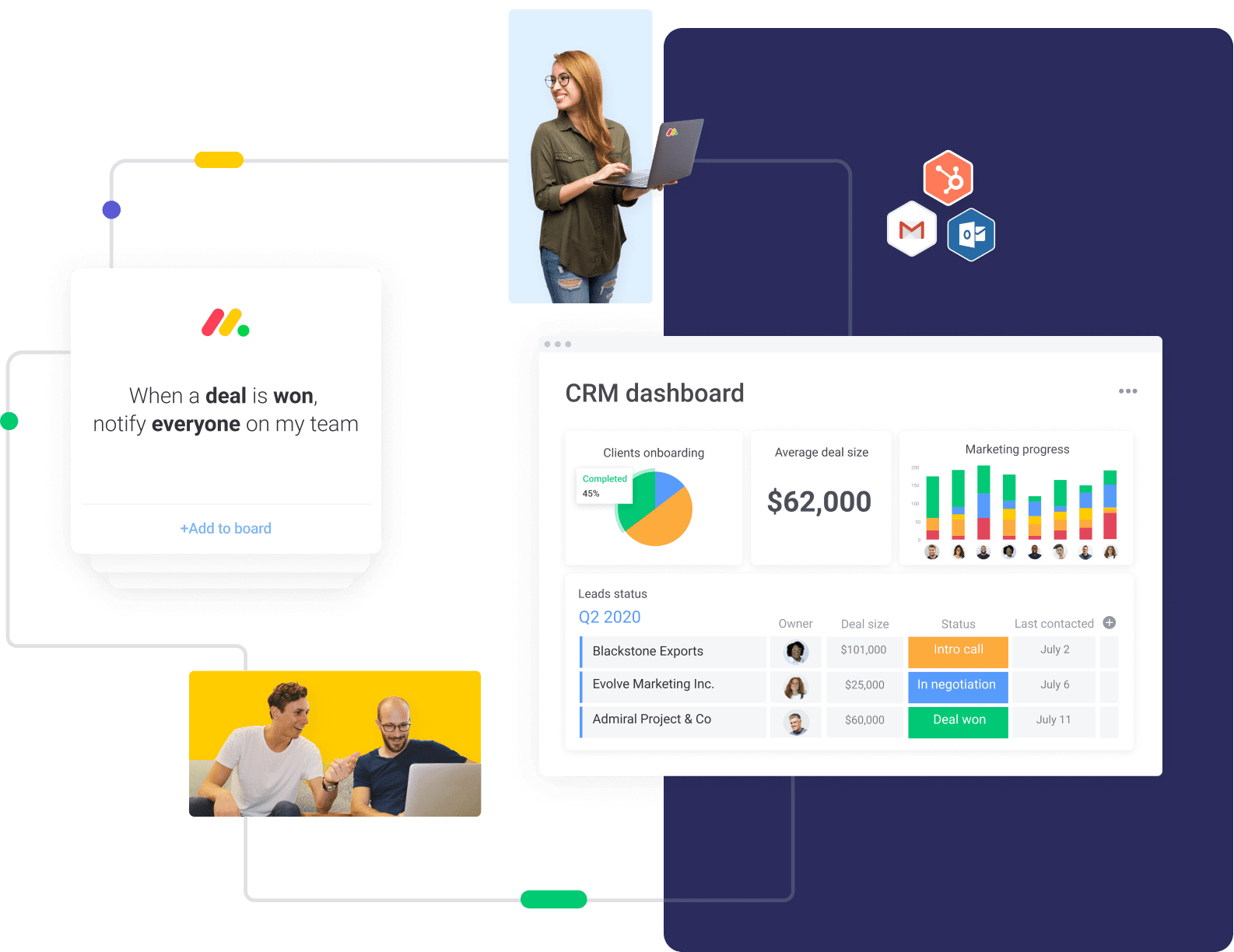
- Status Change Notifications: If a deal moves from "Proposal" to "Negotiation," the legal team is automatically notified to review the contract.
- Drip Campaigns: Once a lead is marked as "Interested," the system can trigger a series of follow-up emails via the email integration.
Reporting and Analytics
The reporting options allow you to transform raw data into actionable insights. You can create a dashboard that shows the "Average Time in Stage" for your deals, helping you identify bottlenecks in your sales process. In 2026, these dashboards are highly interactive, allowing users to click on a chart element to see the specific deals contributing to that metric.
Implementation and Customization Strategies
When setting up your monday CRM, you have two primary implementation options: using pre-built templates or building from scratch.
Template-Based Setup
The monday marketplace provides several "Sales CRM" templates that come pre-configured with the most common columns and automations. This is the best option for teams that want to get up and running within a few hours. These templates are based on industry best practices and cover lead management, deal tracking, and post-sales onboarding.
Custom Low-Code Configuration
For businesses with unique workflows, the option to build from scratch is invaluable. You can define your own "statuses," create custom "dependency" relationships between tasks, and use the monday AI assistant (a core feature in 2026) to generate custom automation scripts without writing code. This ensures that the software adapts to your business, rather than forcing your business to adapt to the software.
Potential Challenges and Considerations
While the options are vast, there are several factors that users must consider to avoid common pitfalls:
- Seat Minimums: Most monday plans require a minimum of three seats. This can make the software more expensive for a single user compared to some dedicated "freemium" CRM competitors.
- Learning Curve: Because the software is so customizable, it is easy to over-engineer your boards. New users should start with a simple structure and add complexity only when necessary.
- Action Limits: On the Standard and Pro plans, automations are capped. A poorly designed automation—such as one that triggers a loop—can quickly exhaust your monthly quota.
Frequently Asked Questions
Can I migrate my data from another CRM into monday.com?
Yes, monday sales CRM provides a robust data import tool that supports CSV and Excel files. Additionally, there are direct migration integrations for platforms like Salesforce, HubSpot, and Pipedrive. The tool allows you to map your existing data fields to your new monday columns, ensuring that no lead history or contact detail is lost during the transition.
Does monday sales CRM work on mobile devices?
Yes, there is a dedicated mobile application for both iOS and Android. In 2026, the mobile app includes offline capabilities, allowing sales reps in the field to update deal statuses or add meeting notes without an active internet connection. The app synchronizes with the desktop version as soon as connectivity is restored.
Is my data secure in the Enterprise tier?
The Enterprise tier is built specifically for security-conscious industries like finance and healthcare. It includes SSO (Single Sign-On), HIPAA compliance options, and advanced audit logs that track every change made to a board. Data is encrypted both at rest and in transit, and administrators have granular control over who can export data or share boards externally.
Can I use monday CRM for post-sales account management?
Absolutely. One of the strongest options within the platform is the ability to link a "Sales Pipeline" board to a "Client Onboarding" or "Account Management" board. Once a deal is marked as "Closed-Won," an automation can create a new item in the project management board, ensuring a smooth handoff from sales to the success team.
Practical Recommendation: Choosing Your Path
To maximize the value of your CRM software, start by auditing your current sales process. If you have fewer than 100 leads a month and a simple closing process, the Standard CRM is your best entry point. However, if your team relies heavily on data-driven decisions and requires high-volume outreach, the Pro CRM is the minimum viable option to ensure you have the automation capacity needed for 2026's fast-paced market. Always take advantage of the 14-day trial period to test your specific workflow before committing to an annual plan.
Image Gallery