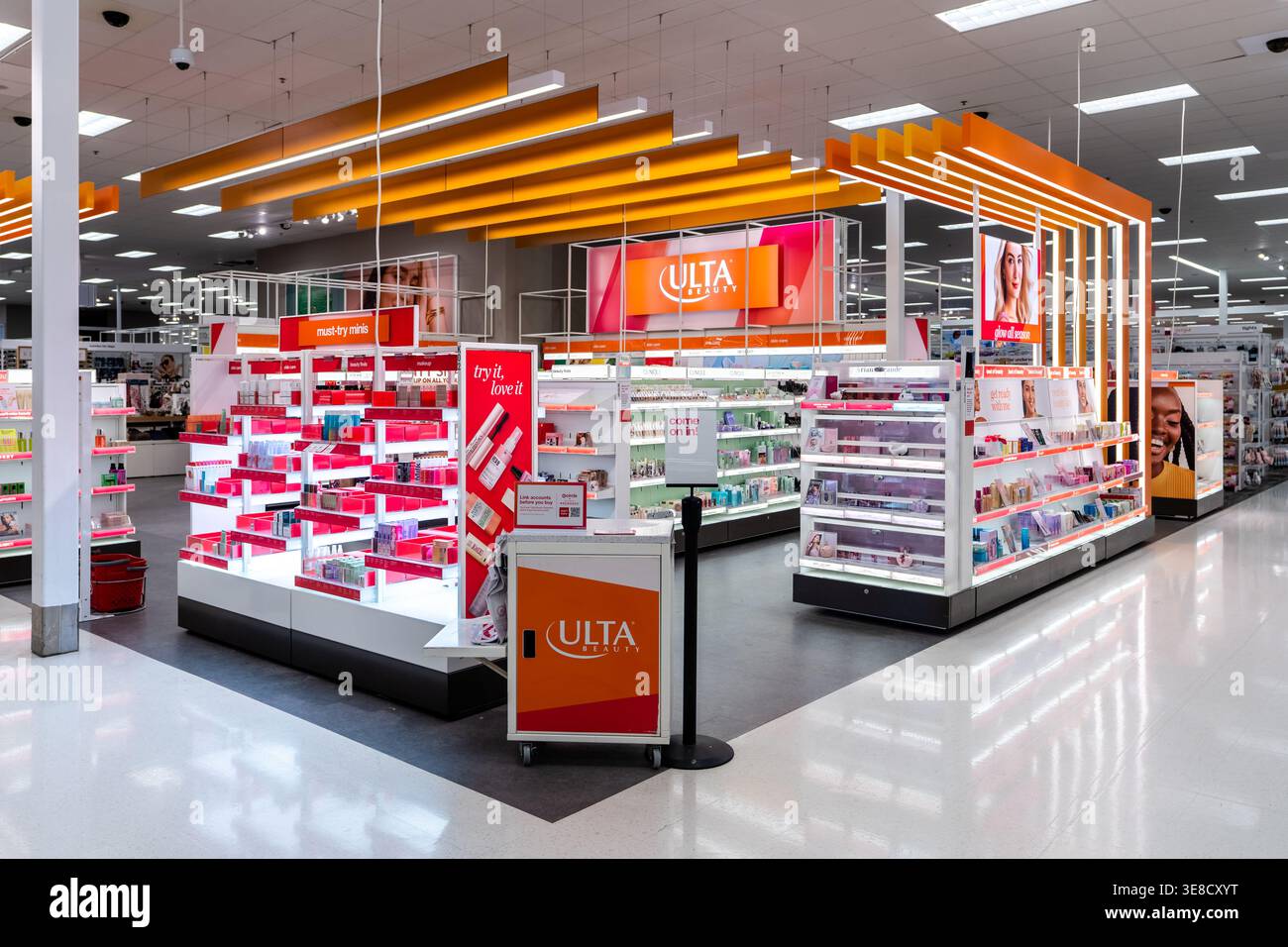
Ulta Pick Up In Store: Complete 2026 Guide and Fulfillment Workflow
Utilizing Ulta's pick up in store service allows beauty shoppers to secure their favorite cosmetics, skincare, and hair care products online and collect them at a local retail branch within hours, bypassing standard shipping wait times...
Utilizing Ulta's pick up in store service allows beauty shoppers to secure their favorite cosmetics, skincare, and hair care products online and collect them at a local retail branch within hours, bypassing standard shipping wait times and delivery fees. This comprehensive guide covers order placement, pickup procedures, timing, and troubleshooting for 2026.
Contents
Understanding Ulta Beauty's Omnichannel Fulfillment Framework
Ulta Beauty's buy online, pick up in store (BOPIS) program merges digital convenience with brick-and-mortar immediacy. When you place an order through the official Ulta website or mobile app, the system checks inventory at your selected physical store location. Instead of routing the order through a centralized fulfillment center, the designated store pulls the items directly from its active sales floor or backroom inventory.
This model relies on real-time stock synchronization. However, retail inventory can occasionally fluctuate due to misplaced items, theft, or simultaneous purchases. Understanding how the fulfillment pipeline functions helps you minimize delays and ensures you receive every item in your shopping cart without unexpected cancellations.
Prerequisites and Account Requirements for In-Store Pickup
Before submitting a pickup order, ensure your setup meets standard retail requirements to prevent transaction errors or verification issues at the counter.
- Active Account or Guest Checkout: You can use an authenticated Ulta Beauty Rewards account or check out as a guest, though logging in ensures you earn loyalty points on the purchase.
- Valid Payment Method: Accepted payment types include major credit cards, debit cards, Ulta Beauty Rewards credit cards, PayPal, Afterpay, and Ulta gift cards. Prepaid cards must have sufficient funds to cover local taxes.
- Location Permissions: Enable location services on your mobile device or manually enter your ZIP code to verify accurate stock levels at your preferred store.
- Communication Channel: A valid email address and a text-capable mobile phone number are mandatory to receive status updates, including the crucial "Ready for Pickup" notification.
Step-by-Step Guide to Placing and Collecting Your Order
Navigating the pickup process smoothly requires following a structured workflow from product selection to counter retrieval.
Step 1: Select Your Fulfillment Preference
Open the Ulta app or website and set your preferred store location using the store locator tool. As you browse catalog items, toggle the filter or check the product page to confirm availability under the "Pickup in Store" option. If an item is unavailable at your chosen store, the system will prompt you to check alternative nearby locations or opt for shipping.
Step 2: Complete the Checkout Transaction
Add the items to your digital shopping bag, proceed to checkout, and select "Store Pickup" as your fulfillment method. Review your items to apply any eligible promotional coupons, manufacturer codes, or your Ultamate Rewards points. Submit your payment. You will receive an initial order confirmation email acknowledging receipt of the transaction.
Step 3: Wait for the Ready Notification
Do not drive to the store immediately after placing your order. The store team must physically locate, scan, and bag your items. Most orders are prepared within two to four hours if placed during standard operating hours. Wait for the official "Your order is ready for pickup" email or text message before heading out.
Step 4: Retrieve Your Items at the Store
Bring the ready notification (either printed or on your smartphone screen) along with a government-issued photo ID that matches the name on the order. Enter the store and proceed directly to the designated pickup area, which is typically located at the cash wrap or a dedicated online order counter. Present your ID and confirmation barcode to the associate, who will retrieve your branded paper bag.
Comparison of Ulta Fulfillment Options
Choosing the right fulfillment method depends on your timeline, product availability, and budget. The following table compares in-store pickup with traditional shipping methods.
| Fulfillment Method | Average Turnaround Time | Shipping / Service Fees | Best Use Case |
|---|---|---|---|
| Buy Online, Pick Up In Store | 2 to 4 hours | Free | Urgent beauty needs, avoiding shipping fees, guaranteed stock. |
| Curbside Pickup | 2 to 4 hours | Free | Contactless collection, convenience when traveling with children or pets. |
| Standard Ground Shipping | 3 to 7 business days | Free on orders over threshold (typically $35) or flat rate | Non-urgent purchases, items out of stock locally. |
| Same-Day Delivery | 2 to 3 hours | Varies by distance and third-party provider fees | Immediate delivery to a home or office address. |
Alternative Pickup Protocols: Curbside Collection and Proxy Retrieval
Beyond walking into the store, Ulta accommodates alternative collection preferences to maximize customer convenience.
Curbside Pickup Instructions
If you prefer not to enter the physical storefront, many Ulta locations offer curbside pickup. Once you receive the ready notification, drive to the store and park in a designated curbside pickup space. Open your notification email, click the link to inform the store that you have arrived, and enter your vehicle description and parking spot number. An associate will bring the order out to your car and place it in your trunk or back seat after verifying your ID through the window.
Sending a Proxy to Collect Your Order
If you cannot pick up the order yourself, you can designate another person to collect it. When placing the order, you can add an alternate pickup person's name. The proxy must bring their own valid government-issued photo ID, a copy of the pickup confirmation email, and be prepared to sign for the merchandise. Associates will not release orders to individuals whose names do not appear on the order or account profile as an authorized proxy.
Troubleshooting Common Pickup Issues
Even with automated systems, occasional complications can arise during the fulfillment process. Review these common scenarios and solutions to resolve issues quickly.
- Delayed Ready Notifications: If more than four hours have passed without a pickup notification, call the specific store location directly using the phone number listed in your confirmation email. High order volumes during sales events or holidays can extend processing windows.
- Partial Order Cancellations: If an item in your order becomes out of stock during the picking process, you will receive a notification that the specific item was canceled and your payment method was refunded for that portion. The remaining items in your order will still be ready for pickup.
- Missed Pickup Windows: Ulta typically holds pickup orders for up to five days. If you do not collect your items within this timeframe, the order is automatically canceled, items are returned to inventory, and a full refund is issued to your original payment method.
- Expired ID or Name Mismatch: Ensure the person picking up the order matches the name on the account or the designated proxy field. Associates are strictly trained to protect customer data and prevent unauthorized pickups.
Frequently Asked Questions
How long does it take for an Ulta pick up in store order to be ready?
Most orders are processed, picked, and marked ready for collection within two to four hours during normal business hours. You must wait for the official ready notification before heading to the location.
Is there any fee for using Ulta's in-store pickup service?
No, buying online and picking up in-store is entirely free with no minimum purchase requirement, making it a cost-effective alternative to paid shipping tiers.
Can I use coupons and earn rewards points on pickup orders?
Yes, you can apply eligible digital coupons, promotional codes, and redeem Ultamate Rewards points during online checkout while selecting the in-store pickup option.
What should I bring with me to collect my order?
You must bring a digital or printed copy of your ready-for-pickup email or barcode along with a valid government-issued photo ID that matches the name on the order.
What happens if I forget to pick up my order within the holding window?
Ulta holds orders for five days. If uncollected, the order is canceled, the items return to store stock, and the purchase amount is automatically refunded to your payment method.
Practical Recommendation for Your Next Beauty Order
To ensure a seamless experience when utilizing Ulta's pickup service, check real-time stock levels for your exact shade or product variant before finalizing your cart. Place your order during morning hours to avoid peak afternoon rushes, and always wait for the final text or email confirmation before making the trip to your local store.
Image Gallery