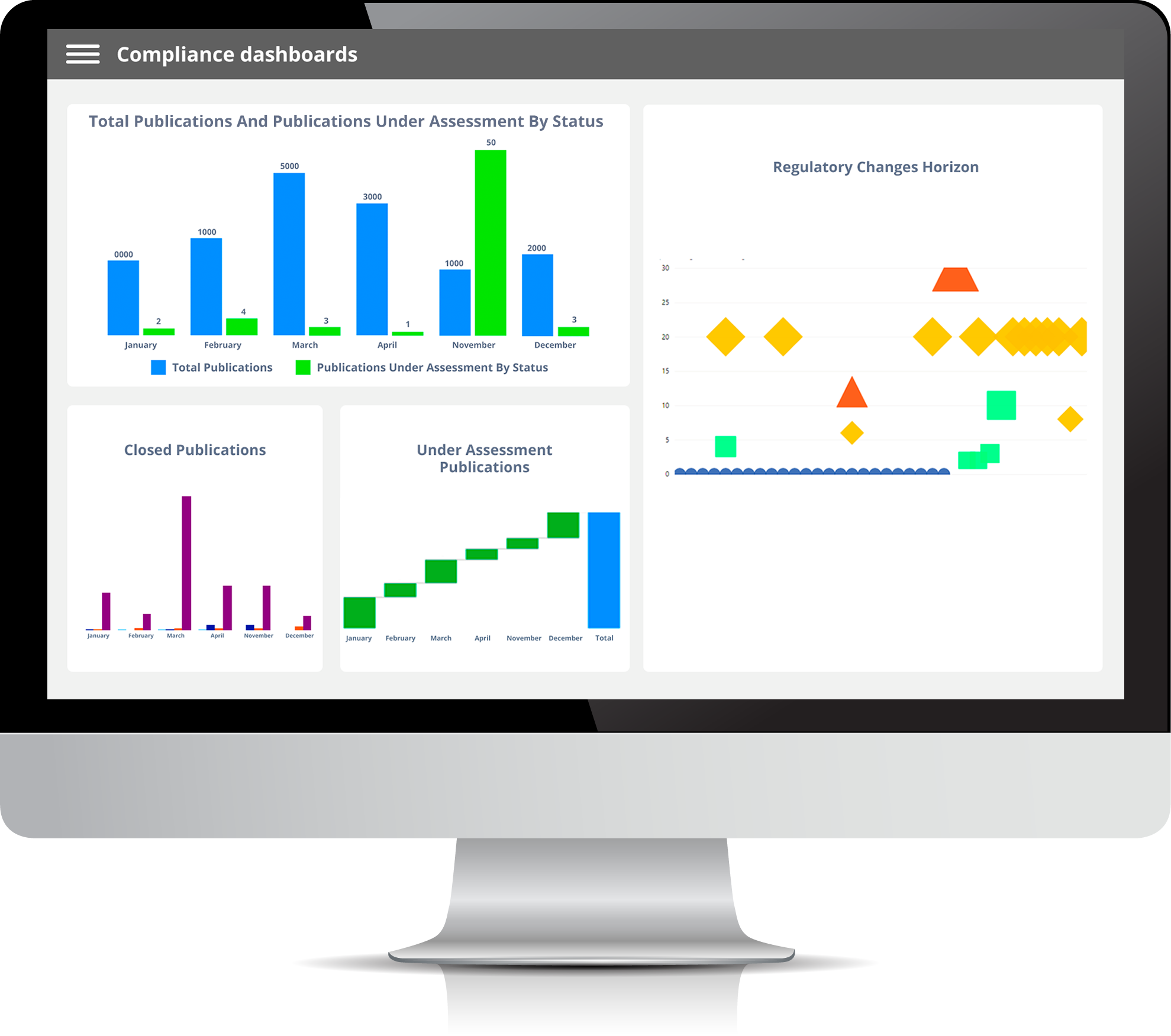
Master Guide to Completing Your FDR Program Dashboard Activate Process in 2026
Activating your FDR program dashboard requires verifying your corporate credentials, entering your specific sponsor identification codes, and completing multi-factor authentication setup to establish secure access to compliance trackin...
Activating your FDR program dashboard requires verifying your corporate credentials, entering your specific sponsor identification codes, and completing multi-factor authentication setup to establish secure access to compliance tracking systems. Depending on your organization's regulatory obligations under Centers for Medicare & Medicaid Services (CMS) guidelines, ensuring proper initial activation prevents compliance bottlenecks and maintains active audit trails.
Contents
Understanding how to navigate the FDR (First-Tier, Downstream, and Related Entities) ecosystem is vital for healthcare entities, insurance brokers, and administrative vendors operating within government-sponsored health programs. This guide explores the complete framework required to successfully initialize your system, fulfill security requirements, and manage ongoing operational metrics throughout 2026.
Understanding the FDR Ecosystem and Dashboard Architecture
The First-Tier, Downstream, and Related Entities framework governs any organization that enters into a contract or agreement with a Medicare Advantage Organization (MAO) or Prescription Drug Plan (PDP) sponsor to provide administrative or health care services. The FDR program dashboard serves as the centralized portal where these entities submit compliance records, training logs, exclusion checks, and operational data.
Before initiating the activation process, compliance officers must recognize the regulatory weight tied to dashboard interactions. CMS mandates that all downstream entities maintain rigorous oversight, including regular verification against the Office of Inspector General (OIG) List of Excluded Individuals and Entities (LEIE) and the General Services Administration (GSA) System for Award Management (SAM). The dashboard functions as the digital repository where these compliance attestations are legally registered.
Core Components of the Compliance Dashboard
- User Management Module: Controls role-based access permissions for compliance officers, administrative staff, and executive signers.
- Attestation Repository: Secures annual compliance training completion logs and code of conduct distribution records.
- Exclusion Screening Log: Houses monthly verification records confirming that no staff or contracted entities appear on federal exclusion databases.
- Audit Document Upload Center: Provides secure channels for submitting corrective action plans (CAPs) and requested documentation during sponsor audits.
Prerequisites and Verification Requirements Before Activation
Attempting to activate your dashboard without gathering the necessary corporate documentation often results in account lockouts or rejected credentials. Sponsors enforce strict identity verification protocols to protect sensitive member data and proprietary operational metrics.
Administrators must compile specific data points and technological prerequisites before clicking the registration link. Preparing these items ahead of time ensures a smooth, uninterrupted onboarding workflow.
Essential Checklist for Dashboard Setup
- Corporate Tax ID and NPI: Your organization's official Employer Identification Number (EIN) and National Provider Identifier (NPI), matching records filed with the IRS and NPPES.
- Sponsor Contract Numbers: Active contract identifiers provided by the Medicare Advantage Organizations or health plans requiring your FDR oversight integration.
- Designated Compliance Officer Details: Full legal name, corporate email address, and direct telephone contact for the individual legally responsible for program oversight.
- Secure Authentication App: A compatible multi-factor authentication (MFA) application installed on a secure mobile device or hardware token.
Step-by-Step Guide to Accessing and Activating Your Account
Executing the activation sequence demands careful attention to detail. Follow this structured walkthrough to transition your profile from pending status to fully operational.
Step 1: Secure Invitation Receipt and Token Validation
Your primary insurance sponsor or system administrator will issue an official onboarding email containing a unique, time-sensitive registration link. Verify that the sender domain matches the official corporate domain of your contracting health plan. Click the link to open the secure gateway login interface.
Step 2: Enterprise Identity Verification
Input your corporate EIN, legal business name, and active contract identifier. The system will cross-reference these inputs against national registry databases. If discrepancies arise, contact your sponsor's vendor management department immediately to reconcile legal naming conventions.
Step 3: Multi-Factor Authentication (MFA) Configuration
Federal security standards mandate robust authentication protocols for health data portals. Scan the provided QR code using your approved authenticator app or register a secure SMS number. Confirm the rolling six-digit code to bind your administrative device to the profile.
Step 4: Role Assignment and Profile Customization
Establish your primary credentials, including a complex password adhering to enterprise complexity rules. Assign secondary user permissions if your compliance structure requires delegation of routine data entry tasks to subordinate personnel.
Comparative Overview of FDR Dashboard Access Tiers
Different organizational roles require distinct permission levels within the portal. Selecting the appropriate access tier during activation prevents operational friction while maintaining data integrity.
| Access Tier | Primary User Role | Permitted Actions | Security Requirements |
|---|---|---|---|
| System Administrator | IT Lead / Compliance Director | User provisioning, credential reset, master profile updates | Hardware token or advanced authenticator app |
| Compliance Officer | Chief Compliance Officer | Attestation submission, exclusion log approval, audit response | Enterprise MFA + IP whitelisting recommended |
| Data Entry Operator | Compliance Analyst / HR Admin | Uploading training logs, bulk employee exclusion check files | Standard MFA via authenticator app |
| Auditor / Viewer | External Reviewer / Legal Counsel | Read-only access to historical logs and attestation records | Temporary restricted-window token |
Navigating Operational Challenges and Troubleshooting Common Pitfalls
Technical friction during portal activation typically stems from outdated browser configurations, mismatched tax identifiers, or expired invitation tokens. Recognizing these failure points allows your team to resolve blocks efficiently without disrupting compliance timelines.
Resolving Expired Invitation Tokens
Invitation links frequently expire after 24 to 72 hours for security purposes. If your link fails, do not attempt unauthorized workarounds. Contact the issuing health plan's vendor relations team to trigger an automated token regeneration request.
Handling Browser and Network Restrictions
Enterprise firewalls or legacy web browsers frequently block modern cryptographic handshakes required by secure compliance portals. Ensure your team utilizes updated, modern web browsers with JavaScript and cookies enabled. Corporate virtual private networks (VPNs) routed through international servers may also trigger automated geo-blocking; ensure your connection originates from an approved domestic office IP address.
Best Practices for Ongoing Dashboard Maintenance
Initial activation represents only the first milestone in maintaining good standing as an FDR entity. Compliance is an ongoing operational commitment requiring structured routines throughout the operational year.
- Monthly Exclusion Audits: Execute automated or manual LEIE and SAM database screenings by the 15th of every month, uploading the resulting verification reports directly to the dashboard repository.
- Annual Training Certification: Ensure all downstream personnel complete federally mandated compliance and fraud, waste, and abuse (FWA) training within 90 days of initial hire and annually thereafter, logging completions in the portal promptly.
- Periodic Credential Reviews: Audit active user accounts quarterly, immediately revoking access for personnel who have transitioned out of compliance roles within your organization.
Frequently Asked Questions
What should I do if my organization's EIN does not match the sponsor's contracting records?
Contact your contracting health plan's vendor management department to reconcile legal entity naming and tax identification structures before attempting further activation steps. Mismatched tax data will permanently stall automated system provisioning.
Is multi-factor authentication mandatory for all dashboard users?
Yes, multi-factor authentication is strictly required for every user profile accessing FDR compliance portals to satisfy federal data security mandates and protect sensitive member information.
How often are downstream entities required to update their attestation records?
Core programmatic attestations are generally required on an annual basis, though specific sponsors may request interim updates or specialized audit submissions following regulatory updates.
Can administrative permissions be delegated to external third-party consultants?
Yes, organizations can provision limited-access roles for external consultants, provided their access tiers are properly restricted and approved by your internal compliance director.
What penalties exist for failing to maintain active dashboard compliance logs?
Failing to maintain updated exclusion checks and training logs can result in contractual breach notifications, financial penalties, suspension of claims processing, or termination of your Medicare advantage vendor agreement.
Secure Your Compliance Infrastructure Today
Maintaining a flawless compliance posture requires proactive system management and timely execution of dashboard protocols. Review your organization's administrative readiness, ensure all prerequisite verification documents are compiled, and finalize your portal setup to safeguard your continuous operational authorization within the healthcare compliance ecosystem.
Image Gallery