Scrum Board Software in Modern Teams: Selection and Operational Strategy
Scrum board software provides the digital infrastructure necessary for distributed and co-located teams to visualize workflows, track sprint progress, and enforce empirical process control. By digitizing physical boards, these tools ce...
Scrum board software provides the digital infrastructure necessary for distributed and co-located teams to visualize workflows, track sprint progress, and enforce empirical process control. By digitizing physical boards, these tools centralize product backlogs, automate burndown calculations, and integrate task dependencies into a single, real-time interface for cross-functional agile teams.
Contents
The Role of Digital Scrum Boards in Agile Frameworks
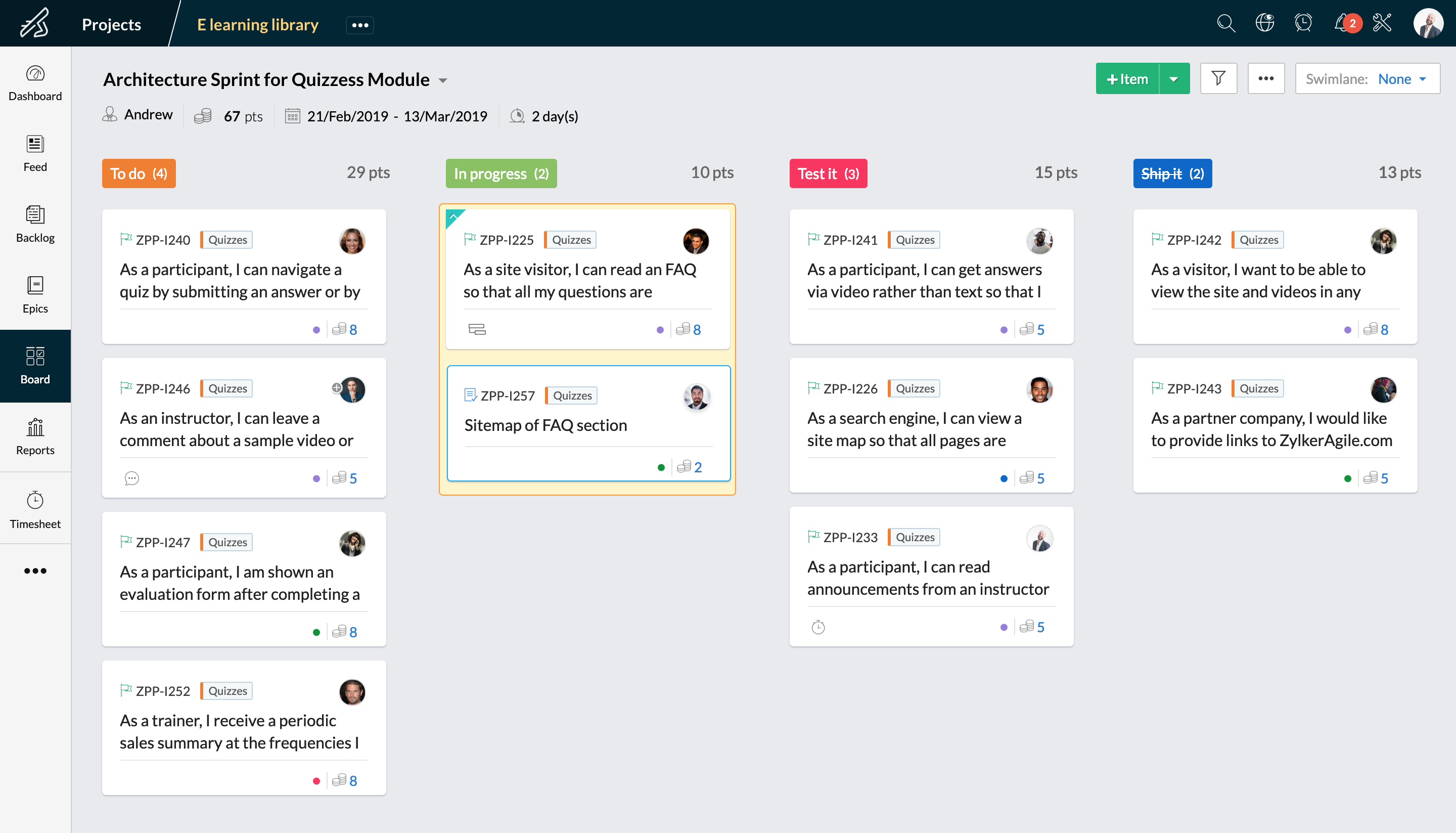
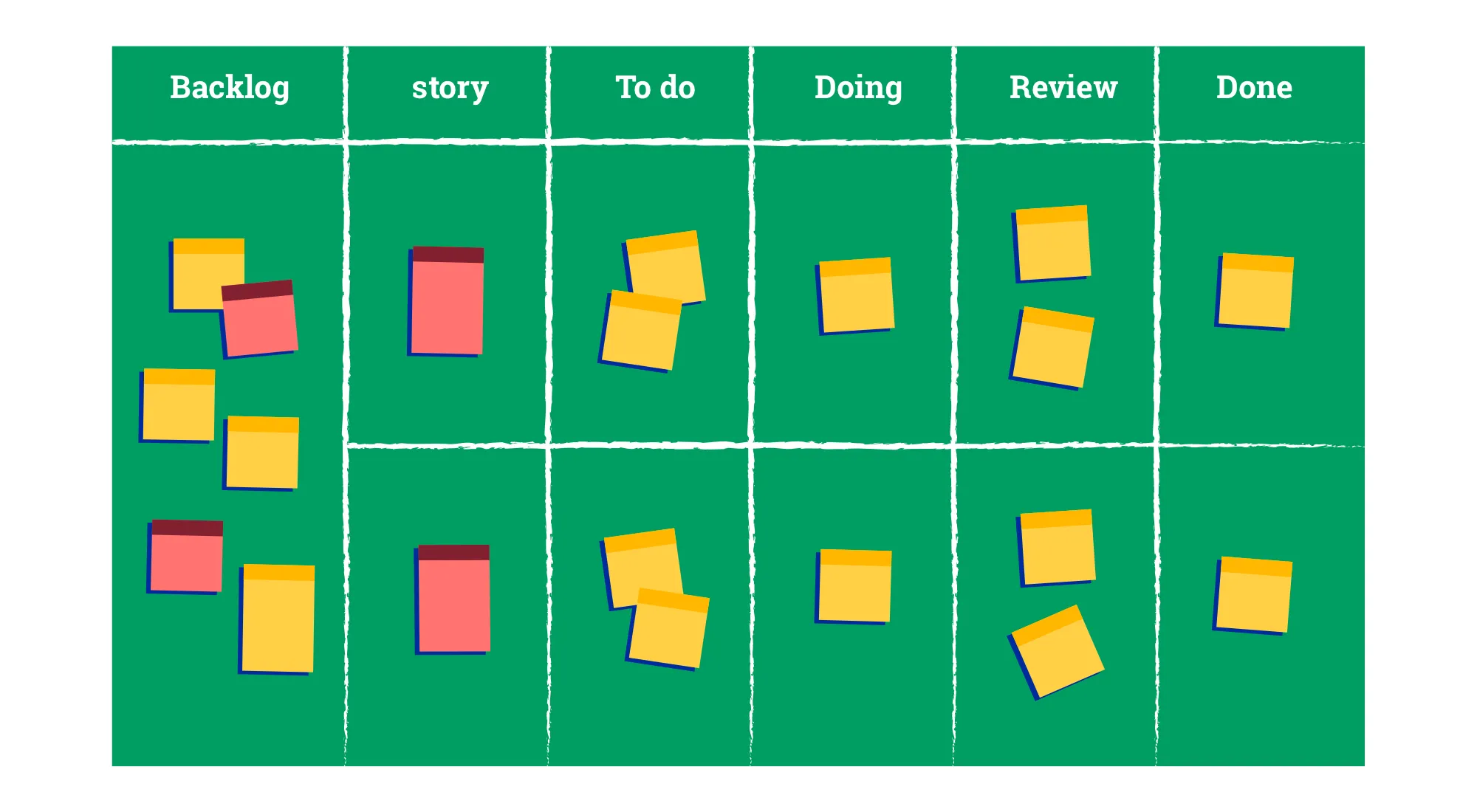
The Scrum framework relies on transparency, inspection, and adaptation. While a physical whiteboard with sticky notes was the original standard, modern team dynamics—defined by hybrid work models, global distribution, and complex project interdependencies—have necessitated a shift to digital platforms.
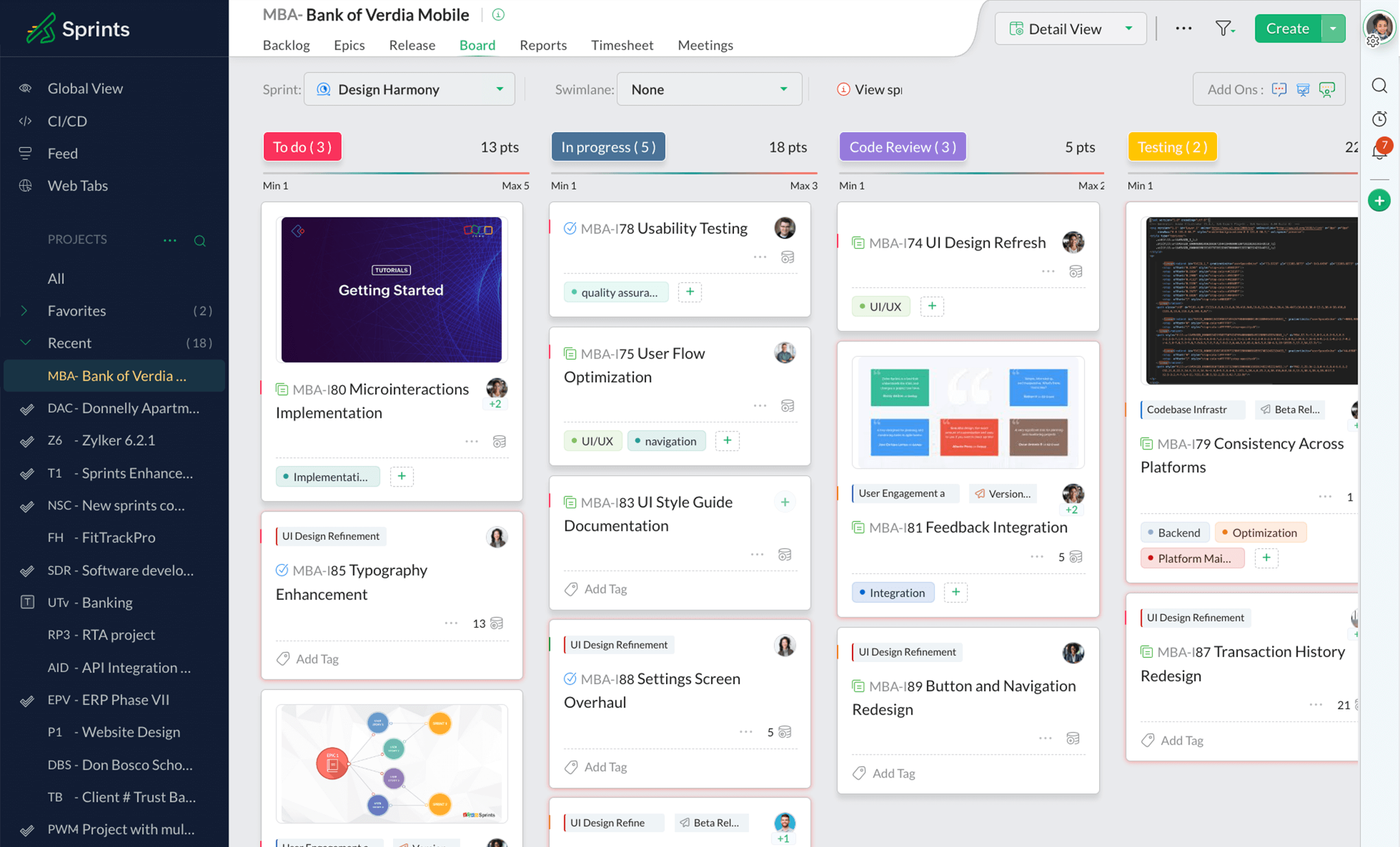
Digital scrum board software acts as the "Single Source of Truth" for the Sprint Backlog. Unlike static physical boards, these tools provide persistent access to historical data, allowing for retrospectives based on velocity charts and cumulative flow diagrams rather than subjective memory. In 2026, the maturity of these platforms allows for native synchronization with version control systems, CI/CD pipelines, and internal communication tools, ensuring that the status of a task is reflective of the code actually committed to the repository.
Essential Features for Modern Agile Teams
When evaluating software to support Scrum, teams must look beyond simple Kanban visualizations. A comprehensive tool must facilitate the core ceremonies of Scrum while maintaining the flexibility required for continuous improvement.
- Backlog Management and Refinement: The software must support hierarchical work structures, allowing Product Owners to prioritize User Stories, define Acceptance Criteria, and assign Story Points.
- Sprint Planning Automation: Advanced platforms offer capacity planning tools that calculate team velocity from previous sprints to ensure commitment levels are realistic.
- Real-time Visibility: Dashboards should offer instant insight into Sprint Burndown, which illustrates the amount of work remaining versus the time left in the sprint.
- Integration Capabilities: A scrum board is most effective when integrated with developer workflows. Bidirectional sync with tools like GitHub, GitLab, or Bitbucket ensures that moving a card to "Done" can be triggered by a pull request merge.
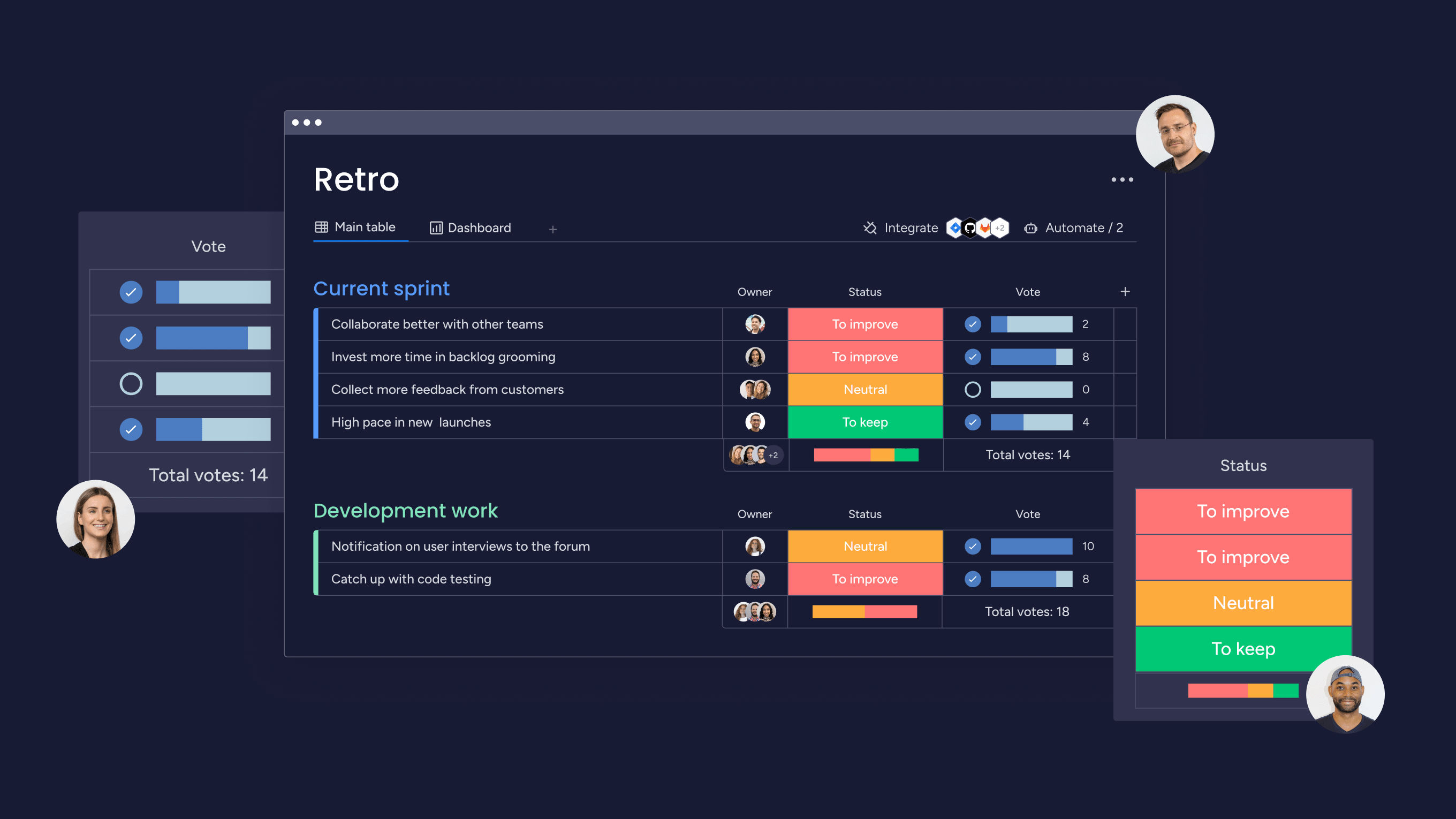
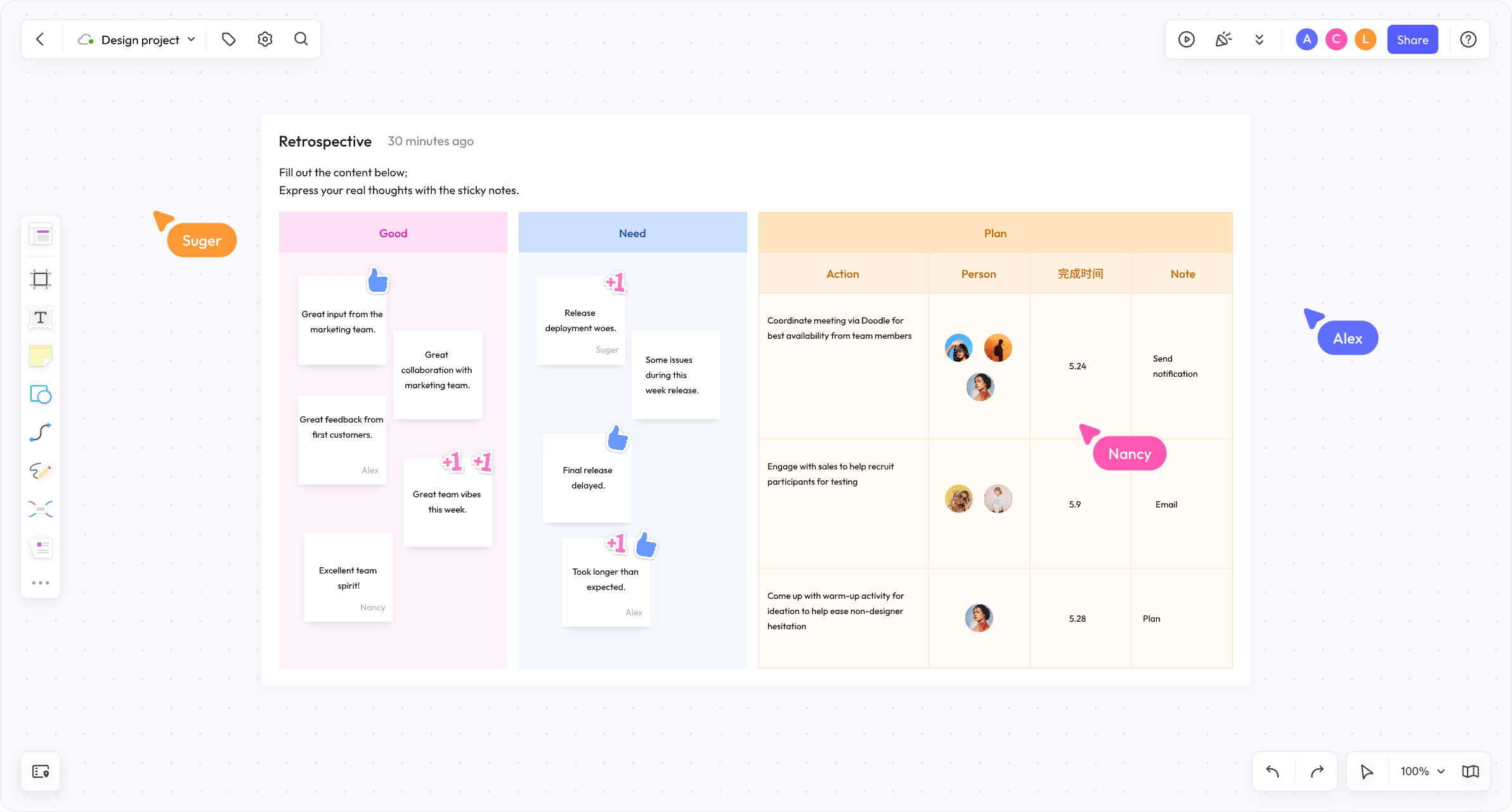
- Retrospective Support: Integrated features such as anonymous feedback boards or voting systems allow teams to document and track actionable items derived from sprint retrospectives.
Comparative Analysis of Scrum Management Tools
Selecting the right tool depends on your team’s size, existing tech stack, and the specific nuance of your Scrum adoption. Below is a comparison of major platforms currently utilized by engineering teams.
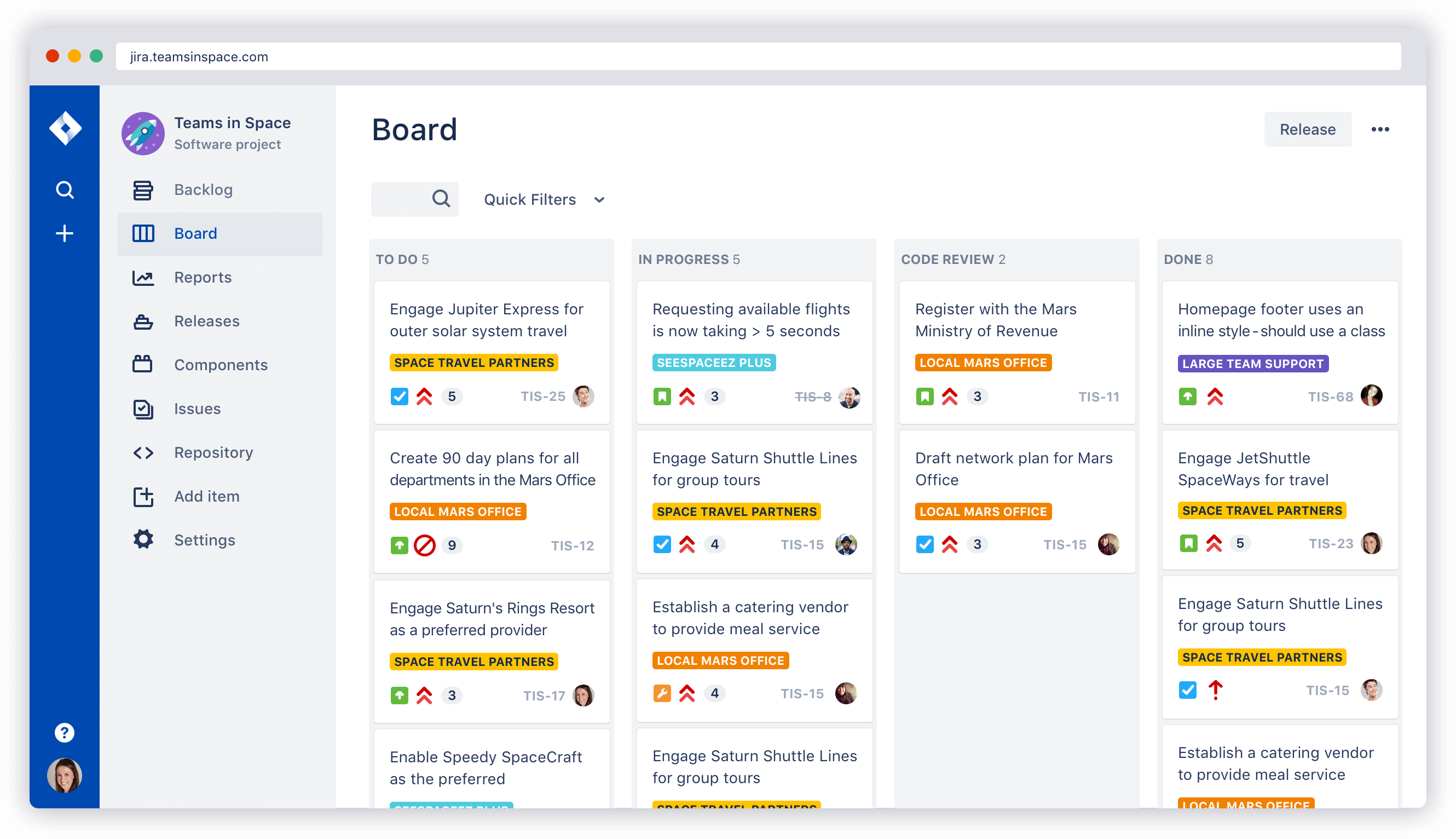
| Feature | Jira Software | Linear | Trello | Azure DevOps |
|---|---|---|---|---|
| Best For | Large Enterprises | High-growth Startups | Small/Simple Teams | Microsoft-centric Teams |
| Scrum Depth | Native/Extensive | Moderate/Speed-focused | Plugin-dependent | Native/Deep |
| Complexity | High | Low | Low | Medium-High |
| Integrations | Extensive | Focused/Dev-centric | Basic | Native/Azure Cloud |
Implementation and Governance
Implementing scrum board software is rarely a purely technical task; it is an organizational shift that requires clear governance. The most common pitfall for modern teams is "tool clutter," where the software becomes a administrative burden rather than a facilitator of work.
To maintain effectiveness, teams should follow these implementation pillars:
- Define the Workflow: Before configuring the software, clearly define the "Definition of Done" (DoD). If the column headers in your software do not match your team’s actual process, the board will quickly become inaccurate.
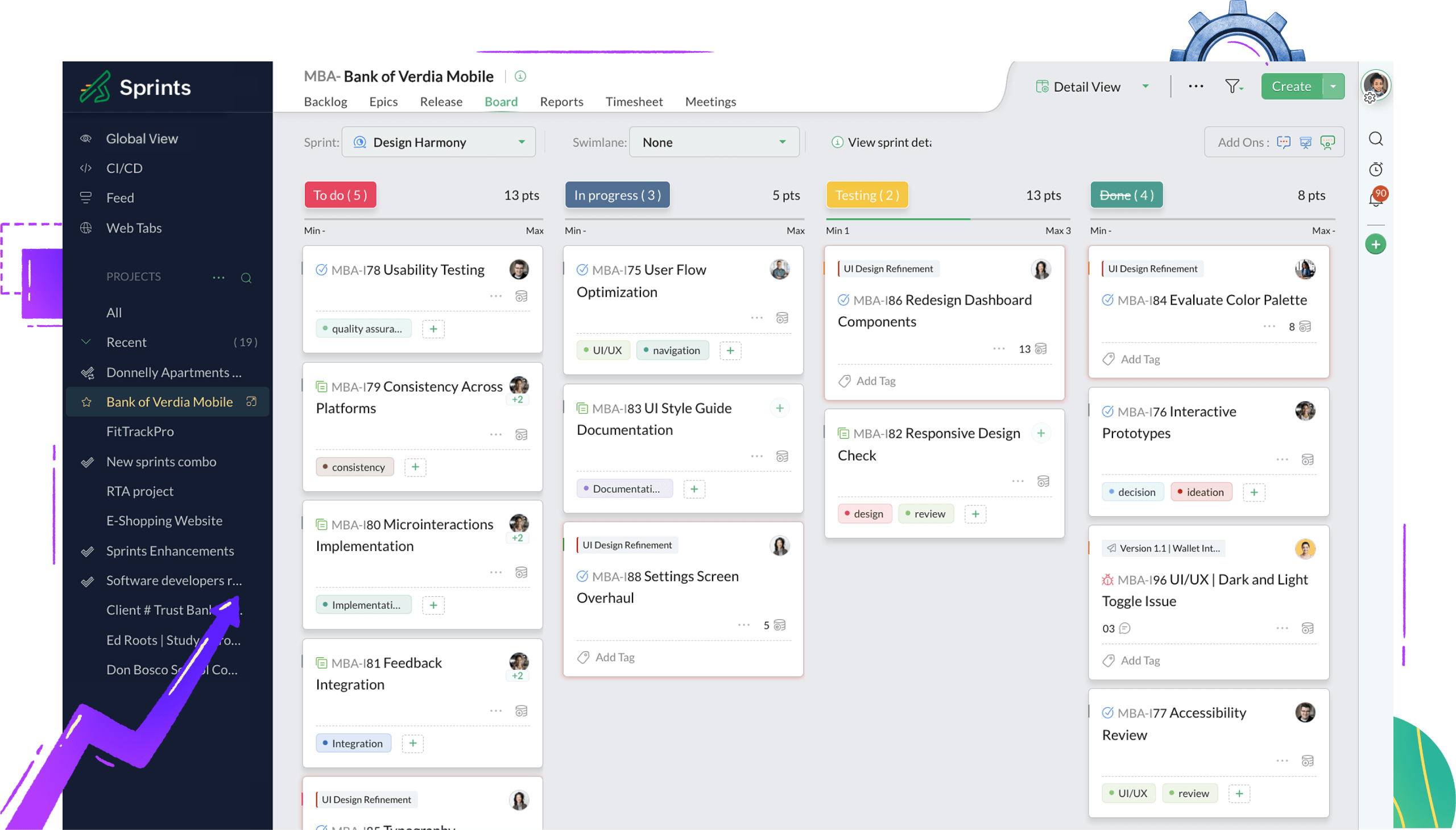
- Enforce Work in Progress (WIP) Limits: Use the software’s constraints to limit the number of active cards in a "In Progress" column. This prevents context switching and encourages team members to swarm on blockers.
- Regular Maintenance: Product Owners must perform backlog grooming frequently. A board filled with stale, out-of-date tickets creates "noise" that obscures the team’s current focus.
- Audit Data Accuracy: Ensure that status updates occur in real-time. If the board is updated only during the Daily Scrum, the team loses the benefit of ongoing transparency.
Common Challenges and Troubleshooting
Even with robust software, teams often encounter bottlenecks in their digital processes.
- The "Zombie" Card: Tickets that stay in progress for multiple sprints often indicate poorly defined user stories or unexpected technical complexity. Resolution: Move these cards back to the backlog for re-estimation or splitting during the next refinement session.
- Communication Silos: Relying solely on the board for communication leads to a lack of human context. Resolution: Use the board to visualize the work, but ensure that synchronous communication happens during the Daily Scrum to discuss the "why" behind blockers.
- Over-Customization: Attempting to force every team’s unique workflow into a complex software configuration often leads to abandoned tools. Resolution: Keep the board simple initially and add complexity only as the team demonstrates a need for specific metrics or automation.
Frequently Asked Questions
Is a Scrum board the same as a Kanban board? No. While they share a visual style, a Scrum board is managed by time-boxed iterations (Sprints), whereas a Kanban board is generally focused on a continuous flow of work. Scrum software emphasizes sprint goals and velocity, while Kanban software emphasizes cycle time and throughput.
How do we handle technical debt in our Scrum software? Technical debt should be treated as a first-class citizen in the product backlog. Assign a specific percentage of capacity per sprint to debt items, or create a dedicated "Technical Debt" tag/label to ensure these tasks are tracked alongside new features.
Can we use general project management software for Scrum? You can, but general tools often lack the native ability to track velocity, manage sprint dates, and generate burn-down charts. If you use a general-purpose tool, you will likely need to perform manual reporting, which increases the administrative overhead on the Scrum Master.
What is the impact of automation on the Daily Scrum? Automation (such as auto-moving cards based on pull requests) allows the team to spend the Daily Scrum discussing blockers and goals rather than updating the status of individual tickets. It shifts the meeting from a "status update" to a "strategy session."
How do we ensure cross-team transparency with these tools? Most enterprise scrum software offers "Plan" or "Roadmap" views that aggregate data from multiple individual team boards into a high-level view. This allows management to see progress toward major milestones without interrupting the team’s daily flow.
Next Steps for Implementation
To begin, audit your current team’s workflow and identify the most significant "pain point"—whether it is lack of visibility, poor backlog prioritization, or disconnected developer updates. Select a platform that specifically addresses this bottleneck. Start by modeling your existing workflow exactly as it is, then use the first two sprints to iterate on the configuration before adding complex automation or advanced integrations.
Image Gallery