Choosing the Right Two-Factor Authentication Solution for 2026
A two-factor authentication (2FA) solution is a security framework that requires users to provide two distinct forms of identification to access an account or system. In 2026, these solutions are the baseline for digital identity prote...
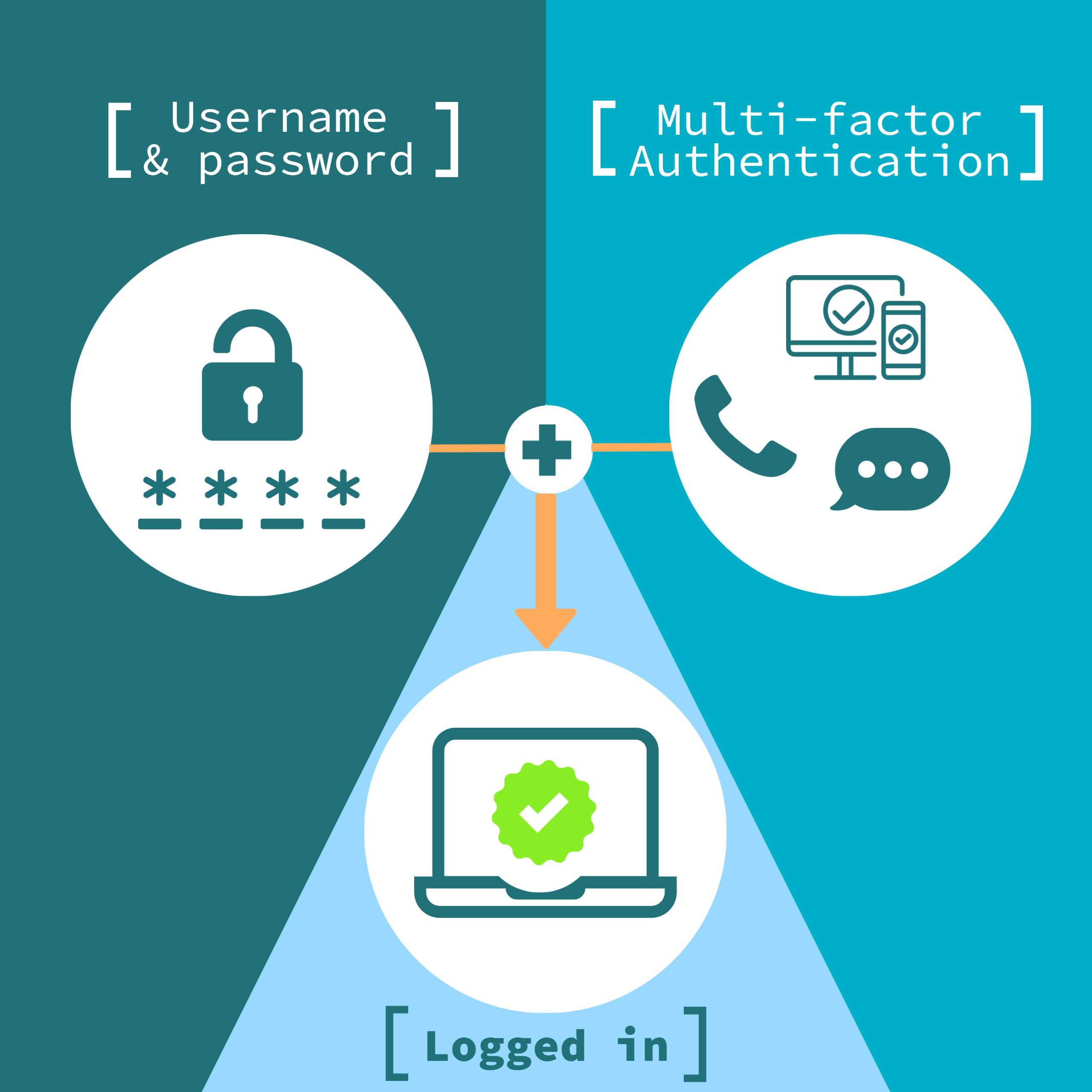
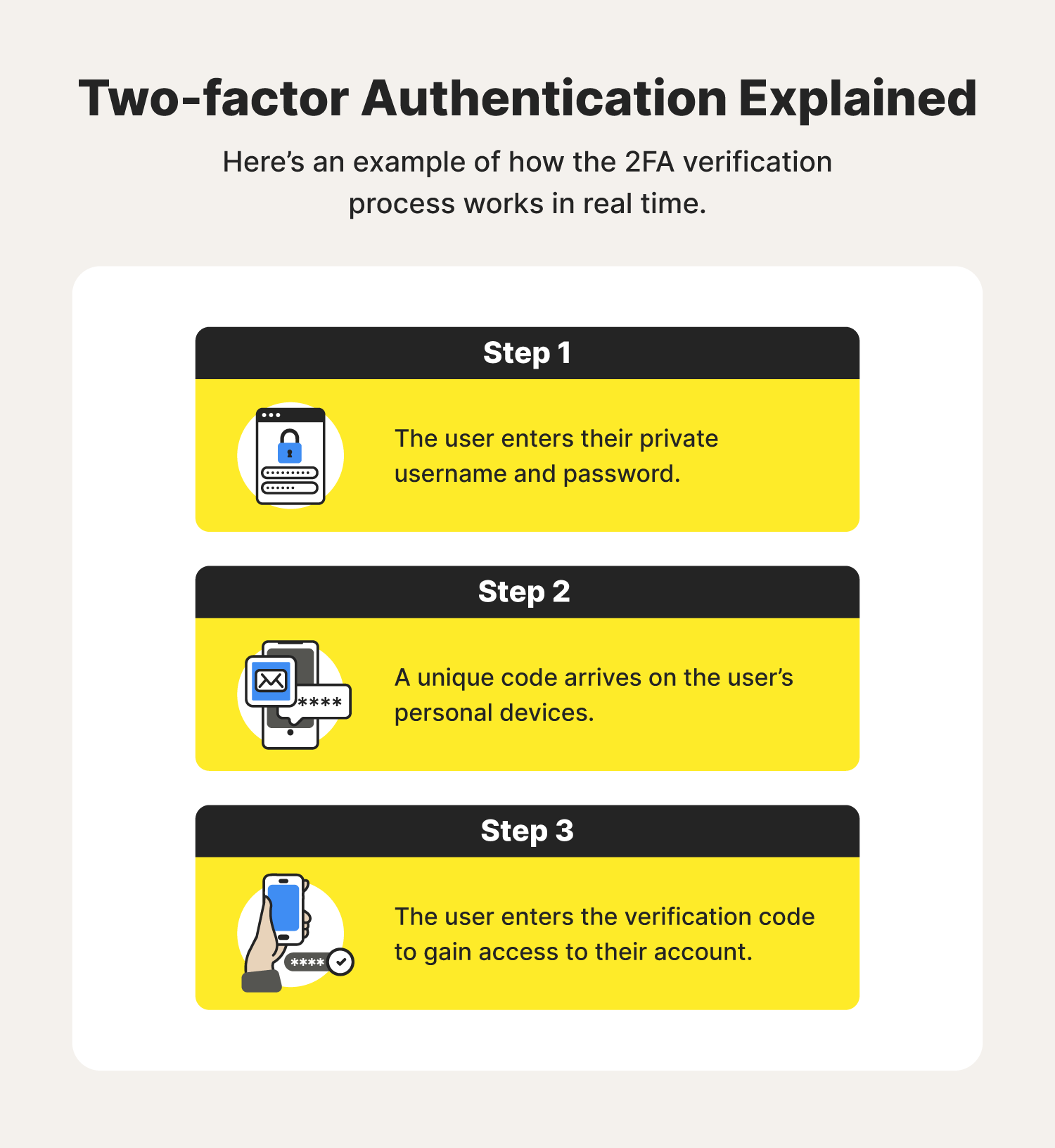
A two-factor authentication (2FA) solution is a security framework that requires users to provide two distinct forms of identification to access an account or system. In 2026, these solutions are the baseline for digital identity protection, effectively neutralizing risks from stolen passwords by requiring a second, independent verification step such as a hardware token, biometric scan, or mobile-based approval.
Contents
The Critical Role of 2FA Solutions in Modern Cybersecurity
As we navigate 2026, the reliance on traditional alphanumeric passwords has nearly vanished in enterprise environments. The rise of sophisticated AI-driven phishing and automated credential stuffing attacks has made single-factor authentication obsolete. A robust two-factor authentication solution acts as a vital gatekeeper, ensuring that even if a primary password is leaked, the secondary factor remains a barrier that is significantly harder to bypass.
Modern 2FA has evolved beyond simple text-message codes. Today’s solutions focus on phishing resistance, user experience (UX), and seamless integration into Identity and Access Management (IAM) ecosystems. For businesses, implementing a 2FA solution is no longer just a "best practice"; it is often a requirement for obtaining cyber insurance and maintaining compliance with global data protection standards.
The Three Pillars of Authentication Factors
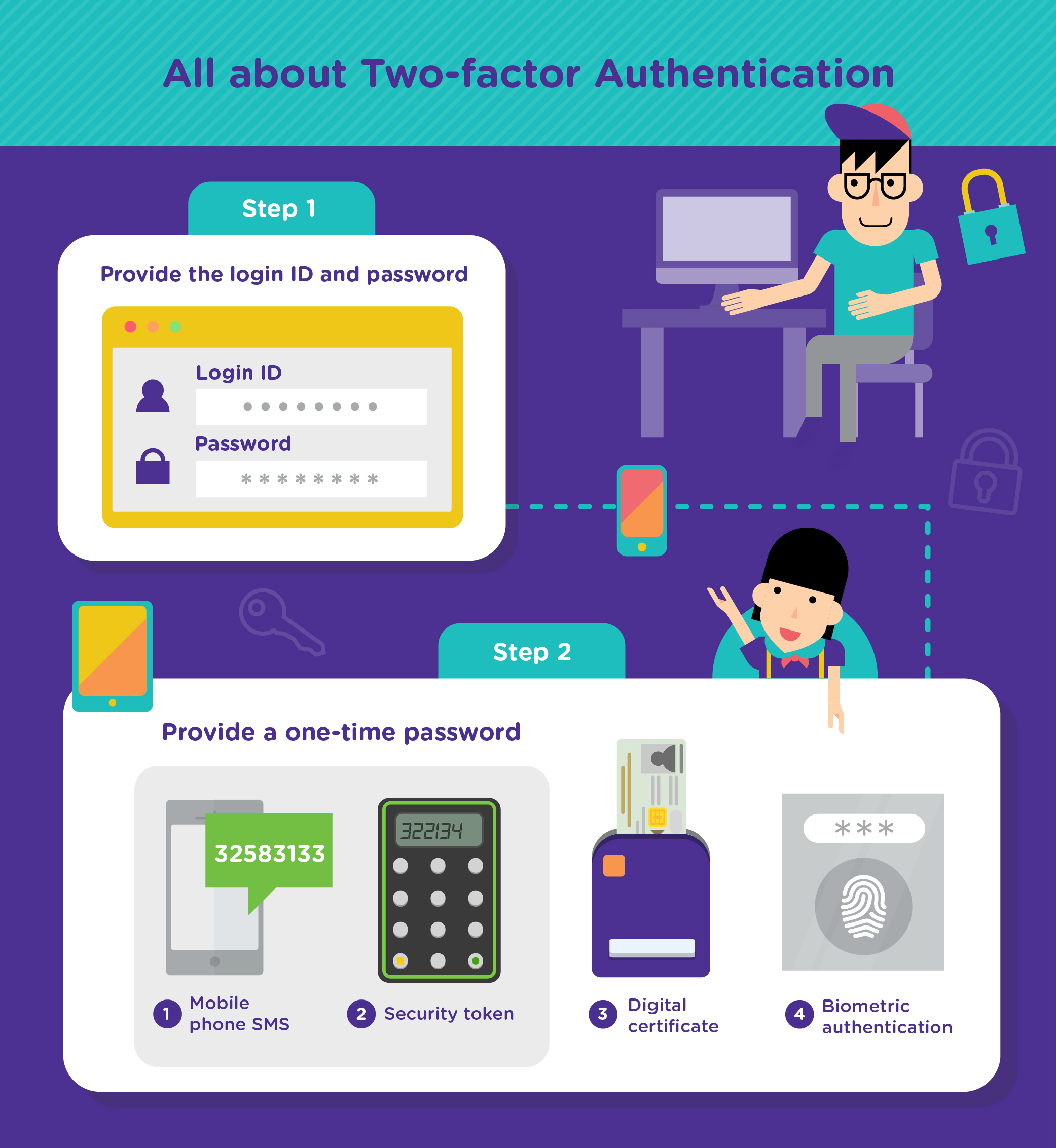
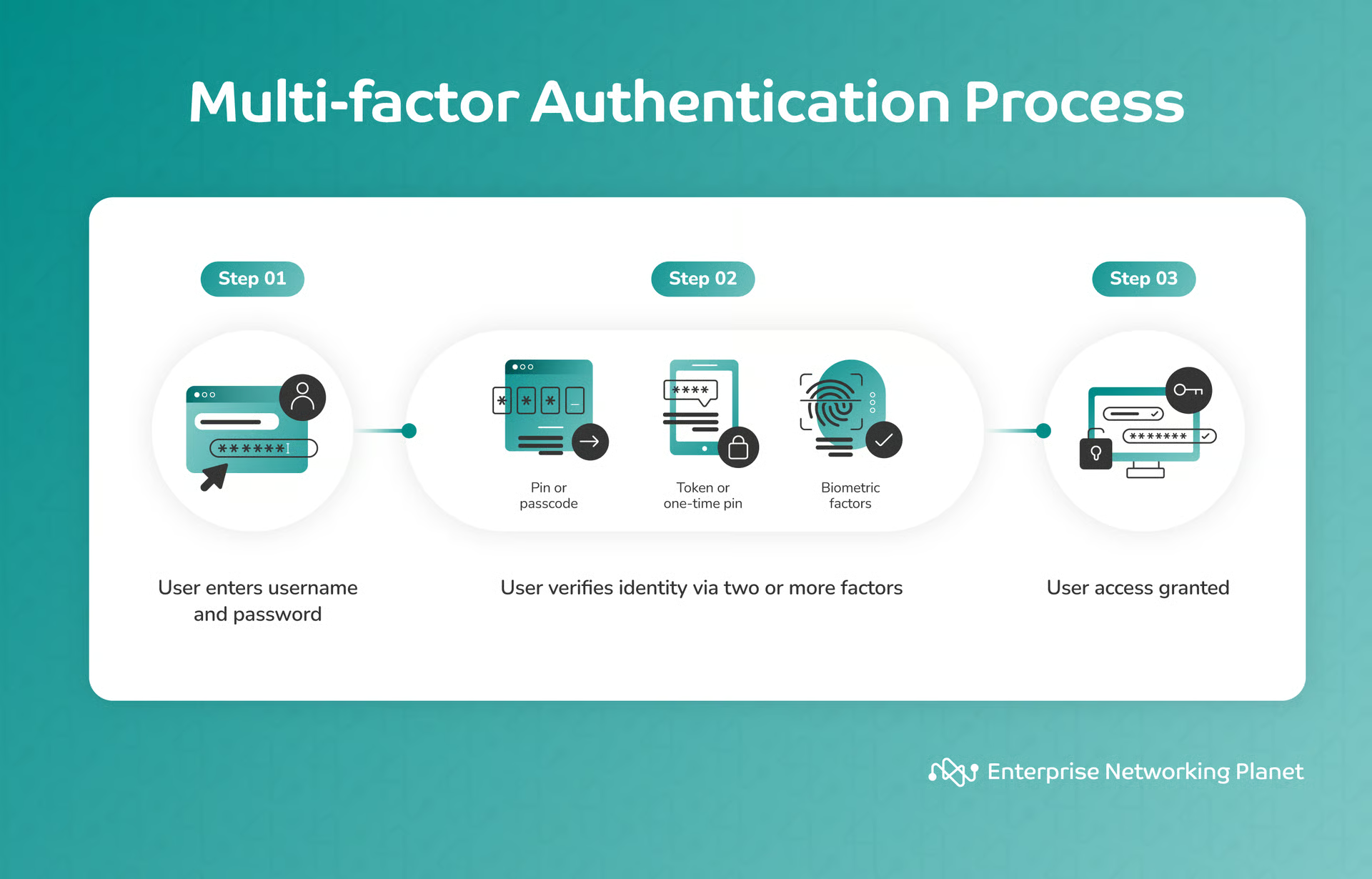
To understand how a 2FA solution functions, it is essential to categorize the types of "factors" used to verify an identity. A true 2FA implementation must combine two factors from different categories:
- Something You Know (Knowledge): This is typically a password, a PIN, or the answer to a secret question. While the weakest on its own, it remains the most common primary factor.
- Something You Have (Possession): This includes physical items like a smartphone, a hardware security key (e.g., YubiKey), or a smart card.
- Something You Are (Inherence): This refers to biometrics, such as fingerprints, facial recognition, or iris scans.
A solution that requires two passwords is technically "multi-step" but not "two-factor," as both factors reside in the "Knowledge" category. For a solution to be effective, it must bridge two of these pillars to ensure that a compromise in one medium (like a digital database of passwords) does not automatically compromise the other (like a physical device in the user's pocket).
Evaluating Different Types of 2FA Solutions
Not all 2FA solutions offer the same level of security or convenience. In 2026, the industry distinguishes between "legacy" 2FA and "modern, phishing-resistant" 2FA.
SMS and Voice-Based Authentication
Once the standard, SMS-based 2FA is now considered a "fallback" or "legacy" method. It relies on the cellular network to deliver a One-Time Password (OTP). While better than no 2FA, it is vulnerable to SIM swapping and interception via SS7 protocol exploits. Most security-conscious organizations have migrated away from SMS in favor of more secure alternatives.
Time-based One-Time Password (TOTP) Apps
Applications like Google Authenticator, Microsoft Authenticator, and Authy generate a six-to-eight-digit code that changes every 30 seconds. These are based on the RFC 6238 standard. They are more secure than SMS because the "seed" for the code generation is stored locally on the device. However, they can still be defeated by "man-in-the-middle" (AiTM) phishing attacks where a user is tricked into typing the code into a fake login page.
Push-Based Authentication
This method involves a mobile app sending a notification to the user’s smartphone. The user simply taps "Approve" or "Deny." Modern versions of this, often called "Verified Push," require the user to enter a number displayed on the login screen into the app. This prevents "MFA fatigue" attacks, where attackers spam a user with requests until they accidentally hit "Approve."
FIDO2 and Hardware Security Keys
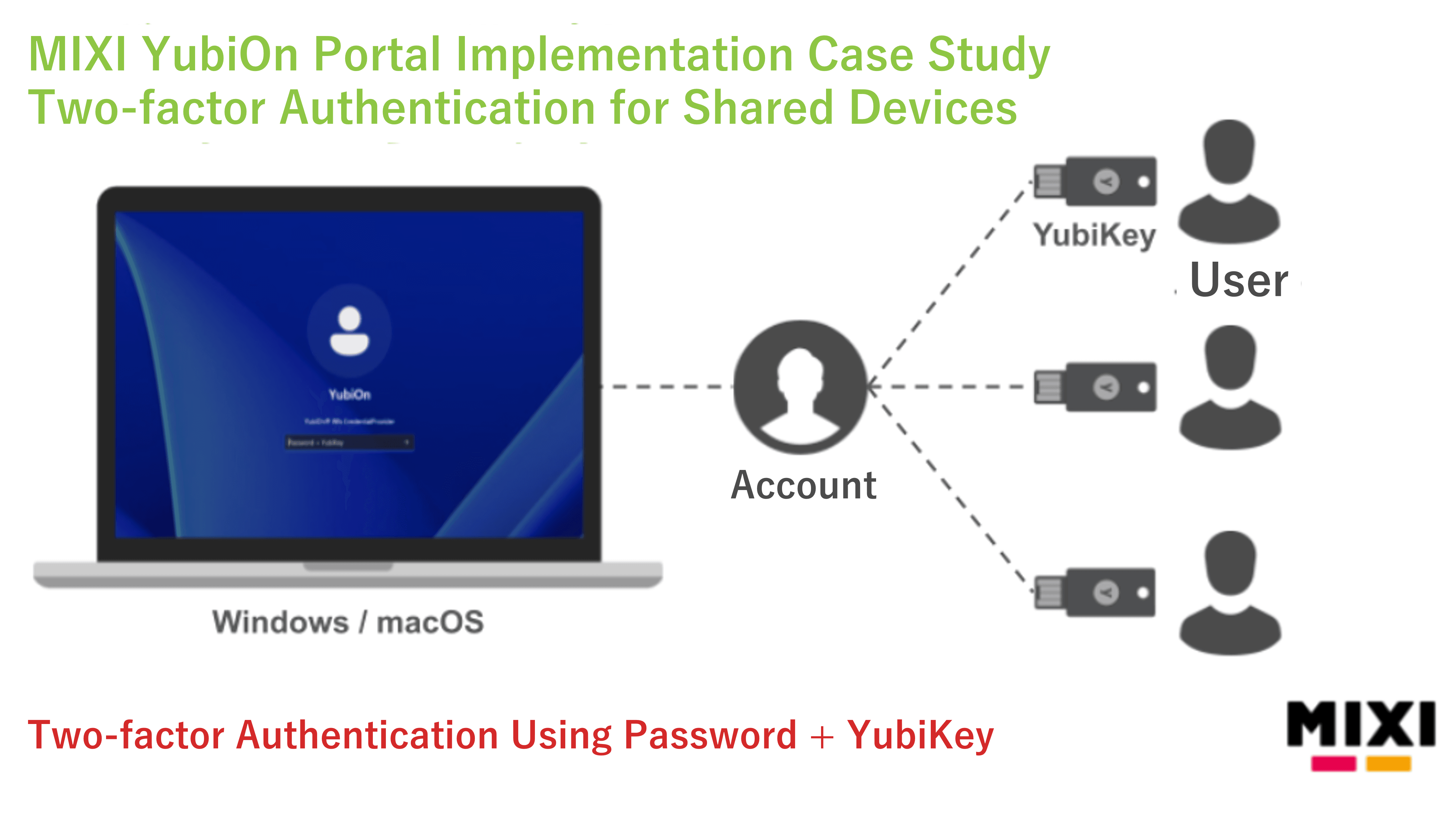
The gold standard in 2026 is FIDO2/WebAuthn. Hardware keys, such as those produced by Yubico, provide the highest level of security. These devices use public-key cryptography to verify the user. Because the hardware key communicates directly with the browser and checks the origin of the website, it is virtually impossible to phish. If a user is on a fraudulent site, the hardware key will simply refuse to authenticate.
Comparative Analysis of 2FA Implementation Methods
| Method | Security Level | User Friction | Phishing Resistance | Primary Use Case |
|---|---|---|---|---|
| SMS / Voice | Low | Very Low | None | Low-risk consumer apps |
| TOTP Apps | Medium | Medium | Low | General personal accounts |
| Push Notification | Medium-High | Low | Medium | Corporate workforce access |
| FIDO2 Hardware | Very High | Medium | High | High-value targets / Admins |
| Biometrics | High | Very Low | Medium-High | Mobile banking & local login |
Strategic Implementation for Enterprises
For organizations looking to deploy a 2FA solution, the process involves more than just picking a vendor. It requires a tiered strategy based on user risk profiles.
Assessing the Infrastructure
Before deployment, IT departments must verify that their current systems support standard protocols like SAML 2.0, OIDC (OpenID Connect), or RADIUS. If the organization uses legacy on-premises software that does not support these protocols, they may need an "authentication proxy" to bridge the gap.
User Enrollment and Onboarding
The "bootstrap" phase is the most vulnerable time for an account. A robust solution must have a secure way to verify a user's identity before they register their 2FA device. Many enterprises now use "Identity Verification" services that scan government IDs or use pre-verified corporate credentials to prevent attackers from registering their own devices during the setup phase.
Recovery and Backup Strategies
The most common point of failure for 2FA solutions is the "lost phone" or "broken key" scenario. A professional solution must include secure recovery workflows. This might involve:
- Backup Codes: A set of one-time-use static codes stored in a physical safe.
- Secondary Device Registration: Encouraging users to register both a mobile app and a hardware key.
- Administrative Override: A strictly audited process where IT can temporarily bypass 2FA after multi-step identity verification.
Regulatory Compliance and 2FA
In 2026, global regulations have become prescriptive regarding 2FA. The NIST Digital Identity Guidelines (800-63B) provide the framework that many other regulations follow.
- GDPR (Europe): While not explicitly naming "2FA," the requirement for "state-of-the-art" security measures effectively mandates it for protecting personal data.
- HIPAA (Healthcare): Requires secure access to Electronic Protected Health Information (ePHI), which 2FA solutions provide.
- PCI DSS 4.0: Mandates multi-factor authentication for all access into the Cardholder Data Environment (CDE).
Failing to implement a robust 2FA solution can lead to significant legal liabilities and the denial of insurance claims following a breach.
Common Mistakes in 2FA Deployment
Even with the best tools, implementation errors can leave gaps. One common mistake is "Partial Coverage," where 2FA is required for email but not for the VPN or the cloud-based HR portal. Attackers always look for the path of least resistance.
Another significant error is Self-Service Recovery vulnerabilities. If an attacker can reset a 2FA requirement by simply answering "What was your high school mascot?", the 2FA solution is only as strong as that weak security question. Recovery must be as secure as the authentication itself.
Lastly, organizations often overlook User Friction. If a 2FA solution is too cumbersome, employees will find "shadow IT" workarounds or petition for exemptions. Choosing a solution that supports "Passkeys"—the industry’s move toward passwordless, 2FA-integrated logins—can significantly improve adoption rates by allowing users to authenticate using their device’s native biometrics.
FAQ
What is the difference between 2FA and MFA?
Two-factor authentication (2FA) is a subset of Multi-Factor Authentication (MFA). 2FA requires exactly two factors, while MFA requires two or more. In modern technical parlance, the terms are often used interchangeably, but MFA is the more accurate term for enterprise environments where three or more factors might be used for high-security transactions.
Can 2FA be hacked?
Yes, but it is significantly harder than hacking a password. Most 2FA "hacks" are actually social engineering attacks, such as "MFA Fatigue" (bombarding a user with push requests) or "AiTM Phishing" (proxying the 2FA code in real-time). Hardware keys using the FIDO2 standard are the only widely available solution currently resistant to these specific types of attacks.
Is biometric data stored by the 2FA provider?
In modern, privacy-respecting 2FA solutions, biometric data (like a fingerprint or face map) never leaves the user's device. Instead, the device performs the biometric check locally and then sends a digital "signed" confirmation to the 2FA provider. This ensures that even if the 2FA vendor is breached, they do not have a database of users' fingerprints.
Should I use an authenticator app or SMS?
Whenever possible, you should choose an authenticator app or a hardware key over SMS. SMS is vulnerable to SIM swapping, where an attacker convinces a mobile carrier to move your phone number to their SIM card, allowing them to intercept your 2FA codes.
What happens if I lose my 2FA device?
If you lose your 2FA device, you must use your pre-generated recovery codes or contact your system administrator. For personal accounts, most services offer a recovery process that may take several days to verify your identity before granting access.
Recommendation for Next Steps
To implement or upgrade your two-factor authentication solution, begin by auditing your current "Identity Surface." Identify every application that contains sensitive data and determine which ones currently lack MFA.
For 2026, the recommended path is to adopt a FIDO2-first strategy. Start by deploying hardware keys for high-risk users (IT admins, executives, and HR) and move toward "Passkey" adoption for the general workforce to eliminate the reliance on passwords entirely. Ensure your chosen vendor supports "Conditional Access" policies, which allow you to step up authentication requirements based on the user's location, device health, and login behavior.
Image Gallery