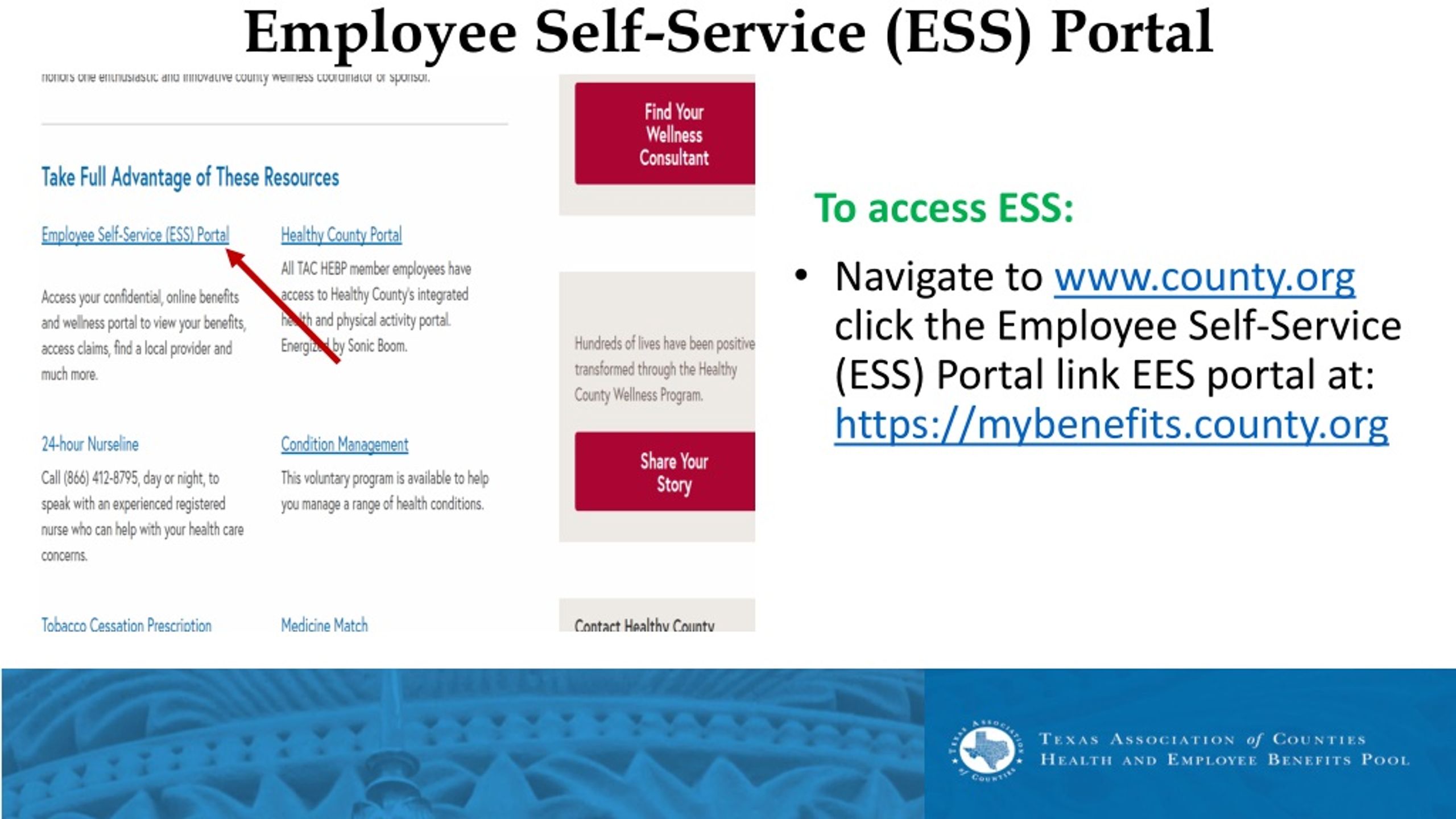
Accessing the Jeffco Employee Self-Service (ESS) Portal in 2026
Employees of Jefferson County Public Schools (Jeffco) can securely access their payroll, benefits, and personal employment records through the official Employee Self-Service (ESS) portal. By visiting the district's centralized authenti...
Employees of Jefferson County Public Schools (Jeffco) can securely access their payroll, benefits, and personal employment records through the official Employee Self-Service (ESS) portal. By visiting the district's centralized authentication page, staff members utilize their district-issued credentials to manage electronic pay stubs, update tax withholdings, and view active benefits packages in a secure, encrypted environment.
Contents
Understanding the Jeffco ESS Framework for Staff
The Employee Self-Service (ESS) system functions as the primary digital interface for Jeffco staff to interact with Human Resources and Payroll departments. As of 2026, the portal remains the backbone for workforce management, ensuring that sensitive personal data remains protected while offering employees autonomy over their administrative tasks. Understanding how this system integrates with the broader Jefferson County Public Schools network is essential for maintaining consistent access throughout the fiscal year.
The system is designed to provide real-time updates regarding employment status, compensation history, and benefits enrollment. Because this platform houses PII (Personally Identifiable Information), it is governed by strict cybersecurity protocols. Users must be aware that the login portal is specifically for active employees; retired staff or former employees may need to utilize different channels, such as the district’s archived record systems or specific retirement benefit portals, to retrieve tax documentation like W-2s.
Prerequisites for Successful Portal Authentication
Before attempting to log in, ensure your system meets the minimum requirements to maintain security and avoid connection errors. The district utilizes Single Sign-On (SSO) technology, which synchronizes your ESS access with your primary district account credentials.
- Active Network Account: Your login credentials must be current. If your district password has expired or is nearing expiration, the ESS portal may deny access.
- Supported Browsers: Use updated versions of modern browsers such as Google Chrome, Mozilla Firefox, or Microsoft Edge. Ensure that cookies and JavaScript are enabled for the district's domain.
- Multi-Factor Authentication (MFA): Jeffco employs MFA to prevent unauthorized access. Ensure your registered mobile device or authentication app is ready to receive your verification code.
- Network Connectivity: If you are accessing the portal from an external network, ensure you are not behind a restrictive firewall that blocks standard authentication traffic.
Step-by-Step Login Procedure for 2026
Following the correct login sequence prevents common locking issues and ensures you are directed to your unique employee dashboard.
- Navigate to the Official Source: Always access the login page through the official Jeffco public school website or your district-issued bookmark. Avoid clicking links in unsolicited emails.
- Enter Credentials: Input your district username and password in the provided fields. Your username typically follows the standard district format.
- Verify Identity: Upon successful password entry, you will be prompted for your MFA token. Confirm this on your secondary device immediately.
- Dashboard Verification: Once authenticated, the landing page will display your primary dashboard. If you encounter a "403 Forbidden" or "Access Denied" error, verify that your account status is still marked as "Active" in the district system.
Troubleshooting Common Access Barriers
Technical friction during the login process is often related to synchronization delays or credential expiration. The table below outlines the most common issues encountered by staff in 2026 and their corresponding resolutions.
| Issue | Potential Cause | Resolution |
|---|---|---|
| Login Timeout | Expired session or inactivity | Clear browser cache and restart browser. |
| MFA Failure | Incorrect device or network delay | Ensure time/date on device is set to "Automatic." |
| "Invalid Credentials" | Password expiration | Use the district password recovery tool to reset. |
| Blank Dashboard | Browser script conflict | Disable ad-blockers or try an Incognito/Private window. |
| Account Locked | Too many failed attempts | Contact the IT Help Desk to unlock the account. |
Security Advisory for Employees
Maintaining the integrity of your Jeffco ESS account is a critical responsibility. Never share your password with colleagues or supervisors. If you suspect your account has been compromised, or if you receive an unexpected MFA prompt when you are not attempting to log in, report the incident to the Jeffco IT security department immediately to initiate a credential reset and account audit.
Navigating Payroll and Benefits within ESS
Once inside the portal, the interface is organized into distinct modules. Employees frequently access these areas to maintain compliance with federal and state tax laws.
- Payroll Records: Access historical pay stubs and direct deposit settings. During tax season, this is where you will download your official electronic W-2 forms.
- Benefits Enrollment: Manage health, dental, and vision elections. In 2026, the district continues to offer various plans; this module allows for mid-year status changes following life events.
- Personal Profile: Ensure your current home address, emergency contacts, and tax filing status are accurate. Discrepancies here can lead to delays in tax documentation or benefits processing.
Frequently Asked Questions
Why am I unable to see my pay stubs after logging in?
This is usually caused by a browser display issue or a temporary synchronization lag between the payroll database and the ESS interface. Ensure your browser is not blocking pop-ups from the portal, as pay stubs often open in a new, secure window.
Does the Jeffco ESS portal support mobile access?
Yes, the portal is responsive and accessible via mobile browsers. However, for complex tasks like benefits enrollment, using a desktop or laptop is recommended to ensure all interactive elements and disclosures are fully visible and clickable.
What should I do if I am a former employee needing a W-2?
Former employees should not use the standard staff ESS login. Instead, contact the district payroll department via the official human resources office phone number or email to request a secure delivery of your tax documents through verified, non-portal channels.
How often should I update my district password for ESS access?
The district security policy dictates periodic password rotations. You will receive an automated notification when your password is nearing its mandatory update cycle. It is best practice to update it via the official district portal before expiration to avoid being locked out of ESS.
Can I change my tax withholding status through the portal?
Yes, the ESS portal provides a secure mechanism to update your W-4 tax withholdings. Changes made here will be processed by the payroll department according to the district’s standard payroll calendar cycles.
Maintaining Administrative Compliance
For all employees, the ESS portal is more than a convenience; it is the official record of your employment relationship with Jeffco. By proactively managing your profile and verifying the accuracy of your personal and financial information, you ensure that benefits, tax withholdings, and pay distributions remain accurate. Should you experience persistent technical difficulties that the standard troubleshooting steps cannot resolve, reach out to the Jeffco IT Help Desk or your department’s administrative liaison. Always ensure you are engaging with official district personnel when requesting password resets or account modifications to avoid potential phishing attempts.
Image Gallery