Comprehensive Guide to Software Customer Databases in 2026
A software customer database is a structured digital repository used by businesses to store, manage, and analyze information about their clients and prospects. By centralizing contact details, purchase histories, and interaction record...
A software customer database is a structured digital repository used by businesses to store, manage, and analyze information about their clients and prospects. By centralizing contact details, purchase histories, and interaction records, organizations can deliver personalized experiences, automate marketing workflows, and improve customer retention through data-driven insights.
Contents
Understanding the Modern Software Customer Database
In 2026, the concept of a software customer database has evolved far beyond the simple digital Rolodex. It serves as the "Single Source of Truth" (SSOT) for an entire organization, ensuring that sales, marketing, and support teams are looking at the same real-time data. A modern database doesn't just store static names and addresses; it captures dynamic intent, behavioral triggers, and lifecycle stages across multiple digital touchpoints.
The primary function of this software is to facilitate meaningful relationships at scale. For a small business, this might mean remembering a client’s last order to provide a personalized discount. For a global enterprise, it involves orchestrating complex data streams from mobile apps, websites, physical stores, and customer service bots into a unified profile. This structural organization is what allows businesses to move from reactive support to proactive engagement.
Core Data Categories
To be effective, a customer database must categorize information into manageable segments. Most professional systems today focus on four primary pillars:
- Identity Data: This includes foundational details such as names, email addresses, phone numbers, and social media handles. In B2B contexts, this extends to company names, job titles, and organizational hierarchies.
- Quantitative Data: This covers transactional records, such as what products were purchased, the frequency of renewals, and the average order value. It also includes behavioral data like website visits, email open rates, and software login frequency.
- Qualitative Data: This is more descriptive, captured through surveys, feedback forms, and customer service transcripts. It helps businesses understand "the why" behind customer actions—their motivations, pain points, and preferences.
- Zero-Party Data: Increasingly critical in 2026 due to privacy regulations, this is data that a customer intentionally and proactively shares with a brand, such as communication preferences or specific interests.
Types of Customer Database Software
Choosing the right software depends heavily on your business model and the complexity of your data. While many use the terms "database" and "CRM" interchangeably, there are distinct technical categories to consider.
Customer Relationship Management (CRM)
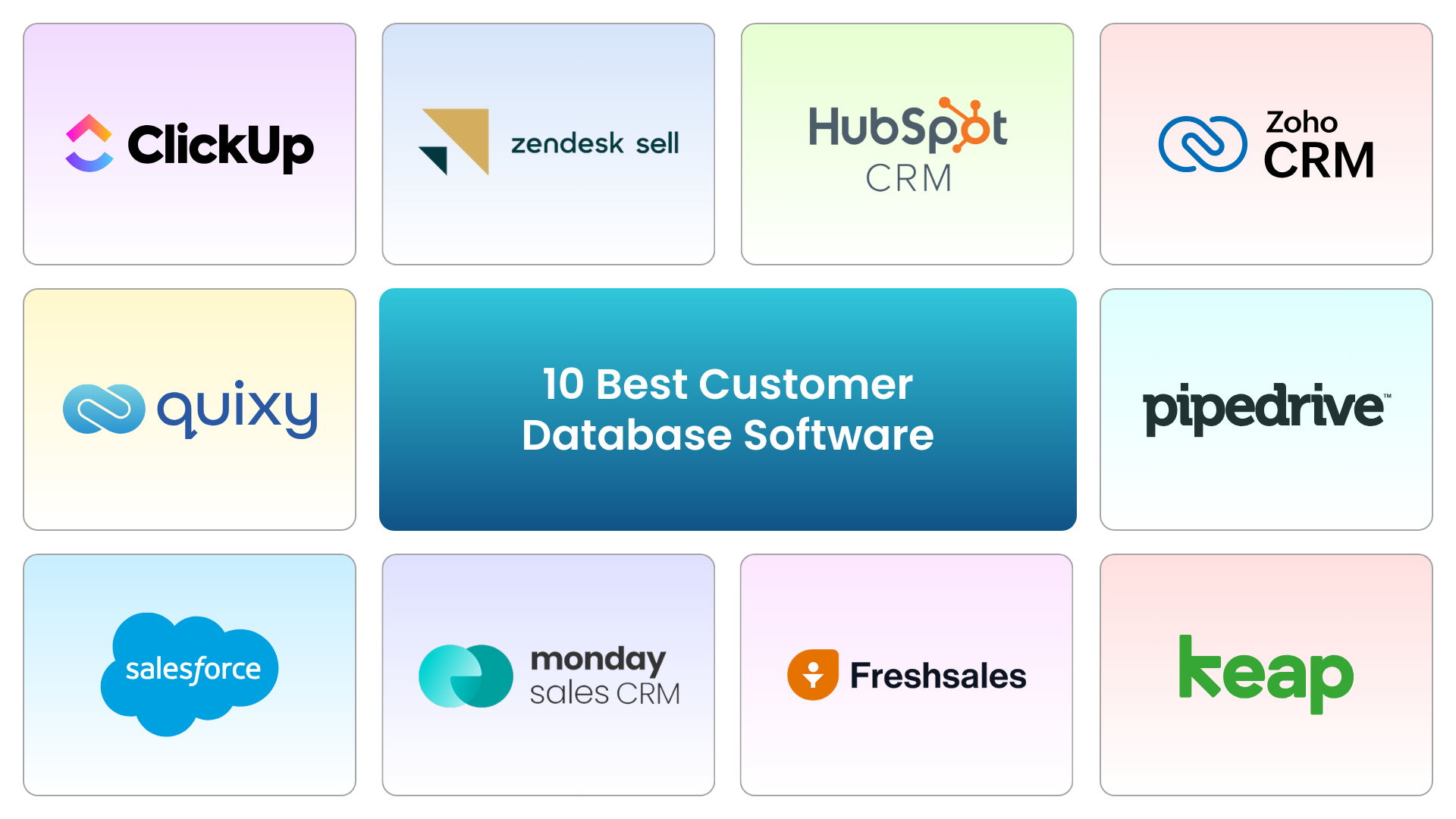
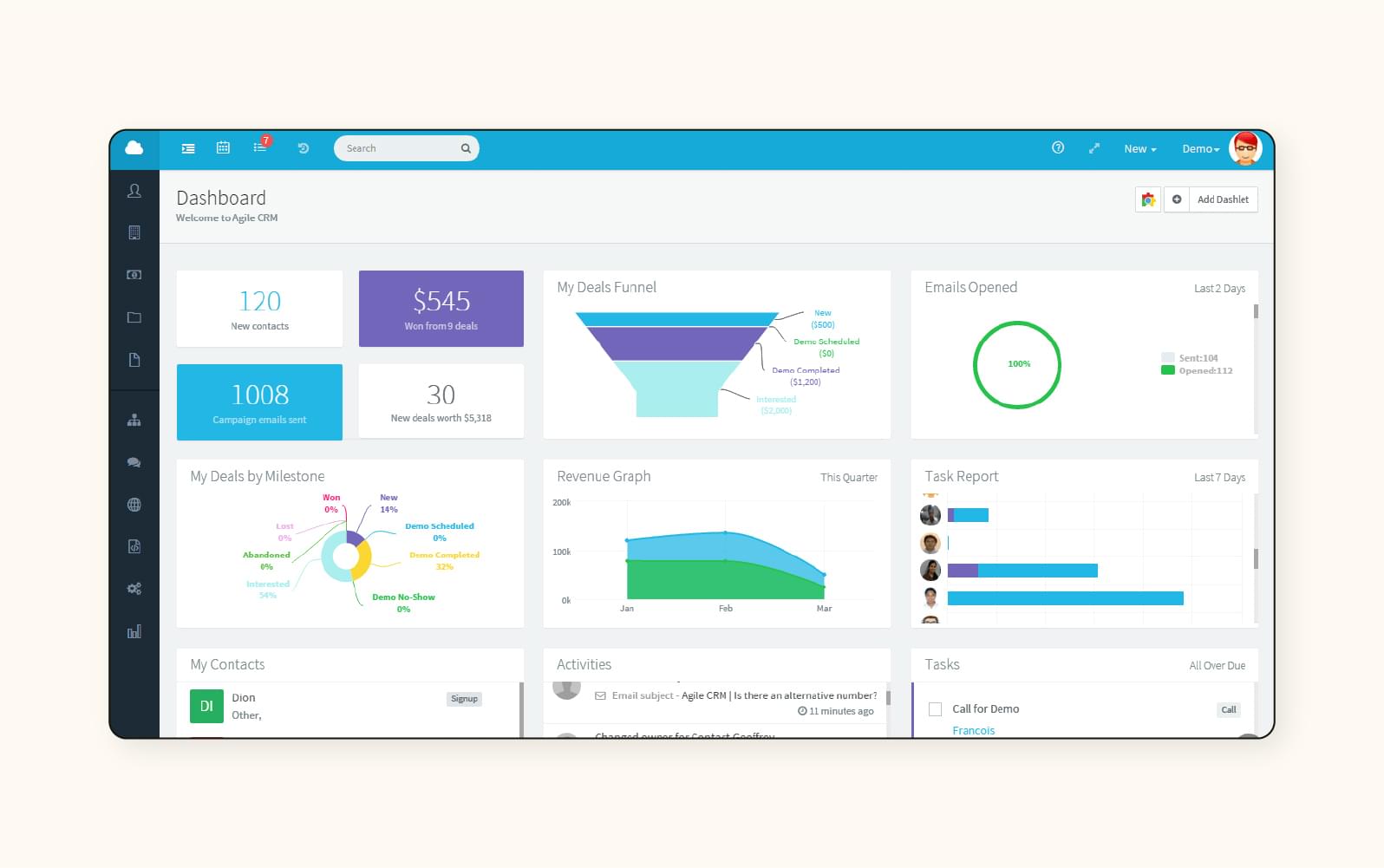
CRMs like Salesforce or HubSpot are the most common interface for customer databases. They are designed specifically for relationship management, offering built-in tools for pipeline tracking, automated emailing, and task reminders. They are ideal for sales-driven organizations where human interaction is a primary driver of revenue.
Customer Data Platforms (CDP)
A CDP is more advanced than a standard CRM. It is designed to ingest data from hundreds of different sources, clean it, and unify it into a persistent, single customer view. While a CRM focuses on sales interactions, a CDP focuses on marketing data and technical integrations, making it essential for high-volume e-commerce and SaaS brands.
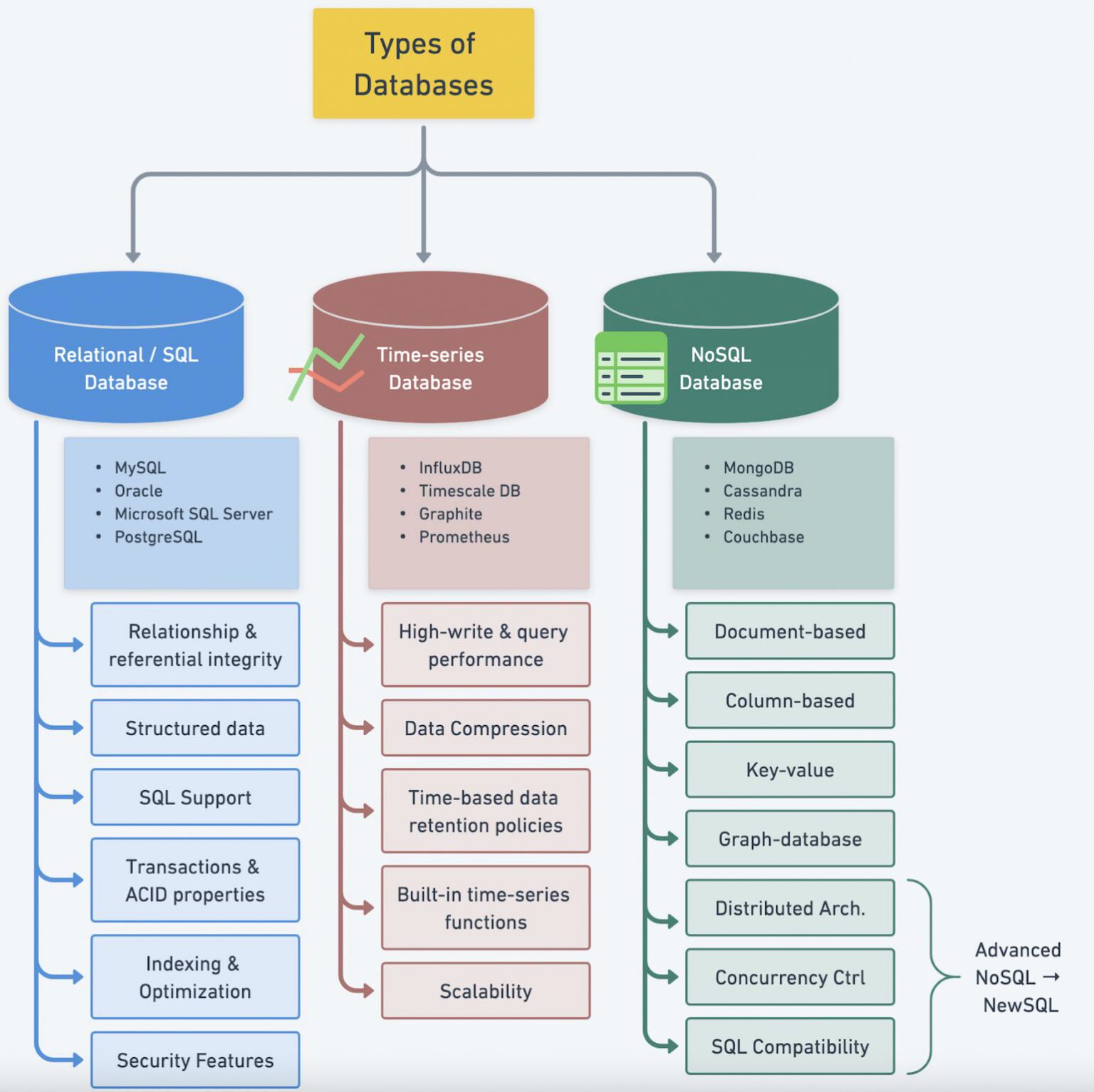
Relational and Non-Relational Databases
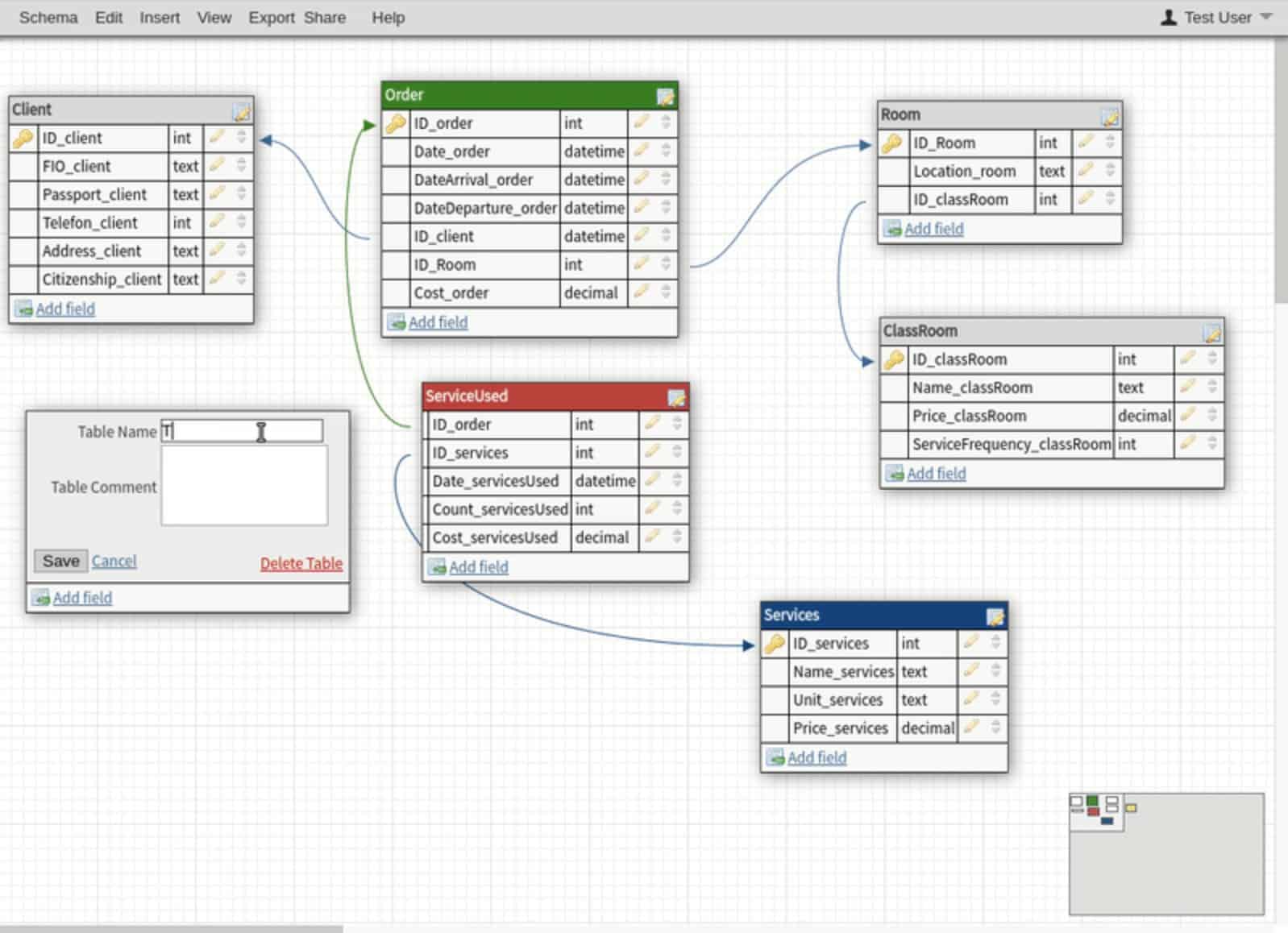
For organizations with highly specialized needs, building a custom database using SQL (PostgreSQL, MySQL) or NoSQL (MongoDB) might be necessary. These require significant technical expertise but offer total control over data schema and scaling. These are often used as the "backend" for proprietary software products where the customer data is deeply integrated with the service itself.
Key Features to Prioritize in 2026
When evaluating software customer database options this year, certain features have moved from "nice-to-have" to "essential" due to the increasing complexity of the digital landscape.
AI-Driven Predictive Analytics
Modern databases no longer just report on what happened; they predict what will happen. Advanced systems utilize machine learning models to identify "churn signals"—patterns of behavior that suggest a customer is about to leave—allowing teams to intervene before the loss occurs. They can also suggest the "Next Best Action" for a sales representative based on historical success rates.
Automated Data Cleansing
Data decay is a persistent problem; people change jobs, move houses, and update email addresses. Top-tier software now includes automated verification tools that cross-reference external datasets to ensure your records remain accurate without manual entry. This reduces the bounce rates of marketing campaigns and prevents embarrassing outreach to outdated contacts.
Robust Privacy and Compliance Controls
With the continued expansion of the General Data Protection Regulation (GDPR) and the California Consumer Privacy Act (CCPA), your database must have built-in compliance tools. This includes "Right to be Forgotten" automation, where a single click can purge a customer's data across all linked systems, and granular consent management to track exactly what a user has agreed to.
Comparison of Customer Database Solutions
| Feature | CRM (Basic) | Customer Data Platform (CDP) | Custom SQL Database |
|---|---|---|---|
| Primary User | Sales & Support | Marketing & Data Analysts | Developers & Engineers |
| Setup Speed | Fast (Days/Weeks) | Moderate (Months) | Slow (Months/Years) |
| Data Complexity | Low to Moderate | High (Omnichannel) | Infinite (Fully Custom) |
| Automation | Workflow-based | Real-time triggers | Custom-coded scripts |
| Best For | Relationship tracking | Enterprise personalization | Proprietary app backends |
The Implementation Process
Successfully deploying a software customer database requires a strategic approach. Rushing the technical setup without a data strategy often leads to a "garbage in, garbage out" scenario where the software becomes a liability rather than an asset.
1. Data Auditing and Mapping
Before moving data into a new system, identify every location where customer information currently lives—spreadsheets, email accounts, legacy software, and even paper files. Map out how this data will fit into the new software’s fields. This is the best time to decide which data is worth keeping and what should be archived or deleted.
2. Migration and Integration
Modern software often features API (Application Programming Interface) connectors that allow different tools to talk to each other. For example, your customer database should be integrated with your accounting software (to track payments) and your email marketing tool (to send newsletters). During migration, perform a "test sync" with a small subset of data to ensure fields are mapping correctly before moving the entire repository.
3. Team Training and Adoption
The greatest software in the world is useless if the team refuses to use it. Adoption usually fails because the software is too complex or the team doesn't see the value. Provide role-specific training: show the sales team how it saves them time on lead entry, and show the support team how it provides the history they need to resolve tickets faster.
Security and Ethical Considerations
In 2026, a customer database is a high-value target for cybercriminals. Protecting this data is not just a legal requirement but a fundamental part of brand trust.
- Encryption: Ensure data is encrypted both "at rest" (on the server) and "in transit" (while being sent to a user’s screen).
- Multi-Factor Authentication (MFA): Access to the database should always require more than just a password.
- Role-Based Access Control (RBAC): Not everyone in the company needs to see every piece of data. A junior marketer might need email addresses, but they don't need to see a customer’s private billing details or social security numbers.
- Audit Logs: Maintain a record of who accessed what data and when. This is vital for forensic analysis if a breach occurs or if there is internal misuse of information.
Common Challenges and Troubleshooting
Even with the best software, issues will arise. The most common problem is Duplicate Records. This happens when a customer signs up with two different email addresses or when two sales reps enter the same lead manually. Most modern databases include "deduplication" tools that use "fuzzy logic" to identify and merge these records automatically.
Another frequent challenge is Low Data Quality. This occurs when users bypass required fields or enter "test" data. The solution is to enforce strict data entry rules within the software—such as requiring a phone number format or using dropdown menus instead of free-text fields—to maintain consistency.
Frequently Asked Questions
What is the difference between a database and a CRM?
A database is a general term for any organized collection of data, while a CRM (Customer Relationship Management) is a specific type of software designed to manage customer interactions. You can think of the database as the "storage tank" and the CRM as the "faucet and pipes" that allow you to use that data effectively for business purposes.
Is it better to build or buy a customer database?
For 95% of businesses, "buying" (subscribing to a SaaS solution) is the better option. Building a custom database requires ongoing maintenance, security updates, and a dedicated development team. Modern SaaS platforms offer enough customization to satisfy most requirements without the overhead of building from scratch.
How do I ensure my database is GDPR compliant?
Compliance requires both technical settings and operational policies. Technically, your software must allow for easy data export and deletion. Operationally, you must have a clear privacy policy, obtain explicit consent for data collection, and only store data that is necessary for your stated business purpose. For more detailed legal frameworks, refer to the official GDPR portal.
Can I run a customer database on Excel?
While possible for a very small startup with fewer than 50 customers, Excel is not a true database software. It lacks multi-user collaboration, audit trails, automated backups, and the ability to link complex data relationships. As a business grows, relying on spreadsheets leads to version control errors and significant security risks.
How much does customer database software cost in 2026?
Pricing varies significantly based on the number of users and the volume of records. Small business plans typically start around $25–$50 per user per month. Enterprise-grade CDPs or high-volume CRMs can cost thousands of dollars per month, often including additional fees for advanced AI features or premium support.
Final Recommendation
If you are currently managing customer information across multiple spreadsheets or disconnected tools, your first step should be to consolidate that data into a specialized CRM or CDP. Start by defining your three most critical goals—such as reducing churn, increasing average order value, or speeding up support response times—and choose a software package that prioritizes those specific outcomes. Focus on data cleanliness from day one, as the quality of your insights will only ever be as good as the quality of the data you input.
Image Gallery