QuickBooks Desktop for Mac 2025: Features, Requirements, and Transition Guide
QuickBooks Desktop for Mac 2025 represents the latest iteration of Intuit’s locally installed accounting software specifically optimized for the macOS ecosystem. Available primarily through the QuickBooks Desktop Mac Plus subscription...
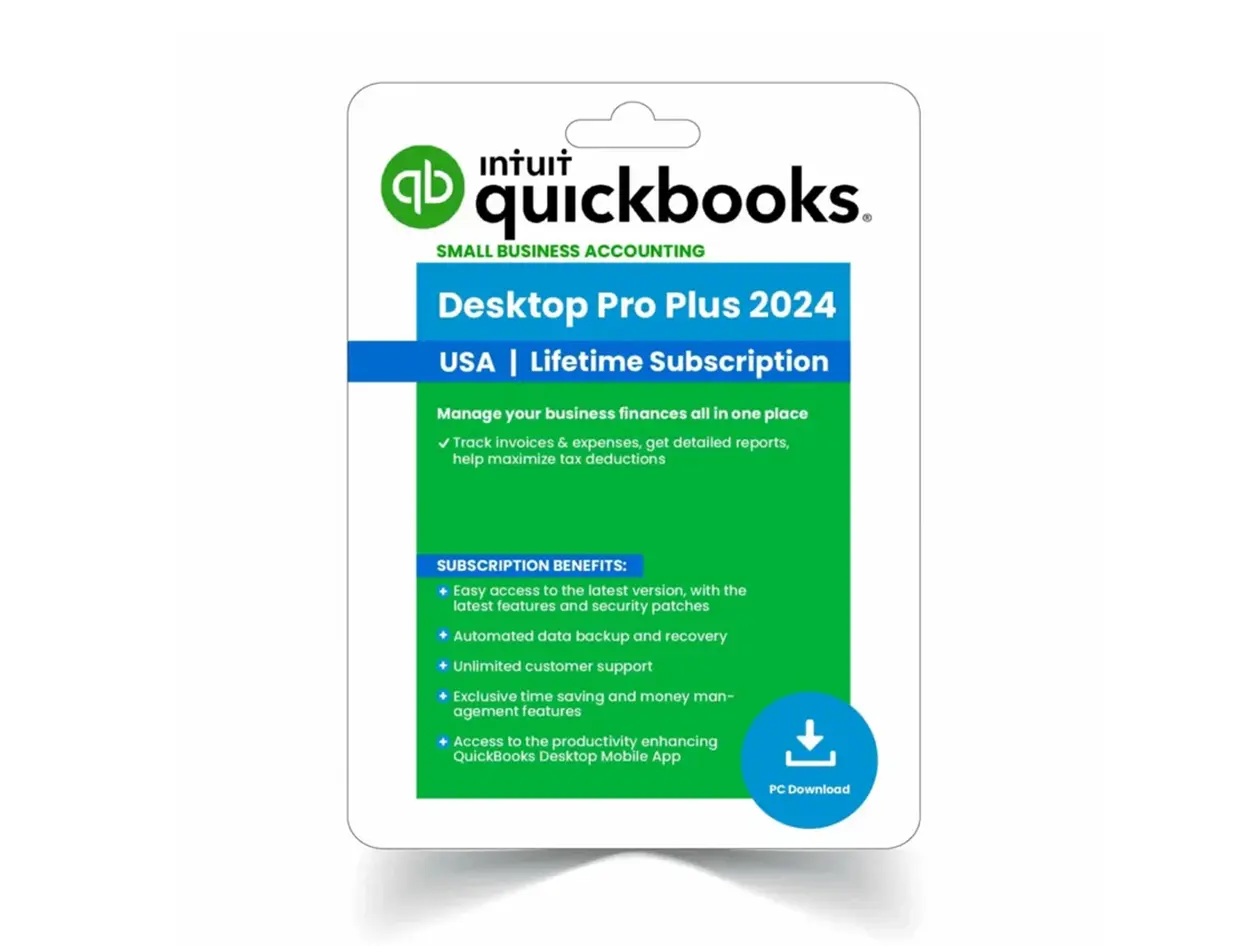
QuickBooks Desktop for Mac 2025 represents the latest iteration of Intuit’s locally installed accounting software specifically optimized for the macOS ecosystem. Available primarily through the QuickBooks Desktop Mac Plus subscription model, this version focuses on enhanced stability, Apple Silicon optimization, and deeper integration with native macOS productivity tools.
Contents
Understanding the Current Status of QuickBooks Desktop for Mac
As we navigate through 2026, the landscape of QuickBooks Desktop for Mac has shifted significantly from the traditional "perpetual license" model of the past. For many years, users could purchase a one-time license for QuickBooks and use it for three or more years. However, following the major policy changes implemented by Intuit in late 2024, QuickBooks Desktop for Mac 2025 is exclusively available as an annual subscription-only product known as "Mac Plus."
It is important to note that Intuit officially ceased the sale of new QuickBooks Desktop subscriptions to new U.S. customers in September 2024. Consequently, the 2025 version is primarily relevant to existing subscribers who have maintained their active "Plus" memberships. For these users, the 2025 update provides critical security patches, compatibility with the latest macOS versions, and continued access to connected services like payroll and bank feeds.
The decision to move to a subscription model was driven by the need for continuous updates. Unlike the Windows version, which often has a different codebase, the Mac version must constantly adapt to Apple's rapid OS release cycle and the transition from Intel-based processors to Apple Silicon (M1, M2, M3, and M4 chips).
Key Features and Enhancements in the 2025 Version
QuickBooks Desktop for Mac 2025 is designed to feel like a native Mac application rather than a ported Windows program. It utilizes standard Mac shortcuts and integrates with the hardware features of modern MacBook and iMac models.
Advanced Receipt Management
One of the standout features of the 2025 edition is the improved receipt management system. Users can now categorize and track expenses more efficiently by uploading receipt images directly to the software. The built-in Optical Character Recognition (OCR) technology attempts to read the date, vendor, and amount, automatically matching the receipt to an existing transaction or suggesting a new one. This reduces manual data entry and ensures that small businesses stay "audit-ready" throughout the fiscal year.
Apple Silicon Optimization
By 2026, the vast majority of Mac users have transitioned to Apple Silicon. QuickBooks Desktop for Mac 2025 is fully optimized for ARM-based architecture. This optimization results in faster startup times, smoother scrolling through large report lists, and more efficient background processing when running complex reports like the Profit and Loss or Balance Sheet. Users running the software on M-series chips will notice a significant performance delta compared to running older versions via Rosetta 2 translation.
Improved Bank Feeds and Automation
The 2025 version introduces more robust bank feed connections. Using improved APIs, the software can connect to thousands of financial institutions with fewer connection drops. The transaction categorization engine has been refined to "learn" from user behavior. If you consistently categorize a specific vendor as "Office Supplies," the software will proactively suggest this category for future downloads, significantly cutting down the time spent on weekly reconciliations.
Custom Reporting and Dashboards
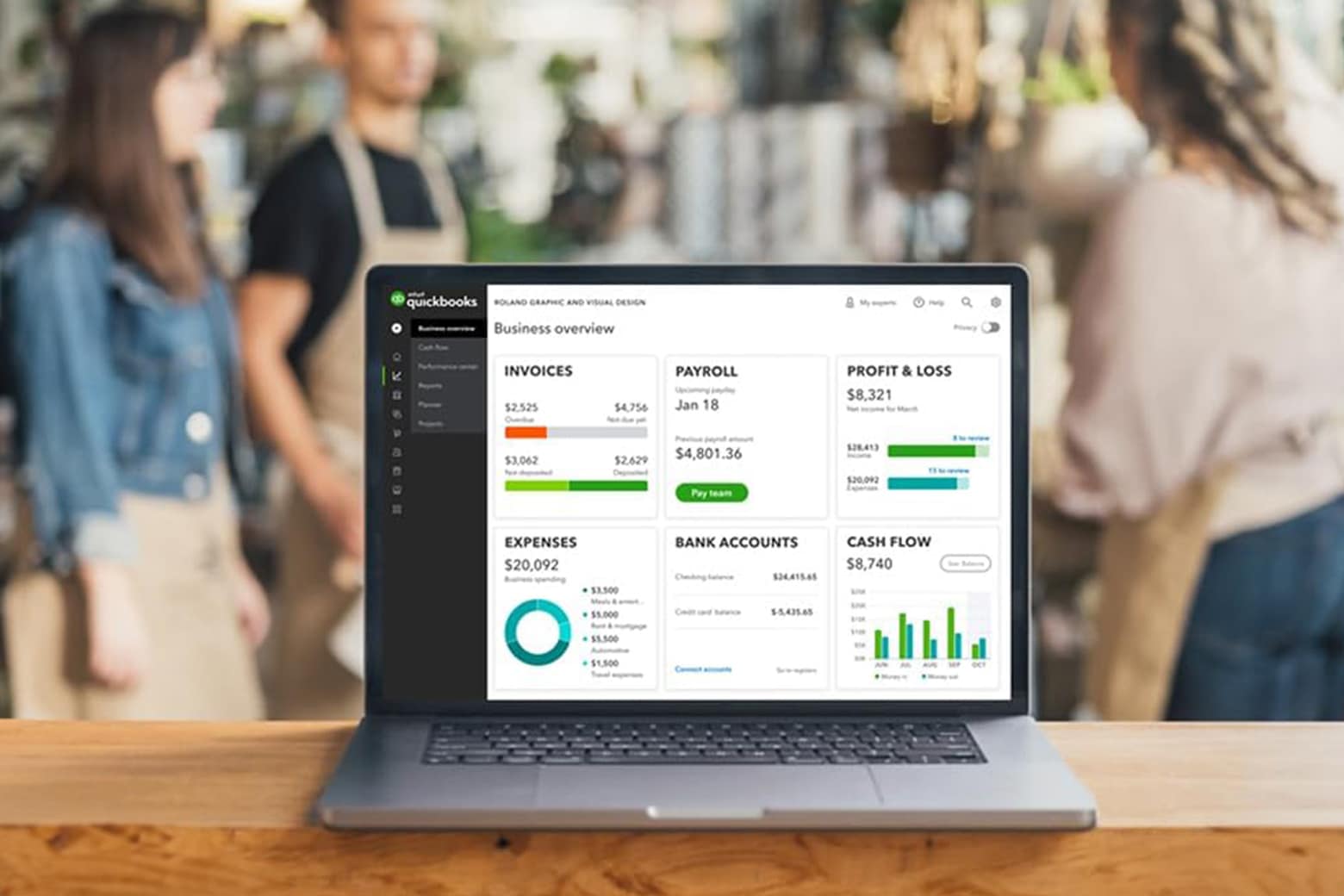
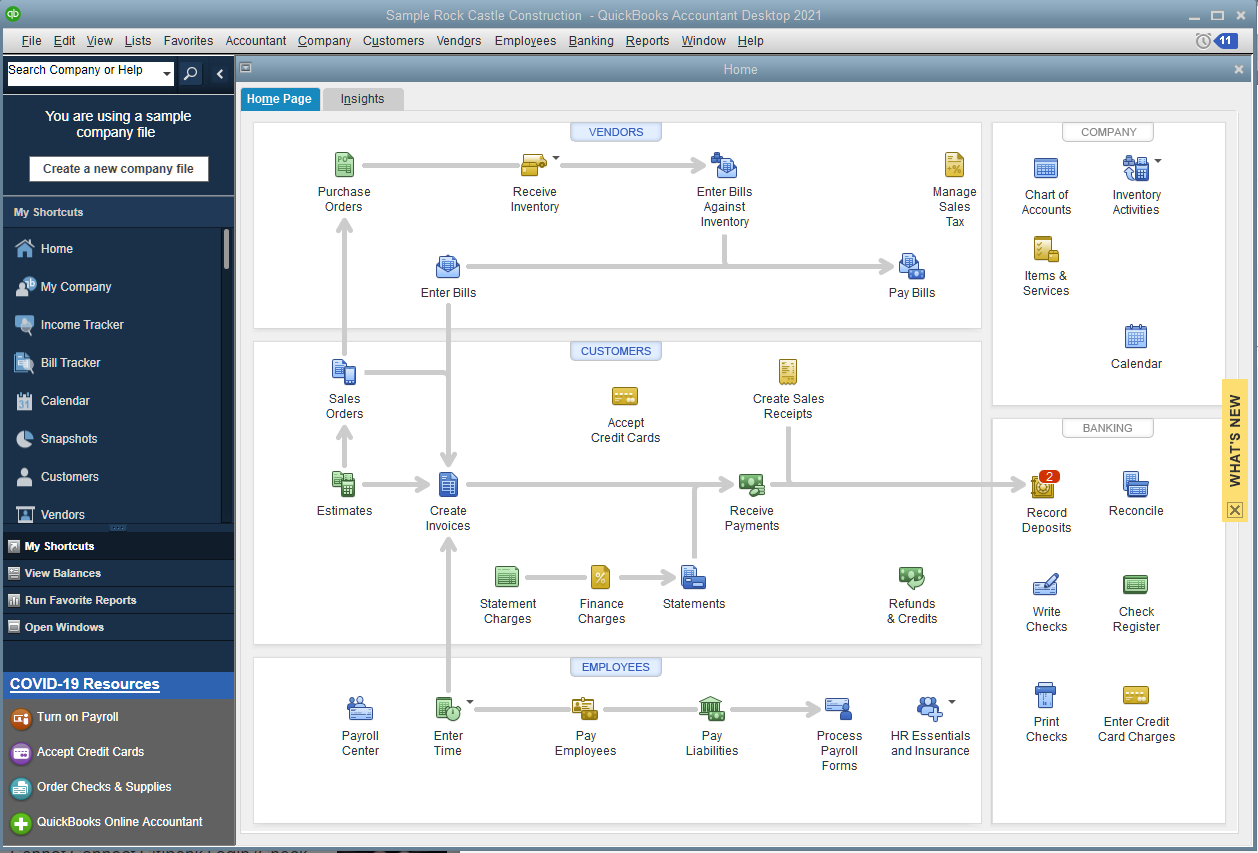
While the Mac version has historically had fewer reporting options than the Premier or Enterprise Windows versions, the 2025 update closes that gap. It includes more customizable report templates and a "Company Snapshot" that provides a visual overview of income and expenses. This allows business owners to see their financial health at a glance without digging into deep spreadsheets.
Technical Specifications and System Requirements
To run QuickBooks Desktop for Mac 2025 effectively in the current 2026 environment, your hardware must meet specific benchmarks. Intuit has tightened these requirements to ensure that the software can handle the security demands of modern financial data encryption.
Operating System Compatibility
The 2025 version is designed to run on the following macOS versions:
- macOS 15 (Sequoia): Full support for all new OS-level features.
- macOS 14 (Sonoma): Fully compatible and tested.
- macOS 13 (Ventura): The minimum supported version for 2025 stability.
Running the software on older operating systems like Monterey or Big Sur is not recommended, as these versions no longer receive critical security updates from Apple, which can jeopardize the integrity of your financial data.
Hardware Requirements
- Processor: Apple Silicon (M1 or newer) is highly recommended. Intel Core i5 or higher is supported for legacy machines.
- RAM: Minimum 8GB; however, 16GB is the "sweet spot" for users who keep multiple company files or large reports open simultaneously.
- Disk Space: At least 2GB of available space for the application, plus additional space for company data files and backups.
- Display: Optimized for Retina displays; a minimum resolution of 1280x800 is required.
Internet Connection
A persistent high-speed internet connection is mandatory for the 2025 version. Because it is a "Plus" subscription product, the software must periodically ping Intuit’s servers to verify the license status. Furthermore, features such as Payroll, Bank Feeds, and Payment Processing require an active connection to function.
Comparing QuickBooks Mac Plus 2025 to QuickBooks Online
Many users are currently deciding whether to stick with the Desktop for Mac version or migrate to the cloud-based QuickBooks Online (QBO). The choice depends largely on your need for offline access and specific Mac-only features.
| Feature | QuickBooks Desktop Mac Plus 2025 | QuickBooks Online (Simple Start/Plus) |
|---|---|---|
| Data Storage | Local (on your Mac's hard drive) | Cloud-based (Intuit's servers) |
| Access | Single machine (or local network) | Any device with a web browser |
| Mac Integration | Native (iCloud, iCal, Contacts) | Browser-based (General) |
| Reporting | Strong, with local export to Excel | Robust, with real-time syncing |
| Subscription | Annual (approx. $549 - $649/year) | Monthly (Variable based on tier) |
| Offline Mode | Yes, full access without internet | Limited (requires internet for most tasks) |
| Multi-user | Limited (requires additional licenses) | Included in higher tiers (Plus/Advanced) |
The Subscription Model and Renewal Process
As of 2026, the subscription model is the only way to maintain a functional version of QuickBooks Desktop for Mac. This "Plus" subscription includes:
- Annual Product Releases: Access to the 2025 version and any subsequent incremental updates.
- Unlimited Customer Support: Access to Intuit’s support team via chat or phone at no extra cost.
- Data Backups: Secure online backup of your company files.
- Security Updates: Critical patches to protect against evolving digital threats.
Renewal Cautions: If your subscription lapses, the software enters a "read-only" mode. You will be able to view your data and export reports, but you will not be able to enter new transactions, run payroll, or download bank data. It is vital to keep your payment method updated in your Intuit Account portal to avoid service interruptions.
Migration and Transition Considerations
For users currently on older, non-subscription versions (such as QuickBooks Mac 2021 or 2022), the transition to the 2025 version involves a database conversion.
Moving from Older Desktop Versions
When you open a company file from a version prior to 2023 in the 2025 software, QuickBooks will prompt you to update the file. Always create a manual backup (DMG or local copy) before proceeding with this conversion. While the process is usually seamless, a power failure or system crash during conversion can lead to data corruption.
Transitioning to QuickBooks Online
If you find the subscription costs for Desktop too high or need more collaboration features, 2026 is an ideal time to consider migrating to QuickBooks Online. The 2025 Mac version includes a built-in migration tool that allows you to upload your data directly to the cloud. Most transaction history, vendor lists, and customer data will transfer, though some Mac-specific custom forms may require re-formatting in the QBO environment.
Troubleshooting Common Issues in the 2025 Release
Despite the optimizations for macOS, users may encounter specific issues related to file permissions or display settings.
- Permissions Issues: macOS Sequoia and Sonoma have strict "Full Disk Access" requirements. If QuickBooks cannot find your company file or fails to create a backup, navigate to System Settings > Privacy & Security > Full Disk Access and ensure QuickBooks 2025 is toggled "On."
- Multi-User Connectivity: If you are using QuickBooks in a small office environment, ensure that all Macs are running the same point release of the 2025 software. Mismatched versions can lead to "File in Use" errors or database manager crashes.
- Printing to PDF: If the software freezes when generating invoices, check your printer queue. QuickBooks for Mac relies heavily on the native macOS print engine. Resetting the printing system in System Settings often resolves these hangs.
Frequently Asked Questions
Can I still buy a one-time license for QuickBooks Mac 2025?
No. Intuit transitioned to a subscription-only model for all Desktop products. To use the 2025 version, you must pay an annual subscription fee. New sales to new customers have also been restricted, meaning only existing subscribers can generally access the latest version.
Does QuickBooks Desktop for Mac 2025 work on the new M4 Macs?
Yes. The 2025 version is fully compatible with Apple’s latest M-series silicon, including the M4, M4 Pro, and M4 Max chips. It runs natively without the need for the Rosetta 2 translation layer, ensuring maximum performance and battery efficiency on laptops.
What happens to my data if I cancel my subscription?
Your data remains yours and is stored locally on your Mac. However, if the subscription ends, the software will become "read-only." You will need to renew the subscription to add new data or export your file to a different format (like Excel or QuickBooks Online).
Is there a difference between the Windows and Mac versions of QuickBooks 2025?
Yes. While the core accounting principles are the same, the user interfaces are vastly different. The Mac version lacks some "Enterprise" level features found in the Windows version, such as advanced inventory tracking or industry-specific editions (Contractor, Manufacturing, etc.). However, it offers better integration with Mac-native apps like Apple Contacts and Calendar.
Can I share my company file with my accountant who uses Windows?
Yes. QuickBooks Desktop for Mac 2025 includes a "Round Trip" feature or the ability to create an Accountant’s Copy. You can export your Mac file to a format that can be opened by QuickBooks Premier or Enterprise on Windows. Once the accountant is finished, they can send back an "Adjustment" file which you can import back into your Mac software.
Final Recommendations for Mac Users
If you are currently using QuickBooks Desktop for Mac and your business requires the reliability of a local installation with native Mac features, maintaining your Mac Plus 2025 subscription is the most stable path forward in 2026. The performance gains on Apple Silicon and the automated receipt management features provide tangible value for the annual cost.
However, if you find yourself needing to access your books from mobile devices or require collaboration with multiple remote users, we recommend using the 2025 version’s migration tool to explore QuickBooks Online. The accounting industry continues to move toward cloud-based solutions, and while the 2025 Desktop version is excellent, the long-term roadmap from Intuit clearly favors the Online platform. Regardless of your choice, ensure you have a robust backup strategy—both locally and off-site—to protect your business’s most critical financial records.
Image Gallery