Mazda Bluetooth Not Working: A Comprehensive Troubleshooting Guide
If your Mazda Bluetooth is not working, the issue typically stems from a corrupted pairing record, outdated infotainment firmware, or a software glitch in the Connectivity Master Unit (CMU). To resolve this, delete the pairing from bot...
If your Mazda Bluetooth is not working, the issue typically stems from a corrupted pairing record, outdated infotainment firmware, or a software glitch in the Connectivity Master Unit (CMU). To resolve this, delete the pairing from both the car and your phone, perform a Mazda Connect soft reset, and ensure your system is updated to the latest firmware version.
Contents
Bluetooth connectivity remains a cornerstone of the modern driving experience, facilitating hands-free calling, music streaming, and integration with navigation apps. However, as of 2026, even with the advancements in the Mazda Connect ecosystem, users occasionally encounter "handshake" failures between their smartphones and the vehicle's infotainment system. Whether you are driving a legacy Mazda3 with the first-generation Mazda Connect or a 2026 CX-50 with the latest widescreen interface, troubleshooting follows a logical progression from simple software refreshes to hardware diagnostics.
Foundational Troubleshooting: The First Steps
Before diving into complex system resets or hardware inspections, it is essential to eliminate the most common "low-hanging fruit" issues. Bluetooth is a short-range wireless protocol that relies on a clean "handshake" between two devices. If the cache on either device becomes cluttered or the pairing keys become desynchronized, the connection will fail.
Cycle Bluetooth and Airplane Mode
Start by toggling Bluetooth off and on on your smartphone. If the device is stuck in a searching loop, toggling Airplane Mode for 10 seconds can force the phone’s radio to reset. In many cases, this simple action clears minor firmware hangs on the mobile device side.
Delete and Repair (The "Clean Slate" Method)
The most effective fix for 90% of Mazda Bluetooth issues is a complete deletion of the pairing history.
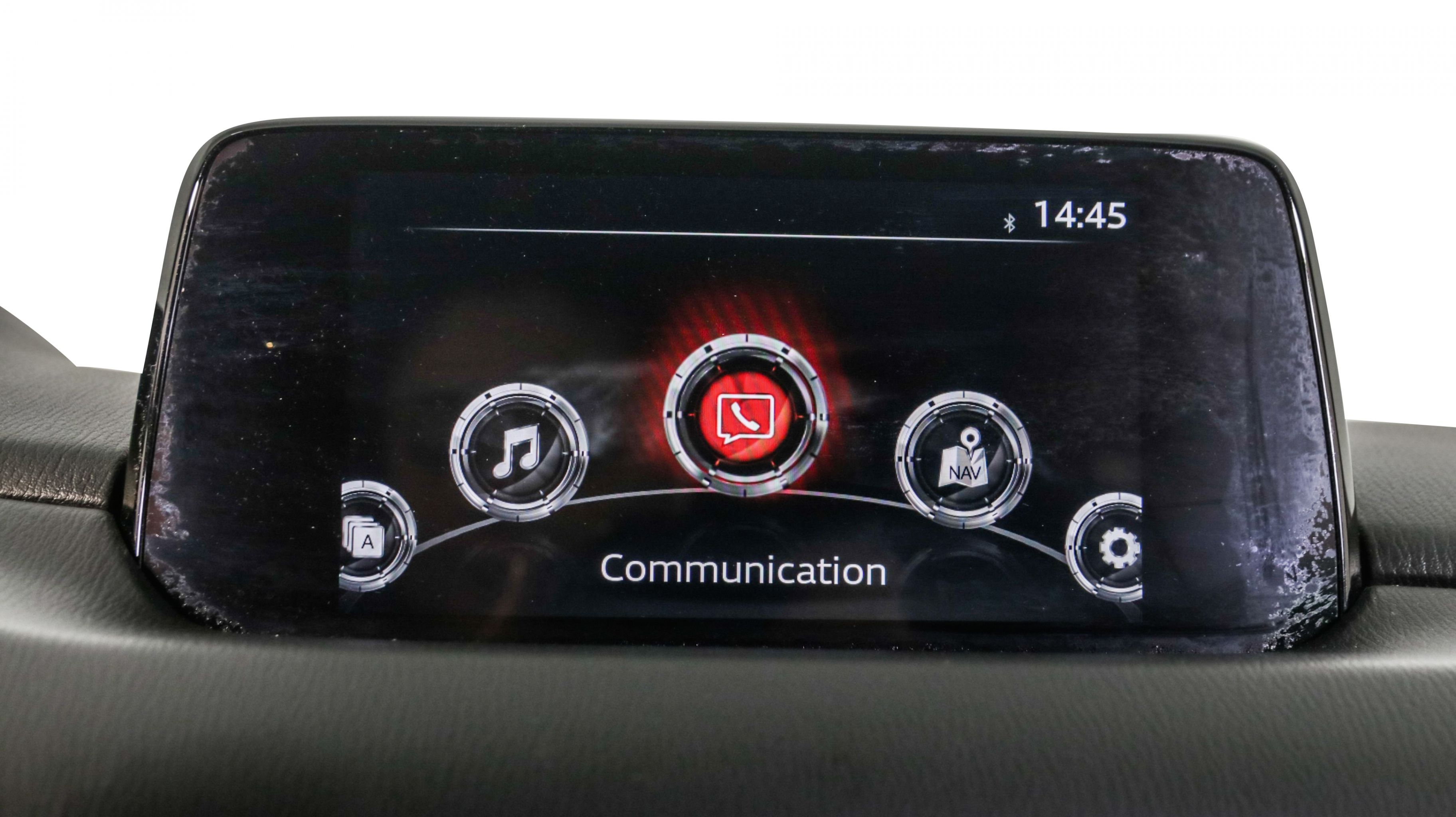
- On the Mazda Screen: Navigate to Settings > Communication > Bluetooth and select your device. Choose "Unpair" or "Delete Device."
- On your Phone: Go to Bluetooth settings, find "Mazda," and select "Forget This Device."
- Restart: Turn your phone off and back on. Turn the vehicle's ignition off, open the driver’s door to kill the accessory power, and then restart the car.
- Re-pair: Initiate a fresh pairing process. Ensure you grant all requested permissions (Contacts, Messages) on your phone during the initial handshake.
Check for Device Overload
Mazda Connect systems generally allow multiple devices to be paired but only one or two to be active simultaneously. If your vehicle has a long list of previously paired phones from family members or friends, the system may struggle to prioritize your device. Delete any unused devices from the vehicle's memory to free up system resources.
Performing a Mazda Connect System Reset
When simple re-pairing fails, the issue likely resides within the Mazda Connect software itself. Like any computer, the infotainment system can benefit from a "soft reset" which clears the RAM without deleting your saved navigation favorites or radio presets.
The Soft Reset Procedure (6th Generation Systems)
For older models (roughly 2014–2020) featuring the circular Commander Control knob and the "brick" style interface, use the following button combination:
- Press and hold the Mute button (volume knob), the Nav button, and the Back button simultaneously.
- Hold these for approximately 10 to 15 seconds.
- The screen will go black, and the Mazda logo will appear as the system reboots.
The Factory Reset (7th Generation and 2024–2026 Models)
On newer Mazdas, including the latest CX-90 and CX-70 models, the hardware is more robust, and button-combination resets are less common. Instead, a factory data reset through the menu is often required if the Bluetooth module becomes unresponsive.
- Navigate to Settings.
- Select System Settings.
- Choose Restore All Factory Settings.
- Warning: This will erase all user data, including home addresses in the navigation and speed-dial contacts. However, it is often the only way to clear a "frozen" Bluetooth internal logic state.
Understanding Firmware and Software Compatibility
By 2026, the complexity of smartphone operating systems (such as iOS 19/20 or Android 16/17) has increased significantly. Mazda frequently releases firmware updates to ensure the vehicle's Connectivity Master Unit (CMU) can communicate effectively with these new protocols.
Checking Your Firmware Version
You can check your current software version by navigating to Settings > System > About > Software Version. Legacy systems often require version 70.00.335 or higher to maintain stable connections with modern smartphones. If your system is running an older version (e.g., v55 or v59), you may experience frequent disconnects or the inability to see track metadata on the screen.
Dealership vs. Over-the-Air (OTA) Updates
Newer Mazda models (2024+) support Over-the-Air (OTA) updates via an internal 5G module or home Wi-Fi. If your vehicle is equipped with this feature, check for updates in the system menu. For older vehicles, firmware updates must be performed by a certified technician using a specialized USB tool. These updates often include patches for "Bluetooth Stack" errors that cause the system to ignore incoming connection requests.
| Connectivity Type | Common Issue | Primary Solution |
|---|---|---|
| Standard Bluetooth | Audio lag or no connection | Unpair/Repair & Clear Phone Cache |
| Wireless CarPlay | Connection drops in high-interference areas | Switch to wired connection or reset CMU |
| Wireless Android Auto | Battery drain or overheating | Ensure phone is on a cooling vent; update app |
| Hands-Free Calling | Microphone muffled or silent | Check for obstructions; update Mazda firmware |
Hardware Considerations: The Connectivity Master Unit (CMU)
If software resets and firmware updates fail to restore Bluetooth functionality, the problem may be hardware-related. The Connectivity Master Unit (CMU) is the "brain" behind the screen. It houses the Bluetooth antenna, Wi-Fi module, and processing chips.
Identifying CMU Failure
Symptoms of a failing CMU include:
- The Bluetooth menu option is "greyed out" and cannot be selected.
- The system is stuck in a perpetual "Loading" screen when trying to access communication settings.
- The infotainment system reboots randomly every few minutes.
In models manufactured between 2014 and 2018, the CMU was prone to failure due to "ghost touching" or internal memory degradation. By 2026, many of these units have been replaced under warranty or through technical service bulletins (TSBs). If you suspect a hardware failure, a technician will use an OBD-II diagnostic tool to check for communication error codes (U-codes) originating from the infotainment bus.
The Role of the Vehicle Battery
Modern Mazdas are highly sensitive to voltage fluctuations. If your car battery is more than three to four years old, its resting voltage may drop just low enough to cause secondary modules—like the Bluetooth radio—to fail during the engine start sequence. If you notice your Bluetooth only stops working during the first drive of the day, have your battery's Cold Cranking Amps (CCA) tested.
Interference and Environmental Factors
Bluetooth operates on the 2.4 GHz ISM band, which is shared by a multitude of other devices. In 2026, the density of wireless signals in urban environments is higher than ever.
Signal Interference
High-power electrical lines, toll booth transponders, and even certain dash cams can emit electromagnetic interference (EMI) that disrupts the Bluetooth handshake. If your Mazda Bluetooth only fails in specific geographic locations, the cause is likely external interference rather than a fault with the vehicle.
Phone Placement
While Bluetooth is intended to work anywhere in the cabin, placing your phone in a metallic-lined glove box or under a seat can attenuate the signal. For the most stable connection, especially when using high-bandwidth features like Wireless Apple CarPlay or Android Auto, place the phone on the center console or a dedicated wireless charging pad.
Model-Specific Considerations
Different Mazda models use slightly different hardware configurations, which can influence how Bluetooth issues manifest.
- Mazda CX-5 & CX-9: These models often utilize a separate microphone located in the overhead console. If people can't hear you but you can hear them, the issue may be a disconnected microphone wire rather than a Bluetooth software fault.
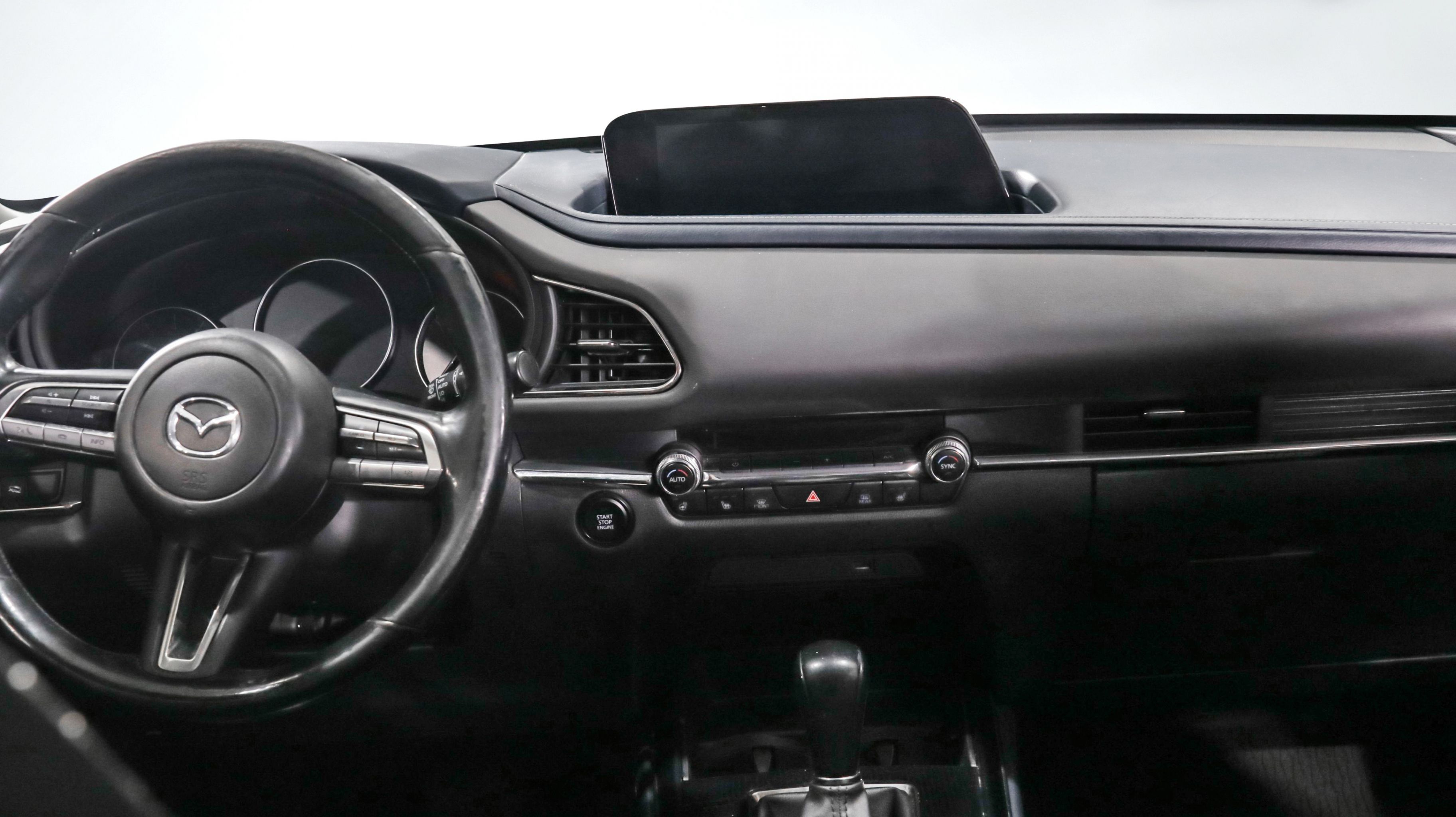
- Mazda3 & CX-30 (2019+): These utilize the 7th Generation system. A common "fix" for Bluetooth lag in these models is to disable the "Sync Contacts" feature, as a very large contact list (over 1,000 entries) can overwhelm the system's processing power.
- MX-5 Miata: Due to the open-top nature, the Bluetooth system uses noise-canceling logic that is more aggressive. If audio quality is poor, ensure that the "Speed Compensated Volume" settings are not interfering with the Bluetooth stream.
FAQ: Resolving Mazda Bluetooth Complications
Why is my Mazda Bluetooth menu greyed out?
A greyed-out menu typically indicates that the Bluetooth hardware module within the CMU has failed to initialize. This is often a software hang that can be resolved by a factory reset or by disconnecting the vehicle's negative battery terminal for 10 minutes to force a full hardware power cycle. If the issue persists, the CMU may require replacement.
Can I update my Mazda Connect software myself?
In 2026, many newer models allow for OTA updates via Wi-Fi. However, for older vehicles (pre-2021), Mazda does not officially provide firmware files to the public. Attempting to install "leaked" firmware from internet forums carries a risk of "bricking" the CMU, which is a costly component to replace. It is highly recommended to have a dealership perform firmware updates.
Does a phone update affect Mazda Bluetooth?
Yes, smartphone manufacturers frequently update their Bluetooth stacks to improve security or energy efficiency. These changes can sometimes break compatibility with older vehicle systems. If your Bluetooth stopped working immediately after an iOS or Android update, check for a corresponding Mazda firmware update to restore the handshake protocol.
Why does the music skip or stutter during playback?
Stuttering is usually caused by 2.4 GHz interference or a CPU bottleneck in the infotainment system. If you are using a navigation app and streaming high-resolution audio simultaneously, the system may struggle. Try disabling "HD Radio" or "Gracenote Album Art" updates in the settings to reduce the processing load on the CMU.
My phone connects for calls but not for music. Why?
Bluetooth profiles are split into HFP (Hands-Free Profile) for calls and A2DP (Advanced Audio Distribution Profile) for music. On your phone’s Bluetooth settings for the "Mazda" connection, ensure that both "Phone Calls" and "Media Audio" toggles are enabled. If one is disabled, the system will only perform that specific function.
Recommendations for Long-Term Connectivity
To maintain a stable Bluetooth connection in your Mazda through 2026 and beyond, follow these expert practices:
- Keep Phone Software Current: Ensure your device is running the latest security patches.
- Limit Synced Contacts: Only sync essential contacts if you notice the system becoming sluggish.
- Routine System Audits: Once every six months, delete the pairing and re-establish it to clear out cached data and old encryption keys.
- Hardware Health: If you experience multiple electronic "glitches," have your vehicle's alternator and battery tested to ensure the infotainment system is receiving clean, consistent power.
If these steps do not resolve the issue, the next course of action is a professional diagnostic at a Mazda service center. Technicians can use the M-MDS (Mazda Modular Diagnostic System) to run a self-test on the Bluetooth module and identify specific internal faults that are not visible through the user interface.
Image Gallery