Free Financial Management Tools: Complete Guide to Platforms, Spreadsheets, and Systems
A free financial management tool is software, desktop application, or structured spreadsheet system designed to track income, monitor expenses, build budgets, and calculate net worth without requiring subscription fees. These tools ran...
A free financial management tool is software, desktop application, or structured spreadsheet system designed to track income, monitor expenses, build budgets, and calculate net worth without requiring subscription fees. These tools range from open-source double-entry accounting programs and web-based freemium platforms to customizable spreadsheet frameworks, offering varying levels of automation, privacy, and reporting capabilities.
Contents
Understanding the Landscape of Free Financial Management Software
Selecting an effective financial management system requires matching your specific tracking needs with the appropriate software architecture. Free financial software generally falls into four distinct categories: web-based freemium platforms, open-source desktop software, free business accounting tools, and customizable spreadsheet engines.
1. Web-Based Personal Wealth and Budgeting Applications
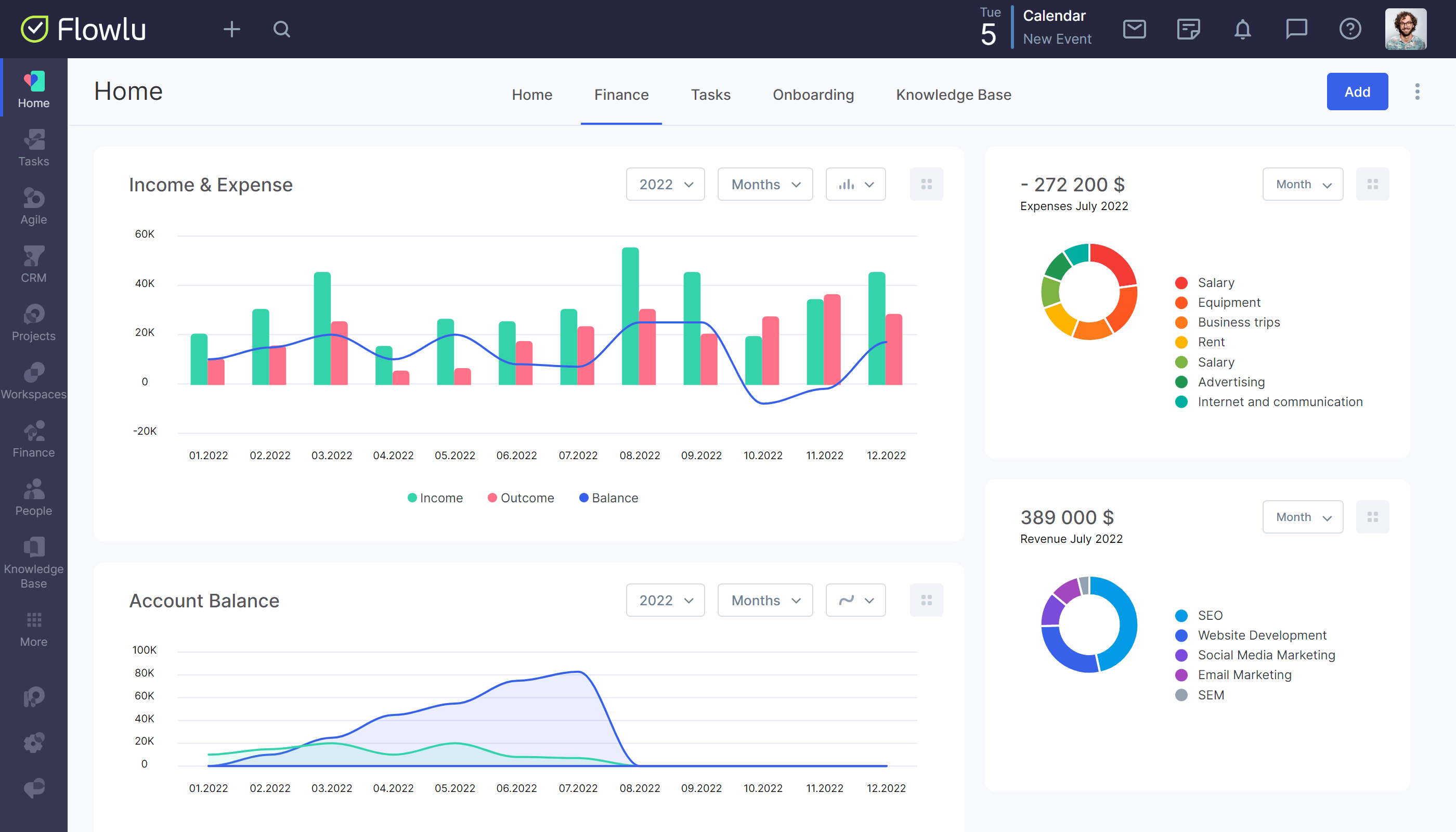
Web-based personal finance applications leverage secure application programming interfaces (APIs) and account aggregators (such as Plaid, Yodlee, or MX) to automatically fetch transactions from bank accounts, credit cards, investment portfolios, and mortgage lenders.
- Best For: Individuals seeking real-time automated tracking of personal net worth, investment performance, and household expense categories.
- Key Mechanisms: Automated categorization algorithms, cash-flow projection charts, net worth dashboards, and balance alerts.
- Trade-offs: Free tiers often rely on partner referrals (e.g., credit card or mortgage ads) or limit advanced features like custom tagging and automated rules to paid tiers.
2. Open-Source Desktop Applications
Open-source software (OSS) operates locally on your device without relying on remote cloud servers. Programs like GnuCash and HomeBank provide comprehensive ledger capabilities while keeping financial data entirely under the user's control.
- Best For: Privacy-conscious individuals, open-source advocates, and users who demand traditional double-entry bookkeeping without monthly fees.
- Key Mechanisms: Manual transaction entry, direct CSV/QFX/OFX file importing, multi-currency support, custom chart of accounts, and detailed reconciliation modules.
- Trade-offs: Requires manual data importing or manual reconciliation, with a steeper learning curve compared to commercial consumer apps.
3. Free Small Business Accounting Platforms
For freelancers, sole proprietors, and micro-businesses, general consumer budgeting apps are usually insufficient due to tax and invoicing requirements. Specialized free accounting software—such as Wave Accounting or Manager.io (desktop edition)—provides business-grade ledger tracking without an up-front cost.
- Best For: Micro-enterprises needing accrual or cash-basis accounting, customer invoicing, vendor tracking, and basic financial statements (Profit and Loss, Balance Sheet).
- Key Mechanisms: Invoicing engines, sales tax tracking, accounts payable/receivable management, and reconciliation workflows.
- Trade-offs: Payment processing fees apply when accepting customer card payments, and online payroll services typically incur separate monthly costs.
4. Custom Financial Spreadsheet Systems
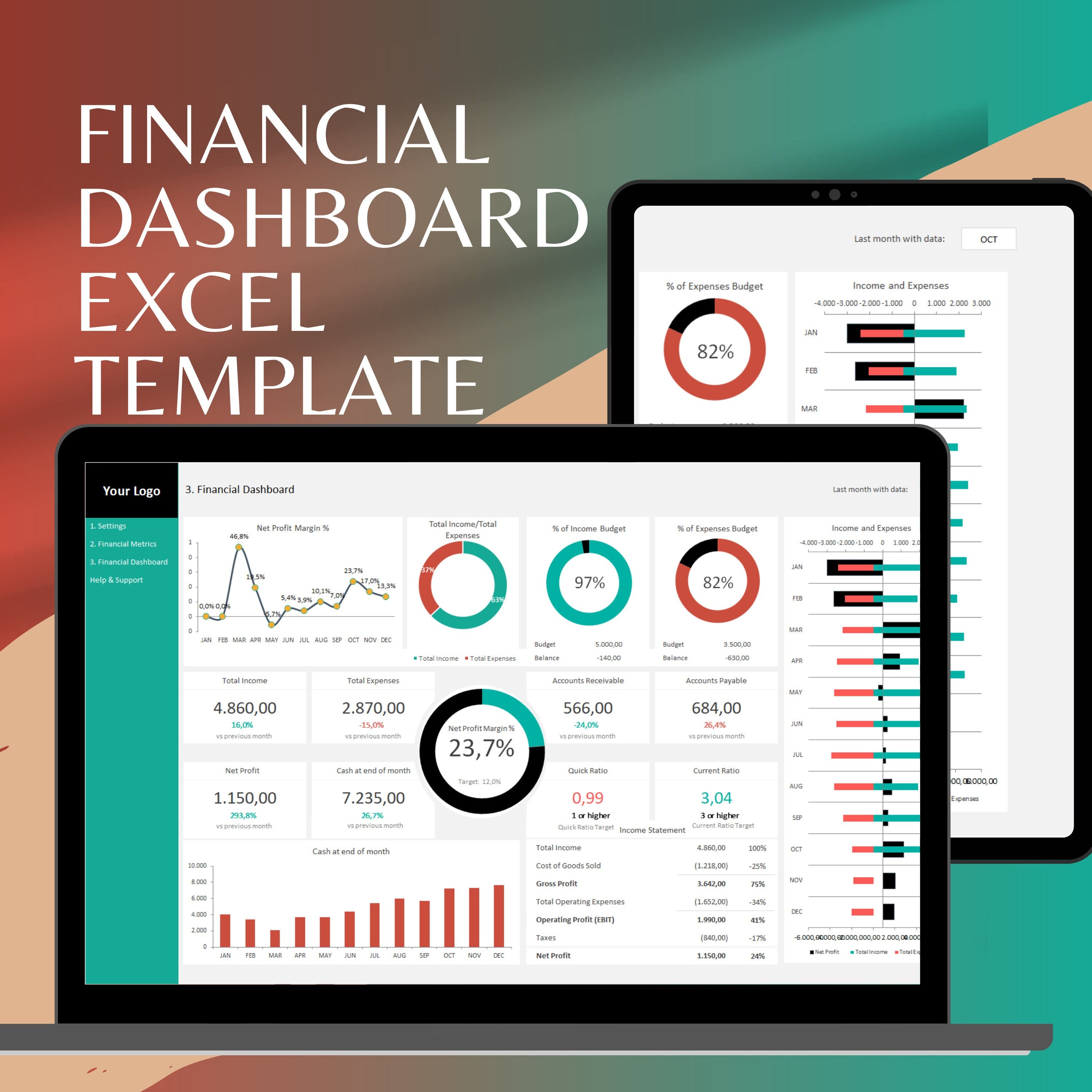
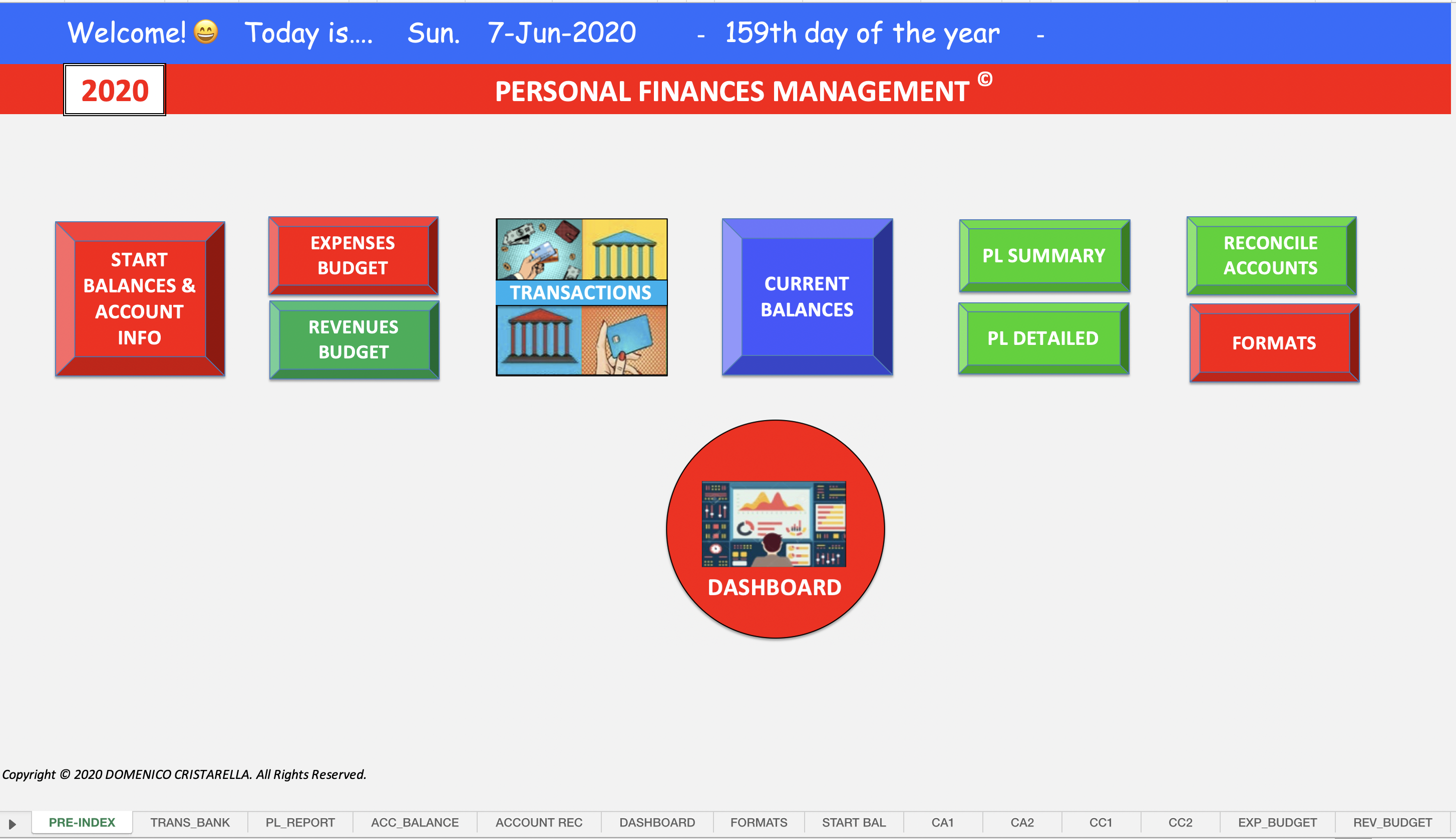
Using cloud spreadsheet platforms like Google Sheets or desktop applications like Microsoft Excel offers total control over financial data structures. Pre-built open-source community templates (such as Tiller-compatible layouts or customizable envelope-budgeting workbooks) allow users to tailor financial models precisely to their workflow.
- Best For: Advanced users who want bespoke reporting, customized formulas, and zero vendor lock-in risk.
- Key Mechanisms: Formula-driven cash-flow tracking, custom PivotTables, dynamic chart visualization, and script-based automation.
- Trade-offs: Requires technical comfort with spreadsheet formulas and periodic manual data maintenance or API integration configuration.
Core Features to Evaluate in Free Financial Tools
When evaluating free financial management software, look beyond baseline features to ensure the platform meets operational standards for security, data portability, and accounting accuracy.
Core Dimensions of Financial Software Evaluation:
- System Architecture & Data Flow
- Auto Sync vs Manual
- API Integration
- Portability (CSV/QFX)
- Data Privacy & Security
- AES-256 Encryption
- Multi-Factor Auth
- Local Storage Control
- Reporting & Accounting Rules
- Double vs Single Entry
- Financial Statements
- Tax Classification
Data Aggregation and Sync Mechanisms
Automated bank feeds streamline transaction logging by connecting directly to financial institutions through financial data aggregators. However, institution coverage varies. If automated sync breaks due to multi-factor authentication (MFA) updates at your bank, the software must support manual file uploads via Standard Open Financial Exchange (OFX), QuickBooks Format (QFX), or Comma-Separated Values (CSV) formats.
Single-Entry vs. Double-Entry Accounting
- Single-Entry Systems: Track incoming revenue and outgoing expenses in a simple stream (similar to a checkbook register). Ideal for basic household budgeting where assets and liabilities do not require complex balancing.
- Double-Entry Systems: Record every financial event as equal and opposite entries (debits and credits) across income, expense, asset, liability, and equity accounts. Essential for small business compliance, precise net worth verification, and balance sheet integrity.
Data Security and Privacy Policies
Free software platforms must monetarily sustain their operations. It is essential to review a vendor's privacy policy to determine whether data is monetized through targeted financial advertisements, cross-site tracking, or anonymized aggregate analytics. Ensure any cloud service enforces:
- Encryption Standards: AES-256 bit encryption for stored data and TLS 1.3 for data in transit.
- Access Control: Mandatory or configurable Multi-Factor Authentication (MFA/2FA).
- Regulatory Compliance: Adherence to security frameworks oversight standards enforced by consumer protection regulatory bodies like the Federal Trade Commission (FTC).
Comparison of Leading Free Financial Management Tools
The following table summarizes key operational parameters across prominent free personal and business financial tools available today:
| Tool / Platform | Target Use Case | Architecture | Bank Sync | Key Strengths | Primary Limitations |
|---|---|---|---|---|---|
| Empower Personal Dashboard | Personal Net Worth & Investments | Cloud (Web/Mobile) | Automated Aggregation | Comprehensive investment analysis, net worth tracking, retirement planner | Budgeting tools are basic; frequent partner ad prompts |
| GnuCash | Advanced Personal & Small Business | Desktop (Windows/macOS/Linux) | Manual (CSV/OFX/QFX Import) | True double-entry accounting, complete local data privacy, zero cost | No native bank auto-sync; steep technical learning curve |
| Wave Financial | Freelancers & Micro-Businesses | Cloud (Web) | Automated Bank Import | Unlimited invoicing, double-entry reports (P&L, Balance Sheet) | Payroll and payment processing carry transaction fees |
| Manager.io | Small Business Accounting | Desktop (Offline Free Edition) | Manual Import | Rich feature set, comprehensive ledger controls, multi-currency support | Cloud synchronization and multi-user access require paid tier |
| EveryDollar (Free Version) | Household Zero-Based Budgeting | Cloud (Web/Mobile) | Manual Entry Only | Intuitive zero-based budgeting structure, quick setup | Automated bank syncing locked behind paid subscription |
| Google Sheets / Excel | Bespoke Financial Modeling | Cloud / Local | Manual or Scripted | Total flexibility, custom formulas, no third-party data tracking | Manual data entry required unless paired with third-party sync plugins |
Step-by-Step System Implementation Guide
Transitioning to a new financial management platform requires careful setup to ensure accurate data imports and reliable ongoing tracking.
- Step 1: Chart of Accounts
- Step 2: Establish Opening Balances
- Step 3: Historic Data Migration
- Step 4: Ongoing Reconciliation
Step 1: Structure Your Chart of Accounts or Category List
Before importing data, establish a clean structure for tracking your finances:
- Assets: Checking, Savings, Brokerage, Real Estate, Retirement Accounts.
- Liabilities: Credit Cards, Auto Loans, Student Loans, Mortgage Balances.
- Income: Salary, Freelance Revenues, Investment Dividends, Interest.
- Expenses: Essential Needs (Housing, Utilities, Food) and Discretionary Wants (Entertainment, Travel).
Limit top-level categories to 10–15 distinct groupings. Overly complex category trees lead to tracking fatigue and inconsistent categorization.
Step 2: Establish Opening Balances
Accurate reporting requires an accurate starting baseline:
- Set a specific start date (e.g., the first day of the current month or fiscal quarter).
- Record the exact cleared balance of every bank account, credit card, and loan as of that date.
- In double-entry systems (like GnuCash or Wave), offset these starting balances against an Equity: Opening Balances account to balance your initial balance sheet.
Step 3: Configure Transaction Rules and Categorization
If using an automated platform (such as Empower or Wave):
- Define categorization rules for recurring expenses (e.g., set rule:
Vendor contains "Electric Utility"$\rightarrow$Category: Utilities). - Review auto-categorized transactions weekly during the first month to train the software's classification rules.
Step 4: Implement Weekly and Monthly Reconciliation
Reconciliation ensures that your software balances match your actual bank statements.
- Weekly Review: Spend 5–10 minutes clearing pending transactions, categorizing cash expenditures, and verifying automated sync feeds.
- Monthly Closure: Match the software statement balance against your bank's monthly PDF statement. Adjust for bank fees, earned interest, or uncashed checks to maintain an accurate general ledger.
Overcoming Common Limitations of Free Financial Software
While free financial management tools provide strong utility, users should navigate several trade-offs:
1. Monetization and Privacy Considerations
Free platforms maintain operations through specific business models:
- Targeted Credit/Financial Offers: Free platforms often analyze user balance profiles to display targeted credit card or loan offers.
- Data Privacy Settings: Users should check privacy settings to opt out of third-party data sharing or targeted advertising where allowed.
2. Up-Selling and Feature Paywalls
Freemium tools often place essential features—such as automated bank connections, debt payoff calculators, or multi-user access—behind paid subscriptions. If a tool limits core features like CSV exporting, consider switching to fully open-source software (e.g., GnuCash) or custom spreadsheets to maintain full access to your data.
3. Customer Support and Resolution Limits
Free software rarely includes real-time customer support or phone assistance. When sync errors occur, resolution relies on self-service knowledge bases, user forums, or manual file imports. Users managing complex investment or business structures should evaluate community activity and documentation quality before selecting a tool.
Frequently Asked Questions
Are free financial management tools safe to connect to bank accounts?
Reputable free financial platforms use third-party data aggregators (such as Plaid or MX) that connect to financial institutions via OAuth 2.0 protocols. This setup means the application does not directly view or store your bank login credentials. Connections use read-only access, preventing transactions or money transfers from being initiated through the budgeting app. For non-cloud alternatives, desktop applications like GnuCash keep all data locally on your computer.
What is the best free alternative following the retirement of Intuit Mint?
Users looking for automated personal wealth and net worth tracking often choose platforms like Empower Personal Dashboard. For users focused primarily on zero-based household budgeting, EveryDollar (Free Tier) offers clean manual tracking. Privacy-focused users often transition to Google Sheets templates paired with open-source importing tools or desktop platforms like HomeBank.
Can a small business legally rely on free accounting software for tax reporting?
Yes. Tax authorities (such as the IRS in the United States or HMRC in the UK) require accurate, complete records of revenue, expenses, and supporting documentation. They do not mandate paid software. Free accounting software like Wave Financial or Manager.io can generate official Profit and Loss statements, General Ledgers, and Balance Sheets suitable for tax preparation, provided the underlying transaction data is correctly maintained and reconciled.
How do free financial management platforms make money?
Free financial apps typically monetize through three primary avenues:
- Affiliate Marketing: Earning referral commissions when users apply for recommended credit cards, savings accounts, or mortgages.
- Freemium Upgrades: Charging subscription fees for advanced features like automated bank feeds, receipt scanning, or multi-user access.
- Payment Processing: Charging standard transaction fees on business invoices processed through the software.
Is double-entry accounting necessary for personal financial tracking?
Double-entry accounting is not strictly required for simple household expense tracking, where single-entry budgeting tools or basic spreadsheets are usually sufficient. However, double-entry bookkeeping is recommended for individuals with complex financial portfolios—such as multiple physical properties, business liabilities, and diverse investment accounts—because it ensures assets, liabilities, and equity balance correctly without tracking errors.
Summary and Recommended Action Plan
Free financial management tools offer powerful capabilities for personal financial tracking and business accounting without recurring subscription costs. Choosing the right tool comes down to balancing convenience, control, and privacy:
- For Personal Net Worth & Investment Tracking: Set up an Empower Personal Dashboard account to aggregate balances automatically across brokerages, retirement accounts, and mortgages.
- For Freelance Invoicing & Micro-Business Accounting: Deploy Wave Financial to handle customer billing, accounts receivable, and income reporting.
- For Total Data Privacy and Zero-Based Control: Download GnuCash or build a customized Google Sheets framework, ensuring your personal ledger remains fully under your local control.
Disclaimer: This guide is for informational purposes only and does not constitute formal tax, legal, or financial advice. Businesses and individuals should consult a Certified Public Accountant (CPA) or credentialed financial advisor for guidance on specific tax reporting and investment decisions.
EDITORIAL CATEGORY METADATA:
Image Gallery