How to Clean Monitor and TV Screens Without Causing Permanent Damage
To clean a computer monitor or TV screen safely, turn off the device, unplug it, and allow the panel to cool down completely. Gently brush away surface dust with a clean, dry microfiber cloth. For persistent smudges or fingerprints, li...
To clean a computer monitor or TV screen safely, turn off the device, unplug it, and allow the panel to cool down completely. Gently brush away surface dust with a clean, dry microfiber cloth. For persistent smudges or fingerprints, lightly dampen the cloth with distilled water—never spray liquids directly onto the panel—and wipe using light, overlapping strokes before drying with a separate microfiber towel.
Contents
Understanding Modern Display Coatings and Why Traditional Cleaners Fail
Modern televisions and computer monitors rely on specialized optical coatings engineered to enhance contrast, reduce glare, and maximize color purity. Whether you own an advanced Quantum Dot OLED (QD-OLED) TV, an IPS gaming monitor, or an ultra-wide workstation display, these panels feature delicate micro-thin chemical layers. Standard household cleaning products are engineered for non-porous glass surfaces like windows and mirrors, making them destructive to modern displays.
The Dangers of Chemical Cleaners
Ammonia, ethanol, acetone, and ethyl acid—common active ingredients in products like Windex and generic glass sprays—chemically strip the anti-reflective (AR) and oleophobic (oil-repellent) coatings applied to screen surfaces. When exposed to harsh solvents, these coatings degrade, leading to permanent cloudy patches, streaking, or complete peeling.
WARNING: Never use ammonia, acetone, ethyl alcohol, or bleach. These compounds permanently dissolve delicate optical antireflective coatings and yellow plastic polarizers.
Furthermore, high concentrations of isopropyl alcohol can break down the adhesives bonding the outer polarizer to the underlying liquid crystal layer or organic light-emitting diode structure.
The Physical Hazards of Paper Products
Paper towels, facial tissues, napkins, and shop rags are made from wood pulp. Even the softest paper products contain abrasive cellulose fibers that create microscopic scratches across soft screen surfaces. Over time, these micro-abrasions scatter light, turning deep blacks into a dull gray haze.
In addition to scratching, paper products break down during use, leaving behind lint and static-charged dust particles that attract more dirt to your display.
Essential Cleaning Tools and Materials Checklist
Achieving a crystal-clear, streak-free display without risking structural or electrical damage requires the correct supplies.
1. High-GSM Microfiber Cloths
Microfiber is the industry standard for optical surface care. Select a high-density cloth (measured in grams per square meter, or GSM) designed specifically for optics or delicate electronics. Microfiber features split synthetic fibers that capture and trap oils, moisture, and dust particles rather than dragging them across the screen. Keep at least two clean cloths available: one for dry dusting and one for damp wiping.
2. Distilled Water
Tap water contains dissolved minerals such as calcium, magnesium, and iron. When tap water evaporates from a warm screen, it leaves behind hard water spots containing microscopic crystalline structures that can scratch the display when wiped away. Distilled water undergoes purification to strip all dissolved solids, ensuring a residue-free finish.
3. Specialized Display Cleaners (Optional)
If distilled water alone fails to remove oily residues, use an alcohol-free and ammonia-free screen cleaning solution formulated specifically for electronics. Verify that the product is certified safe for anti-glare and OLED coatings. Alternatively, manufacturers like Apple Support permit using a 70% isopropyl alcohol (IPA) wipe on hard glass surfaces, though pure distilled water remains the safest initial choice across all display technologies.
4. Compressed Air or Antistatic Soft Brush
Before applying any physical cloth to your screen, use a can of dry compressed air held upright or an antistatic brush to dislodge coarse sand, grit, or pet hair tucked into the display bezels and corners.
Step-by-Step Guide: How to Clean Computer Monitors and TV Screens
Follow this step-by-step process to safely remove smudges, oil, and dust from any flat-panel monitor or television screen.
- Step 1: Power Down & Unplug Display
- Step 2: Dry Dust with Microfiber Cloth
- Step 3: Lightly Dampen Cloth with Distilled Water
- Step 4: Wipe Gently in Linear/Circular Motions
- Step 5: Buff Dry with Second Microfiber Cloth
Step 1: Power Down and Disconnect Power
Turn off your television or monitor and unplug the power cable from the wall outlet. Powering off the display serves three key purposes:
- Thermal stabilization: Hot or warm screen surfaces cause liquid cleaning agents to evaporate instantly, leaving heavy streaks behind.
- Safety: Disconnecting the power source prevents accidental short circuits if moisture migrates toward the outer bezels.
- Visibility: A dark, powered-off screen highlights dust, finger oils, and streaks under ambient room light much better than an illuminated display.
Step 2: Perform a Dry Dusting
Never apply moisture to a display covered in loose dust or debris. Microscopic grit dragged across a screen under a damp cloth acts like fine sandpaper.
- Take a dry, clean microfiber cloth and fold it into quarters to create multiple clean surfaces.
- Gently sweep across the screen from top to bottom using light pressure.
- Use a soft-bristled brush or brief bursts of compressed air to clear accumulation out of the frame edges and ventilation slots.
Step 3: Prepare the Microfiber Cloth
If dry dusting leaves behind grease spots or dried splatters, dampening your cloth is necessary.
- Never spray liquid directly onto the screen. Liquid sprayed onto a display panel drips downward under gravity and can pool along the lower bezel. Once liquid enters the internal edge-emitting circuitry or display driver boards (COF/TAB tapes), it causes short circuits, permanent vertical lines, or complete panel failure.
- Lightly mist distilled water onto a fresh microfiber cloth until it feels slightly damp to the touch, not dripping wet. Wring out any excess moisture before touching the screen.
Step 4: Wipe in a Methodical Pattern
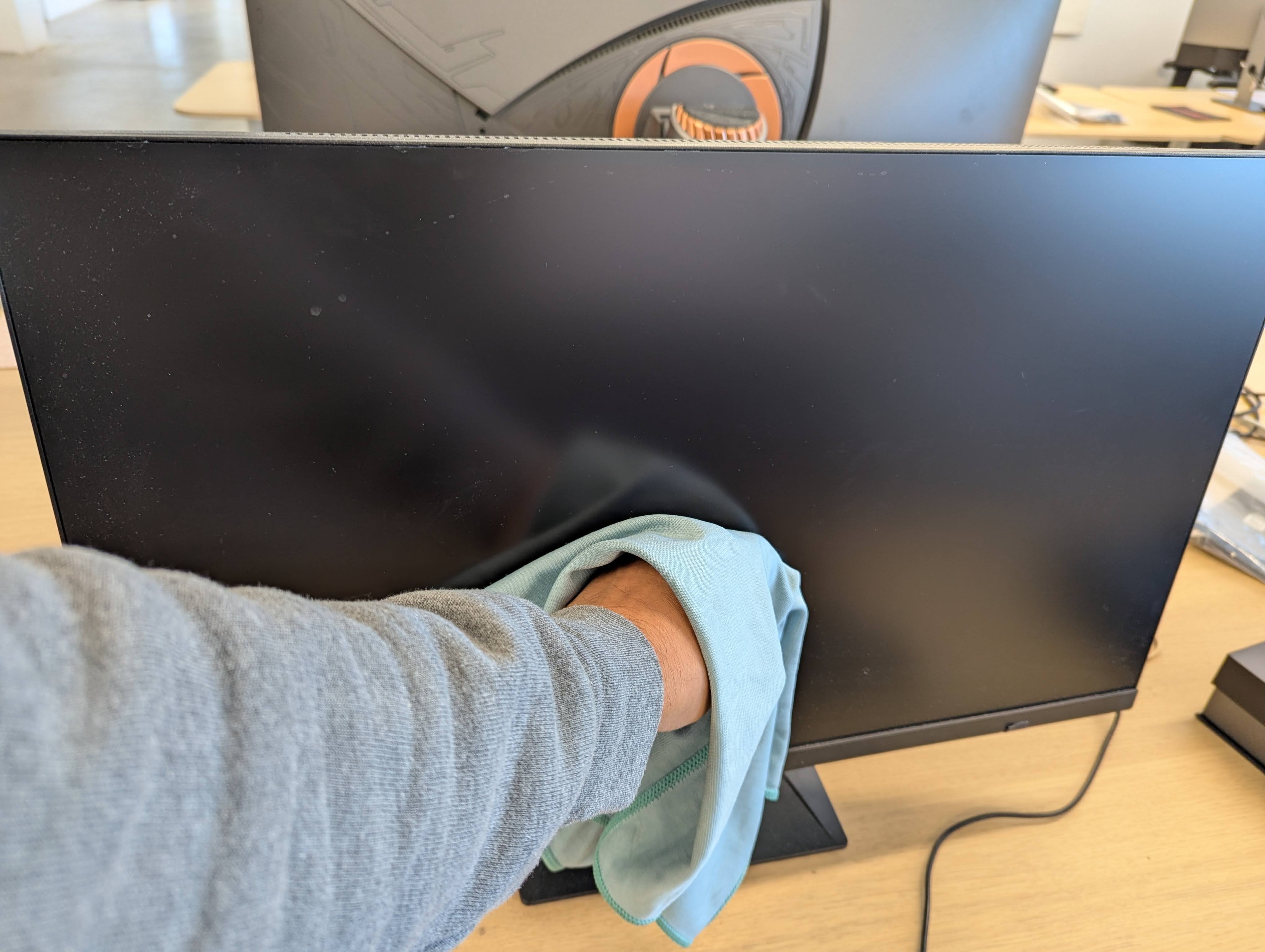
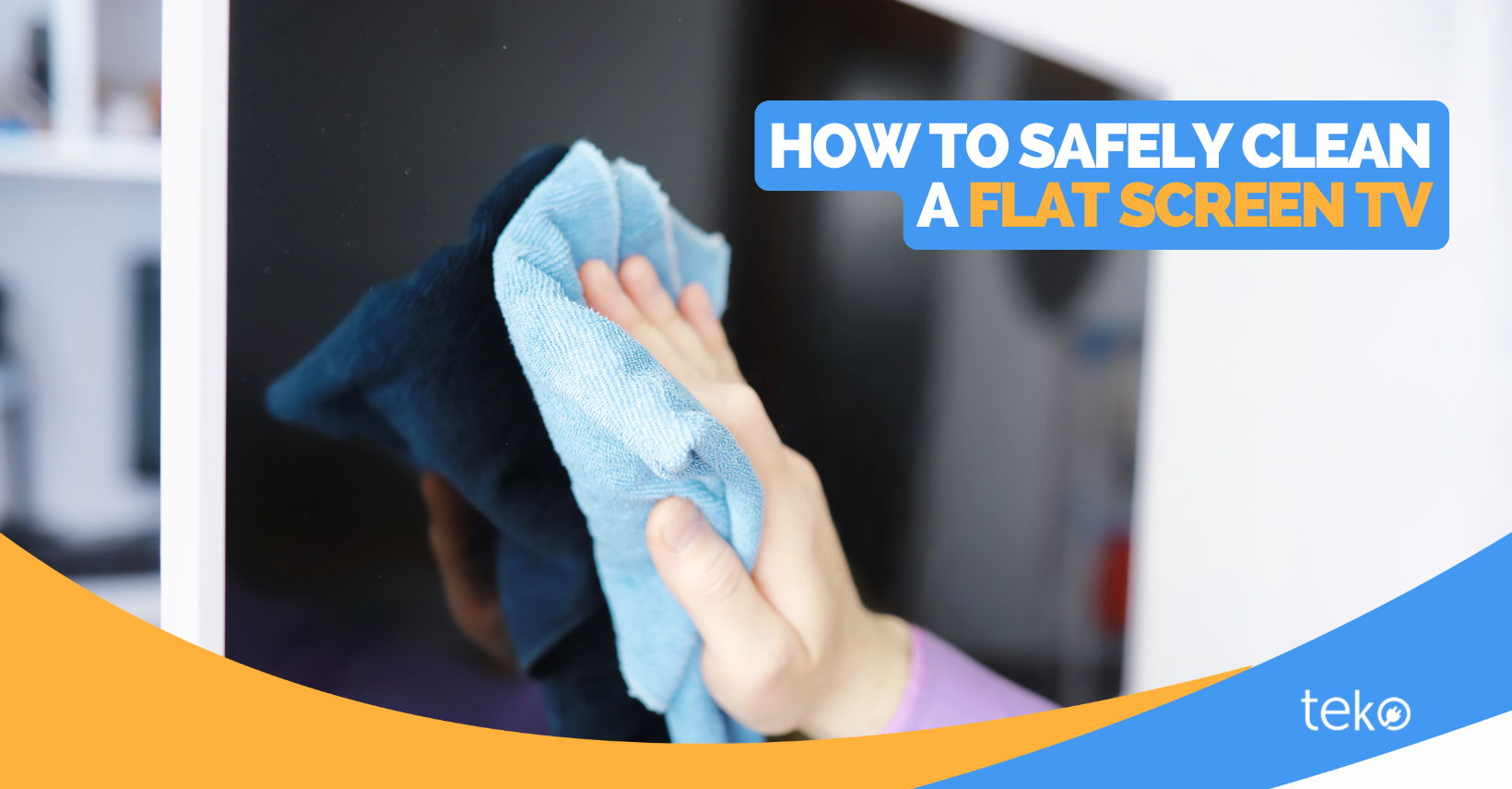
Apply the damp microfiber cloth to the screen using minimal pressure. Let the fine fibers do the work of lifting oils.
- Wipe using broad, overlapping horizontal or vertical strokes, moving from one side of the panel to the other.
- Avoid pressing hard into the display. Pressing forcefully on liquid crystal displays (LCDs) or organic panels can damage internal liquid cell alignment, rupture pixel gates, or cause persistent uniform cloudy patches (commonly called "mura" or backlight bleeding).
- For stubborn fingerprints, apply gentle circular motions over the isolated spot using a clean section of the damp cloth.
Step 5: Buff Dry Immediately
Before residual moisture air-dries into visible spots, take your second dry microfiber cloth and gently buff the surface in broad linear passes. Inspect the display from multiple angles under bright lighting to confirm that all streaks and moisture spots have been removed. Allow the unit to dry completely for 5 to 10 minutes before restoring power.
Screen Technology Specifics: Handling OLED, QD-OLED, LCD, and Glossy Panels
Different display panel technologies require unique care considerations due to differences in surface hardness, anti-glare coatings, and substrate construction.
| PANEL TECH | COATING TYPE | PRIMARY CLEANING RISK |
|---|---|---|
| OLED / QD-OLED | Ultra-Thin AR | Coating stripping, pressure bruising |
| Matte IPS/VA | Textured AG Film | Trapping oil, fiber lint in micro-grooves |
| Glossy Glass | Oleophobic / Glass | Streaking, edge liquid intrusion |
| Touchscreen | Reinforced Glass | High oil accumulation, seal erosion |
OLED and QD-OLED Displays
OLED televisions and high-refresh-rate gaming monitors (manufactured by brands like LG, Samsung, and Sony) feature extremely delicate anti-reflective coatings designed to preserve pitch-black levels in illuminated rooms. These films are significantly softer than traditional glass.
- Use only pure distilled water on OLED screens unless the manufacturer specifically recommends a certified screen solution.
- Avoid using aggressive circular scrubbing, which creates shiny spots on the anti-reflective coating.
- For more detailed manufacturer guidance, check official maintenance protocols provided by LG Support or Samsung Support.
Matte Anti-Glare (AG) Computer Monitors
Matte displays utilize a microscopic, etched plastic layer that diffuses incoming ambient light to eliminate reflections.
- The micro-textured surface of matte displays tends to trap skin oils and lint.
- Avoid using overly plush, long-pile microfiber towels that drop fine lint into the textured surface. Use a flat-weave, lint-free optical cloth instead.
- Do not apply heavy rubbing force, as friction can smooth out the matte texture, leaving permanent glossy, shiny patches across your workspace display.
Glossy Display Panels and Touchscreens
Glossy glass screens—frequently found on modern laptops, tablets, interactive monitors, and select high-end televisions—accumulate visible fingerprints faster than matte panels.
- Glass surfaces can withstand gentle cleaning with a 70% isopropyl alcohol solution diluted with distilled water if grease build-up is severe.
- Always check whether the glass includes a specialized oleophobic coating (common on touch-enabled screens). Excessive alcohol exposure degrades oil-repellent treatments over time.
Recommended vs. Harmful Screen Cleaning Materials
| Material / Cleaner | Safe for Modern Screens? | Risk Level | Primary Hazard or Benefit |
|---|---|---|---|
| Distilled Water | Yes (Recommended) | Safe | Removes dust and light smudges without leaving mineral spots or degrading chemical coatings. |
| Split-Fiber Microfiber | Yes (Recommended) | Safe | Captures oil and debris micro-particles without scratching soft plastic polarizers. |
| 70% Isopropyl Alcohol (IPA) | Conditional | Moderate | Safe for select non-porous glass panels; can degrade anti-glare coatings if used excessively or undiluted. |
| Tap / Mineral Water | No | High | Leaves hard water mineral deposits (calcium/magnesium) that scratch coatings upon drying. |
| Windex / Glass Cleaners | No | Critical | Contains ammonia and harsh chemical solvents that permanently dissolve optical coatings. |
| Paper Towels & Tissues | No | High | Wood-pulp fibers create microscopic scratches and deposit heavy static-charged lint. |
| Dish Soap / Detergents | No | Critical | Leaves thick surfactant films that degrade surface coatings and leave severe streaks. |
| Acetone / Polish Remover | No | Destructive | Dissolves display plastics, outer polarizers, and screen bezels instantly on contact. |
Troubleshooting Common Screen Cleaning Issues
Even when following standard precautions, stubborn residues or unintentional mistakes can occur. Here is how to address common issues safely:
Removing Oily Fingerprints and Grease Spots
Skin oil contains a mixture of lipids and acids that resist dry wiping. If distilled water fails to break down heavy grease spots:
- Mix a 1:1 solution of pure distilled water and 70% isopropyl alcohol in a clean spray bottle (confirm your screen manufacturer allows diluted IPA).
- Lightly mist the solution onto your microfiber cloth.
- Hold the damp cloth over the oily spot for 5 to 10 seconds to loosen the lipids before gently wiping in a straight line.
Eliminating Dried Food or Drink Splatters
Never pick or scrape dried food, coffee, or soda splatters off a display with a fingernail or rigid tool, as doing so can gouge the plastic outer polarizer.
- Saturate a small area of a folded microfiber towel with warm distilled water.
- Hold the warm towel directly against the dried spot for 15 to 30 seconds to rehydrate and soften the residue.
- Wipe the softened residue away gently without applying downward pressure.
Fixing Streaks Left by Previous Cleaners
If previous attempts with tap water or detergent left behind a cloudy residue:
- Dust the panel thoroughly to remove loose grit.
- Dampen a fresh microfiber cloth with pure distilled water.
- Wipe the display systematically from top to bottom.
- Immediately follow behind with a dry, clean microfiber cloth to lift the dissolved residue before it re-evaporates. Repeat this process two to three times using clean sections of the cloth.
Addressing Micro-Scratches or Coating Haze
If a display already exhibits hazy patches from past chemical exposure or fine scratches from paper towels, chemical cleaning cannot reverse the physical or chemical damage. Avoid attempting to "polish out" screen scratches with automotive wax, toothpastes, or baking soda pastes. These abrasive compounds strip the surrounding coating entirely, expanding the damaged area across the panel.
Frequently Asked Questions
Can I use Windex or standard household glass cleaner on my TV or monitor?
No. Standard glass cleaners contain ammonia, alcohol, or synthetic detergents designed for architectural window glass. These chemicals permanently dissolve the delicate anti-reflective and anti-glare films applied to modern TV and monitor displays, resulting in severe cloudiness, peeling coatings, and destroyed picture clarity.
Is it safe to use isopropyl alcohol to clean screens?
You should use isopropyl alcohol with caution. While pure 70% isopropyl alcohol wipes are permitted by select manufacturers for hard glass displays (such as un-coated glass laptop screens), alcohol can break down the anti-glare coatings and plastic polarizers on modern OLED, QD-OLED, and matte LCD panels. Distilled water should always be your first choice.
Why does my screen look streaky after I wipe it?
Streaking occurs when cleaning liquid evaporates too quickly on a warm screen, when tap water leaves behind mineral deposits, or when dirty microfiber cloths redistribute skin oils. To eliminate streaks, clean the screen only when it is cold, use distilled water instead of tap water, and wipe the display dry immediately using a second, clean microfiber cloth.
Can I use tap water if I do not have distilled water?
Tap water should be avoided. Tap water contains dissolved minerals like calcium and magnesium. When tap water dries on a display, it leaves behind hard mineral spots. Wiping those microscopic mineral crystals across the screen can create fine scratches over time.
How often should I clean my computer monitor or television screen?
Perform a quick dry dusting once every one to two weeks using a clean microfiber cloth to prevent dust from accumulating inside ventilation ports and bezels. Damp spot cleaning for fingerprints or grease should only be performed as needed to minimize wear on surface coatings.
Final Recommendations for Long-Term Screen Care
To preserve picture performance and protect display coatings over time, keep a dedicated display care kit near your home theater or workstation. Store two or three high-GSM microfiber cloths inside a sealed zip-top plastic bag to prevent them from gathering ambient dust and abrasive household grit between uses.
When laundering microfiber cloths, wash them separately from other fabrics using mild detergent. Avoid using fabric softeners or dryer sheets, as silicone agents in softeners coat synthetic fibers and cause heavy smudging when applied to screen surfaces. For detailed compliance rules on maintaining enterprise workspace hardware, consult technical resources on IEEE Xplore or standard IT hardware maintenance manuals.
Image Gallery