Squarespace Monthly Fees Explained
Squarespace pricing relies on a tiered subscription model structured around monthly or annual billing intervals, scaling from basic portfolio sites to fully featured e-commerce storefronts. Understanding these monthly fees, transaction...
Squarespace pricing relies on a tiered subscription model structured around monthly or annual billing intervals, scaling from basic portfolio sites to fully featured e-commerce storefronts. Understanding these monthly fees, transaction costs, and hidden expenses helps website owners budget accurately without encountering unexpected charges after launch.
Contents
Introduction to Squarespace Pricing Architecture
Navigating the financial commitment of building a website requires looking past headline-grabbing marketing numbers to examine how Squarespace structures its billing cycles. Squarespace offers four primary subscription tiers: Personal, Business, Commerce Basic, and Commerce Advanced. Each plan targets a specific user profile, ranging from personal bloggers and creative portfolios to high-volume online retailers.
While Squarespace advertises heavily discounted rates when users commit to an annual subscription, month-to-month flexibility remains available for those who prefer not to lock into a long-term contract. However, opting for monthly billing typically incurs a higher overall cost compared to prepaying for an annual plan. Furthermore, beyond the baseline subscription fees, users must account for domain registration costs, transaction fees on specific tiers, professional email hosting, and add-on features like member areas or scheduling tools. Evaluating these expenses collectively ensures that website owners select the most cost-effective tier for their specific operational requirements.
Overview of Squarespace Subscription Tiers
Selecting the right Squarespace plan depends on your technical requirements, monetization strategy, and scale of operations. The platform divides its offerings into website-focused plans and commerce-focused plans.
The Personal Plan suits simple portfolios, blogs, and landing pages. It provides core website features, unlimited bandwidth, and basic metrics, but omits advanced website analytics, promotional pop-ups, and professional integrations. Crucially, the Personal Plan does not support CSS and JavaScript injections, limiting deep design customization.
The Business Plan targets small businesses and freelancers requiring custom code, promotional banners, and advanced site metrics. It removes the limitations on code customization and introduces advanced marketing tools. However, users on the Business Plan face a 3% transaction fee on all product sales, digital goods, and donations processed through Squarespace Commerce.
The Commerce Basic Plan removes Squarespace transaction fees entirely while offering robust e-commerce capabilities. It introduces customer accounts, product reviews, point-of-sale integrations, and advanced merchandising tools, making it ideal for growing online stores.
The Commerce Advanced Plan serves high-volume merchants. It adds advanced shipping calculations, automated discounting, subscriptions, and advanced API access for custom integrations.
| Plan Name | Monthly Billing Price (USD) | Annual Billing Equivalent (USD/mo) | Transaction Fees | Primary Use Case |
|---|---|---|---|---|
| Personal | $25.00 | $16.00 | N/A (No E-commerce) | Portfolios, blogs, simple landing pages |
| Business | $36.00 | $23.00 | 3.0% | Small businesses, service providers, custom code |
| Commerce Basic | $40.00 | $28.00 | 0% | Growing online stores, physical goods |
| Commerce Advanced | $72.00 | $52.00 | 0% | High-volume retail, subscriptions, advanced shipping |
Note: Pricing figures reflect standard published rates. Local taxes and currency conversions may apply depending on the user's geographic location.
Annual Versus Monthly Billing Structures
A major factor influencing your total monthly expenditure on Squarespace is the billing frequency you select at checkout. Squarespace heavily incentivizes annual commitments by offering discounts that range from roughly 25% to 30% off the equivalent monthly rate.
When users choose monthly billing, they pay a higher recurring rate because they retain the freedom to cancel or downgrade their subscription at any time without forfeiting prepaid funds. For short-term projects, seasonal campaigns, or temporary landing pages, paying month-to-month can prevent unnecessary expenditure on an unused annual subscription. Conversely, for established businesses and long-term ventures, annual billing significantly reduces overhead costs over a twelve-month period.
It is also important to note that Squarespace subscriptions renew automatically by default. Whether you choose a monthly or annual cycle, the payment method on file is billed at the end of each term unless the subscription is explicitly canceled before the renewal date. Managing your billing preferences within the Account Dashboard prevents unintended charges and ensures uninterrupted site availability.
Hidden Costs and Additional Expenses
While the base subscription fee covers hosting, SSL security, and core platform features, operating a professional website often involves supplementary costs that are not included in the standard monthly fee.
Domain Registration and Renewal
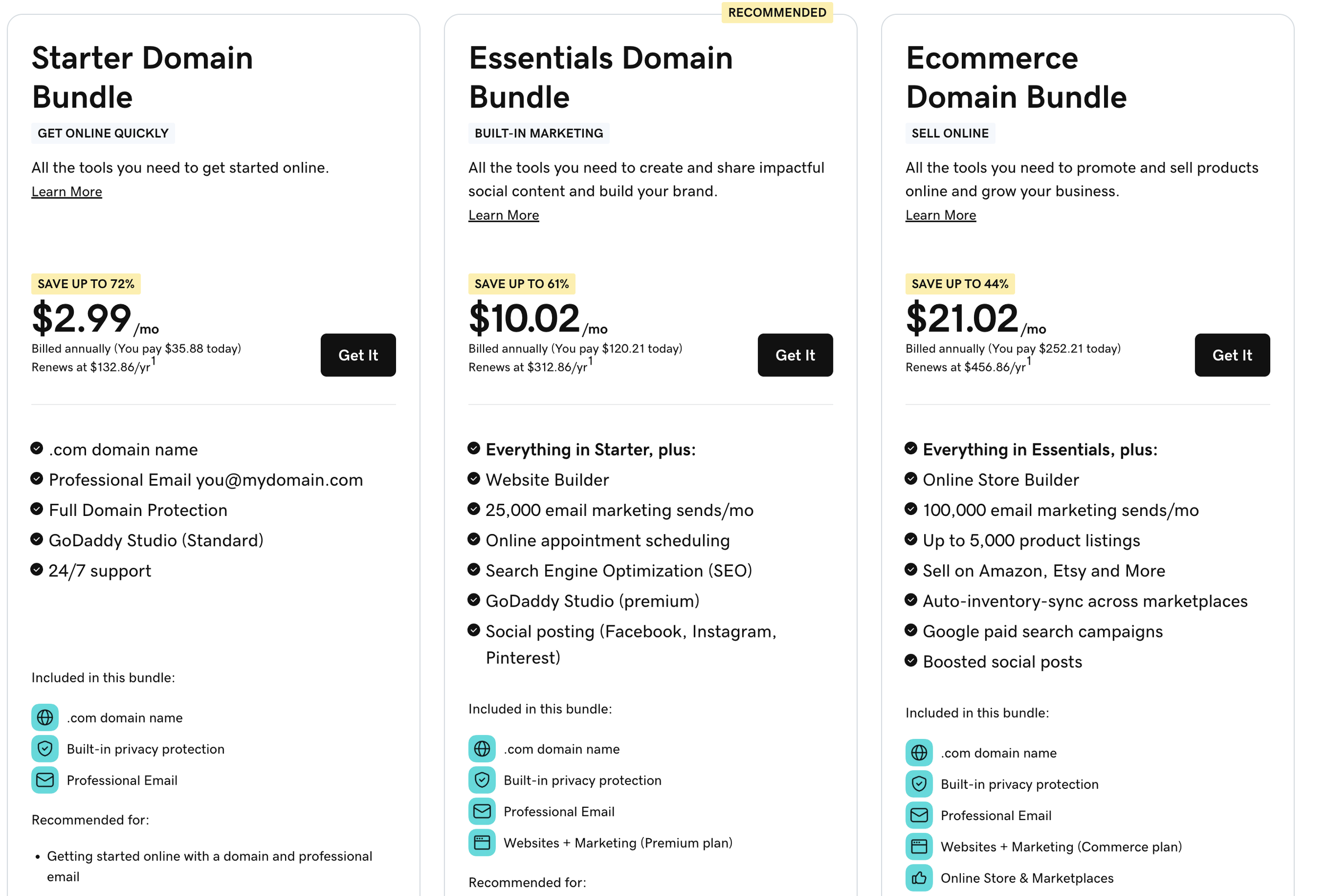
Every new annual Squarespace subscription includes a free custom domain name for the first year. However, this promotion does not apply to month-to-month plans, nor does it extend past the initial twelve-month term. Standard domain renewals typically range from $20 to $70 per year depending on the top-level domain (e.g., .com, .org, .net). Users who connect a third-party domain purchased from a registrar like Namecheap or GoDaddy will continue paying that registrar separately.
Professional Email Hosting
Squarespace does not include free email hosting with its website plans. While the platform integrates seamlessly with Google Workspace, establishing a professional custom email address (e.g., info@yourdomain.com) incurs separate subscription costs billed directly through Google or an alternative email provider.
Transaction Fees vs. Payment Processor Fees
A common point of confusion for new users involves the distinction between Squarespace transaction fees and third-party payment gateway fees.
- Squarespace Transaction Fees: Charged only on the Personal and Business plans at a rate of 3% for the Business plan (Personal cannot sell products). These fees are eliminated on Commerce plans.
- Payment Processor Fees: Independent of Squarespace, payment gateways like Stripe, PayPal, and Square charge standard processing fees (typically around 2.9% plus $0.30 per transaction) for handling credit card payments, regardless of which Squarespace plan you use.
Premium Add-Ons and Extensions
Squarespace offers specialized add-ons that require separate monthly subscriptions. These include Squarespace Email Campaigns for newsletter marketing, Member Areas for gating exclusive content, and Squarespace Scheduling for booking appointments and client management. Each tool operates on its own tiered pricing structure.
Evaluating Value: Is Squarespace Worth the Monthly Fee?
Determining whether Squarespace justifies its monthly fees requires weighing its platform advantages against alternative content management systems and website builders like WordPress, Shopify, or Wix.
Squarespace is widely recognized for its design-forward templates, drag-and-drop Fluid Engine editor, and tightly integrated ecosystem. Unlike open-source platforms such as WordPress, Squarespace manages all server maintenance, security updates, and SSL certificates internally. This eliminates the need for third-party hosting providers, manual security plugins, or technical developer oversight for basic site maintenance.
For creative professionals, local service providers, and boutique e-commerce brands, the time saved on maintenance and design execution often outweighs the monthly subscription cost. However, for large-scale enterprise operations requiring extensive database customization, multi-language directories, or complex inventory hierarchies, transaction-heavy platforms or self-hosted solutions may offer better long-term scalability.
Frequently Asked Questions
Can I switch between monthly and annual billing after signing up?
Yes, you can change your billing frequency at any time through your account billing settings. If you upgrade from a monthly plan to an annual plan, Squarespace typically prorates the remaining balance of your current billing cycle and applies it toward the new annual charge.
What happens to my website if I miss a monthly payment?
If a monthly payment fails due to an expired credit card or insufficient funds, Squarespace enters a grace period and attempts to process the payment again. If the payment cannot be recovered, your website will be deactivated and taken offline. Your content and data remain saved on Squarespace servers for a limited time, allowing you to reactivate the site immediately upon updating your payment information.
Are there any setup fees or hidden activation costs?
Squarespace does not charge setup fees. The advertised monthly or annual subscription price is the exact amount charged at checkout, excluding applicable local sales taxes or VAT.
Can I run an online store on the Personal plan?
No, the Personal plan does not support e-commerce functionality, product sales, or customer checkouts. To sell physical products, digital goods, or services, you must upgrade to the Business plan (which incurs a 3% transaction fee) or a Commerce plan (which eliminates Squarespace transaction fees).
How do I cancel my Squarespace subscription?
You can cancel your subscription at any time directly through your website's billing panel. Cancellation stops future automatic renewals. Depending on when you cancel during your billing cycle, your site will remain active until the end of the paid term, after which it will be permanently deleted from the platform unless reactivated.
Conclusion and Next Actions
Before committing to a Squarespace subscription, take advantage of the platform's 14-day free trial to test out template designs, backend tools, and editing capabilities without entering payment information. Review your operational needs carefully: choose monthly billing if you require short-term agility, or select annual billing to secure the lowest possible effective monthly rate. Audit any anticipated add-on costs, such as custom domains and professional email hosting, to establish a realistic, comprehensive budget for your web project.
Image Gallery