Understanding ID Color in HTML
In HTML and CSS development, "ID color" refers to two distinct but related concepts: using a unique element ID as a selector to apply color styles via CSS, and the use of hexadecimal color codes, which are identified by the pound or ha...
In HTML and CSS development, "ID color" refers to two distinct but related concepts: using a unique element ID as a selector to apply color styles via CSS, and the use of hexadecimal color codes, which are identified by the pound or hash symbol (#). To master web design in 2026, developers must understand how to leverage these unique identifiers to create precise, high-performance, and maintainable user interfaces.
Contents
The primary mechanism for applying color to a specific element involves the id attribute in HTML and the ID selector in CSS. While classes are used for groups of elements, an ID is reserved for a single, unique entity on a page, such as a main navigation bar or a specific branding container. This distinction is critical because IDs carry higher CSS specificity than classes, meaning a color defined by an ID will override colors defined by classes or element tags. Additionally, the term is frequently associated with "hex IDs," which are the six-digit codes used to define exact digital colors.
The Role of the ID Attribute in HTML Styling
The id attribute is a global attribute in HTML that assigns a unique identifier to an element. According to the W3C standards, an ID must be unique within the entire document. This uniqueness is what makes the ID attribute a powerful tool for color application; it allows a developer to target one specific piece of the DOM (Document Object Model) without the risk of accidentally styling other elements.
In 2026, the use of IDs for styling has become more specialized. While modern frameworks often favor utility classes, IDs remain the gold standard for structural components that are guaranteed to appear only once. When you assign
to a button, you are creating a direct hook for your stylesheet. This hook ensures that the color properties you apply are tied strictly to that functional component, preventing "style leakage" where a change to a button in one area of the site unexpectedly changes buttons elsewhere.
The syntax for an ID in HTML is straightforward:
Welcome
Here, "main-nav-header" is the unique string. It is important to remember that ID names are case-sensitive and should not contain spaces. Historically, IDs were required to start with a letter, but modern HTML5 and subsequent updates allow for more flexibility, though starting with a letter remains the best practice for compatibility with older scripts and certain CSS preprocessors.
Applying Colors via the CSS ID Selector
To apply a color to an element identified by an ID, CSS uses the hash symbol (#) as a prefix. This is known as the ID selector. The relationship between the HTML ID and the CSS selector is the foundation of specific targeting.
#main-nav-header { color: #2c3e50; background-color: #ecf0f1; }
In this example, the CSS looks for the element with the specific ID of "main-nav-header" and applies a dark slate color to the text and a light gray to the background. The technical depth of this operation lies in CSS Specificity. Specificity is a weight applied to a given CSS declaration, determined by the number of each selector type in the matching selector.
An ID selector has a specificity weight of (1,0,0) in the standard calculation. Compare this to a class selector, which has a weight of (0,1,0), or an element selector (like h1), which has a weight of (0,0,1). Because 100 is greater than 10, any color defined in an #id selector will successfully override a color defined in a .class selector, even if the class selector appears later in the stylesheet. This makes IDs incredibly effective for "theming" or creating exceptions to general site styles.
Understanding Hexadecimal "ID" Codes for Colors
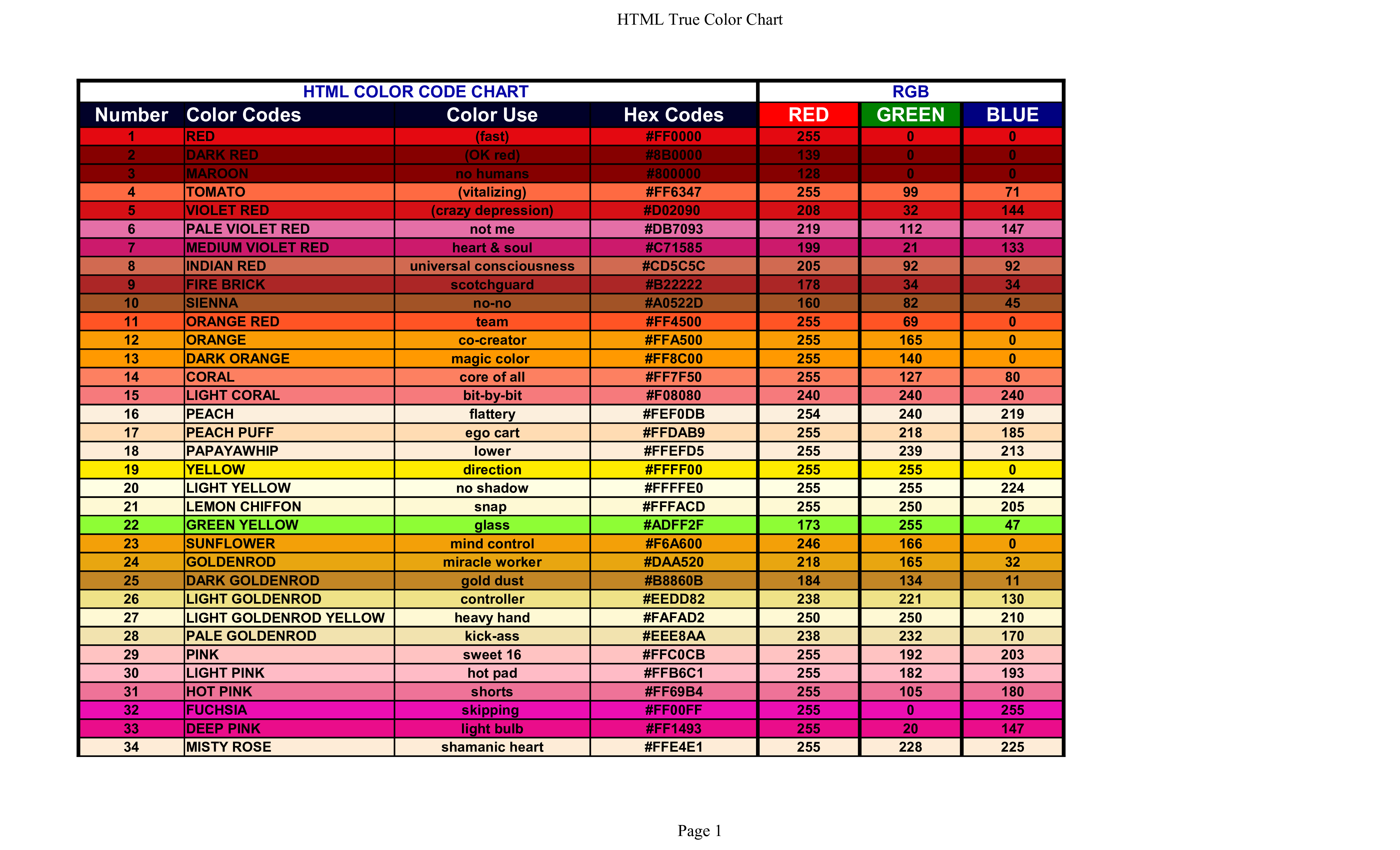
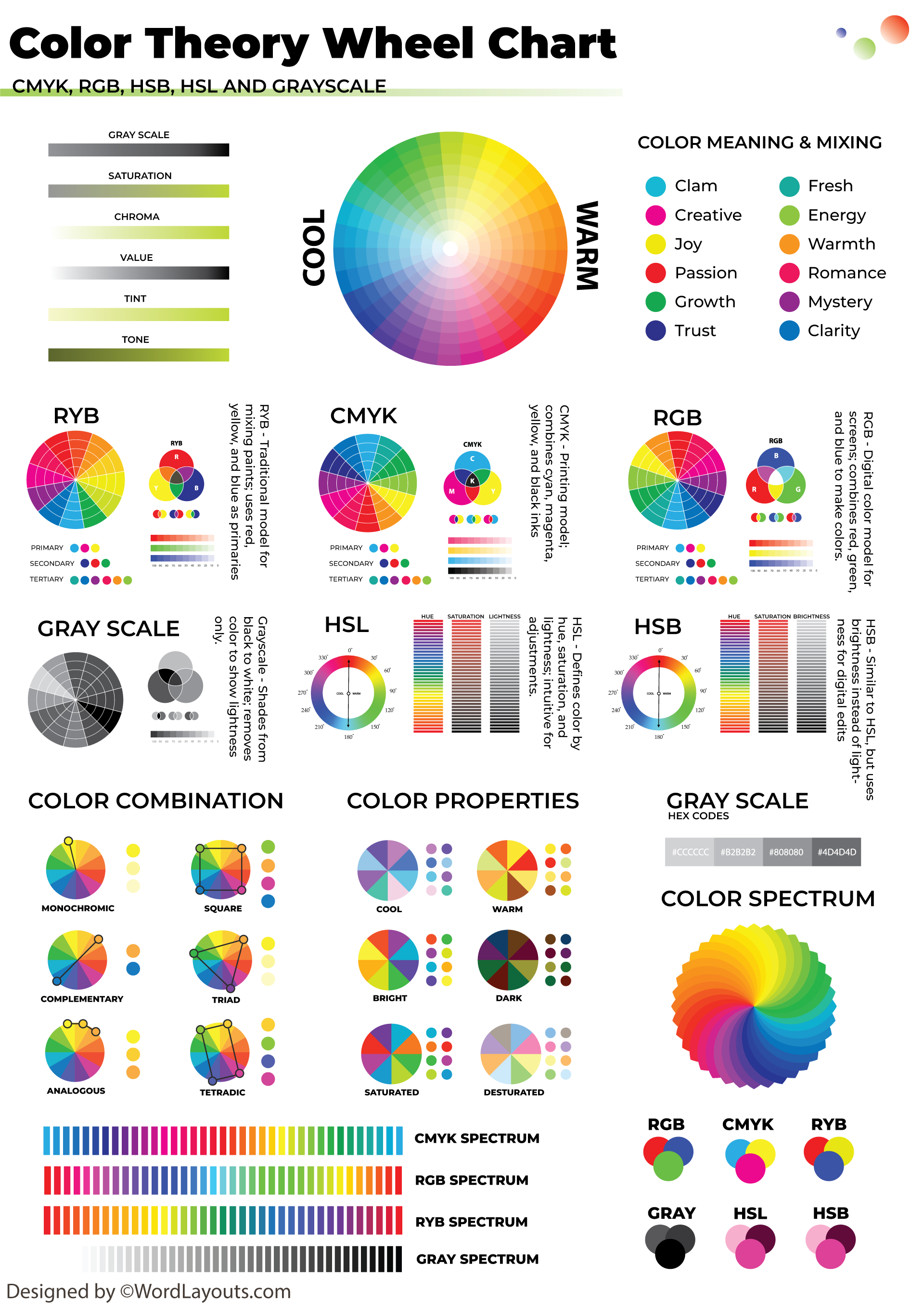
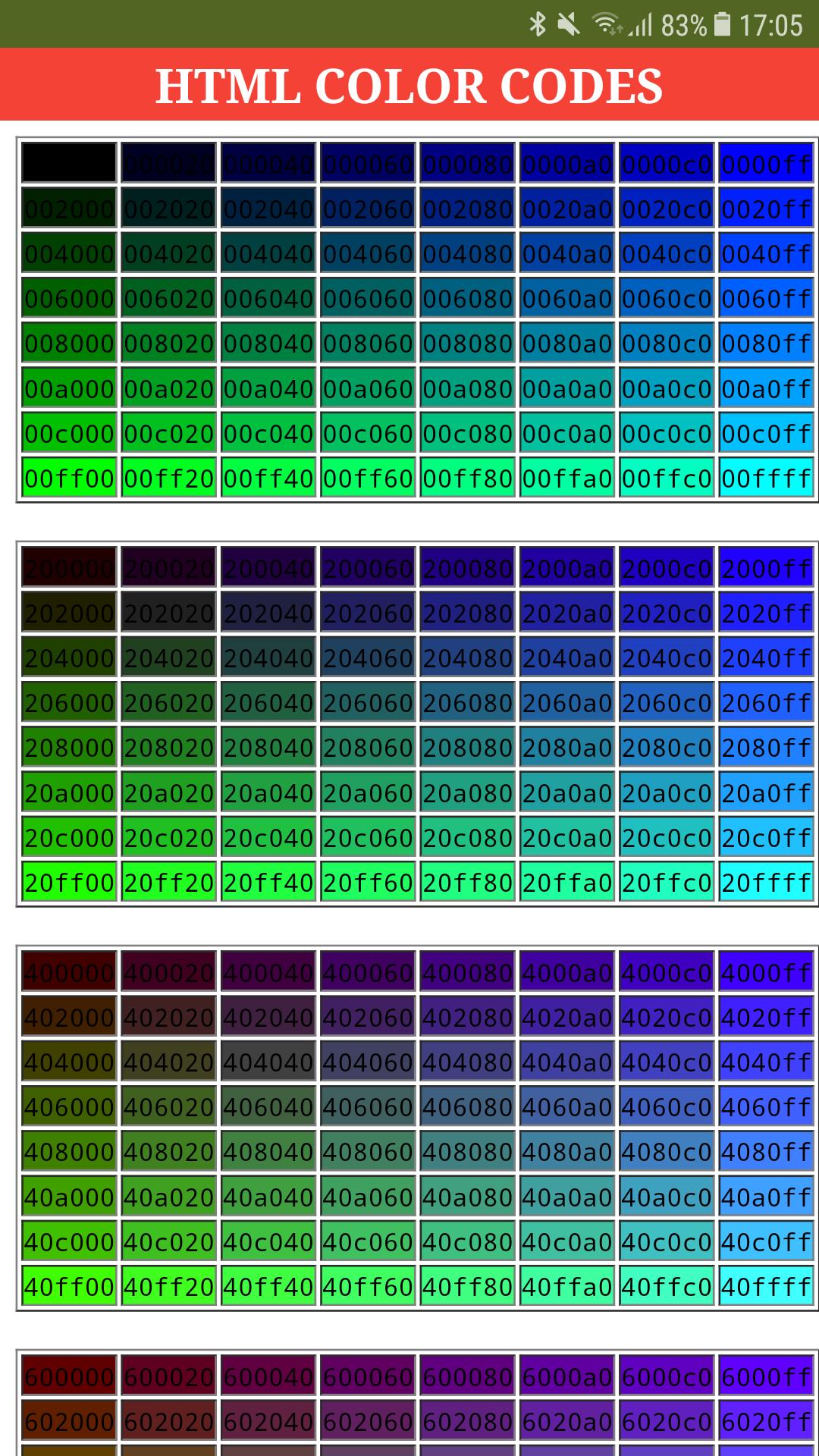
The second interpretation of "ID color" involves hexadecimal codes. These codes are often called "Hex IDs" by beginners because they start with the same # symbol used by CSS ID selectors. A hexadecimal color is a way of specifying colors using the RGB (Red, Green, Blue) color model.
A standard hex code consists of six characters following the hash. These characters are divided into three pairs:
- First Pair (RR): Represents the intensity of Red.
- Second Pair (GG): Represents the intensity of Green.
- Third Pair (BB): Represents the intensity of Blue.
Each pair uses a base-16 numbering system (0-9 and A-F). "00" represents no intensity (0 in decimal), while "FF" represents maximum intensity (255 in decimal). Therefore, #FF0000 is pure red, #00FF00 is pure green, and #0000FF is pure blue. In 2026, we also frequently use the eight-digit hex code, where the final two digits represent the Alpha channel (transparency). For example, #FF000080 would be a 50% transparent red.
Hexadecimal Color Math and Logic
The logic behind these "color IDs" is rooted in 8-bit color depth. Each color channel (R, G, B) has 256 possible values (16 x 16). When combined, this allows for over 16.7 million possible color combinations. Understanding the math helps in troubleshooting; for instance, if a color looks too "muddy," you likely have high values in all three channels, bringing the color closer to white or gray. Conversely, very low values in all channels bring the color closer to black.
Comparison of Selectors and Color Specificity
When managing colors in a complex HTML document, understanding which selector "wins" is vital for debugging. The following table illustrates the hierarchy of specificity and how different methods of targeting an element affect the final rendered color.
| Selector Type | Syntax Example | Specificity Score | Priority Level | Use Case |
|---|---|---|---|---|
| ID Selector | #hero-section |
1-0-0 | High | Unique elements (Nav, Footer, Sidebar). |
| Class Selector | .btn-primary |
0-1-0 | Medium | Reusable components and patterns. |
| Element Selector | p or div |
0-0-1 | Low | Base typography and default layout styles. |
| Inline Style | style="color: #000;" |
1-0-0-0 | Very High | Dynamic changes via JavaScript or overrides. |
| !important | color: #000 !important; |
N/A | Highest | Emergency overrides (use sparingly). |
Best Practices for ID-Based Color Styling
While IDs are powerful, they should be used judiciously. Over-reliance on IDs for styling can lead to "specificity wars," where you are forced to use increasingly complex selectors or the !important flag to override previous styles.
1. Reserve IDs for Structural Anchors
Only use IDs for elements that are truly unique. In a 2026 web environment, this typically includes the site's main wrapper, the global navigation, and the primary footer. For everything else—buttons, cards, text blocks—use classes. This allows you to reuse color patterns across the site without rewriting CSS for every individual element.
2. Semantic Naming
Avoid naming your IDs based on the color itself. For example, using
is poor practice. If the brand guidelines change and that container needs to be blue, your ID name becomes misleading. Instead, use functional or semantic names like
. This keeps your HTML structure logical regardless of the CSS color values applied to that ID.
3. Accessibility and Contrast
When applying colors via an ID, always verify the contrast ratio. Web Content Accessibility Guidelines (WCAG) require specific contrast ratios (typically 4.5:1 for normal text) to ensure readability for users with visual impairments. Since IDs are often used for high-importance areas like headers or call-to-action sections, ensuring the ID-applied color meets these standards is a core responsibility of the developer.
4. Combining IDs with CSS Variables
A modern approach in 2026 is to use the ID selector to define CSS variables (custom properties) rather than hard-coded hex values. This combines the specificity of the ID with the flexibility of variables.
#dashboard-sidebar { --sidebar-bg: #1a1a1a; --sidebar-text: #ffffff; background-color: var(--sidebar-bg); color: var(--sidebar-text); }
This method allows you to change the colors dynamically (e.g., for a "Dark Mode" toggle) while maintaining the structural integrity of the ID-based layout.
Common Pitfalls and Troubleshooting
Many developers encounter issues when the color they've assigned to an ID doesn't appear on the screen. This is usually due to one of three things:
- Typos and Case Sensitivity: If your HTML says
id="MainContent"and your CSS says#maincontent, the color will not apply. Browsers treat these as different identifiers. - ID Duplication: If you accidentally use the same ID twice on one page, the browser might only apply the styles to the first instance, or it might behave unpredictably. Use a validator to ensure ID uniqueness.
- Overriding by Inline Styles: If an element has an inline style attribute (often generated by JavaScript libraries), it will override your CSS ID selector unless you use the
!importantrule, which is generally discouraged.
To troubleshoot, use the Browser Developer Tools (F12). Inspect the element and look at the "Styles" or "Computed" tab. If your ID color is crossed out, the inspector will show you exactly which selector is overriding it.
Frequently Asked Questions
Can an HTML element have more than one ID for multiple colors?
No, an HTML element can only have one ID. If you need to apply multiple sets of styles or colors that might change independently, you should use classes. An element can have multiple classes (e.g., class="btn red-theme rounded") but only a single, unique ID.
Why does a hex color start with a pound sign (#)?
The pound sign (or hash) is a standard convention in computer science to indicate a hexadecimal number. In CSS, it specifically signals to the browser that the following string should be interpreted as a hex code rather than a named color (like "red") or a functional color (like rgb() or hsl()).
Is it better to use ID colors or Class colors?
For general styling and reusability, classes are significantly better. IDs should be reserved for cases where you need the highest level of specificity or when the element is unique to the page's structure. Using IDs for every color application makes the stylesheet difficult to maintain and override.
How do I find the "ID" of a specific color?
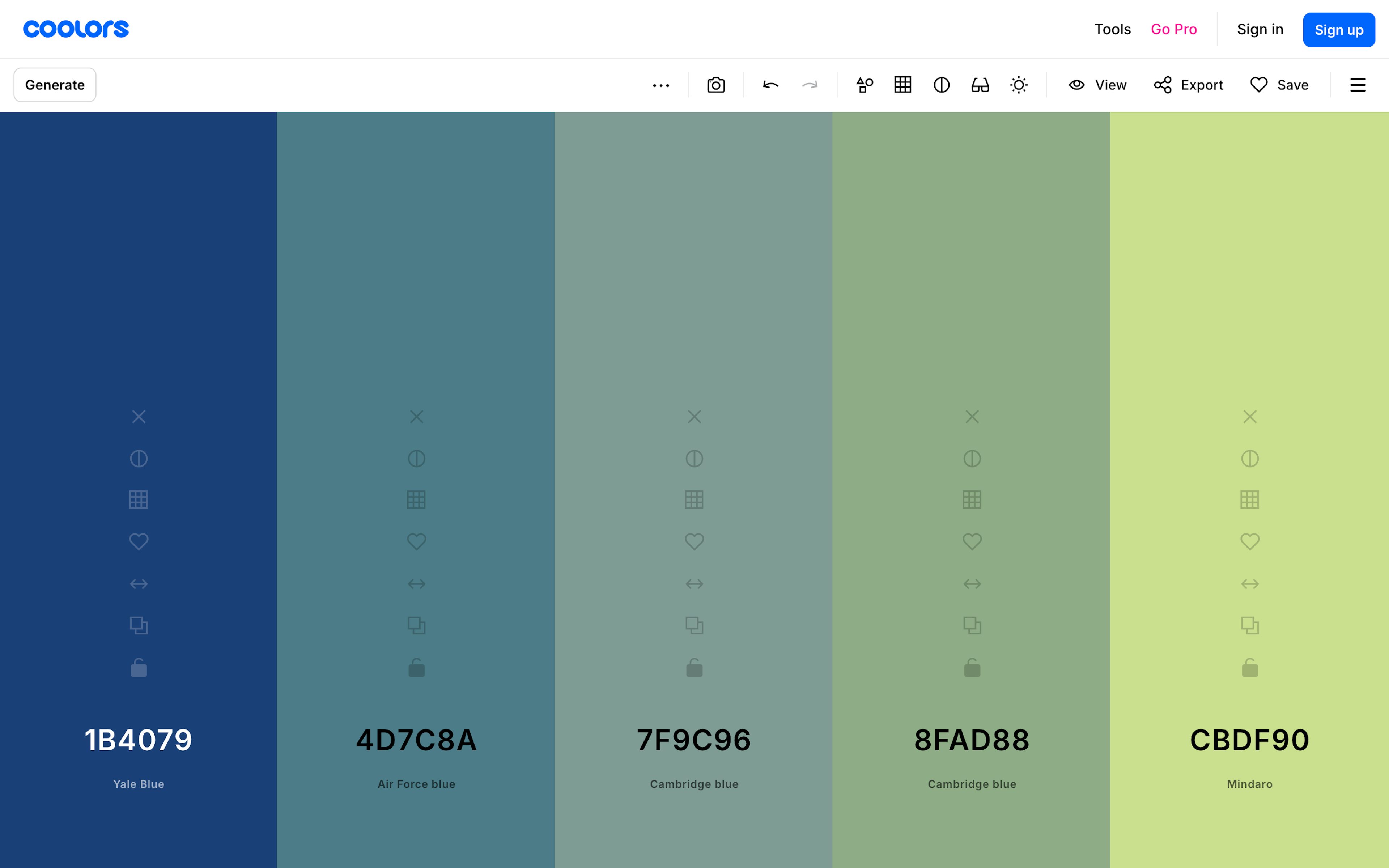
If you have a color on your screen and need its hexadecimal code (Hex ID), you can use a color picker tool. Most browser developer tools have a built-in eye-dropper. Alternatively, graphic design software like Photoshop or online tools like Adobe Color provide the 6-digit hex code for any selected hue.
Do ID selectors work with CSS preprocessors like Sass or Less?
Yes, ID selectors work perfectly with all major CSS preprocessors. In Sass, you can even nest selectors within an ID block to maintain a clean hierarchy. However, the same rules of specificity apply, so be careful not to create overly specific selectors that are hard to manage later.
Recommendation for Implementation
When starting a new project in 2026, begin by defining your global color palette using CSS variables within the :root pseudo-class. Use classes for 90% of your color applications to ensure flexibility. Reserve the id selector for the primary structural pillars of your site—such as #main-nav or #app-root—to apply foundational colors that should never be accidentally overridden by component-level styles. Always validate your hexadecimal codes for accessibility compliance to ensure your "ID colors" are inclusive for all users.
Image Gallery