How to Build and Analyze Custom Net Worth Trends After Mint
In 2026, tracking custom net worth trends requires moving beyond the defunct Mint interface and utilizing modern aggregators or specialized spreadsheets. While Intuit migrated Mint users to Credit Karma, advanced customization—such as...
In 2026, tracking custom net worth trends requires moving beyond the defunct Mint interface and utilizing modern aggregators or specialized spreadsheets. While Intuit migrated Mint users to Credit Karma, advanced customization—such as filtering specific asset classes or excluding primary residences—is best achieved through platforms like Monarch Money, Empower, or Tiller Money.
Contents
For over two decades, Mint was the gold standard for free personal finance management. However, its closure in early 2024 left a significant void for users who relied on its "Net Worth" tab to visualize long-term financial growth. By 2026, the landscape of personal finance software has matured, offering even more robust "custom" reporting than the original Mint platform. To replicate or exceed the custom net worth trend analysis you once had, you must understand the data aggregation layers, the filtering capabilities of current-gen apps, and how to maintain historical continuity.
The Evolution of Net Worth Tracking: From Mint to 2026
When Intuit shuttered Mint, the primary replacement offered was Credit Karma. For many users, this was a regression in terms of custom reporting. Credit Karma provides a simplified net worth snapshot, but it lacks the granular "trend" customization—such as the ability to view net worth excluding certain accounts or over specific non-standard timeframes—that power users demanded.
In the current 2026 market, "custom net worth trend" tracking has split into two distinct paths. The first is the Automated Aggregator path, dominated by subscription-based services that prioritize user interface and ease of use. The second is the Data-First path, where users maintain control over their raw data via spreadsheets. Both methods aim to solve the "Mint problem": seeing a clean, historical line graph of your wealth that can be sliced and diced by asset type, liquidity, or tax status.
Why Customization Matters in Trend Analysis
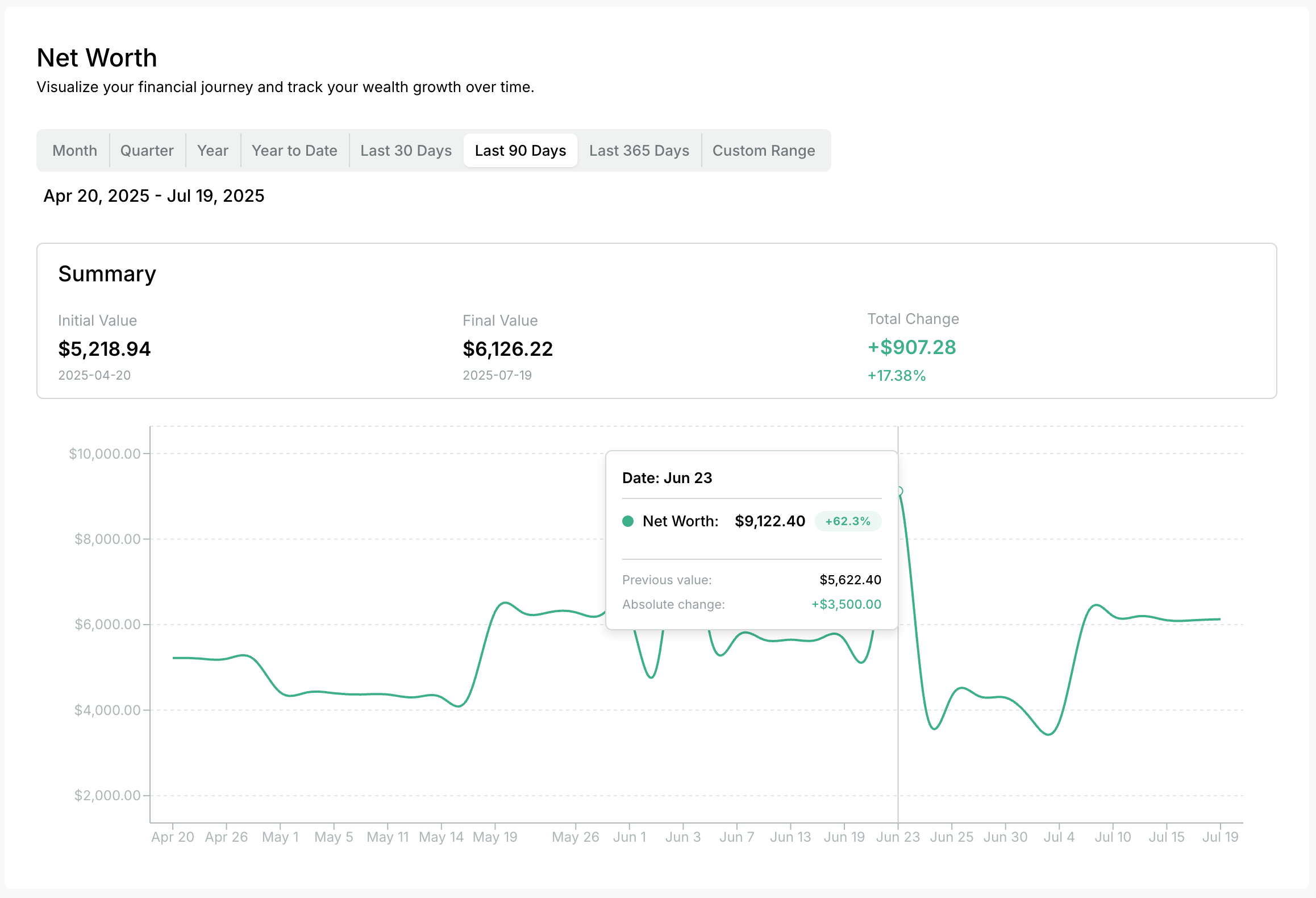
A generic net worth line is often misleading. For instance, a sudden spike in home equity due to a new appraisal might mask a decline in liquid savings. Custom net worth trends allow you to:
- Exclude Non-Liquid Assets: View only "Investable Net Worth" to determine your progress toward retirement.
- Isolate Debt Paydown: Track your liabilities separately to see how aggressively your debt floor is rising.
- Normalize Windfalls: Filter out one-time inheritance or real estate sales to see your "organic" savings rate.
Replicating Mint’s Custom Trends in Credit Karma
If you chose to stay within the Intuit ecosystem, your Mint history was likely ported to Credit Karma. However, finding the custom trend tools requires navigating a different architecture.
As of 2026, Credit Karma’s net worth tool is found under the "Net Worth" or "Net Worth Beta" section of the mobile app and desktop site. To customize your view:
- Account Linking: Ensure all legacy Mint accounts are still refreshing. Many connections broke during the 2024-2025 transition and require manual re-authentication via Plaid or Finicity.
- Date Filtering: Credit Karma typically defaults to a 1-year view. To see custom trends, you must select the "All Time" toggle, which incorporates your imported Mint data.
- The Limitation: Credit Karma remains restrictive. It does not easily allow you to "toggle off" a specific account from the historical graph without disconnecting the account entirely, which deletes the history. This is the primary reason users seek more advanced "custom" alternatives.
Top Alternatives for Advanced Custom Trend Analysis
For those who find Credit Karma insufficient, several platforms have risen to prominence by 2026 as the spiritual successors to Mint’s reporting engine.
Monarch Money: The Customization Leader
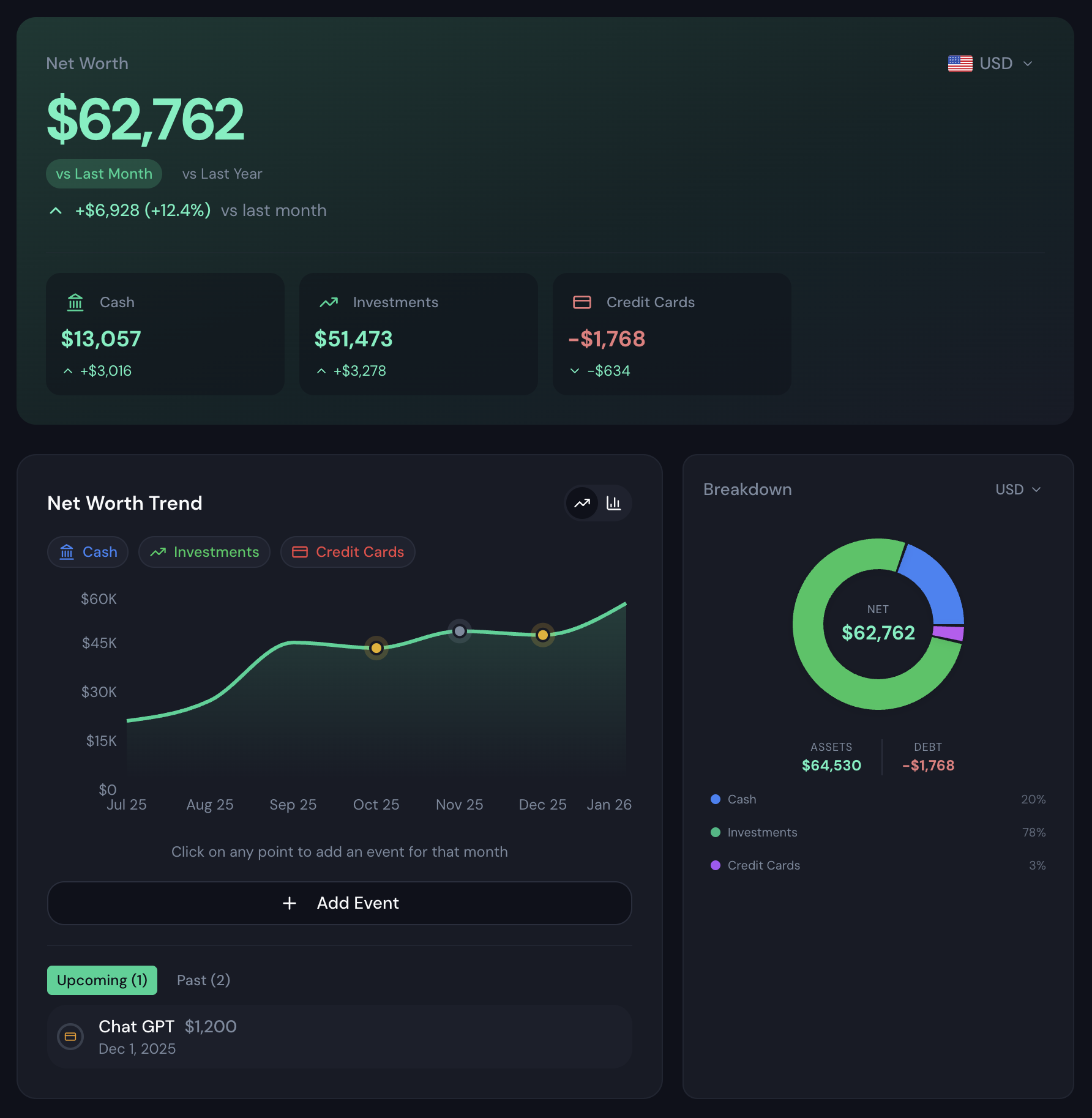
Monarch Money has become the go-to for former Mint power users. It offers a "Reports" feature that allows for deep customization of net worth trends. You can create custom groups (e.g., "Retirement Accounts" vs. "Speculative Crypto") and generate trend lines specifically for those groups. This allows you to see how your "Custom Net Worth" is performing without the volatility of your primary residence or car valuation.
Empower (formerly Personal Capital)
Empower remains a powerhouse for investment-focused net worth tracking. Its "Net Worth" tracker is highly reliable for tracking brokerage accounts and 401(k)s. While its budgeting features are lighter than Mint’s were, its custom trend analysis for "Investable Assets" is superior, providing a 90-day, 1-year, and "All Time" look-back that automatically accounts for market fluctuations vs. cash contributions.
Tiller Money: The Ultimate Custom Solution
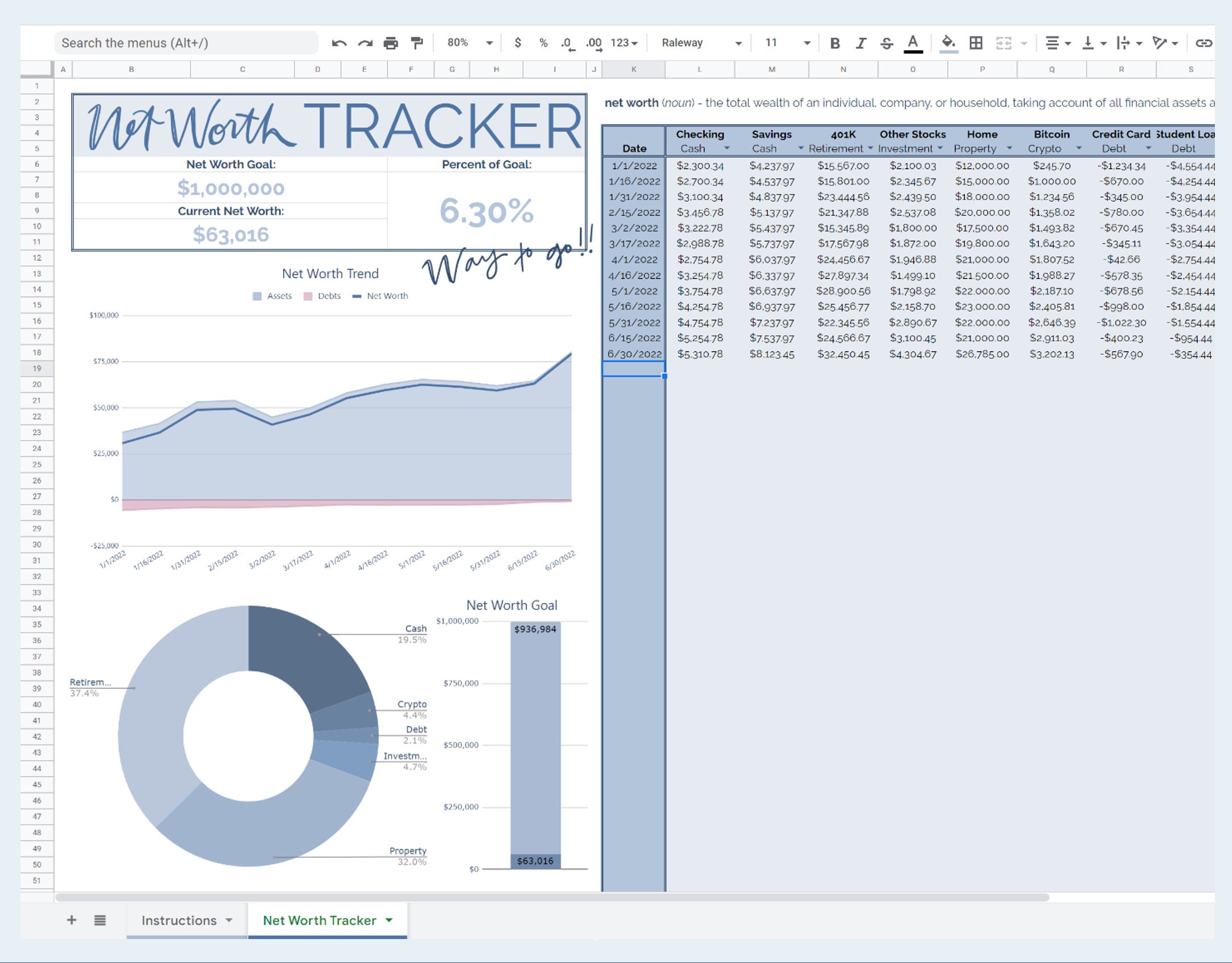
For the user who wants total control, Tiller feeds your bank data directly into Google Sheets or Microsoft Excel. In 2026, Tiller provides "Net Worth Pro" templates that allow you to build any trend graph imaginable. Because the data is in a spreadsheet, you can use pivot tables to exclude specific categories or create "What If" scenarios that Mint never supported.
Technical Requirements for Accurate Trend Reporting
To maintain a "custom net worth trend" that is actually useful, you must adhere to several technical standards regarding data integrity and aggregation.
Data Aggregation Protocols
Most tools in 2026 use Plaid, Yodlee, or Finicity. These aggregators fetch your balances, but they often struggle with historical "backfilling." When you connect a new account to a Mint alternative, it may only pull 30 to 90 days of history. To get a true "trend," you must manually upload your exported Mint CSV files. Most modern platforms now have a "Mint Import" tool specifically designed to map old Mint categories to new systems.
Handling "Ghost" Assets
A common issue in custom trends is the "ghost asset"—an account that was closed but still shows up in historical data, or a manual asset (like a collectible) that hasn't been updated. To fix this:
- Manual Overrides: Ensure your software allows for "Manual Accounts" with historical balance entries.
- Valuation Frequency: For real estate or vehicles, use integrations like Zillow or J.D. Power (often built into these apps) but set them to update quarterly rather than monthly to avoid "noise" in your trend line.
Comparison of Net Worth Tracking Features (2026)
| Feature | Credit Karma | Monarch Money | Empower | Tiller Money |
|---|---|---|---|---|
| Price (2026) | Free | ~$100/year | Free (AUM Model) | ~$79/year |
| Mint Data Import | Automatic (One-time) | Native CSV Upload | Manual/Limited | Template-based |
| Custom Filters | Very Limited | High (Groups/Tags) | Moderate (Asset Class) | Unlimited (Pivot) |
| Historical Depth | All Time (Imported) | Unlimited | Unlimited | Unlimited |
| Investment Sync | Moderate | High | Excellent | Moderate |
Troubleshooting Common Trend Discrepancies
When looking at your custom net worth trend, you may notice "cliffs" or "spikes" that don't reflect reality. These are usually technical errors rather than financial ones.
- Duplicate Accounts: If you transitioned from Mint to a new app, you might have both the "Imported Mint Account" and the "Live Connected Account" active. This doubles your balance in the trend line. You must "hide" or "merge" the historical account into the live one.
- Liability Inversion: Sometimes, a credit card or mortgage balance is imported as a positive asset rather than a negative liability. This creates a massive, false swing in net worth. Check the "Account Type" settings in your software to ensure it is classified as a "Liability."
- Missing Historical Gaps: If a bank connection dropped for three months in 2025, your trend line will show a flat or zero balance for that period. Most advanced tools allow you to "Edit Monthly Balance" to fill in these gaps manually based on your old bank statements.
FAQs
Can I still access my old Mint net worth data in 2026?
Only if you migrated your account to Credit Karma before the 2024 deadline or if you manually exported your data to a CSV file. The original Mint.com servers are no longer accessible for direct login. If you have the CSV file, you can upload it to most modern competitors like Monarch or Copilot.
Why is my net worth trend different between two different apps?
This usually occurs due to how different apps handle "pending" transactions and asset valuations. For example, one app might use a conservative Zillow estimate for your home, while another uses a more aggressive Redfin estimate. Additionally, investment accounts may reflect "close of business" prices from different days depending on when the API refresh occurred.
Is it safe to link all my financial accounts for net worth tracking?
In 2026, most reputable apps use AES-256 encryption and multi-factor authentication (MFA). By using aggregators like Plaid, the app itself never sees your actual banking password; it only receives a secure "token" that allows it to read balance and transaction data. However, always ensure the service you use is SOC2 compliant.
How do I track "hidden" net worth like private equity or physical gold?
Since these cannot be synced via an API, you must create a "Manual Account." In 2026, top-tier apps allow you to update these balances via a mobile widget or a scheduled monthly reminder. For physical gold, some apps now allow you to enter the weight, and they will automatically update the value based on the current spot price of bullion.
Does Credit Karma offer the same "Trend" graphs that Mint did?
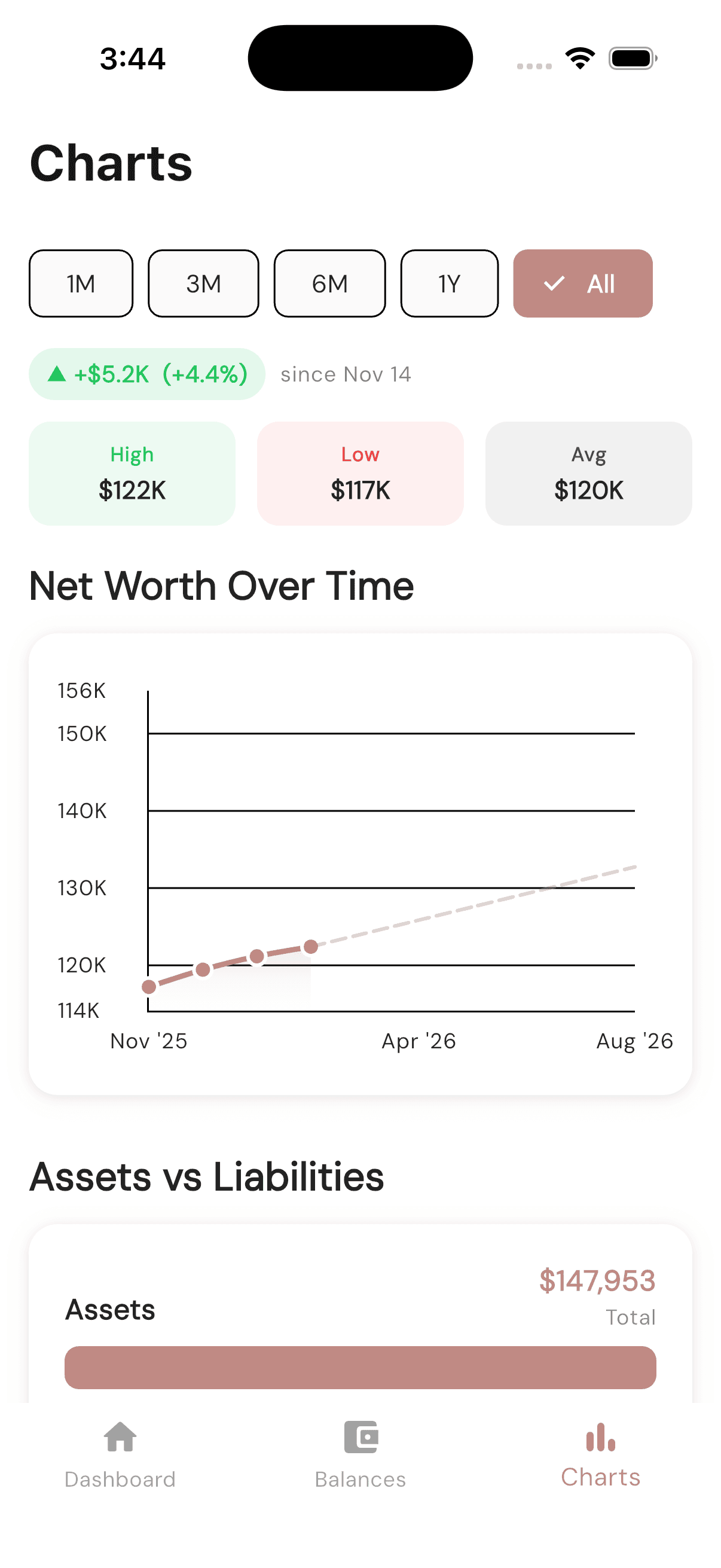
No. Credit Karma's graphs are significantly more simplified. They focus more on credit scores and basic net worth snapshots. Users looking for the specific "Custom Trend" functionality—where you can compare income vs. net worth or assets vs. liabilities over time—will find Credit Karma lacking compared to the original Mint experience.
Practical Recommendation for 2026
If your goal is to maintain the highest quality "custom net worth trend" similar to what was available in Mint, transition your data to Monarch Money or Tiller Money. For most users, Monarch Money provides the best balance of "set it and forget it" automation with the deep filtering required to see your true financial trajectory.
Start by exporting your current data from Credit Karma (or using your saved Mint CSVs) and importing them into your new platform. Dedicate one hour to "cleaning" the data—merging duplicate accounts and correcting historical balance errors. Once the foundation is set, you will have a more powerful, more customizable trend analysis than Mint ever offered, ensuring your 2026 financial planning is based on accurate, long-term insights.
Image Gallery