Comprehensive Guide to Archiving YouTube Videos: Methods, Tools, and Metadata Preservation
Archiving YouTube videos effectively requires selecting the proper tool based on ownership, scale, and technical requirements. Content creators can export raw uploads via Google Takeout or YouTube Studio, while researchers and archivis...
Archiving YouTube videos effectively requires selecting the proper tool based on ownership, scale, and technical requirements. Content creators can export raw uploads via Google Takeout or YouTube Studio, while researchers and archivists utilize open-source command-line utilities like yt-dlp or self-hosted platforms to capture video streams, sidecar metadata, thumbnails, and subtitle files for long-term preservation.
Contents
Understanding the distinction between simple video downloading and true digital archiving is essential for long-term content preservation. Downloading typically retrieves a single compressed video stream for offline playback. Digital archiving, by contrast, focuses on preserving the highest original bitrates, complete sidecar metadata (such as descriptions, upload dates, tags, and user comments), channel structure, subtitles, and high-resolution thumbnail artwork.
When platforms modify their codecs, alter content moderation policies, or close accounts, unarchived videos risk being permanently lost. Establishing a structured archiving workflow guarantees that digital media remains accessible, verifiable, and structurally intact regardless of third-party platform changes.
Technical Foundations of YouTube Video Streaming and Preservation
To archive media from YouTube without loss of visual or structural quality, it is necessary to understand how the platform encodes and serves content. YouTube does not store or serve videos as single unified files to modern web browsers. Instead, it utilizes Dynamic Adaptive Streaming over HTTP (DASH), which separates video and audio tracks into distinct streams.
Video Codecs and Container Selection
YouTube processes uploaded videos into multiple codecs and resolutions depending on channel popularity, view volume, and resolution:
- AV1 (libsvtav1 / av01): YouTube's preferred high-efficiency codec for high-resolution content (4K and 8K) and popular 1080p streams. It provides superior compression efficiency but requires modern hardware for smooth decoding.
- VP9 (vp09): The primary codec used for 1440p and high-framerate 1080p media across most channels. It balances compression with broad hardware decoding support.
- H.264 / AVC (avc1): The legacy standard applied to lower-resolution streams or legacy content. It offers maximum hardware compatibility across older devices but consumes higher bandwidth relative to visual quality.
Audio streams are similarly processed independently, typically served in Opus format (at bitrates up to 160 kbps) or AAC format (typically around 128 kbps).
When archiving, merging discrete video and audio streams requires a media framework like FFmpeg. Storing the streams inside an Matroska (MKV) container format is standard practice for digital preservation. Unlike MP4, MKV natively supports arbitrary combinations of codecs (including VP9 and Opus), embedded VTT/SRT subtitles, and complex metadata streams without forcing lossy video re-encoding.
Preservation of Sidecar Metadata
A video file without contextual metadata loses historical and research value. A complete archive item consists of several distinct data assets:
- Media Master: The highest bit-rate video stream multiplexed with the highest fidelity audio stream.
- Sidecar Metadata (JSON): JSON files containing the original video ID, exact upload timestamp (UTC), channel ID, view count, channel subscriber count at the time of archiving, full description, tags, licensing info, and category.
- Subtitles and Captions: Auto-generated and user-submitted subtitle files downloaded in SubRip (SRT) or WebVTT format, including precise microsecond timing information.
- Visual Assets: Full-resolution original thumbnail images (typically losslessly extracted PNG or WebP files) and channel banners.
- Community Interaction: Archived JSON records of user comments, comment threads, upvote counts, and author pinned responses.
Native Export Methods for YouTube Content Creators
For video creators backing up their own channels, YouTube provides official native data extraction mechanisms. These tools bypass the need to scrape public streaming endpoints, offering direct access to account data.
Direct Studio Downloads
Creators can download individual uploaded videos directly through YouTube Studio:
- Log in to the YouTube Studio dashboard.
- Navigate to the Content tab on the left navigation panel.
- Hover over the target video, click the Options menu (three vertical dots), and select Download.
Technical Limitation: Direct YouTube Studio downloads do not always yield the original master file. If the original master file uploaded years prior is no longer cached in its raw format by YouTube's storage infrastructure, the platform serves a re-encoded MP4 file capped at 720p or 1080p resolution. Furthermore, this method does not export comments, sidecar JSON metadata, or thumbnail graphics alongside the video file.
Channel Archiving via Google Takeout
For channel-wide self-archiving, Google Takeout provides an automated export pipeline for all account data.
Google Takeout Export Workflow:
- Select YouTube Data
- Custom Export Settings
- Archive Generation
- Download Packages (.zip / .tgz)
To configure a Google Takeout archive:
- Navigate to Google Takeout while authenticated under the target channel's Google account.
- Click Deselect all, then scroll down and check the box next to YouTube and YouTube Music.
- Click Multiple formats to verify output specifications. Video uploads are included alongside history, playlists, subscriptions, and channel comments.
- Click All YouTube data included to filter out unnecessary metrics if only video uploads and metadata are needed.
- Proceed to the next step, select the destination (email download link, Google Drive, Dropbox, or OneDrive), set the maximum file archive size (up to 50 GB to prevent file splitting), and initiate the export.
Depending on total account storage size, export generation can take several hours to several days. The output delivers raw video uploads (or highest available render masters) alongside structured JSON/HTML metadata detailing channel settings and playlists.
Advanced Archiving via Open-Source CLI Tools
For public video preservation, bulk channel downloads, and automated workflows, command-line utilities are the industry standard. The most actively maintained and capable tool is yt-dlp on GitHub, a feature-rich fork of the legacy youtube-dl project.
Environment Preparation
yt-dlp relies on FFmpeg to assemble adaptive DASH video and audio streams into unified media containers.
- Install FFmpeg: Ensure FFmpeg and FFprobe binaries are installed and registered in the system environment PATH.
- Install yt-dlp: Obtain the latest build using a package manager or direct binary download.
On Linux/macOS systems via Homebrew: brew install yt-dlp ffmpeg
On Windows via Winget: winget install yt-dlp winget install Gyan.FFmpeg
Command-Line Configuration for Preservation-Grade Downloads
To execute a complete archive download that captures the highest quality video stream, raw audio, subtitles, thumbnails, sidecar JSON metadata, and comments, run yt-dlp using explicit configuration flags:
yt-dlp --format "bestvideo+bestaudio/best" --merge-output-format mkv --write-info-json --write-thumbnail --convert-thumbnails png --write-subs --sub-langs "all,-live_chat" --embed-subs --write-comments --output "%(uploader)s/%(upload_date)s_%(title)s_[%(id)s].%(ext)s" "URL"
Breakdown of Core Command Arguments
- --format "bestvideo+bestaudio/best": Selects the highest quality standalone video stream (e.g., AV1 or VP9 at 4K) and merges it with the highest bit-rate standalone audio stream (e.g., Opus at 160kbps).
- --merge-output-format mkv: Enforces encapsulation into an Matroska container without re-encoding media streams.
- --write-info-json: Writes full video metadata to a
.info.jsonfile. This includes description, tags, view counts, Uploader ID, licensing, and raw stream technical specs. - --write-thumbnail --convert-thumbnails png: Downloads the maximum-resolution thumbnail image and converts proprietary web formats to archival PNG files.
- --write-subs --sub-langs "all,-live_chat": Downloads all available manual and auto-translated subtitle tracks while excluding raw live-chat logs if not required.
- --write-comments: Scrapes all public user comments and embeds them as structured records inside the
.info.jsonsidecar file. - --output "%(uploader)s/%(upload_date)s_%(title)s_[%(id)s].%(ext)s": Organizes files into directories named by channel, applying a standardized naming syntax:
YYYYMMDD_VideoTitle_[VideoID].ext.
Critical File Path Warning: Including the unique 11-character YouTube Video ID (e.g.,
[%(id)s]) in file naming patterns is essential for archive maintenance. This prevents filename collisions when titles contain identical characters or special non-ASCII symbols, allowing scripts to instantly cross-reference local files against YouTube API endpoint queries.
Graphical Tools and Self-Hosted Archiving Platforms
Command-line tools offer maximum control, but desktop applications and server platforms provide accessible interfaces for managing continuous archiving tasks across multiple channels.
Open-Source Desktop Interfaces
- Stacher: A modern desktop GUI frontend for
yt-dlpbuilt on Electron. It allows users to visually configure format selection presets, input channel URLs, and manage download queues without interacting directly with terminal interfaces. - Tube Archivist: A self-hosted video archiving application designed for Docker environments. It functions as a private, searchable streaming platform built on top of
yt-dlp, Elasticsearch, and Django.
Self-Hosting Tube Archivist via Docker
For continuous, automated channel preservation, self-hosting Tube Archivist on a local NAS or homelab server automates monitoring and downloading newly published content.
A standard docker-compose.yml deployment structure includes:
- Tube Archivist App Engine: Manages download scheduling, metadata indexing, and web UI streaming.
- Redis Container: Handles message queuing and active background job tracking.
- Elasticsearch Container: Indexes video descriptions, transcripts, and metadata for instant full-text searching across millions of archived sentences.
Once running, administrators configure channel monitoring intervals. Tube Archivist periodically polls specified YouTube channels, downloads new uploads alongside metadata, renders thumbnail previews, and organizes files in standardized directory trees.
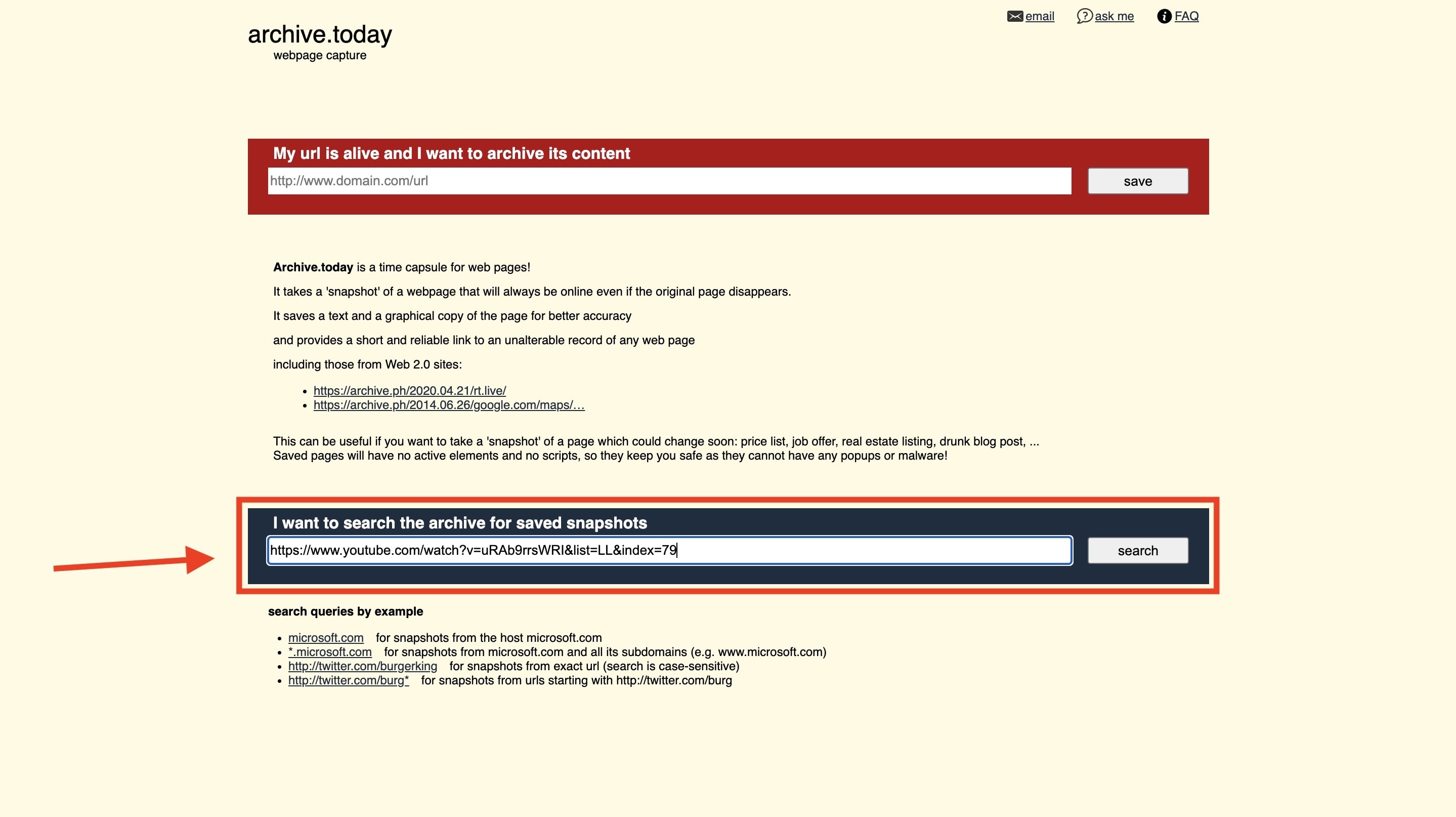
Web-Based Archiving via the Internet Archive
For public preservation intended for historical research and open access, the Internet Archive provides public infrastructure to save web pages and media assets.
Utilizing the Wayback Machine
To submit a public YouTube video URL to the Internet Archive:
- Navigate to the Wayback Machine save page (
https://web.archive.org/save). - Paste the full URL of the YouTube video (
https://www.youtube.com/watch?v=...). - Check options to Save outlinks and Save screenshot if available.
- Submit the URL for crawler processing.
The Internet Archive's automated backend runs customized media extraction routines to archive the page markup alongside embedded media streams.
Limits of Public Web Archiving
Public web archiving platforms operate under capacity and queue restrictions:
- File Size Caps: Large 4K video files exceeding multi-gigabyte limits may fail to archive via automated web interfaces.
- Stream Throttling: High-density channels or full playlists cannot be reliably preserved through single-page web submissions.
- Dynamic Elements: Interactive elements, live chat replays, and complex comment threads are often truncated during automated scrapes.
For high-priority historical media, local preservation using yt-dlp paired with manual uploads to an item collection on Archive.org yields higher fidelity results than simple web crawler submissions.
Comparative Evaluation of YouTube Archiving Solutions
The table below compares the primary video archiving solutions across core technical parameters:
| Archiving Method | Primary Target | Metadata Preservation | Maximum Quality Capability | Technical Complexity | Automation Capability |
|---|---|---|---|---|---|
| Google Takeout | Owned Channel Backup | High (Raw JSON/HTML) | Master File (Original Bitrate) | Low | Low (Manual Request) |
| YouTube Studio Native | Single Owned Videos | None (Video Only) | Capped (720p - 1080p MP4) | Very Low | None |
| yt-dlp CLI | Public & Private Content | Full (.info.json, Comments) | Lossless Source (4K/8K AV1/VP9) | Medium | High (Cron / Scripts) |
| Tube Archivist (Docker) | Server-Based Archiving | Full (Searchable Index) | Lossless Source (Configurable) | High | Fully Automated |
| Internet Archive (Wayback) | Public Historical Web | Partial (Page Markup + Media) | Standard Web Resolution | Low | Low (Manual Trigger) |
Step-by-Step Archiving Workflow Execution
Deploying a reliable local archive requires a systematic operational workflow to ensure media assets remain structured and free of corruption.
Phase 1: Environment and Path Initialization
Prepare a dedicated media volume formatted with a modern file system supporting large file allocations (such as ZFS, Btrfs, ext4, or NTFS). Avoid legacy FAT32 drives due to their strict 4 GB file size limit.
Directory Layout Standard:
/MediaArchive/YouTube/ChannelName_UCID/20260115_VideoTitle_[ID].mkv20260115_VideoTitle_[ID].info.json20260115_VideoTitle_[ID].png20260115_VideoTitle_[ID].en.vtt
Phase 2: Batch Execution Script setup
Create an execution configuration file named archive_args.conf containing standardized flags:
--format "bestvideo[ext=mp4]+bestaudio[ext=m4a]/best[ext=mp4]/best" --merge-output-format mkv --write-info-json --write-thumbnail --convert-thumbnails png --write-subs --sub-langs "en.,es." --download-archive downloaded_history.txt --output "/MediaArchive/YouTube/%(uploader)s_%(uploader_id)s/%(upload_date)s_%(title)s_[%(id)s].%(ext)s"
Notice the --download-archive downloaded_history.txt flag. This file acts as a local database register recording every successfully processed Video ID. When running repetitive channel updates, yt-dlp reads this list and instantly skips previously processed videos, minimizing network overhead and avoiding IP rate-limiting from YouTube's edge servers.
Phase 3: Execution and Tracking
Execute batch jobs by referencing the configuration file alongside a text file containing target channel URLs:
yt-dlp --config-location archive_args.conf --batch-file channel_list.txt
Monitor terminal output for network errors, missing streams, or HTTP 429 (Too Many Requests) rate-limiting warnings. If rate limiting occurs, append --sleep-requests 1.5 to insert throttling pauses between individual file chunks.
Long-Term Storage Strategies and Data Integrity
Archiving files to a single hard drive is insufficient for permanent digital preservation. Physical drives age, flash memory loses charge, and file systems can suffer bit rot over time.
The 3-2-1 Backup Rule for Digital Media
A resilient media preservation system follows the industry-standard 3-2-1 backup strategy:
- 3 Copies of Data: Maintain one primary operational copy and at least two secondary backup copies.
- 2 Different Storage Media: Utilize distinct storage technology types (e.g., local ZFS NAS array alongside external cold storage Hard Disk Drives or LTO magnetic tape).
- 1 Offsite Storage Location: Store at least one backup copy in a physically isolated location or encrypted cloud storage provider (e.g., AWS S3 Glacier Deep Archive or Backblaze B2) to protect against local disasters.
Ensuring Data Integrity via Checksum Verification
To detect file corruption or incomplete transfers, generate cryptographic hash manifests (SHA-256) upon completing an archiving job.
To generate a checksum manifest on Linux/macOS: find /MediaArchive/YouTube -type f -exec sha256sum {} + > archive_checksums.sha256
To verify checksums during periodic storage audits: sha256sum -c archive_checksums.sha256
Any checksum discrepancy flags corrupted files, allowing immediate restoration from a secondary backup copy before bad data propagates across the backup array.
Legal, Ethical, and Copyright Considerations
When building a local or public video archive, archivists must navigate copyright laws and platform terms of service.
Fair Use and Personal Backup Rights
In many jurisdictions, creating a personal backup of digital media for non-commercial educational, research, or private usage falls under fair use doctrines or private copying exceptions. However:
- Terms of Service: YouTube's Terms of Service restrict downloading content unless a download link or explicit platform permission is provided.
- DRM and Encryption: Standard public YouTube videos are unencrypted streaming files. Circumventing actual Digital Rights Management (DRM) protections (such as widevine systems on paid movies or premium subscription features) violates the Digital Millennium Copyright Act (DMCA) Section 1201 in the United States and similar worldwide statutes.
- Public Redistribution: Re-uploading archived third-party content to public platforms or monetizing archived streams without copyright holder authorization constitutes direct copyright infringement.
Archivists should restrict access to personal research collections unless media has explicitly entered the public domain or is distributed under Creative Commons licensing.
Frequently Asked Questions
What is the absolute highest quality format for archiving YouTube videos?
The highest quality approach is downloading the un-transcoded source streams using yt-dlp with the format flag bestvideo+bestaudio/best merged into an Matroska container (.mkv). This preserves the raw AV1 or VP9 video track and Opus audio track precisely as delivered by YouTube's media servers without lossy re-encoding.
Can I download and preserve deleted YouTube videos?
No, once a video is deleted from YouTube's servers, its underlying video and audio streams are removed from platform distribution networks. You can only retrieve a deleted video if it was previously captured by a public web archive like the Internet Archive's Wayback Machine, or saved locally by another user prior to removal.
How do I save YouTube live streams as they broadcast?
yt-dlp can record live broadcasts in real-time by passing the live stream URL to the command line: yt-dlp --live-from-start "URL". This instructs the software to hook into the HLS/DASH live manifest, downloading chunks from the start of the broadcast and multiplexing them into a local file continuously.
Why are my downloaded videos capped at 720p resolution?
Videos download at 720p when using outdated tools or missing FFmpeg installations. Modern YouTube resolutions (1080p, 4K, 8K) rely on adaptive streaming, which serves video and audio as separate tracks. If your system lacks FFmpeg, downloading tools fall back to legacy pre-merged progressive streams, which YouTube caps at 720p.
Is it legal to archive YouTube videos for personal research?
Creating personal, non-commercial backups of publicly accessible YouTube videos for personal research or offline viewing generally falls under fair use or private copy exceptions in many legal jurisdictions. However, redistributing, selling, or publicly re-hosting copyrighted content without the creator's explicit consent violates copyright law.
Securing Your Digital Video Archive
Establishing a resilient digital video archive requires moving beyond temporary browser downloads toward structured, repeatable preservation systems. By combining high-efficiency tools like yt-dlp, preserving full JSON metadata and subtitles, standardizing directory structure, and applying strict checksum validation across a 3-2-1 backup pipeline, you ensure that vital media content remains intact and accessible regardless of platform changes.
Begin your archiving strategy by conducting an inventory of critical channel URLs, establishing a local directory layout, and running a test execution batch with full sidecar metadata collection enabled.
Image Gallery